

 DownloadGrief Prevention3 D Plugin
Get the files on 9Minecraft
Guides
Step-by-step, in-game.
Combine Two Nearby Bases Into One Large ClaimMerge Your Claims If you've built multiple bases close together, you can connect them into a single unified claim…Create a Non-Rectangular Claim Around an Irregular BaseEnable Shaped Claims Square and rectangular claims don't fit every base design. Use custom shapes to protect…Protect a Tall Tower or Underground Base with Height LimitsSet Up Your 3D Claim If your base extends high into the sky or deep underground, you need to define exact height…Stop Neighbors From Building Too Close to Your BaseSet Minimum Distance Between Claims Your server admin can enforce a buffer zone around all player claims, but you can…
Frequently asked questions
How do I start protecting my base?
Hold a golden shovel and right-click two corners of the area you want to protect. The plugin will create a rectangular claim between those points. If you want more control over the shape or height, use /shapedclaims or /3dsubdivideclaims instead.
What's the difference between a claim and a subdivision?
A claim is your main protected area, while a subdivision is a smaller protected zone inside it with its own separate height limits. Subdivisions let you protect specific rooms or layers without creating multiple separate claims.
See all 10 Grief Prevention3 D questions ›
Gallery
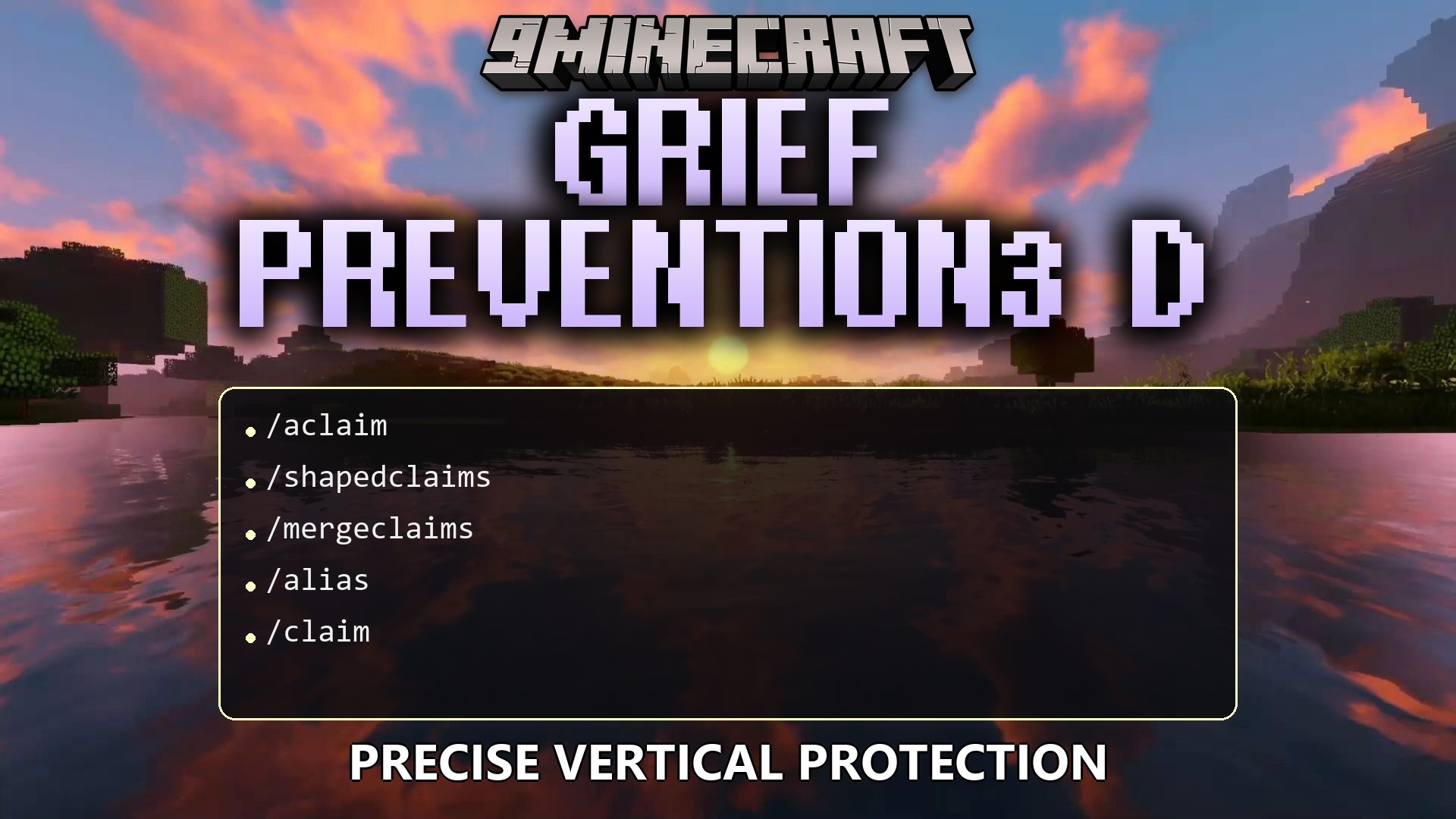
1 image from the Grief Prevention3 D Plugin page.
You May Also Like
Wikis that share the most with this one
 Job X Plugin
More plugin wikis on the site
Golden Territory Protection PluginGo Paint Advanced PluginGatekeeper Advanced VPN & PROXY Protection Lightweight and Highly Asynchronous PluginFish Rework Fishing PluginFast Async World Edit PluginFast Async Voxel Sniper PluginFarmProtect PluginFarming Plus PluginFarm Assistant PluginFancy Npcs PluginFancy Holograms PluginFabulous Claims Plugin
The most downloaded mods that have a wiki here
A few wikis from each of the other kinds