

 DownloadEmotify Plugin
Get the files on 9Minecraft
Guides
Step-by-step, in-game.
Add Custom Emojis to Your Emotify CollectionPrepare Your Image Files Gather the images or GIFs you want to use as custom emojis. Supported formats are PNG, JPG,…Change Emoji Animation Styles and EffectsAccess the Settings Menu Open the Emotify emotion picker while playing. Click the gear icon button to enter the…Manage Emoji Visibility and Reduce ClutterTurn Off Incoming Emojis If the server feels too busy with emoji reactions, you can disable incoming emojis entirely.…Troubleshoot Custom Emojis Not AppearingVerify File Format and Size Check that your image files are in a supported format: PNG, JPG, or animated GIF. Confirm…
Frequently asked questions
How do I open the emoji menu while playing?
Press the keybind you've set for Emotify (check your controls menu to see or rebind it). The menu will appear without stopping your movement, so you can keep playing while you pick a reaction.
Can I use animated GIFs as custom emojis?
Yes, the mod supports animated GIFs along with PNG and JPG files. Just drop them into your custom emoji folder and they'll animate when you use them.
My custom emojis aren't showing up even though I added them to the folder
Try using the `/emotify reload` command to refresh the mod's file list, or restart your game. Make sure your files are under 512 KB and in a supported format (PNG, JPG, or GIF).
How do I add an emoji to my favorites so I can access it faster?
Open the emoji menu and click the star icon on any emoji you want to save. Your favorites will appear in a separate tab at the top of the menu for quick access.
See all 10 Emotify questions ›
Gallery
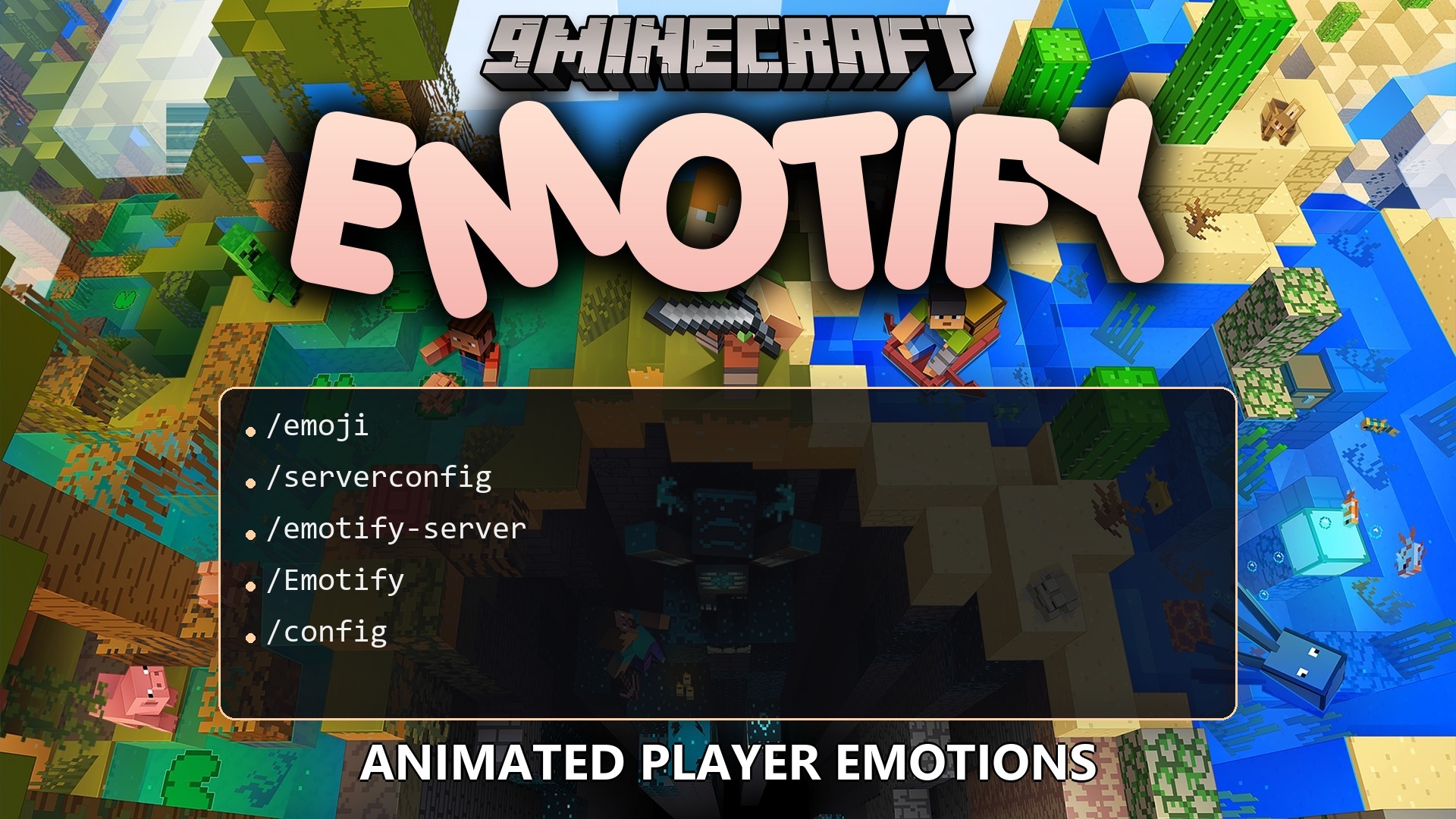
1 image from the Emotify Plugin page.
You May Also Like
Wikis that share the most with this one
 Job X Plugin
Wikis on the same theme: cat
More plugin wikis on the site
The most downloaded mods that have a wiki here
A few wikis from each of the other kinds