

 DownloadBetter RTP Plugin
Get the files on 9Minecraft
Guides
Step-by-step, in-game.
Configure Per-World Teleport Settings and World BordersWhy Per-World Configuration Matters Different worlds have different needs. The Nether might need a smaller teleport…Return to a Previous Teleport Location Using HistoryAccessing Your Teleport History The teleport history feature saves your recent RTP destinations, letting you jump…Set Up a Biome Blacklist to Protect Dangerous AreasWhy Blacklist Biomes Biome blacklisting prevents players from randomly teleporting into dangerous or restricted zones…Teleport Another Player to a Random LocationUsing Player Teleport Commands Staff members can send other players to random locations using the player teleport…
Frequently asked questions
How do I start using RTP for the first time?
Type /rtp in chat to open the teleport menu, then click on a biome icon or the random option. Stand still during the warmup countdown without moving or taking damage, and you'll be teleported to a safe location in that biome.
What happens if I move during the warmup timer?
The warmup countdown cancels immediately and you stay in your current location. You'll need to use /rtp again and stand still for the full duration to complete the teleport.
Can I teleport back to a place I've already been?
Yes, use /rtp history to open your list of recent teleport locations and click on any spot to return there. Your history is saved even after server restarts.
How do I teleport someone else to a random location?
Use /rtp player to send them to a random spot, or /rtp player to target a specific world. You need the rtp.others permission to use this command.
See all 10 Better RTP questions ›
Gallery
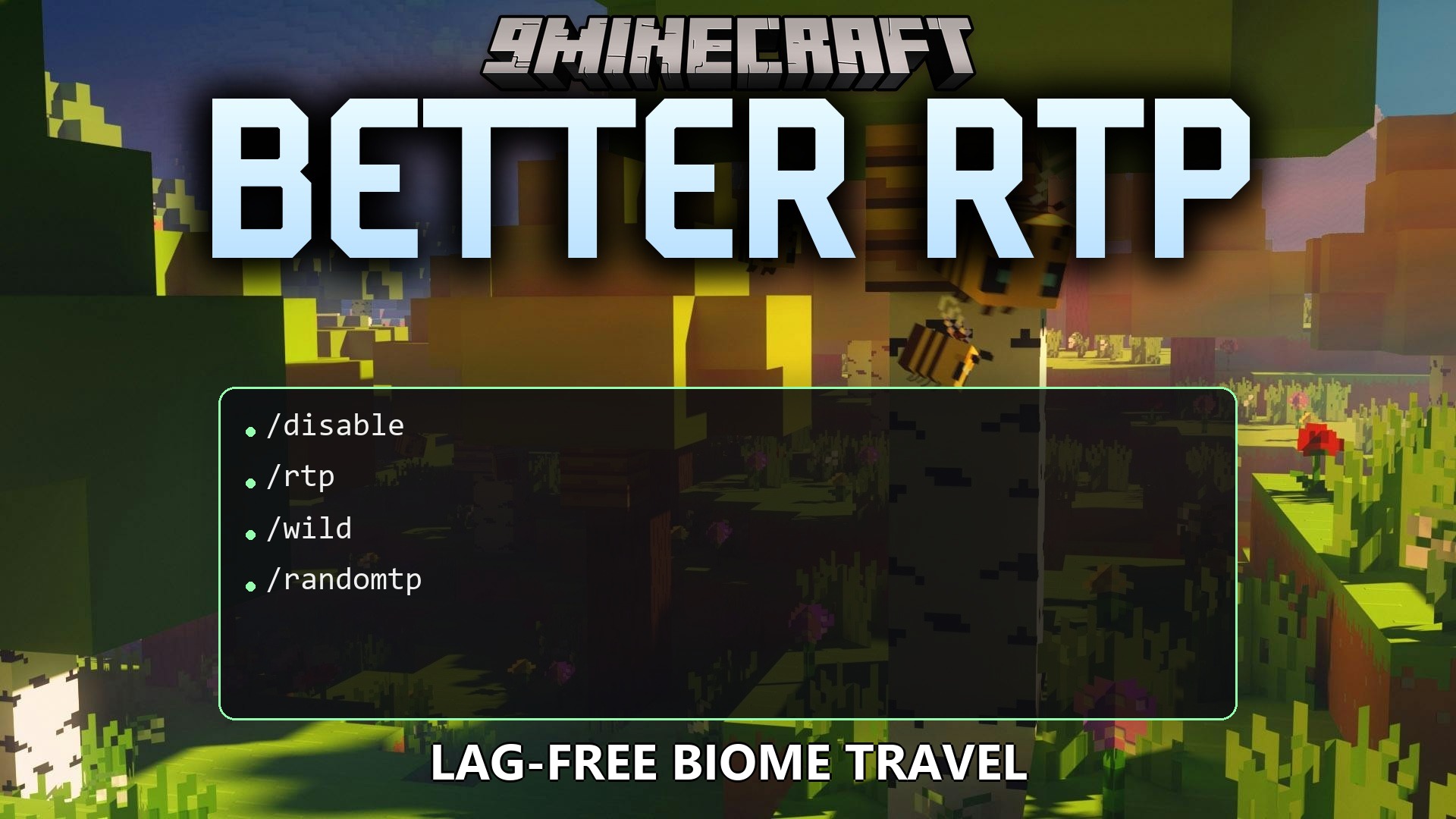
1 image from the Better Rtp Plugin page.
You May Also Like
Wikis that share the most with this one
 Better Keep Inventory Plugin
Wikis on the same theme: cat
More plugin wikis on the site
The most downloaded mods that have a wiki here
A few wikis from each of the other kinds