

 DownloadWindowed Fullscreen Mod
Get the files on 9Minecraft
Guides
Step-by-step, in-game.
Adjust Window Size and Resolution in Borderless ModeUnderstanding Windowed Fullscreen Scaling Borderless windowed mode typically runs at your monitor's native resolution…Enable Borderless Windowed ModeAccessing the Settings Open Minecraft and launch the game. Once in-game, access your settings menu. Look for video or…Switch Between Applications Without MinimizingWhy Windowed Fullscreen Helps In traditional fullscreen mode, alt-tabbing minimizes Minecraft and can cause…Use Minecraft on Multiple MonitorsSetting Up Windowed Fullscreen First, enable borderless windowed mode in your video settings (see related guide).…
Frequently asked questions
How do I enable borderless windowed mode?
Open your mod configuration settings (usually accessible from the main menu or mod options) and toggle the borderless windowed mode option on. Restart Minecraft for the changes to take effect.
Can I use this mod with multiple monitors?
Yes, borderless windowed mode works well with multiple monitors. You can move the Minecraft window between monitors or position it to span across them, and you'll retain the ability to click on other windows without minimizing the game.
Will this mod affect my game performance?
Borderless windowed mode typically has minimal performance impact compared to exclusive fullscreen, though some players report very slight differences depending on their system. The trade-off for multitasking ability is usually negligible.
How do I switch back to regular fullscreen?
Disable the borderless windowed mode in the mod's configuration settings and restart Minecraft, or use the in-game video settings to switch to exclusive fullscreen mode if available.
See all 10 Windowed Fullscreen questions ›
Gallery
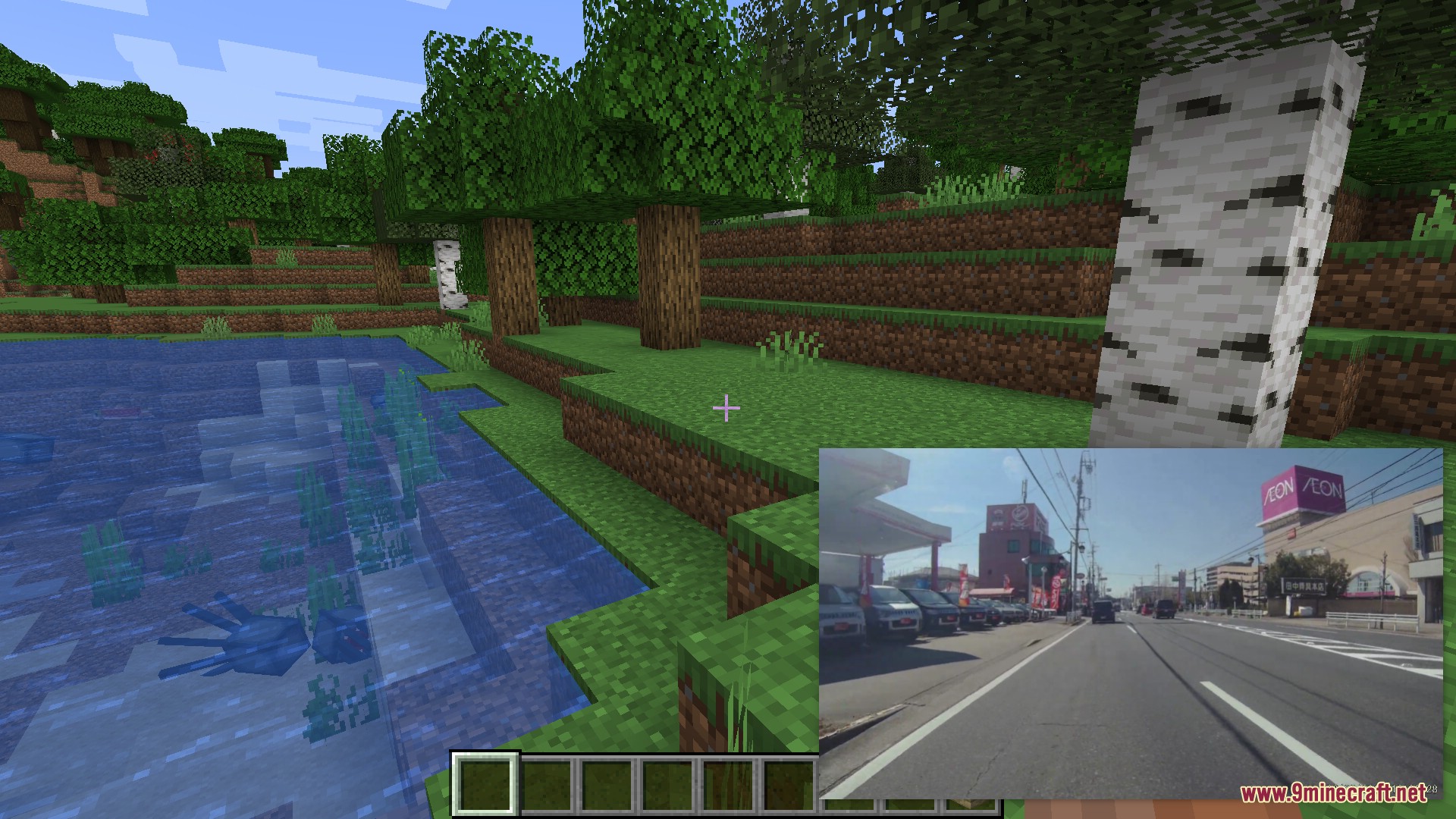
2 images from the Windowed Fullscreen Mod page.

You May Also Like
Wikis that share the most with this one
Wikis on the same theme: window
More mod wikis on the site
The most downloaded mods that have a wiki here
A few wikis from each of the other kinds