

 DownloadBorderless Windowed Vulkan Mod
Get the files on 9Minecraft
Guides
Step-by-step, in-game.
Enable Borderless Fullscreen ModeActivate Borderless Windowed Mode Borderless fullscreen lets your game fill your entire screen without window…Fix Discord Screen Share ChoppinessResolve Screen Sharing Performance Issues This mod fixes a known bug where Discord screen sharing appears choppy or…Prevent Game Crashes from F11 SpamAvoid Fullscreen Toggle Crashes Rapidly pressing F11 can cause Minecraft to crash or become unresponsive. This mod…Use Multiple Monitors Without Game MinimizingSet Up Multi-Monitor Gaming Borderless windowed mode keeps your game active even when you interact with content on…
Frequently asked questions
How do I turn on borderless fullscreen?
Press F11 to toggle borderless fullscreen mode on and off. Your game will expand to fill your entire screen without window borders while staying in windowed mode.
Will my game minimize when I click on another window?
No, that's the main feature of this mod. Your game stays visible and running in the background even when you click on other applications or switch to another monitor.
Can I use this mod without the Vulkan mod?
Yes, the Borderless Windowed Vulkan Mod works completely on its own. It's designed to work well with Vulkan, but you don't need it installed to use borderless fullscreen.
See all 10 Borderless Windowed Vulkan questions ›
Gallery
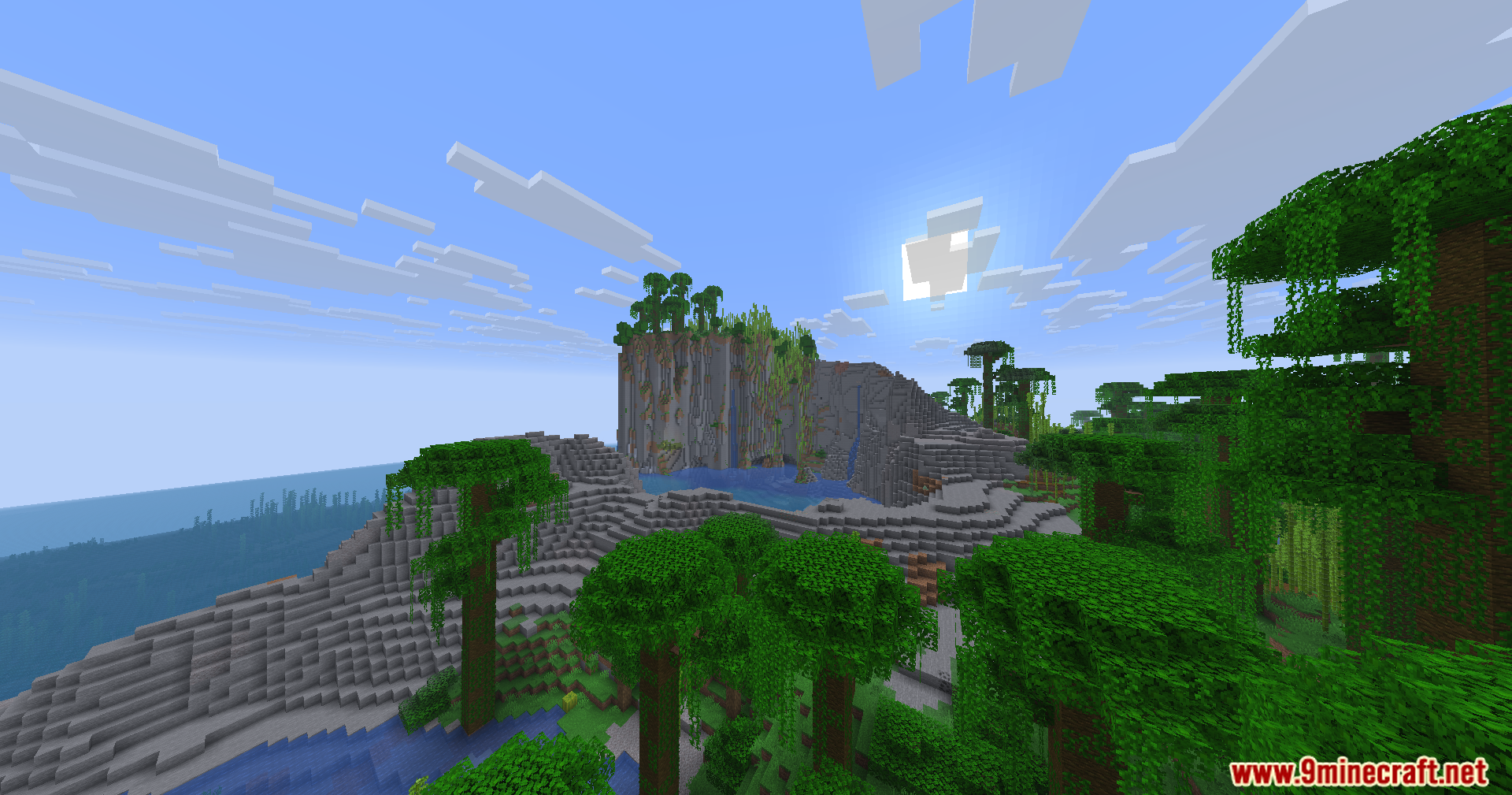
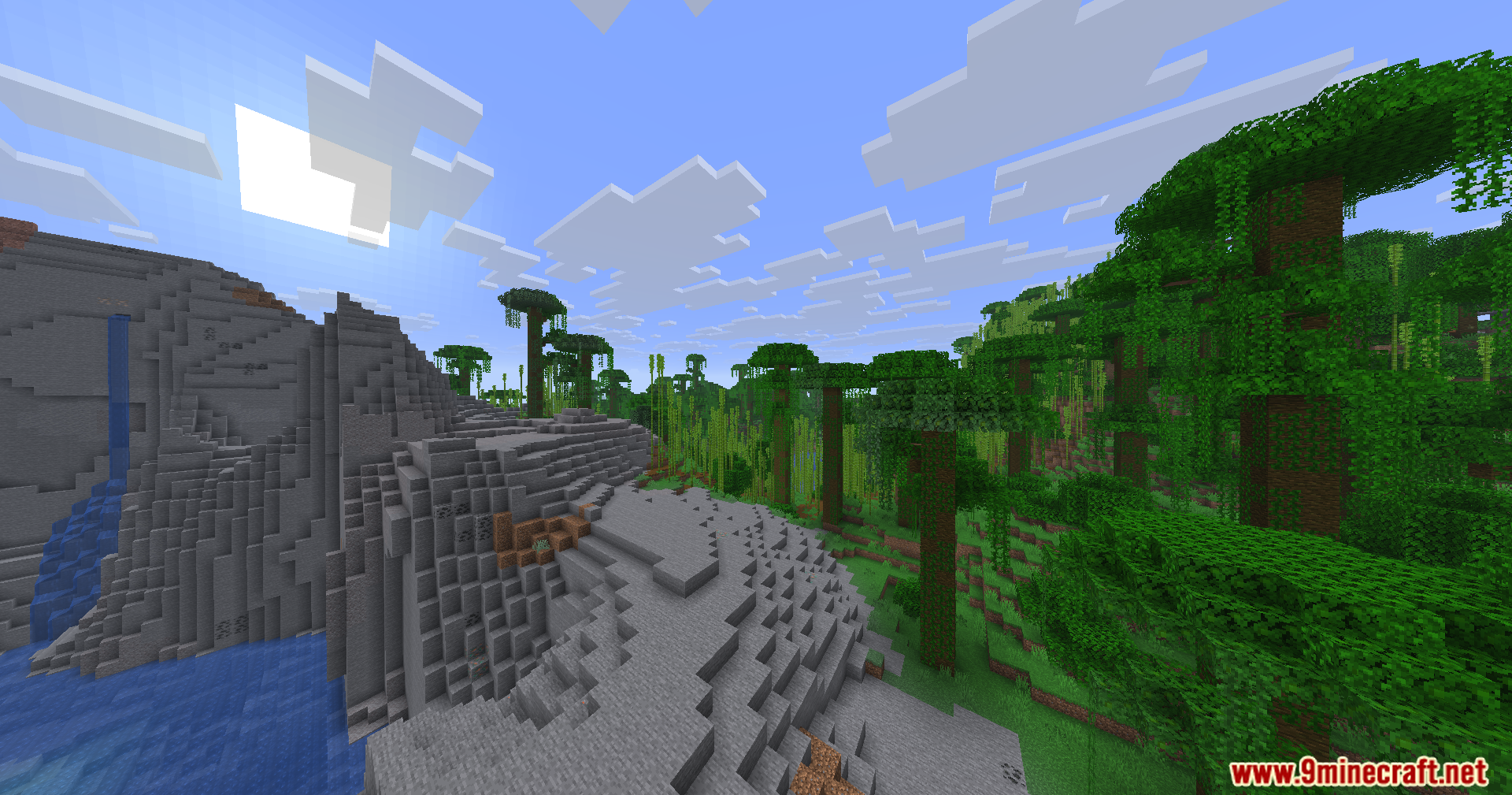
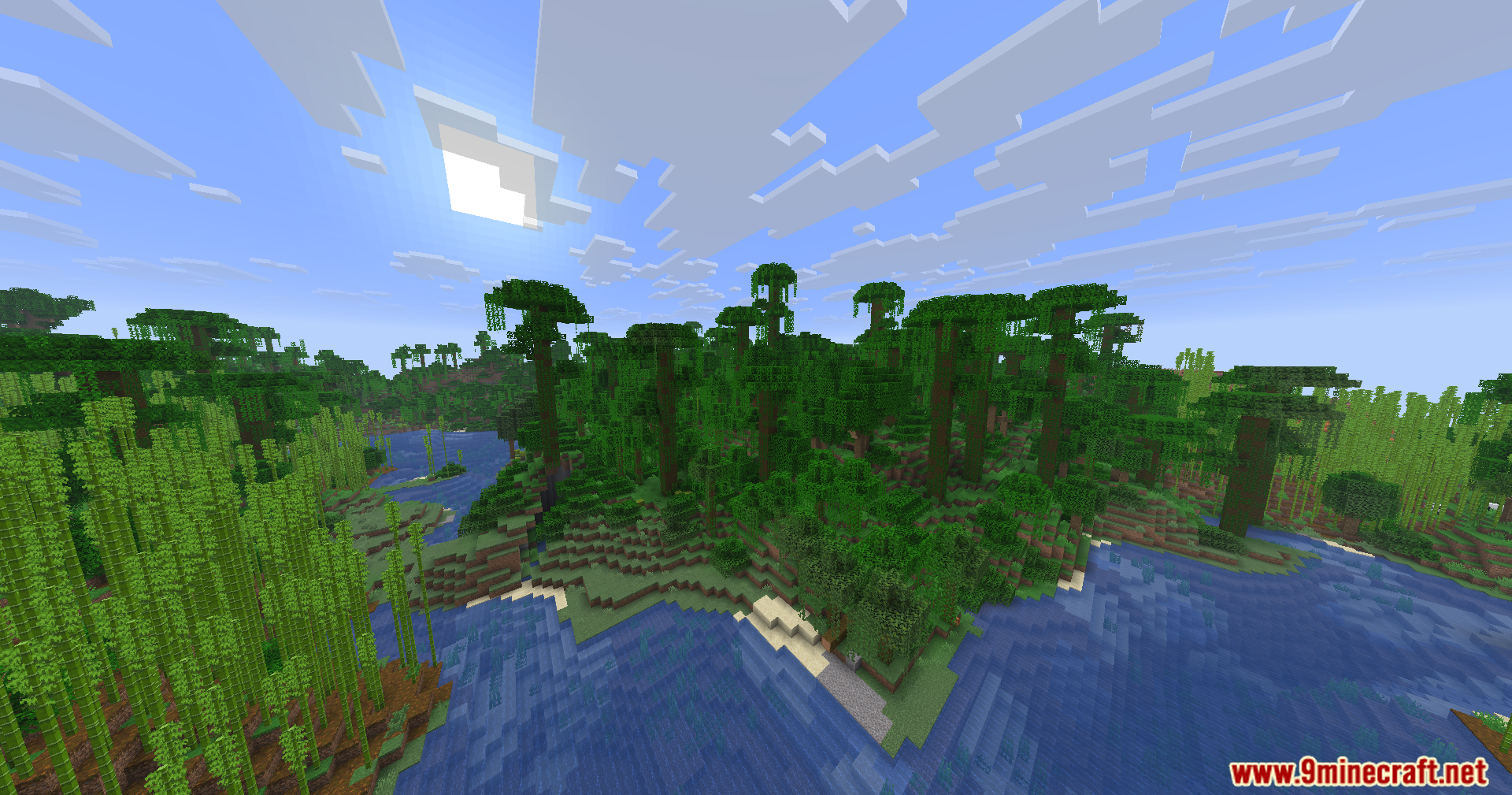
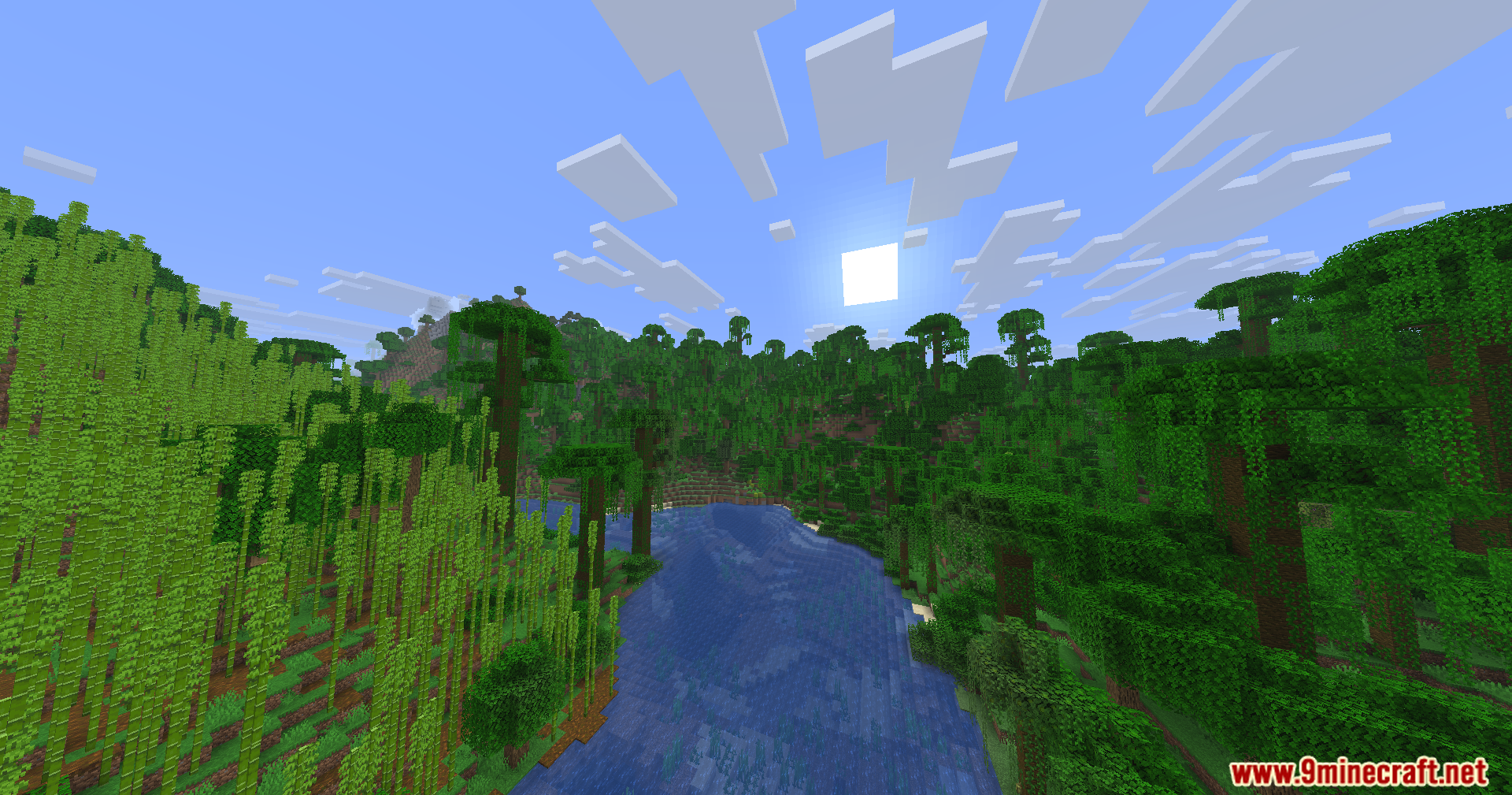
11 images from the Borderless Windowed Vulkan Mod page.
You May Also Like
Wikis that share the most with this one
Wikis on the same theme: window
More mod wikis on the site
The most downloaded mods that have a wiki here
A few wikis from each of the other kinds