

 DownloadWildwood Topography Mod
Get the files on 9Minecraft
Guides
Step-by-step, in-game.
Combine Wildwood Topography with Terrain Generation ModsCompatible Mods Overview Wildwood Topography is designed to work alongside terrain overhaul mods. It plays well with…Disable Inselberg Rocks in Your WorldLocate the Configuration File Inselberg rocks are the large, dramatic rock formations that appear across plains and…Explore Biomes with the Most Wildwood ChangesBiomes with Major Redesigns Wildwood Topography enhances over 35 biomes, but some see more dramatic changes than…Make Custom Trees Work with Falling Tree ModEnable Mixed Log Chopping The Falling Tree mod normally only recognizes vanilla tree types. To make it chop down…
Frequently asked questions
Where do I find the config file to turn off certain features?
Open `.minecraft/config/biomas_vanilla_renovados_configuration.toml` in a text editor. This file contains toggles for structures like inselberg rocks, ponds, and trees across different biomes—set any to `false` to disable them in your world.
Do custom trees work with the Falling Tree mod?
By default, no. To make Falling Tree chop down Wildwood's custom trees, open `.minecraft/config/fallingtree.json` and set `allowMixedLogs` to `true`.
Will this mod conflict with my terrain generation mod?
Wildwood Topography is designed to work alongside terrain mods like Tectonic, Lithosphere, and Epic Terrain. If you experience overlapping terrain, check both mods' config files to disable conflicting features in one of them.
Which biomes get the biggest changes from this mod?
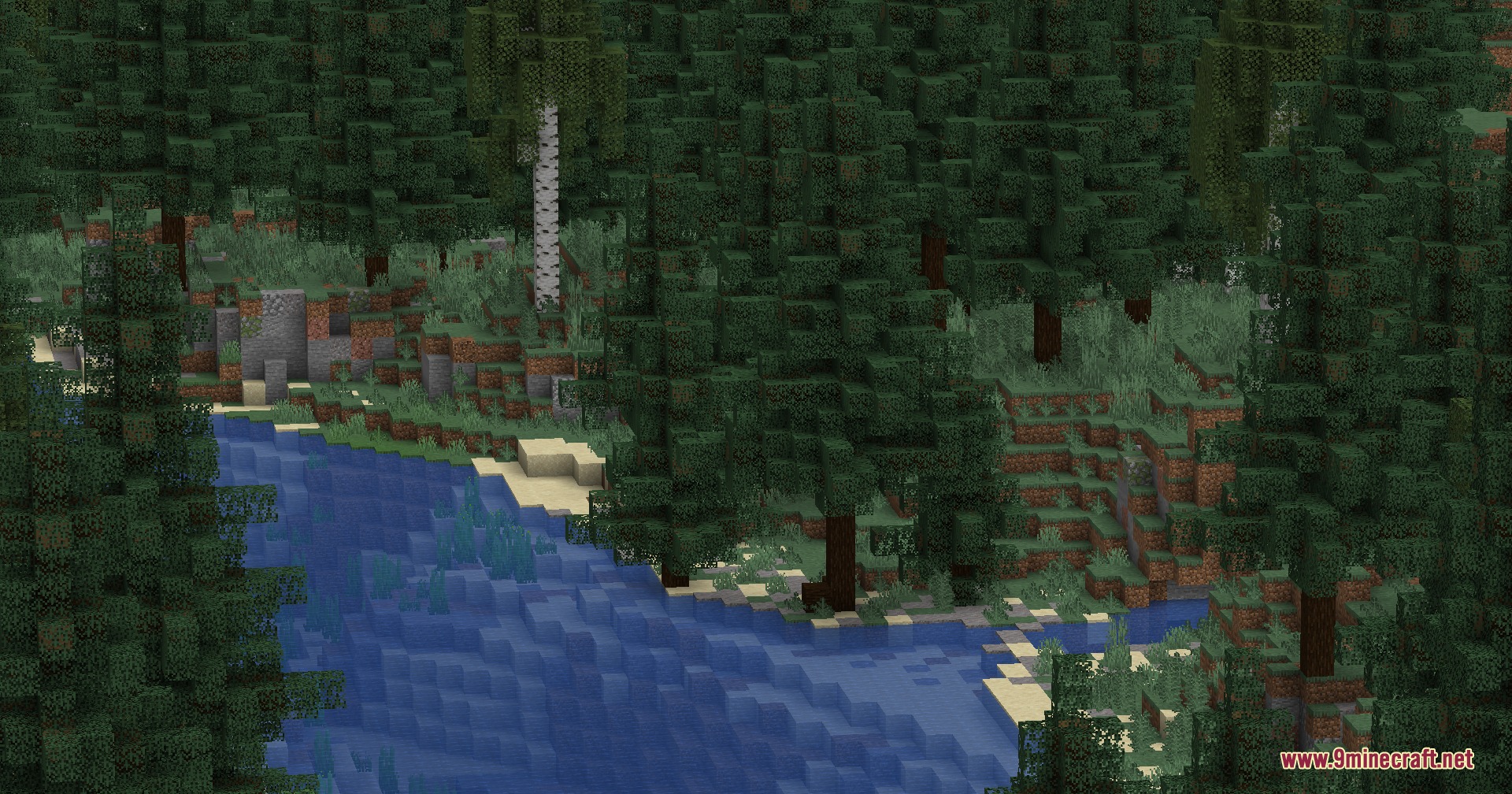
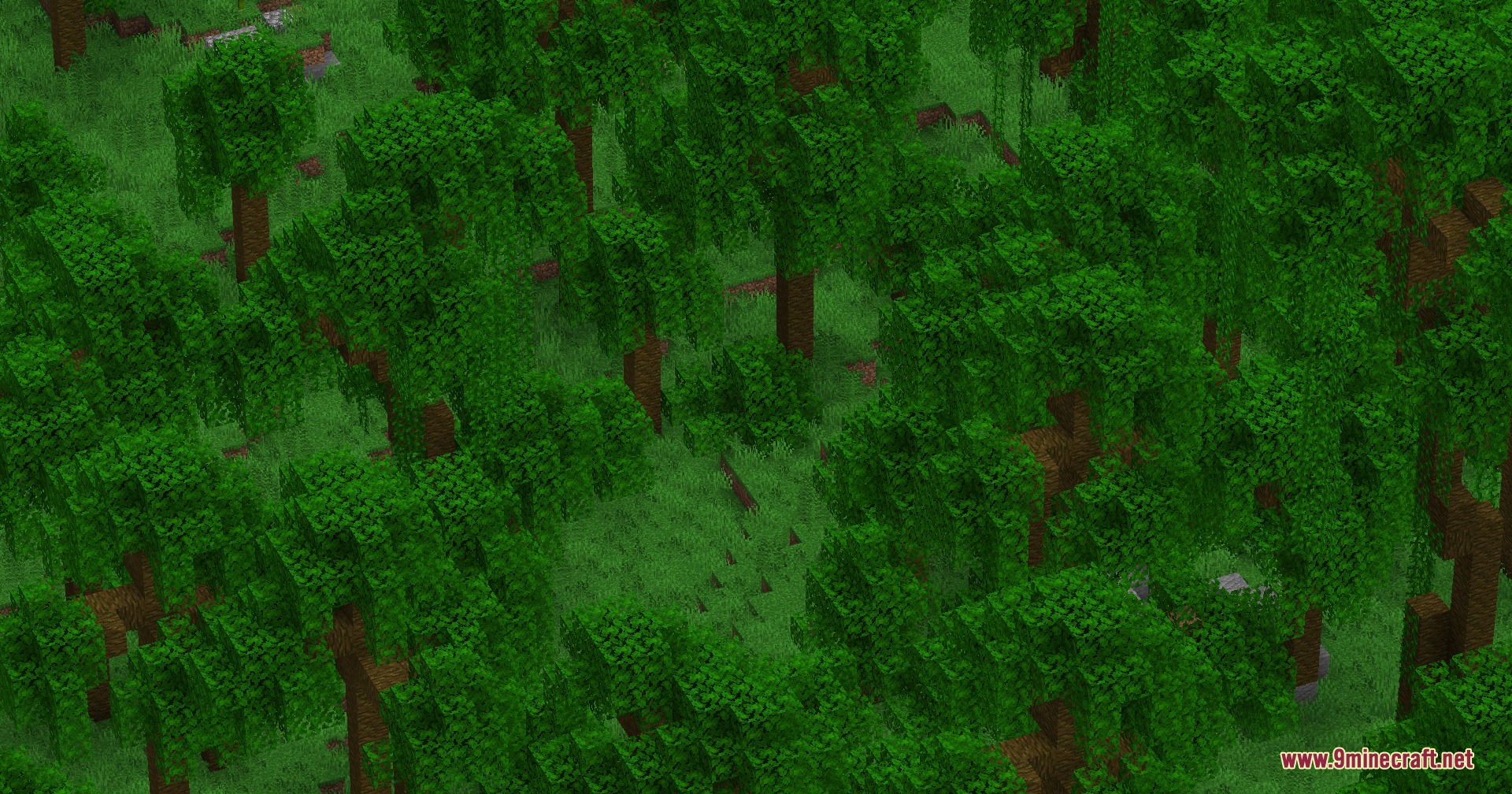
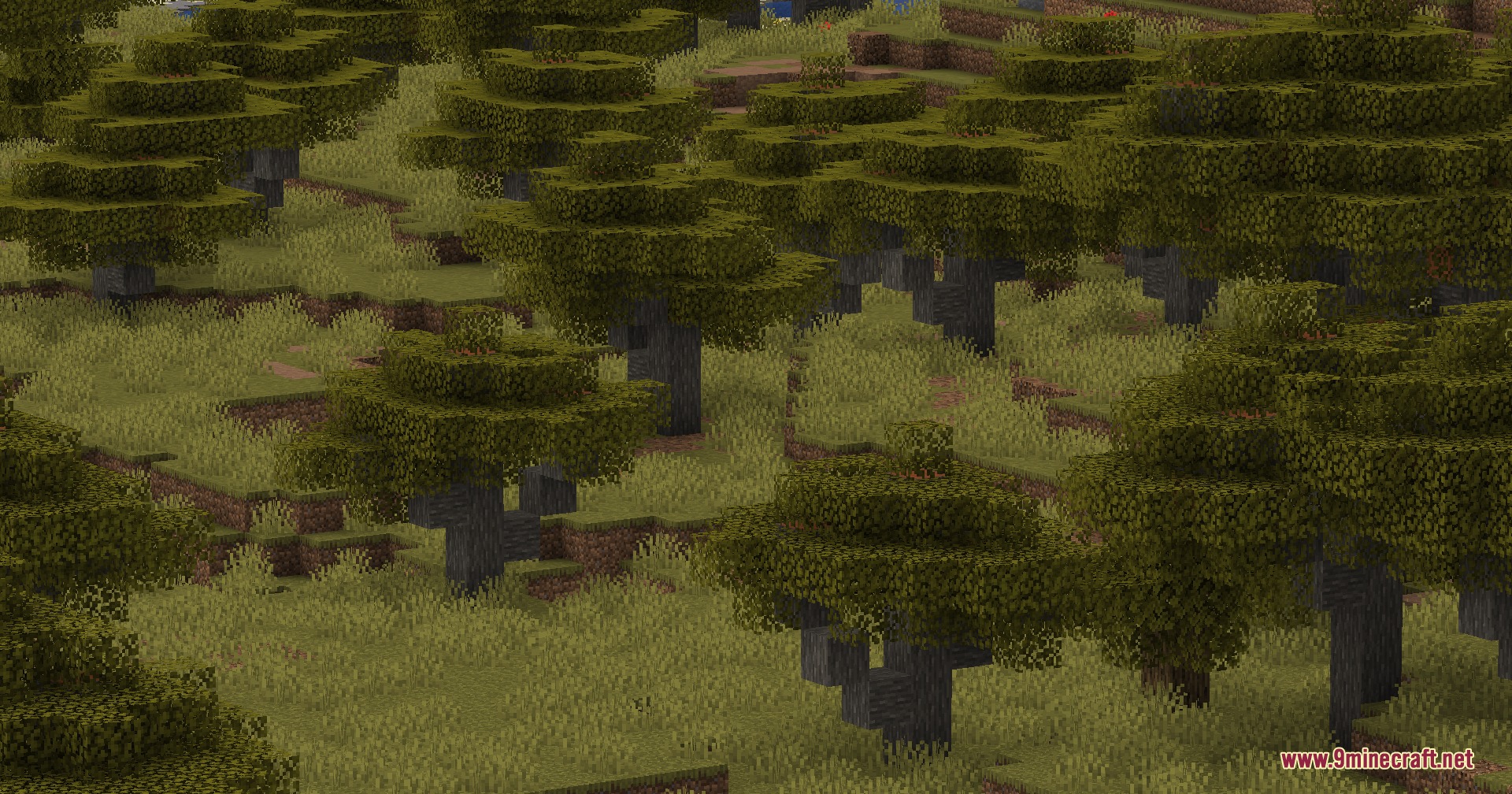
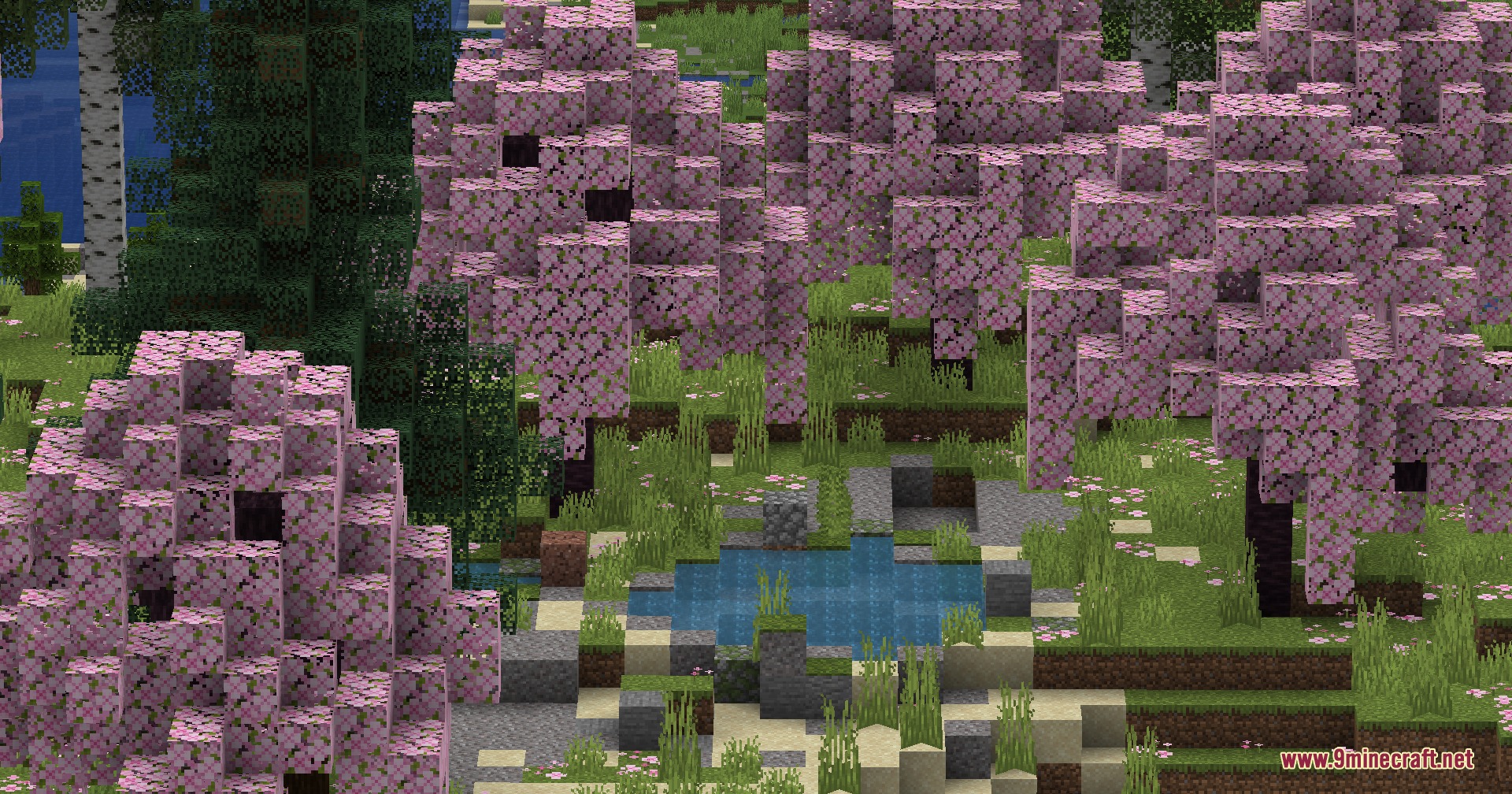
Jungles, taigas, swamps, cherry groves, and mountain biomes see the most dramatic updates with new tree shapes, ponds, and rock formations. Over 35 vanilla biomes are affected in total.
See all 10 Wildwood Topography questions ›
Gallery
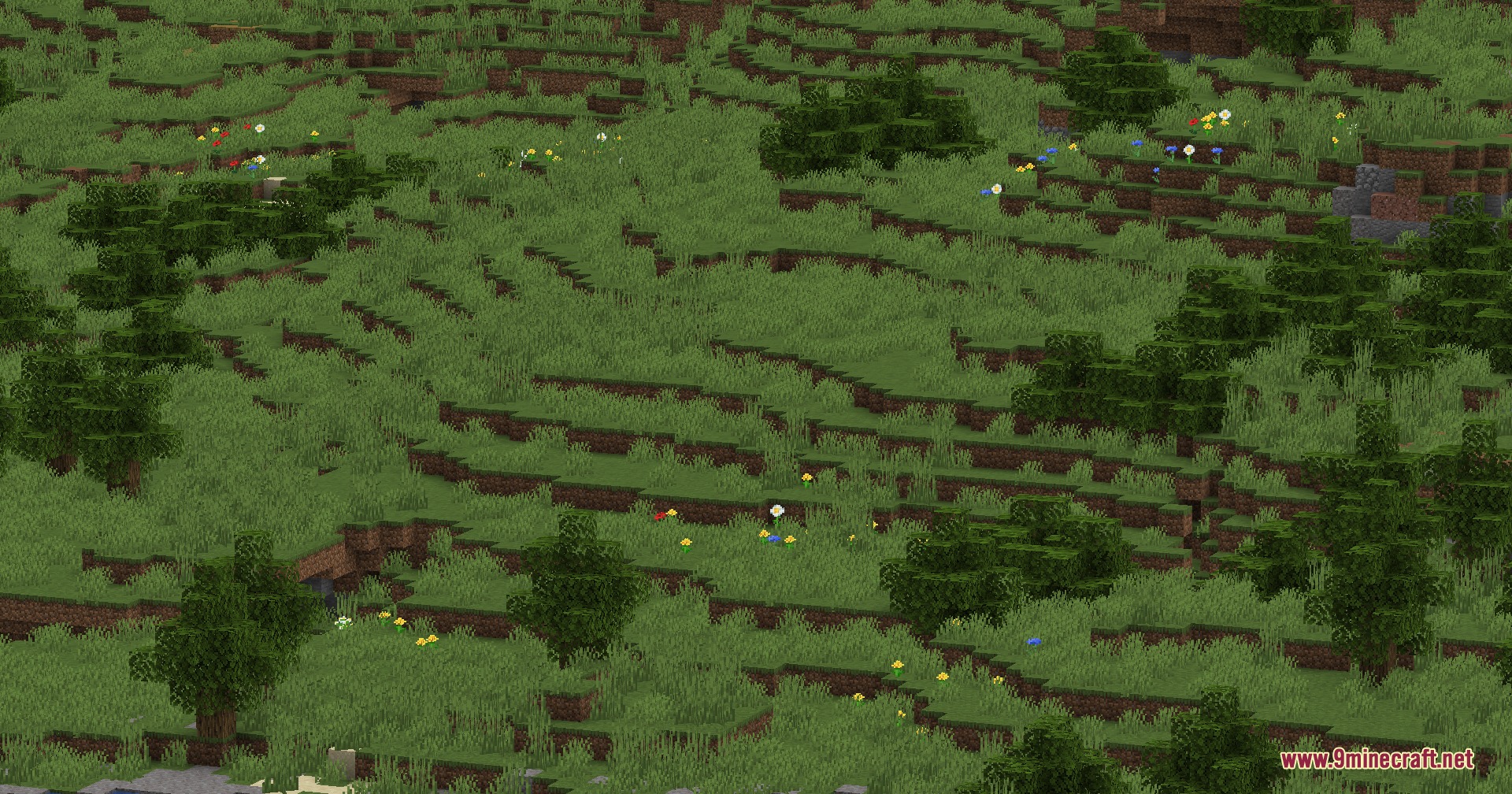
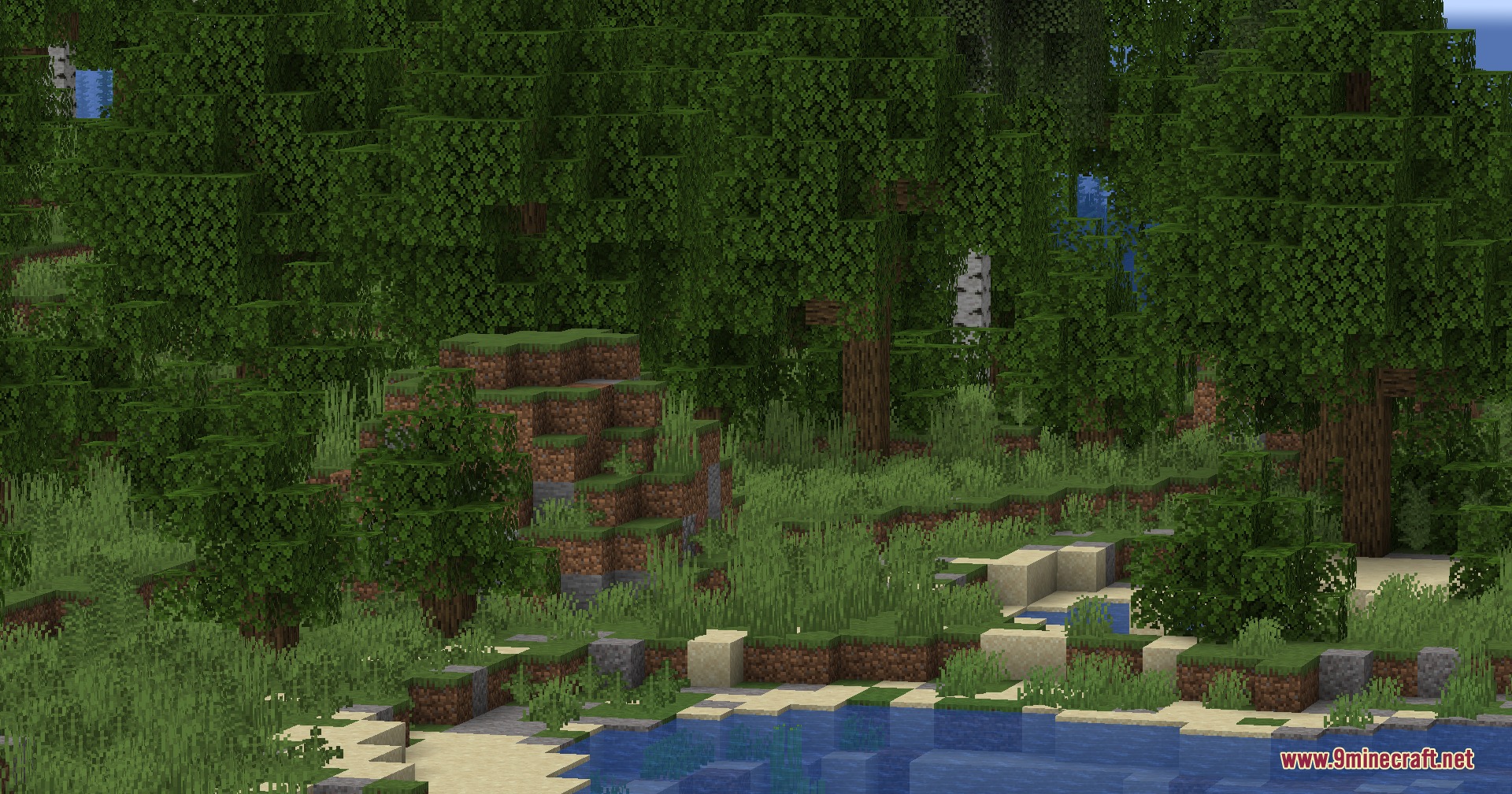
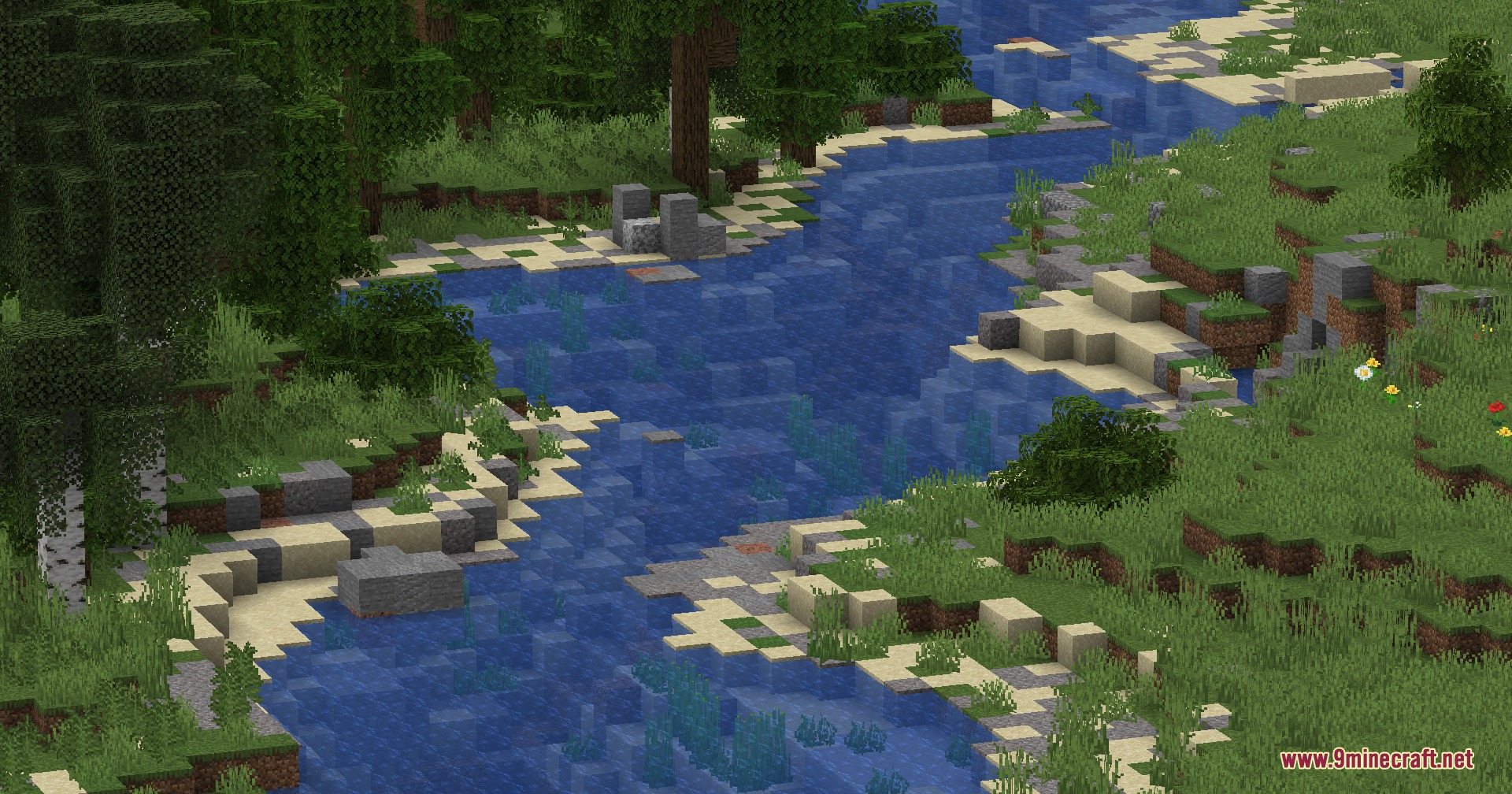
9 images from the Wildwood Topography Mod page.
You May Also Like
Wikis that share the most with this one
Wikis on the same theme: biome
More mod wikis on the site
The most downloaded mods that have a wiki here
A few wikis from each of the other kinds