

 DownloadFullscreeNO Mod
Get the files on 9Minecraft
Guides
Step-by-step, in-game.
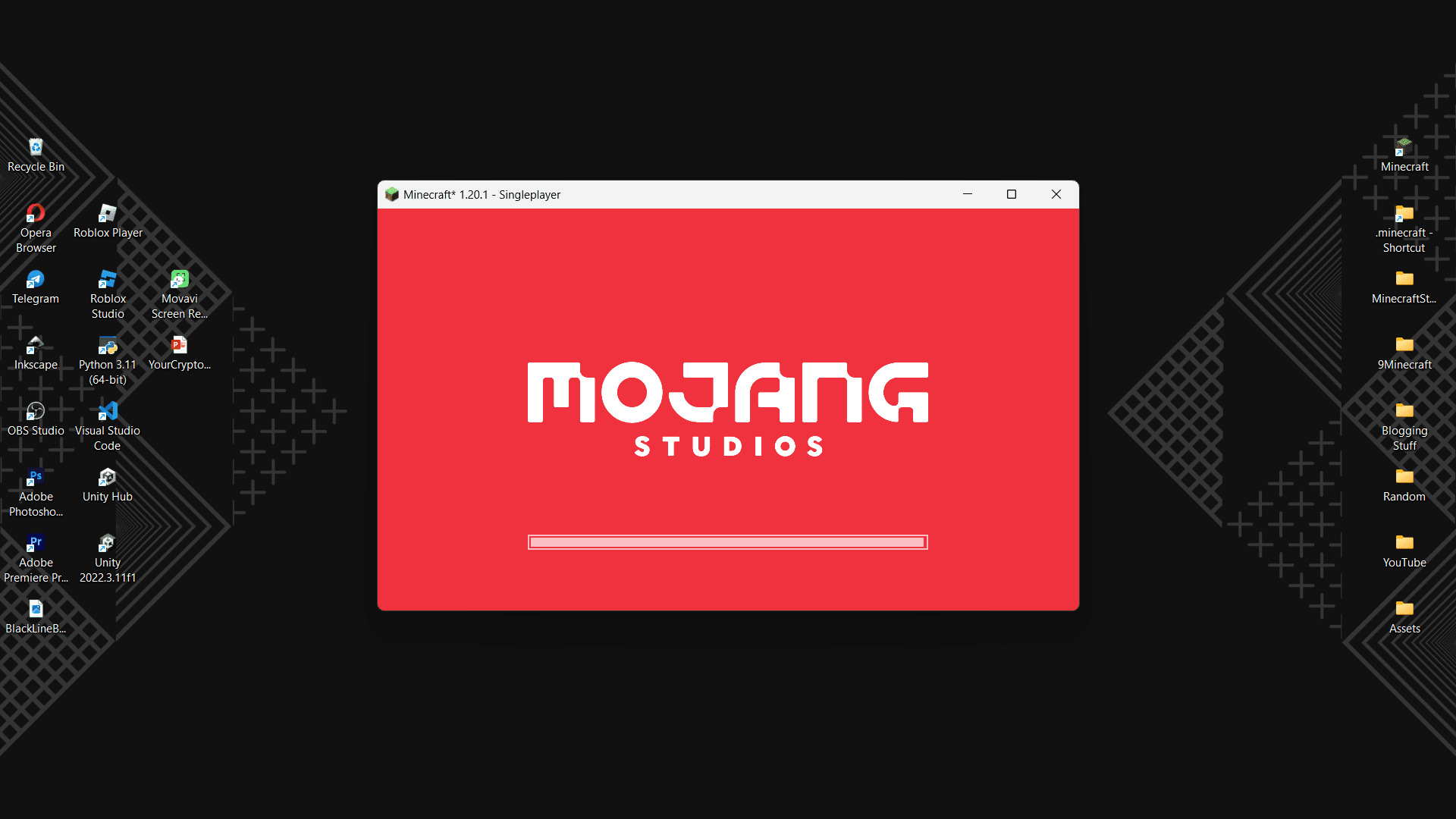
Adjust Your Game Window Size and PositionResizing the Window When Minecraft launches in windowed mode, you can resize it like any other application: Hover…Launch Minecraft in Windowed Mode by DefaultHow It Works FullscreeNO Mod automatically launches Minecraft in a windowed state instead of fullscreen. This happens…Multitask While Playing MinecraftWhy Windowed Launch Helps With FullscreeNO Mod, Minecraft no longer monopolizes your entire screen when it starts.…Switch Between Windowed and Fullscreen During GameplayUsing the F11 Hotkey The quickest way to toggle between windowed and fullscreen mode is to press F11 while playing.…
Frequently asked questions
Why does Minecraft still launch fullscreen even with this mod installed?
Check that the mod is properly loaded by looking for it in your mods folder and verifying it appears in the mods list from the main menu. If it's installed correctly, the game should launch in a windowed state by default on your next launch.
How do I make the game fullscreen after it launches in a window?
Press F11 while in-game to toggle fullscreen, or go to Video Options in the settings menu and enable fullscreen from there.
Can I resize the window when the game launches?
Yes, you can click and drag the edges or corners of the window to resize it, or drag the title bar to reposition it on your screen.
Does this mod work with OptiFine?
The mod should work alongside Optifine, but load order and mod compatibility can vary—if you experience issues, try adjusting which mod loads first or check for any conflicting video settings.
See all 10 FullscreeNO questions ›
Gallery
4 images from the Fullscreeno Mod page.

You May Also Like
Wikis that share the most with this one
Wikis on the same theme: window
More mod wikis on the site
The most downloaded mods that have a wiki here
A few wikis from each of the other kinds