

 DownloadUUID Command Mod
Get the files on 9Minecraft
Guides
Step-by-step, in-game.
Copy and Share Entity UUIDsExporting UUIDs for Documentation UUIDs are useful for sharing entity information with others or keeping records of…Debug Entity Issues Using UUIDTroubleshooting with UUIDs When entities behave unexpectedly or you need to investigate their properties, the UUID…Find the UUID of a Specific EntityUsing the UUID Command To retrieve the UUID of any entity currently loaded in your world, use the /uuid command…Track a Named Entity by UUIDIdentifying Individual Entities When you have multiple entities of the same type, the UUID command helps you…
Frequently asked questions
How do I use the UUID command?
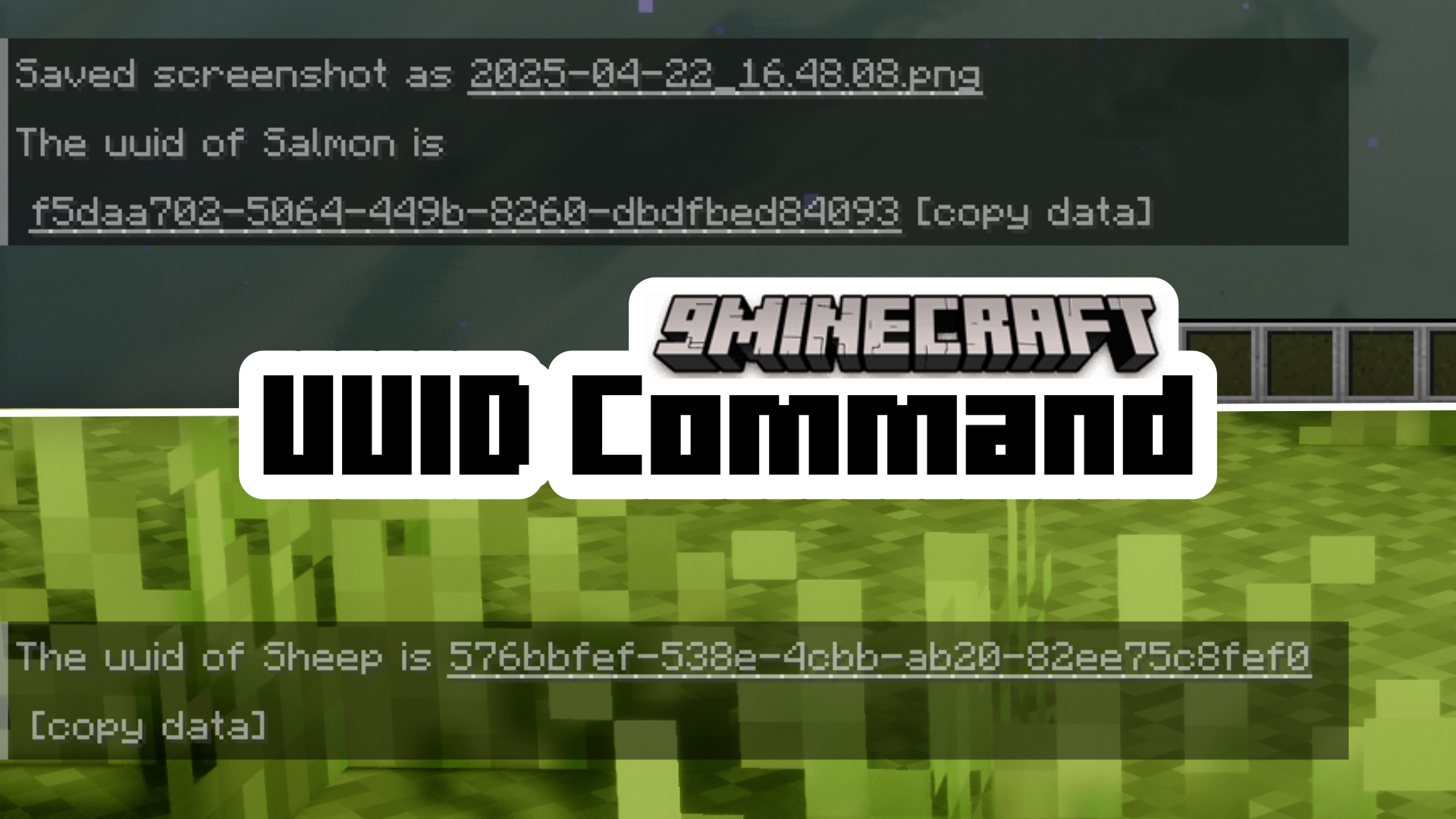
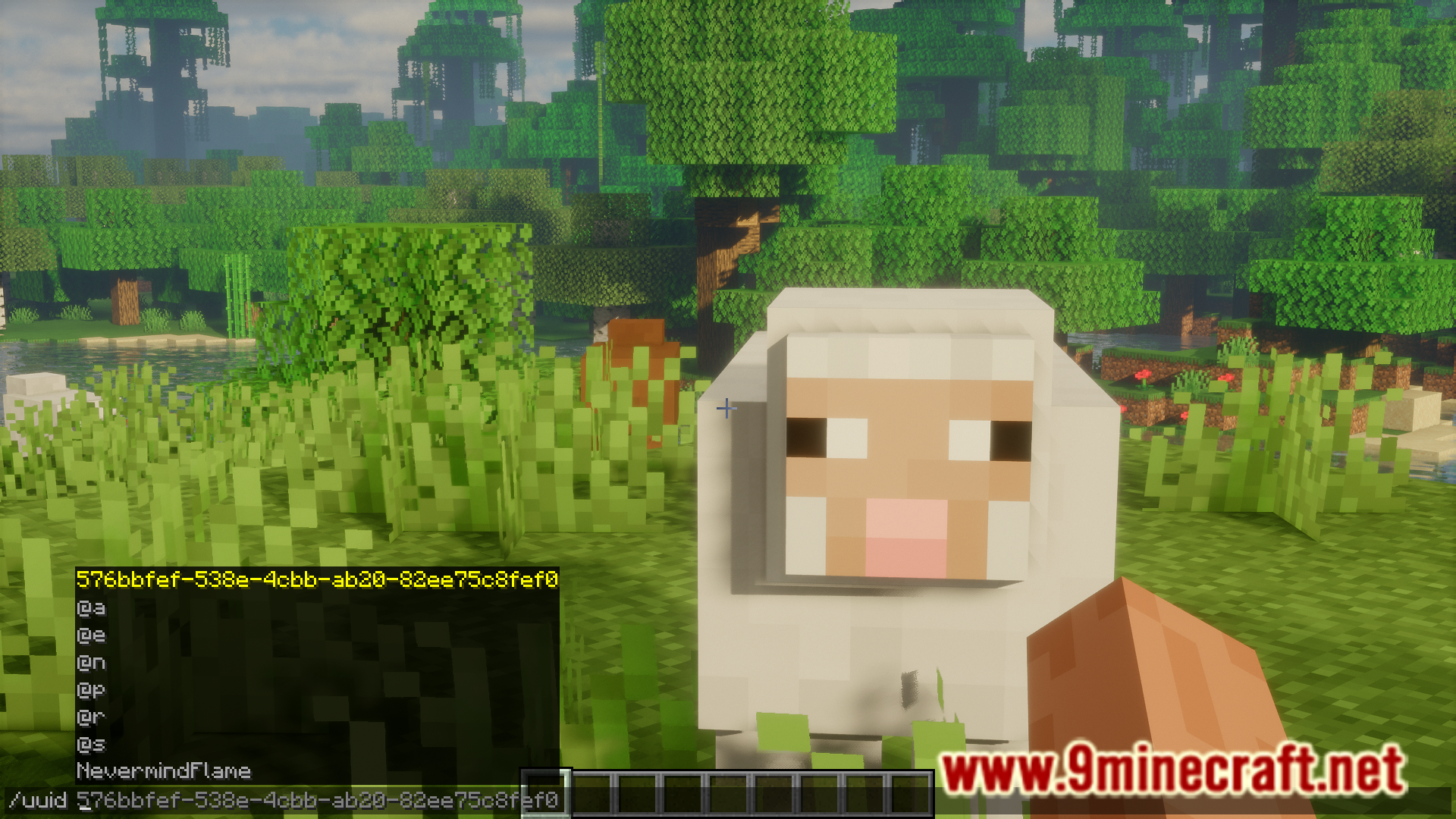
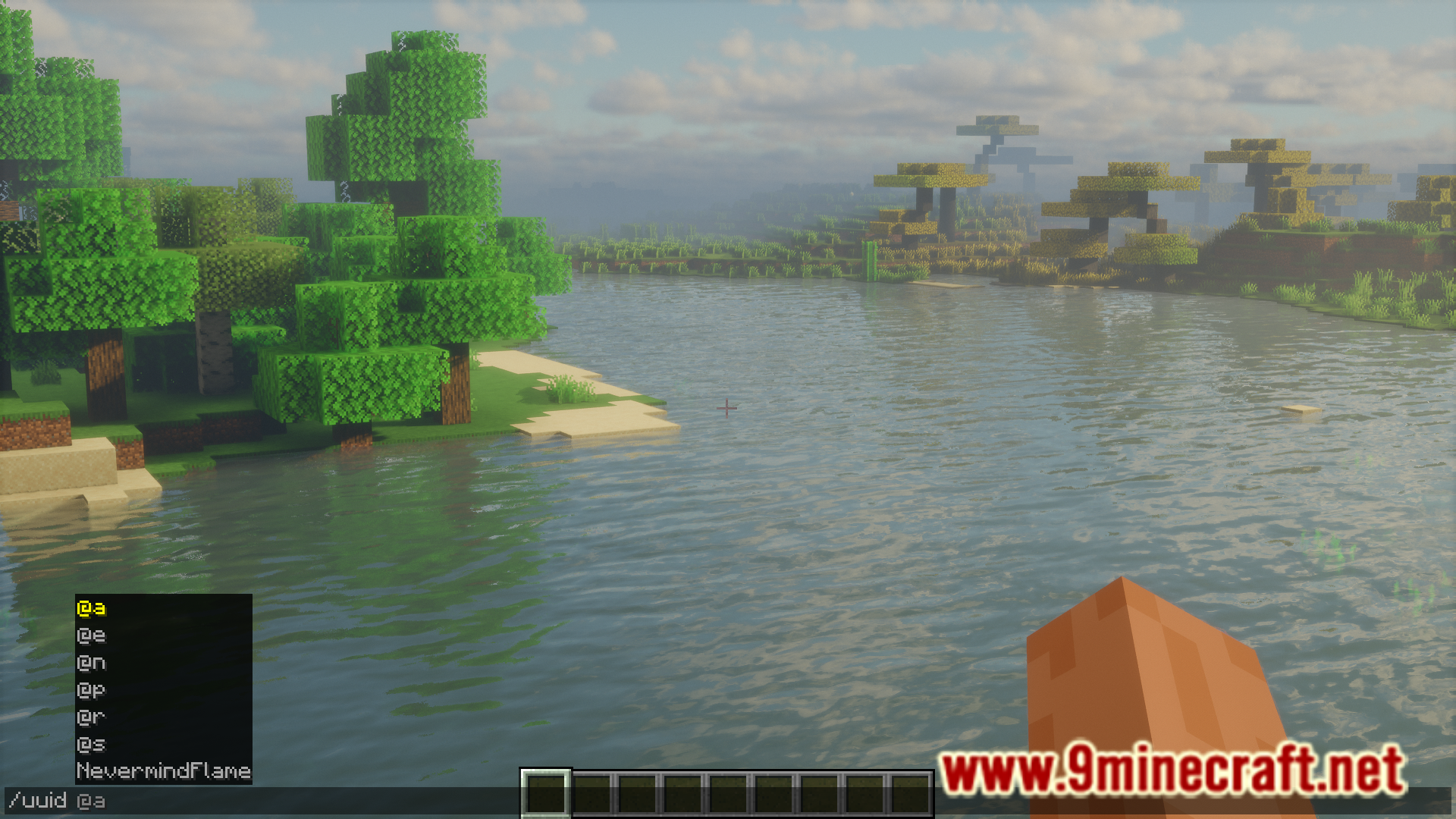
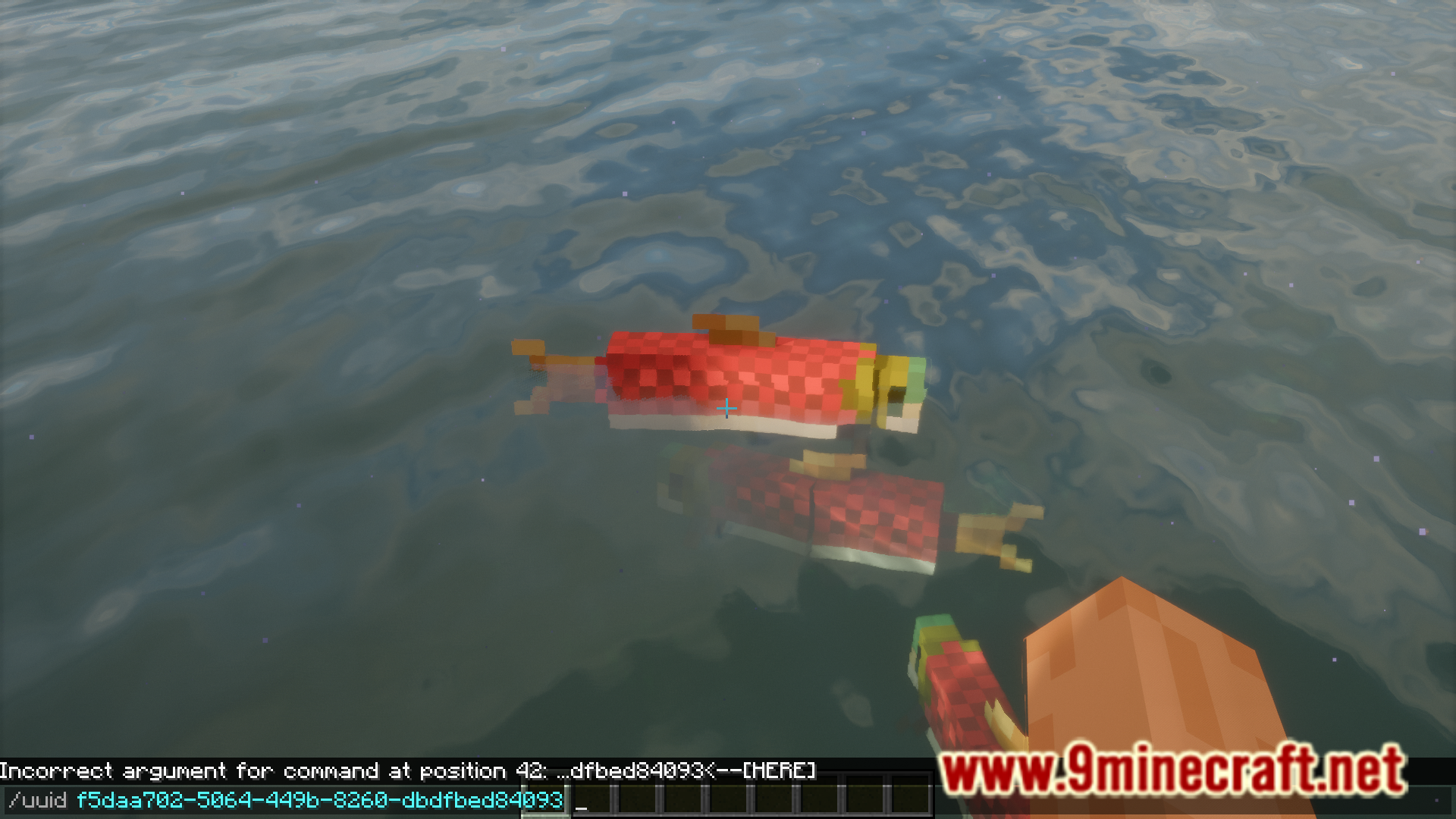
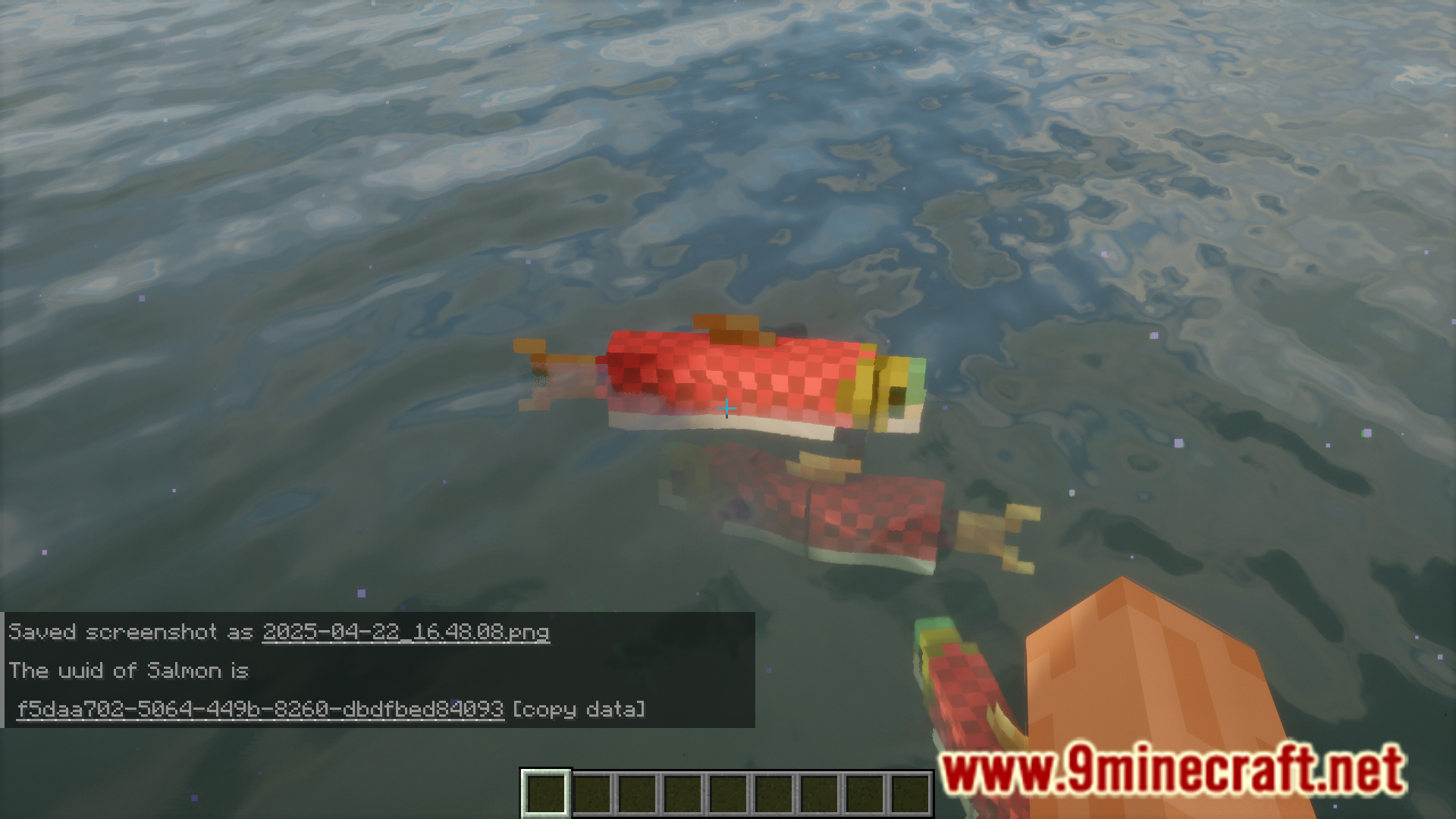
Type /uuid into chat, then click on or look at the entity you want to identify. The mod will display that entity's UUID in your chat.
Can I get the UUID of a player?
Yes, you can use /uuid on players just like any other entity. This is useful for tracking player data or debugging multiplayer issues.
Does the UUID command work on entities that are far away?
No, the command only works on loaded entities. If an entity is outside your render distance or in an unloaded chunk, you won't be able to target it with /uuid.
How do I copy a UUID to use elsewhere?
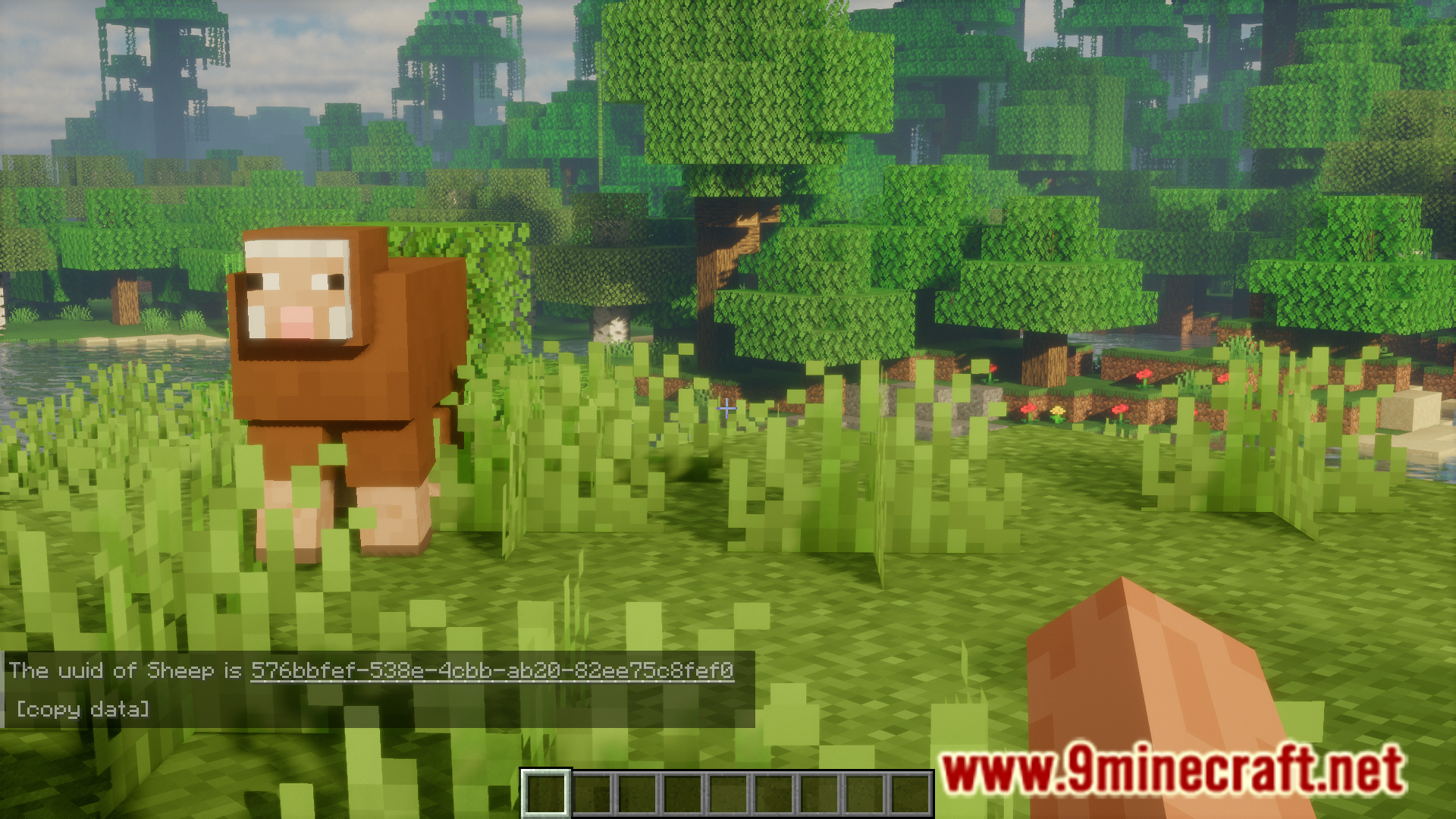
After running /uuid on an entity, the UUID appears in chat as a clickable message that you can copy to your clipboard, or you can manually select and copy it.
See all 10 UUID Command questions ›
Gallery
6 images from the Uuid Command Mod page.
You May Also Like
Wikis that share the most with this one
 UUID Hex Mod
More mod wikis on the site
The most downloaded mods that have a wiki here
A few wikis from each of the other kinds