DownloadUtility Vest
Get the files on 9Minecraft
Guides
Step-by-step, in-game.
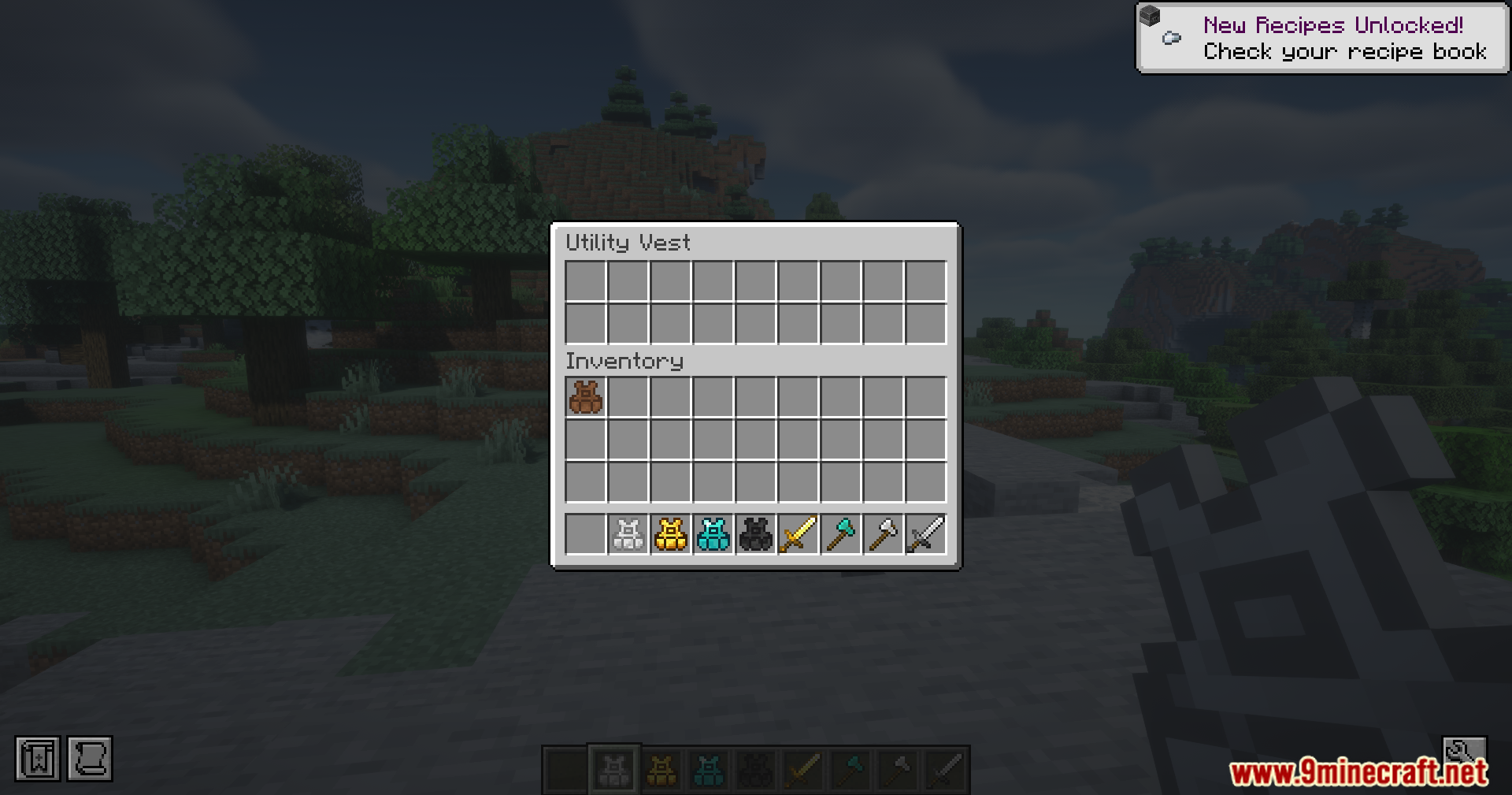
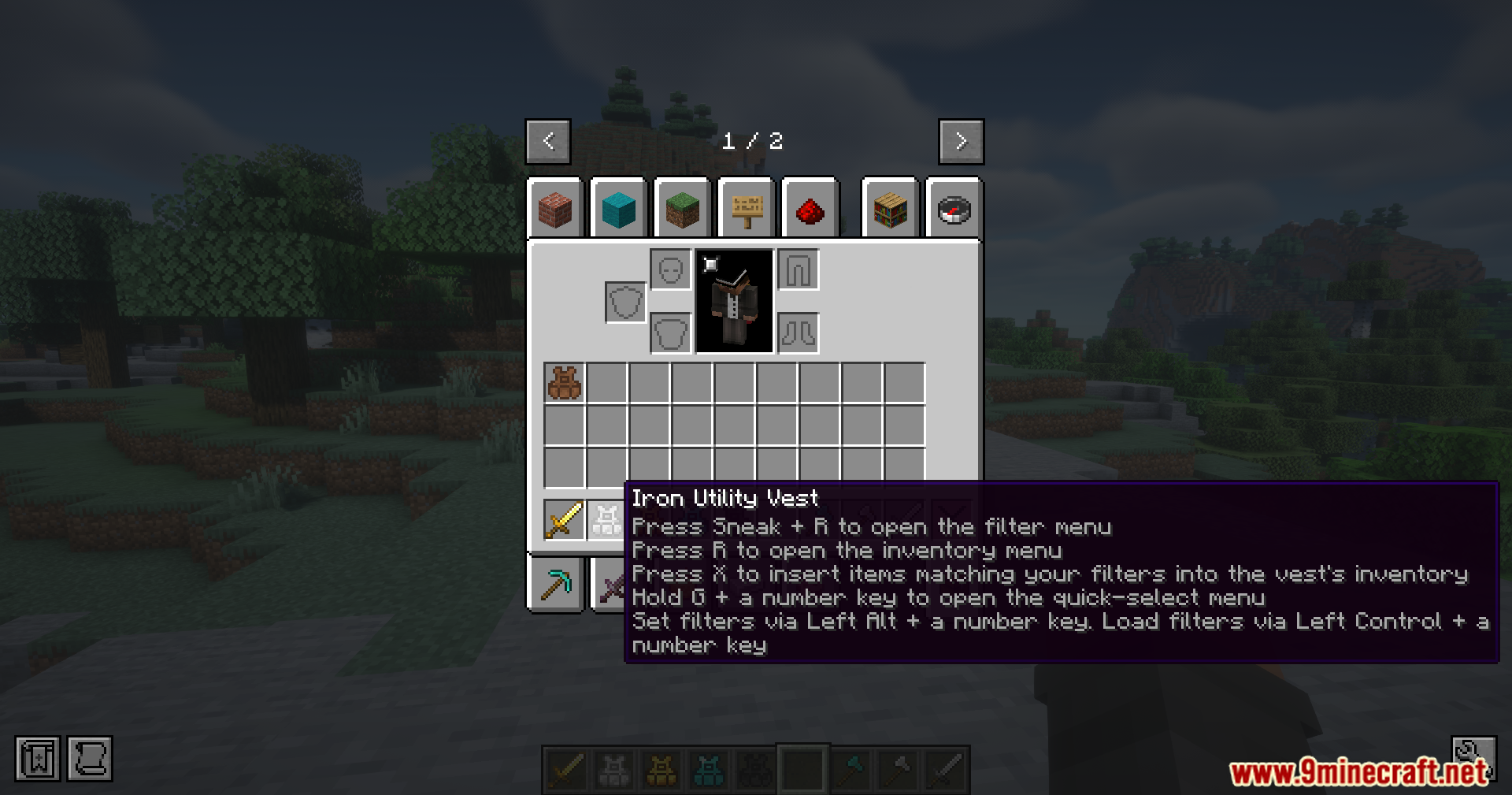
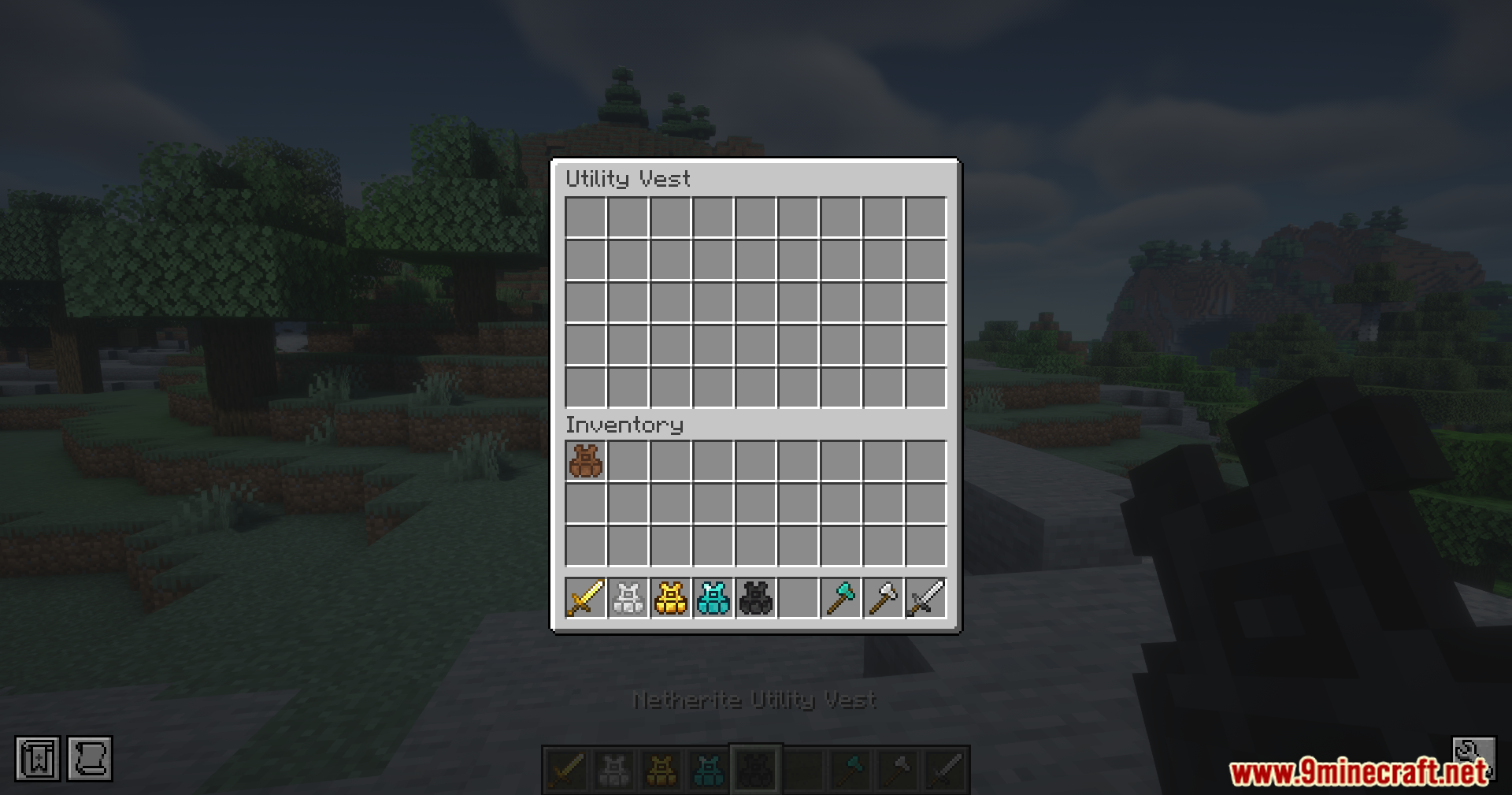
Access and Manage Your Vest MenuOpen the Vest Inventory While wearing your vest, press R to open the vest inventory screen. This shows all your saved…Organize Your Inventory with Item FiltersAccess the Filter Menu While wearing your vest, press Shift + R to open the saved item filters screen. This shows you…Set Up Multiple Hotbars for Different ActivitiesSave Your First Hotbar Setup Arrange the items you want in your hotbar—for example, sword, pickaxe, blocks, and…Upgrade Your Vest to the Next TierGather Materials for Your Upgrade Each vest tier requires materials from the tier above it. To upgrade from leather…
Recipes
Every recipe the mod adds, grouped by how it is made.
Items
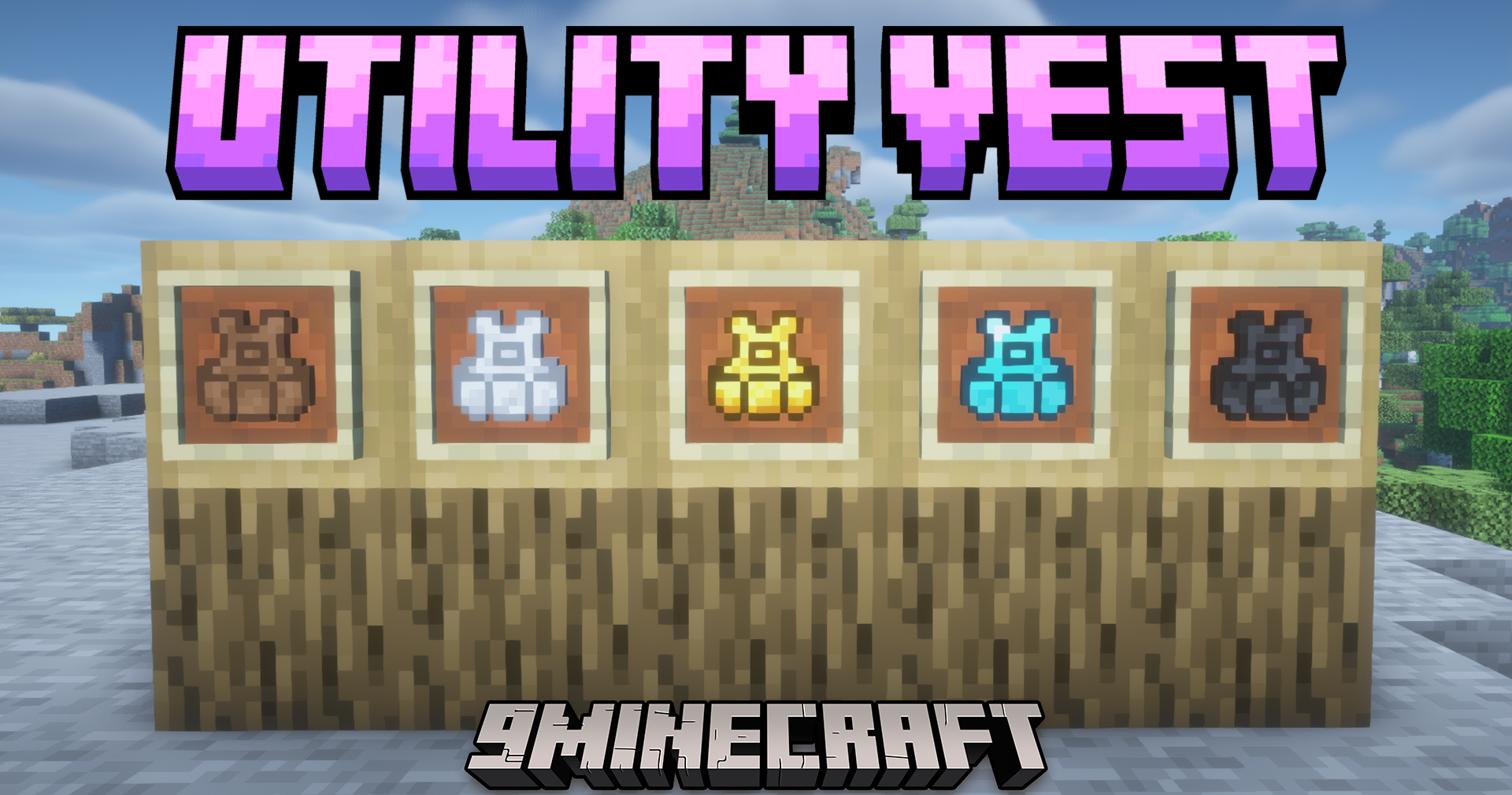
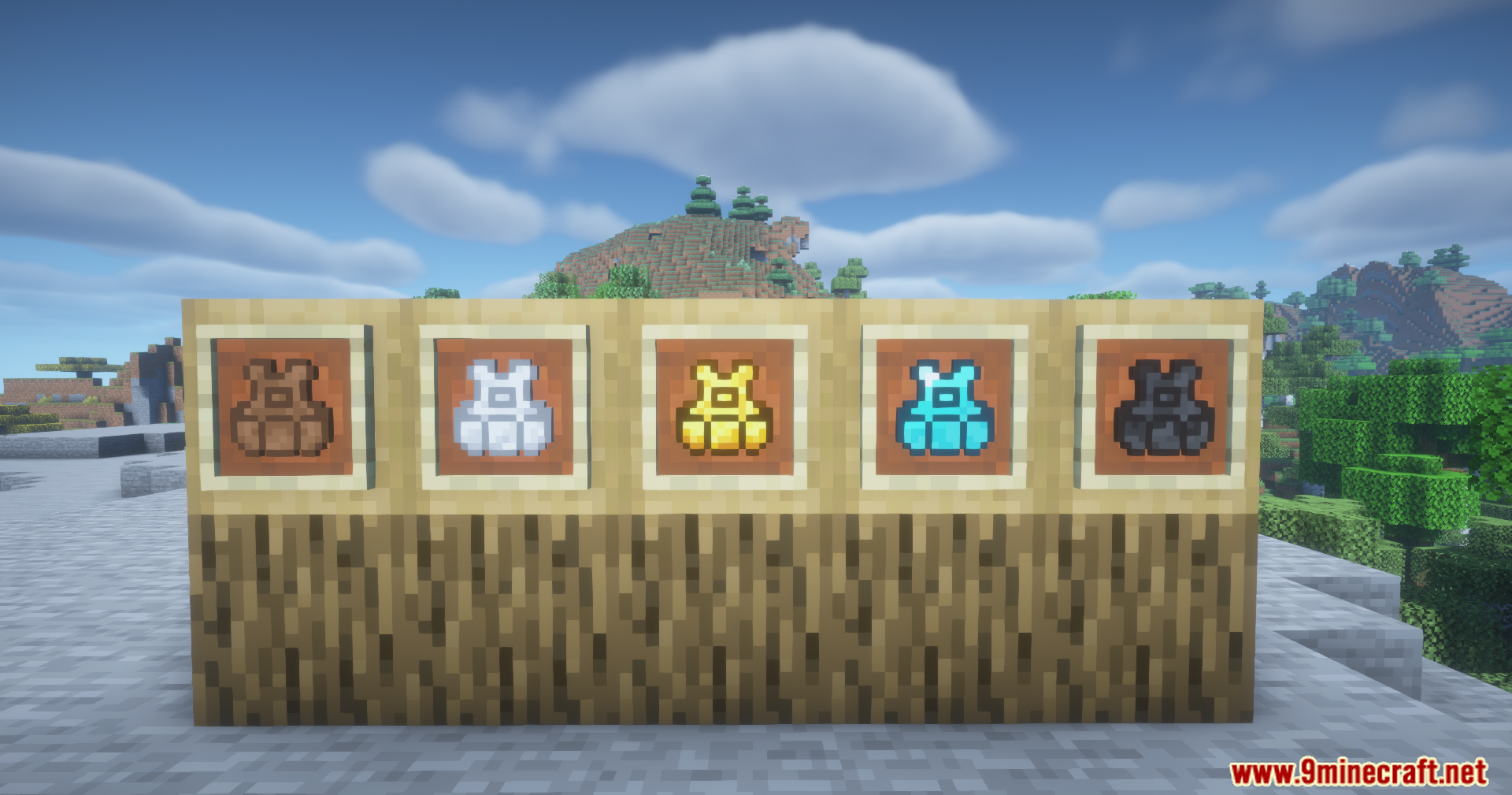
 Diamond Utility Vest
 Gold Utility Vest
 Iron Utility Vest
 Leather Utility Vest
 Netherite Utility Vest
Configuration
Every setting in the mod config file, with what it changes.
| Option | What it does |
|---|---|
invert_radial_scroll | Invert Radial Scroll |
radial_stack_count | Radial Stack Count |
radial_tooltip | Radial Tooltip |
remember_radial_row | Remember Radial Row |
Frequently asked questions
How do I make my first Utility Vest?
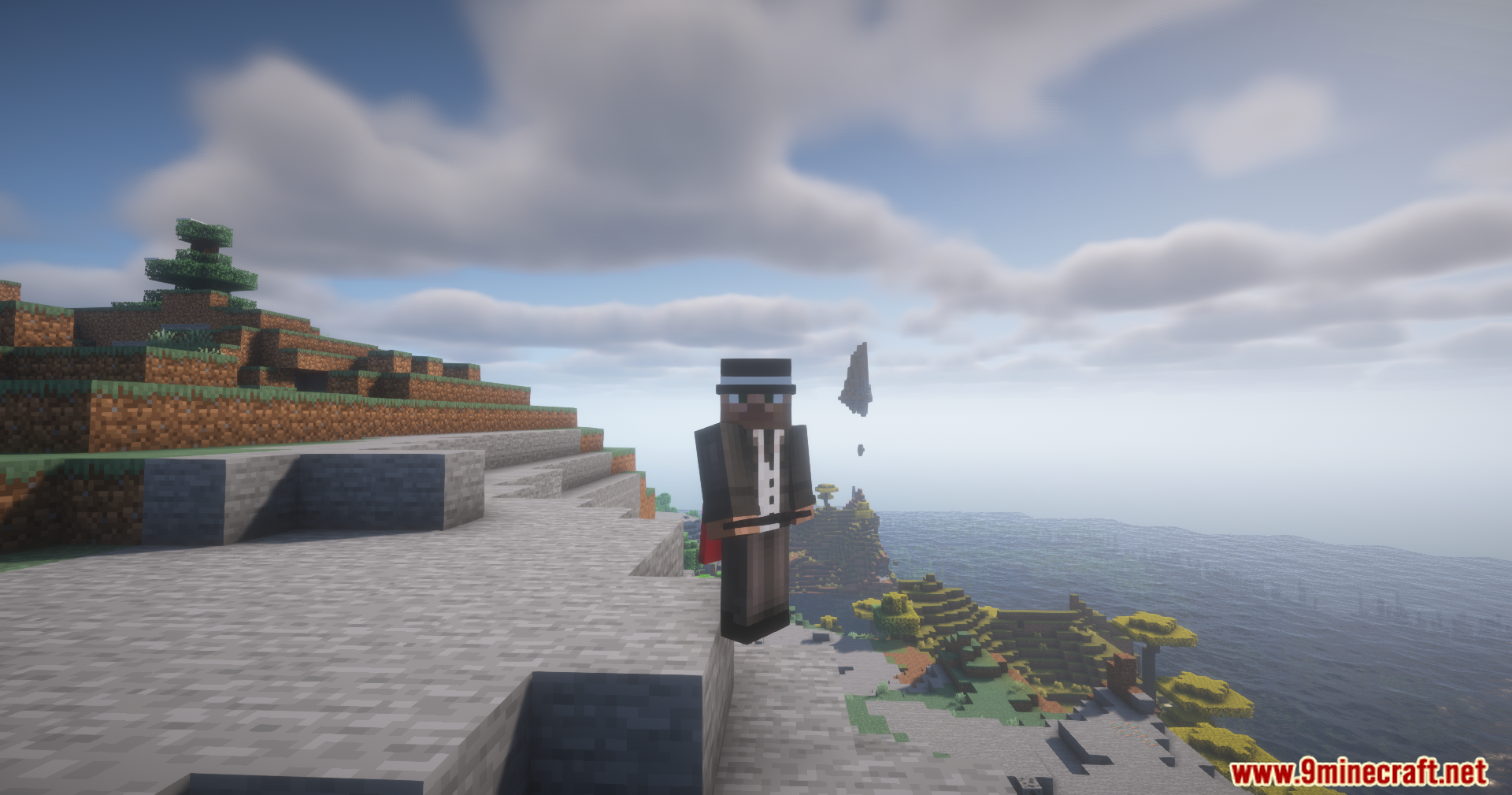
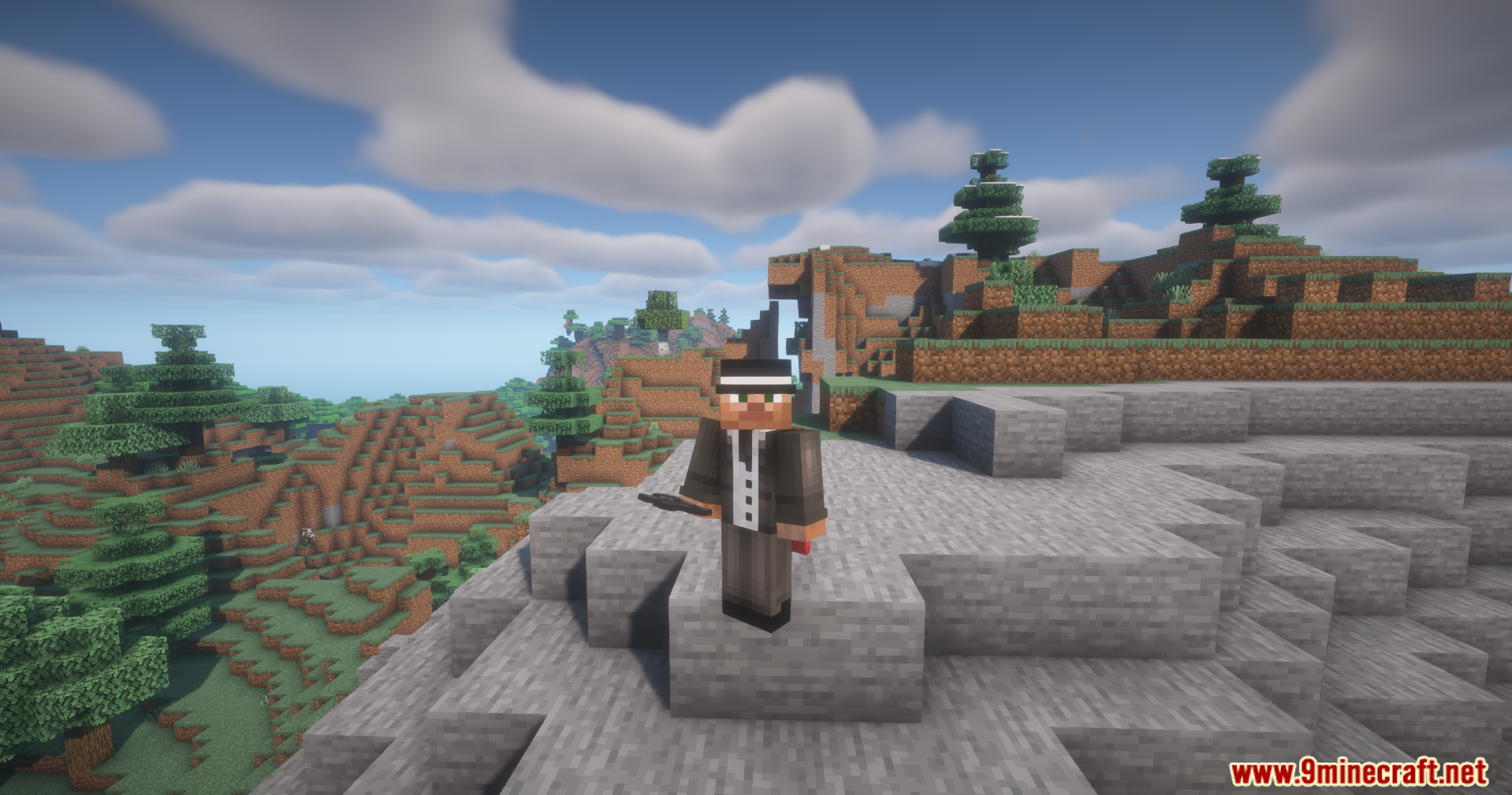
Craft a leather utility vest using leather and a chest in a crafting table. Once you have it, equip it in your body armor slot and you're ready to start saving hotbar setups.
What's the difference between the vest tiers?
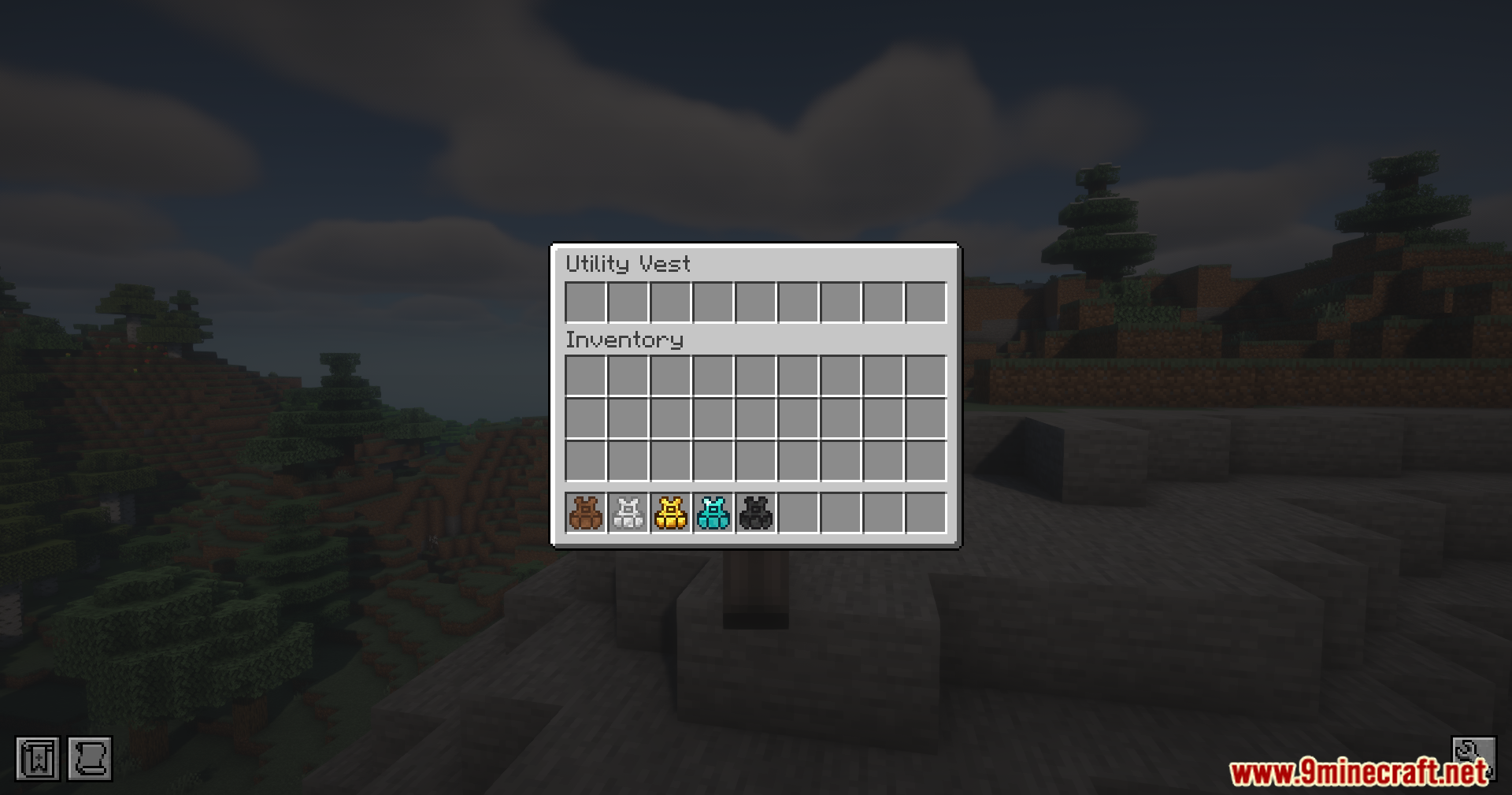
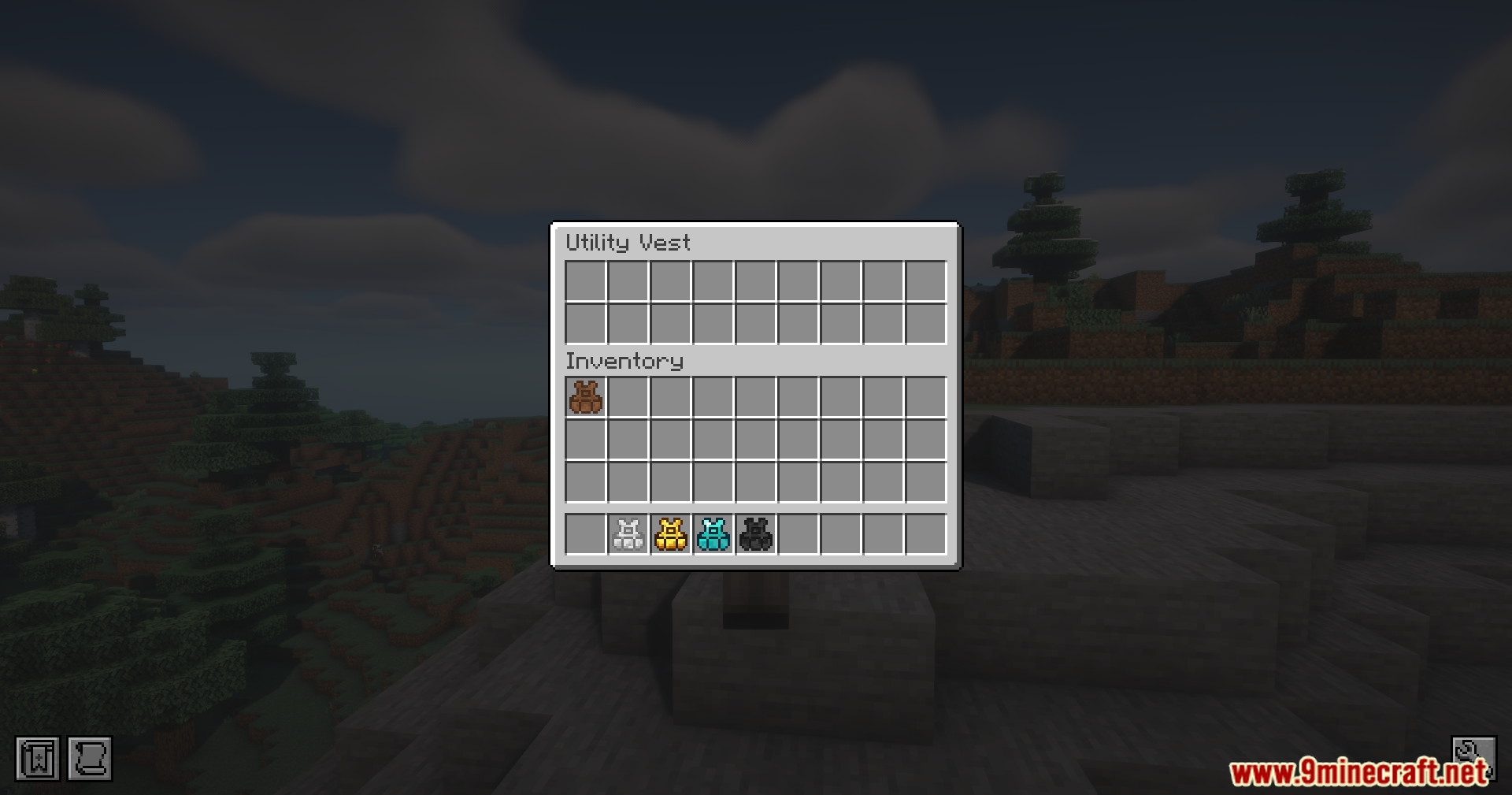
Each tier (leather, iron, gold, diamond, netherite) holds more saved hotbar slots—leather starts with one, and netherite holds up to five different setups. Higher tiers are crafted by upgrading the previous vest with the corresponding material.
I saved a hotbar but can't load it back. What am I doing wrong?
Make sure you're pressing Left Ctrl + the number key you saved to, not Left Alt. Also check that you're wearing the vest—it needs to be equipped in your body slot to load saved setups.
Can I use the vest in my inventory without wearing it?
Yes, hold the vest in your hand and right-click (or shift + right-click) to open the menu directly without equipping it.
What does the item filter do?
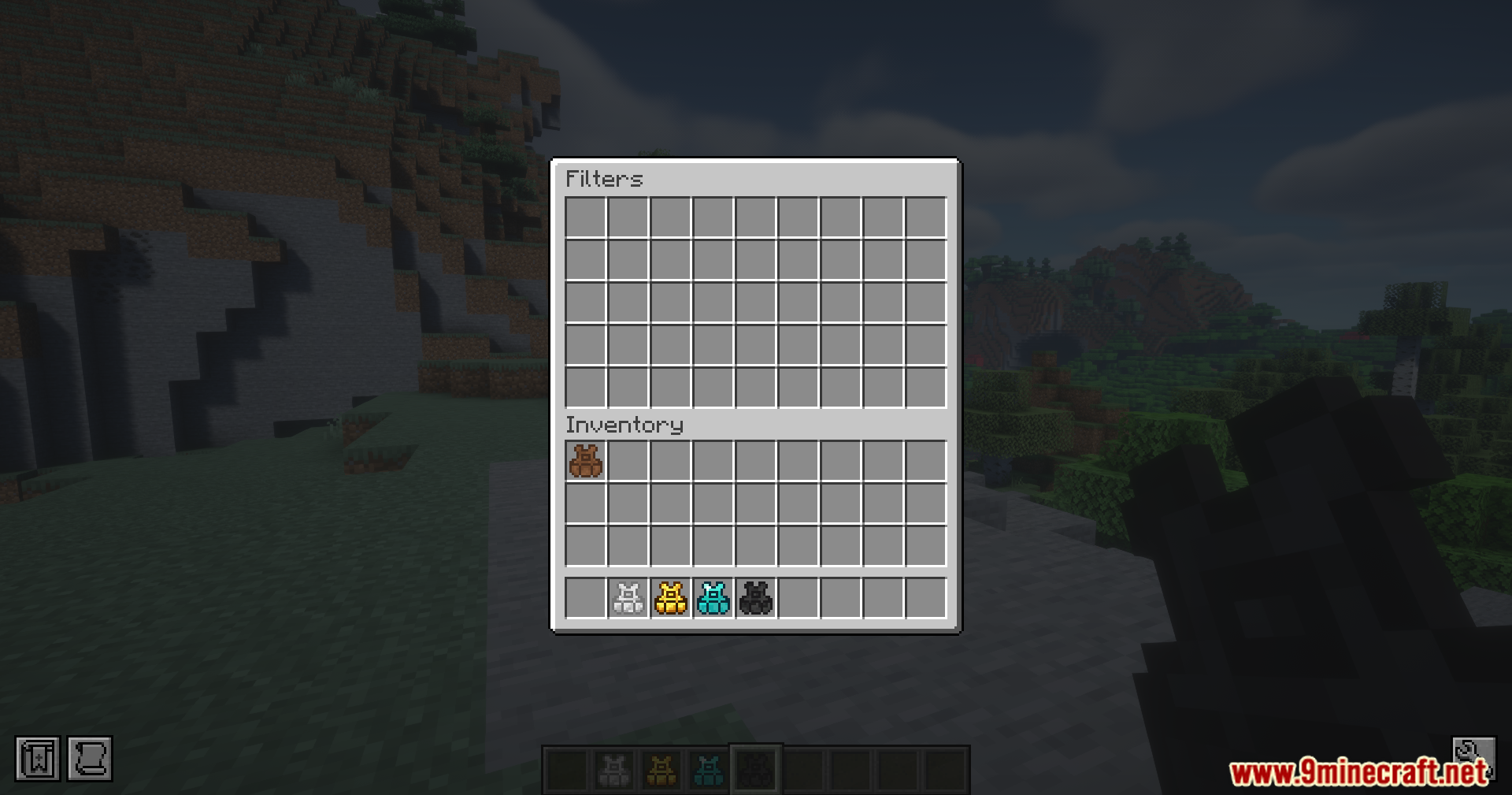
Item filters let you customize which items the vest automatically collects when you press X. Press Shift + R while wearing the vest to open the filter screen and set up rules for what gets stored.
When I load a saved hotbar, where do my old items go?
The vest automatically moves your current items into your main inventory or back into the vest to make room, so nothing gets lost.
Do I lose my saved hotbars if I take the vest off?
No, your saved setups stay stored in the vest permanently. You can remove it and put it back on anytime without losing data.
Can I have multiple vests with different saved setups?
Each vest stores its own separate hotbar setups, so you can craft multiple vests if you want different collections for different activities.
Does the vest take up inventory space?
The vest occupies your body armor slot, not your regular inventory, so it doesn't reduce your carrying capacity.
What happens if I don't have room in my inventory when I load a hotbar?
The vest will move items into your main inventory or store them back in the vest as needed—it handles overflow automatically so you never lose items.
You May Also Like
Wikis that share the most with this one
Bbl UtilityRFTools UtilityUtility Mobs ModUtility Golems ModVivid Utility FramesQuantum Utility LogicFringe Essence UtilityVM Translation Utility ModValiant Bastion Utility ModCobblemon Utility Recipes Data PackSaddlebag Wolf Bag Pet Backpack Companion Utility Loot Tweaks for Artifacts Utility Datapack for Prominence II Data Pack
Wikis on the same theme: netherite
More mod wikis on the site
The most downloaded mods that have a wiki here
A few wikis from each of the other kinds
Gallery
12 images from the Utility Vest Mod page.