

 DownloadAdmin Command Tool Mod
Get the files on 9Minecraft
Guides
Step-by-step, in-game.
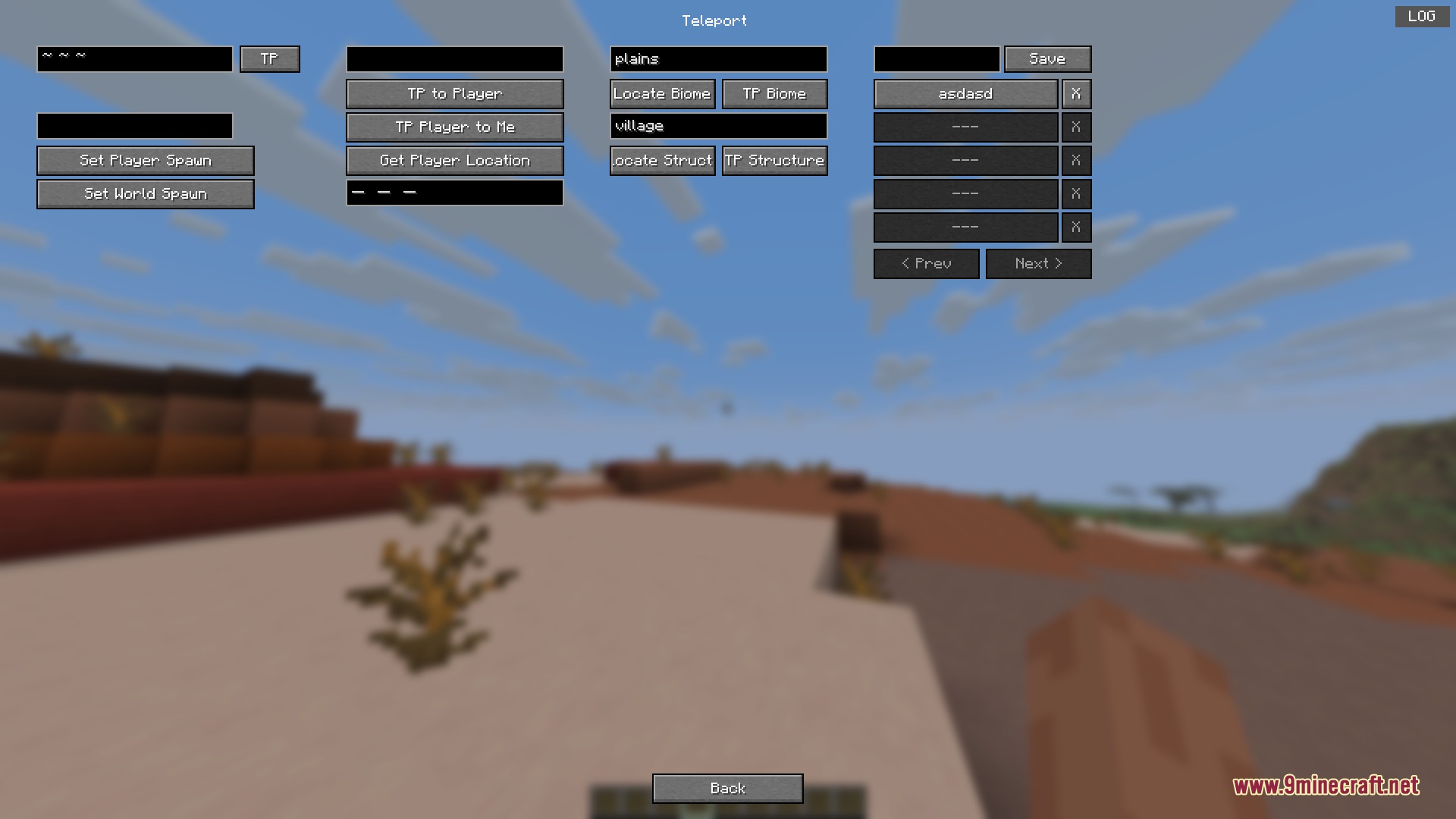
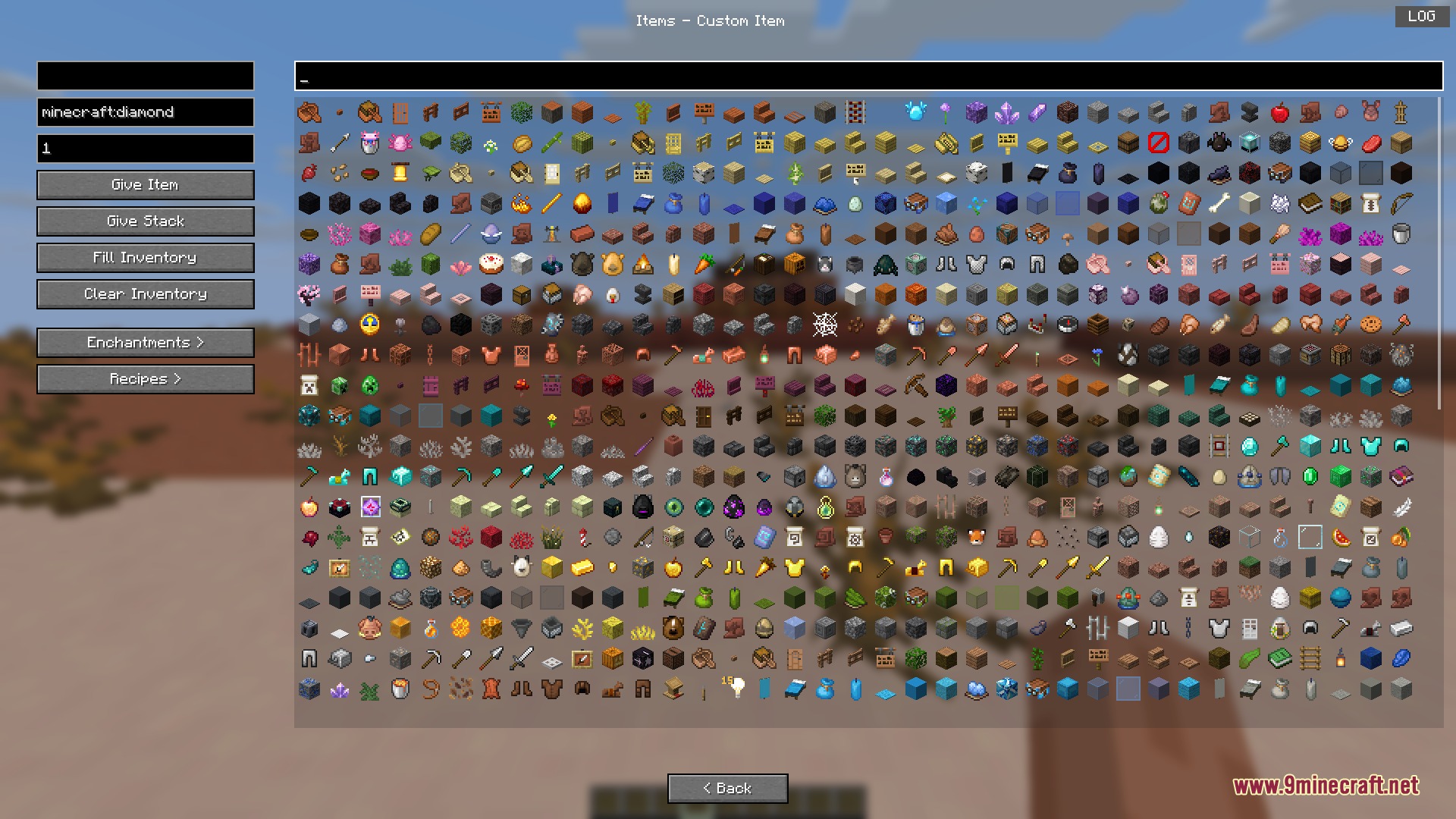
Give Items with Custom Stack Sizes and Clear InventoriesOpen the Item Management Screen Press G and navigate to the Items tab to access the item grid. Give Yourself or…Quickly Find and Teleport to Biomes and StructuresOpen the Teleportation Menu Press G to open the Admin Command Tool and select the Teleportation tab. Search by Biome…Set Up Custom Command Hotkeys for Instant ActionsAccess the Settings Menu Press G to open the Admin Command Tool, then navigate to the Settings tab. Look for the…Spawn Mobs and Entities with Custom AttributesAccess the Mob Spawning Menu Press G and go to the Mobs or Entities tab. Select and Spawn a Mob 1. Browse the list of…
Frequently asked questions
How do I open the Admin Command Tool menu?
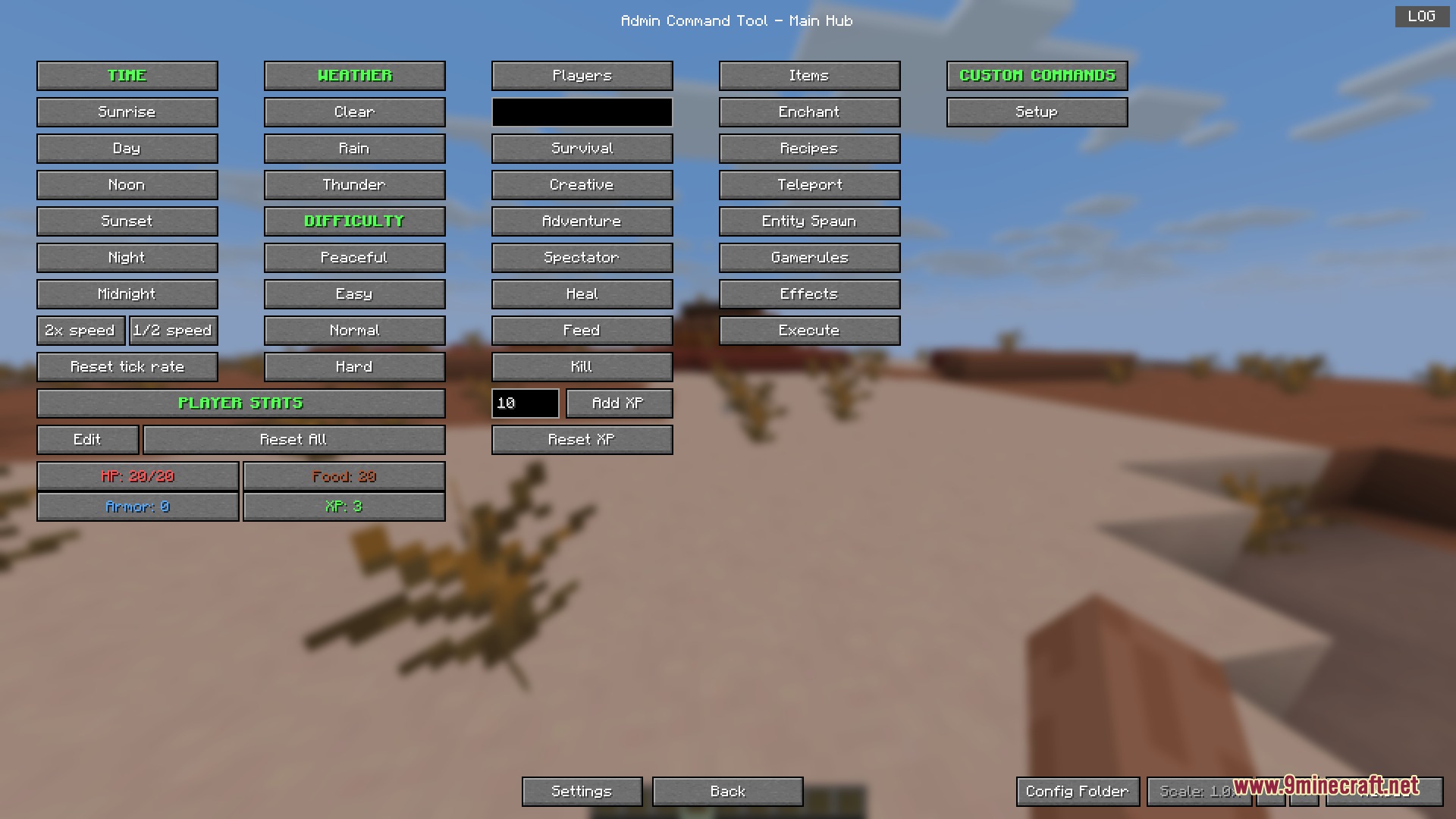
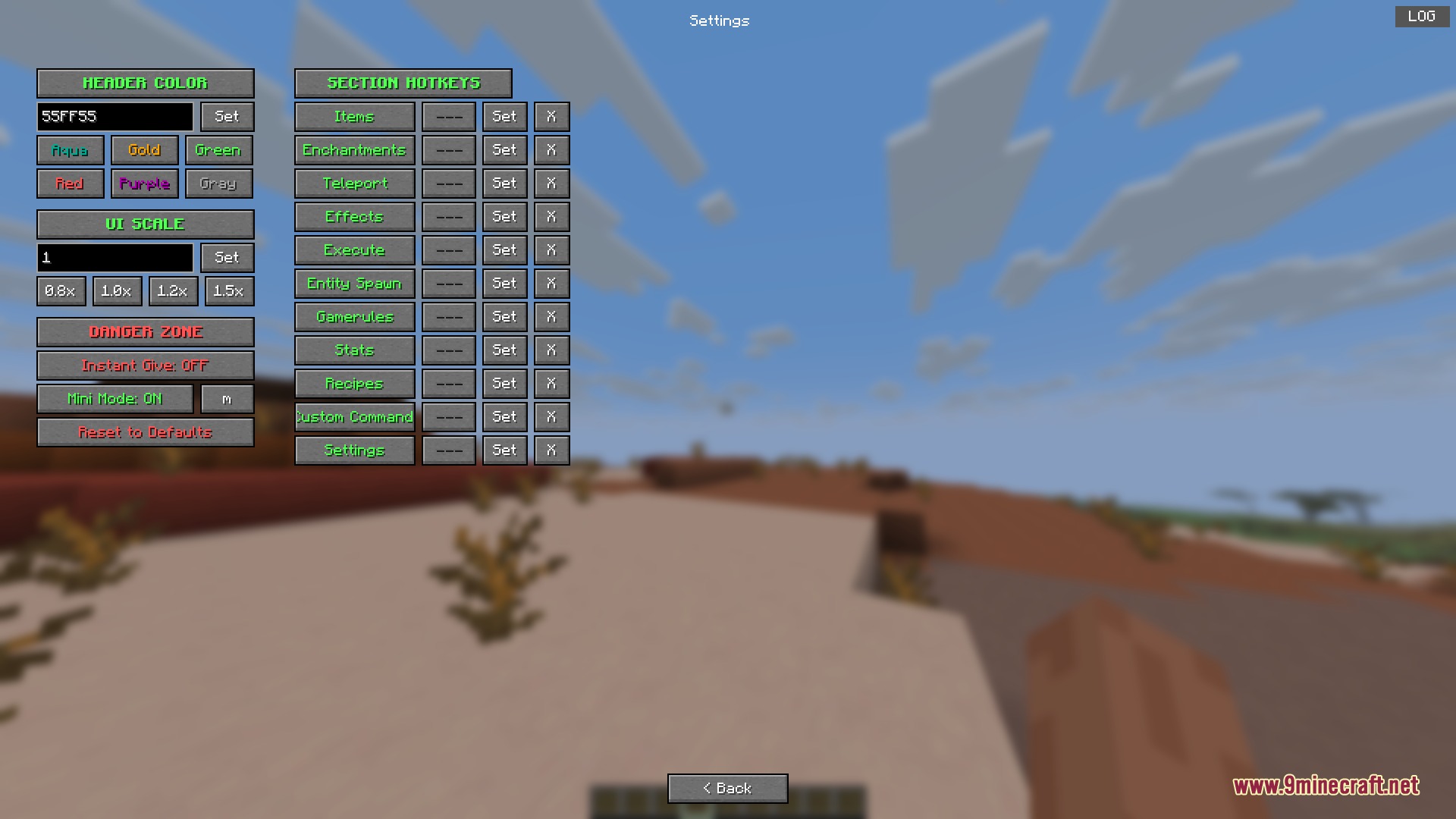
Press the G key on your keyboard to open the main control menu. If G is already bound to another action, you can rebind the hotkey in the settings tab.
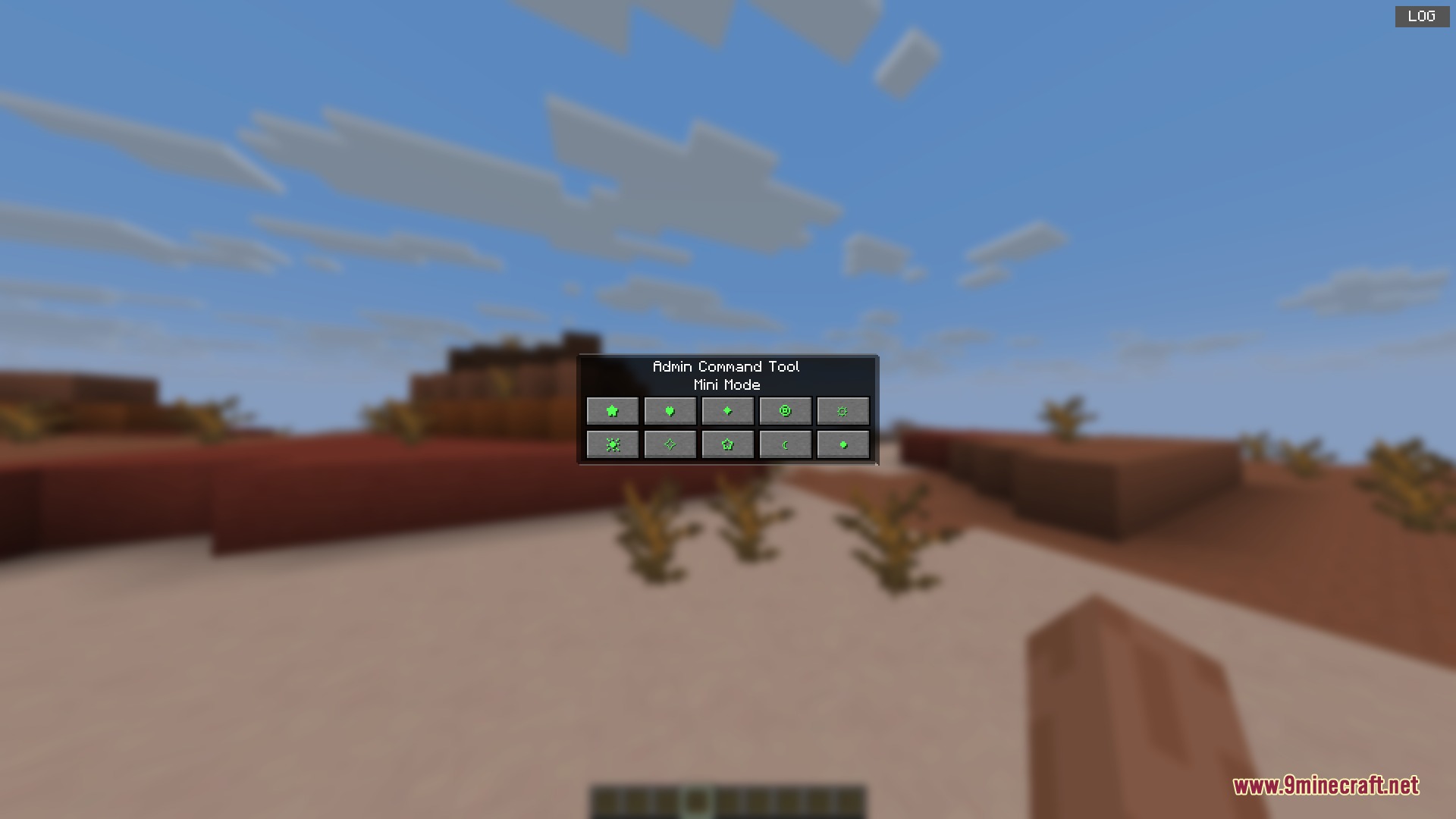
What's the difference between the main menu and mini mode?
Mini mode is a compact version of the tool that you can toggle on and off with a hotkey, taking up less screen space. The main menu gives you full access to all features and tabs.
How do I give myself a specific item with a custom stack size?
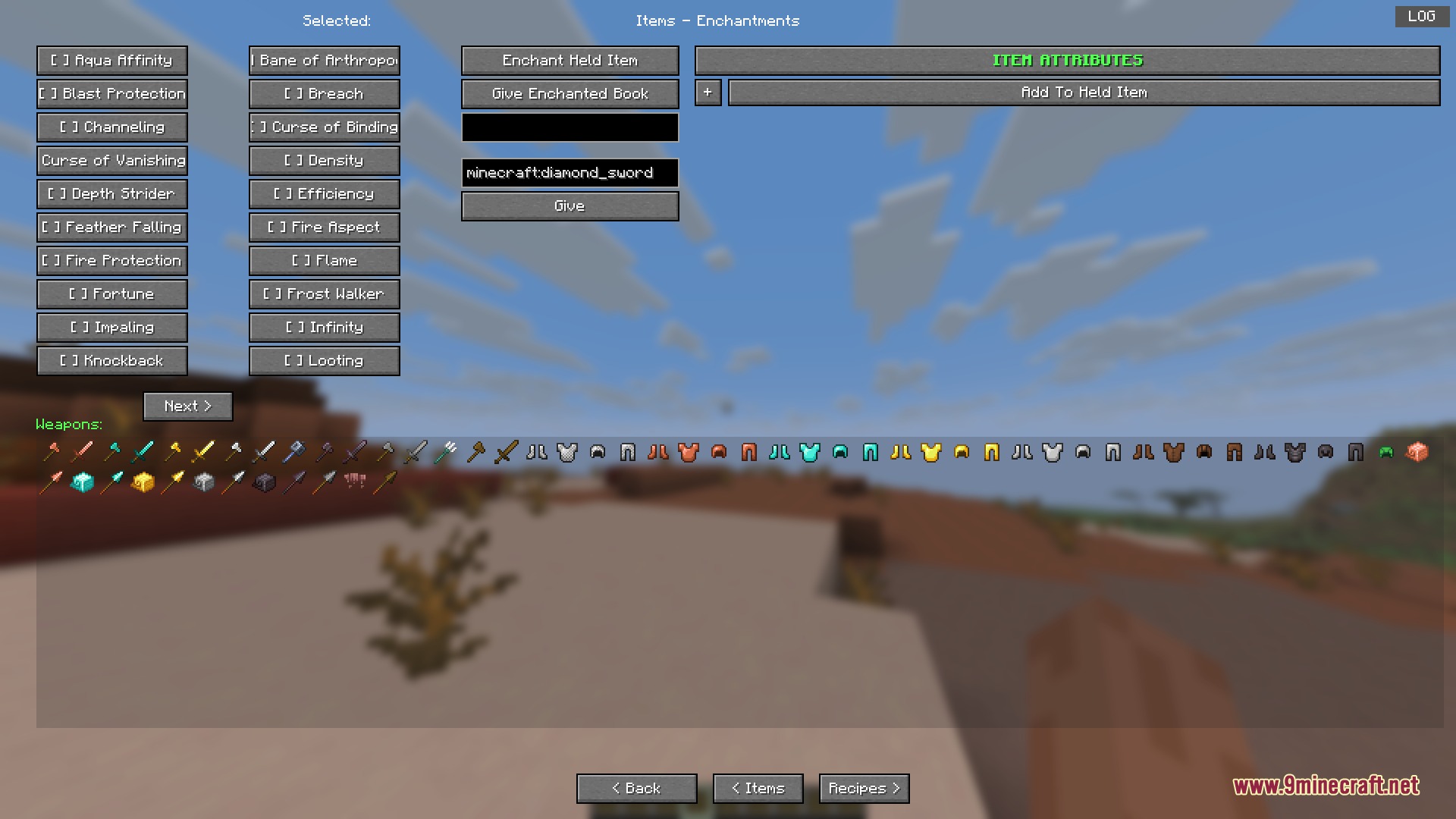
Open the mod menu, go to the item management tab, find your item in the grid, and use the input field to set the stack size before clicking to give it to yourself.
See all 10 Admin Command Tool questions ›
Gallery
9 images from the Admin Command Tool Mod page.
You May Also Like
Wikis that share the most with this one
Wikis on the same theme: world
More mod wikis on the site
The most downloaded mods that have a wiki here
A few wikis from each of the other kinds