DownloadFlux Core Command
Get the files on 9Minecraft
Guides
Step-by-step, in-game.
Connect Redstone Signals Without Running Long WiresPlacing Redstone Links in Your Dashboard Instead of running redstone wire across your base, place Redstone Links…Set Up Batch Crafting for Efficient ProductionUnderstanding Batch Crafting Batch crafting pulls multiple sets of ingredients at once when your stock is ready.…Set Up Your First Factory Controller DashboardPlacing and Opening the Controller Place a Factory Controller block in your factory area. This single block will…Use Multi-Select to Reorganize Your Dashboard LayoutEntering Multi-Select Mode Hold Ctrl and drag your mouse cursor across the dashboard to select multiple components at…
Recipes
Every recipe the mod adds, grouped by how it is made.
Items
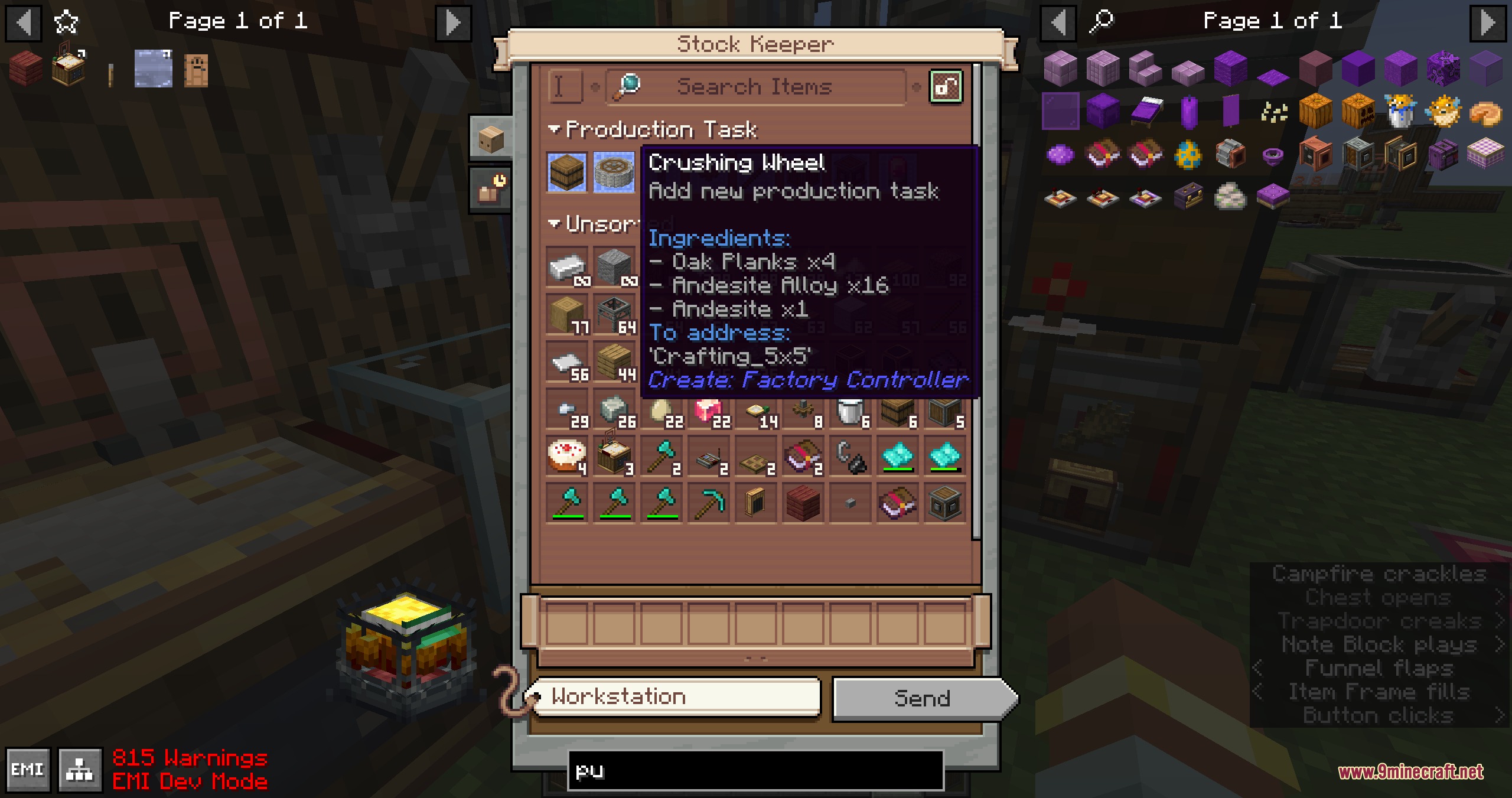
 Add new production task
 Arithmetic Tube
 Custom Arrangement
 Cut Amethyst
 Fluid Filter
Blocks
 Factory Controller
Configuration
Every setting in the mod config file, with what it changes.
| Option | What it does |
|---|---|
check_ingredients[Experimental] Check Ingredients on Send | Show whether the network has enough ingredients to produce an order when hovering the Stock Keeper's Send button. Requires both the client and server config enabled. |
passive_total_demand[Experimental] Full Passive Demand Strategy | Each passive gauge's target storage is sized to the total remaining downstream demand, so the whole chain stays active and produces continuously. Warning: this strategy could overload your logistics network if the system cannot handle the load! |
always_show_labelAlways Show Label | Show the count label on every gauge in the controller interface, instead of only the hovered gauge. |
compact_recipe_count_fontCompact recipe count font | Draw input/output item counts in the recipe config screen with Create's compact number sprite (the same glyphs as the stock icon) instead of the vanilla item-count font. |
colored_connected_component_outlinesConnected-component outlines | Show outlines on components connected to the hovered component in the Controller GUI. |
connection_tooltip_delayConnection tooltip delay | Delay in milliseconds before a hovered connection's tooltip appears. |
controller_backgroundController background texture | Background texture path of Controller Screen. The texture file must locate in 'createfactorycontroller/textures/gui/controller_background/' path, and in 16 pixel resolution. |
max_componentsController Capacity | Maximum number of components a single Factory Controller may hold. Higher values increase the controller's saved data and its GUI sync packet size. |
dynamic_label_scalingDynamic gauge count label scaling | Shrink a gauge's count label when it is too wide for the gauge. |
enable_smooth_animationEnable smooth animation | Show smooth transition animations (such as selected target components) in the Controller GUI. |
hide_missing_link_warningHide missing-link warning | Hide unloaded logistics-link warning indicators in the Controller GUI. |
max_craft_gridMax Crafting Grid Size | Largest mechanical-crafter grid a recipe may be selected in the recipe configuration screen. |
order_from_material_listOrder From Material List | When right-clicking a Stock Keeper with a material list (clipboard), request a Production Order for any listed item that is short in stock but producible by an orderable gauge on the network. |
preserve_controller_dataPreserve controller data in item | Keep a Factory Controller's board setup on the dropped item when broken, and restore it when re-placed. When off, the controller drops empty and its gauges drop as separate items. |
show_redstone_link_signal_strength_labelShow Redstone Link signal strength label | Show the current signal strength on Redstone Link components in the Controller GUI. |
upscale_background_textureUpscale background texture | Upscale controller background texture tiles to 2x2 component size. |
Frequently asked questions
How do I start using Flux Core Command Mod?
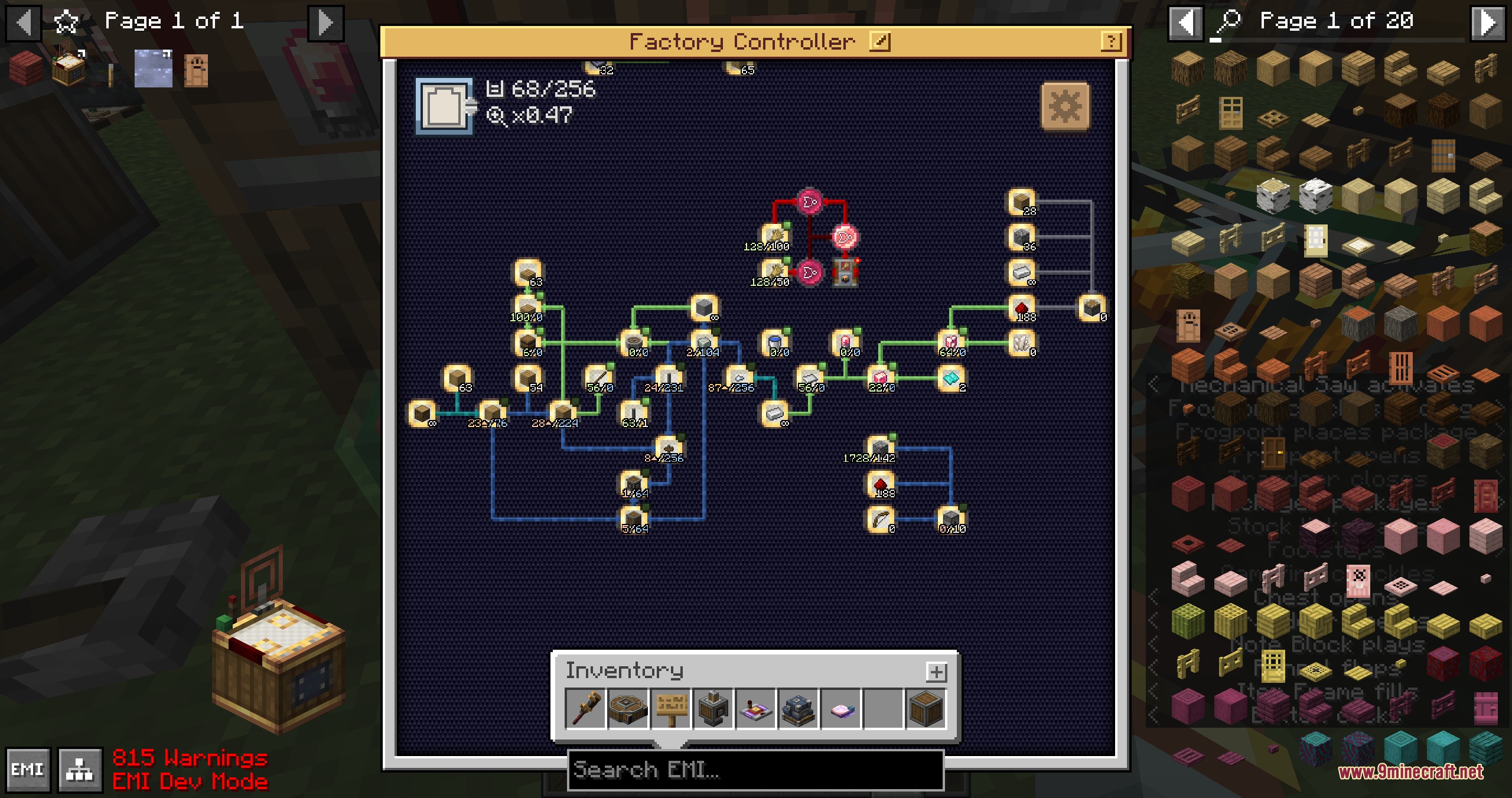
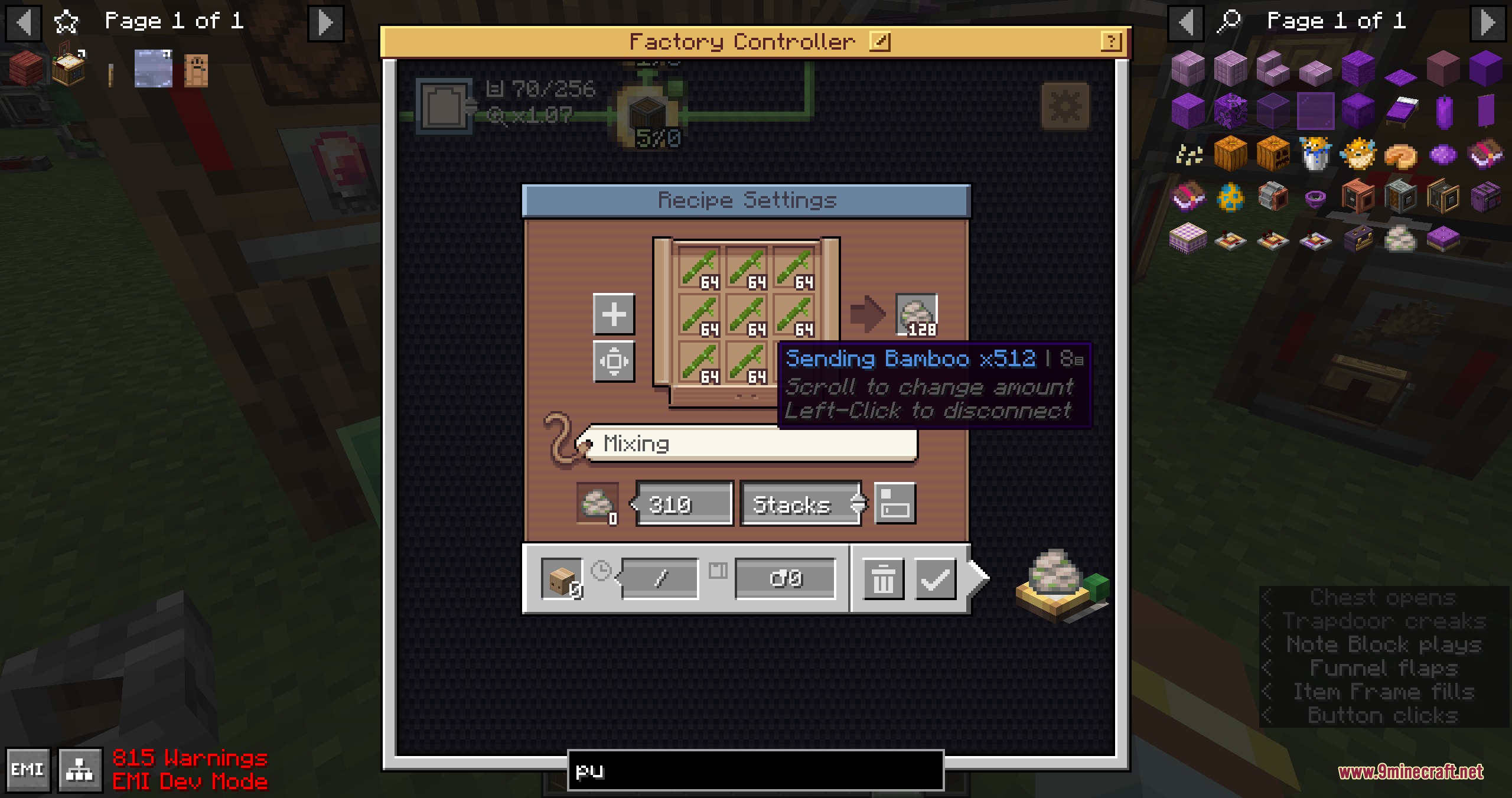
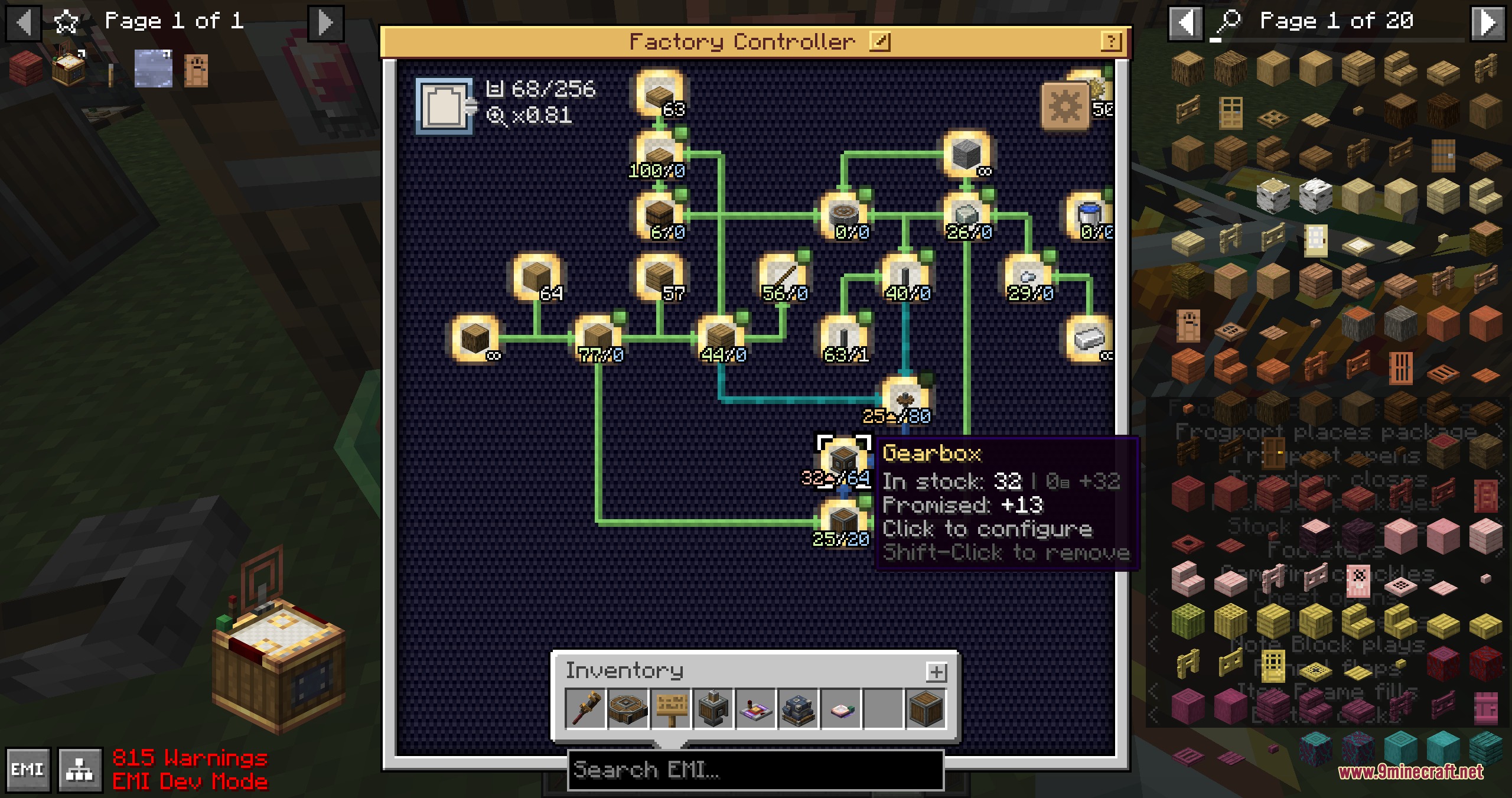
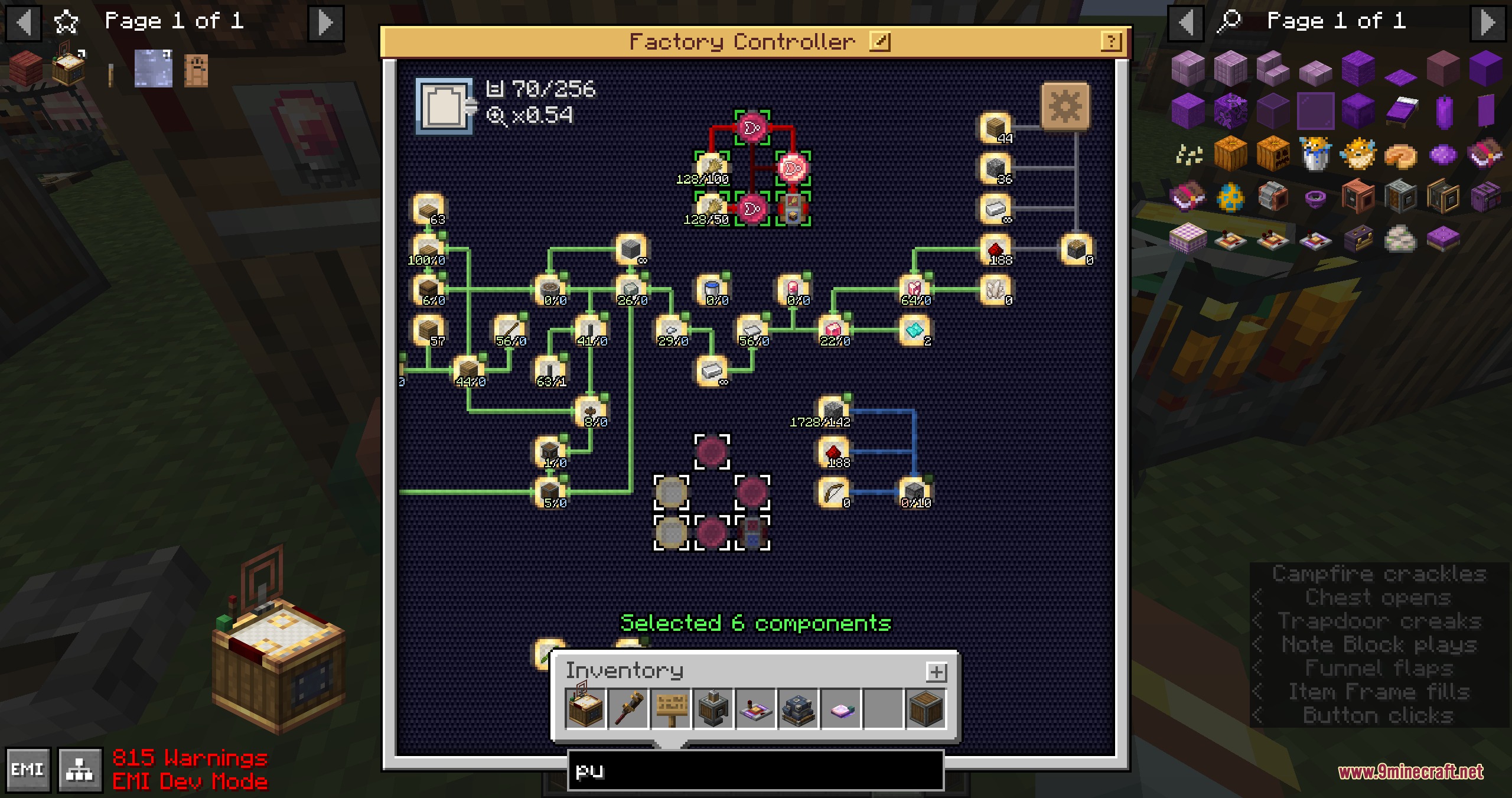
Place a Factory Controller block in your factory, then right-click it to open the virtual dashboard. From there, you can place gauges, redstone links, and electron tubes onto the grid just like you would on a physical wall, but everything stays organized inside one block.
Can I import my existing gauge wall into the controller?
Yes, the mod lets you import existing physical gauge walls directly into the virtual controller screen. This means you don't have to rebuild your entire setup from scratch.
How do I connect multiple gauges together inside the dashboard?
Place your gauges on the grid, then click on them to configure their inputs and outputs. Use the connection system to link gauges to each other and to your delivery networks—you can customize arrow paths to keep things tidy.
What's the difference between batch crafting and follow demand mode?
Batch crafting pulls multiple sets of ingredients at once when stock is ready, useful for bulk production. Follow demand mode only triggers item creation when current stock runs low, which prevents your chests from filling with unnecessary intermediate items.
Can I control the factory controller with redstone signals?
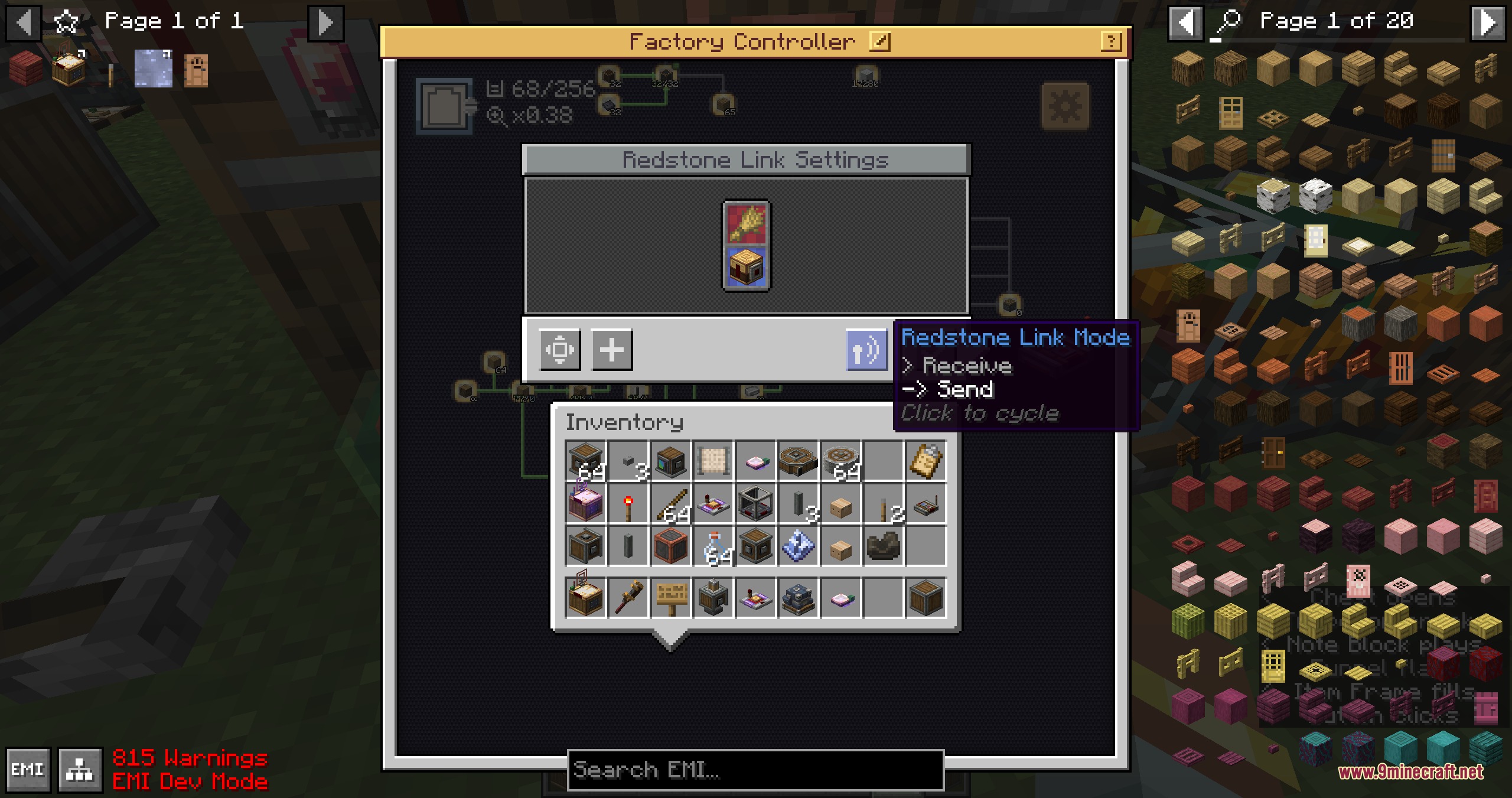
Yes, you can disable every connected gauge at once using an external redstone signal. You can also place Redstone Links and Electron Tubes inside the dashboard to handle logic gate signals without running long wires across your base.
How do I reorganize multiple components at once?
Hold Ctrl and drag your mouse cursor to select multiple components, then move them together. Multi-select mode also lets you delete groups of parts quickly.
Can I save my dashboard layout and reuse it elsewhere?
Yes, you can save your gauge setups into blueprints for quick placement elsewhere. This is useful if you have multiple similar production lines in your base.
What does 'promise limits' do and why would I use it?
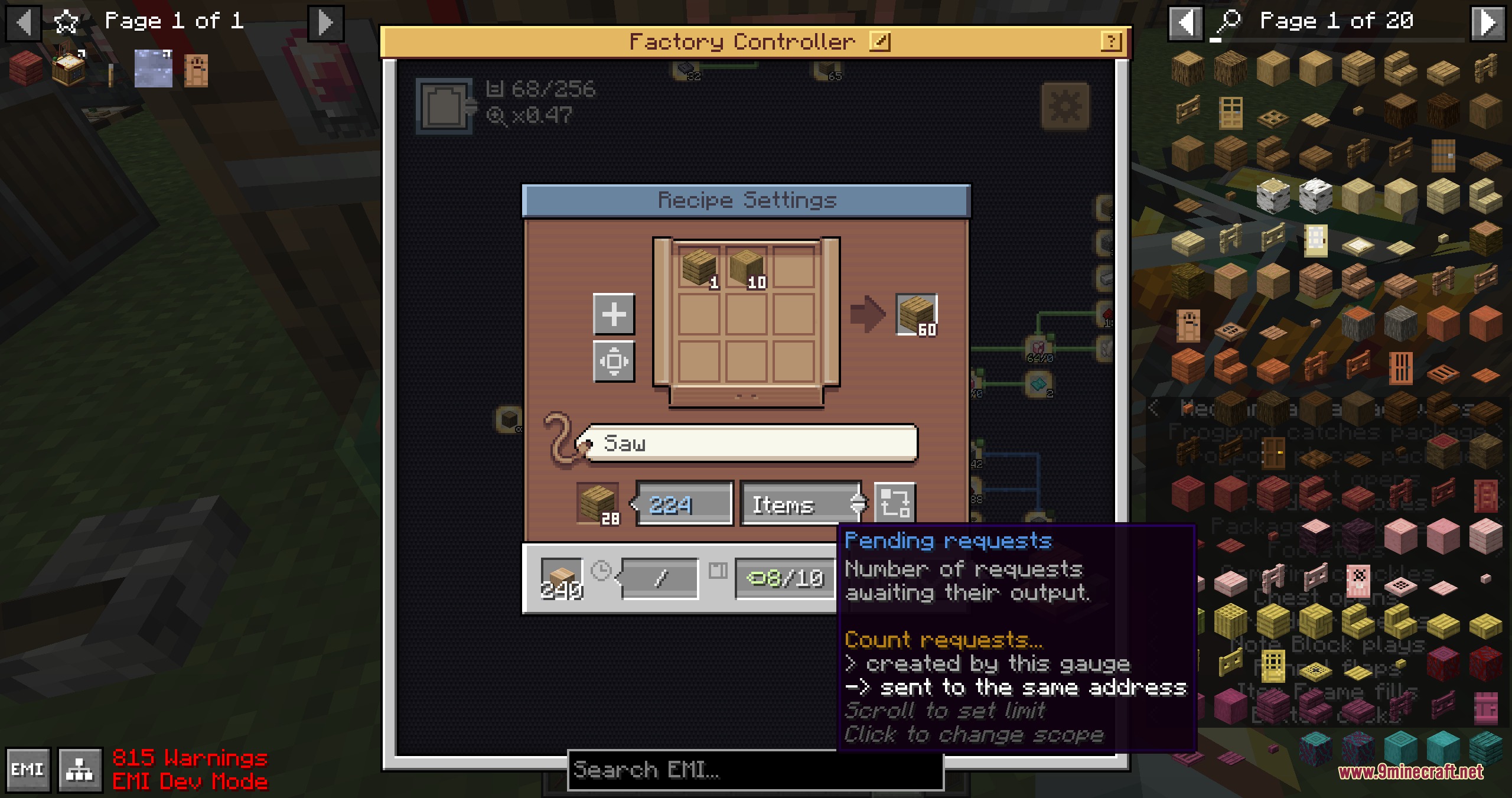
Promise limits prevent gauges from creating too many pending delivery requests at once. This stops your logistics network from getting overwhelmed with too many crafting jobs queued up simultaneously.
Does this mod work with Create's display links?
Yes, the controller connects with display links to show factory data on display boards, so you can monitor your production from anywhere in your base.
Can I make the mechanical crafting grid bigger?
Yes, this mod expands mechanical crafting grid setups up to a ten by ten area, giving you much more space for complex recipes compared to the default size.
You May Also Like
Wikis that share the most with this one
More mod wikis on the site
The most downloaded mods that have a wiki here
A few wikis from each of the other kinds
Gallery
9 images from the Flux Core Command Mod page.