DownloadTraveler Tool Belt
Get the files on 9Minecraft
Guides
Step-by-step, in-game.
How to Configure Which Items Your Belt Can HoldAccessing the Config File By default, your Tool Belt holds any non-stackable items (like tools, weapons, and armor).…How to Position and Customize the Belt Overlay DisplayAdjusting Overlay Position The belt overlay shows your stored items on screen. You can move it to avoid blocking…How to Upgrade Your Tool Belt to Maximum CapacityCrafting Better Belt Tiers Your Tool Belt starts with only 2 storage slots, but you can craft upgraded versions to…How to Use the Radial Menu for Quick Tool SwappingOpening the Radial Menu The radial menu lets you select tools without opening your full inventory, making combat and…
Recipes
Every recipe the mod adds, grouped by how it is made.
Items
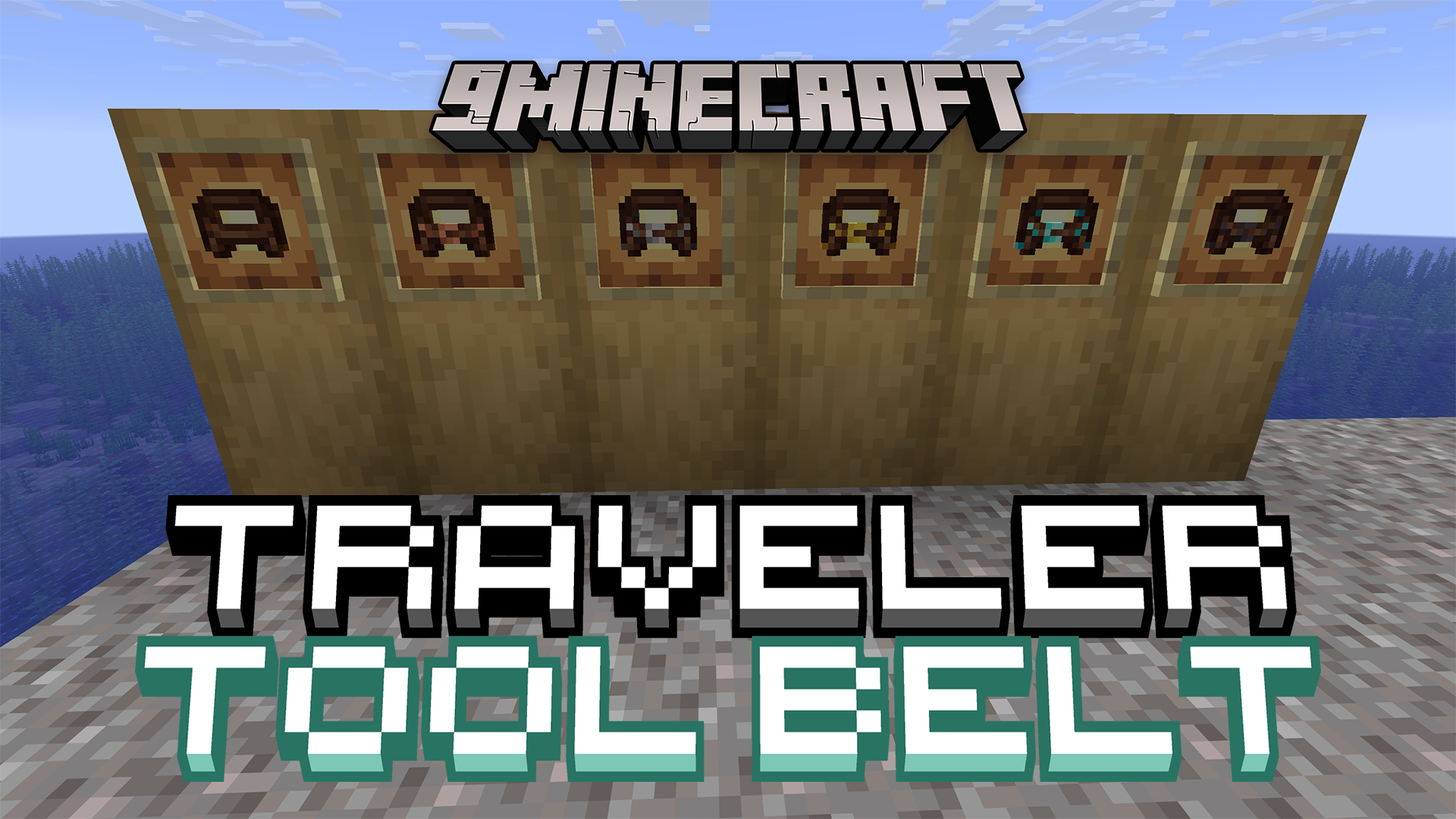
 Copper Tool Belt
 Diamond Tool Belt
 Gold Tool Belt
 Iron Tool Belt
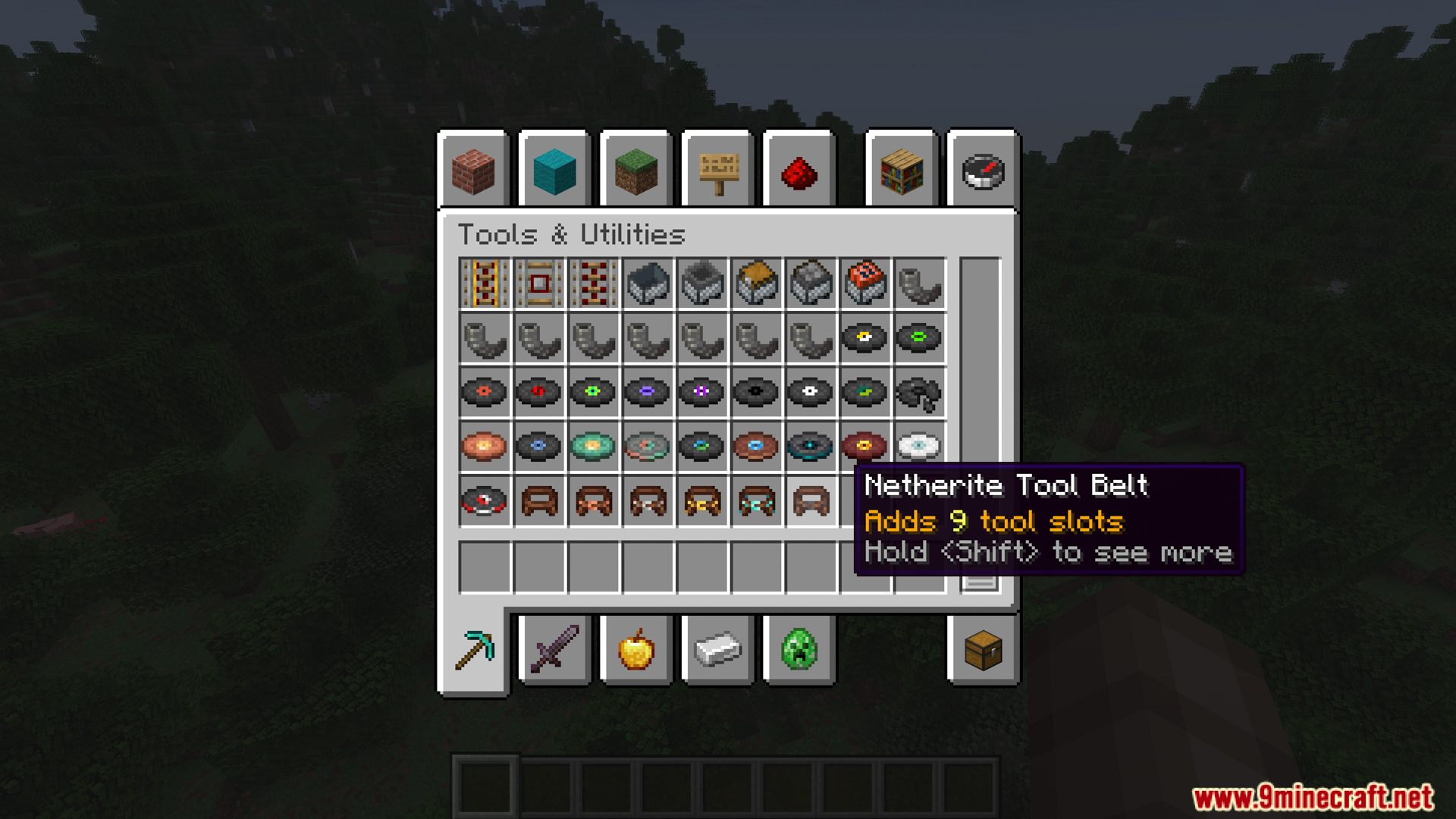
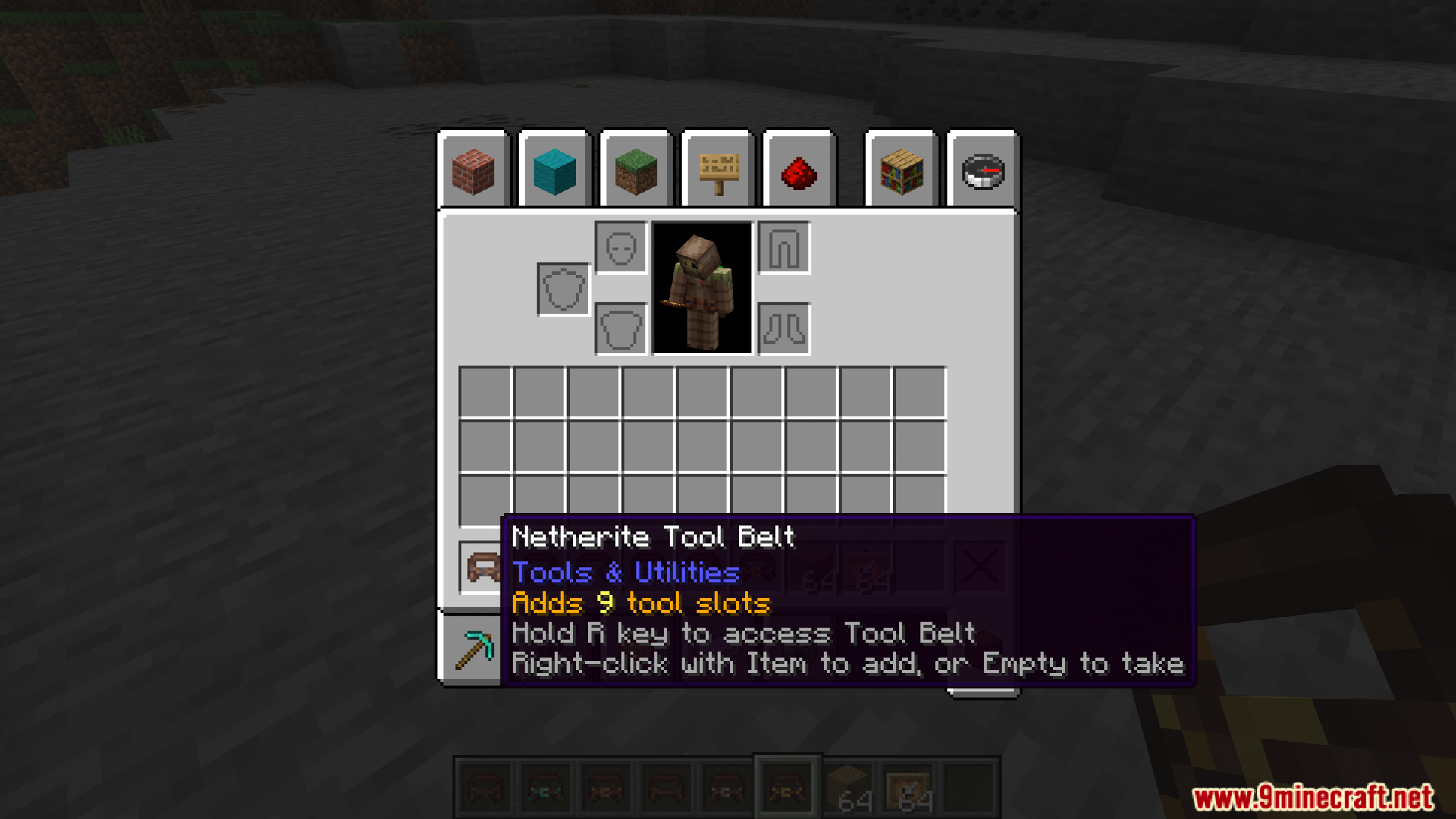
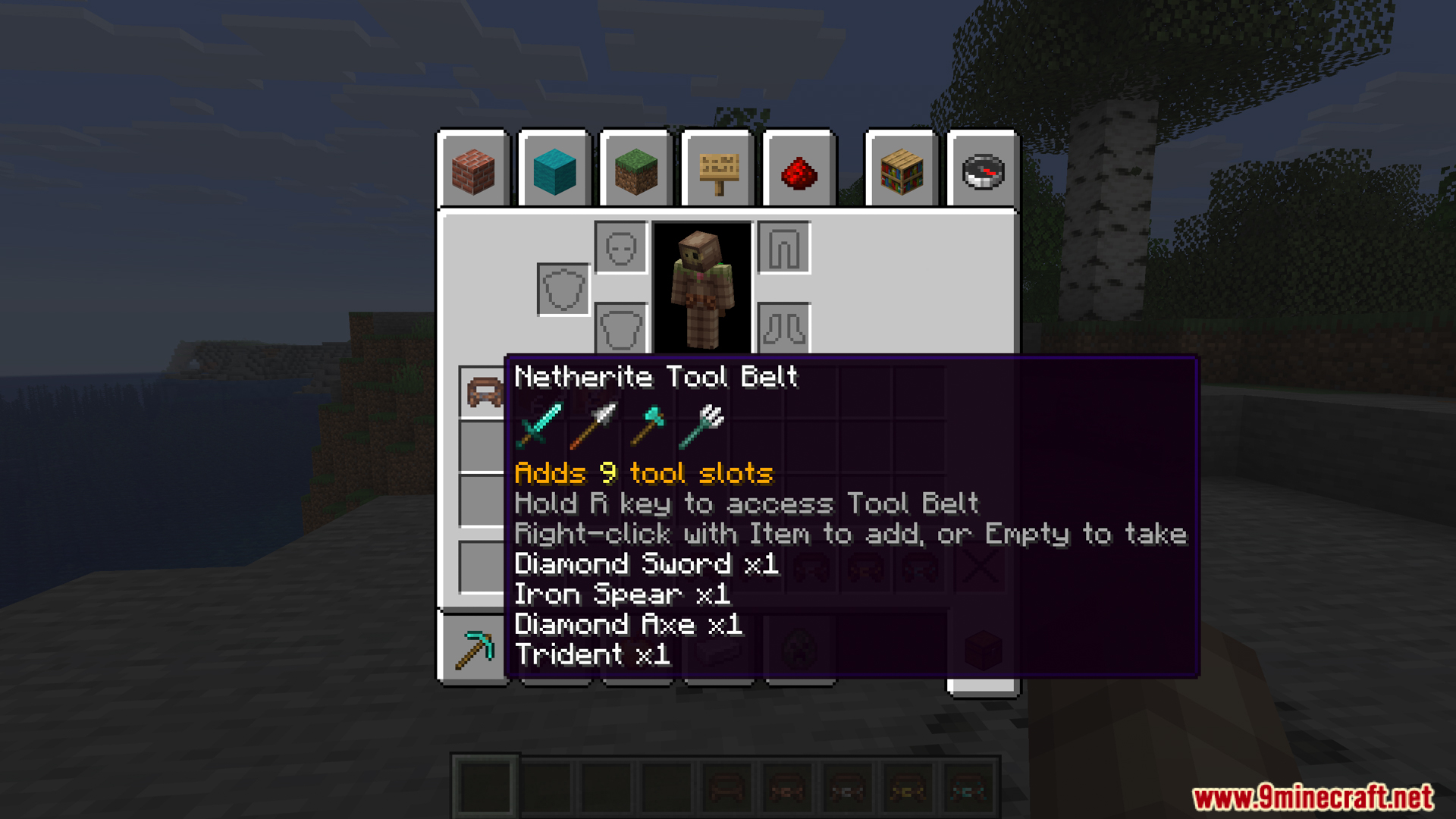
 Netherite Tool Belt
 Tool Belt
Configuration
Every setting in the mod config file, with what it changes.
| Option | What it does |
|---|---|
allowAllItems | Allow All Items |
allowAllNonStackableItems | Allow All Non-Stackable Items |
allowHotbarScrolling | Allow Hotbar Scrolling |
slotCount | Belts Slot Count |
blacklist | Blacklist |
client | Client |
copperSlotCount | Copper |
diamondSlotCount | Diamond |
displayEmptySlots | Display Empty Slots |
goldSlotCount | Gold |
holdToOpen | Hold to Open |
ironSlotCount | Iron |
leatherSlotCount | Leather |
netheriteSlotCount | Netherite |
opacity | Opacity |
server | Server |
showTooltip | Show Tooltip |
swapOnClose | Swap on Close |
whitelist | Whitelist |
offsetX | X Offset |
offsetY | Y Offset |
Frequently asked questions
How do I craft my first tool belt?
Craft a basic Tool Belt using leather and other common materials in a crafting table. Once you have it, equip it in your belt slot (via Curios/Trinkets/Accessories if installed, or it will work from your inventory otherwise).
What's the difference between the belt tiers?
Each belt tier holds more slots—the basic belt starts with 2 slots, and you upgrade it by crafting better versions in the crafting table, eventually reaching 9 slots at maximum tier.
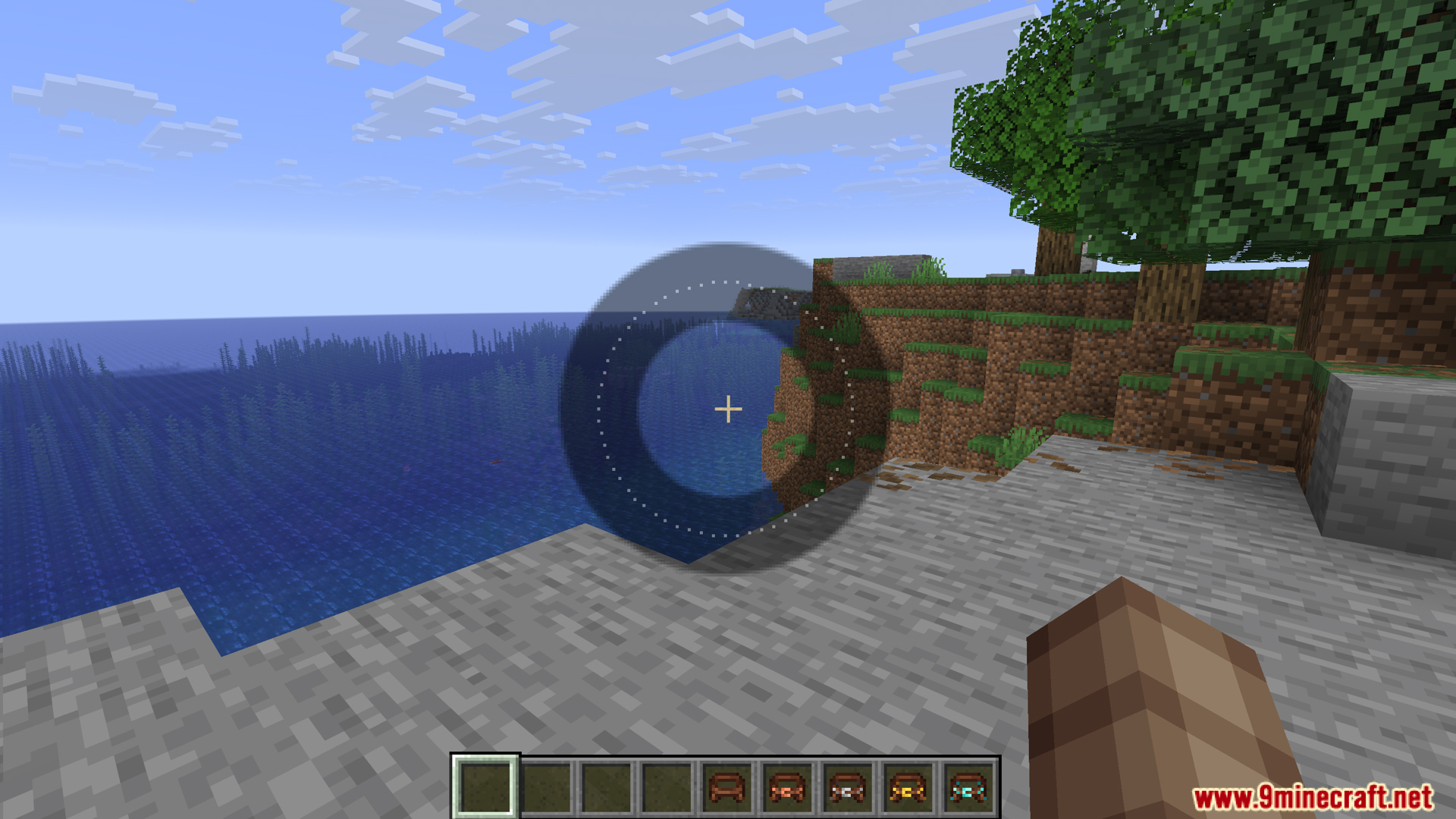
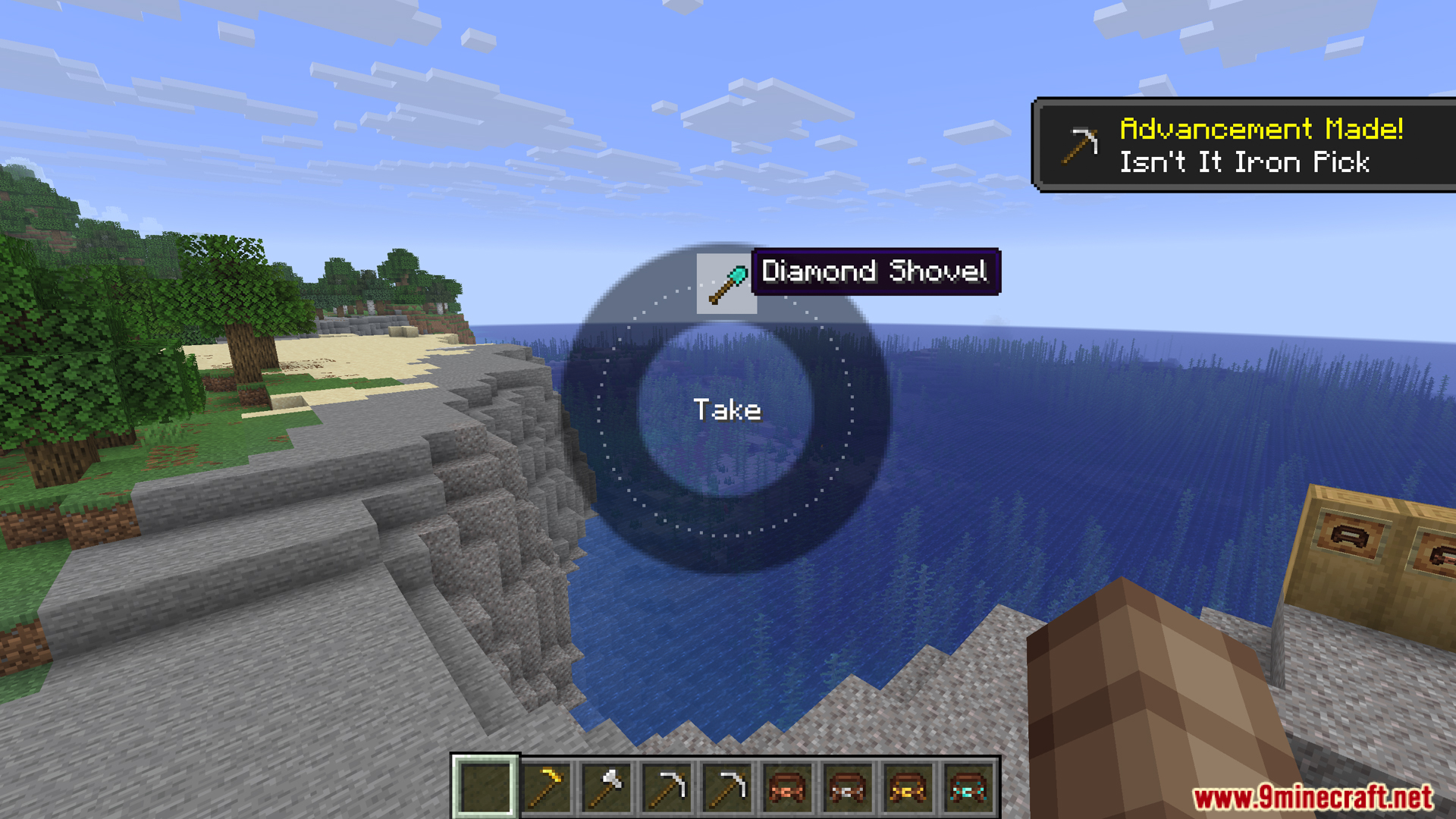
How do I open the radial menu?
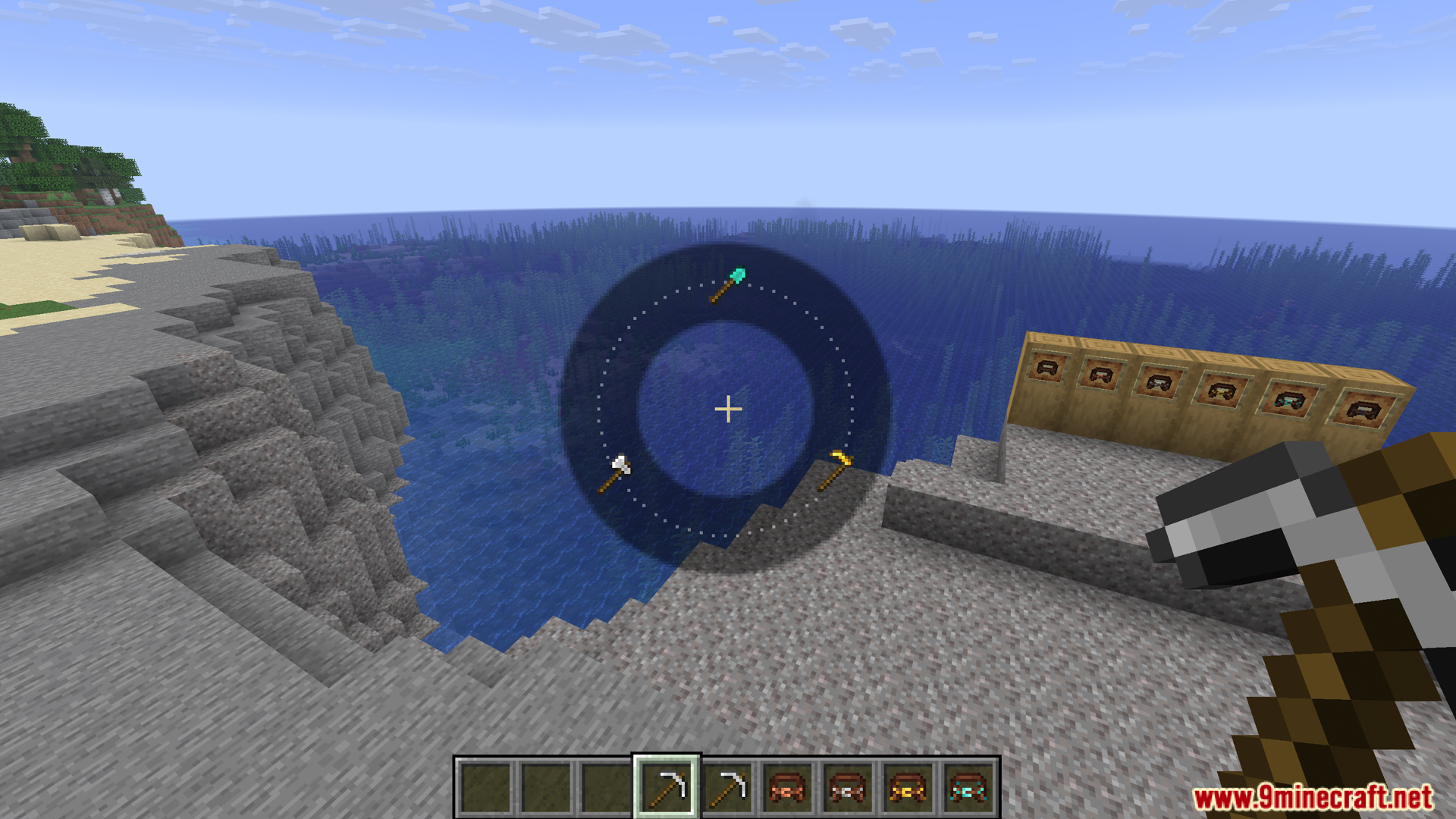
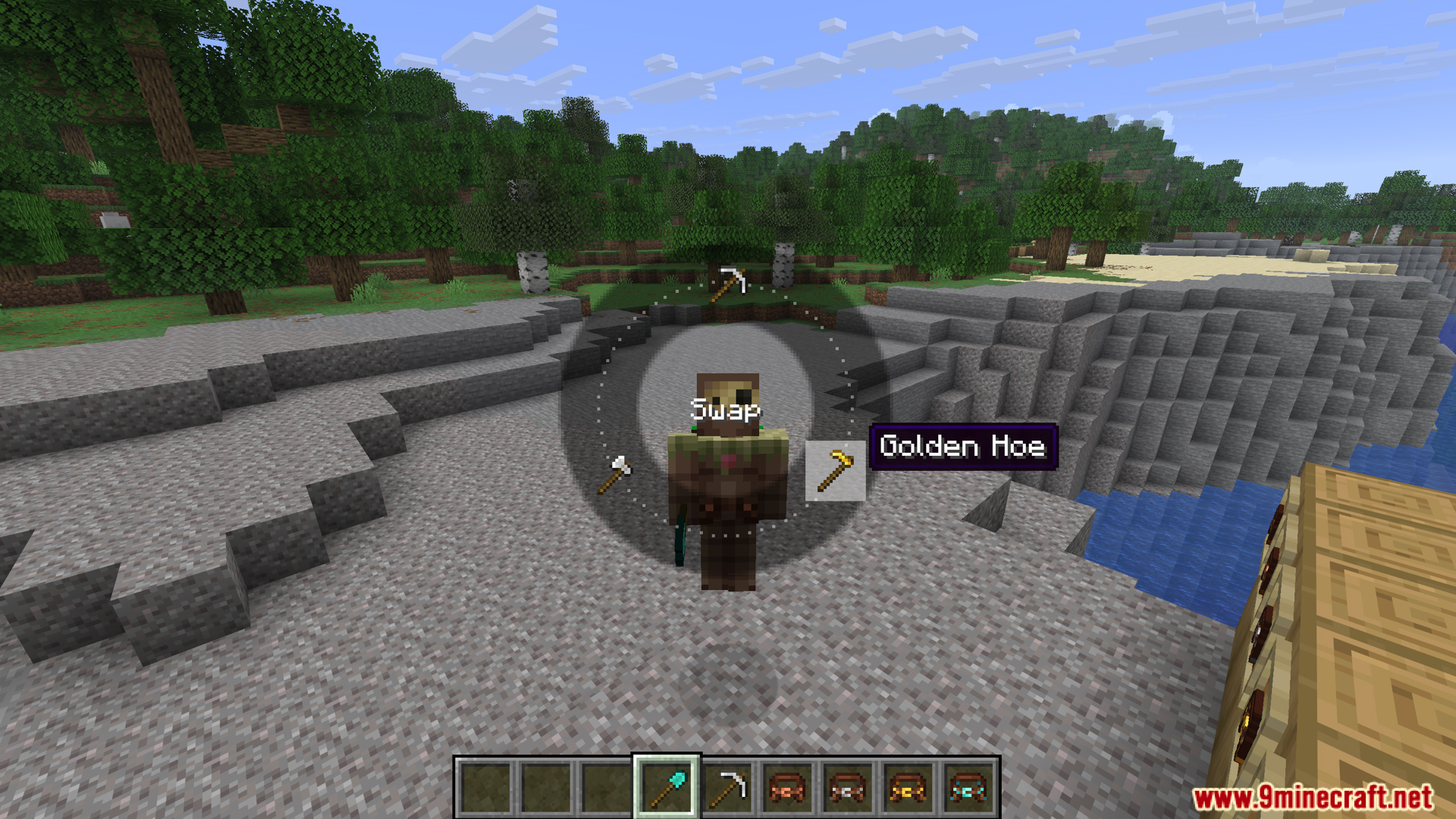
Hold down the R key (by default) to open the radial menu, then move your mouse to select a tool and release to equip it instantly without opening your inventory.
Can I change the radial menu hotkey?
Yes, the R key is configurable—open your mod config file and change the keybind setting to whatever you prefer.
What items can I store in my belt?
By default, the belt holds any non-stackable items (like tools, weapons, and pickaxes), but you can customize which items are allowed by editing the config file.
Does the belt work without Curios or Trinkets installed?
Yes, if those mods aren't installed, the belt will still function and you can access it directly from your inventory, though it won't render on your character model.
Where is the belt overlay displayed and can I move it?
The overlay appears on your screen by default, and you can reposition it and adjust its opacity through the config file settings.
Why isn't my belt rendering on my character?
The belt only renders visually if you have Curios API, Trinkets, or Accessories installed and the belt is equipped in the belt slot; without these mods, it functions but won't show on your model.
Can I use the belt while in combat or while my inventory is open?
You can use the radial menu to swap tools quickly at any time, including during combat, without needing to open your inventory.
Does this mod affect performance or cause lag?
The mod is lightweight and shouldn't cause noticeable performance issues; if you experience lag, check your config settings and ensure your graphics card can handle the character model rendering.
You May Also Like
Wikis that share the most with this one
Wikis on the same theme: storage
More mod wikis on the site
The most downloaded mods that have a wiki here
A few wikis from each of the other kinds
Gallery
11 images from the Traveler Tool Belt Mod page.