

 DownloadNix Stats Mod
Get the files on 9Minecraft
Guides
Step-by-step, in-game.
Monitor Advancement Progress on Your SidebarAdd an Advancement Tracker 1. Open the sidebar editor menu 2. Click Add Stat and select the advancement category from…Set Up a Phantom Spawn Timer on Your SidebarAccess the Sidebar Menu Press the mod's menu key (default: configurable in settings) to open the overlay editor.…Track Multiple Statistics at OnceOpen the Sidebar Editor Access the mod menu to view your current overlay configuration and the stat management panel.…Use the Mod on Multiplayer ServersClient-Side Installation The Nix Stats Mod runs entirely on your client, meaning you can use it on any vanilla server…
Frequently asked questions
How do I open the Nix Stats menu?
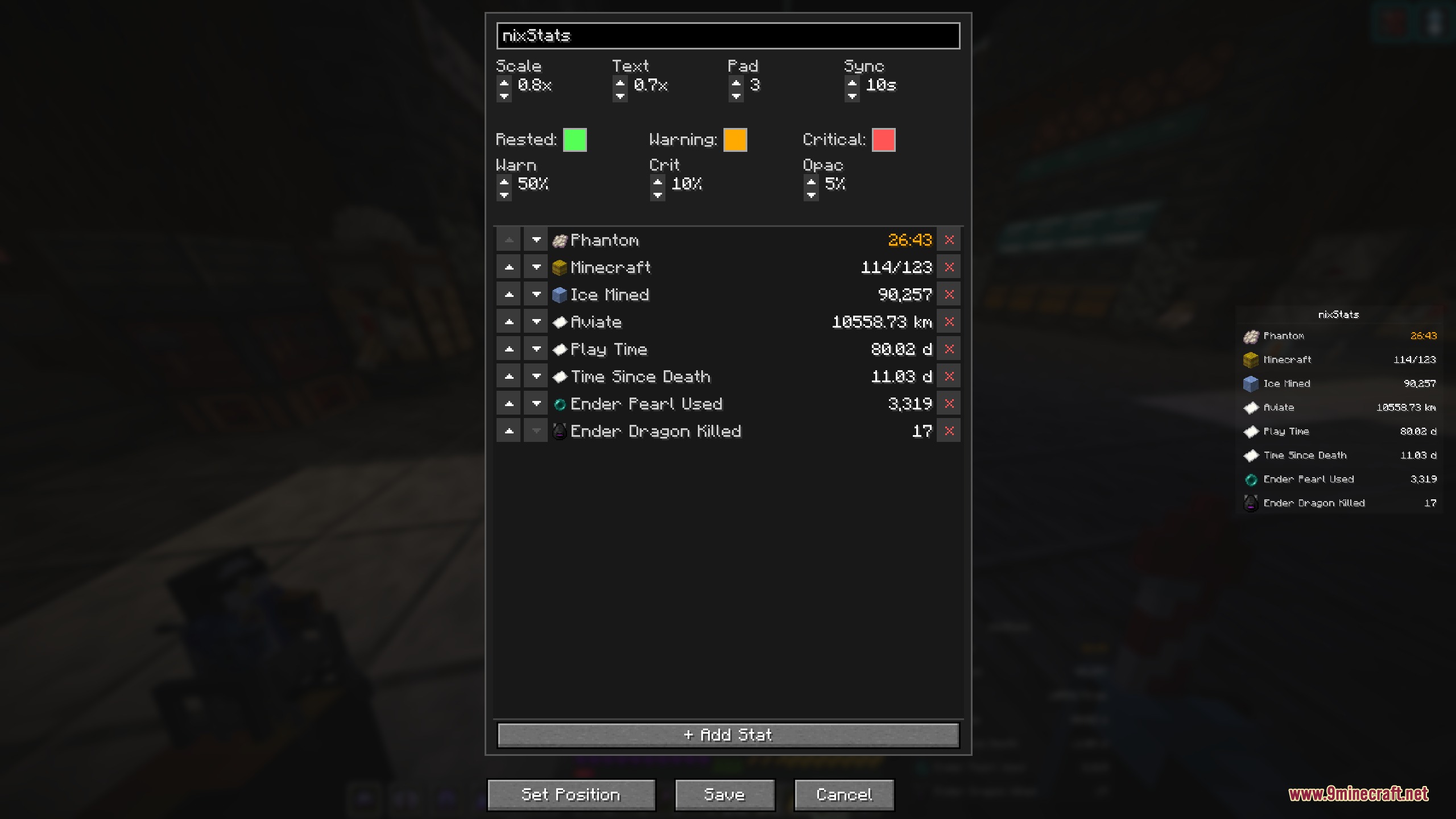
Press the configured keybind (default varies by mod loader) to open the in-game settings menu. From there you can add, remove, and customize sidebar widgets without pausing the game.
Can I use this mod on a multiplayer server?
Yes, Nix Stats is entirely client-side, so it works on any multiplayer world or server without requiring the server to have the mod installed.
How do I add a phantom spawn timer?
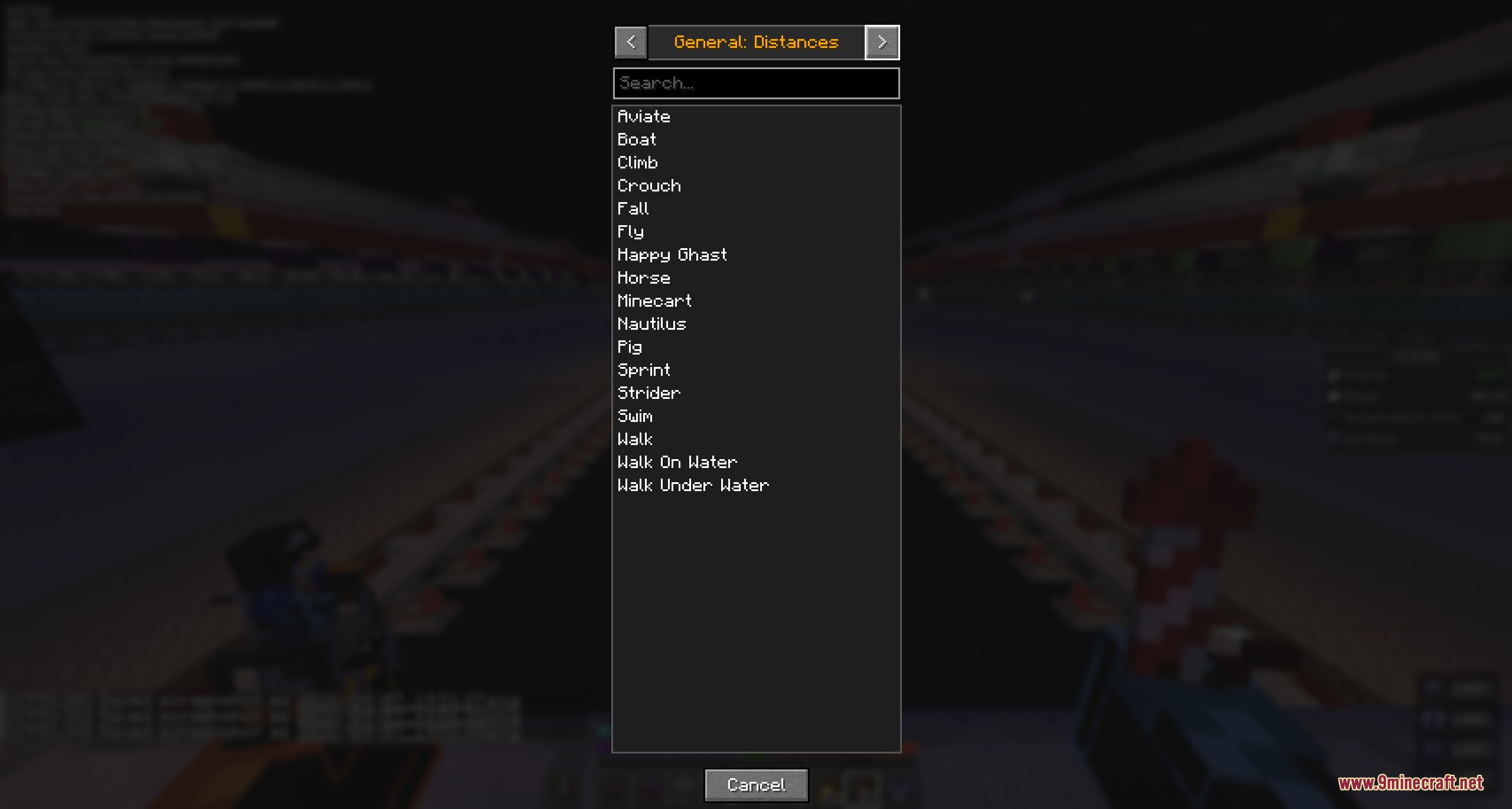
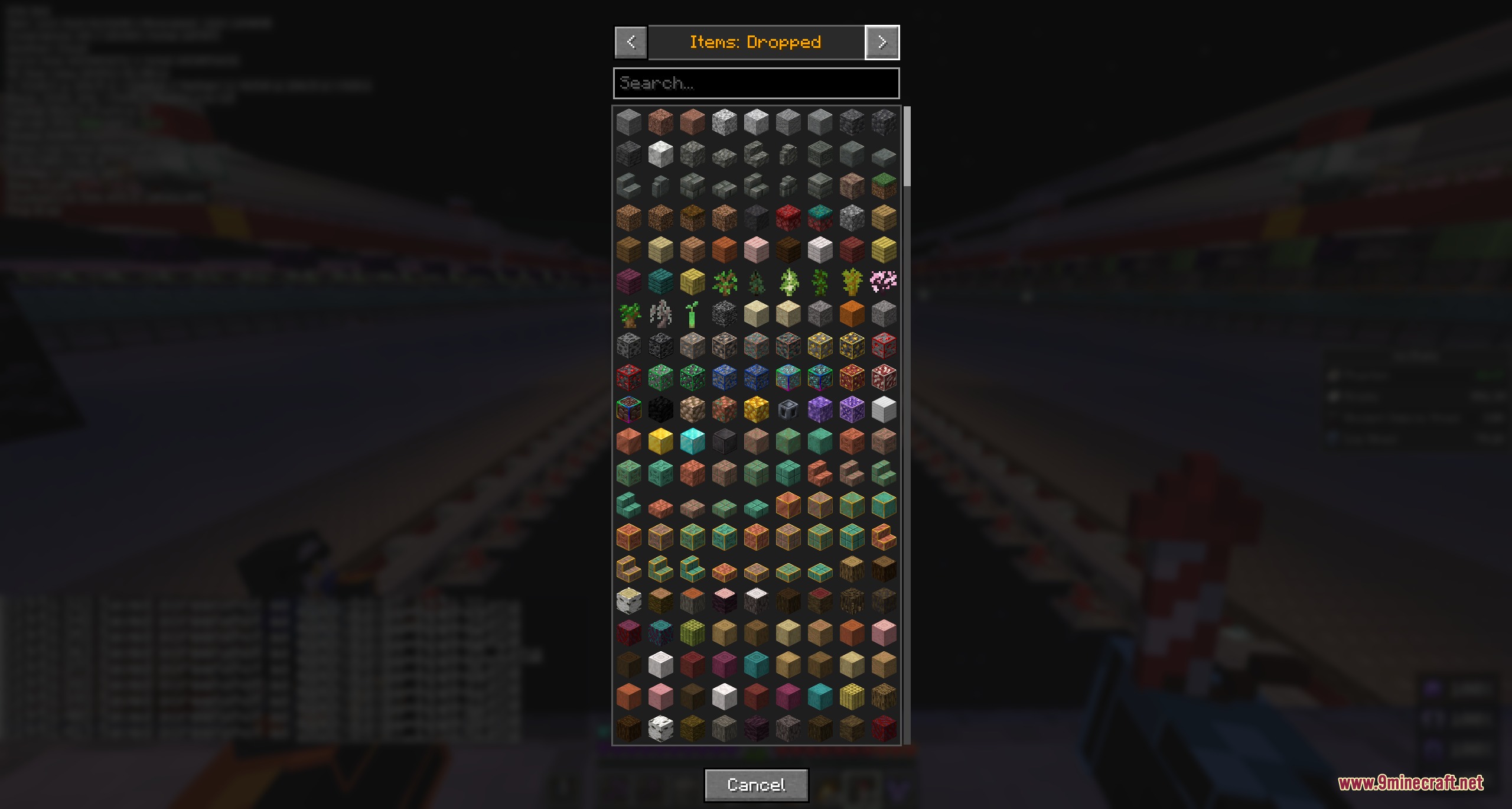
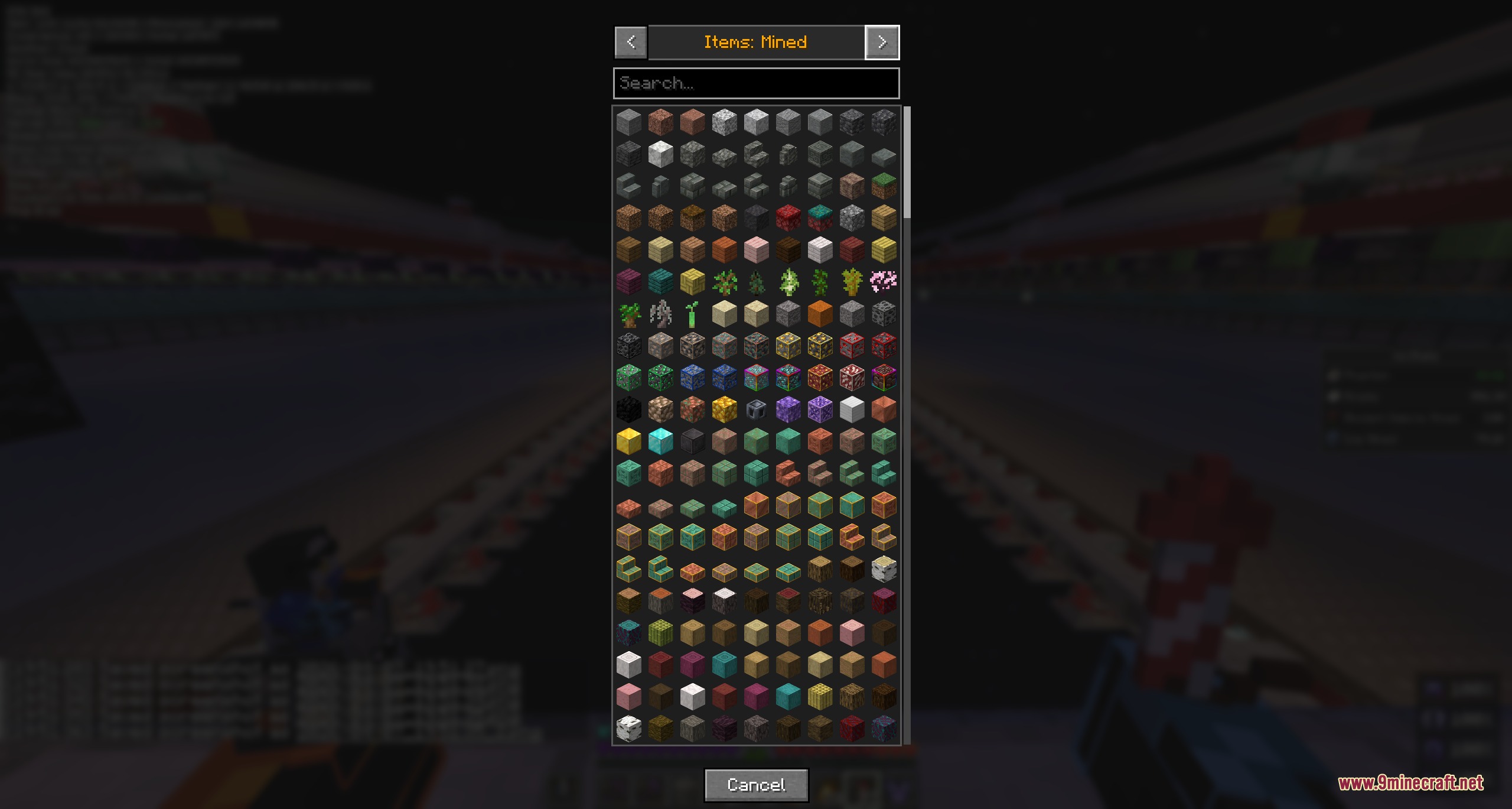
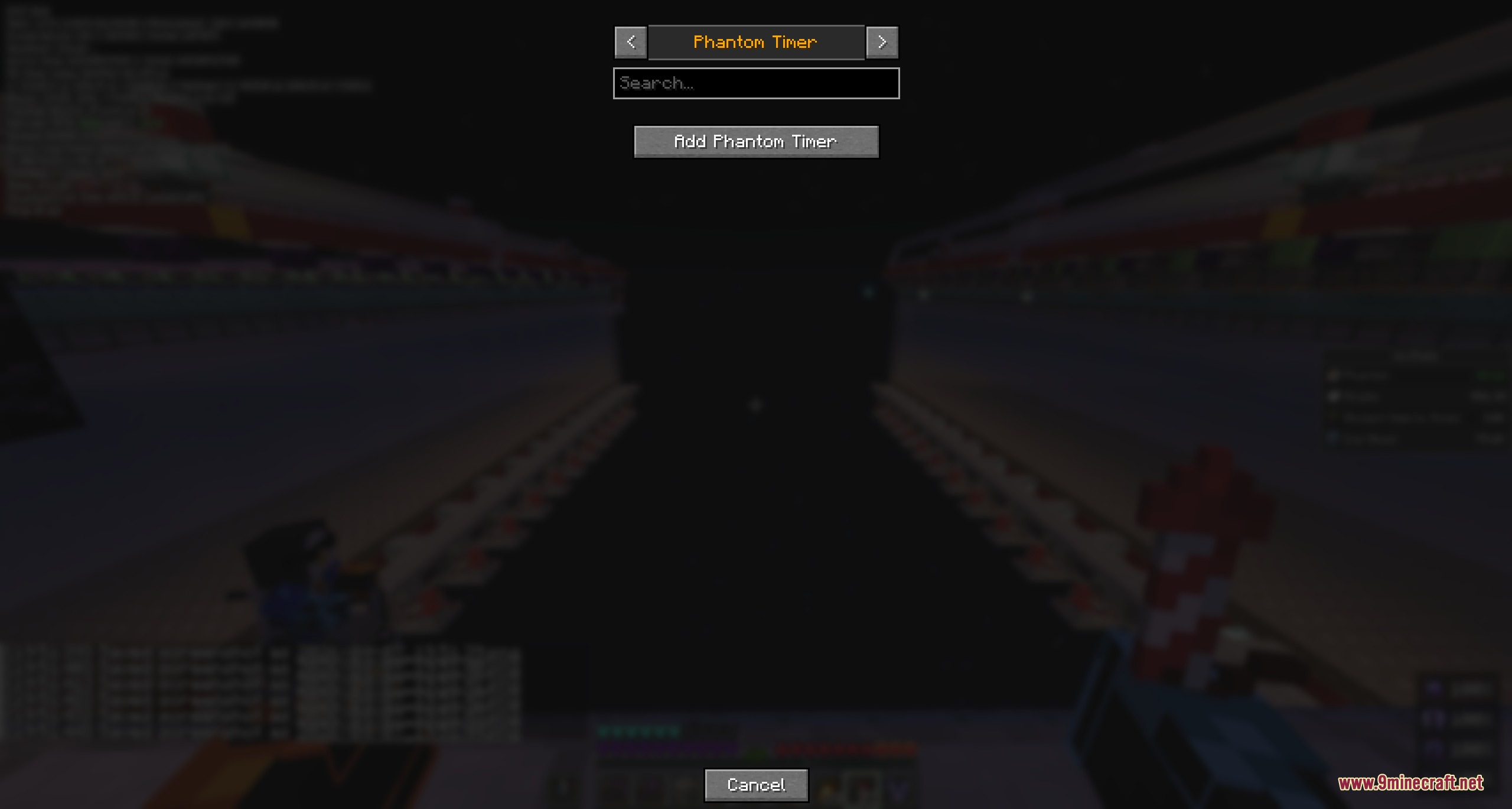
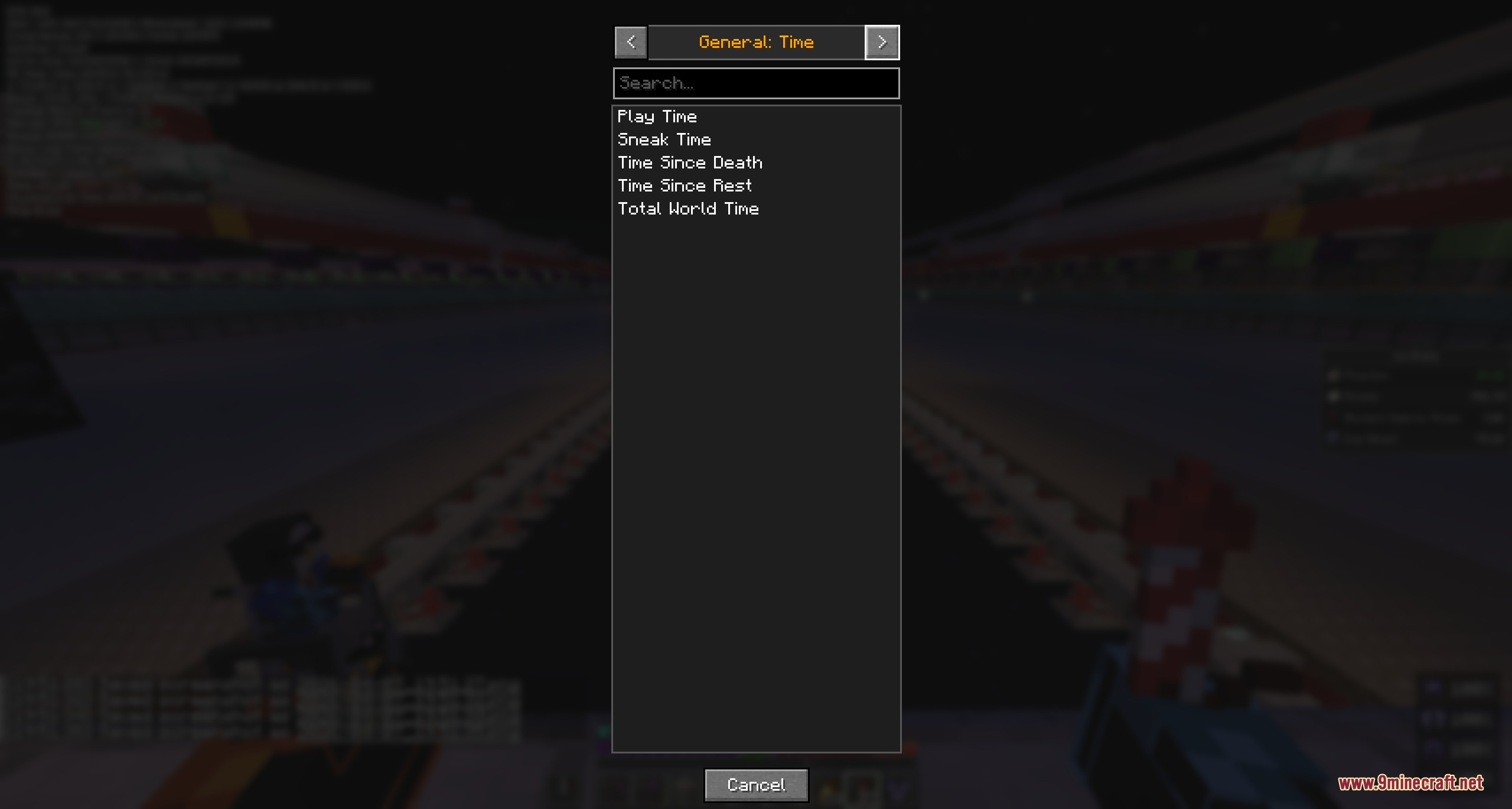
Open the mod menu, select the option to add a new stat, then choose the insomnia/phantom-related statistic from the visual picker. The timer will display the countdown and change color as you approach the spawn threshold.
Can I track stats from other mods?
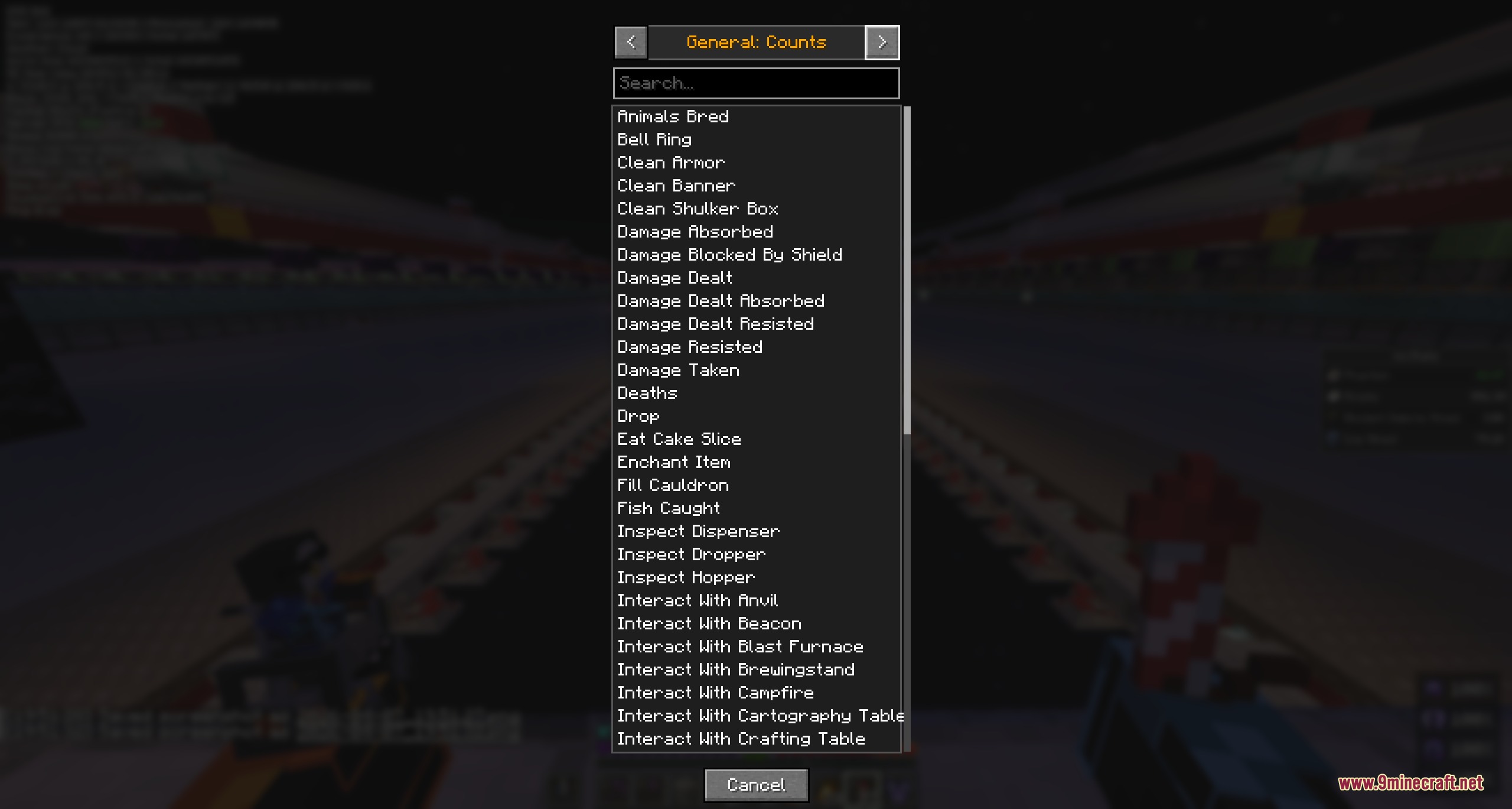
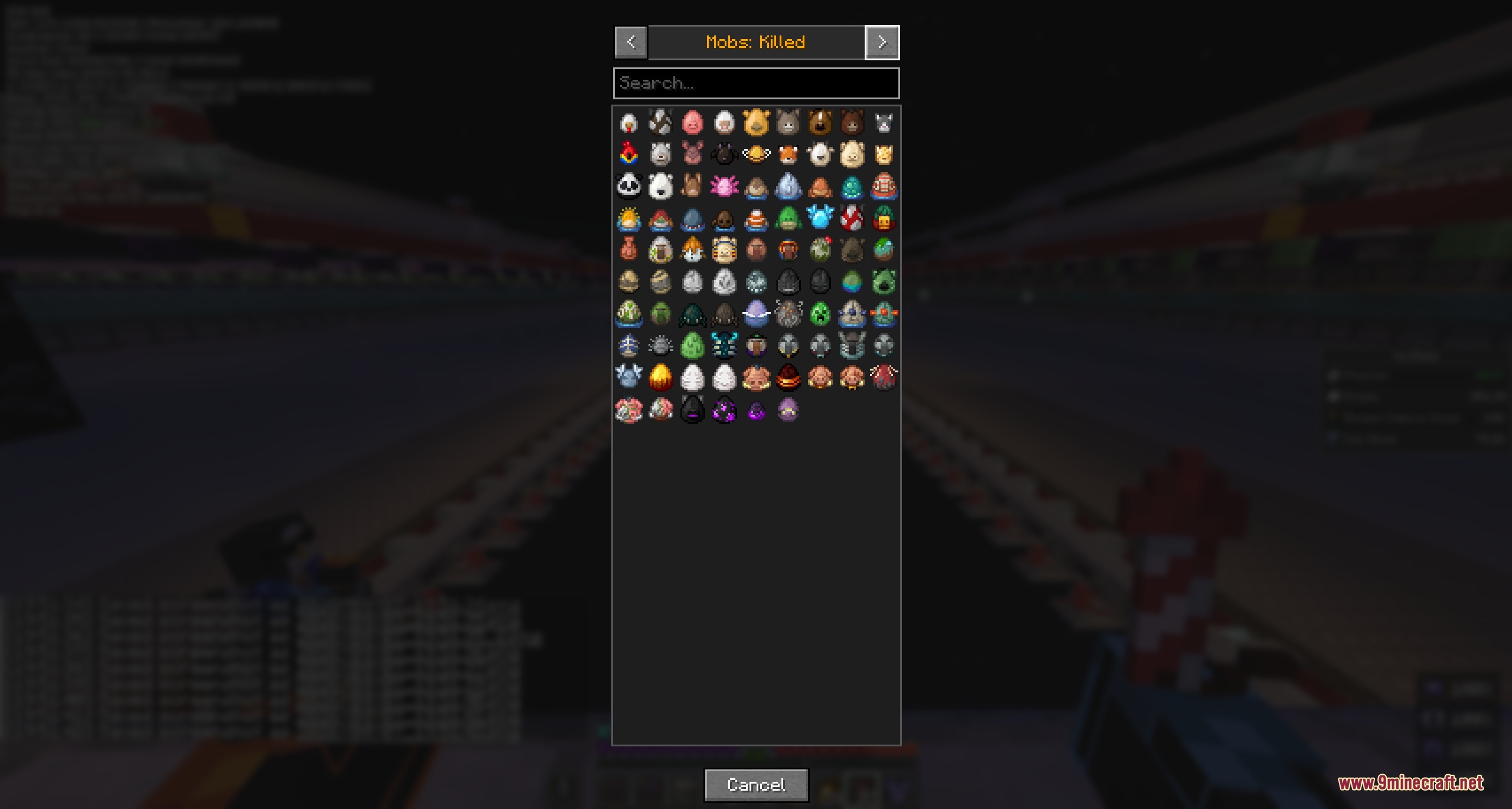
Yes, the visual stat picker includes both vanilla and modded statistics. If a mod adds custom stats, they will appear in the grid and can be selected just like vanilla stats.
See all 10 Nix Stats questions ›
Gallery
9 images from the Nix Stats Mod page.
You May Also Like
Wikis that share the most with this one
More mod wikis on the site
The most downloaded mods that have a wiki here
A few wikis from each of the other kinds