

 DownloadStealth And Alert
Get the files on 9Minecraft
Guides
Step-by-step, in-game.
Escaping When You're SpottedImmediate Response When the HUD turns red, a mob has confirmed your location. Your first instinct should be to…Hiding Effectively in Different EnvironmentsTall Grass and Crawling Tall grass is your best friend for daytime stealth. When you crouch in tall grass, you become…Reading the Stealth HUD Circle to Stay HiddenUnderstanding the Color Zones The circular HUD around your crosshair is your primary tool for gauging detection risk.…Using Sound Distractions to Redirect MobsThrowing Items as Noise Makers The mod allows you to throw items to create sound distractions that pull enemy…
Recipes
Every recipe the mod adds, grouped by how it is made.
Items
 Clamor Bell [WIP]
 Debug Wand
 Flaw-Seeking Ring
 Music Disc
 Pebble
 Shadow Berries
 Shadow Crystal
 Shadow Crystal Dagger
 Shadow Crystal Shard
Blocks
 Deepslate Shadow Crystal Ore
 Pebble Block
 Shadow Crystal Ore
Enchantments
Enchantments this mod adds.
Vital PierceIncrease the assassination damage multiplier of the weapon.
Configuration
Every setting in the mod config file, with what it changes.
| Option | What it does |
|---|---|
alert_indicatorAlert Indicator | Settings for the alert indicator HUD, which displays the alert level of surrounding enemies |
alert | Alert Information |
alert_state | Alert State: |
alert_symbolAlert Symbol | Settings for the world-space alert symbol, which displays the current alert status of enemies |
ally_colorAlly Color | Mark's color for allies of players, such as Iron Golems created by players, Snow Golems, and pets (only to their owners) |
always_successAlways Success | Whether assassinations to SEEKERS can be performed successfully all the time |
can_animals_be_assassinatedAssassinate Animals (Normal) | Whether normal animals (excluding those in the SEEKERS tag) can be assassinated |
can_animal_seekers_be_assassinatedAssassinate Animals (SEEKERS) | Whether animals in the SEEKERS tag can be assassinated |
can_bosses_be_assassinatedAssassinate Bosses | Whether bosses (if in the CAN_BE_ASSASSINATED tag) can be assassinated |
can_pets_be_assassinatedAssassinate Pets | Whether pets can be assassinated by their owners |
can_players_be_assassinatedAssassinate Players | Whether players can assassinate each other |
can_villagers_be_assassinatedAssassinate Villagers | Whether villagers (including wandering traders) can be assassinated |
assassinationAssassination | Settings related to assassination mechanics |
awarenessAwareness | Settings related to the increase and decrease rates of enemy awareness |
decrease_basic_rateBasic Decrease Rate | The basic rate at which awareness decreases when an enemy loses track of the player |
increase_basic_rateBasic Increase Rate | The basic rate at which awareness increases when an enemy spots a player |
compatCompatibility | Compatibility settings for other mods |
debug_modeDebug Mode | Settings for Debug Mode |
decrease_searching_factorDecrease Searching Factor | The factor by which the enemy's searching state affects the awareness decrease rate |
decrease_suspicious_factorDecrease Suspicious Factor | The factor by which the enemy's suspicious state affects the awareness decrease rate |
detectionDetection | Settings related to enemy vision, FOV, and detection ranges |
vertical_down_fovDownward FOV | The vertical downward field of view of enemies (in degrees) |
enableEnable Alert Indicator | Whether to display the alert indicator around the crosshair |
enableEnable Alert Symbol | Whether to display the alert symbol above enemies' heads |
Frequently asked questions
How do I know if a mob can see me?
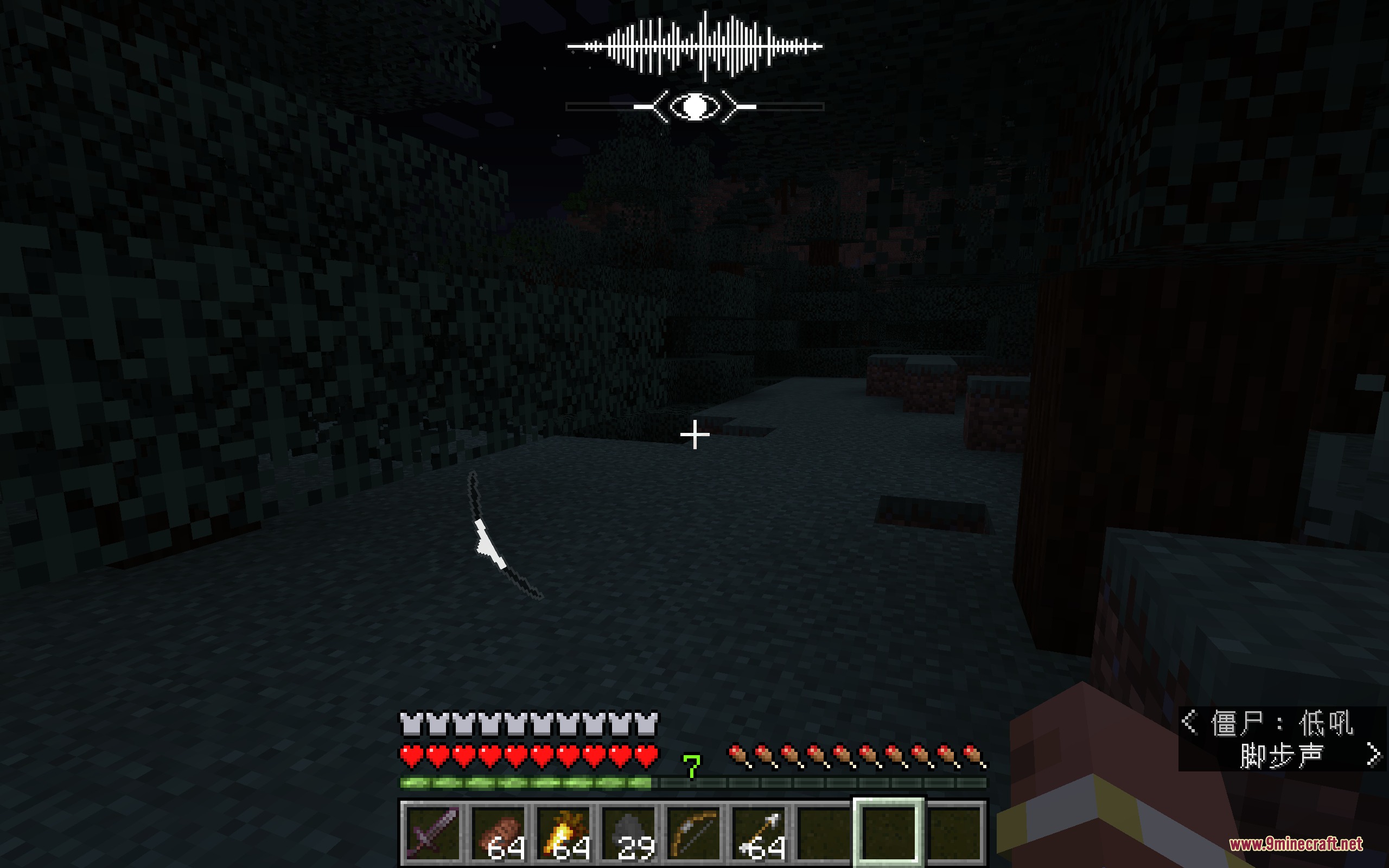
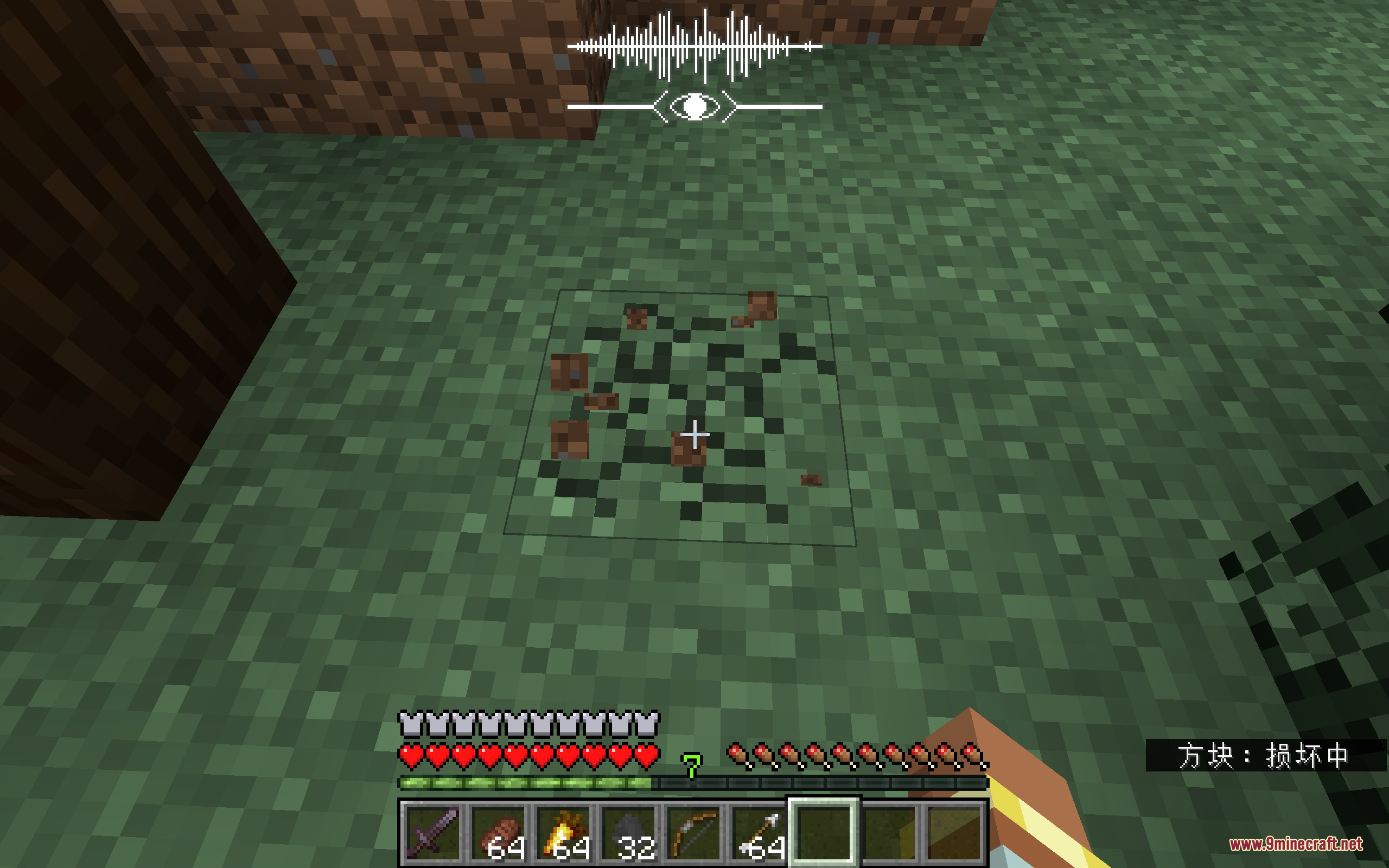
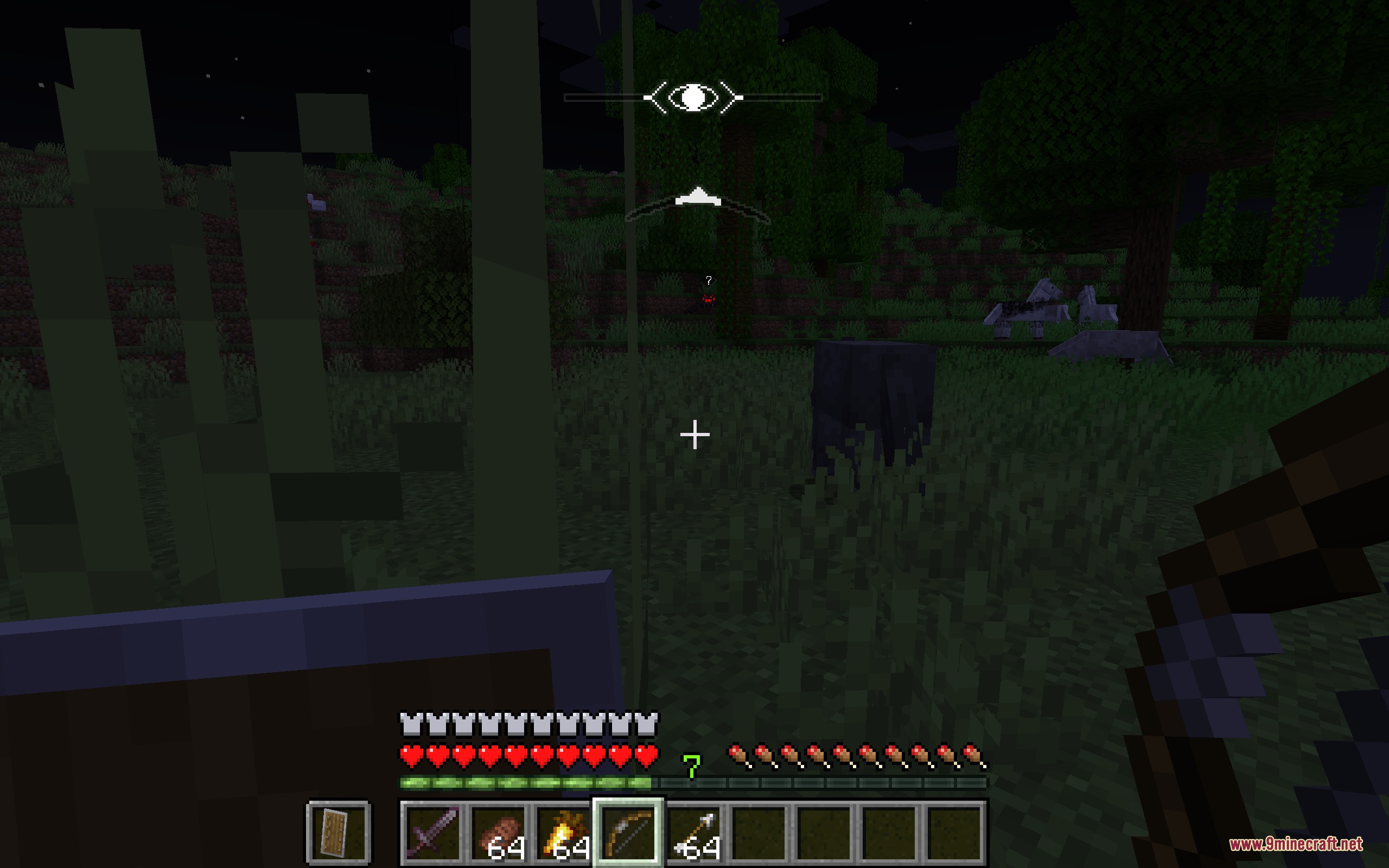
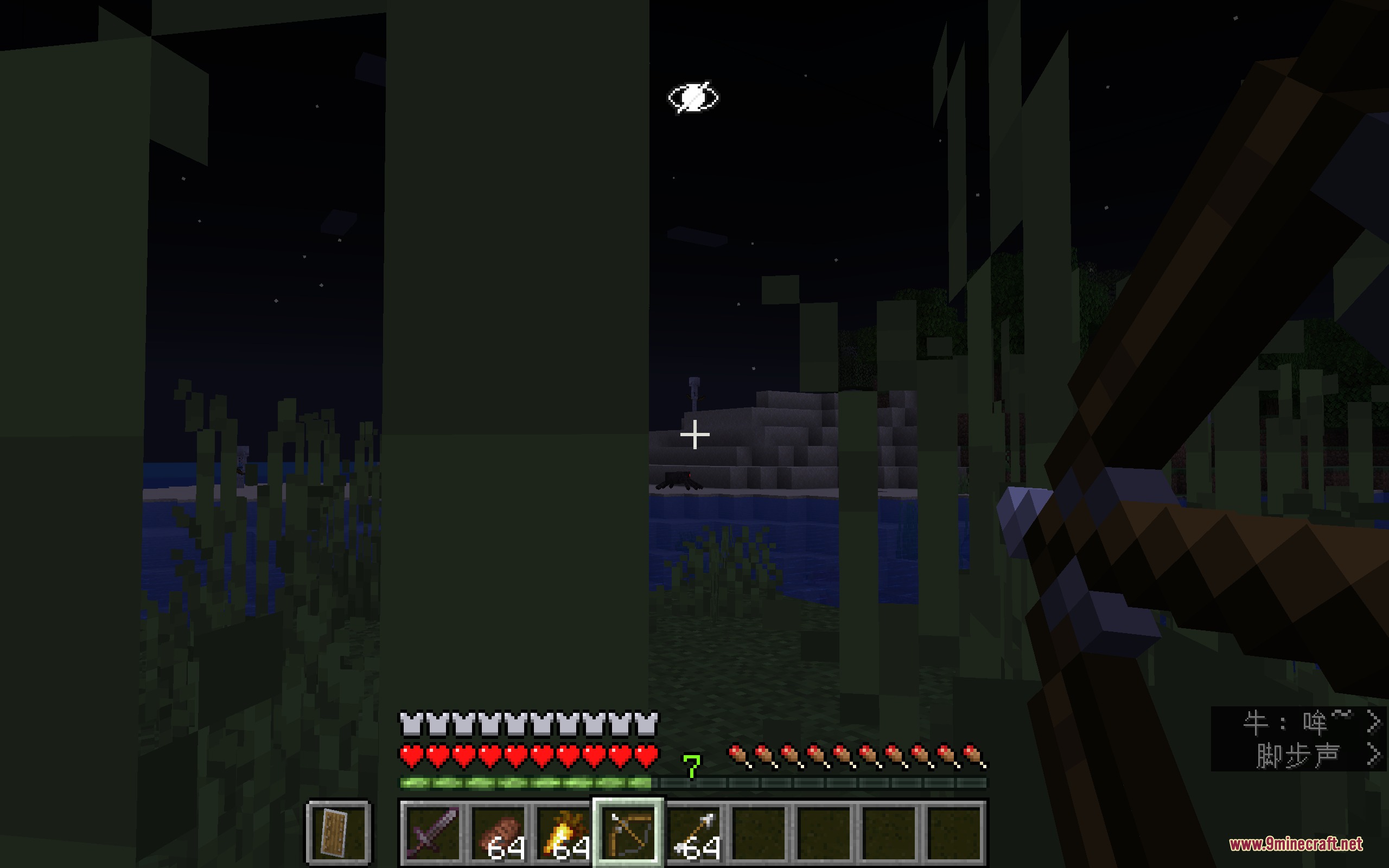
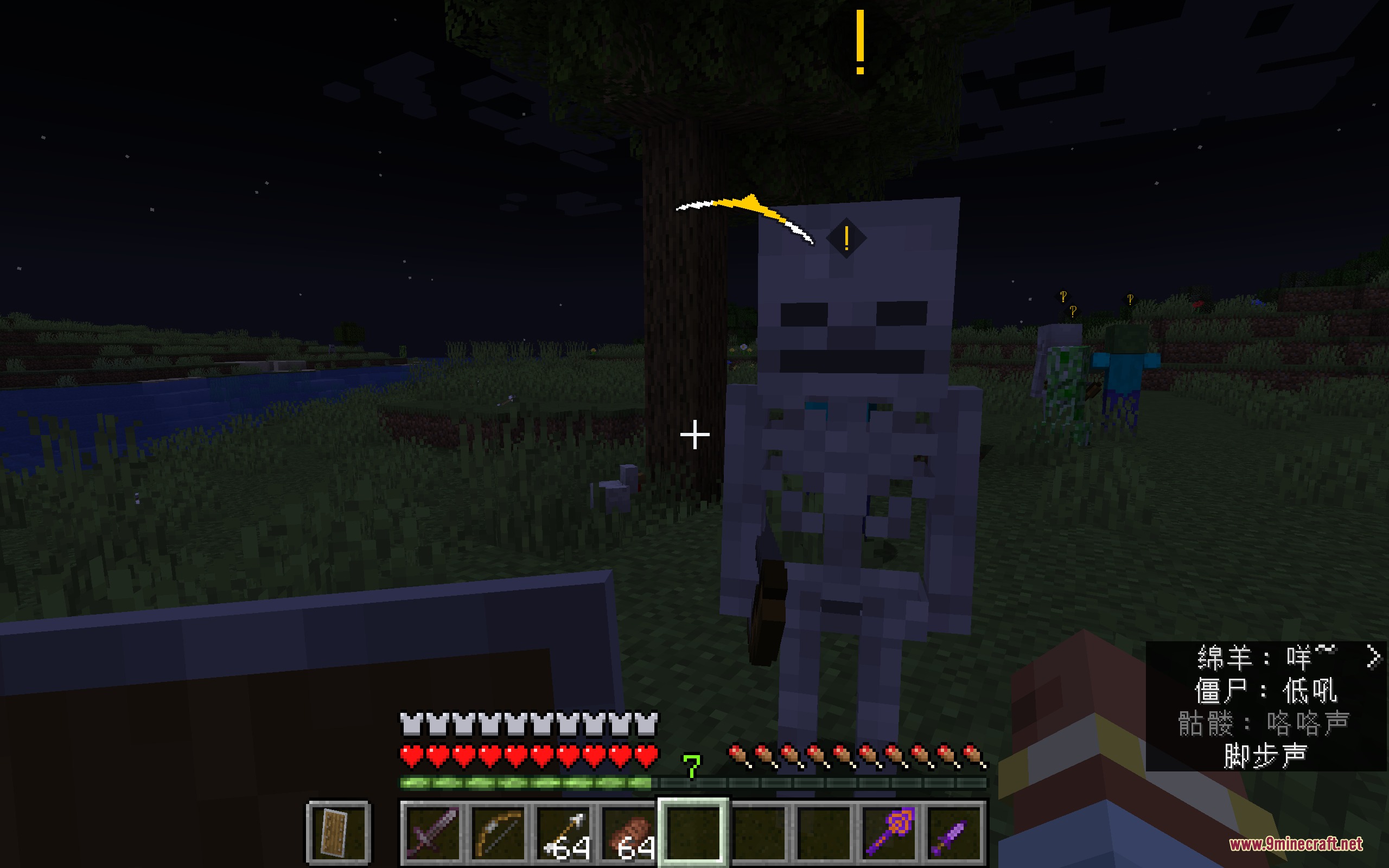
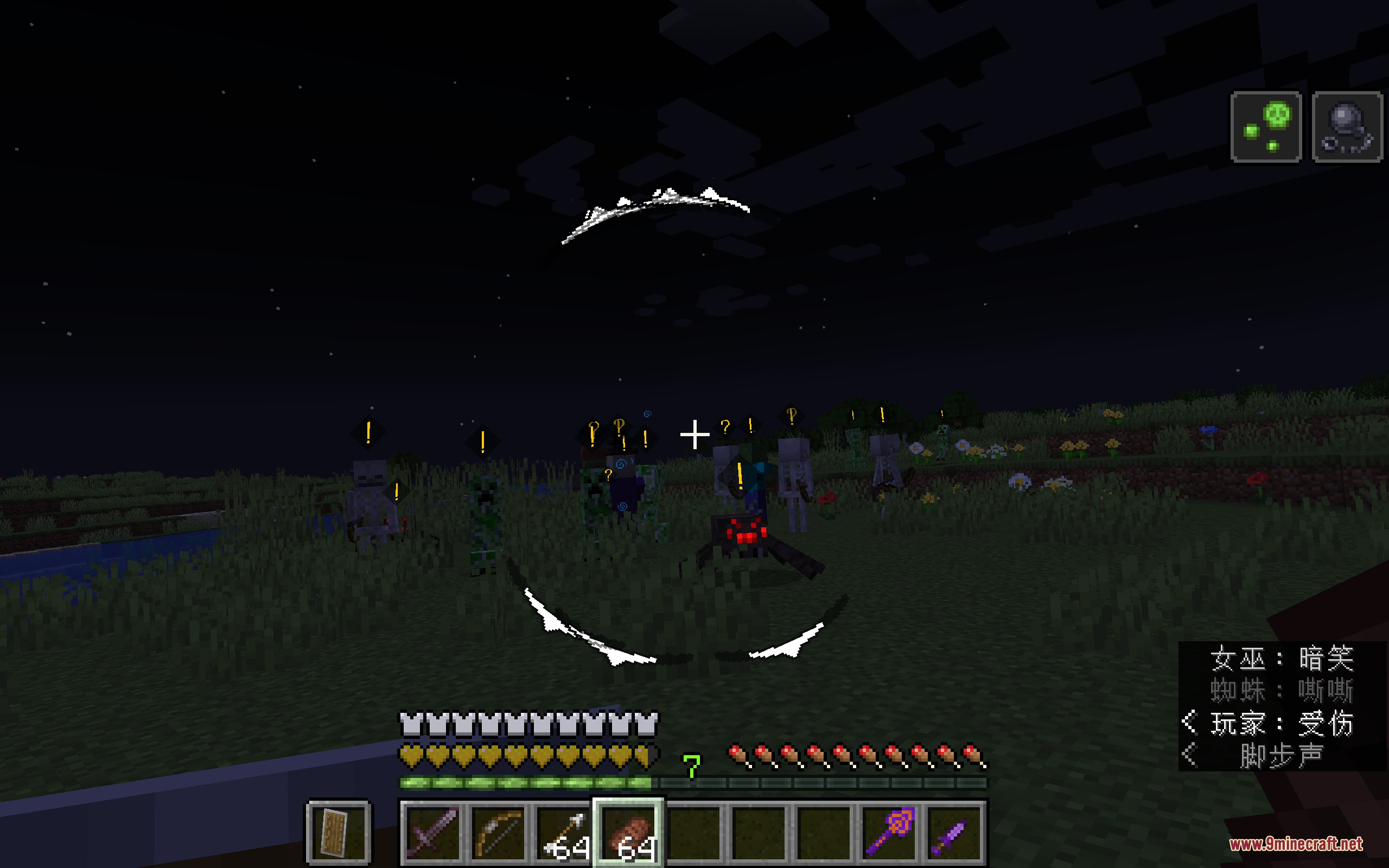
Watch the circular HUD around your crosshair—white means you're hidden, yellow means the mob is suspicious, and red means you've been spotted. Floating icons above enemy heads also show their alert state.
Why did the zombie see me even though I was crouching?
Crouching alone doesn't guarantee invisibility; you also need to be in a dark area or hiding spot like tall grass. The mod calculates visibility based on light level, your movement speed, and nearby blocks, so standing in bright daylight will get you caught even while sneaking.
How do I throw a rock or pebble to distract mobs?
You can throw any throwable item (like snowballs or eggs) to create noise and redirect enemy attention away from your position. Throw the item away from yourself and toward where you want the mob to look.
What happens if a mob hears a noise I make?
The mob will become suspicious (yellow alert) and move toward the sound source to investigate. If you stay quiet and out of sight while they search, they'll eventually lose interest and return to idle.
Can mobs still find me if I hide in complete darkness?
Darkness makes you much harder to spot, but mobs can still detect you if they get too close or if you make noise. Proximity and sound are separate detection systems, so hiding in the dark doesn't make you completely invulnerable.
Do mobs know my exact location at all times?
No—once you break line of sight, mobs will only search the last location where they saw you instead of tracking you everywhere. This is why running to a new hiding spot after being spotted is an effective escape strategy.
Does moving slowly make a difference?
Yes, moving slowly reduces the noise you generate and lowers your visibility to nearby mobs. Fast sprinting or jumping will make enemies suspicious much more quickly.
What does the yellow alert icon above a mob's head mean?
Yellow means the mob is suspicious—it heard a noise or caught a glimpse of you but isn't certain of your location. The mob will investigate and may become fully alert (red) if it spots you clearly.
Can I hide in short grass, or only tall grass?
Tall grass provides better concealment, but you can also crawl in short grass to reduce visibility. Tall grass is more effective at hiding you from enemy sight.
What should I do if a mob spots me and turns red?
Run away and find a new hiding spot—in darkness, tall grass, or behind solid blocks. The mob will search your last known location, so if you hide somewhere else, it will eventually give up and return to idle.
Gallery
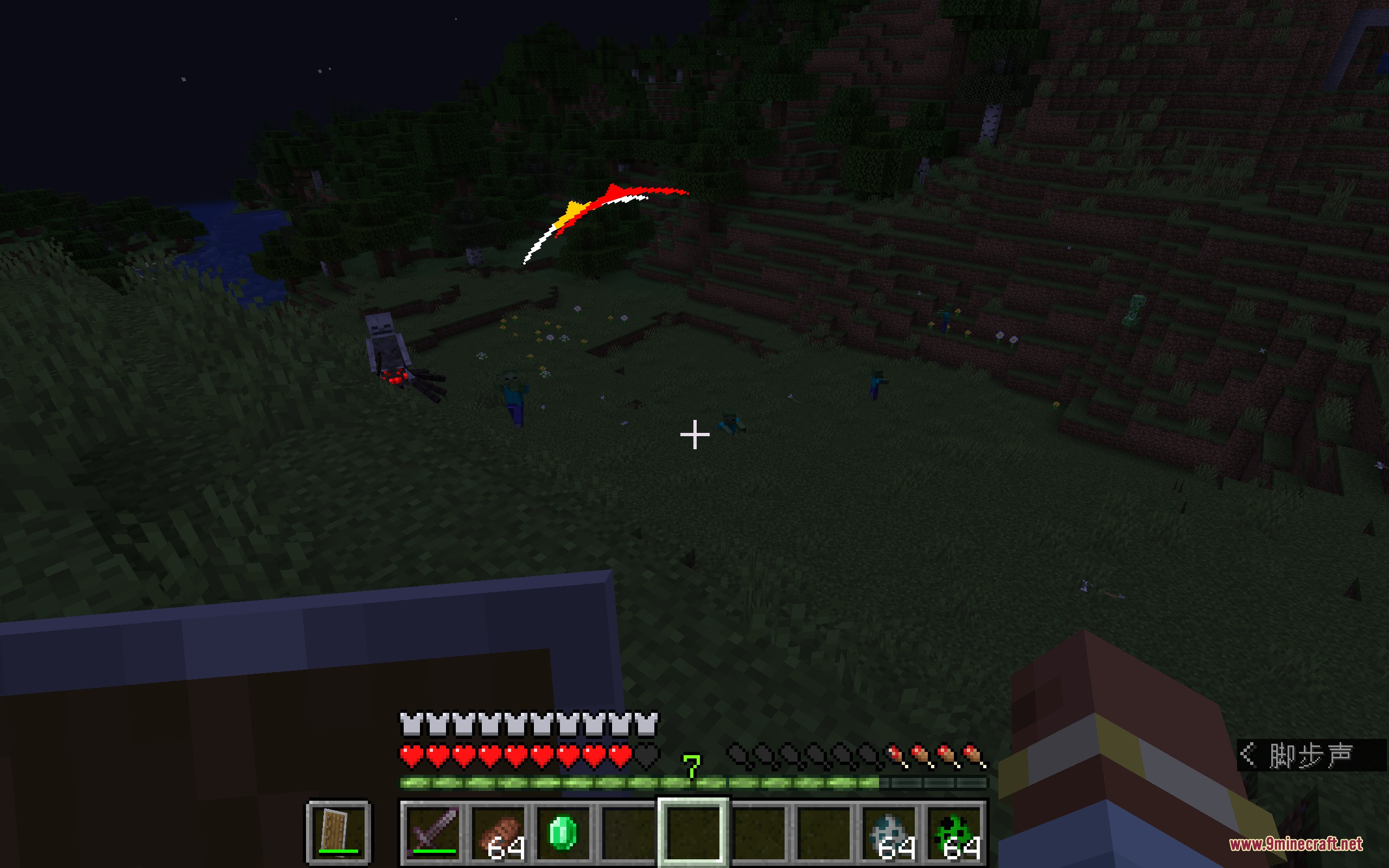
9 images from the Stealth And Alert Mod page.
You May Also Like
Wikis that share the most with this one
Wikis on the same theme: tool
More mod wikis on the site
The most downloaded mods that have a wiki here
A few wikis from each of the other kinds