

 DownloadFZMM Mod
Get the files on 9Minecraft
Guides
Step-by-step, in-game.
Build a Collection of Themed Heads for Your WorldPlan Your Theme Decide on a visual theme—fantasy characters, modern NPCs, animals, or abstract designs. This guides…Create a Custom Head with Skin and AccessoriesAccess the Head Generator Open the FZMM Mod menu and navigate to the head generator tool. This is your main interface…Edit NBT Data for Items in Creative ModeOpen the NBT Editor Access the FZMM Mod menu and select the NBT editing tool. This allows you to view and modify the…Transform a Skin into Pixel Art or Plushie StyleStart with Your Skin In the head generator, load the skin you want to transform. This can be your own skin or any…
Frequently asked questions
How do I open the FZMM Mod menu?
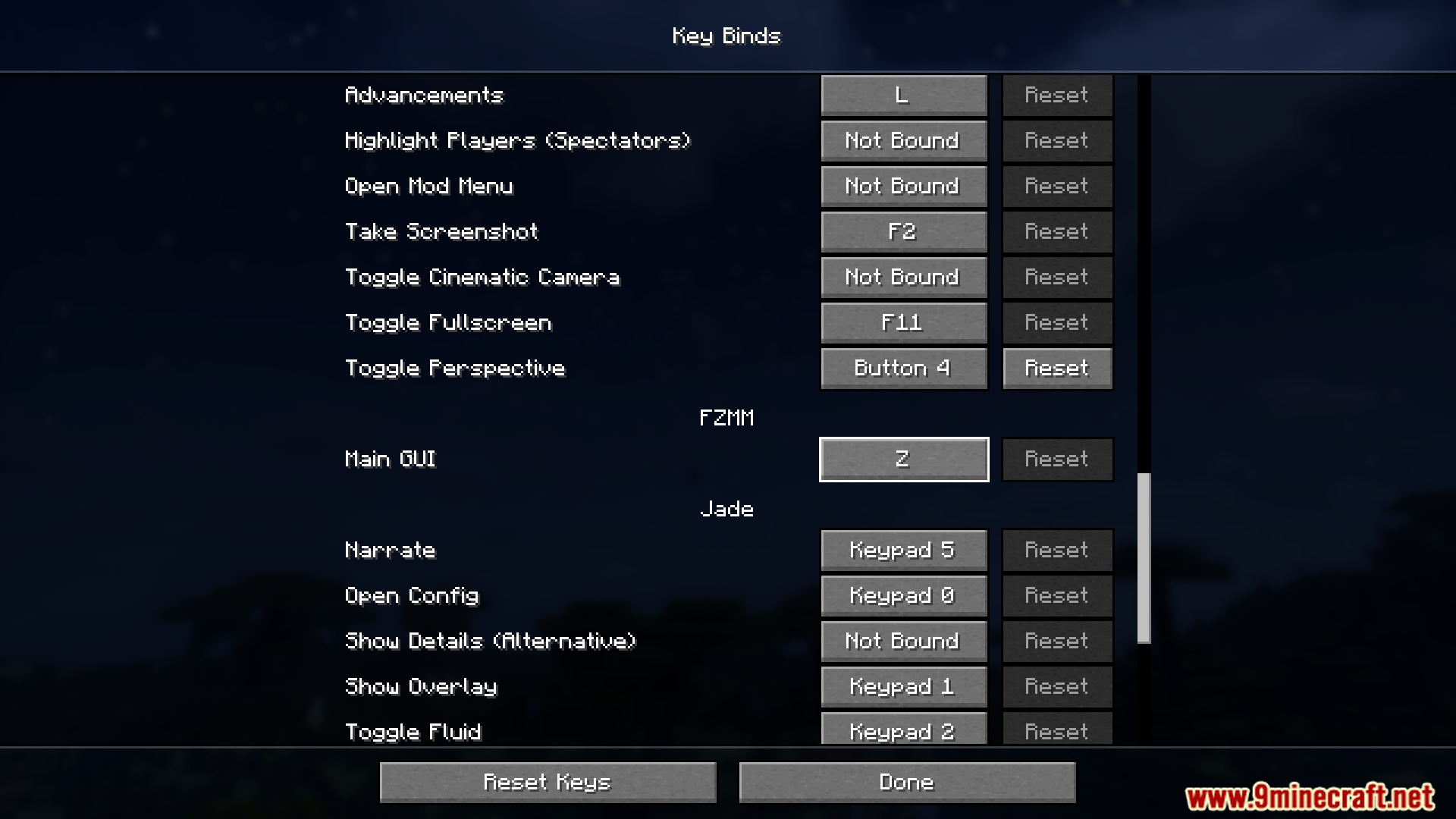
Press the designated keybind (configurable in your controls settings) to open the mod's main interface. You must be in creative mode for the menu to function.
Can I use this mod in survival mode?
No, FZMM Mod only works in creative mode since it's designed for editing and creating NBT data on items, which requires creative-mode access.
What's the difference between texture heads and model heads?
Texture heads use 2D skins applied to a standard head model, while model heads are custom 3D models with their own geometry. The mod includes both types in its default resource pack.
How do I add accessories like glasses or hats to a head?
Use the head generator interface to select your base skin, then browse the accessories menu to layer glasses, hats, masks, and other cosmetics onto your custom head.
Gallery
12 images from the Fzmm Mod page.
You May Also Like
Wikis that share the most with this one
Wikis on the same theme: tool
More mod wikis on the site
The most downloaded mods that have a wiki here
A few wikis from each of the other kinds