

 DownloadSounds Be Gone Mod
Get the files on 9Minecraft
Guides
Step-by-step, in-game.
How to Mute a Specific Annoying Sound in Sounds Be GoneFinding the Sound You Want to Silence Sounds Be Gone works by letting you toggle individual sound events off, so the…Restoring a Sound You Accidentally DisabledLocating Disabled Entries If you muted something and later want it back, you do not need to reset the whole config.…Silencing Ambient and Environment Sounds to Improve FocusWhy Ambient Noise Breaks Concentration Cave ambience, rain, thunder, fire crackling, portal hums, and similar looping…Using Sounds Be Gone Without Breaking Gameplay Audio CuesUnderstand What Each Sound Tells You Before muting anything, think about whether that sound carries information. Many…
Configuration
Every setting in the mod config file, with what it changes.
| Option | What it does |
|---|---|
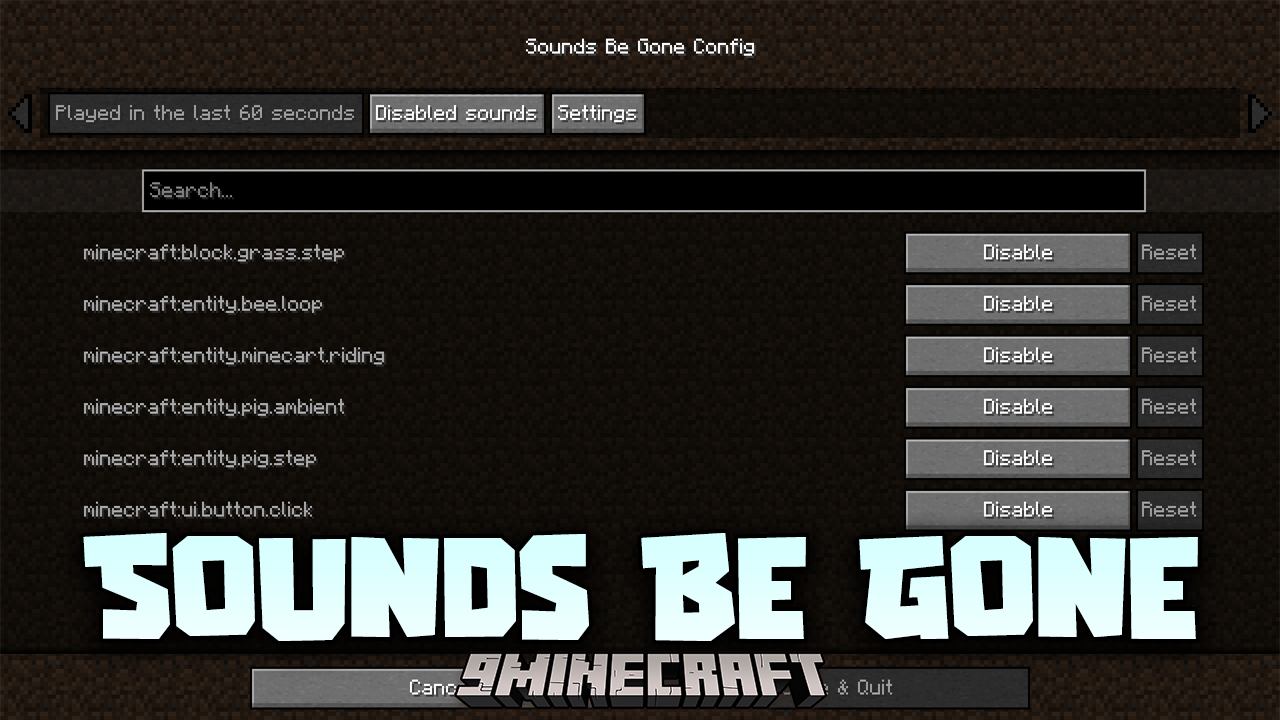
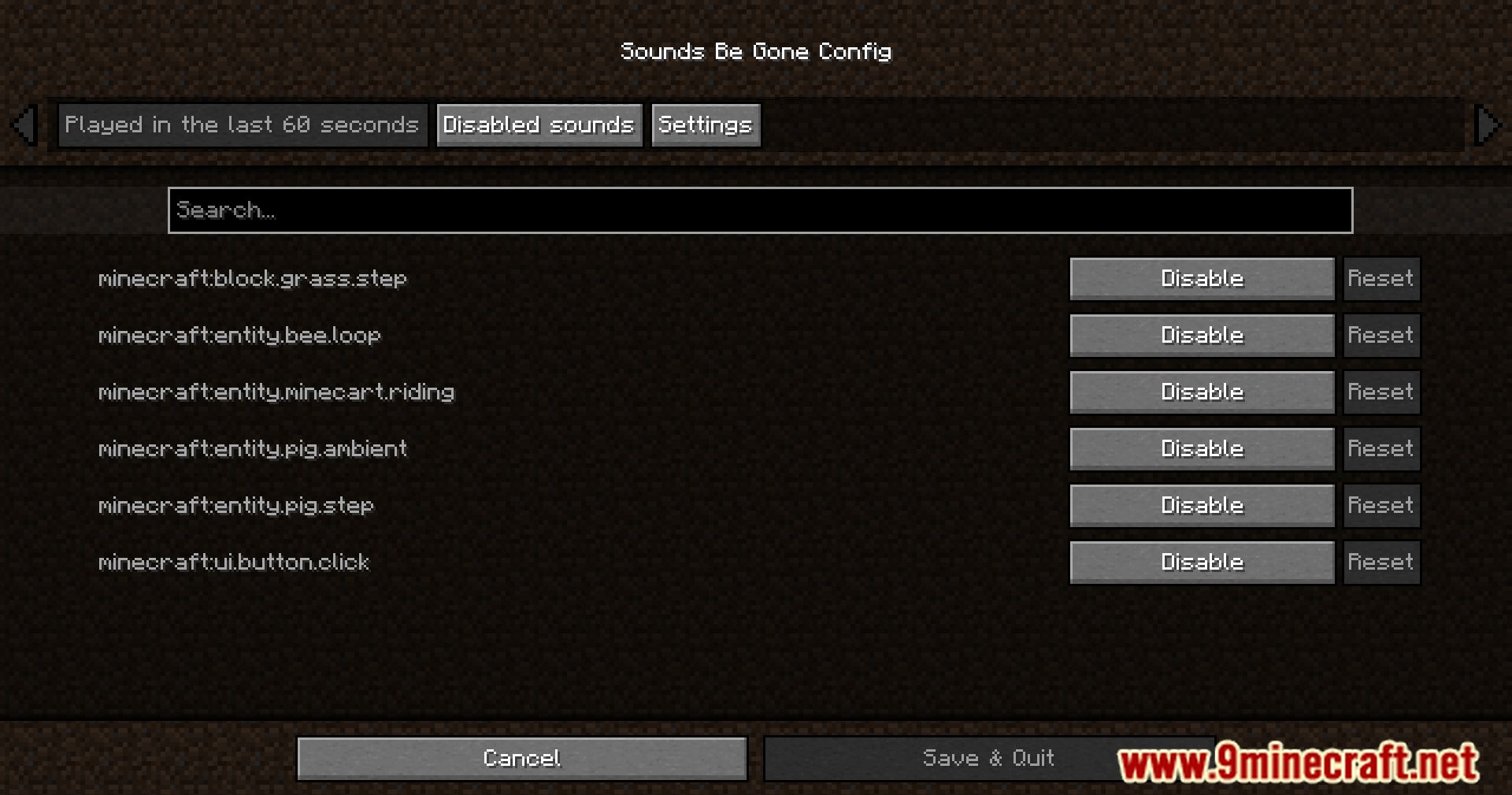
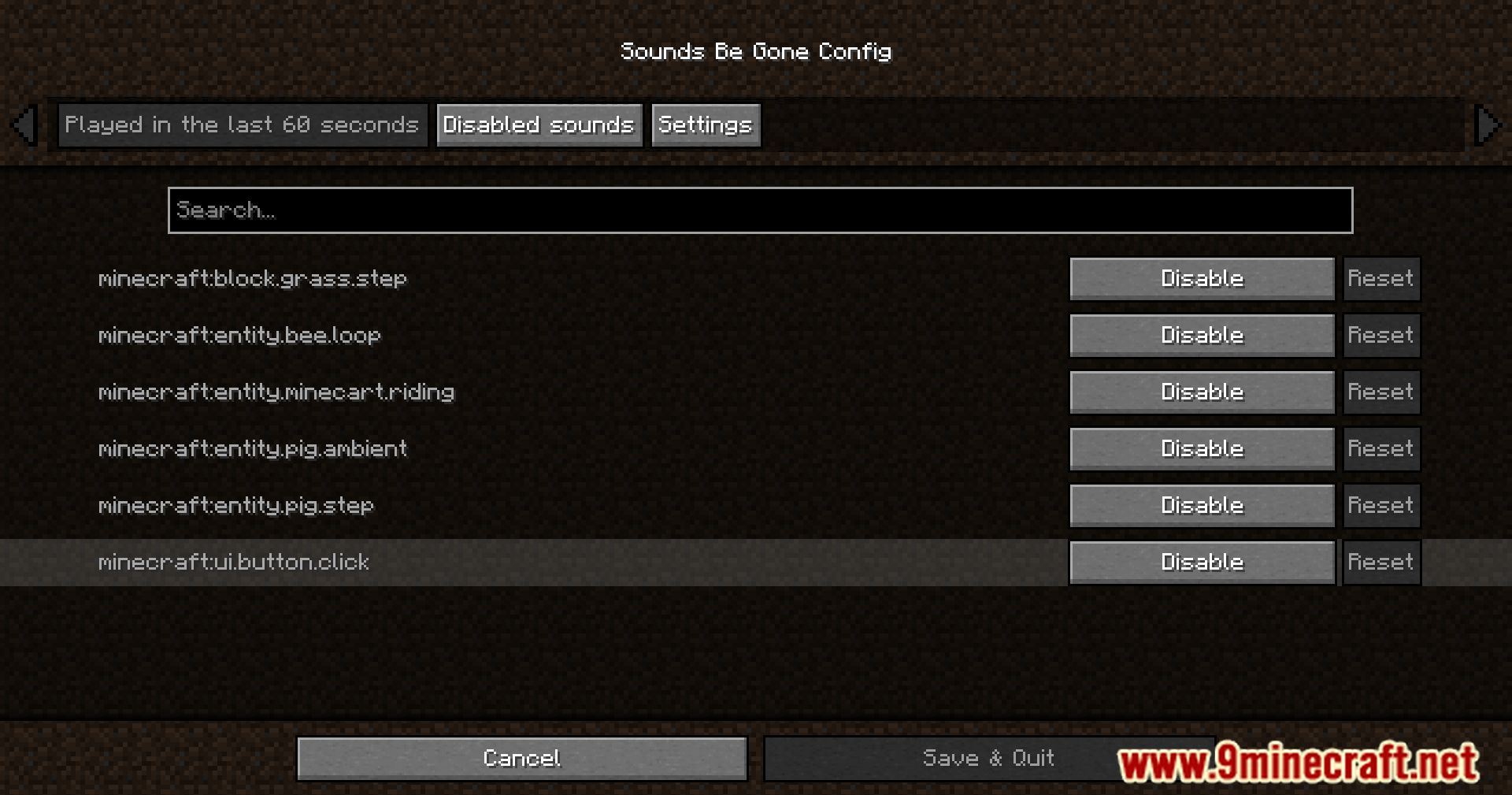
disabled | Disabled sounds |
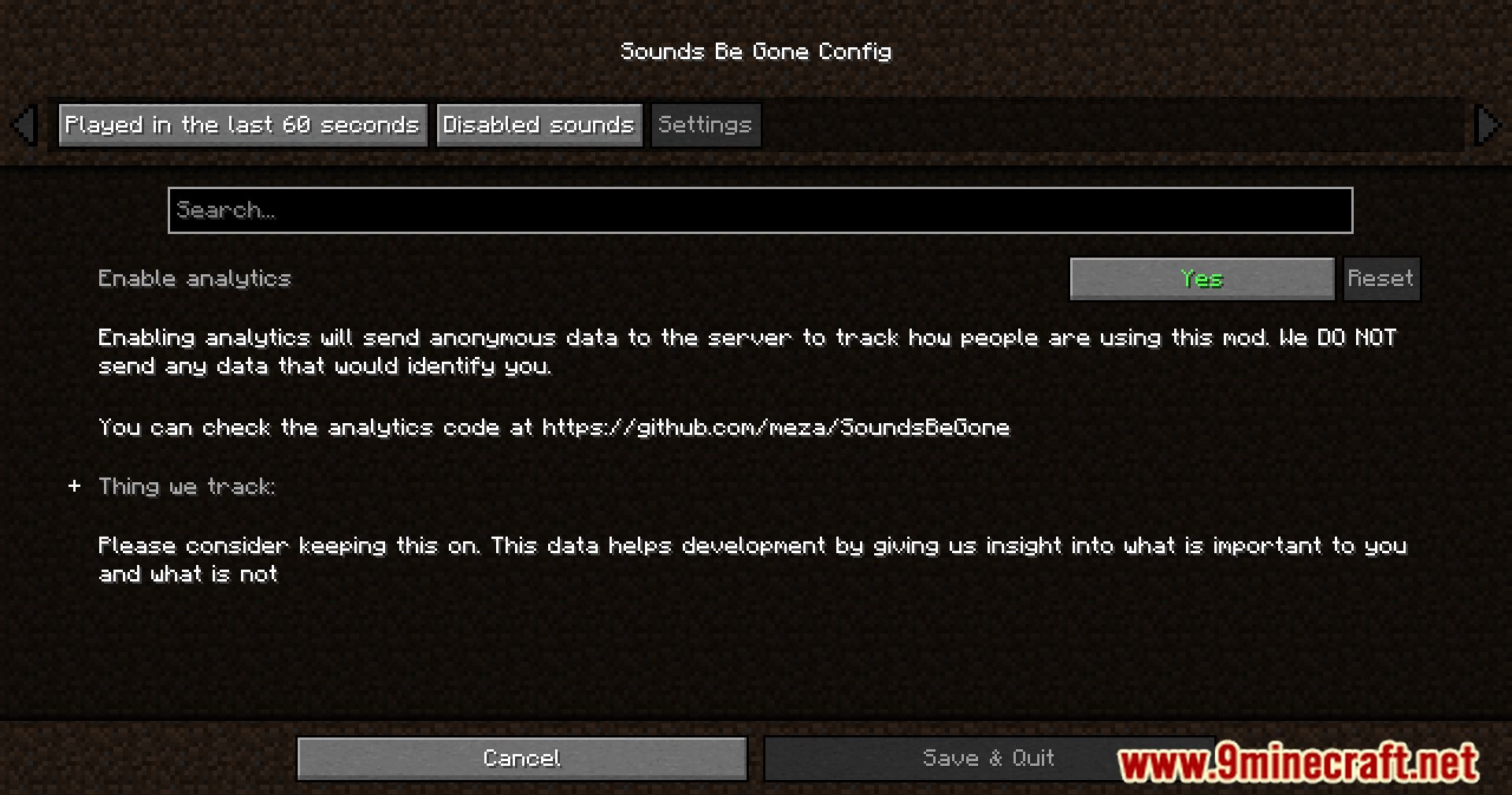
switch | Enable telemetry |
infrequent | Infrequent sounds |
latest | Played in the last 60 seconds |
disclaimer | Please consider keeping this on. This data helps development by giving us insight into what is important for the players |
settings | Settings |
used | Telemetry data used: |
Sound
| Option | What it does |
|---|---|
disabled | Disabled |
enabled | Enabled |
infrequent | Infrequent |
Telemetry
| Option | What it does |
|---|---|
java | Java version |
time | Local time |
language | Minecraft language |
minecraft | Minecraft version |
loader | Mod loader |
mod | Mod version |
os | Operating system used |
sound | Sound enabled/disabled/blocked |
Frequently asked questions
How do I open the Sounds Be Gone config to start disabling sounds?
Open the mod's config screen from the Mods list in-game, or edit the config file in your instance's config folder. Once open, you'll see a searchable list of every registered sound in the game.
How do I actually disable a sound once I find it in the list?
Find the sound by name or ID in the list and toggle it off; the change applies immediately without restarting. If you're editing the config file directly, save the file and reload the config or restart the game.
Do I need to restart Minecraft after muting a sound?
No, toggling  sounds through the in-game config takes effect right away. Only manual file edits typically require a reload or restart to be picked up.
How do I search for a specific sound if I don't know its exact ID?
See all 10 Sounds Be Gone questions ›
Gallery
11 images from the Sounds Be Gone Mod page.
You May Also Like
Wikis that share the most with this one
More mod wikis on the site
The most downloaded mods that have a wiki here
A few wikis from each of the other kinds