

 DownloadDrip Sounds Mod
Get the files on 9Minecraft
Guides
Step-by-step, in-game.
How to Get Dripping Water or Lava Sounds in Your BuildThe mod only adds sound to drips that already exist — it does not create dripping on its own. To hear it, you need to…How to Increase or Decrease the Number of Drip ParticlesIf dripping water or lava is too sparse or too busy for your build, the mod lets you tune how many drip particles…How to Make Water Drips Play the Old Sound Instead of Dripstone SoundsBy default the Drip Sounds mod plays the newer Dripstone-style water pop when a droplet lands. If you prefer the…How to Quiet or Louder the Drip SoundsThe mod's droplet sounds default to fairly quiet so they blend into ambience. If you want them more noticeable — or…
Configuration
Every setting in the mod config file, with what it changes.
| Option | What it does |
|---|---|
blockAnimateCountMultiplier | Block Particles Count Multiplier |
blockAnimateRangeMultiplier | Block Particles Range Multiplier |
dripChance | Chance for a drip particle to spawn when a block is randomly animated One in 10 = Vanilla, higher means less common |
dripChance | Drip Chance |
soundCategory | Drip Sound Category |
general | Drip Sounds Config |
volume | Drip Volume |
enable | Enable Drip Sound |
useDripstoneSounds | If enabled, uses the Dripstone water/lava drip sounds added in 1.17. If not, uses sounds from older versions of the mod. |
blockAnimateRangeMultiplier | Multiplies the max range for block particle effects (drips, smoke, falling leaves, fireflies, bubble columns, etc) Also |
blockAnimateCountMultiplier | Multiplies the number of blocks that update particle effects each tick This has a noticeable performance impact the high |
useDripstoneSounds | Use Dripstone Sounds |
blockAnimateNotSupported | Block Particle options disabled due to a mod conflict: |
effective | Mod "Effective" already has this feature |
Frequently asked questions
How do I get drip sounds to actually play in my world?
Place a water or lava block above another block so drip particles form, then stand close enough to hear them land. The mod only plays  sounds where the particles appear, so if you see no particles you will hear nothing.
Why aren't my water drips making any sound?
Check that drip particles are actually spawning and that your volume for the drip sound category isn't turned down. If the particle count is set very low or off, drips will rarely or never trigger a sound.
Do I need to install this mod on the server for it to work?
No, the mod works client-side, so you can hear  drip sounds on any server without the server having it installed. Other players without the mod simply won't hear the sounds you do.
How do I change the drip sound volume?
Open the mod's config file and adjust the volume setting for droplet sounds, which is quiet by default. Raise it if you want drips more noticeable or lower it if they're distracting.
sounds, which is quiet by default. Raise it if you want drips more noticeable or lower it if they're distracting.See all 10 Drip Sounds questions ›
Gallery
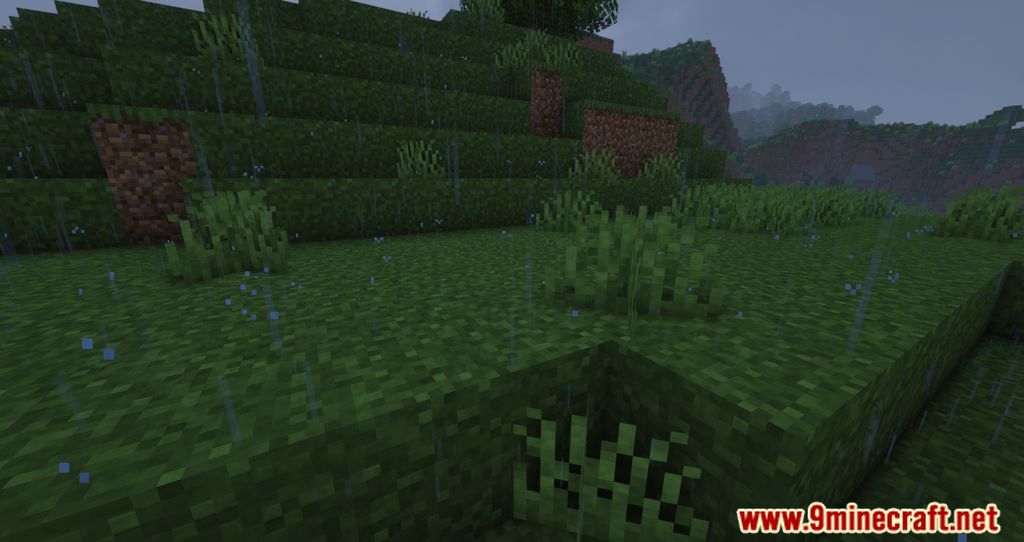
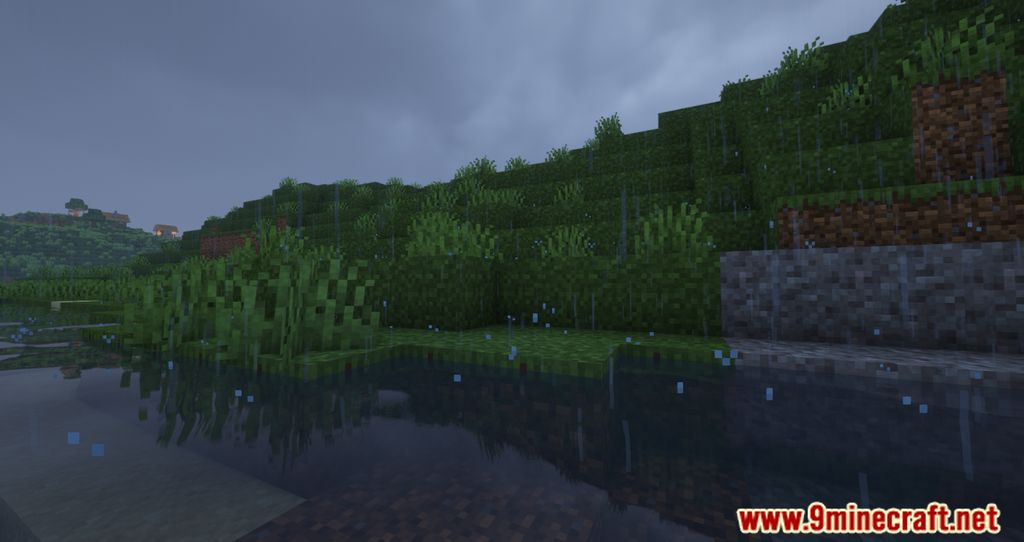
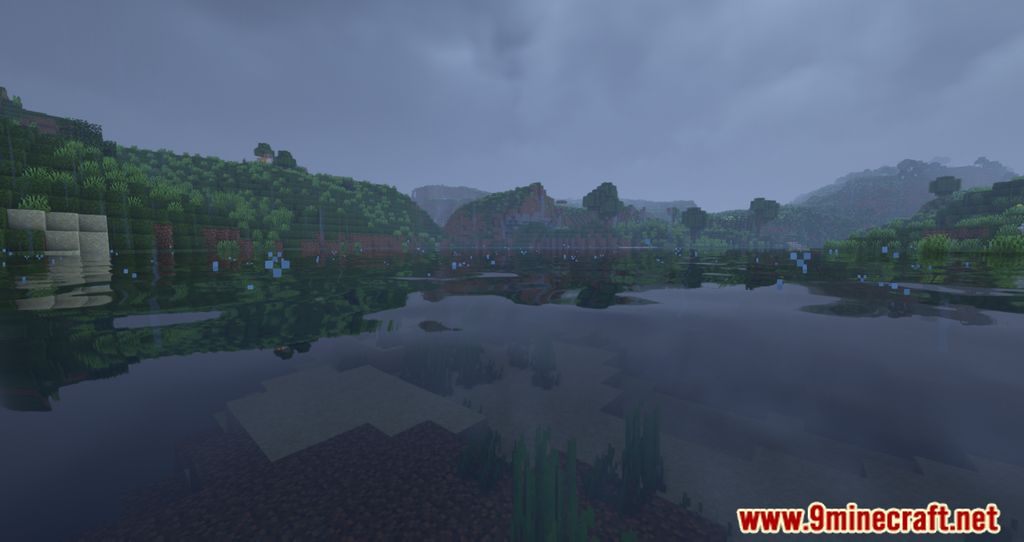
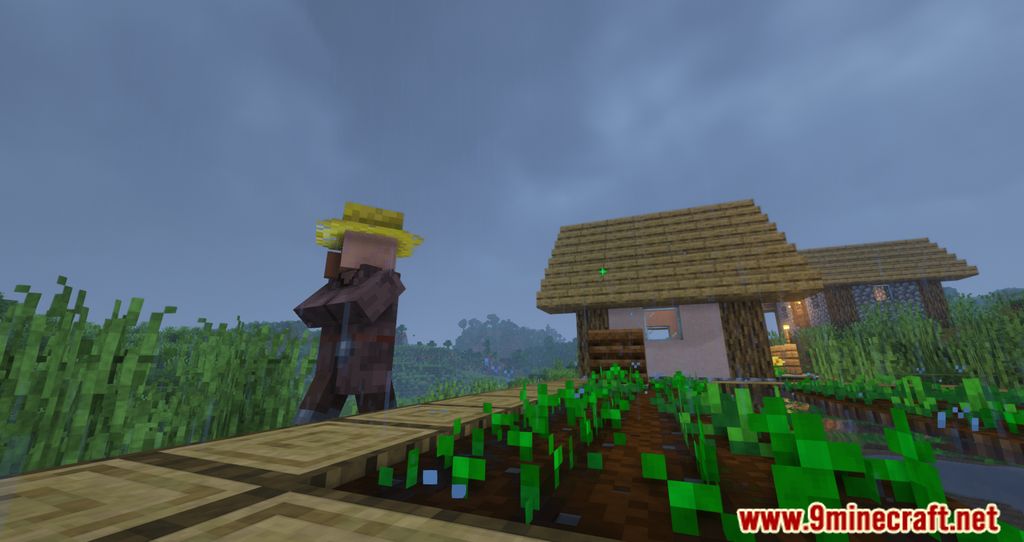
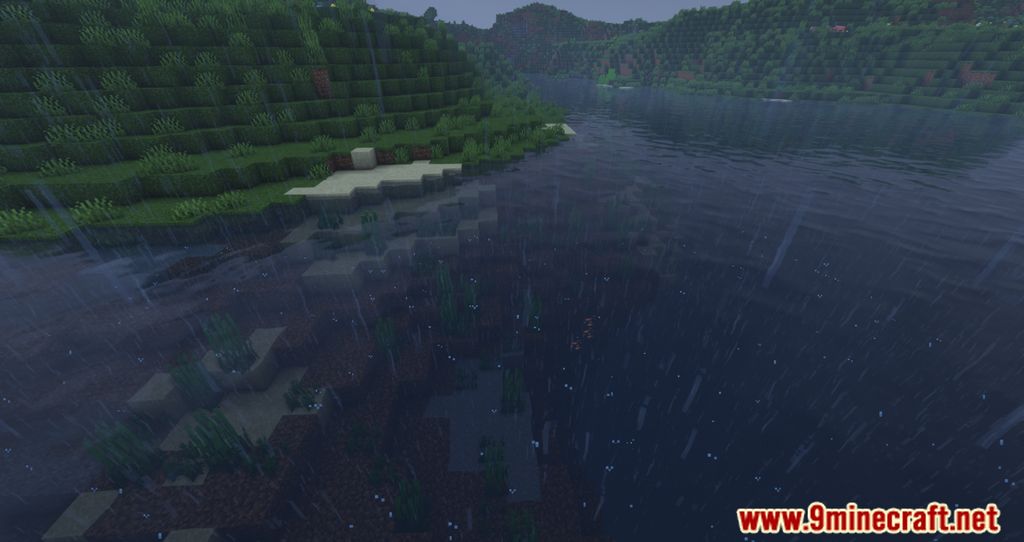
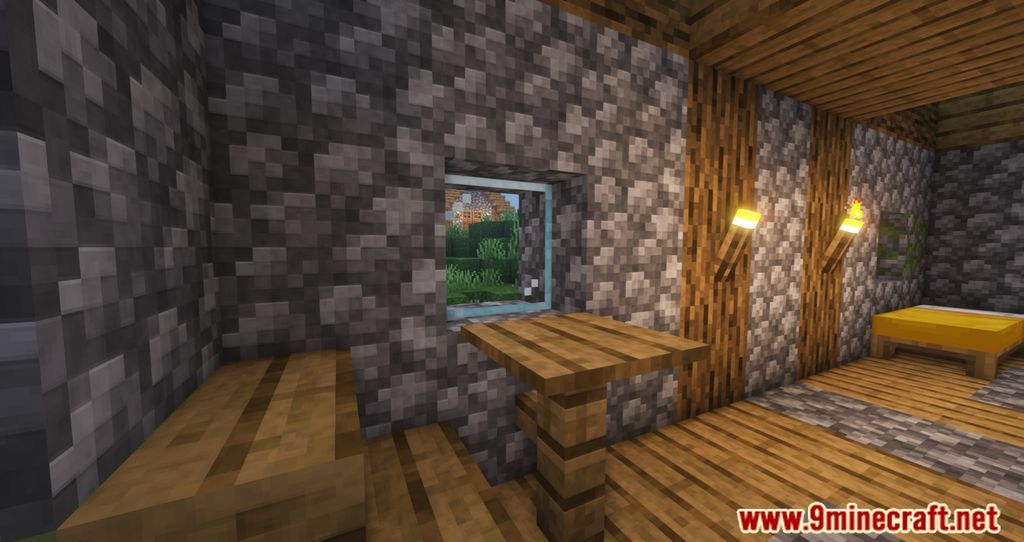
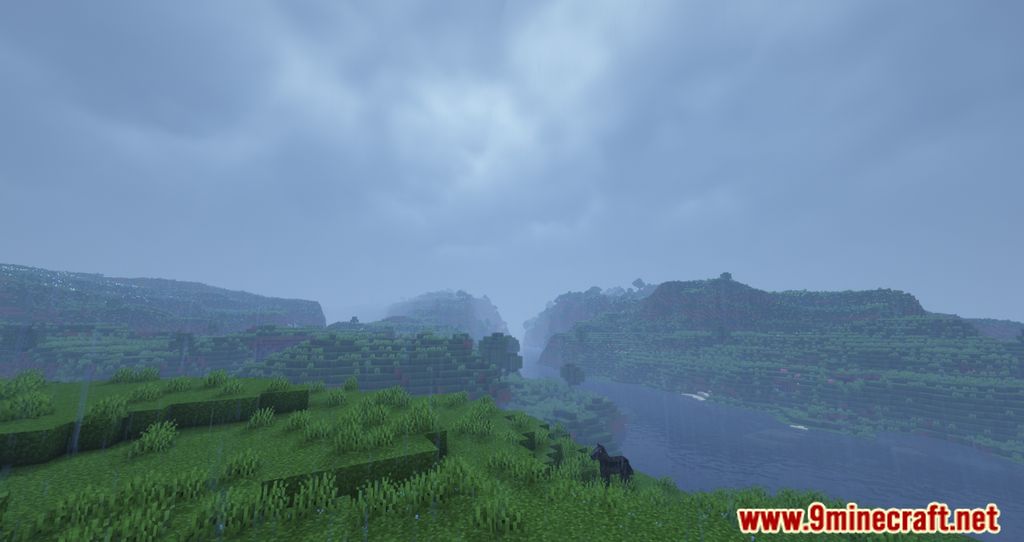
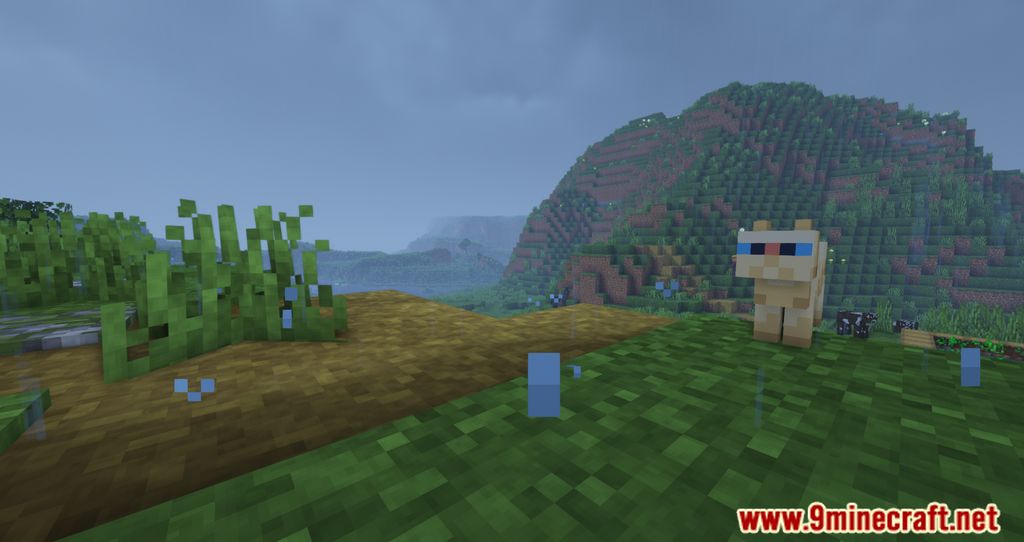
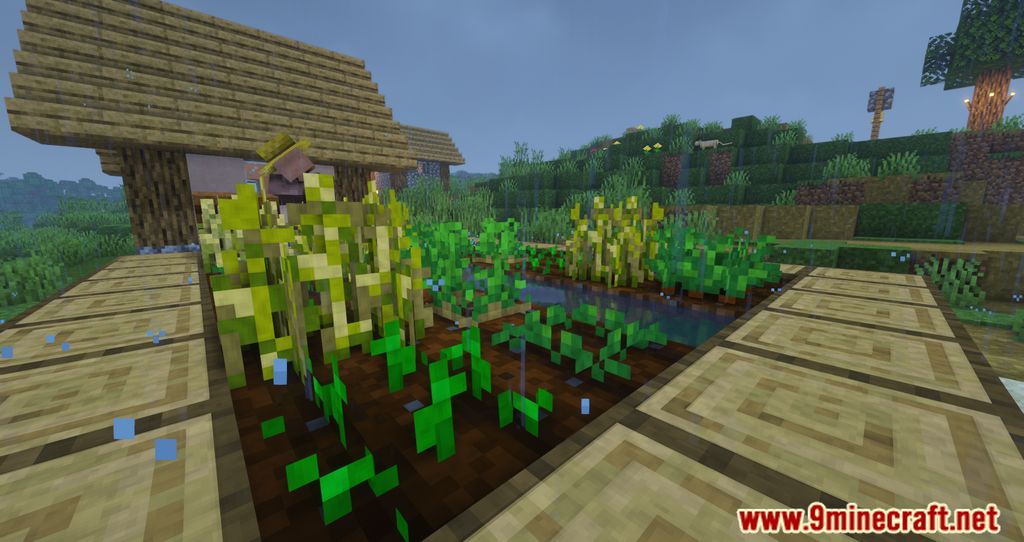
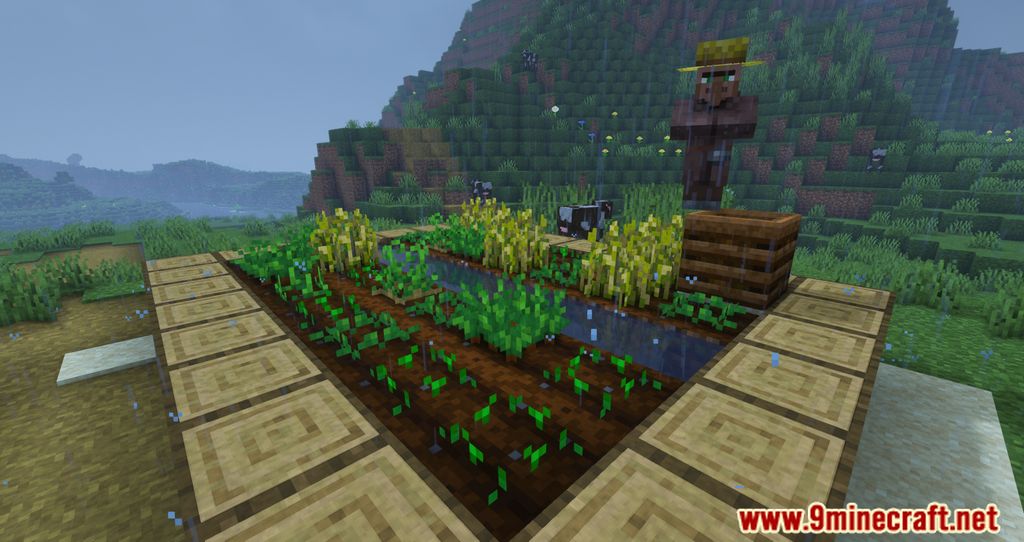
11 images from the Drip Sounds Mod page.
You May Also Like
Wikis that share the most with this one
More mod wikis on the site
The most downloaded mods that have a wiki here
A few wikis from each of the other kinds