

 DownloadSkyboxify Mod
Get the files on 9Minecraft
Guides
Step-by-step, in-game.
How to Create a Custom Skybox Resource Pack for SkyboxifySkyboxify reads skyboxes from resource packs, so your first step is building a pack folder structure the game will…How to Layer Multiple Skyboxes for a Combined EffectOne of Skyboxify's strengths is overlaying several skyboxes so you can combine, for example, a starfield behind…How to Make a Skybox Rotate and Move Across the SkySkyboxify lets you animate a skybox so it slowly rotates or drifts instead of sitting static. This is controlled…How to Use an Existing OptiFine Sky Pack with SkyboxifySkyboxify uses the same skybox file format as OptiFine , which means most OptiFine sky resource packs work as-is. You…
Frequently asked questions
How do I add a skybox to my world with Skyboxify?
Skyboxify reads skyboxes from resource packs, so you need to place your skybox files in a resource pack and enable it in-game. Once the pack is active, the skybox is applied automatically without any extra config.
Where do the skybox files go in my resource pack?
Why isn't my skybox showing up in-game?
The most common causes are the resource pack not being enabled, the skybox files being in the wrong folder, or a typo in the skybox config file's texture references. Double-check the pack is active and that the file paths match the folder layout exactly.
Can I use my existing OptiFine sky pack with Skyboxify?
See all 10 Skyboxify questions ›
Gallery
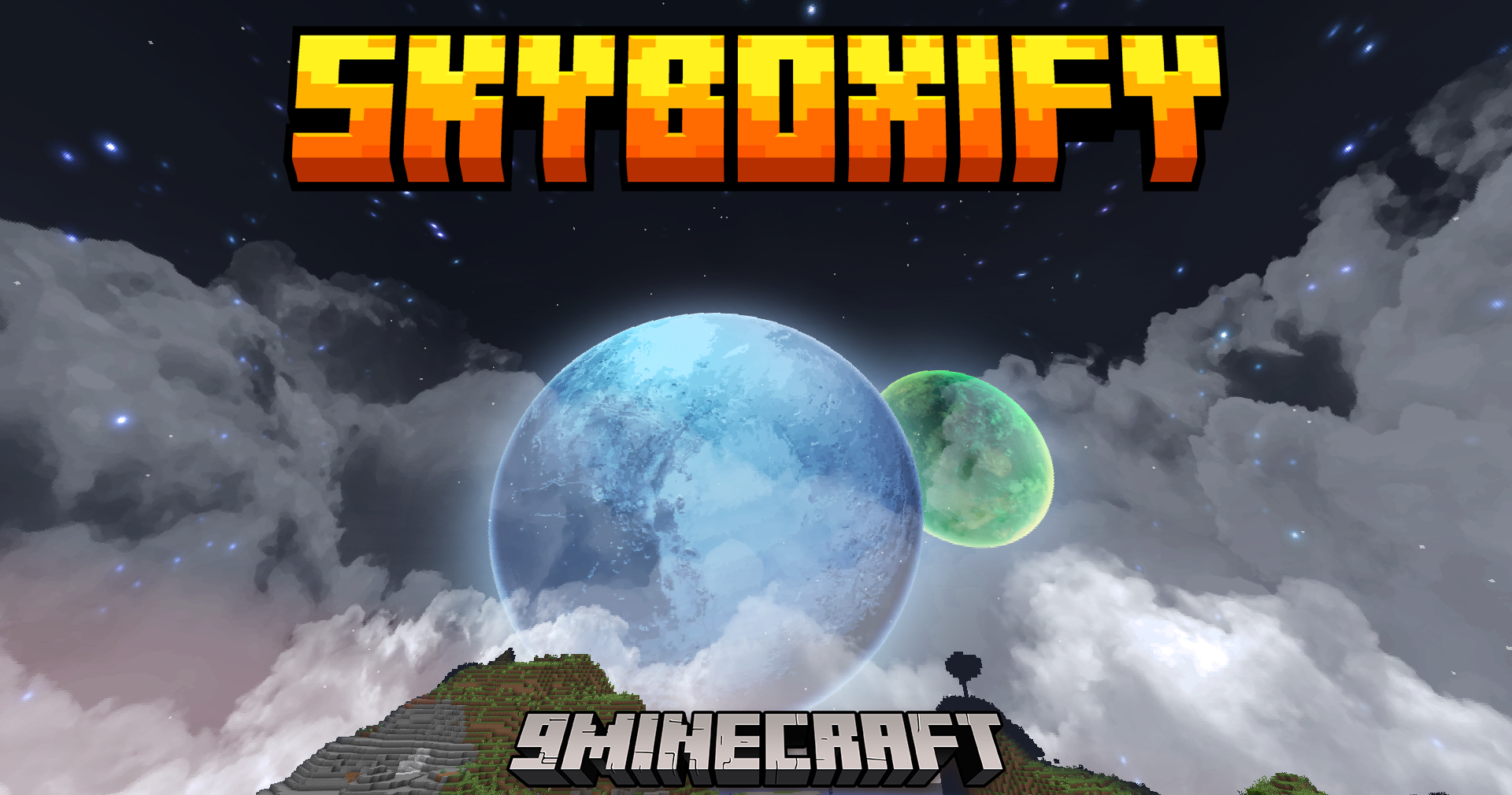
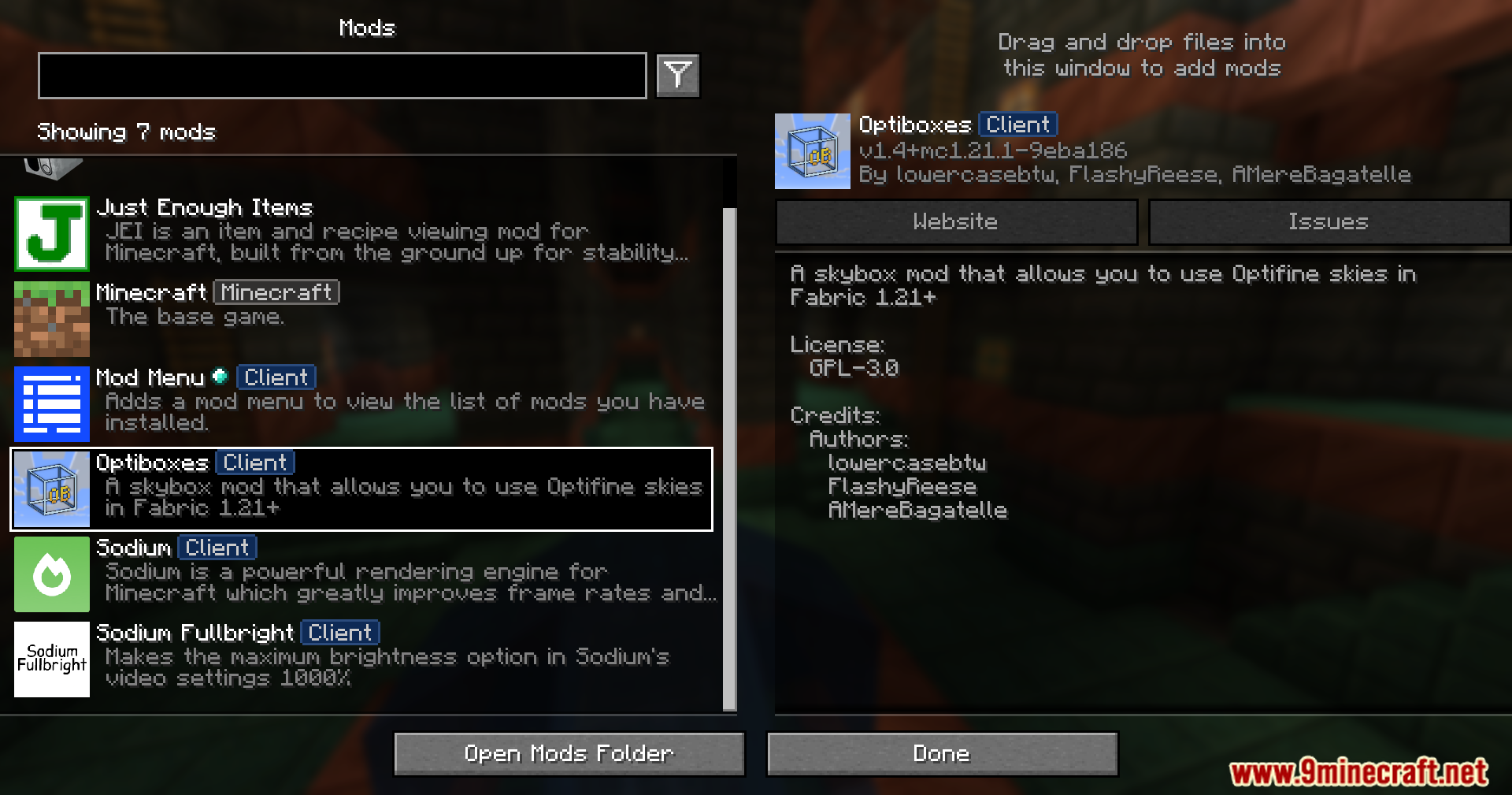
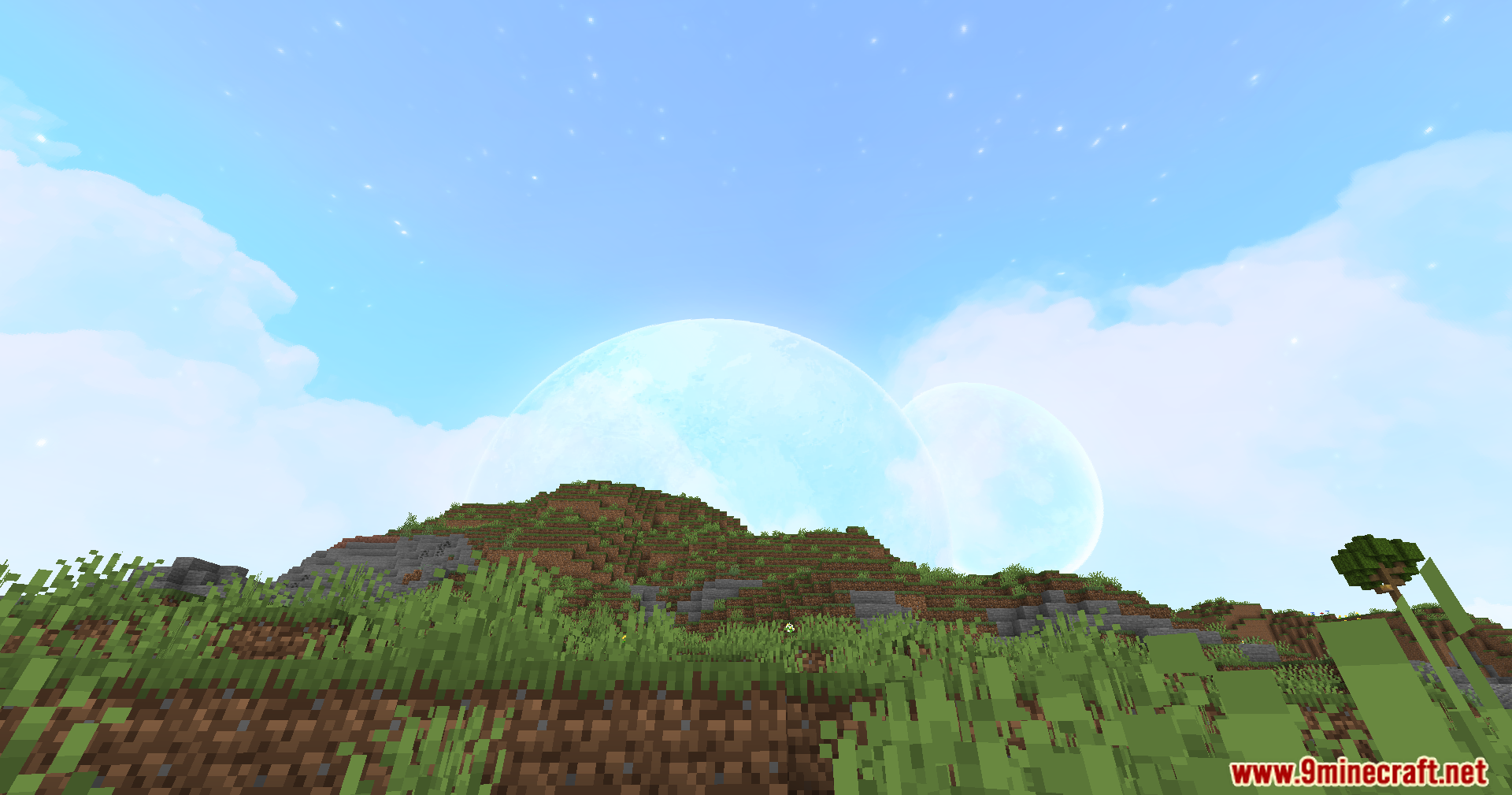
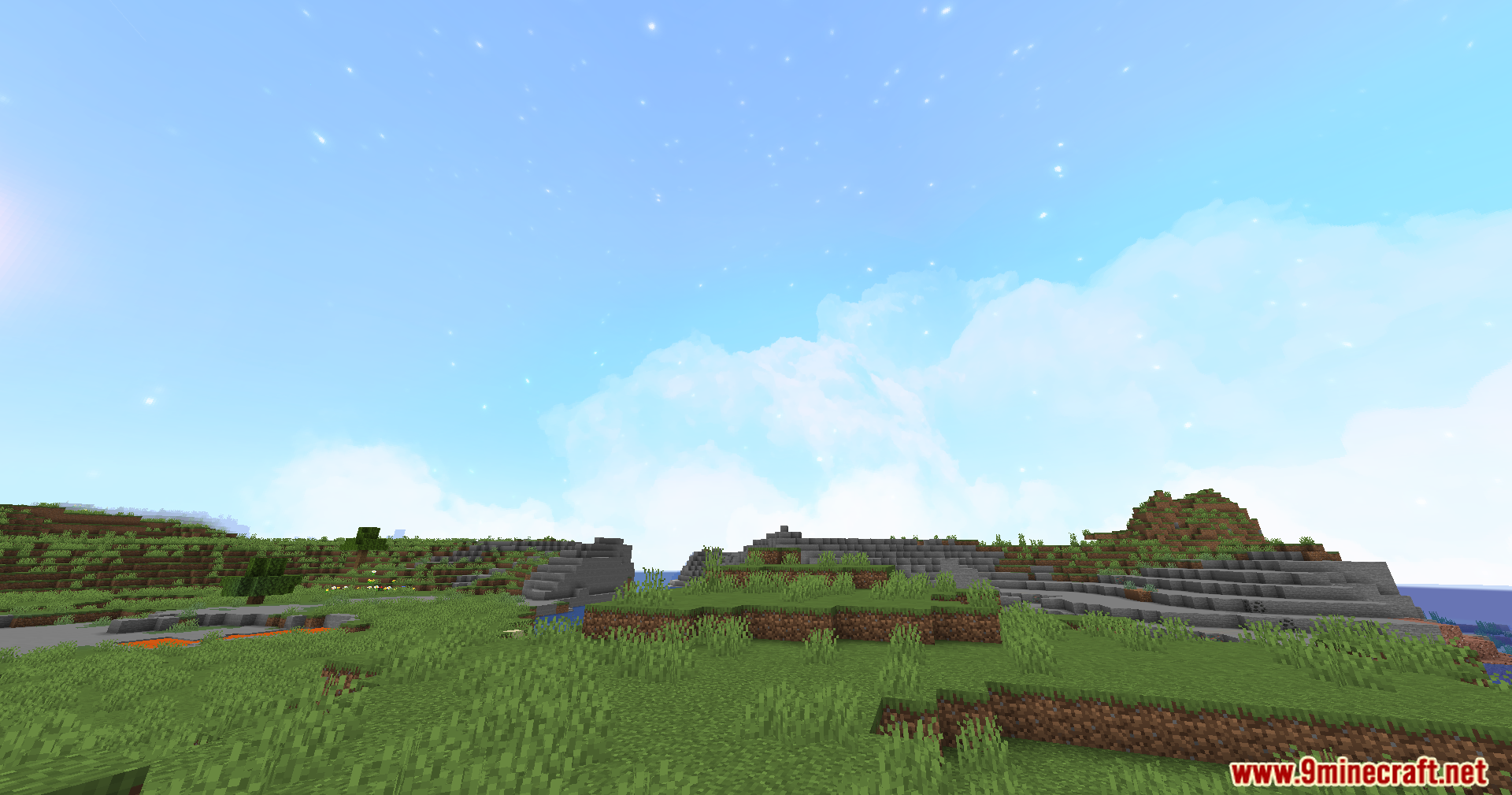
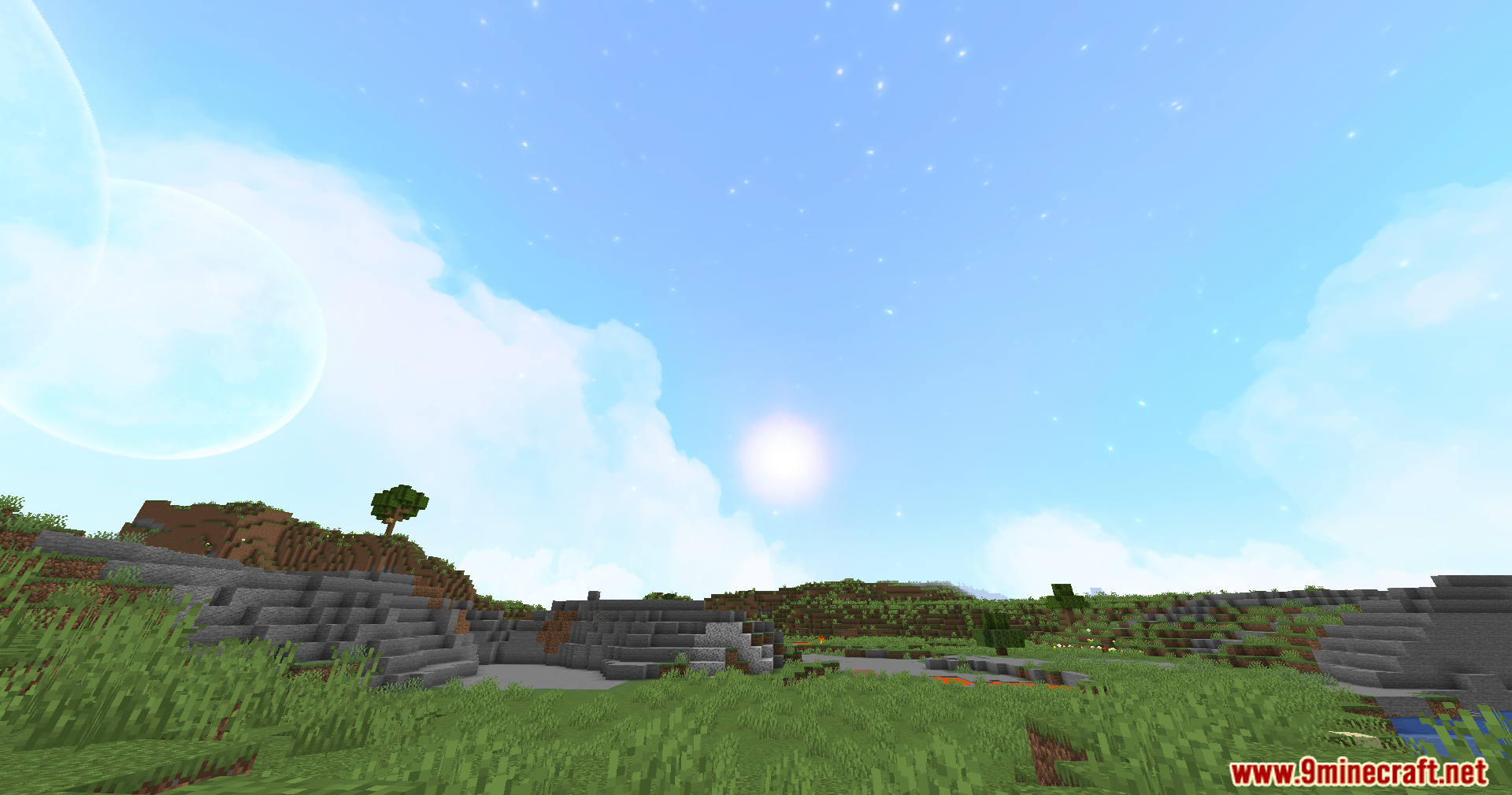
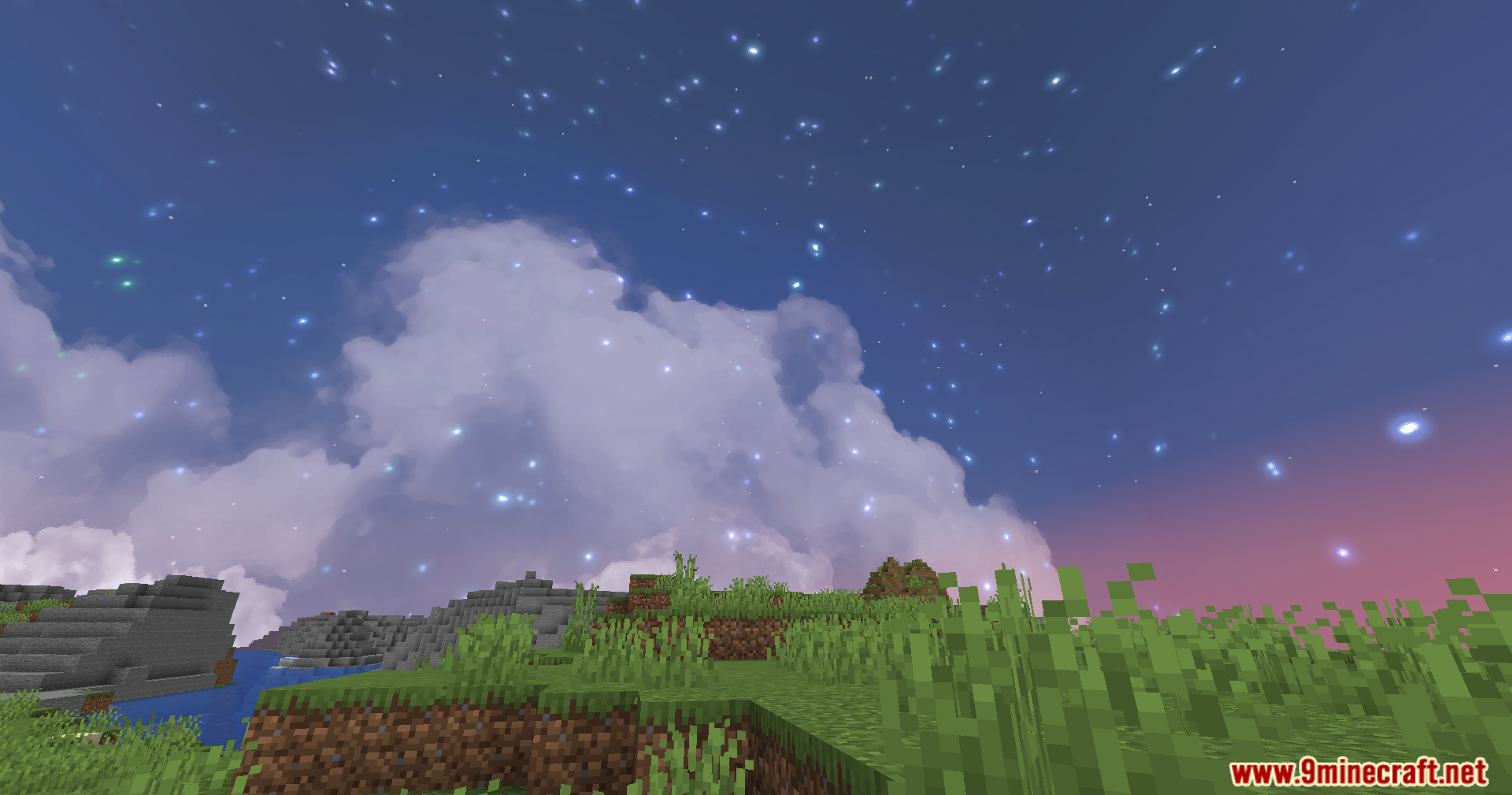
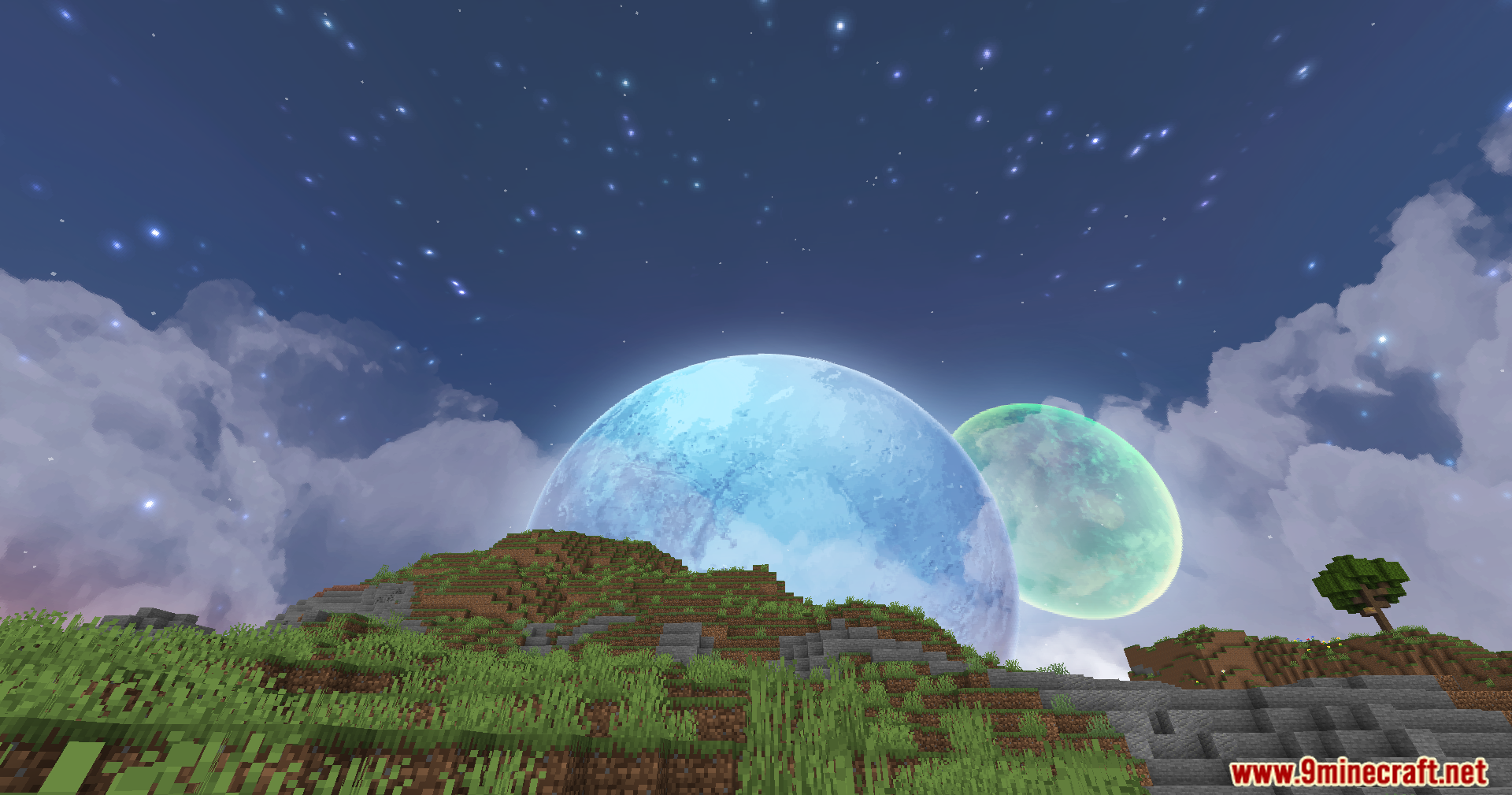
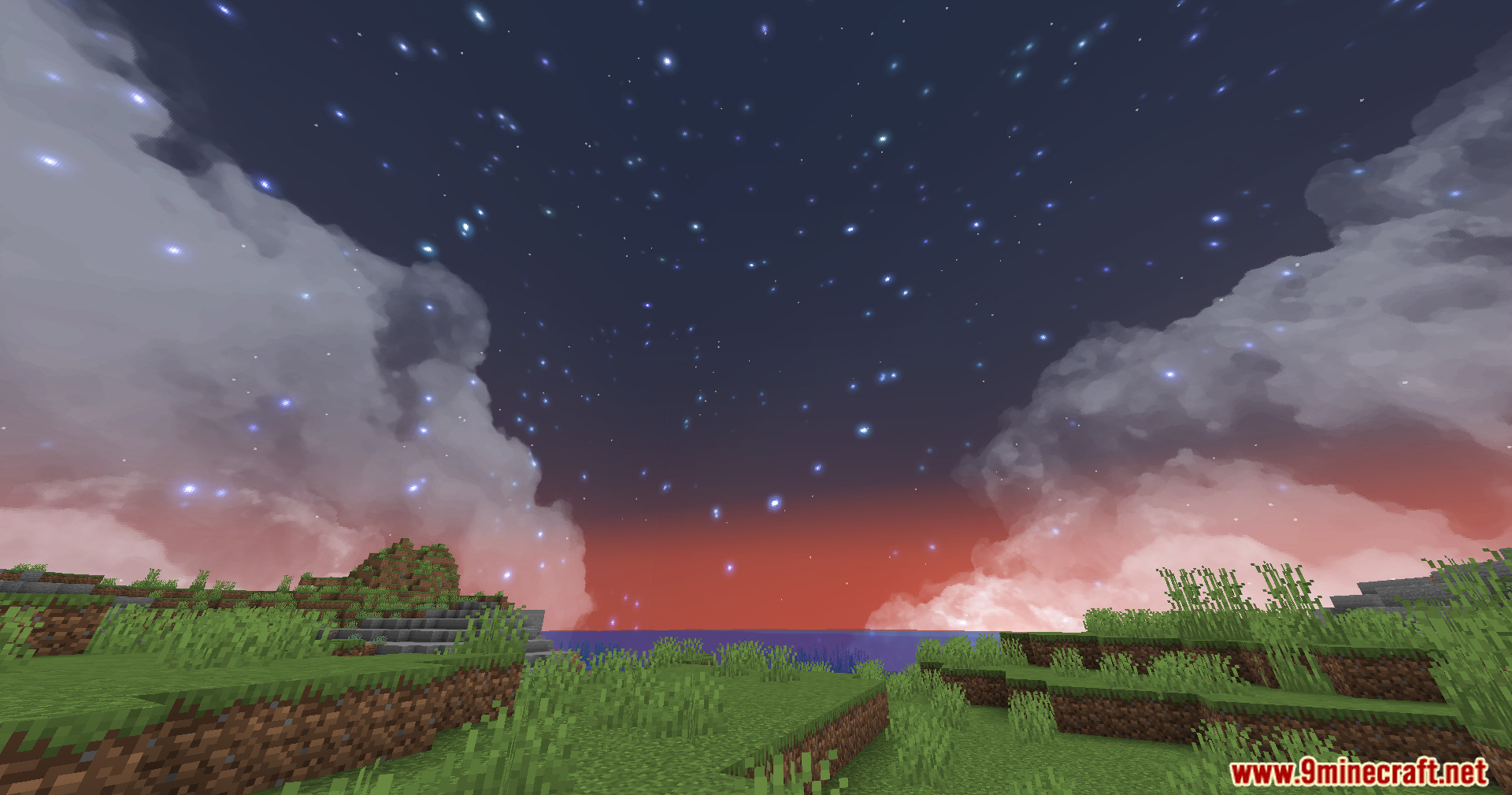
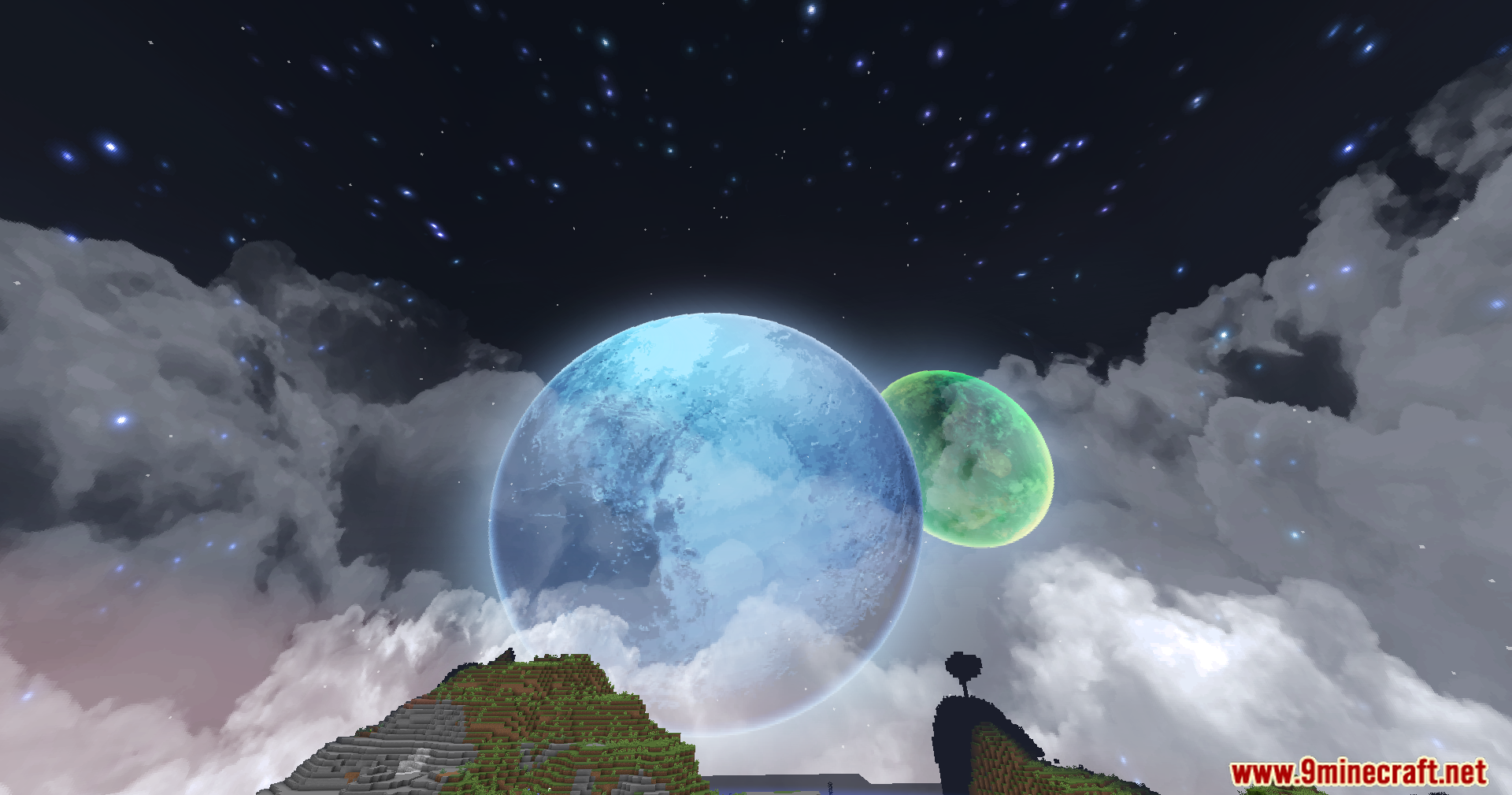
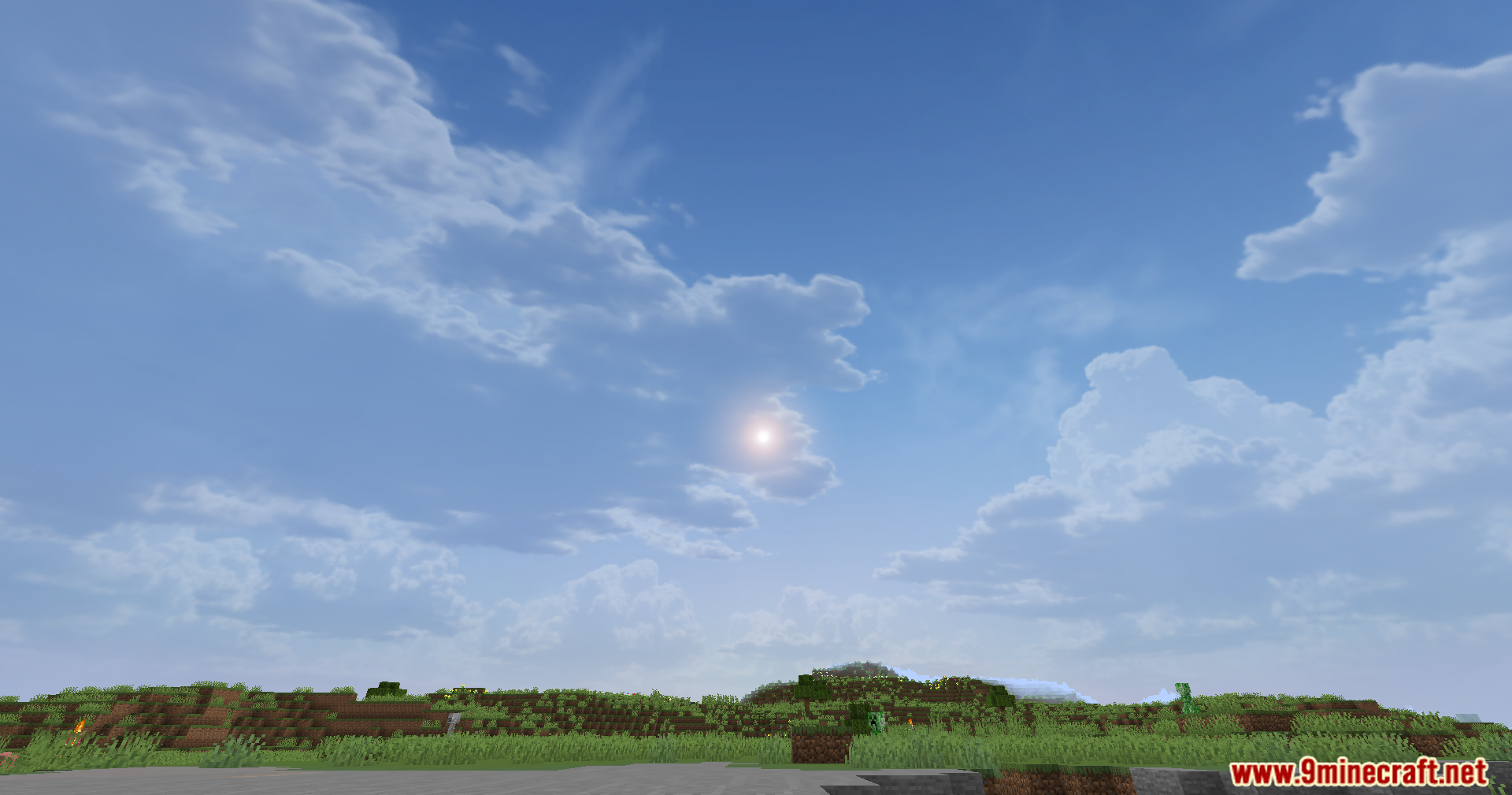
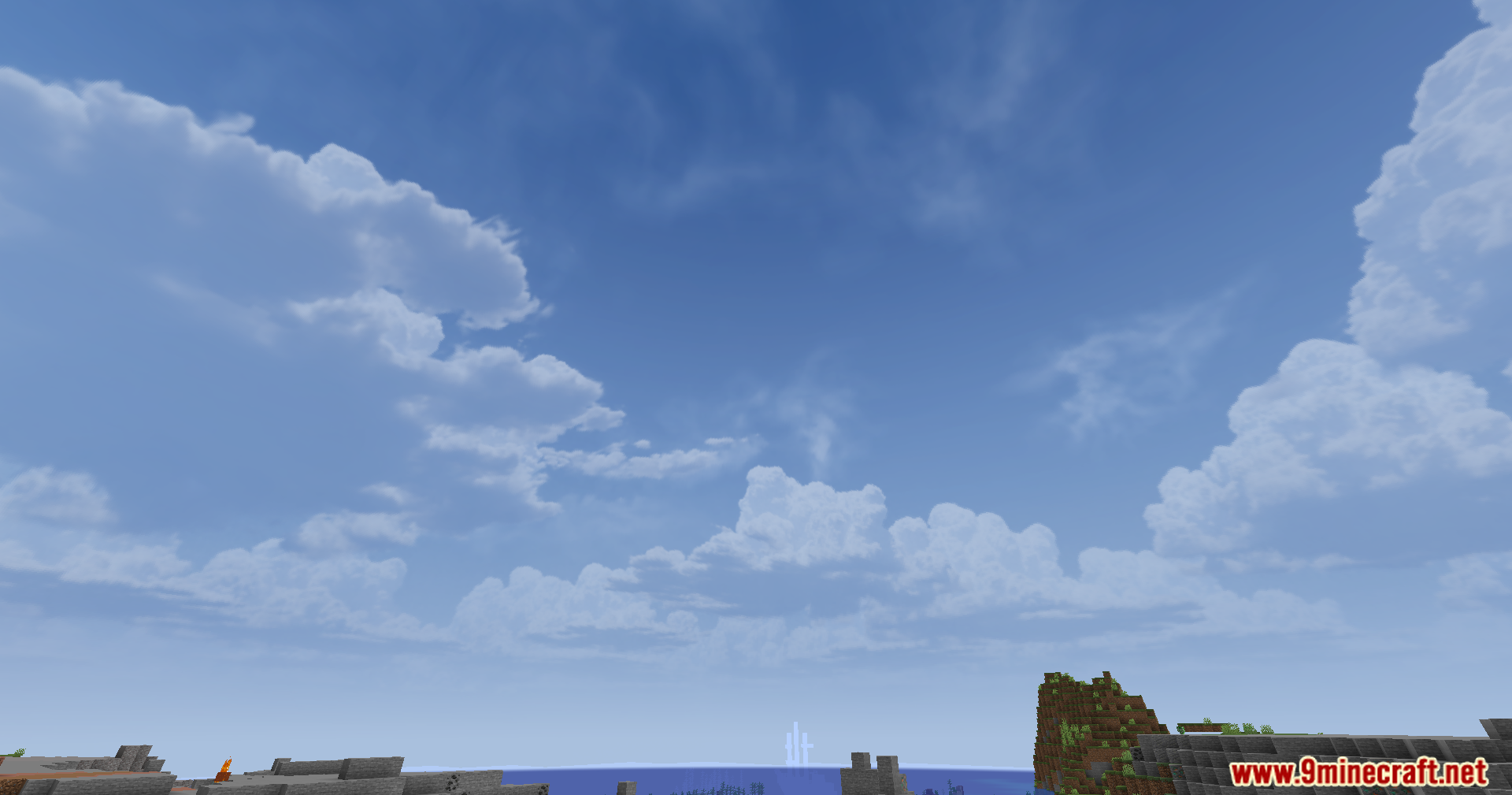
12 images from the Skyboxify Mod page.

You May Also Like
Wikis that share the most with this one
More mod wikis on the site
The most downloaded mods that have a wiki here
A few wikis from each of the other kinds