

 DownloadSky Aesthetics Mod
Get the files on 9Minecraft
Guides
Step-by-step, in-game.
Add Shooting Stars and Meteor EffectsEnabling Animated Sky Events Sky Aesthetics supports dynamic sky phenomena like shooting stars and meteor streaks…Create a Custom Star FieldSetting Up Your Star Configuration Sky Aesthetics allows you to define custom stars with individual positions,…Create an End-Style or Alternate Dimension SkyApplying Alternative Sky Themes Sky Aesthetics allows you to apply End-like skies, void skies, or completely custom…Remove or Replace CloudsDisabling Default Clouds Sky Aesthetics gives you control over Minecraft's cloud layer. You can remove clouds…
Frequently asked questions
Where do I put my sky configuration files?
Sky configuration files go in your resource pack's `assets/minecraft/sky/` folder. If this folder doesn't exist, create it manually, then place your JSON files there.
How do I make stars appear in my custom sky?
Create a star field configuration file in your resource pack that defines star positions, colors, and sizes. The mod reads this JSON data and renders stars according to your specifications without requiring a texture file.
Can I have different skies in different dimensions?
Yes, you can create separate sky configurations for the Overworld, Nether, and End by organizing your files into dimension-specific folders within your resource pack's sky directory.
What's the difference between static stars and moving stars?
Static stars stay fixed in the sky, while moving stars rotate or drift across the sky over time based on parameters you set in your configuration file.
See all 10 Sky Aesthetics questions ›
Gallery
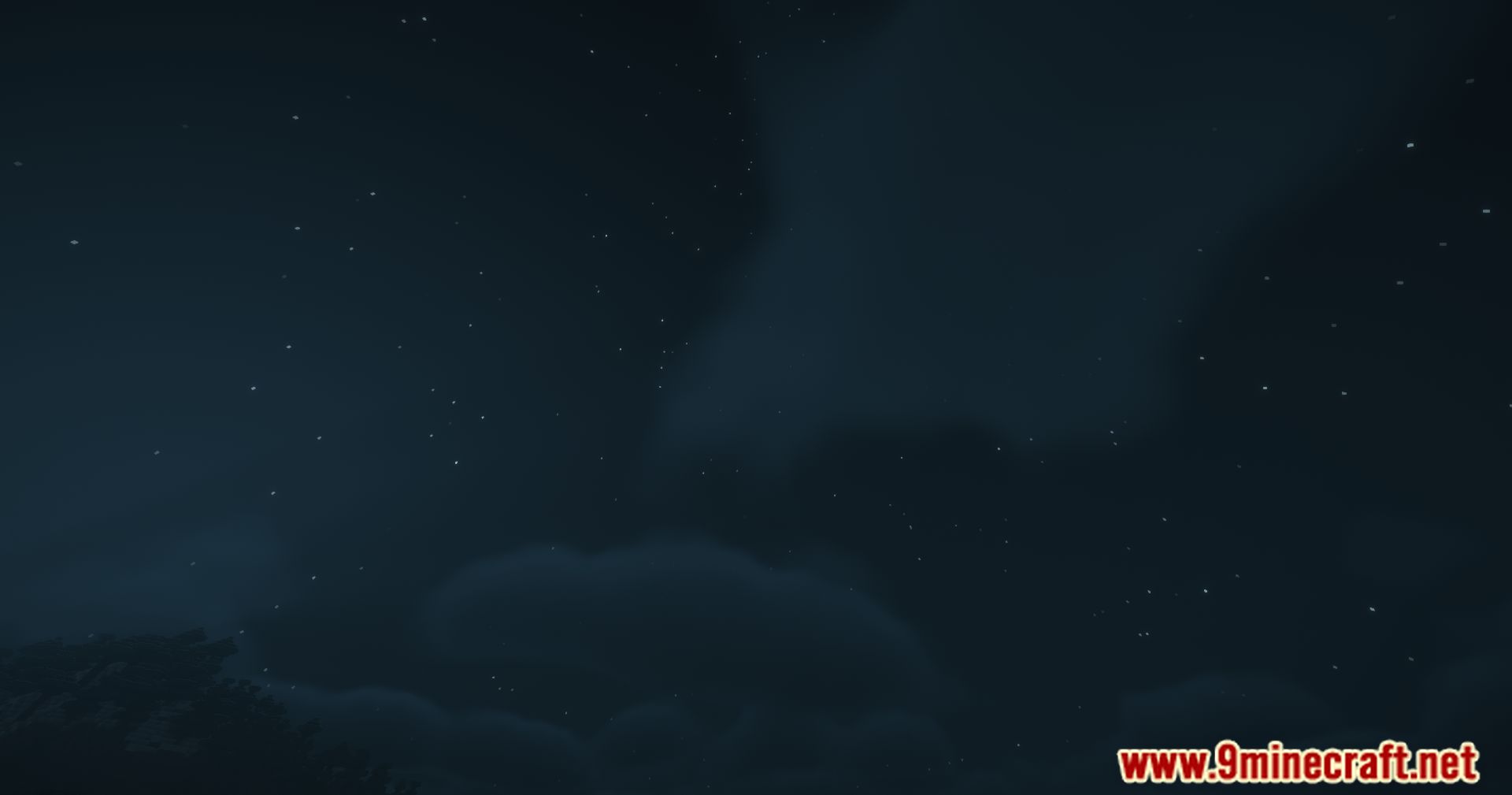
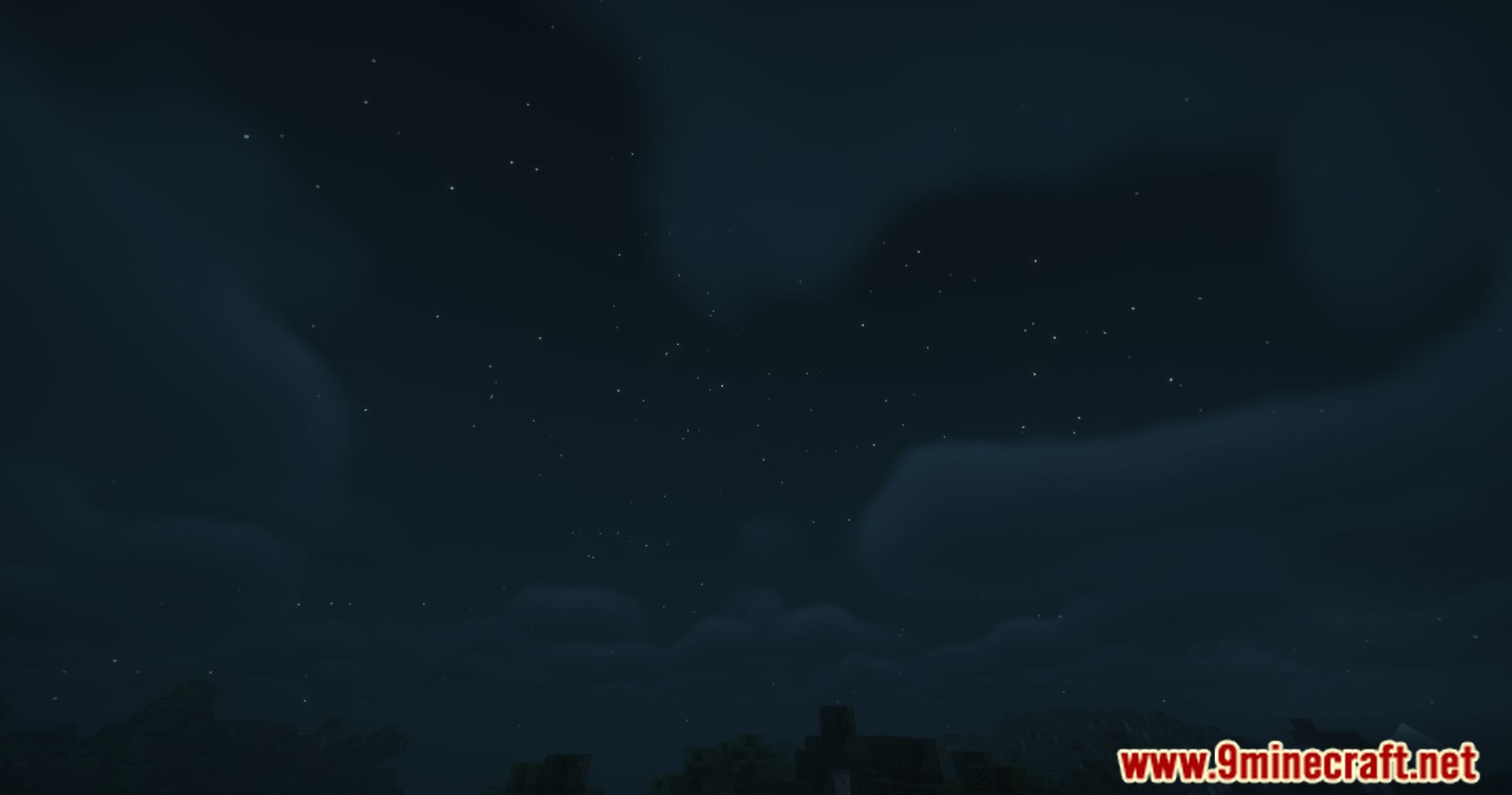
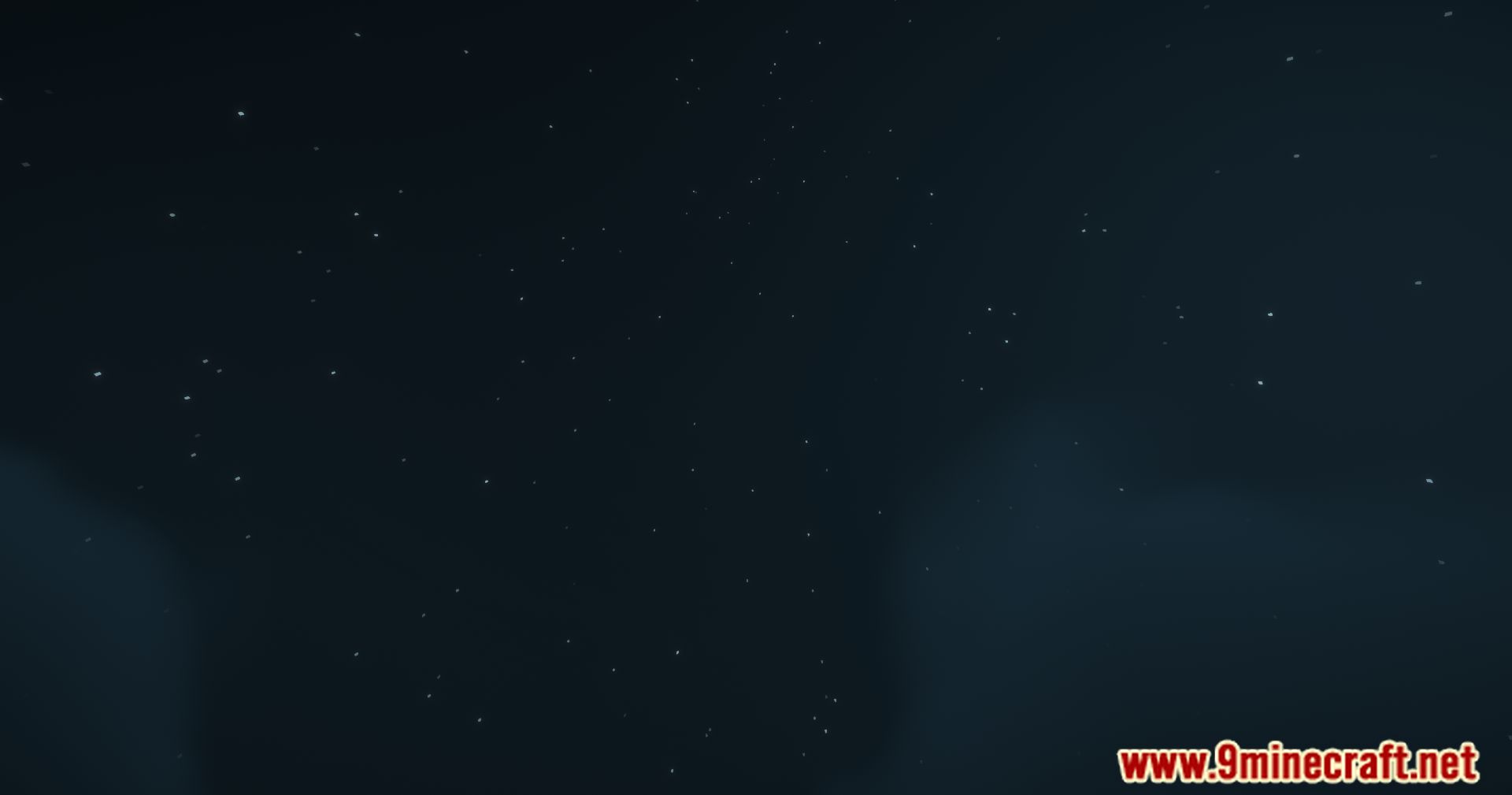
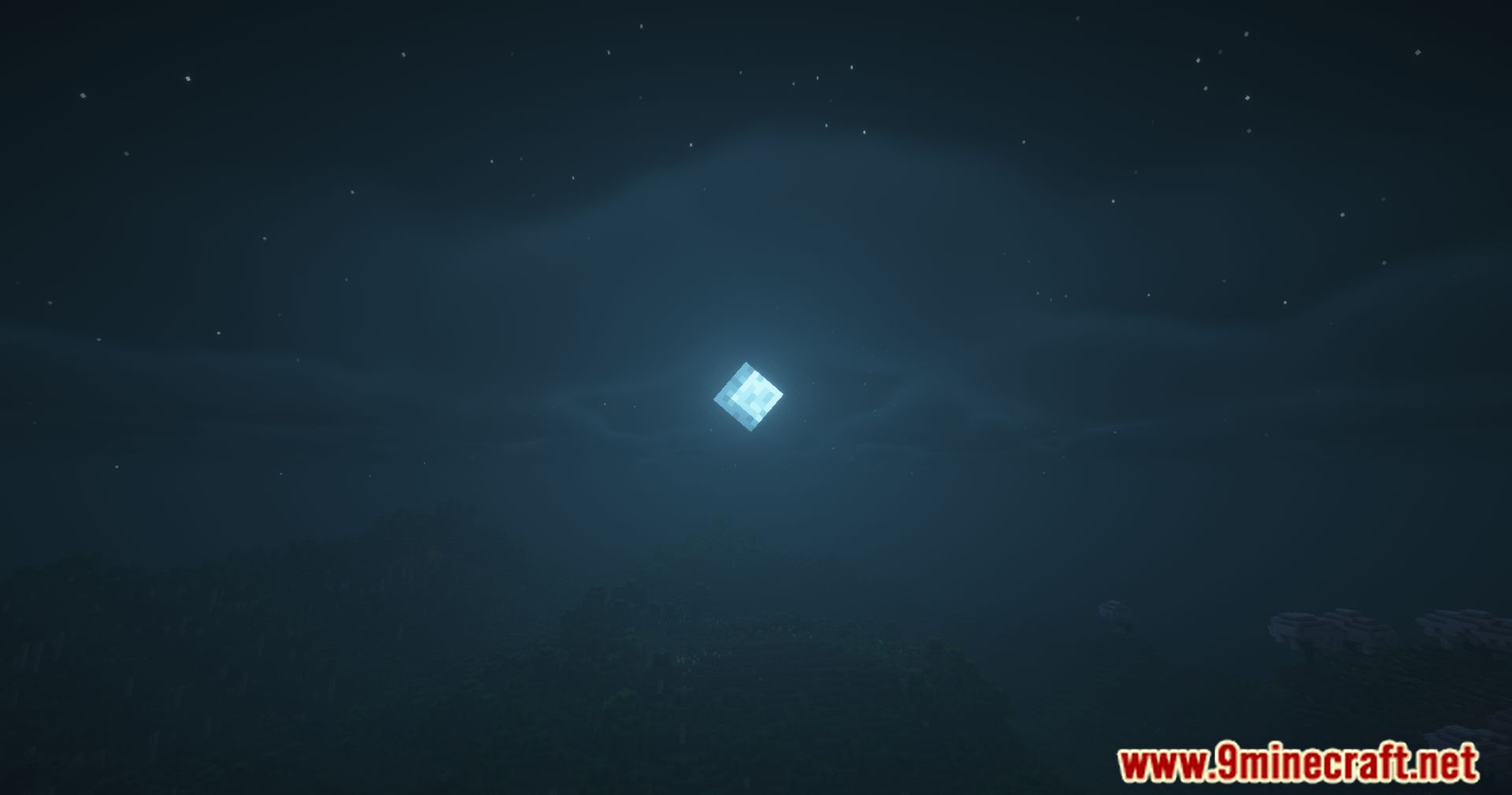
11 images from the Sky Aesthetics Mod page.



You May Also Like
Wikis that share the most with this one
More mod wikis on the site
The most downloaded mods that have a wiki here
A few wikis from each of the other kinds