

 DownloadSkinChanger Mod
Get the files on 9Minecraft
Guides
Step-by-step, in-game.
Add and Equip a CapeEnabling a Cape from Optifine SkinChanger lets you use capes from other players, including their Optifine capes. 1.…Change Skins Using a Player UUIDFinding and Using a Player UUID If a player name is ambiguous or you want to target a specific account, use their…Change Your Skin from a Player NameUsing the In-Game Menu The easiest way to adopt another player's skin is through the SkinChanger menu. 1. Open the…Load a Skin from a File or URLLoading from a Local File If you have a skin image saved on your computer: 1. Open the SkinChanger menu 2. Select the…
Frequently asked questions
How do I open the SkinChanger menu?
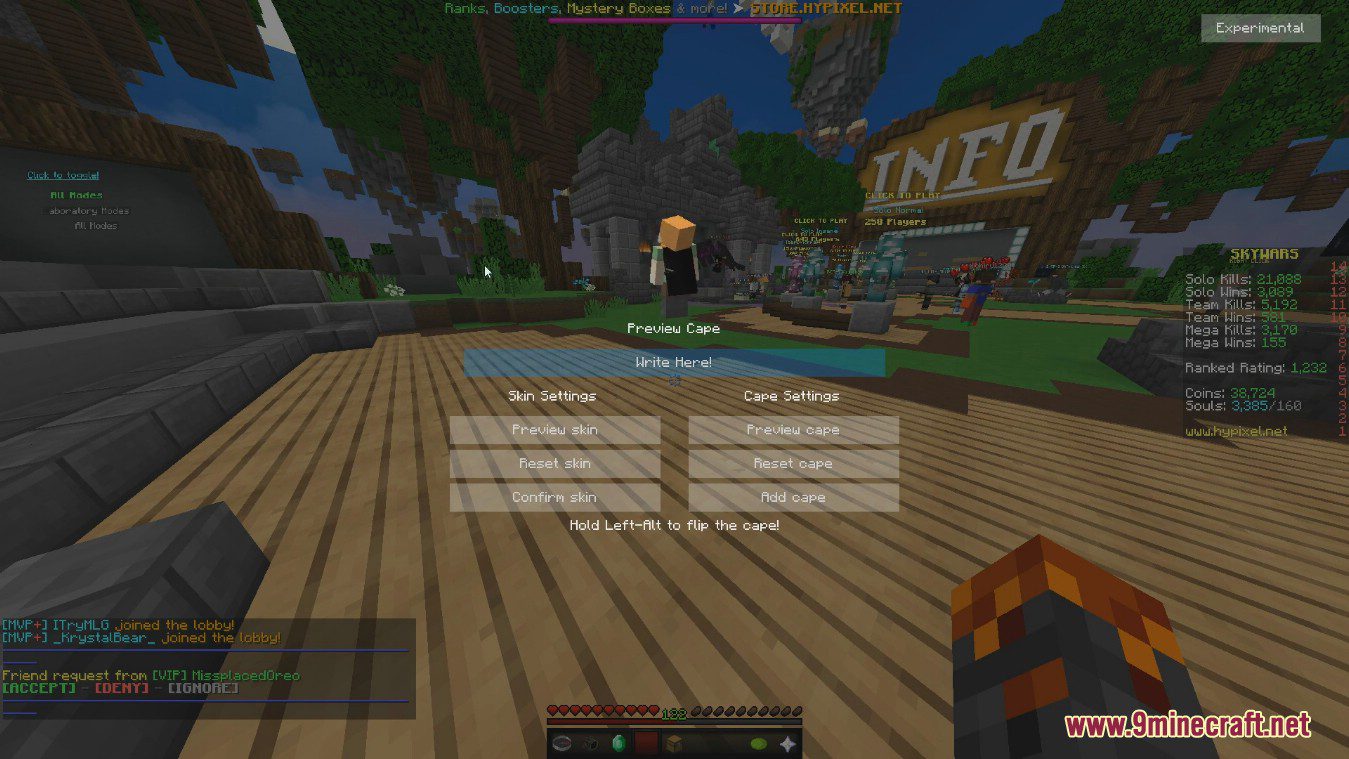
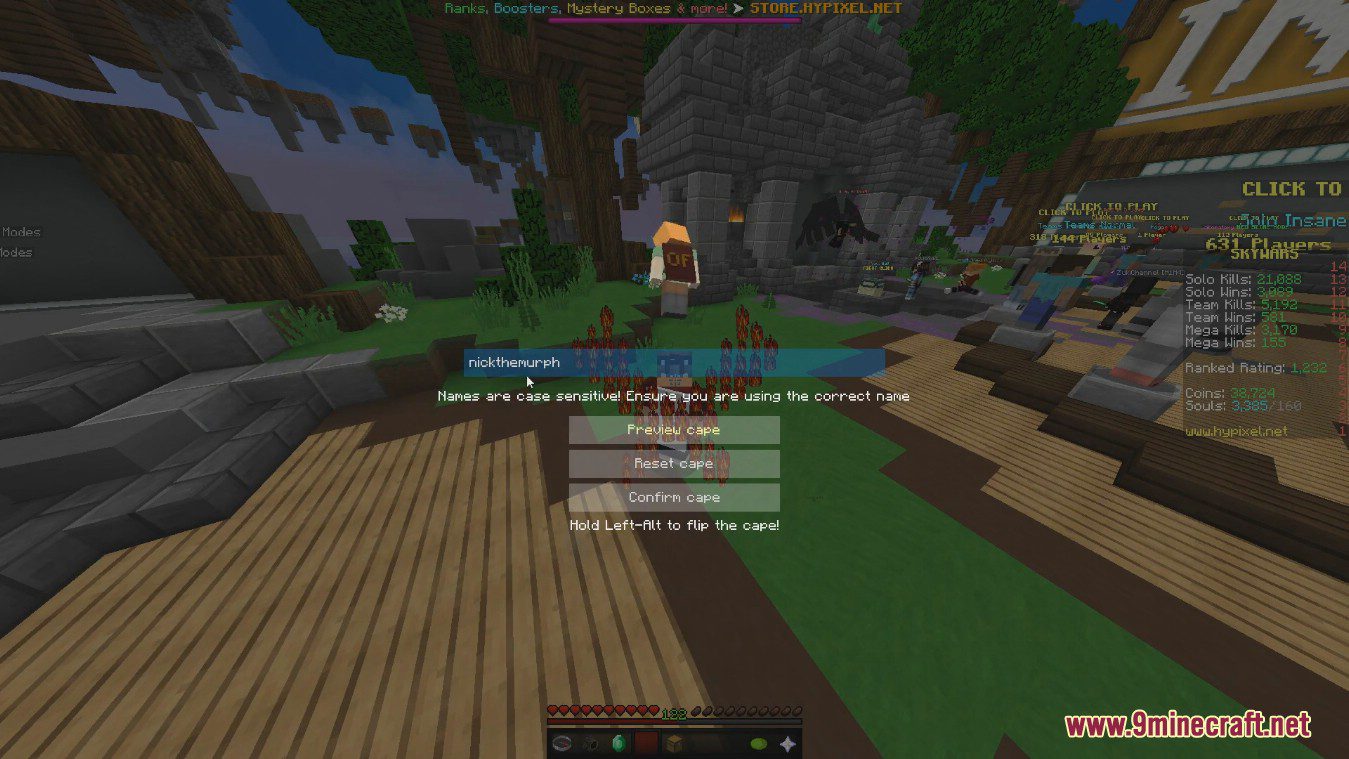
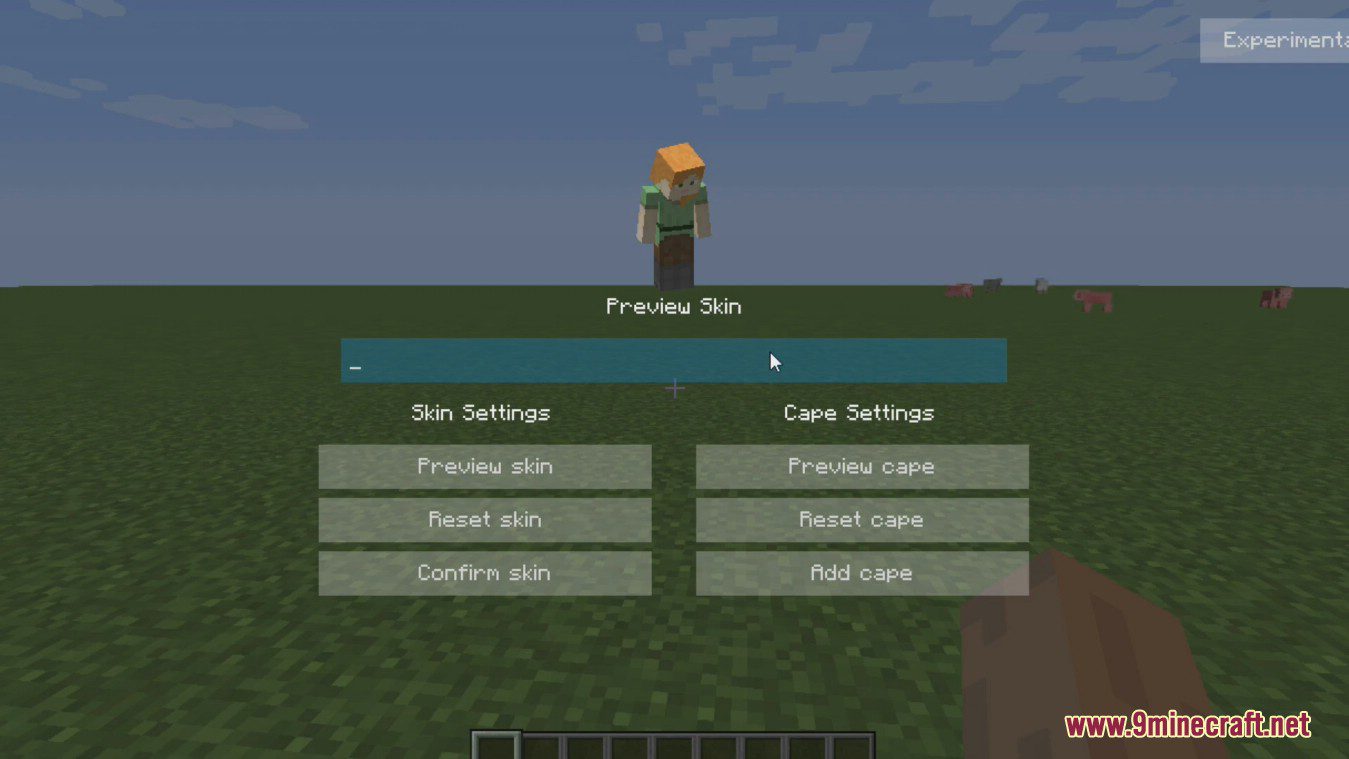
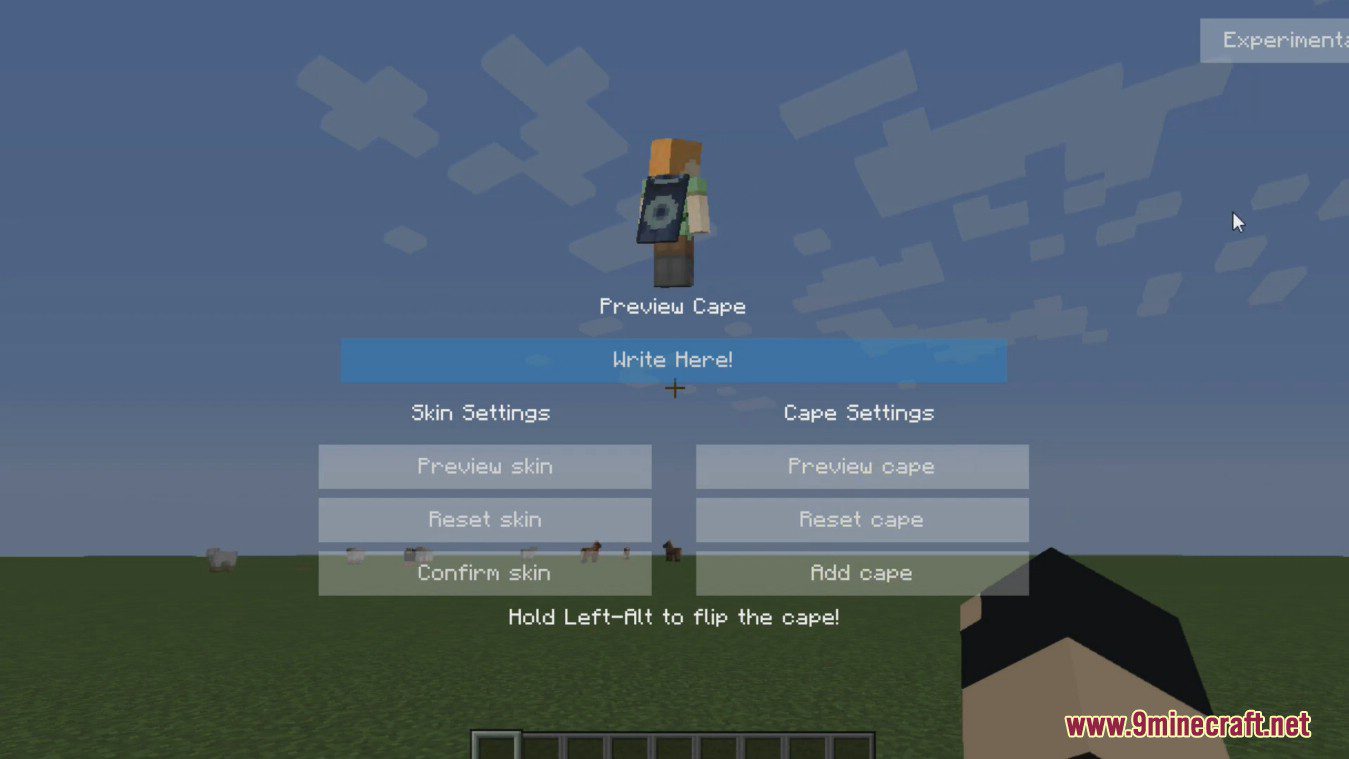
Type /skinchanger, /skin, or /cape in chat to open the mod menu. You can also bind these commands to a key in your controls settings for quicker access.
Why can't other players see my custom skin or cape?
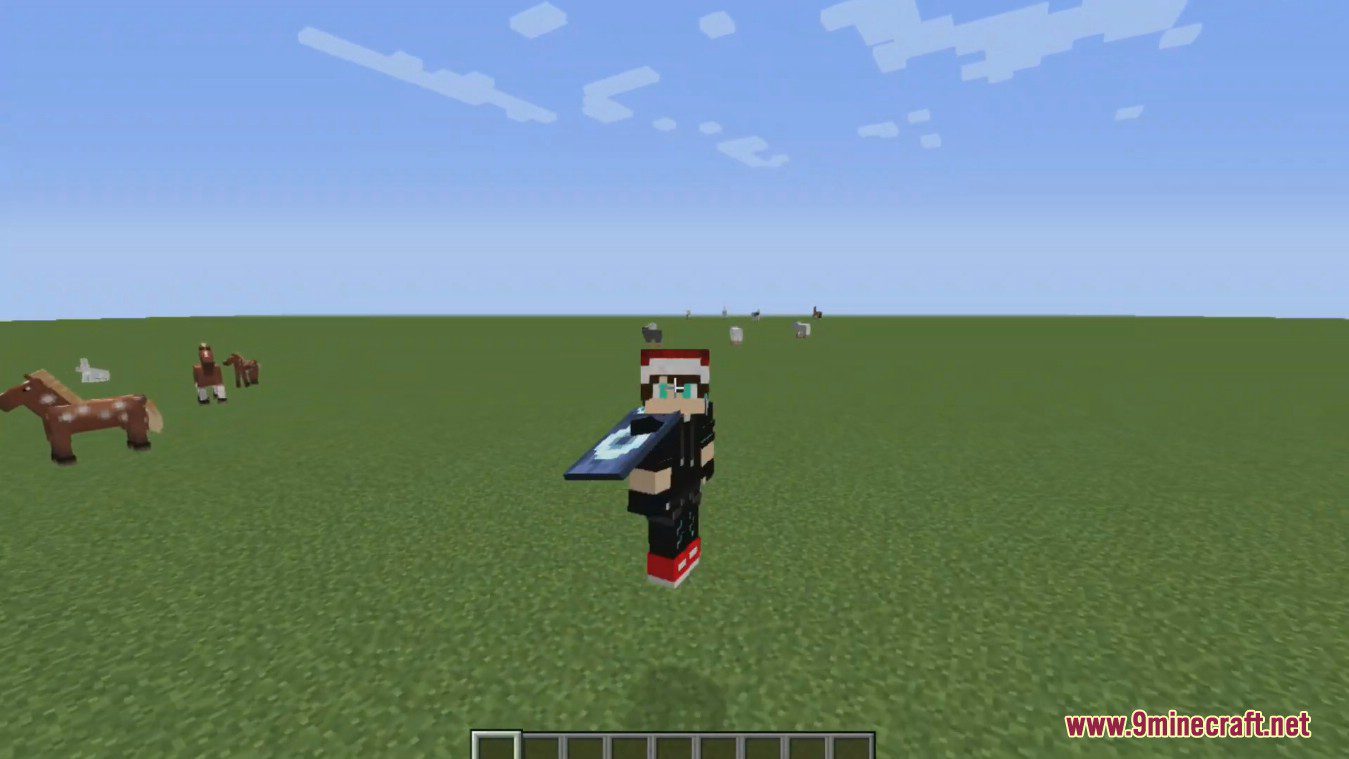
SkinChanger only changes skins and capes on your client—other players see your original skin and cape. This is by design; the mod is for personal cosmetic use only.
Can I use a skin from a player who doesn't exist?
No, if you enter a player name or UUID that doesn't exist, the mod won't find a valid skin to load. Make sure you're typing the exact player name or a valid UUID.
What file formats work for loading skins from my computer?
The mod accepts PNG image files for skins. The image should be a standard Minecraft skin texture (64×32 or 64×64 pixels).
See all 10 SkinChanger questions ›
Gallery
8 images from the Skinchanger Mod page.
You May Also Like
Wikis that share the most with this one
More mod wikis on the site
The most downloaded mods that have a wiki here
A few wikis from each of the other kinds