

 DownloadSkinShifter Mod
Get the files on 9Minecraft
Guides
Step-by-step, in-game.
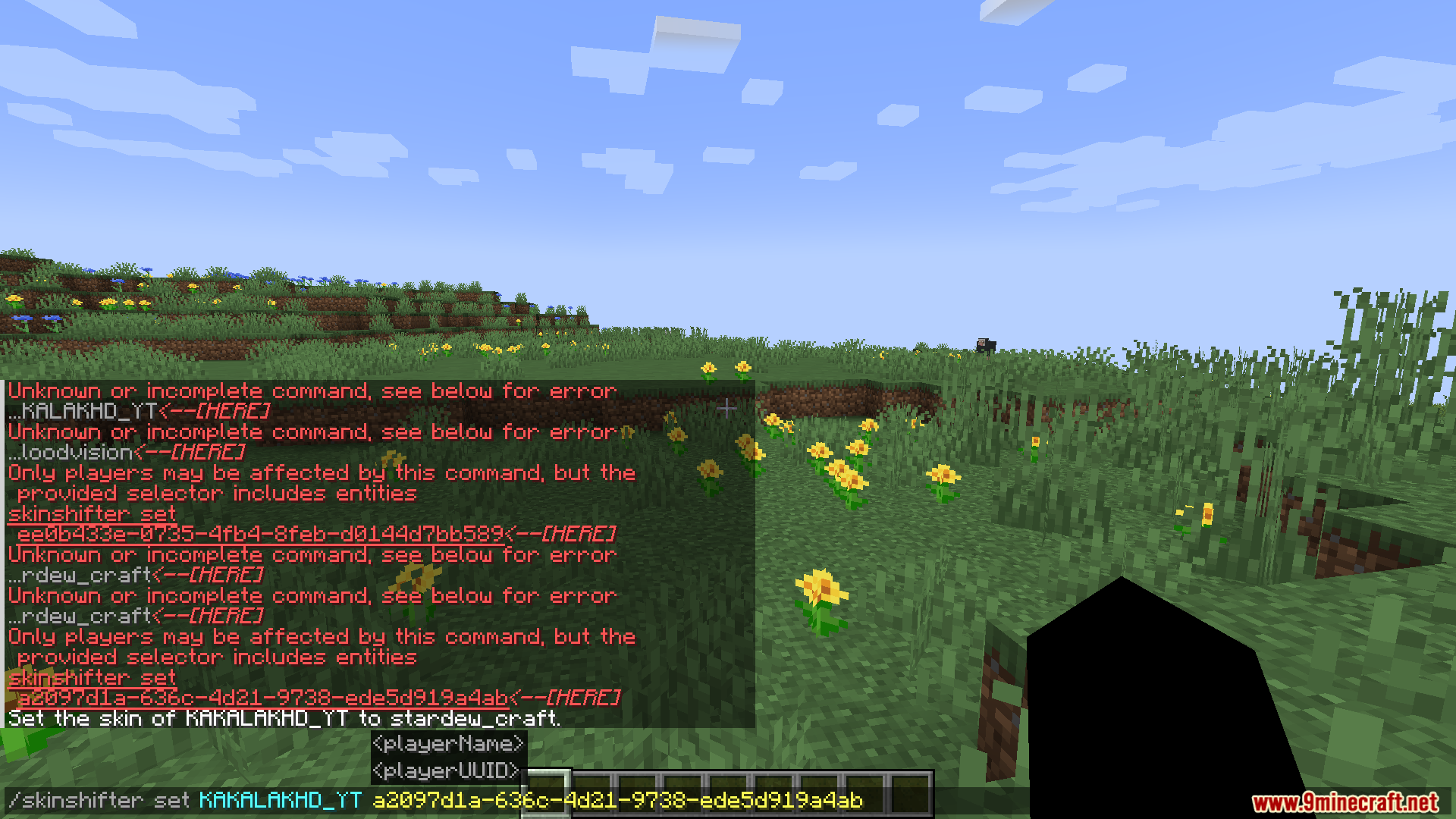
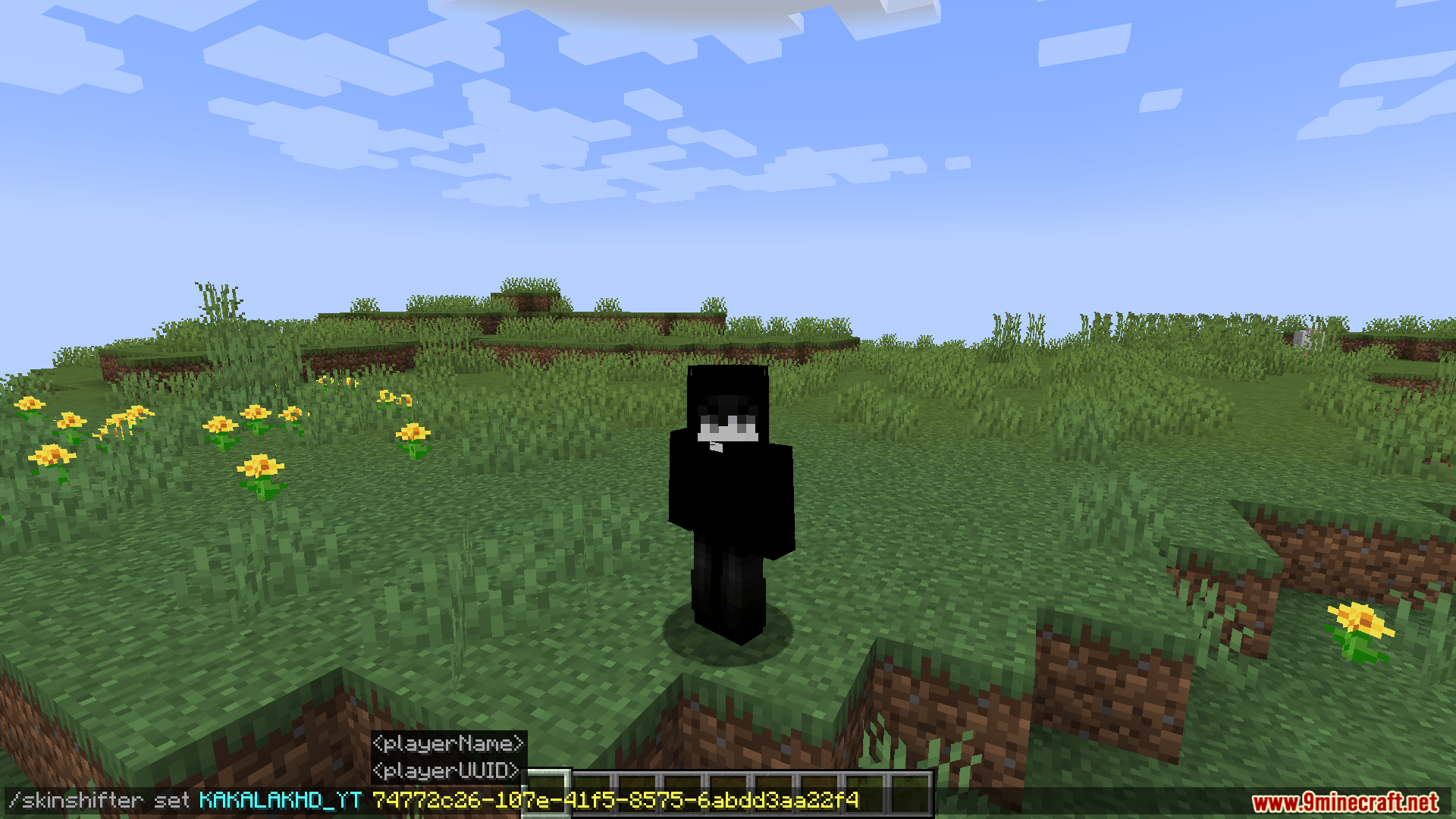
Access the Skin Menu GUIOpening the Skin Selection Menu If you prefer not to use commands, SkinShifter provides a graphical menu for browsing…Change Your Skin Using CommandsUsing the Skin Command The fastest way to switch skins is through the in-game chat command. Open your chat and type…Restore Your Original SkinSwitching Back to Your Default Appearance After experimenting with different skins, you can easily return to your…Use Skins for Roleplay in MultiplayerSetting Up Character Skins for Roleplay SkinShifter is ideal for multiplayer roleplay scenarios where you want to…
Frequently asked questions
How do I change my skin for the first time?
Open the Skin Menu GUI (check your mod's keybind settings for the default key) or use the command provided in the Change Your Skin Using Commands guide. Select a skin from your available options and confirm to apply it instantly.
Where does the mod get skins from?
SkinShifter can load skins from your local skin files, community skin packs, or skins you've downloaded. The exact sources depend on your mod's configuration—check your mod folder's config file to see which skin directories are enabled.
Will changing my skin affect my actual Minecraft account skin?
No, SkinShifter only changes how you appear visually in-game—your original account skin remains completely intact and unchanged.
See all 10 SkinShifter questions ›
Gallery
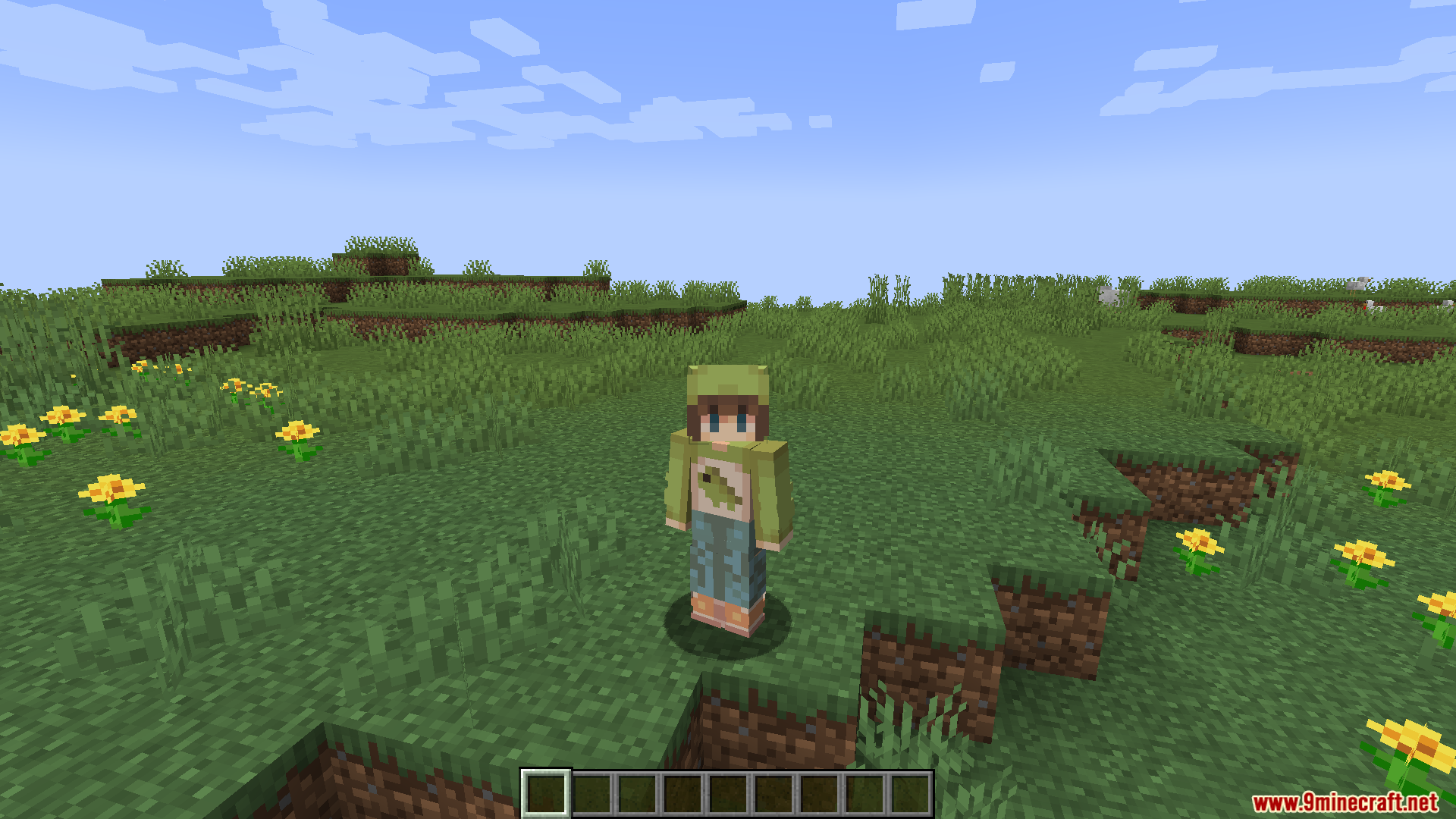
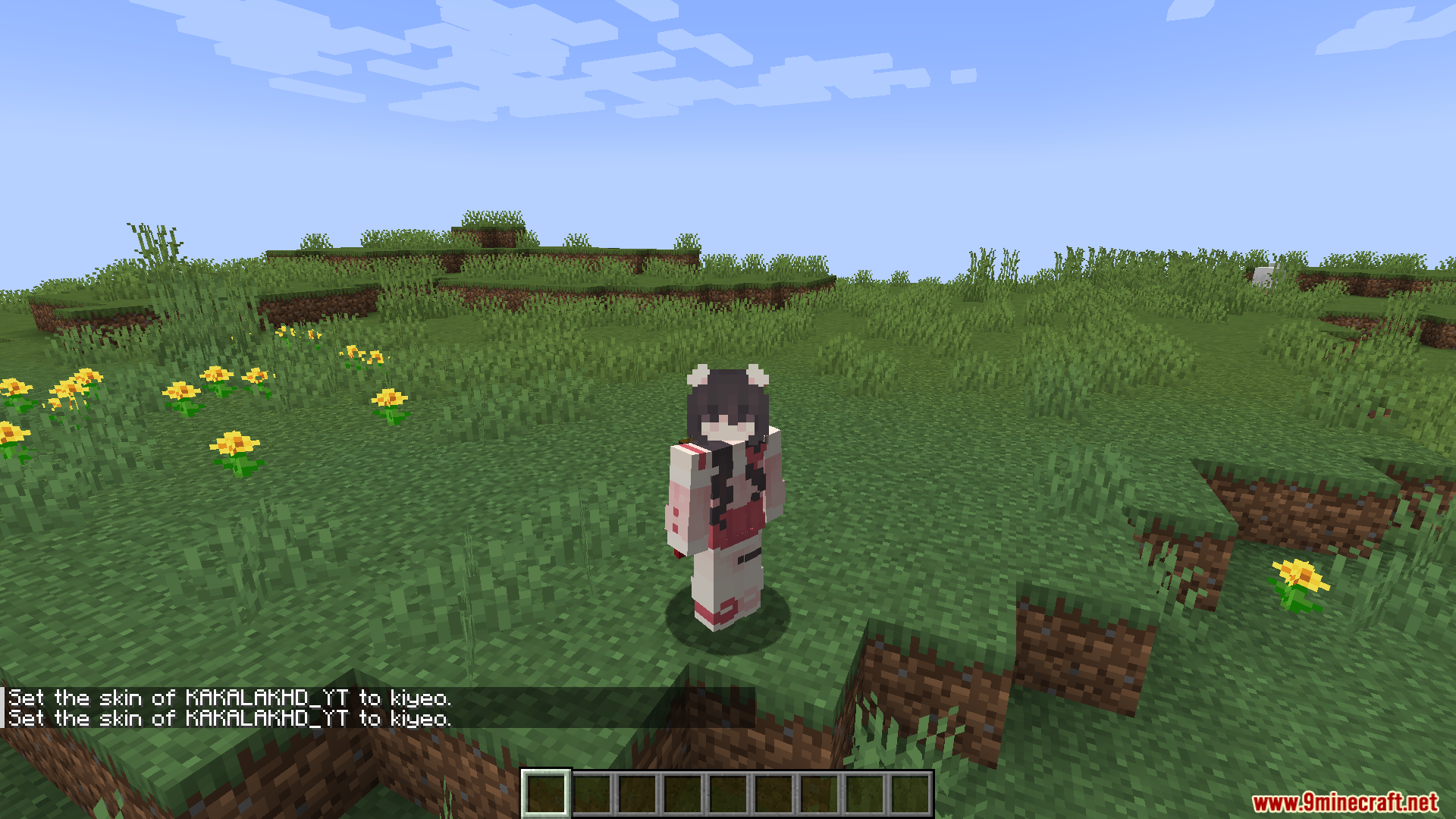
6 images from the Skinshifter Mod page.
You May Also Like
Wikis that share the most with this one
More mod wikis on the site
The most downloaded mods that have a wiki here
A few wikis from each of the other kinds