

 DownloadSkincraft Mod
Get the files on 9Minecraft
Guides
Step-by-step, in-game.
Add and Customize a CapeAccessing Cape Options Press K to open the Skincraft menu and look for the cape customization section. The mod…Browse and Wear Community SkinsAccessing the Community Library Press K to open the Skincraft menu and navigate to the Community Library section.…Create and Paint a Custom Skin from ScratchOpening the Editor Press K while in-game to open the Skincraft menu. Select the option to create a new blank skin…Manage and Organize Your Saved OutfitsViewing Your Outfit Collection Press K to open the Skincraft menu and navigate to your local outfit folder. This…
Frequently asked questions
How do I open the skin editor?
Press K while in-game to open the Skincraft menu. From there you can access the editor, browse community skins, or manage your saved outfits.
Can I see how my skin looks in 3D before saving?
Yes, the editor includes a live 3D model of your character that updates as you paint. You can rotate it by clicking and dragging with your right mouse button to view your design from all angles.
Do I need to restart Minecraft after saving a new skin?
No, your skin saves directly to your character and appears immediately in-game without restarting.
What happens if I make a mistake while painting?
Use the undo button in the editor to revert your last action. You can undo multiple times to get back to an earlier state.
See all 10 Skincraft questions ›
Gallery
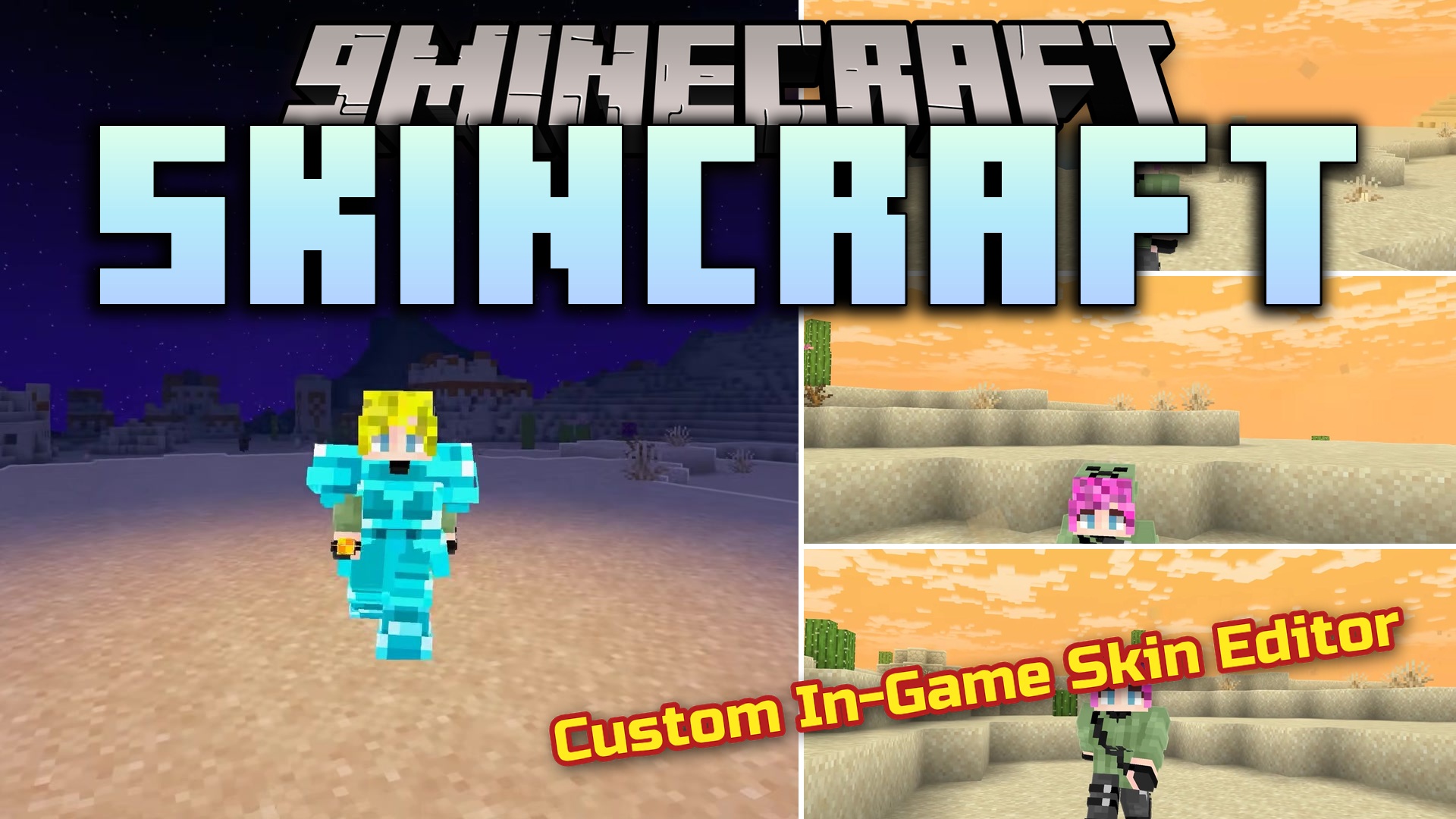
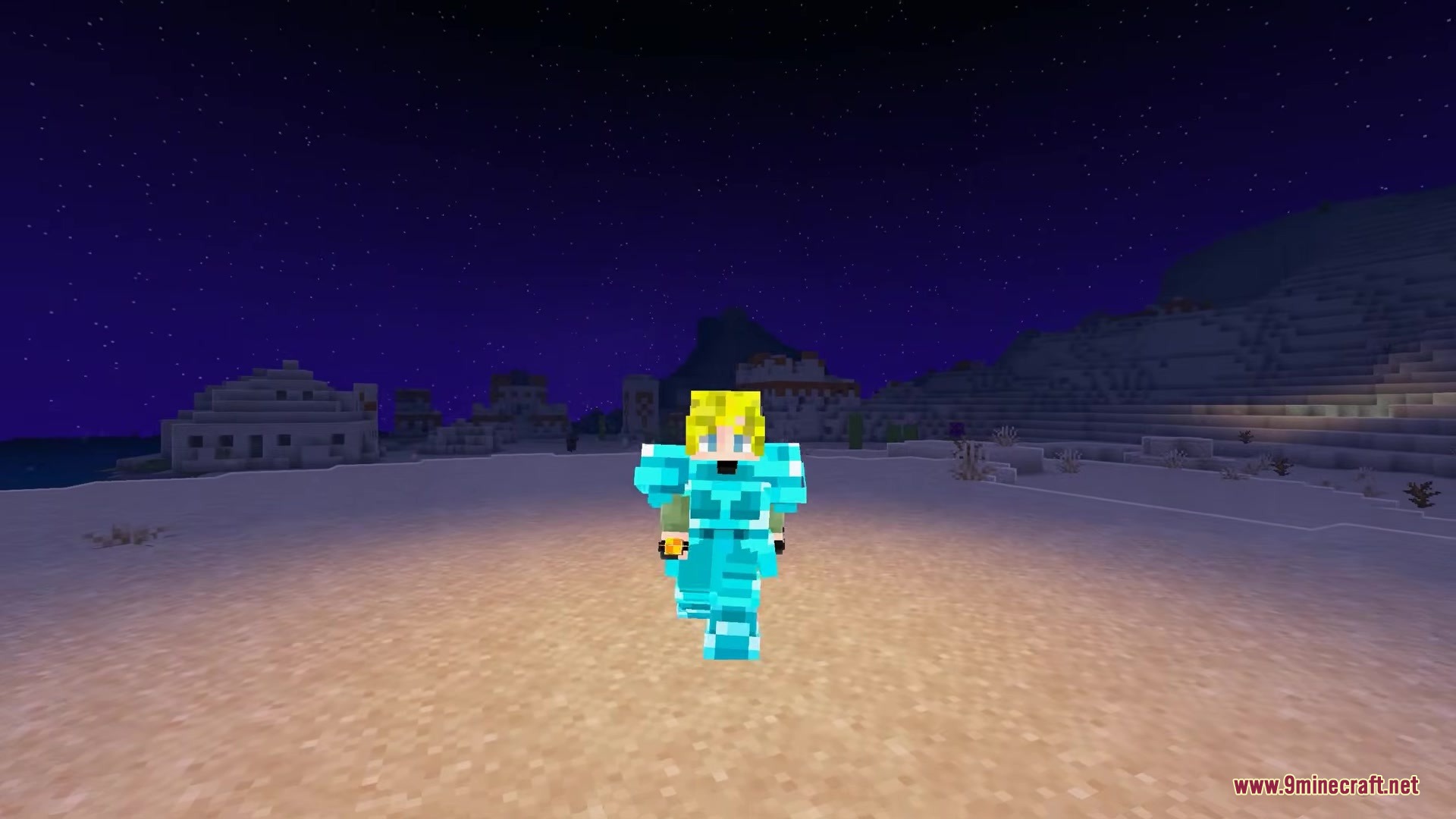
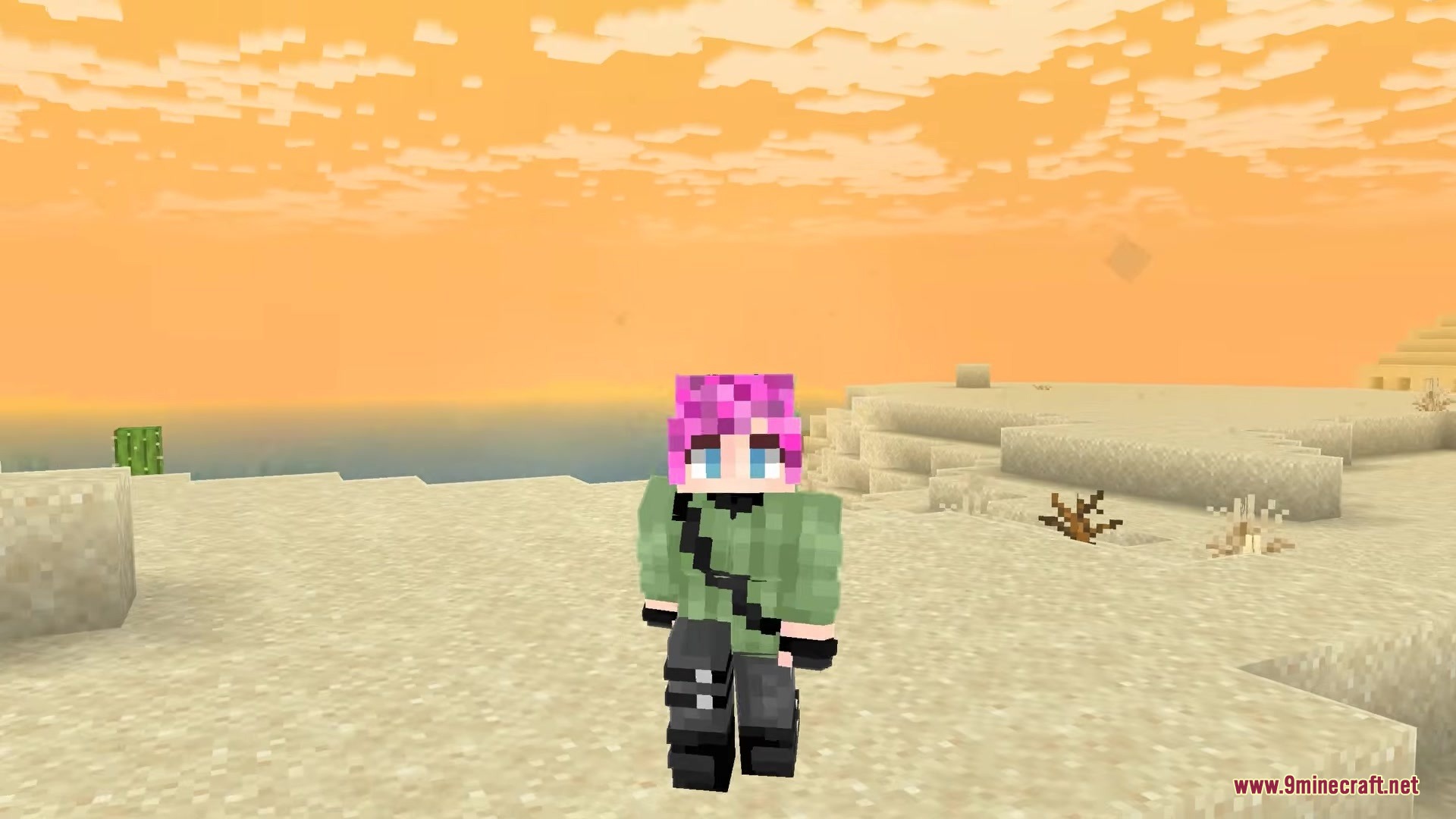
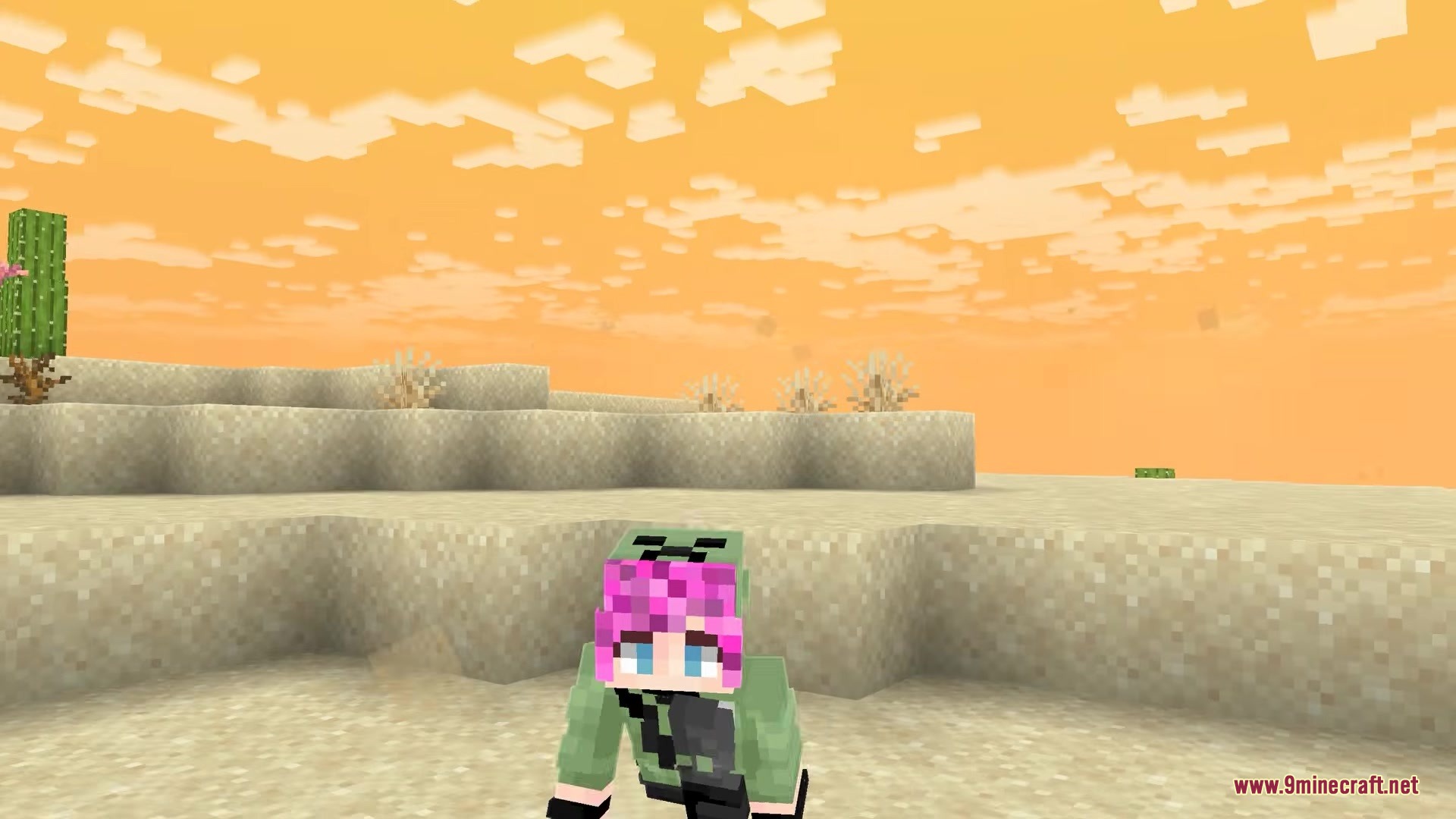
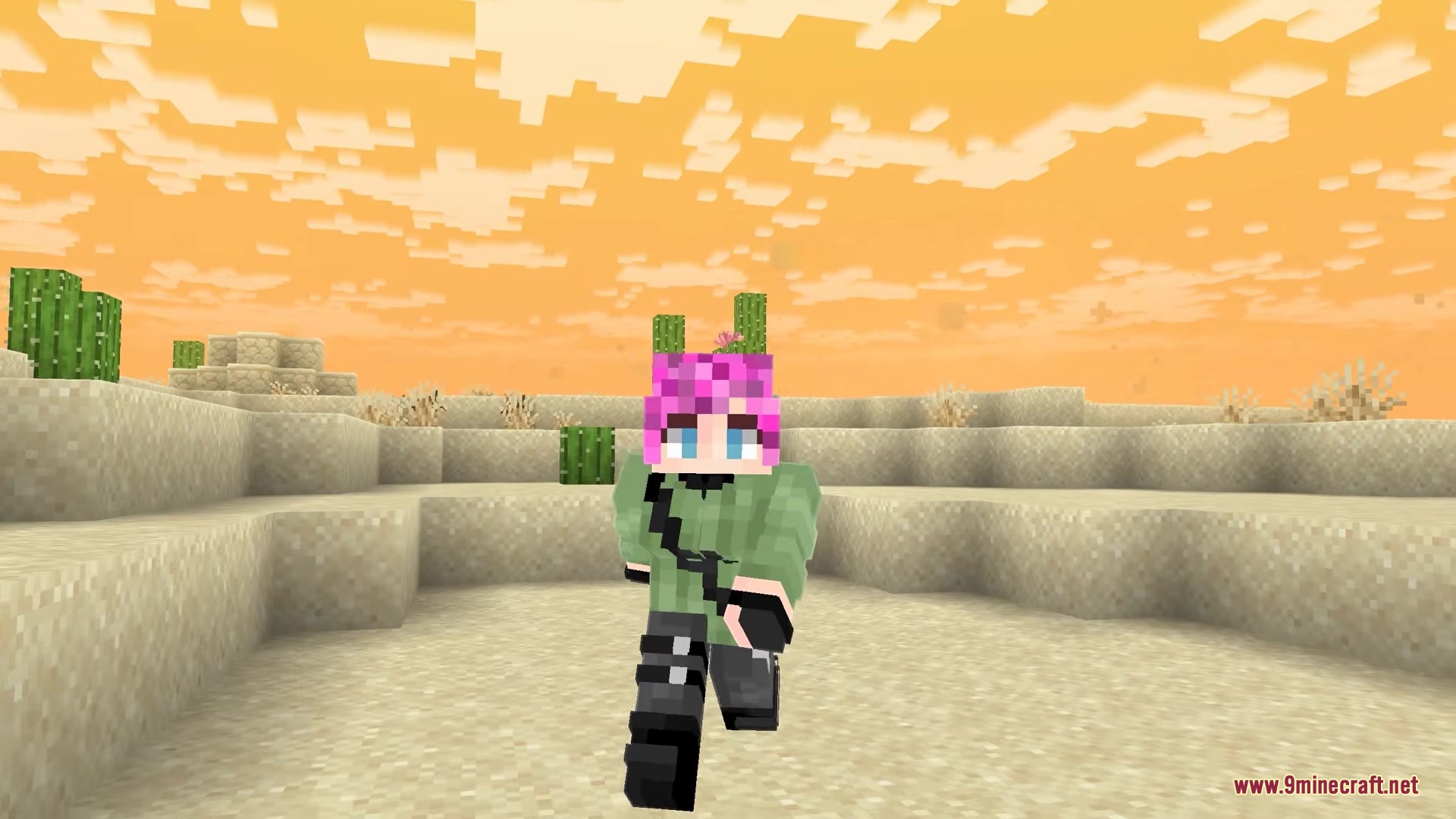
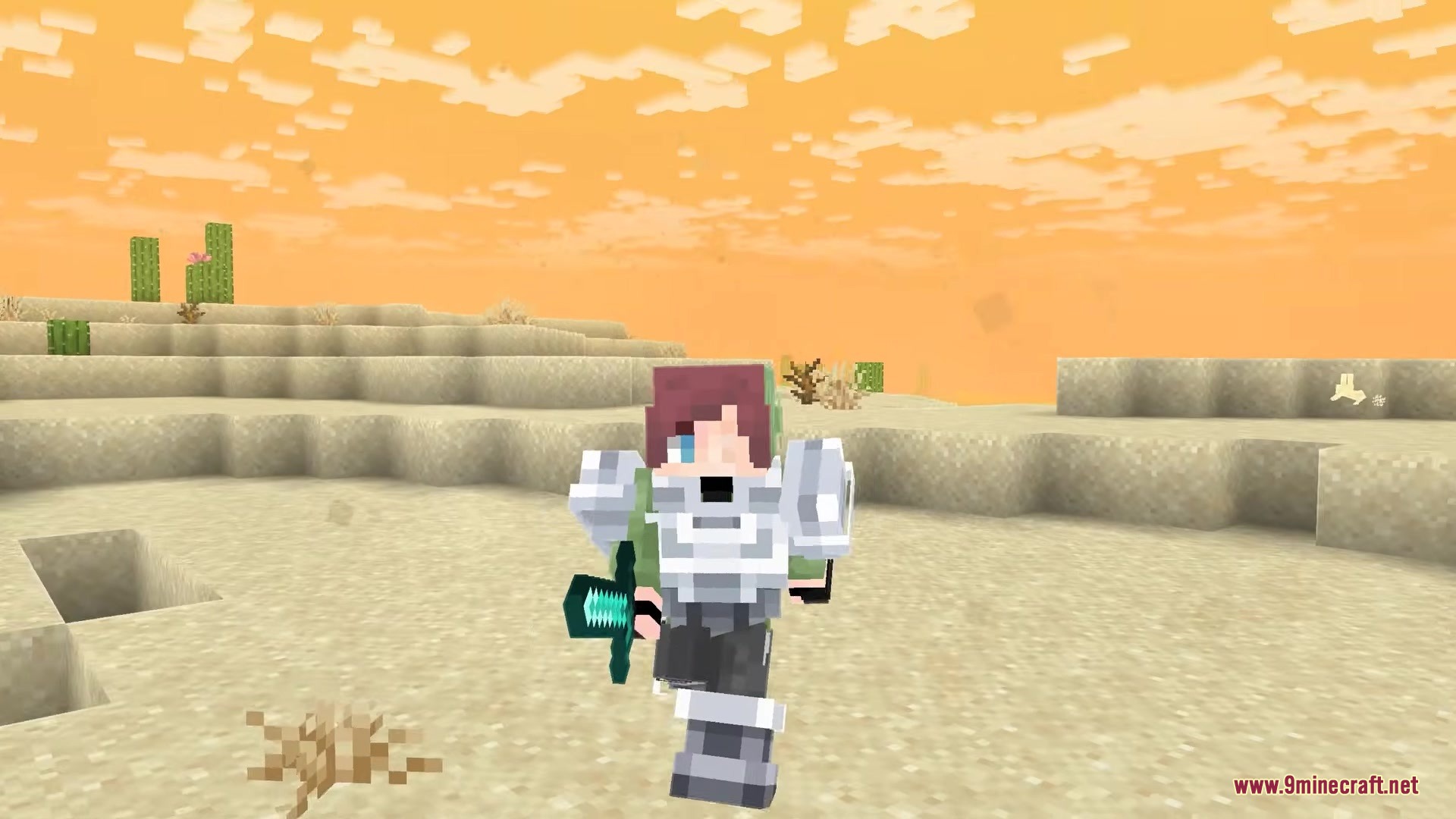
6 images from the Skincraft Mod page.
You May Also Like
Wikis that share the most with this one
Wikis on the same theme: tool
More mod wikis on the site
The most downloaded mods that have a wiki here
A few wikis from each of the other kinds