

 blocks
 transparent
 things
 DownloadSkin Layers 3D Mod
Get the files on 9Minecraft
Guides
Step-by-step, in-game.
How to Fix Skin Layers 3D Not Showing Up on Your SkinConfirm the Mod Is Actually Active Skin Layers 3D is purely client-side, so it renders other players' skins in 3D on…How to Get Skin Layers 3D Working on Bedrock and Pocket EditionKnow the Platform Reality Skin Layers 3D is a Java Edition mod built for the Java modding ecosystem. Bedrock Edition…How to Make Your Skin's Outer Layer Look 3D in Skin Layers 3DUnderstand What the Mod Changes Skin Layers 3D only affects the second, outer layer of your skin (the hat, jacket,…How to Use Transparent Parts (Glasses, Visors) With Skin Layers 3DWhy Transparency Matters Here Skin Layers 3D renders the outer skin layer as actual geometry, so transparent pixels…
Frequently asked questions
How do I turn on the 3D skin layer?
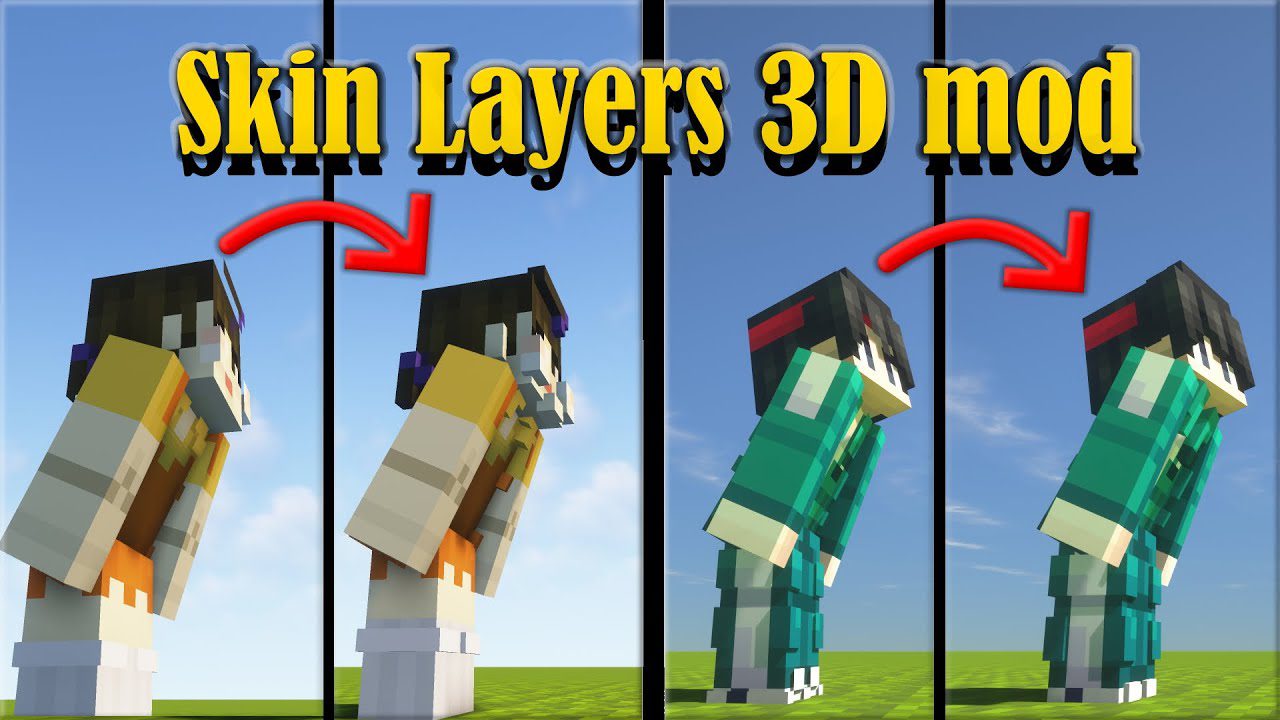
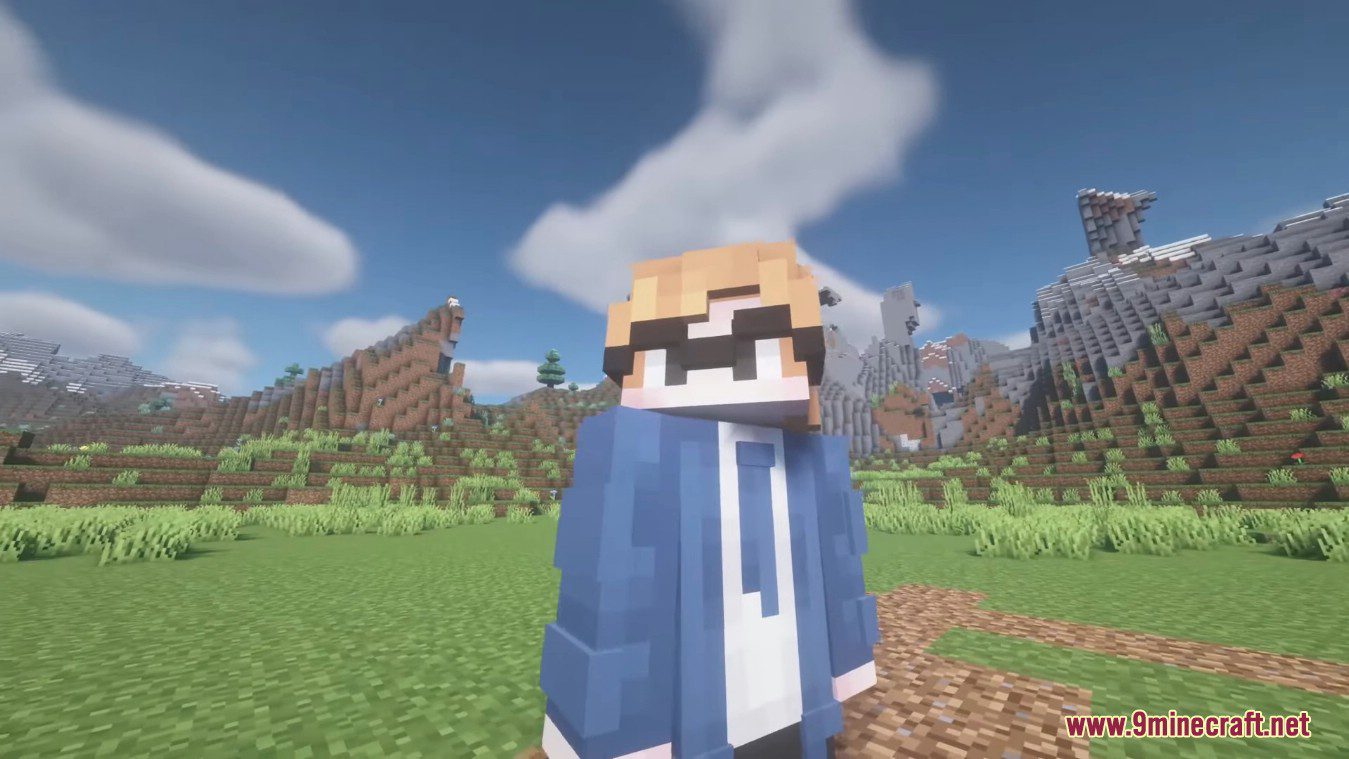
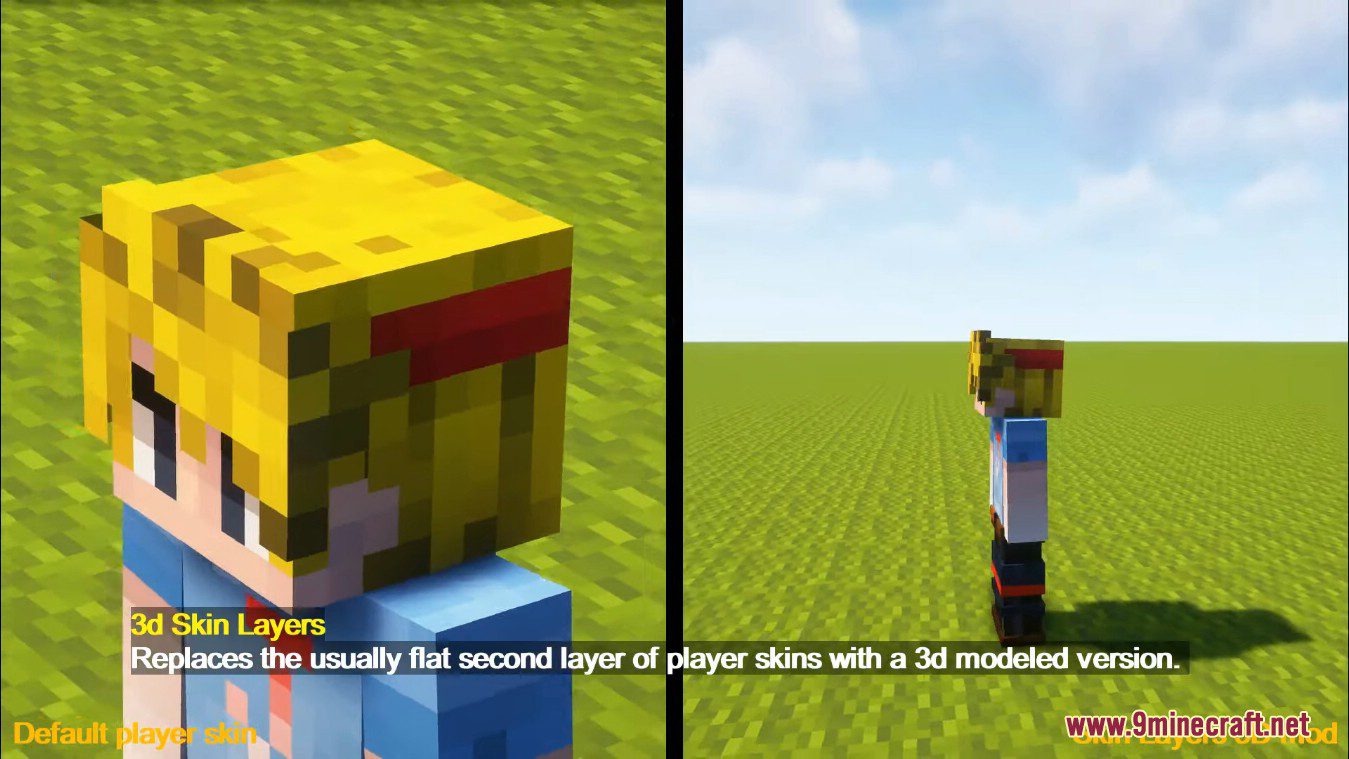
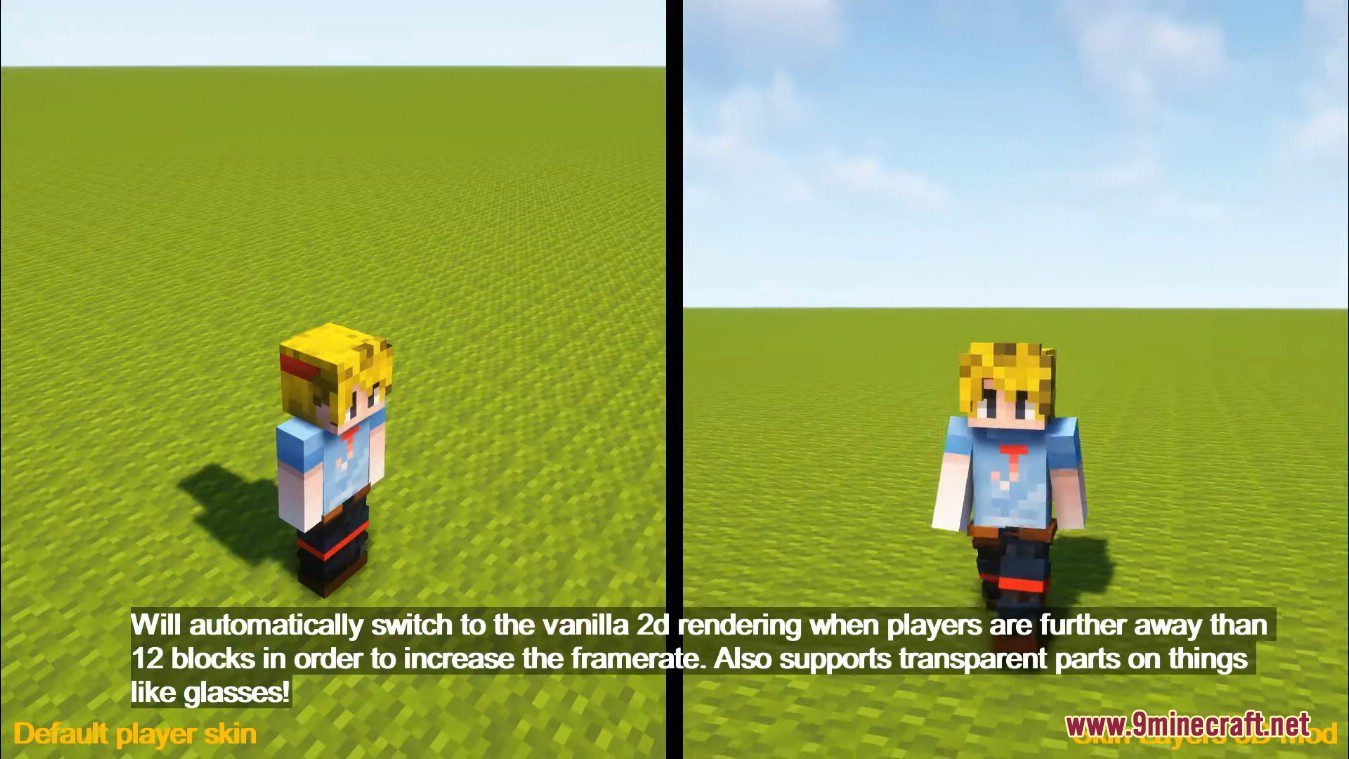
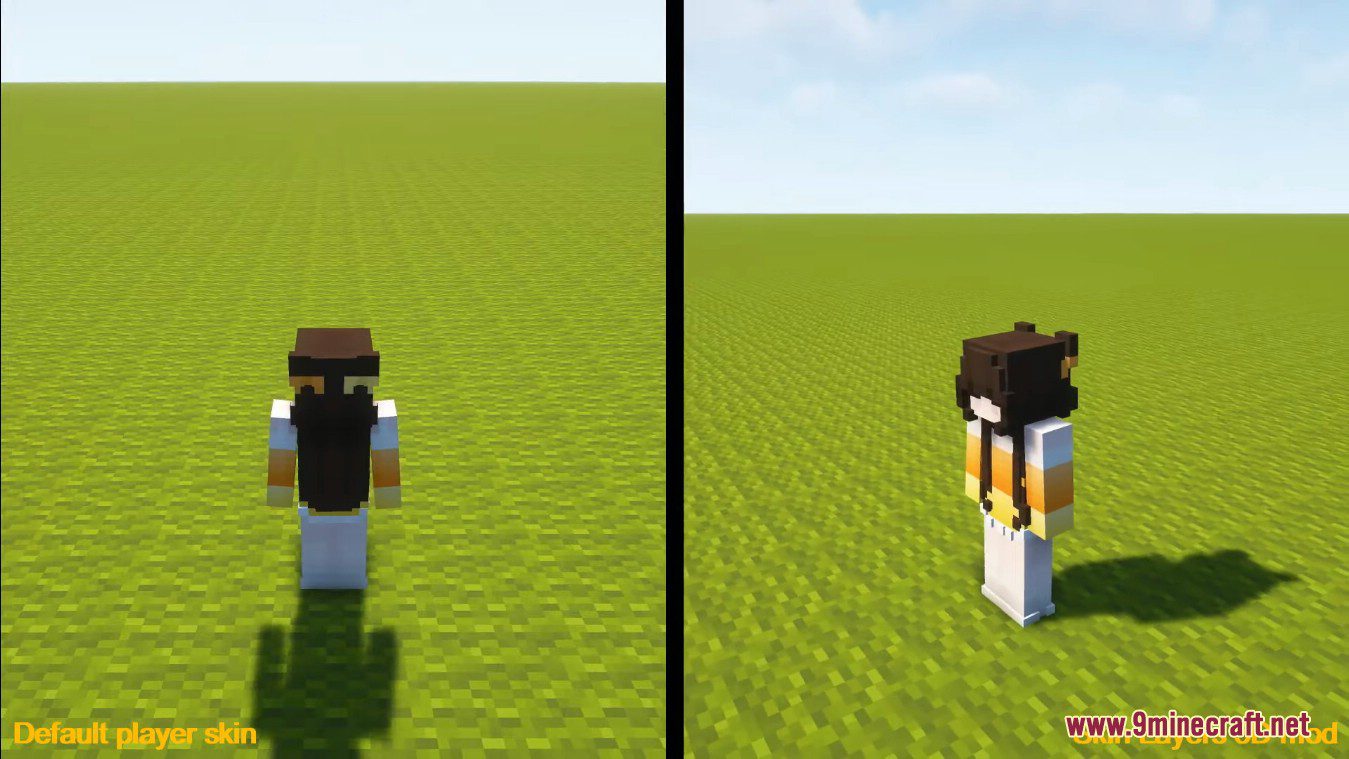
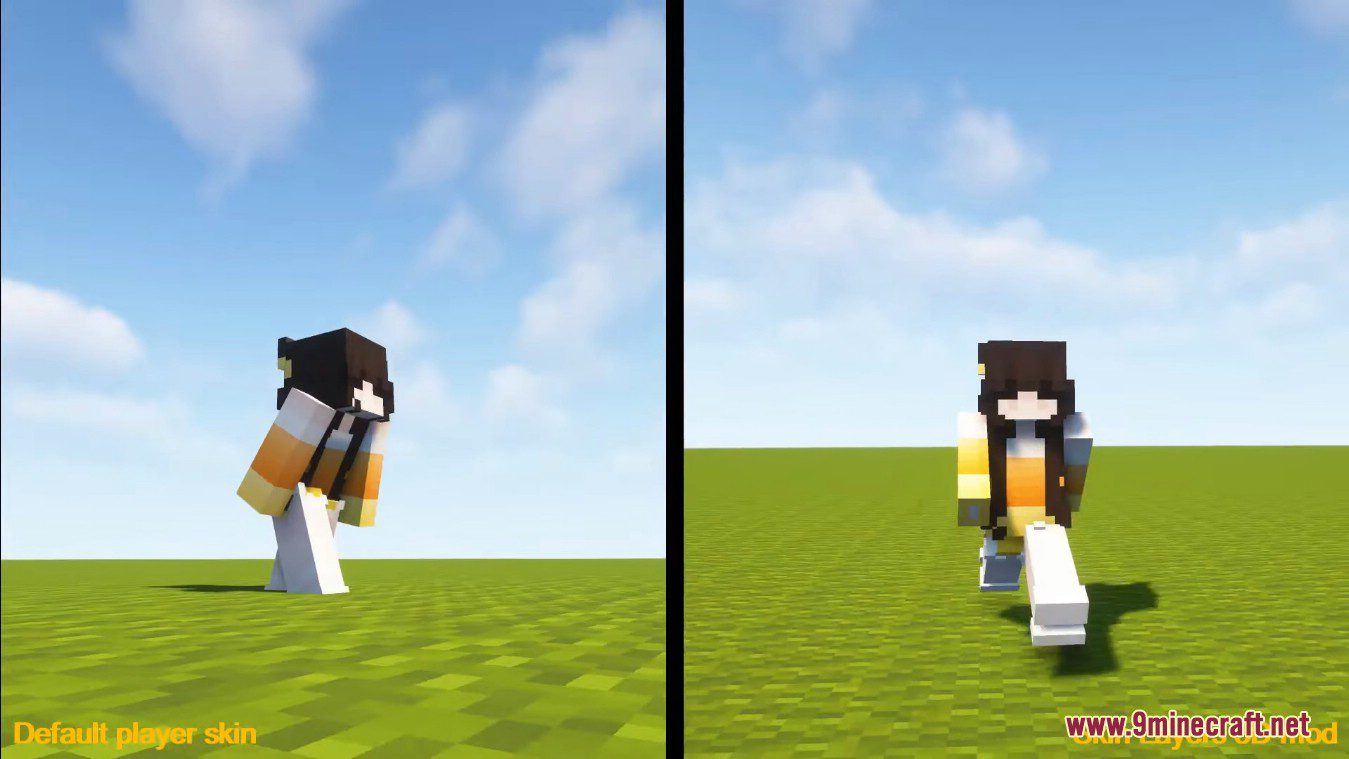
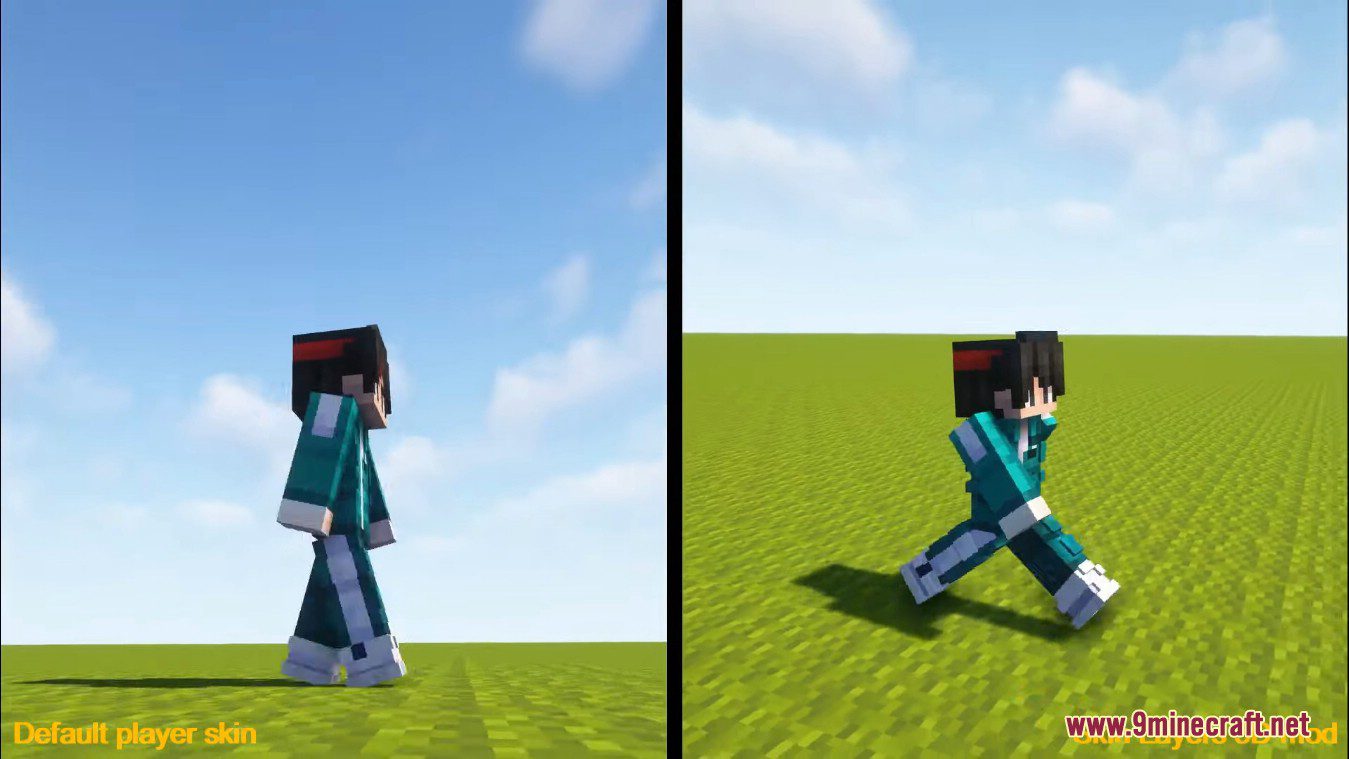
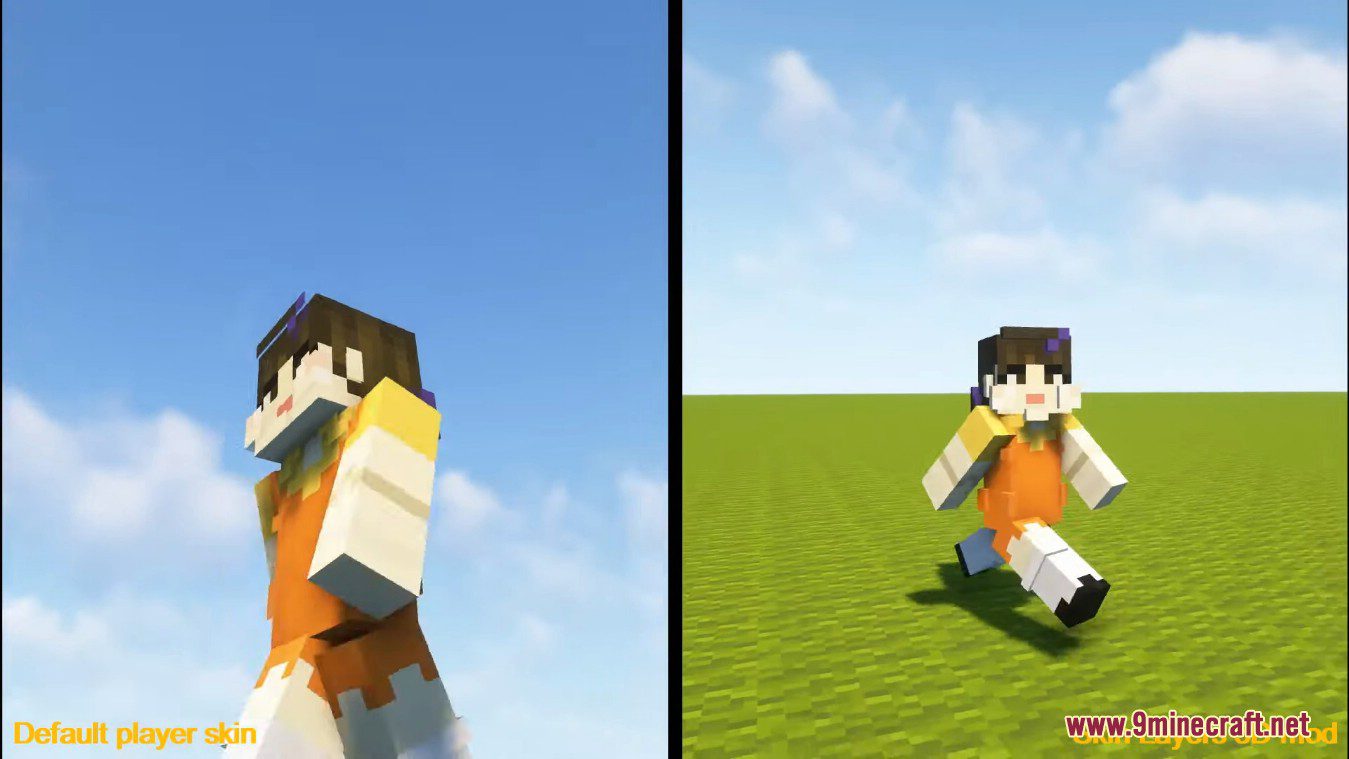
It's on by default once the mod is installed, so you don't need to enable anything. If you don't see it, make sure you're standing close to the player you're looking at, since the mod switches back to flat rendering past a certain distance.
Why does my skin's outer layer look flat again when I walk away?
That's intentional. The mod automatically falls back to the vanilla flat 2D layer once players are far enough away, which saves frames. Walk closer and the 3D layer comes back.
Why don't the 3D cubes line up perfectly with my skin?
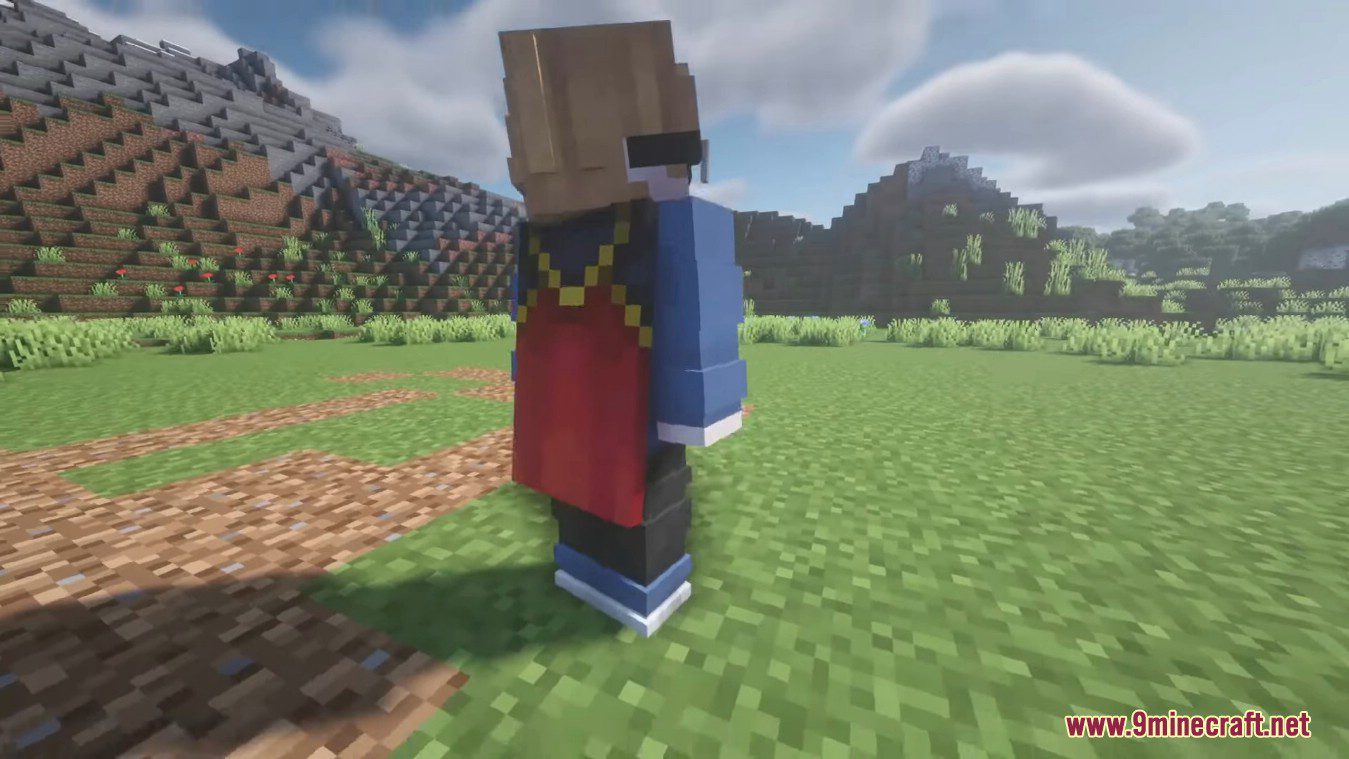
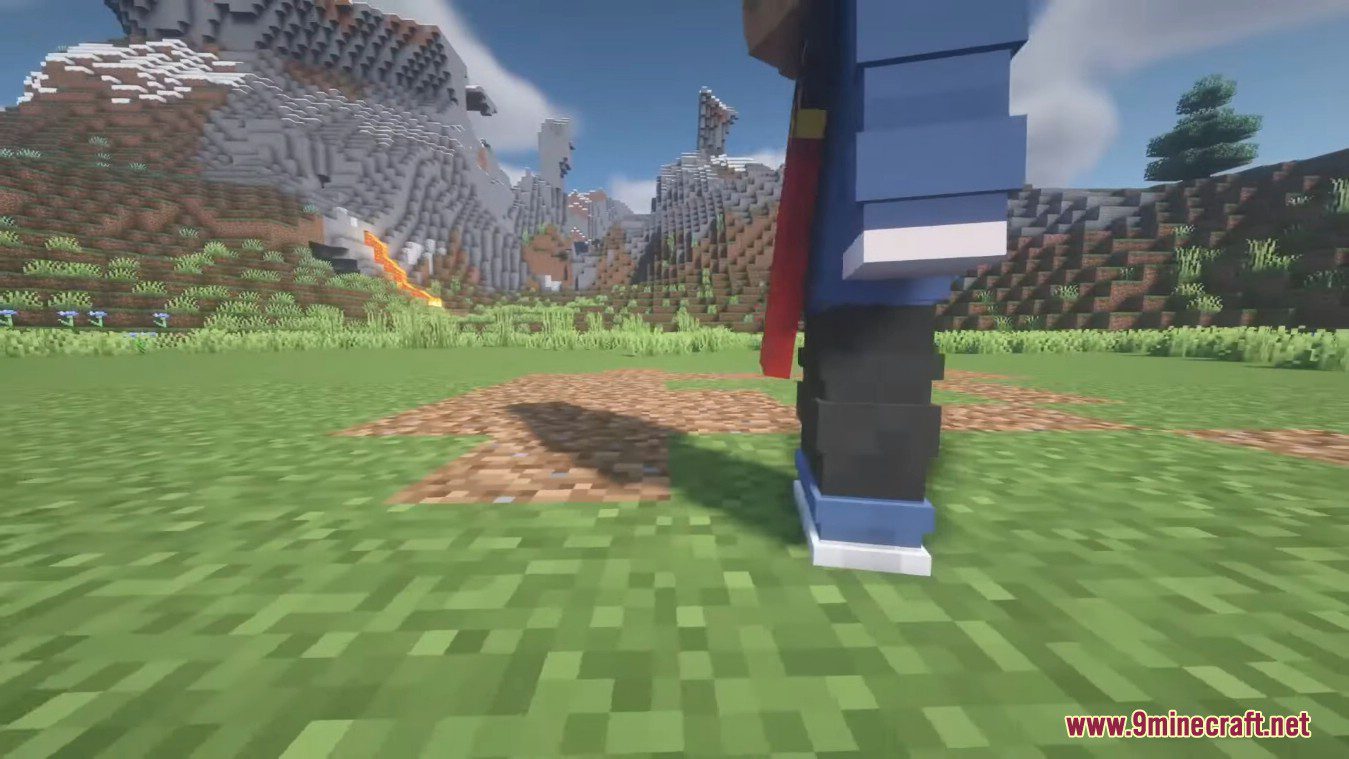
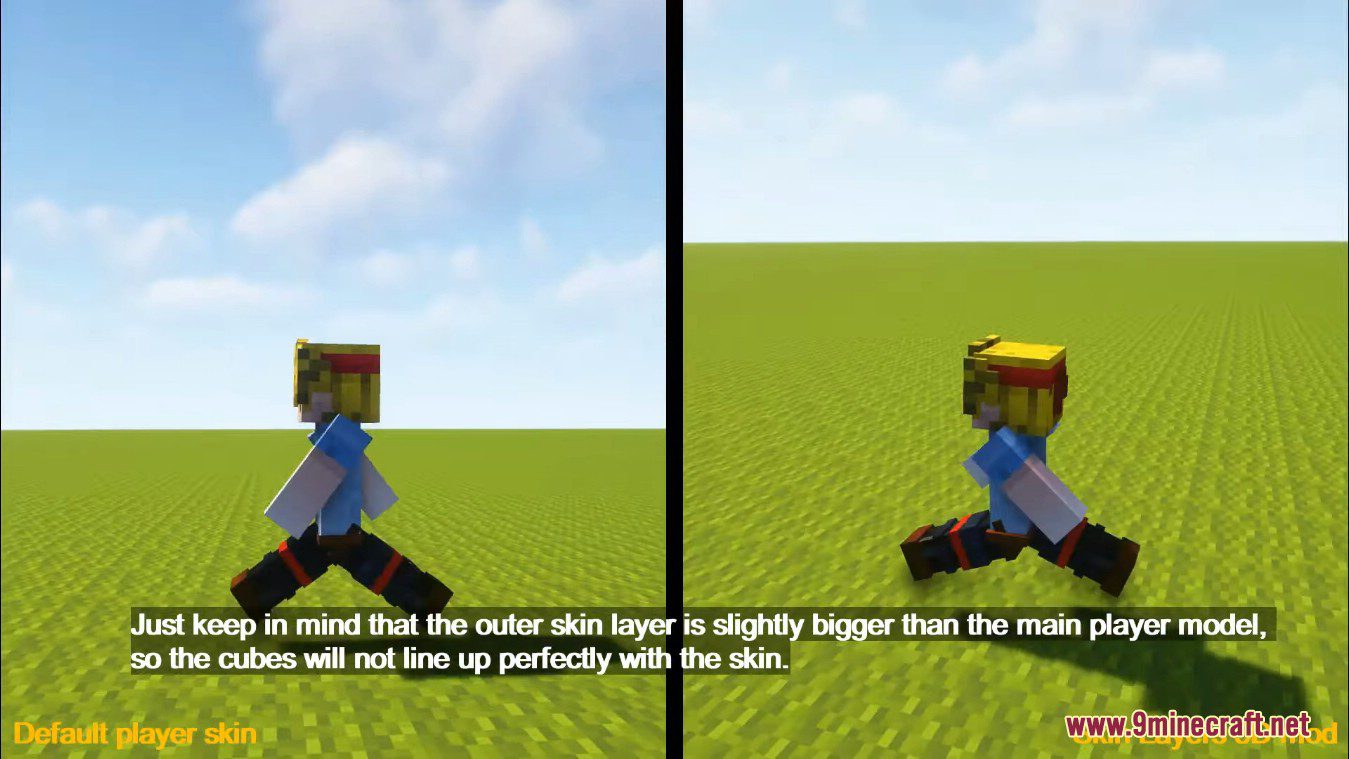
The outer skin layer sits slightly further out than the main player model, so the 3D cubes are offset from the base skin. This is expected behavior and not a bug you can fix with settings.
Do other players need this mod to see my 3D skin?
Yes. The mod is purely client-side, so only people who have it installed will see the 3D layer. Everyone else sees the normal flat skin.
See all 19 Skin Layers 3D questions ›
Gallery
12 images from the Skin Layers 3D Mod page.
You May Also Like
Wikis that share the most with this one
More mod wikis on the site
The most downloaded mods that have a wiki here
A few wikis from each of the other kinds