

 DownloadSkin Overrides Mod
Get the files on 9Minecraft
Guides
Step-by-step, in-game.
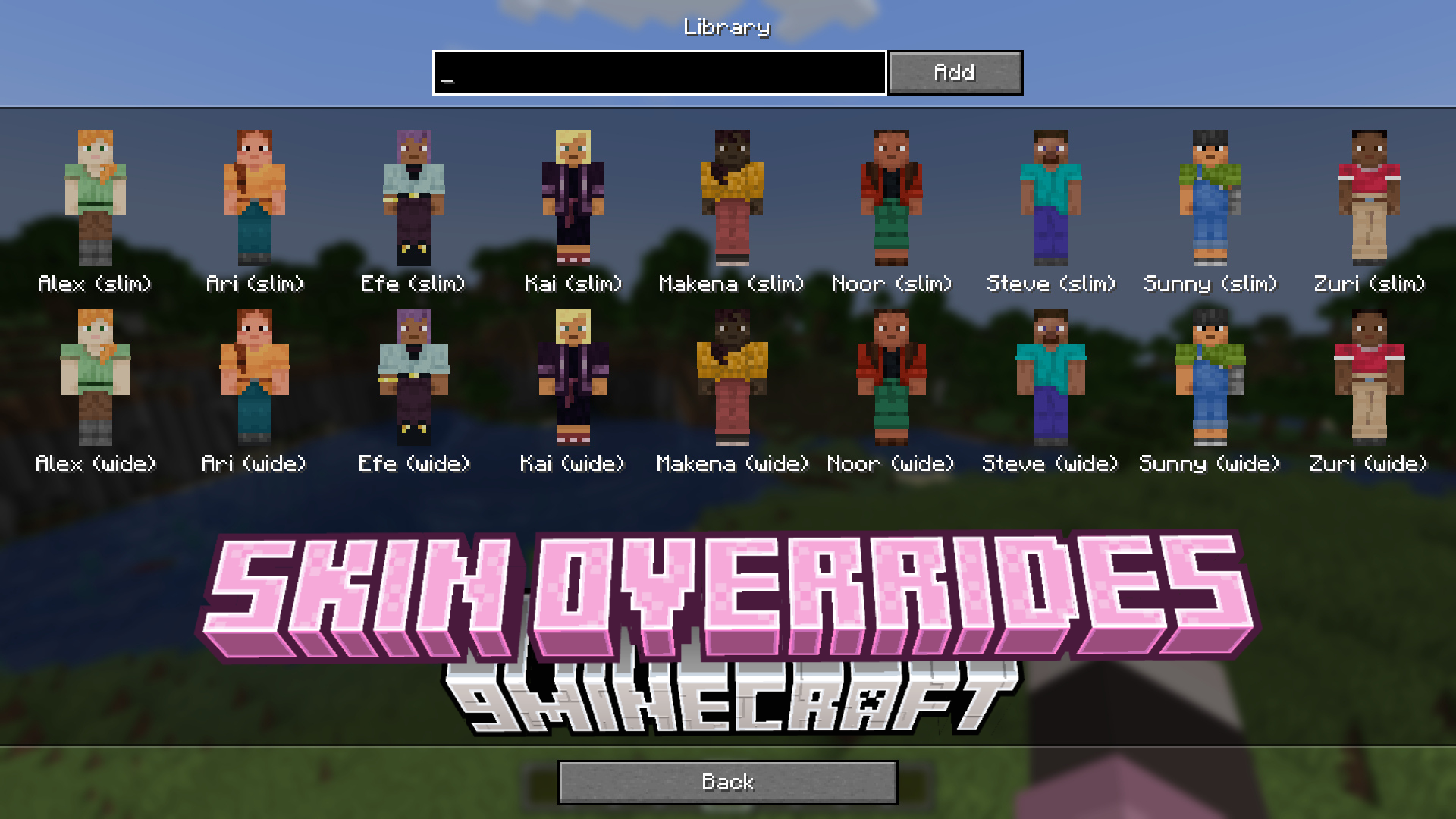
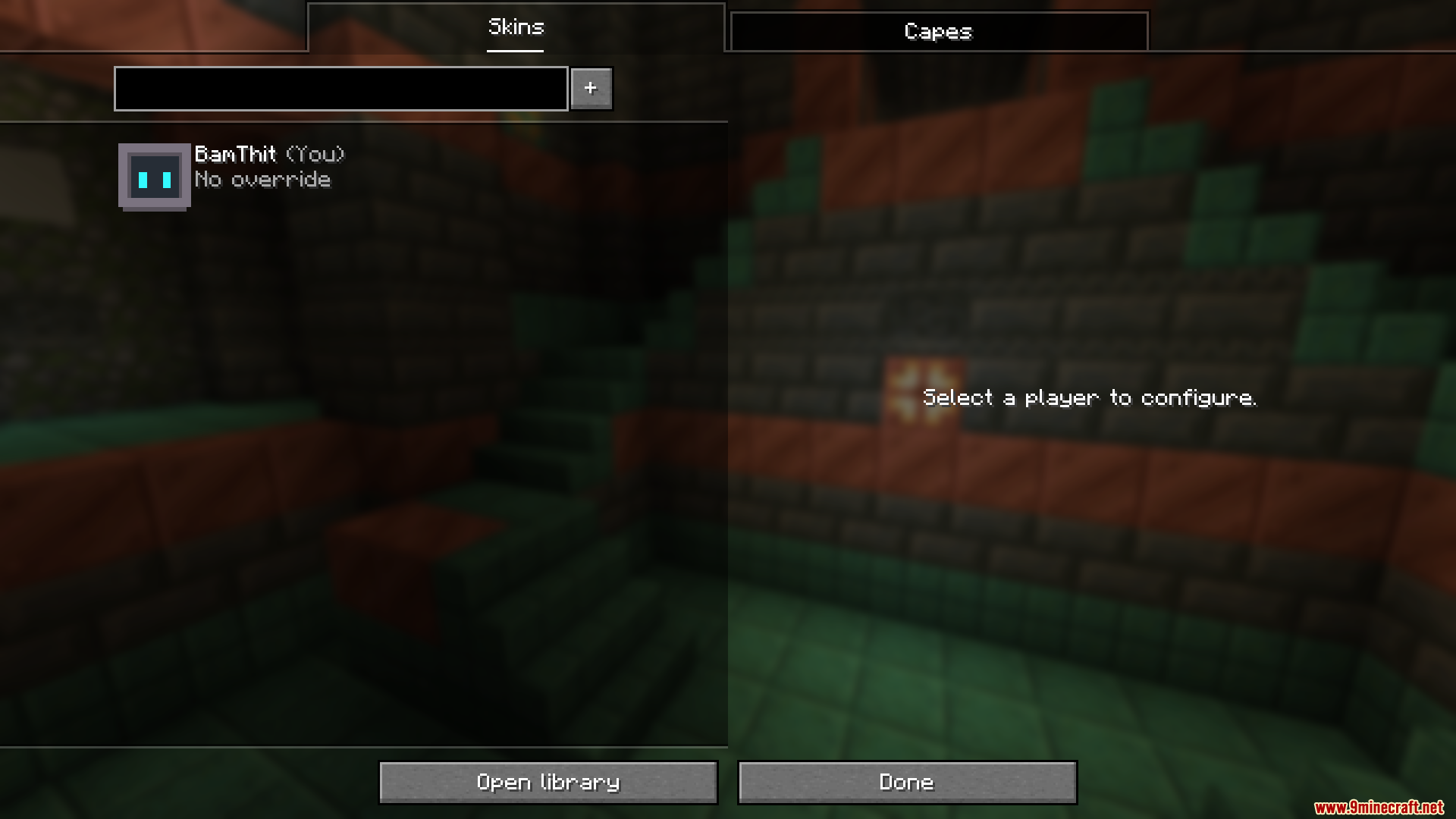
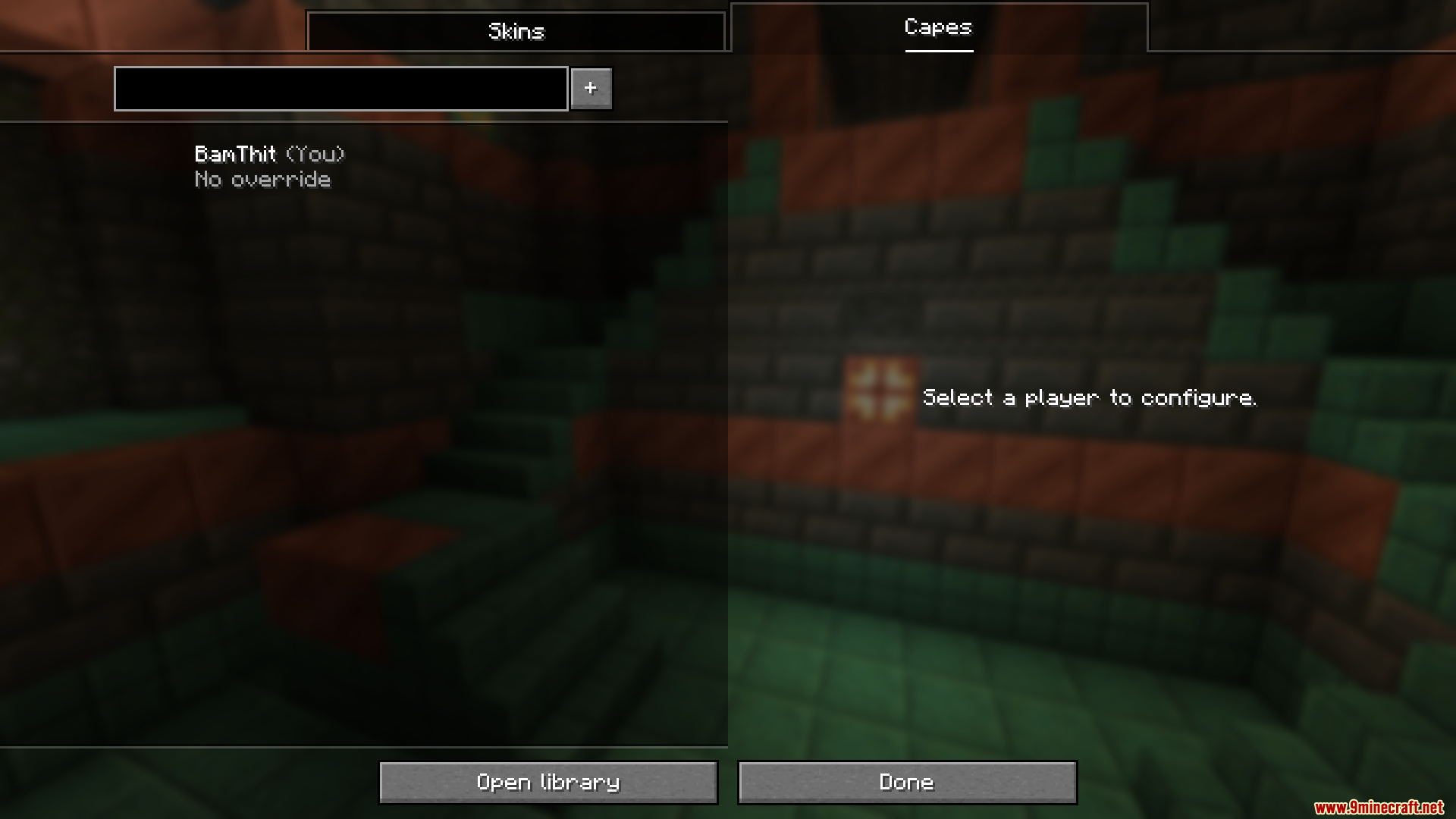
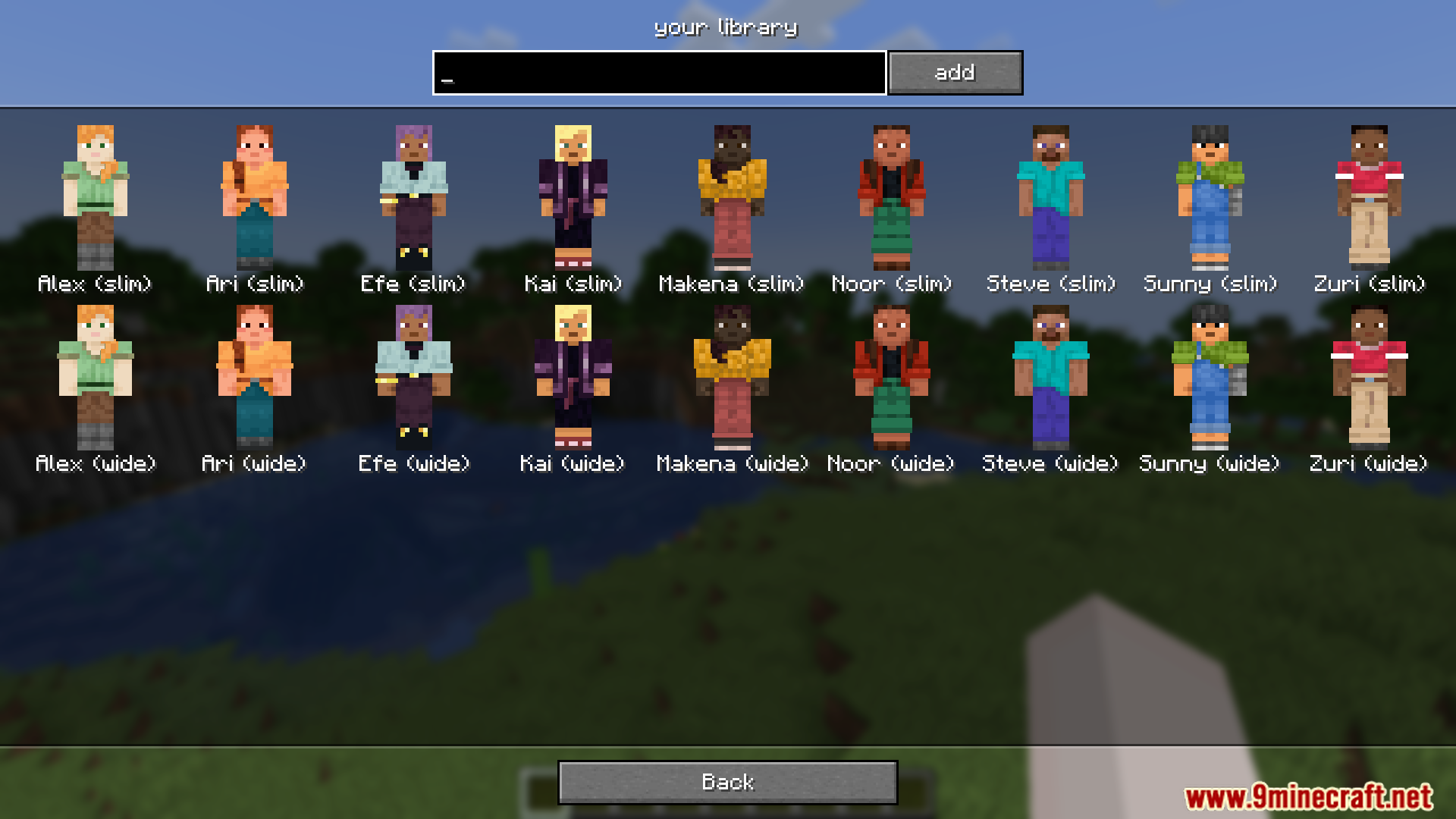
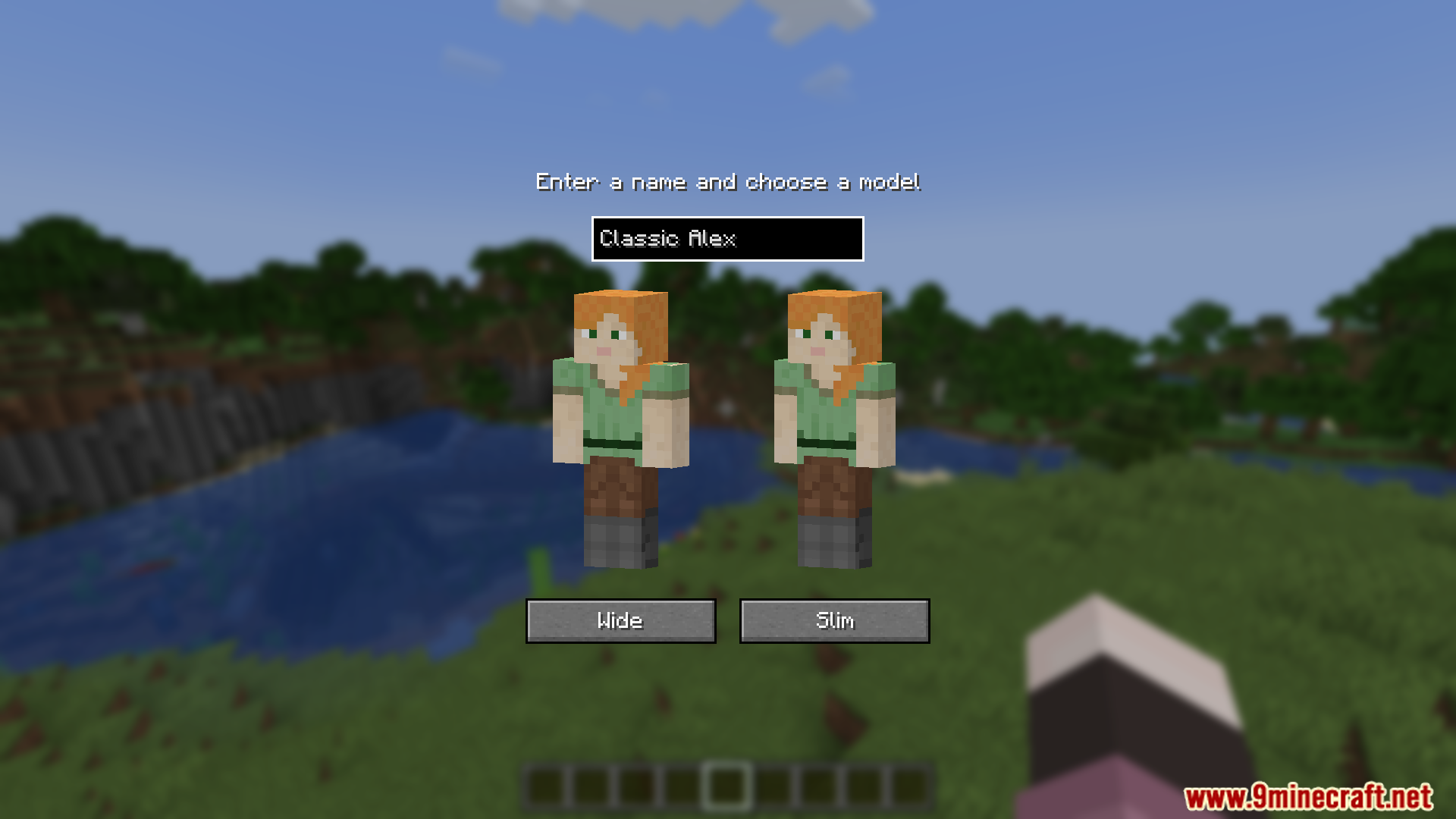
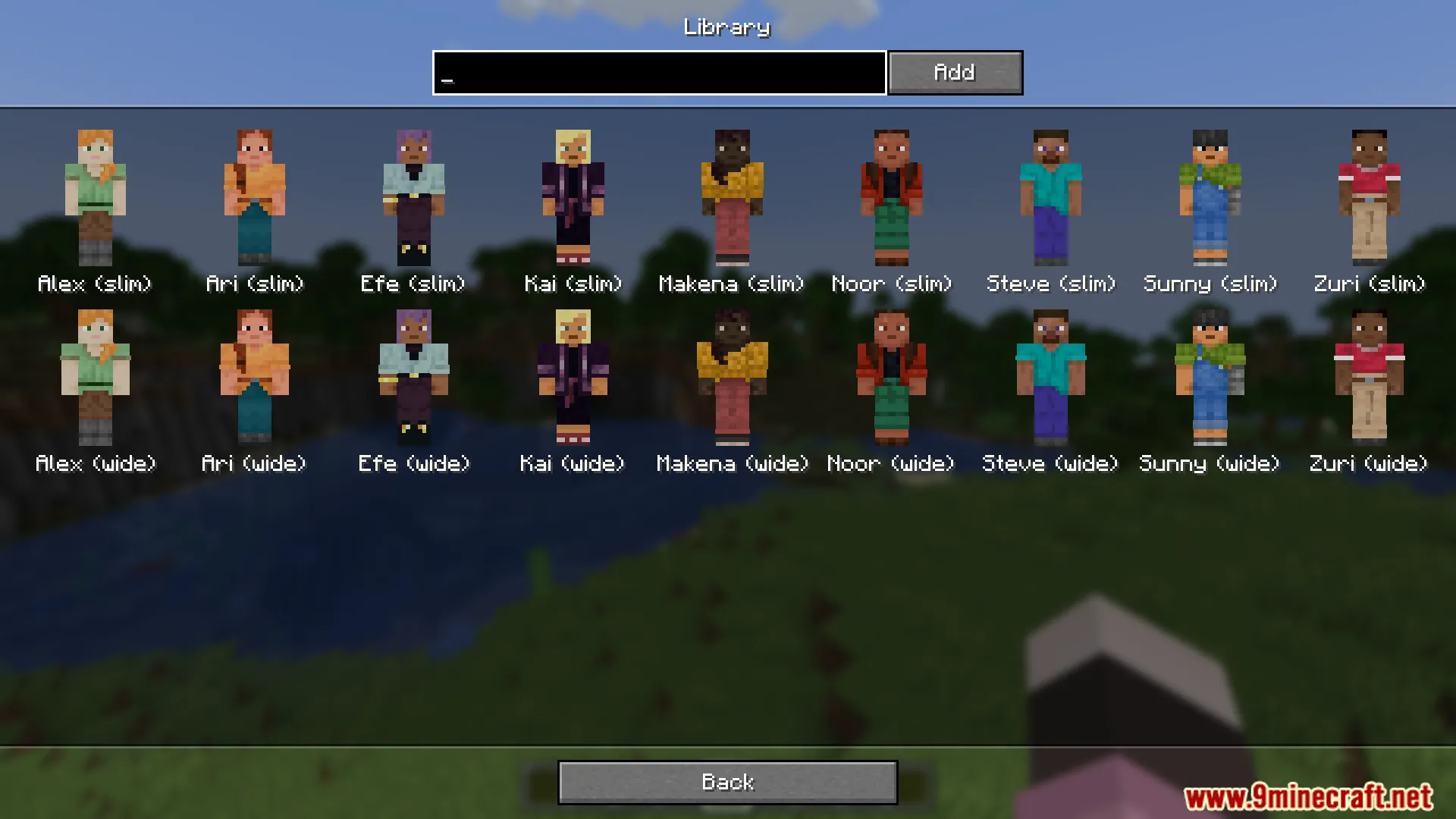
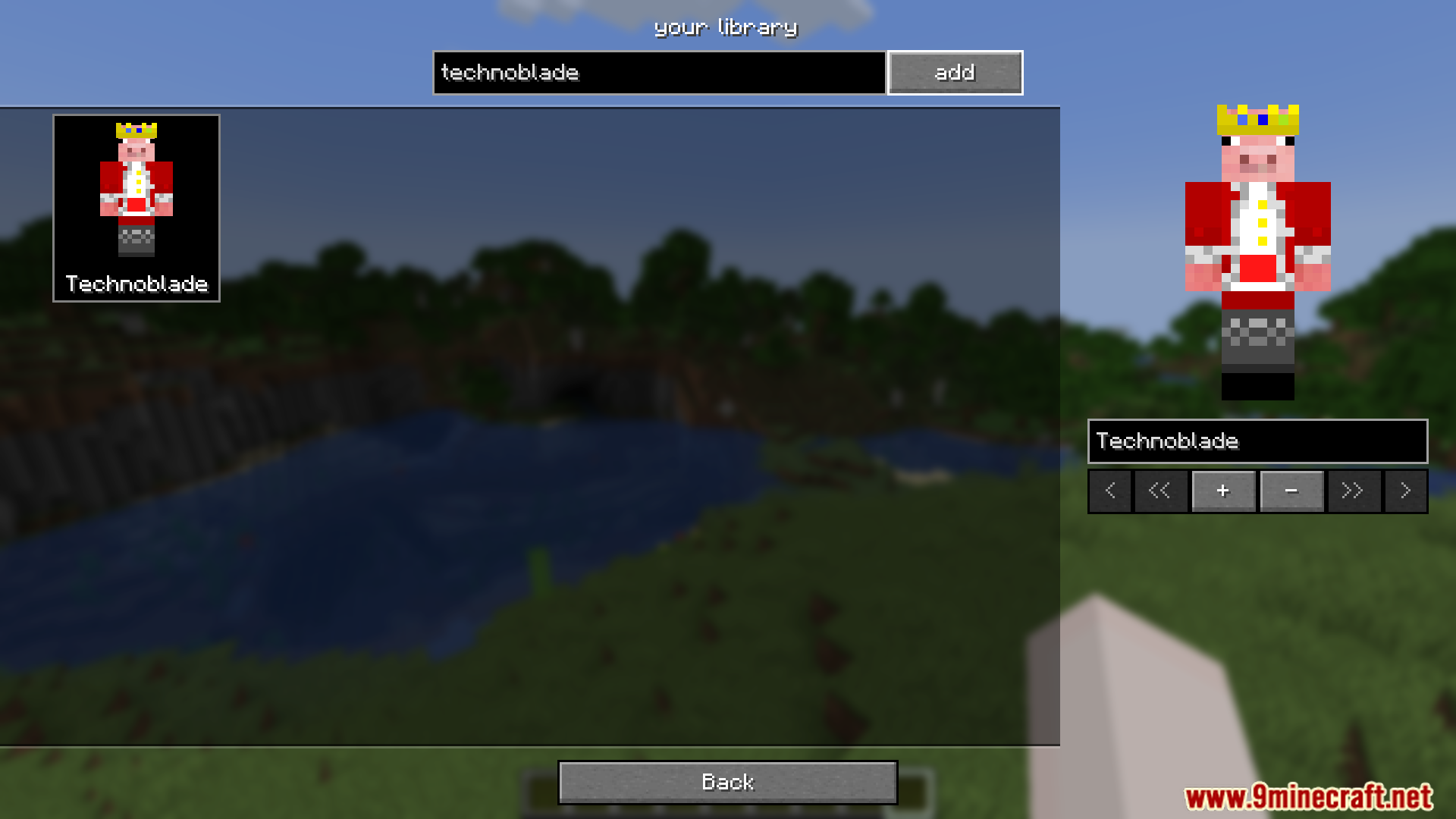
Build and Manage Your Skin LibraryCreating Your Personal Collection The mod includes a personal library feature where you can store multiple skins and…Change Another Player's Appearance (Local Override)Customizing How Others Look to You Beyond changing your own skin, the mod lets you override how any player appears in…Change Your Own Skin or CapeOpening the Overrides Screen Press the default O key to open the Skin Overrides mod menu. Alternatively, access it…Share Skins and Capes With Other PlayersSending Overrides to Friends The mod allows you to share your custom skins and capes with other players who are…
Frequently asked questions
How do I open the Overrides screen?
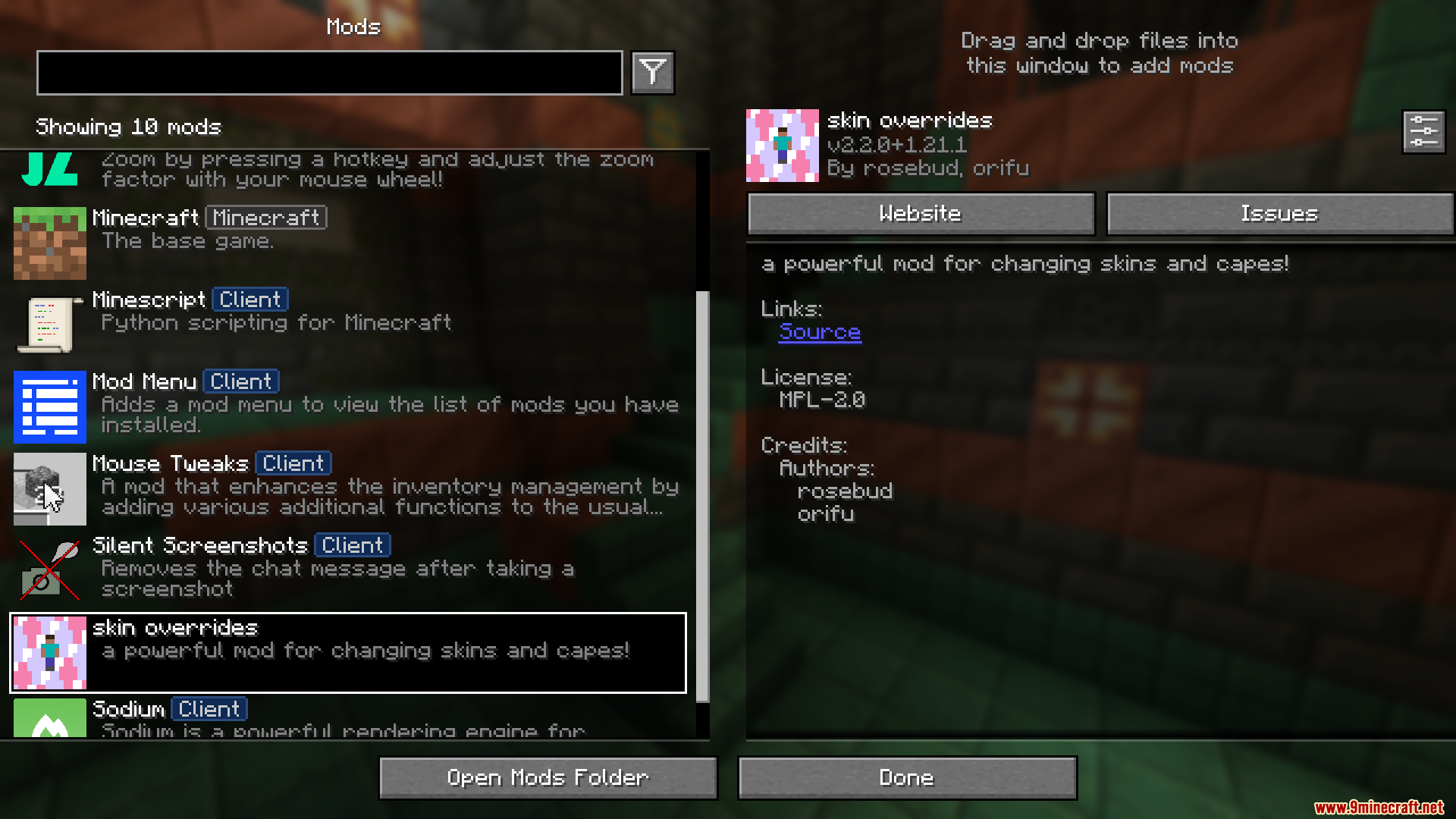
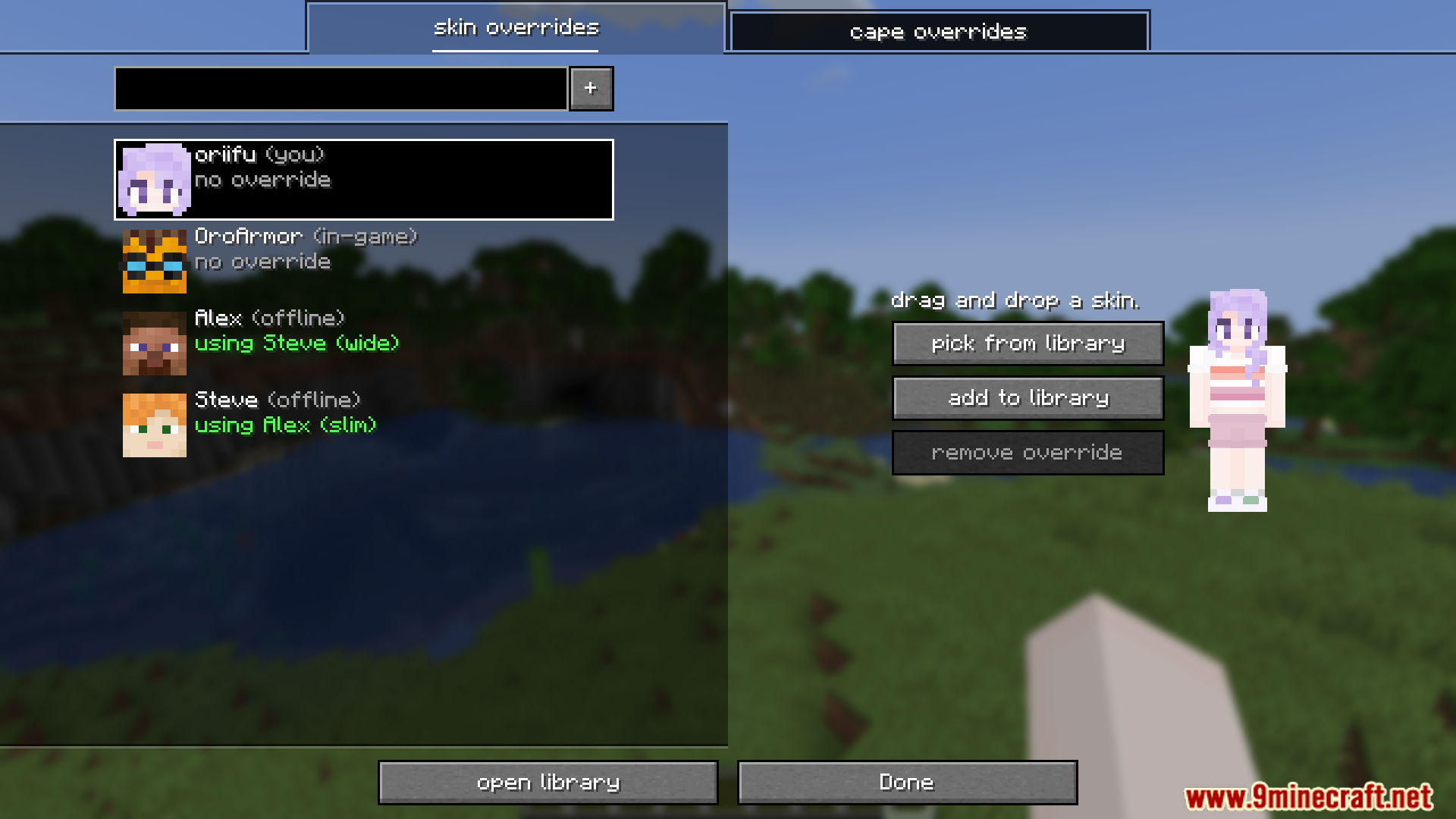
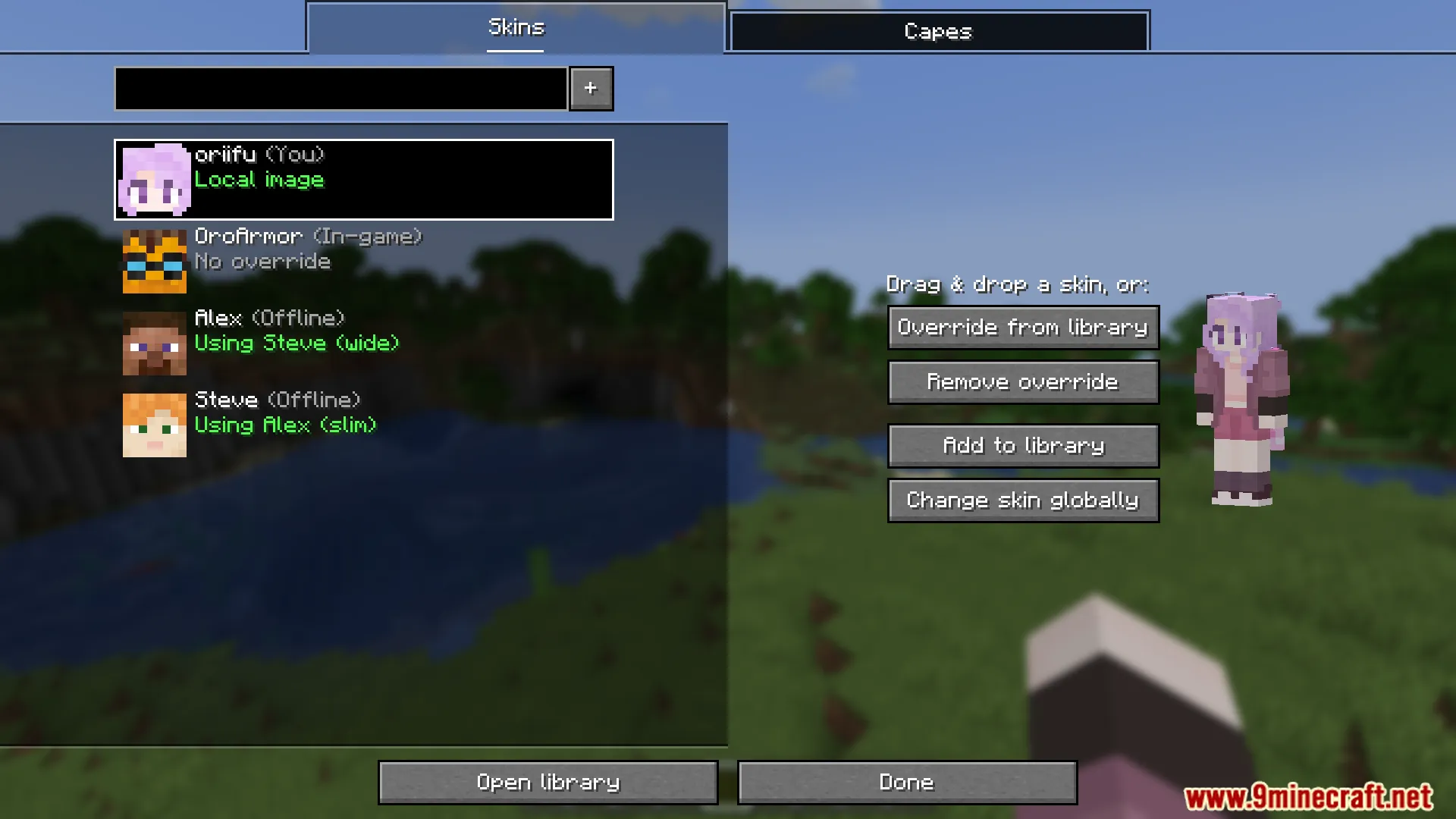
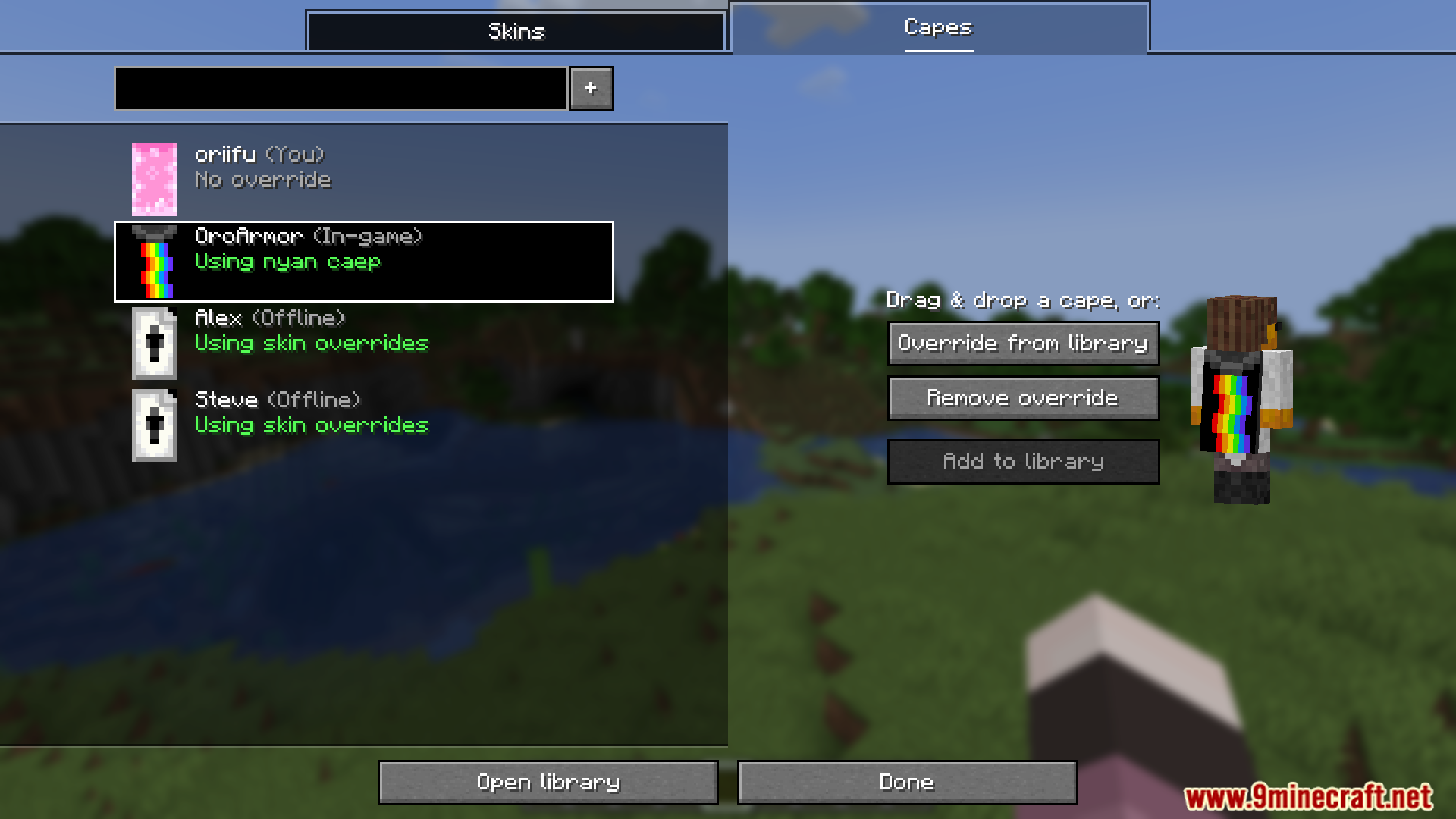
Press the default "O" key to open the Overrides screen instantly. You can also access it through the mod menu if you have one installed.
Do other players see my skin overrides?
Skin overrides are local to your game by default—only you see them. To make other players see your overrides, you need to share them using the mod's sharing feature.
How do I save skins to my library?
After applying a skin or cape in the Overrides screen, use the library feature to save it with a custom name so you can quickly switch back to it later.
See all 10 Skin Overrides questions ›
Gallery
12 images from the Skin Overrides Mod page.
You May Also Like
Wikis that share the most with this one
More mod wikis on the site
The most downloaded mods that have a wiki here
A few wikis from each of the other kinds