

 blocks
 DownloadSit Mod
Get the files on 9Minecraft
Guides
Step-by-step, in-game.
How to Build Chairs and Sofas You Can Actually Sit OnTurning Decor Into Furniture Players often build chairs and couches out of stairs and slabs, but without this mod you…How to Fix Sit Mod Not Working and Adjust Sit ReachRight-Click Does Nothing If you cannot sit, work through these checks in order: 1. Empty your main hand. Holding any…How to Sit on Half-Beds and Rest in Sit ModUsing Half-Beds as Seats Besides stairs and slabs, Sit Mod also lets you sit on half-bed blocks , giving you another…How to Sit on Stairs and Slabs in Sit ModMaking a Seat Sitting is the core feature of this mod, and it works on almost any stair or slab block you place in…
Configuration
Every setting in the mod config file, with what it changes.
| Option | What it does |
|---|---|
block_reach_distanceBlock Reach Distance | The maximum distance in blocks that the player can be away from a block to still be able to sit on it. Do note, that this is limited by how far a player can access a block in vanilla Minecraft. If this is set to 0, the player has to stand on top of the block t |
Frequently asked questions
How do I sit down with Sit Mod?
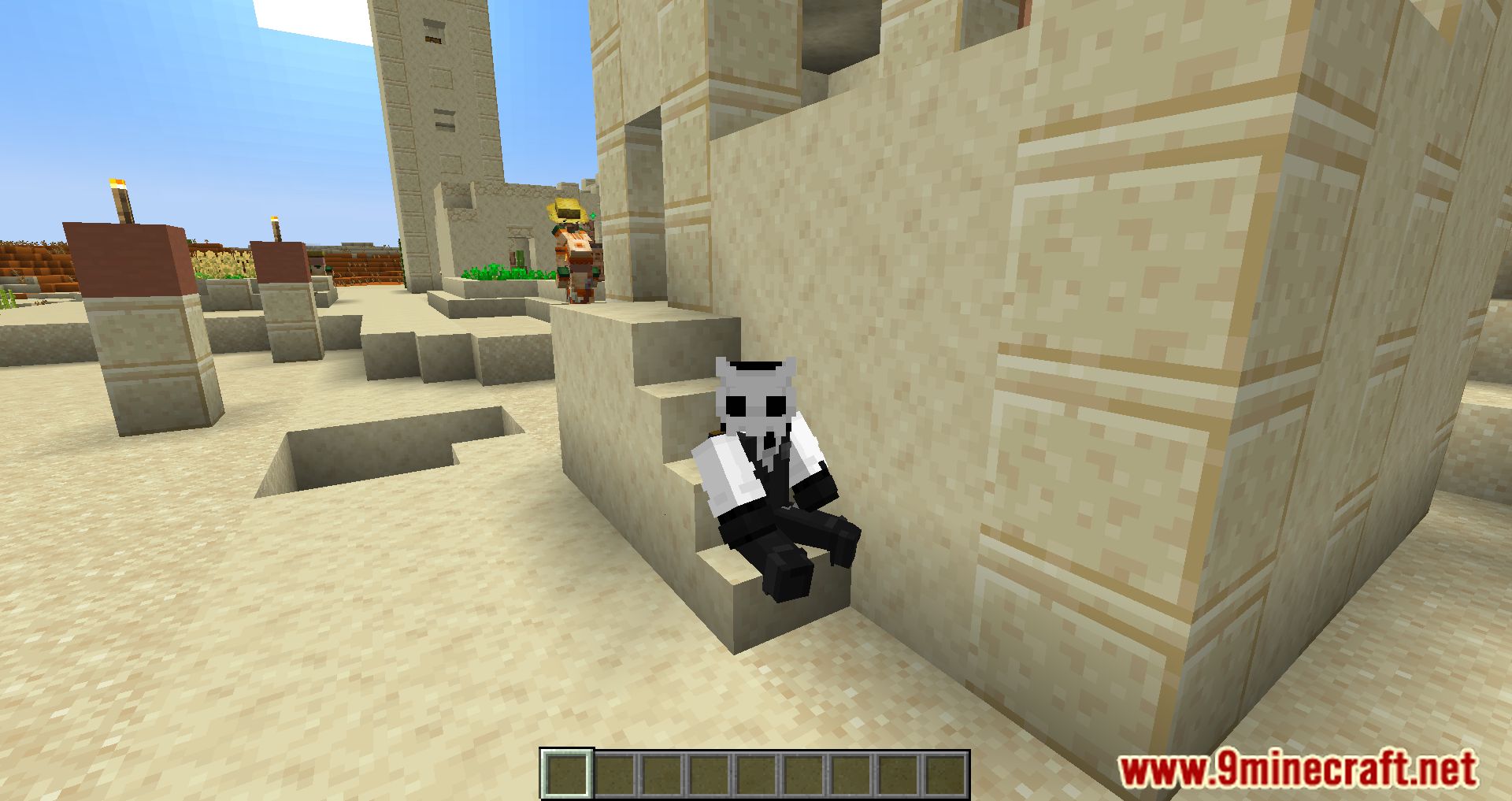
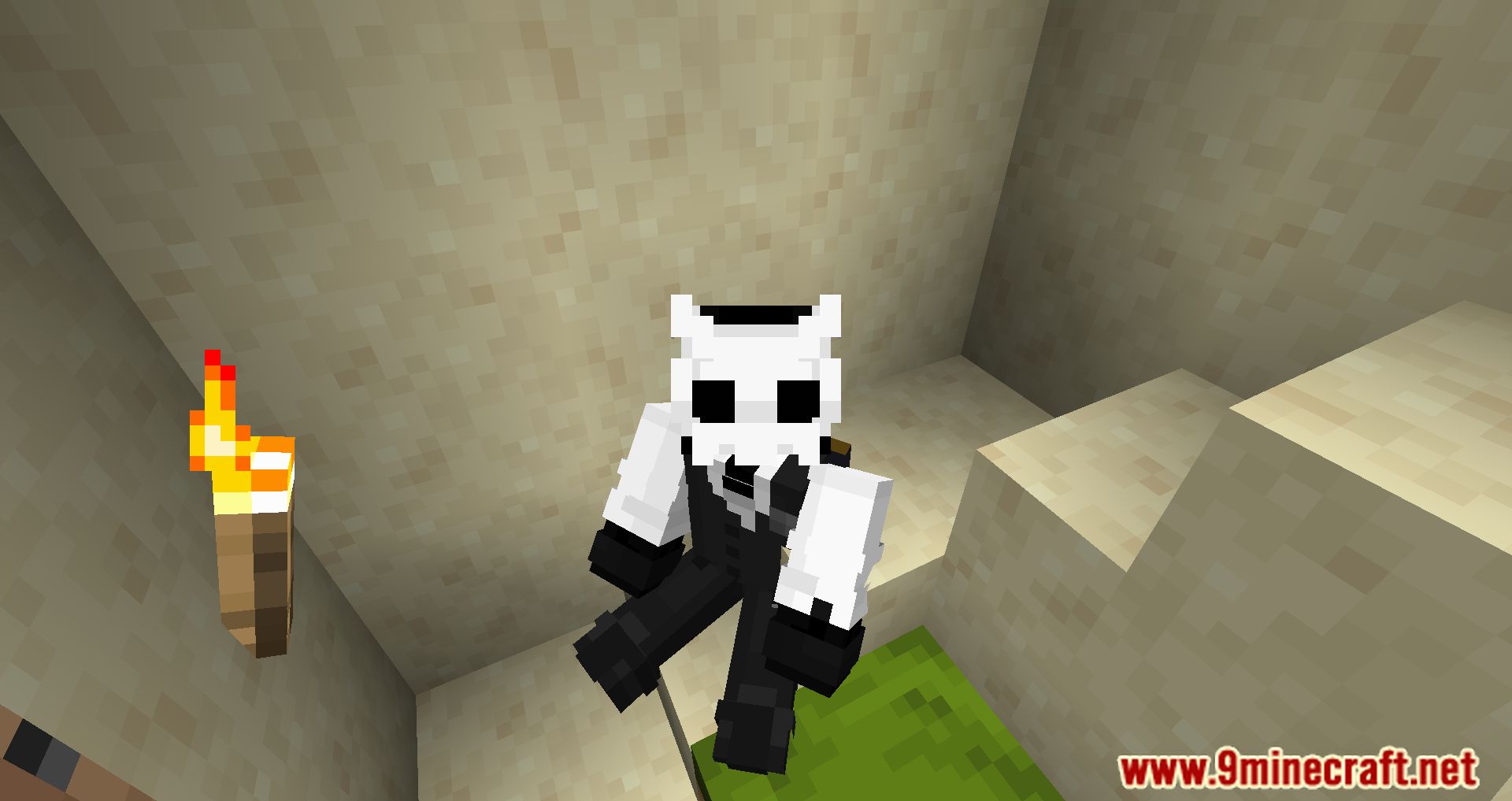
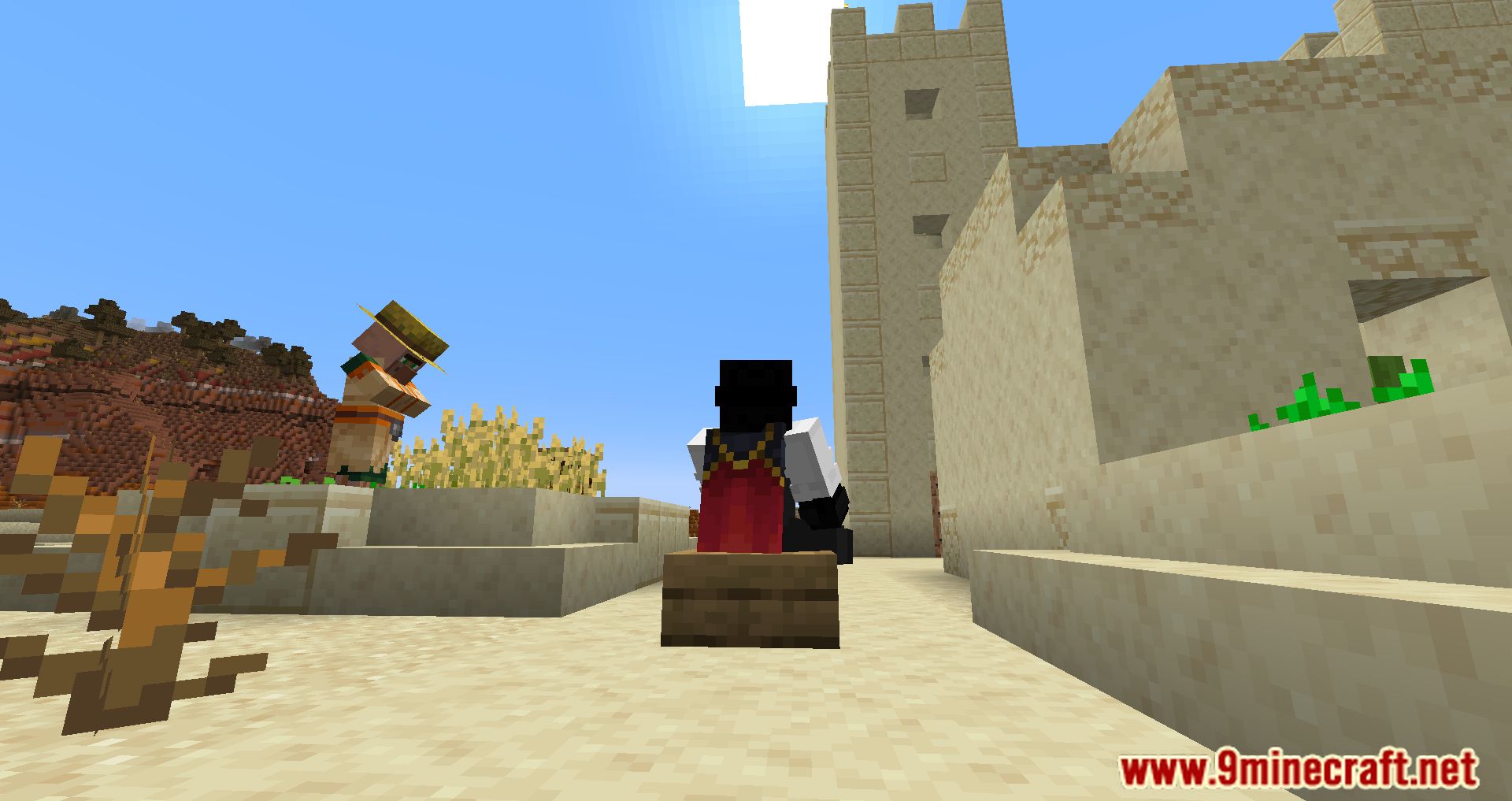
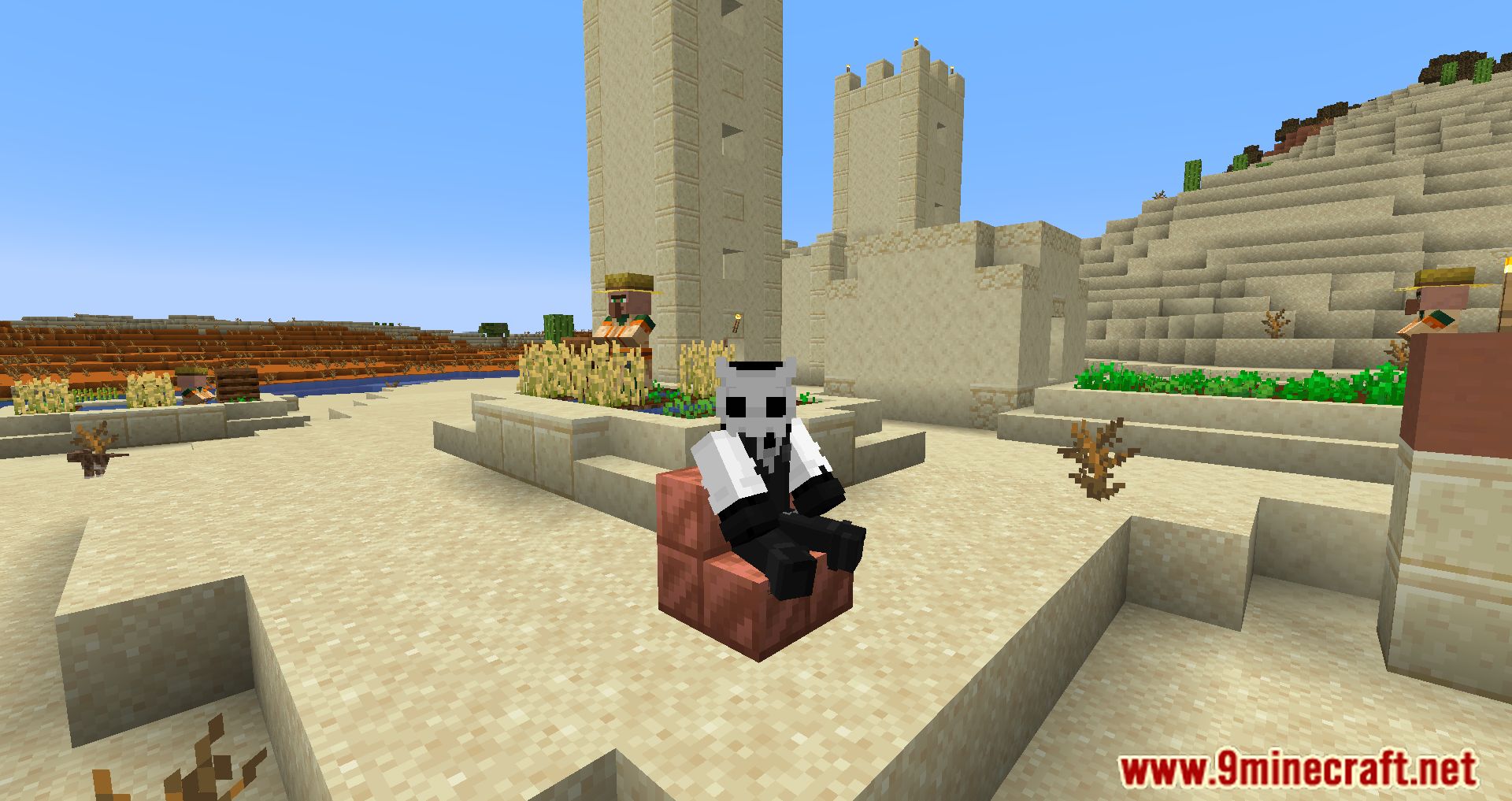
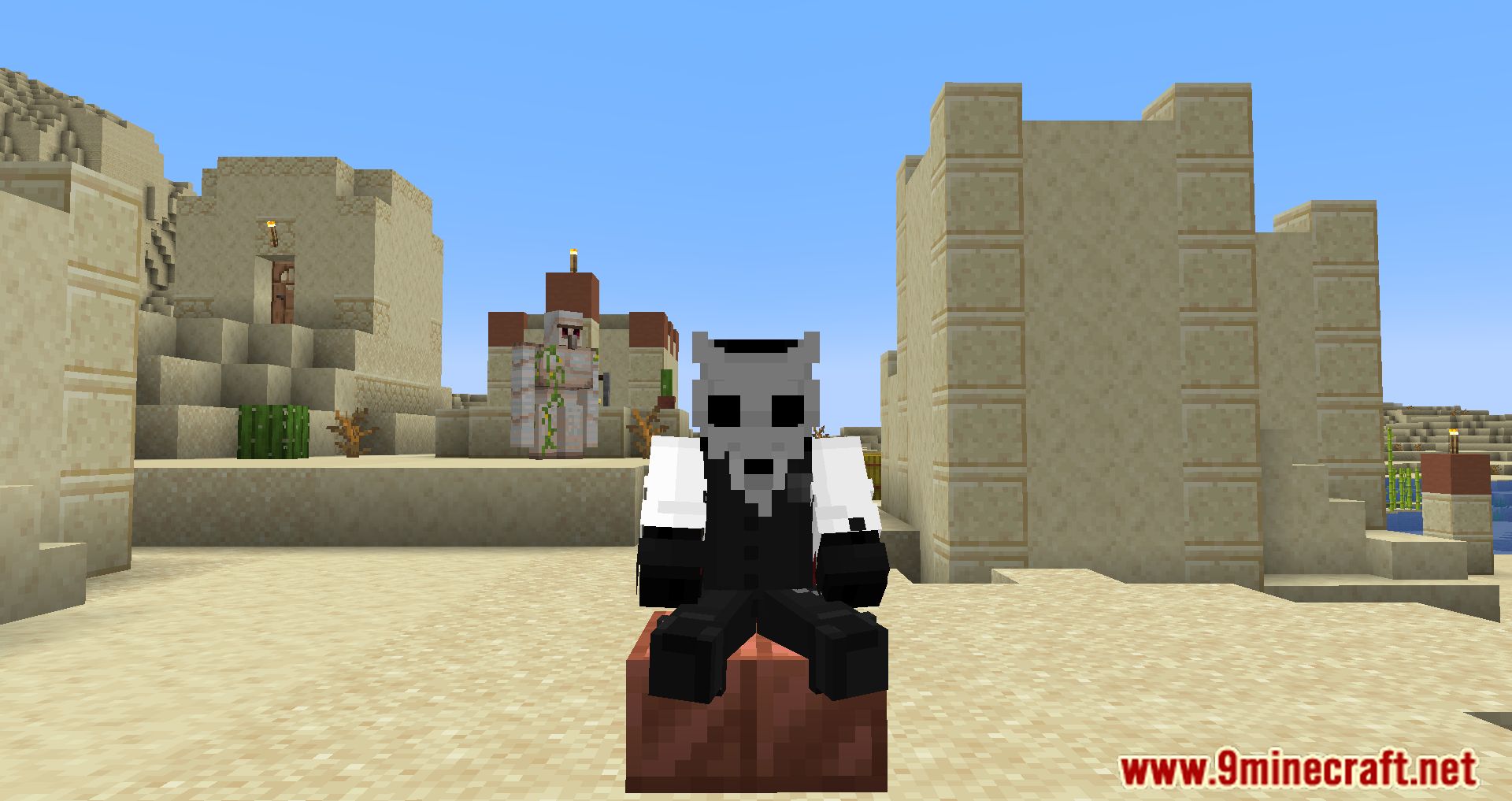
Point at the top of a stair, slab, or half-bed block with an empty main hand and right-click. Your character will sit down on the block. Make sure nothing is held in your main hand or the interaction won't trigger.
How do I stand back up after sitting?
Press the key you normally use to exit a minecart, which is SHIFT by default. You'll dismount the seat and stand up. You can also change this in your controls if it conflicts with something else.
Why can't I sit on my stairs?
The most common cause is holding an item in your main hand — the mod only triggers when your hand is empty. Also make sure you're pointing at the top face of the block, not the side, and that you're within the  configured block reach distance.
Can I sit on slabs as well as stairs?
Yes, both stairs and slabs work as seats. Any stair or slab block can be right-clicked to sit on, which makes them handy for building chairs and sofas.
Gallery
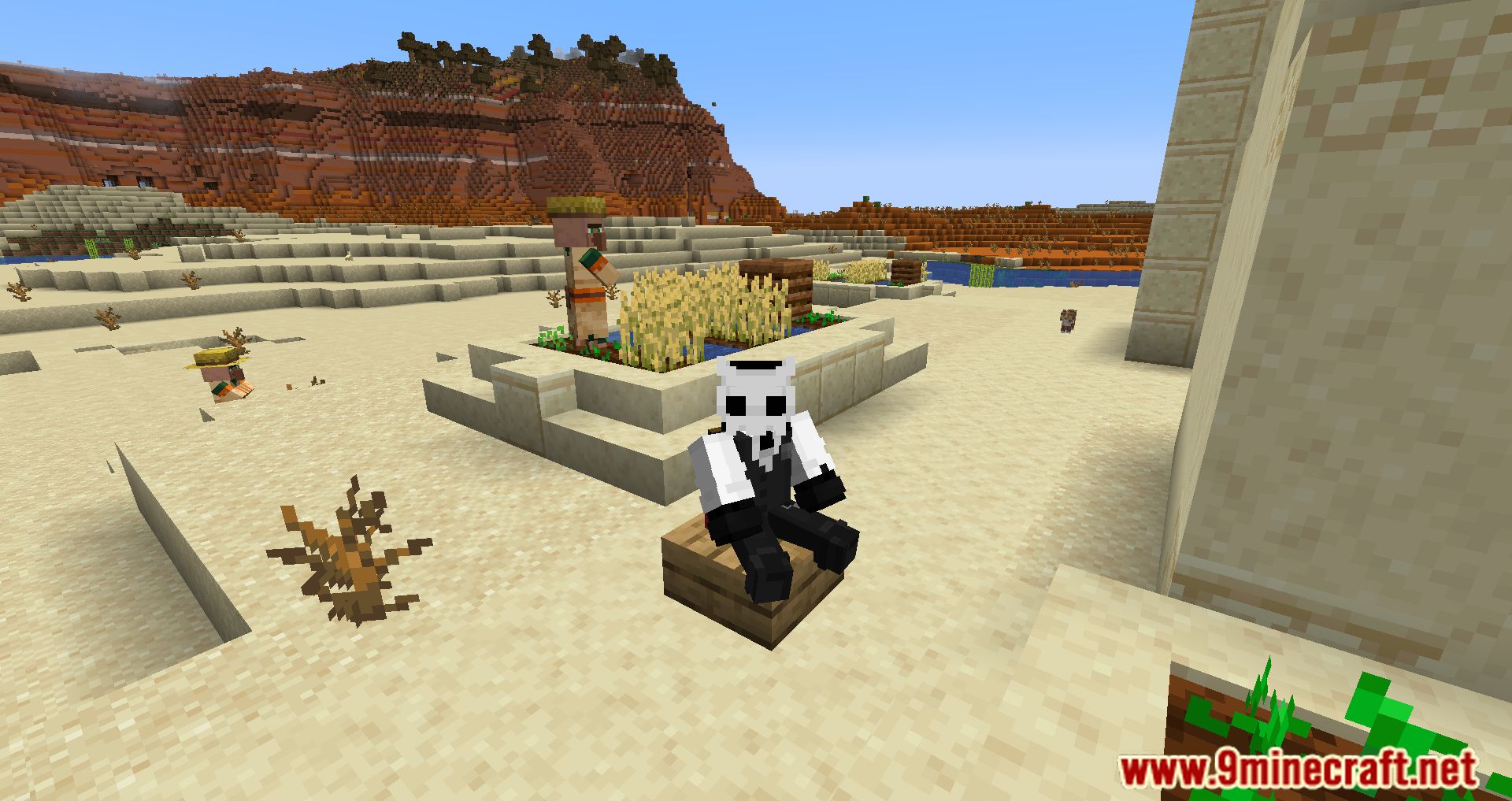
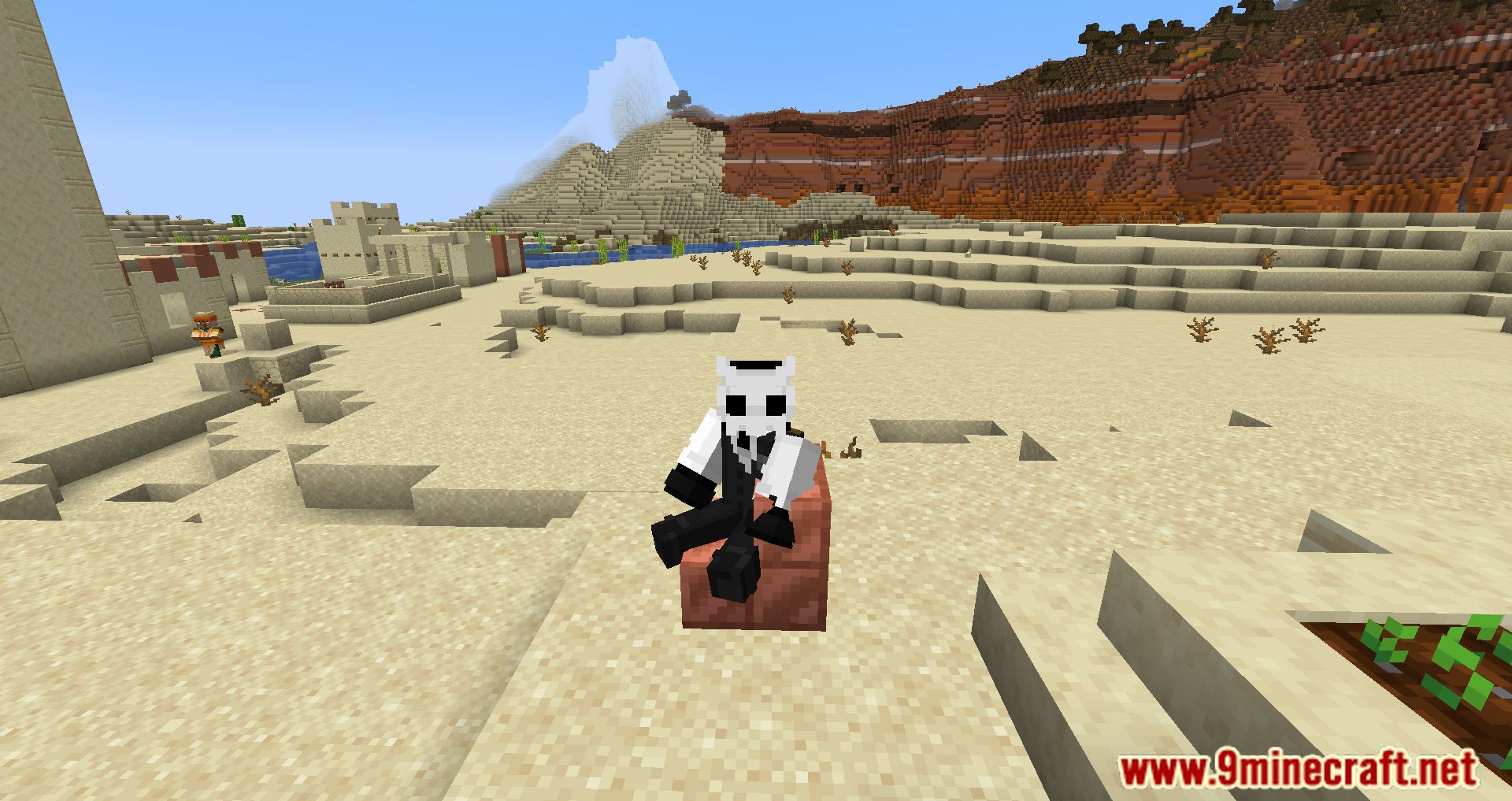
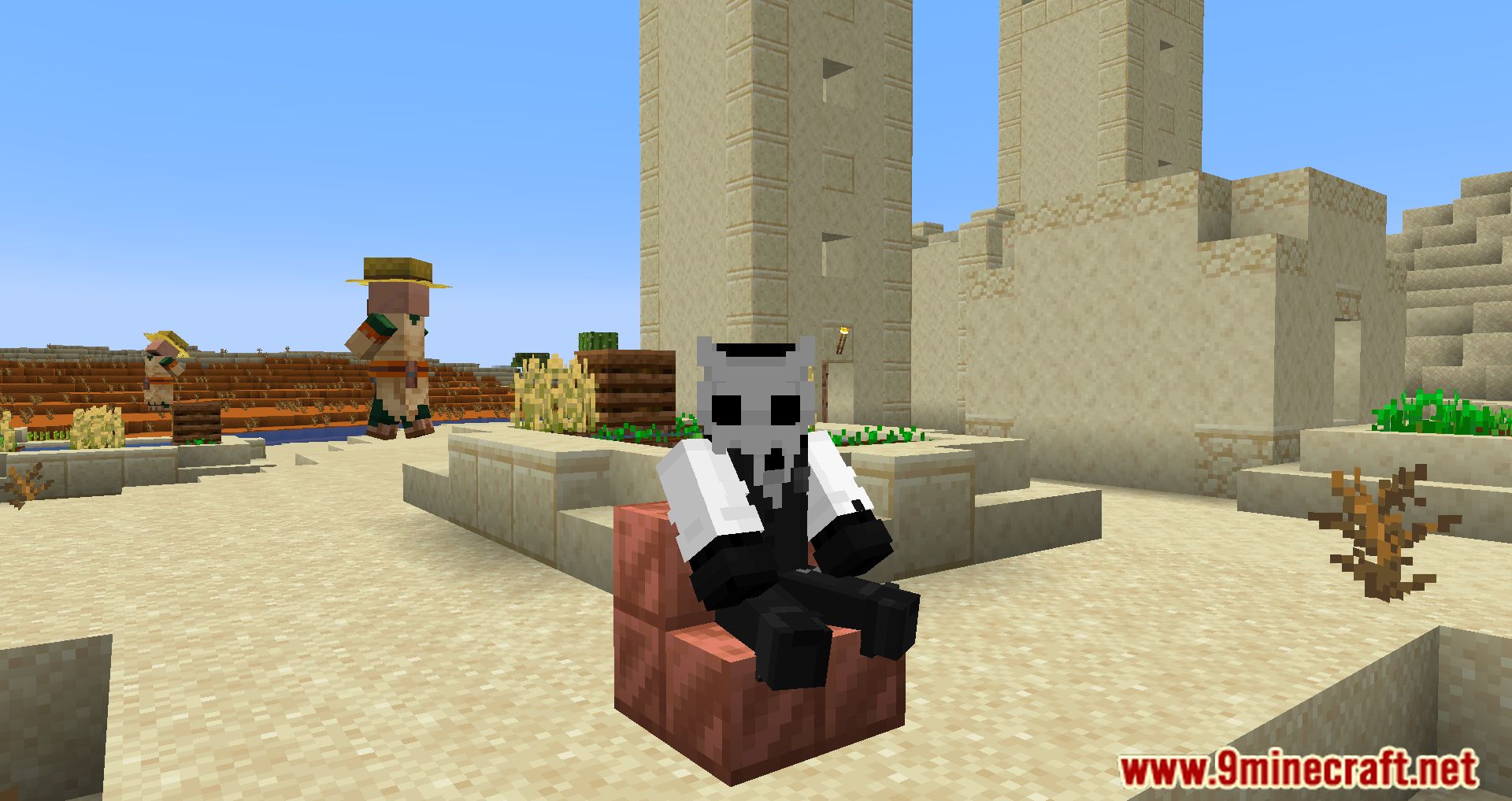
11 images from the Sit page.
You May Also Like
Wikis that share the most with this one
More mod wikis on the site
The most downloaded mods that have a wiki here
A few wikis from each of the other kinds