

 DownloadSigned Paintings Mod
Get the files on 9Minecraft
Guides
Step-by-step, in-game.
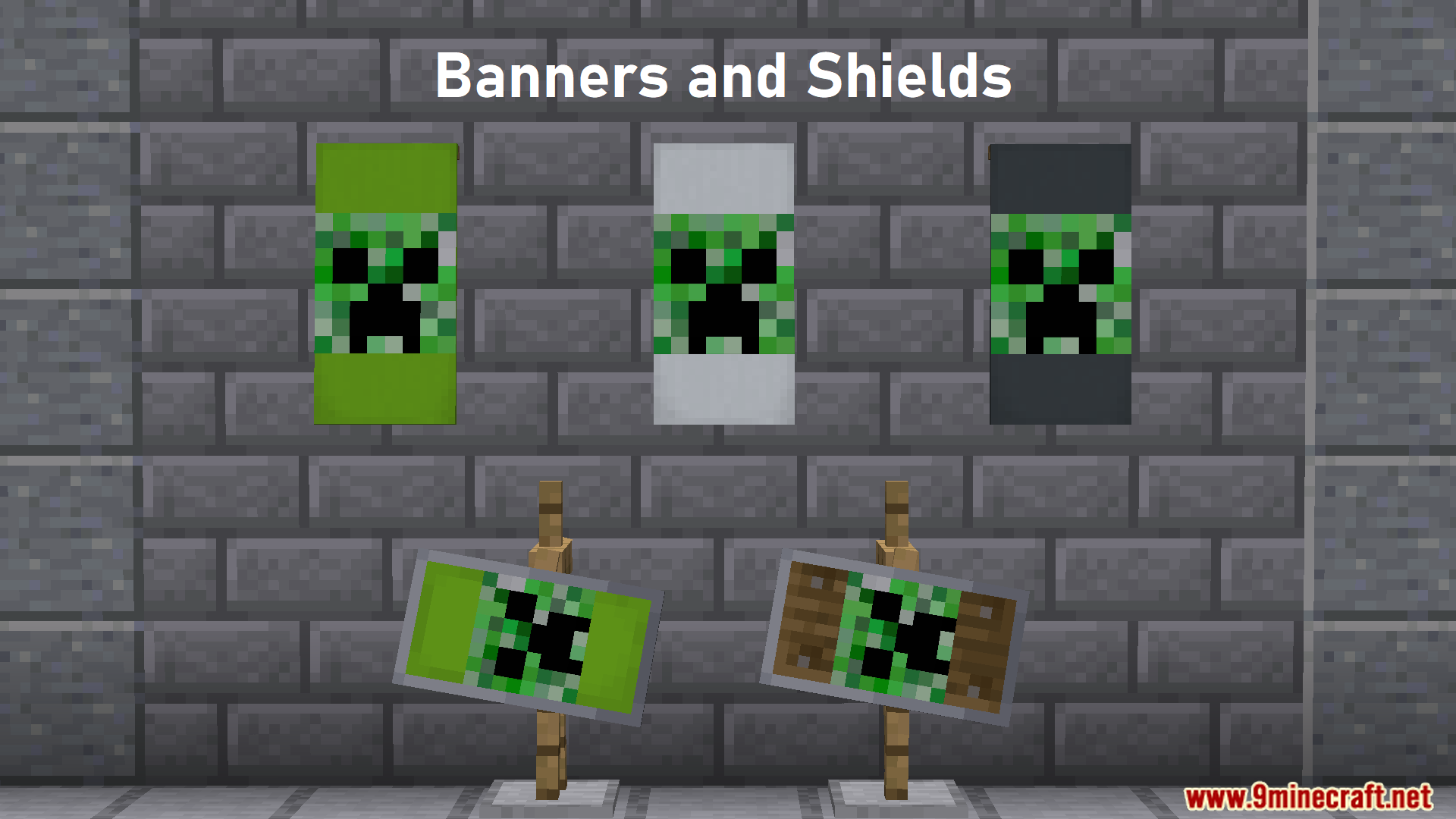
Block or Reload ImagesReloading an Image If an image isn't displaying correctly or you've updated it on the hosting site, reload it: Reload…Display an Image on a SignBasic Setup To display an image from the internet on a sign, you need the image's direct URL. 1. Create a sign…Display Images on Banners and ShieldsRenaming for Image Display Banners and shields can also display web images, but through a different method than…Use Long URLs Without Breaking the SignThe Problem Some image URLs are very long and won't fit on a sign's text lines, causing the sign to break or the URL…
Frequently asked questions
How do I display an image on a sign?
Place a sign, open it for editing, and paste an image URL directly into the sign text. Once you close the sign, the image will render if the mod is installed and the URL is valid.
What image formats does the mod support?
The mod supports common web image formats like PNG, JPG, and GIF. The image must be accessible via a direct URL that returns the image file.
My URL is too long for the sign text limit. What do I do?
Use the `/paintings:upload ` command to upload your image to Imgur, which generates a shorter link you can paste on the sign instead.
Can I display images on banners and shields?
See all 10 Signed Paintings questions ›
Gallery
5 images from the Signed Paintings Mod page.
You May Also Like
Wikis that share the most with this one
More mod wikis on the site
The most downloaded mods that have a wiki here
A few wikis from each of the other kinds