

 DownloadSign Copy Mod
Get the files on 9Minecraft
Guides
Step-by-step, in-game.
Batch Copy Text to Multiple Signs QuicklySetting Up Your Template Start by creating or finding a sign with the text you want to replicate. Right-click it and…Clear or Erase Specific Lines on a SignAccessing the Erase Function Right-click any sign to open its edit screen. The Sign Copy Mod GUI displays all four…Copy Text from One Sign to AnotherOpening the Copy Interface Approach any sign and right-click it to open the sign edit screen. The Sign Copy Mod GUI…Edit Waxed Signs Using the ModWhy Use the Mod for Waxed Signs Waxed signs normally cannot be edited in vanilla Minecraft. The Sign Copy Mod…
Frequently asked questions
How do I open the Sign Copy Mod GUI?
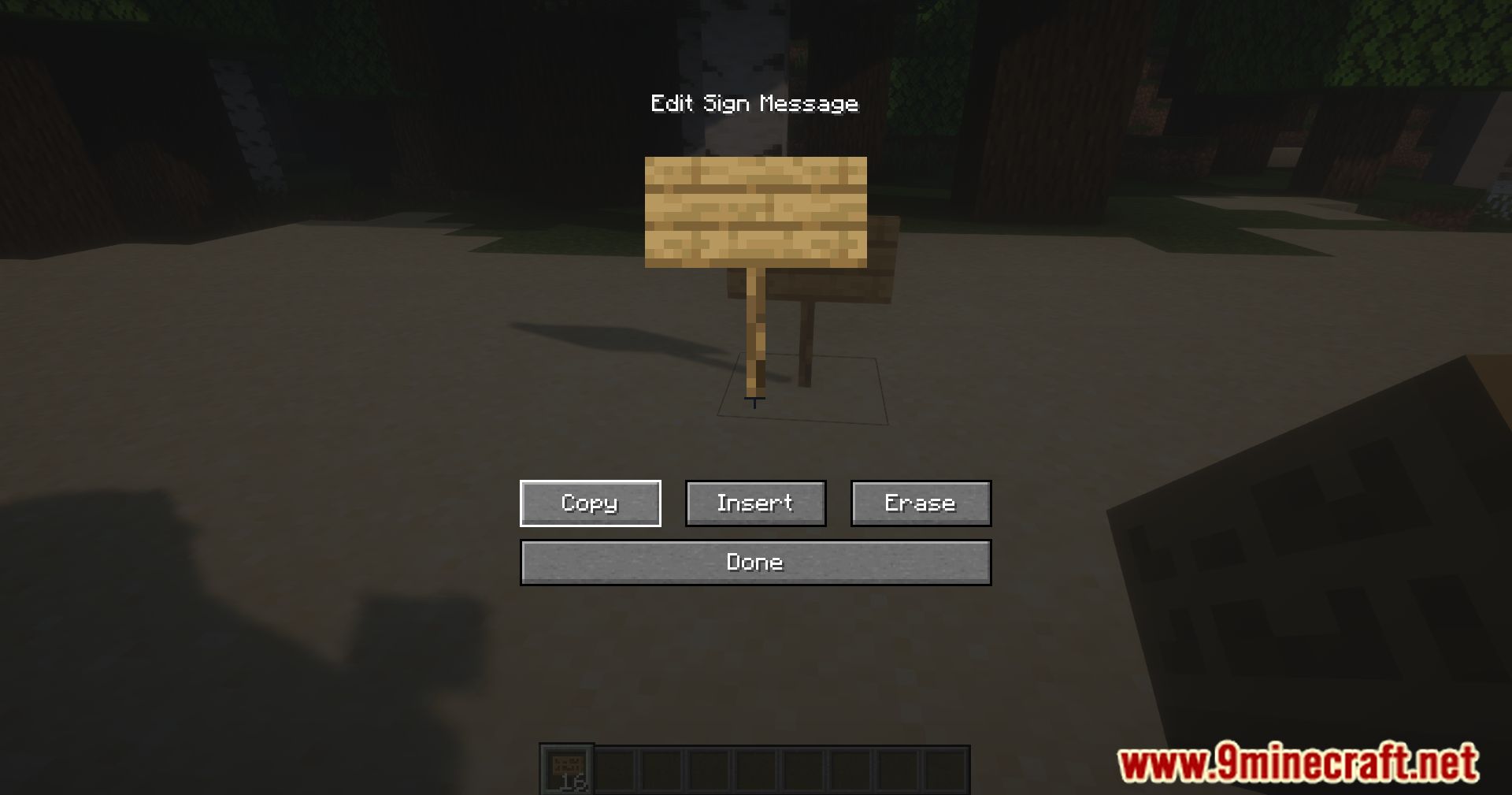
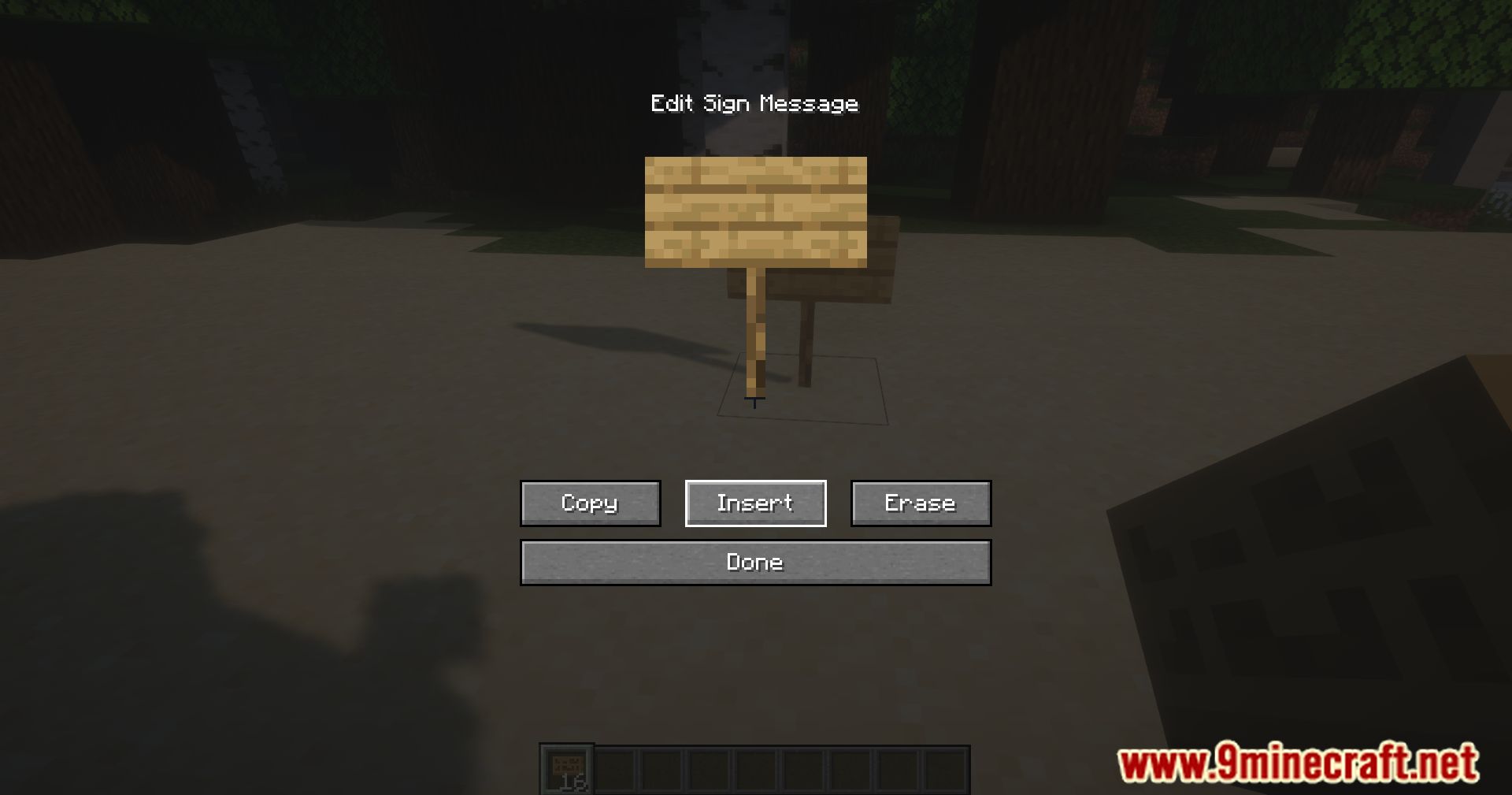
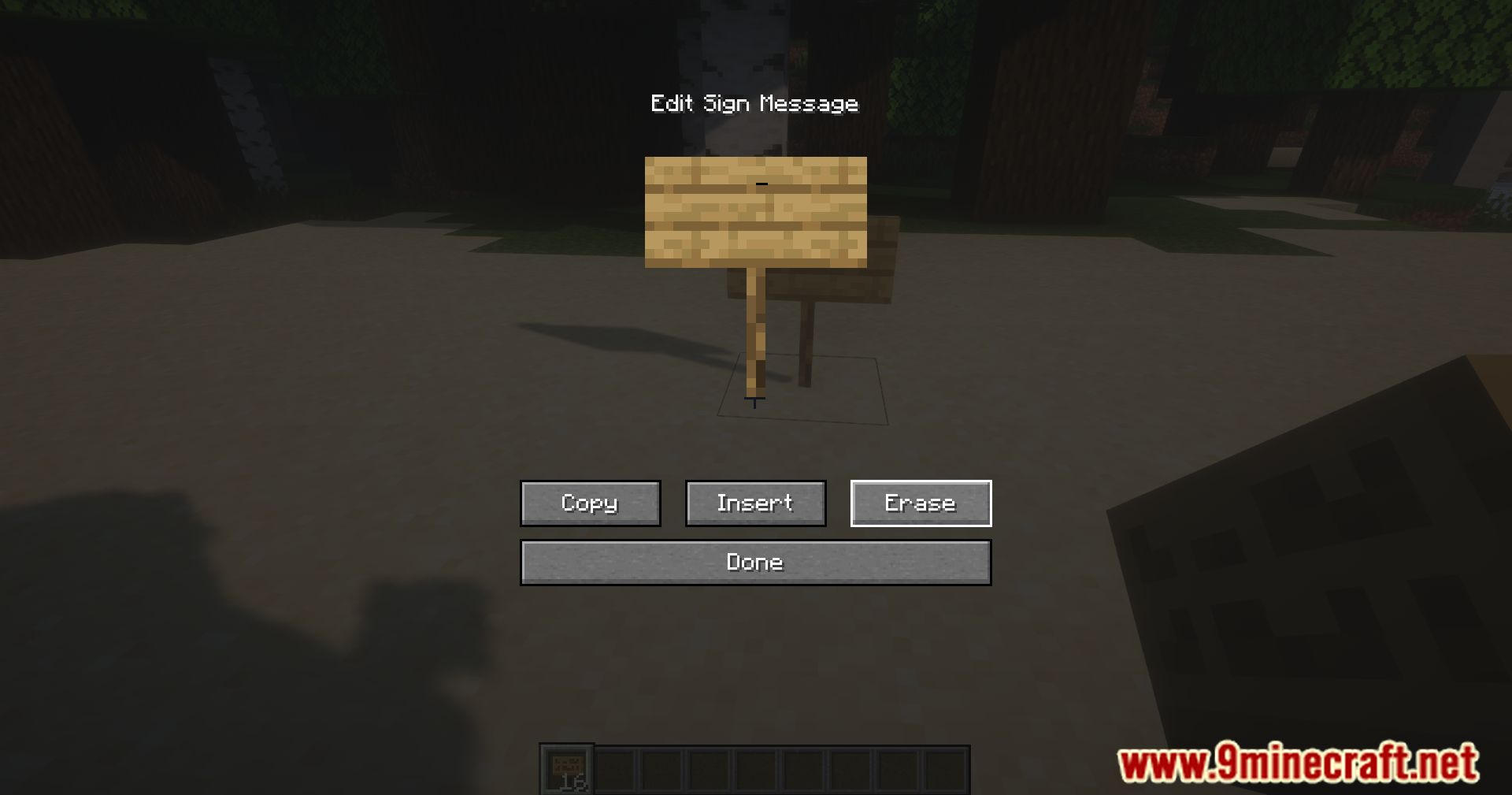
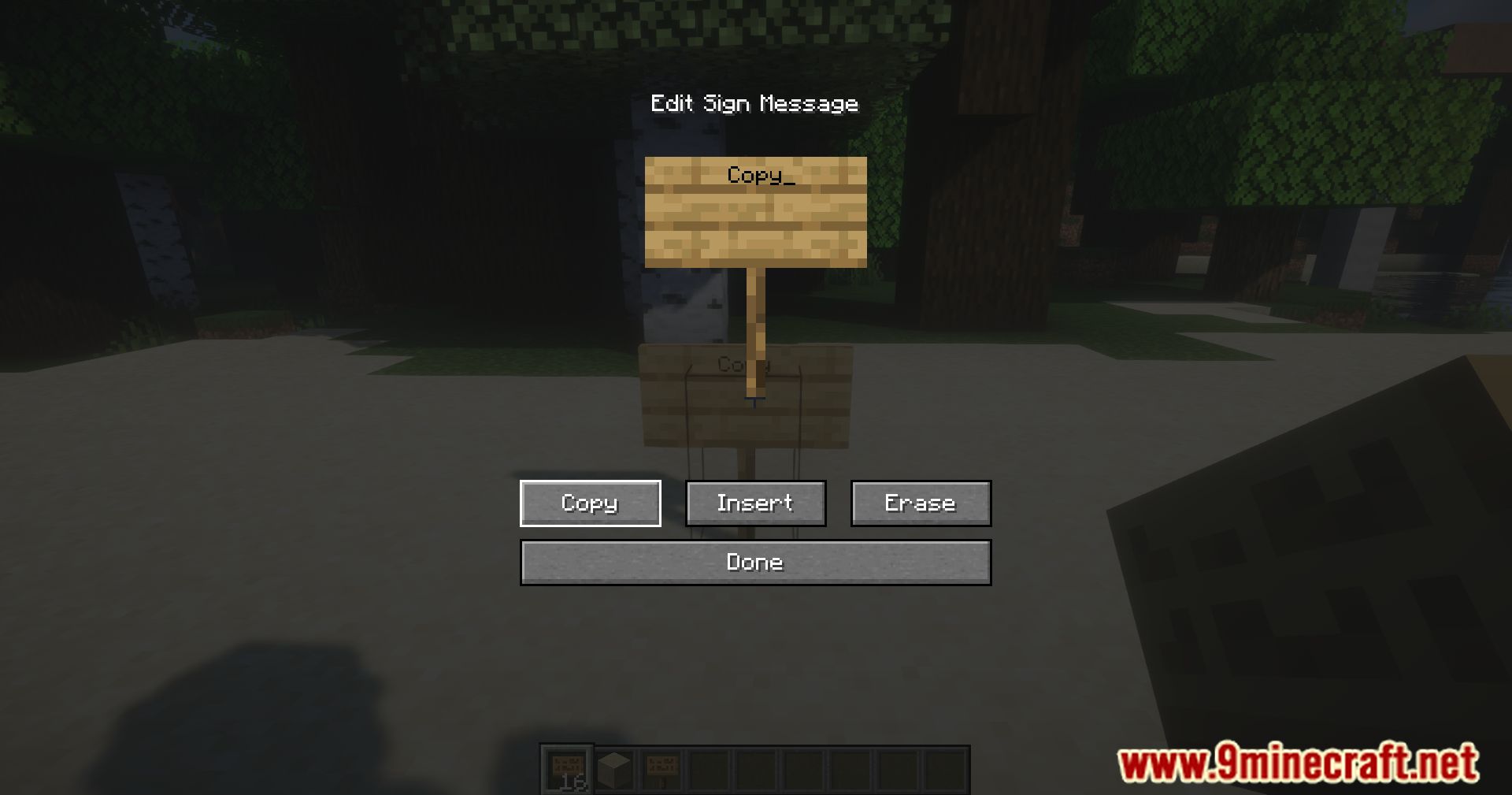
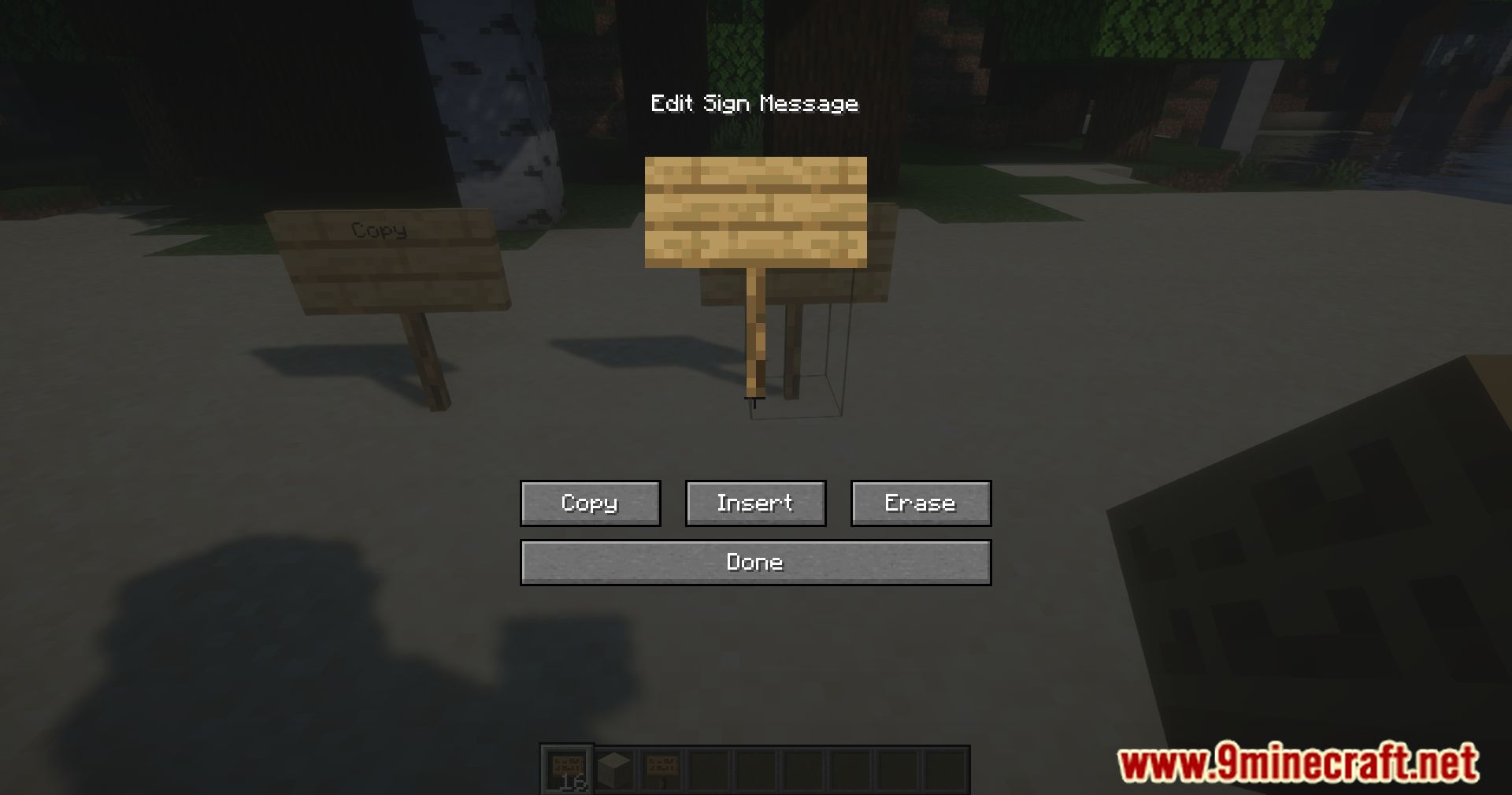
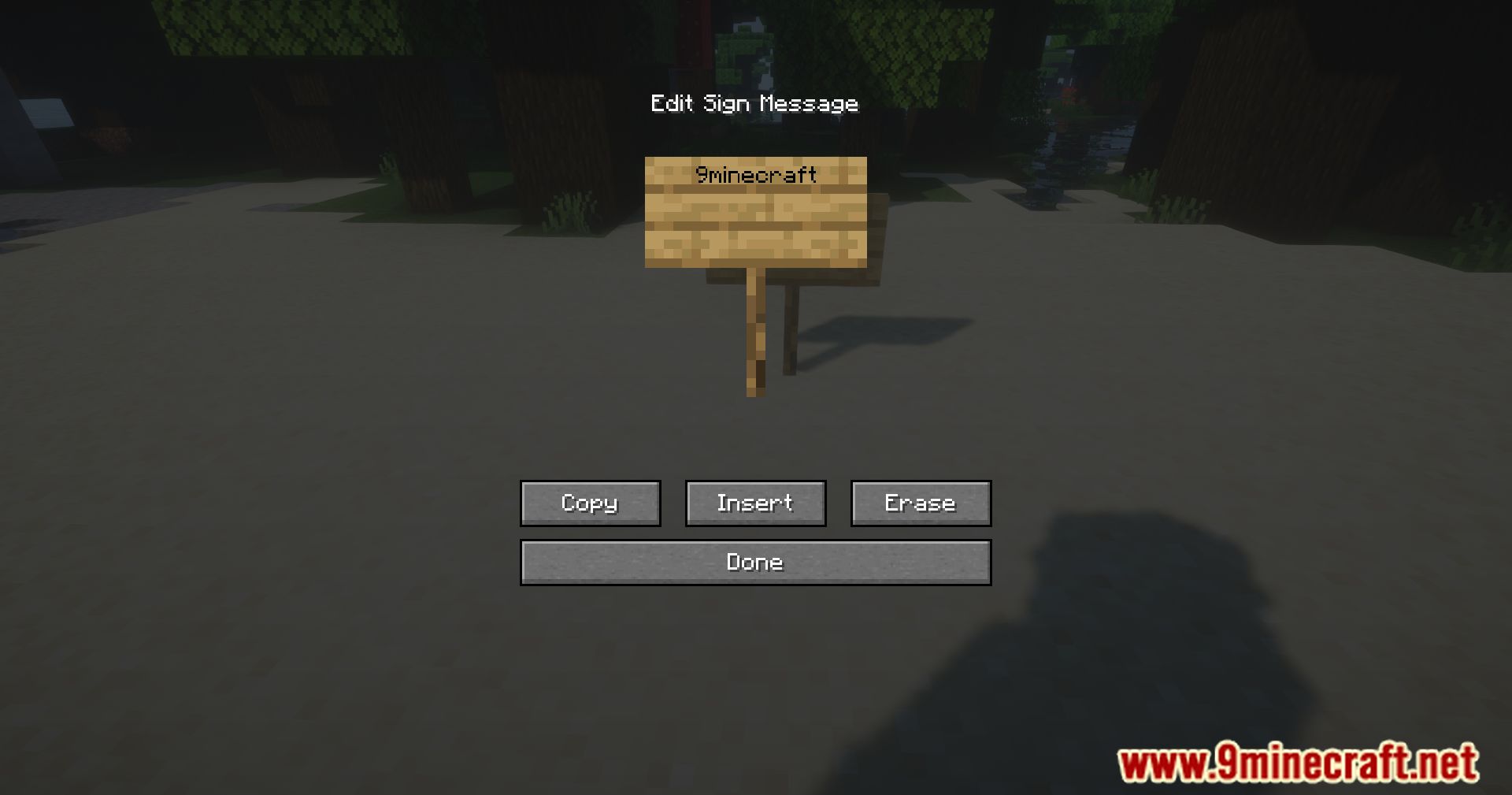
Right-click on a sign to open the sign edit screen, and the Sign Copy Mod GUI will appear alongside it. The GUI provides buttons to copy, insert, and erase text without manually typing.
Can I copy text from a sign I don't own?
Yes, the mod allows you to copy text from any sign in the world, regardless of ownership. This makes it easy to reference or duplicate text from signs placed by other players.
Does this mod work on waxed signs?
Yes, Sign Copy Mod works with both regular and waxed signs. You can copy text from waxed signs and use the mod's features to manage their content.
How do I copy text to multiple signs at once?
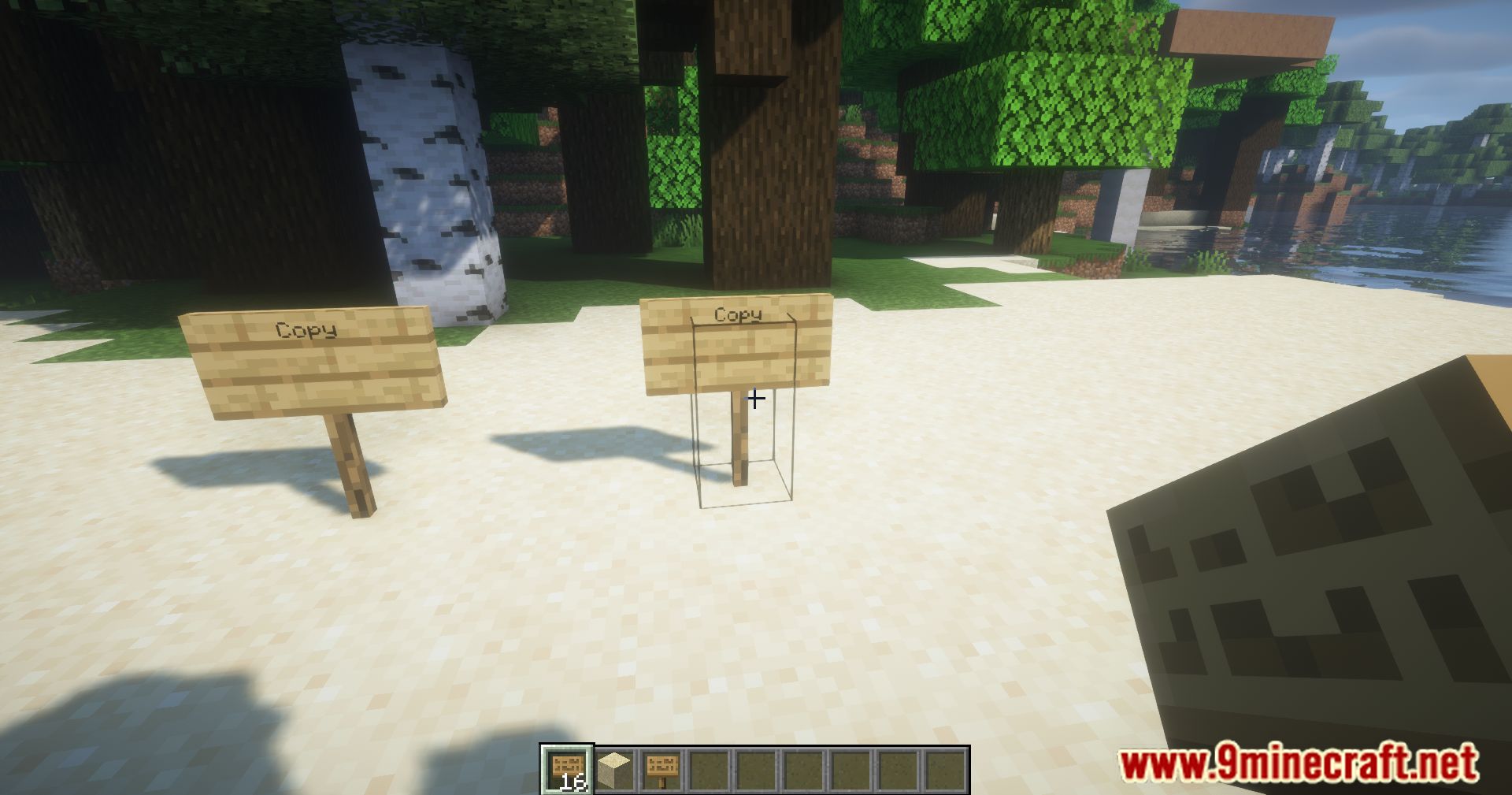
Copy the text from your source sign using the GUI, then open each target sign and use the insert function to paste the copied text. The mod stores your copied text so you can apply it to multiple signs in sequence.
See all 10 Sign Copy questions ›
Gallery
11 images from the Sign Copy Mod page.


You May Also Like
Wikis that share the most with this one
Wikis on the same theme: cat
More mod wikis on the site
The most downloaded mods that have a wiki here
A few wikis from each of the other kinds