

 DownloadCycle Paintings Mod
Get the files on 9Minecraft
Guides
Step-by-step, in-game.
How to Change a Painting's Image Without Breaking ItThe Basic Swap You no longer need to punch a painting off the wall and gamble on a new random one. As long as you…How to Cycle Backwards Through Painting MotivesSneak-Click to Reverse If you overshoot the painting you wanted, you don't have to keep clicking forward through the…How to Find a Painting's Resource Location for Config FilteringThe Problem To exclude a painting from the cycle, you need its exact resource location. Guessing the name usually…How to Hide Certain Paintings From the CycleWhy Filter Paintings By default, cycling walks through every registered painting of the matching size, including ones…
Frequently asked questions
How do I change a painting's image without breaking it?
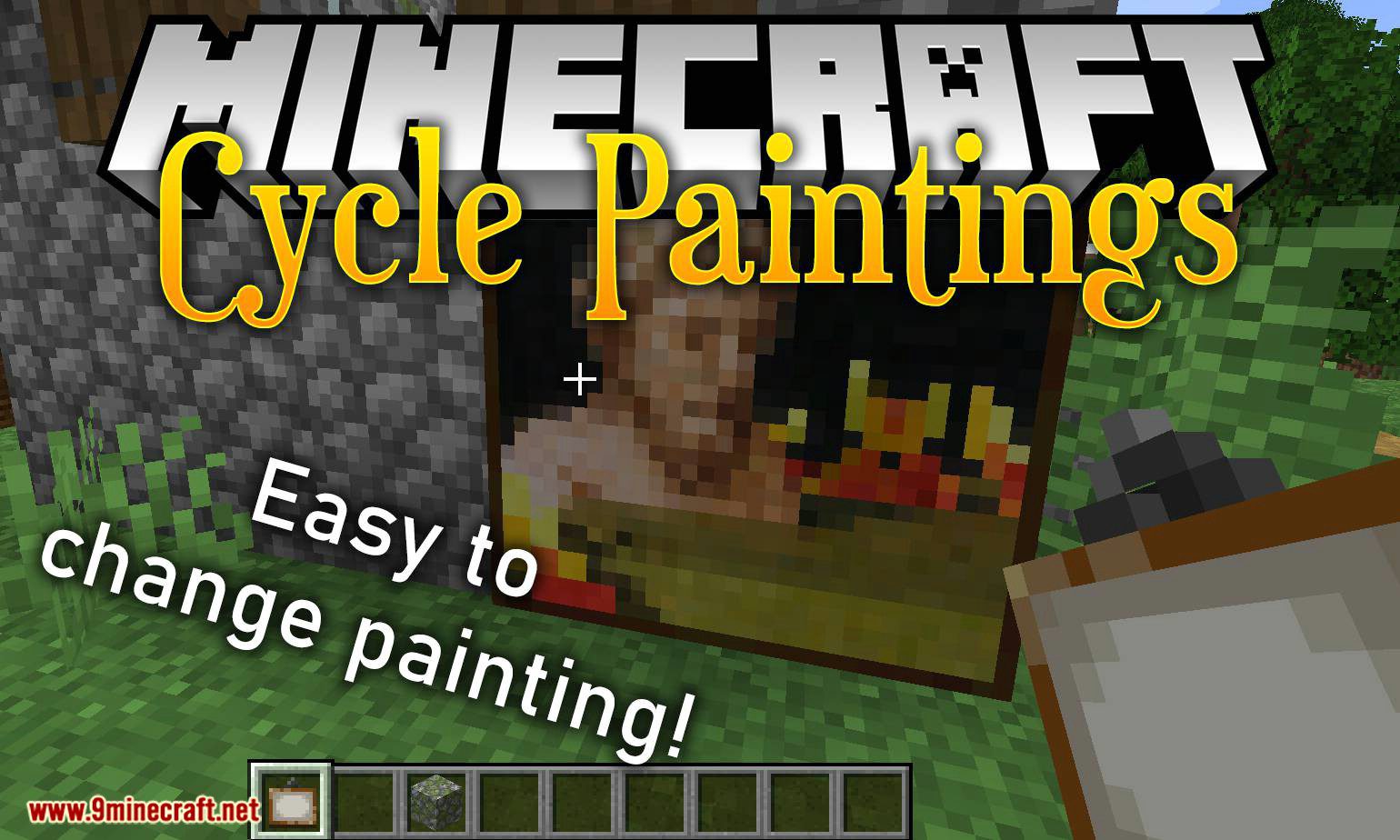
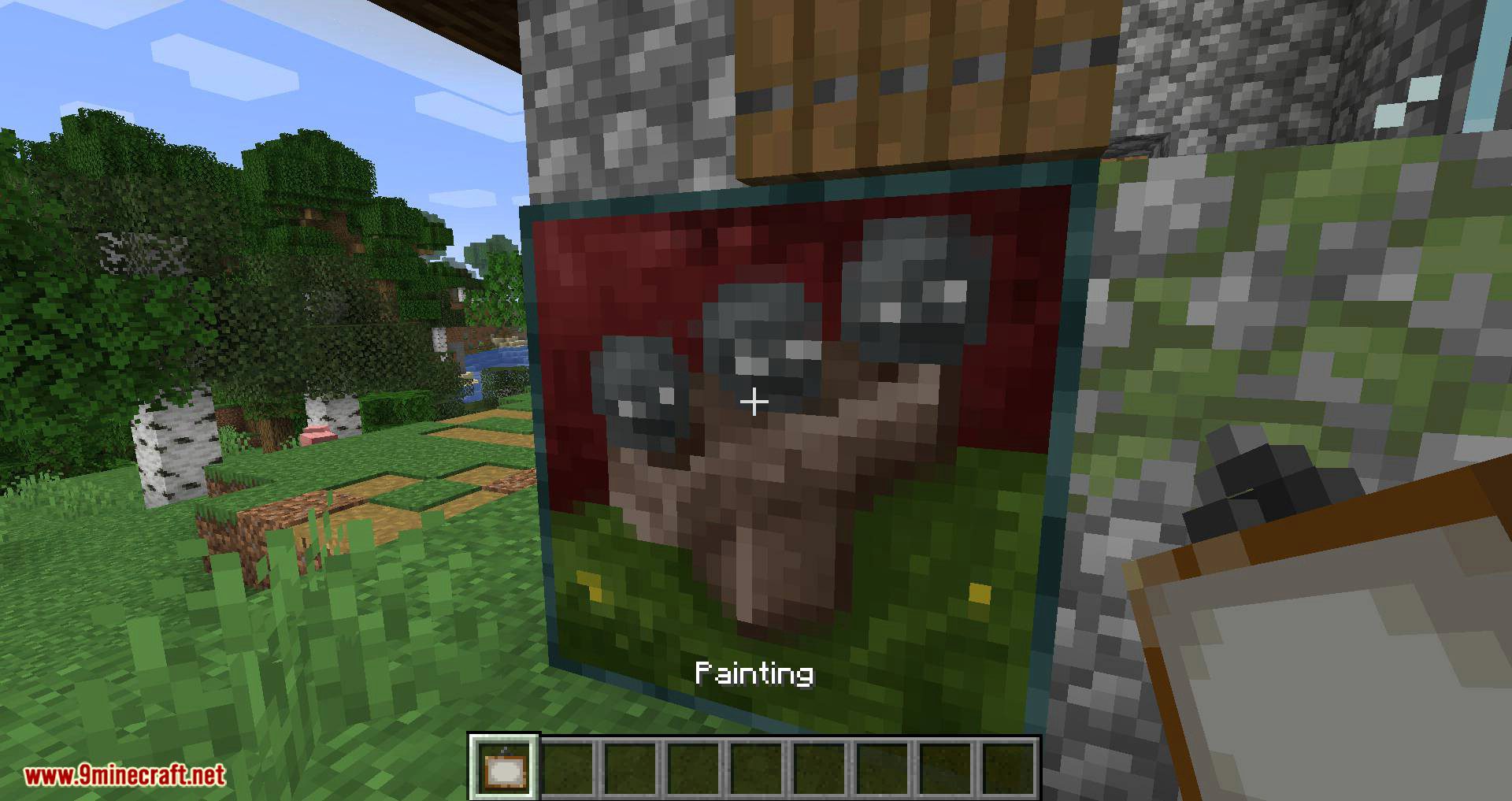
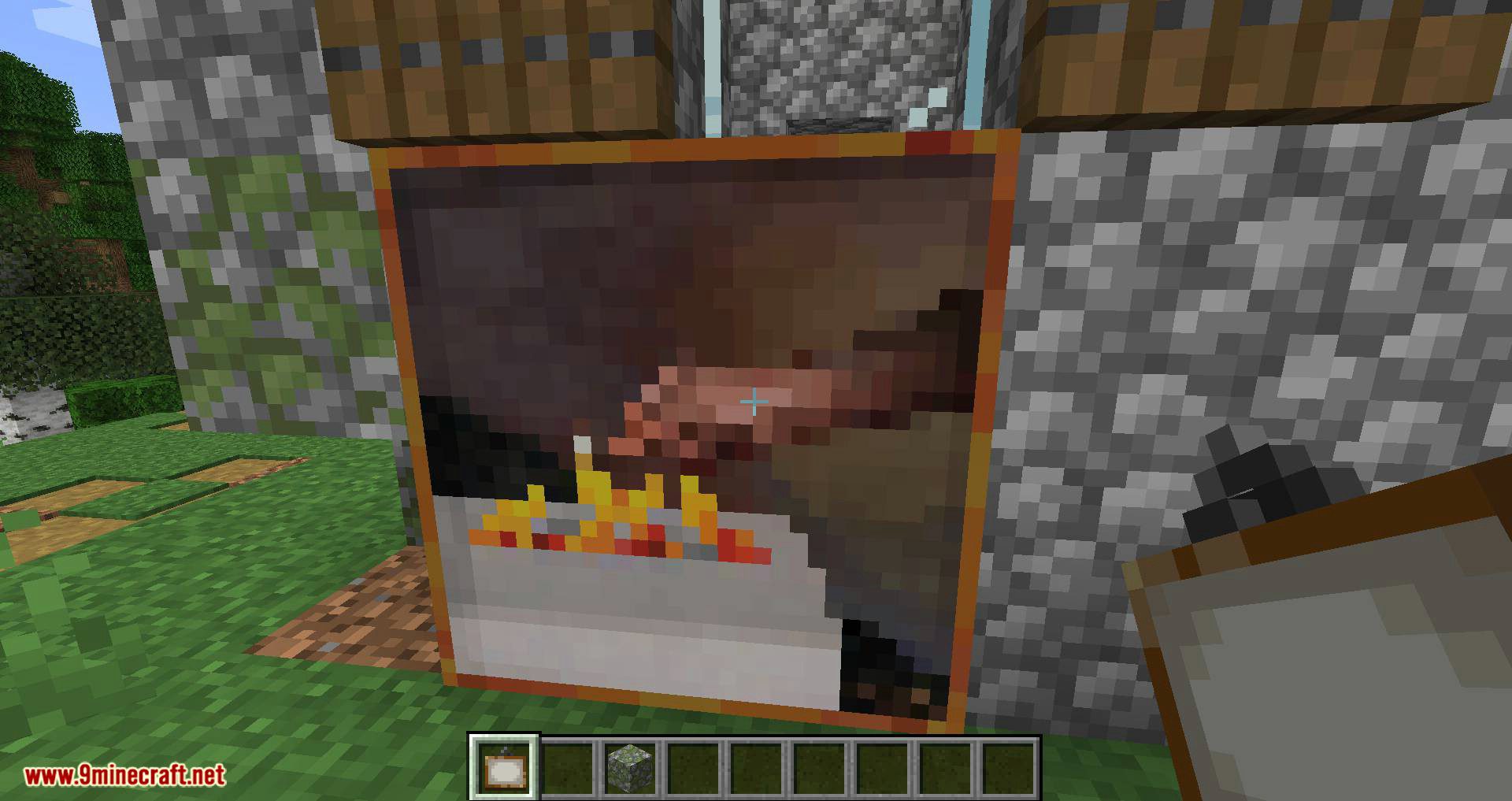
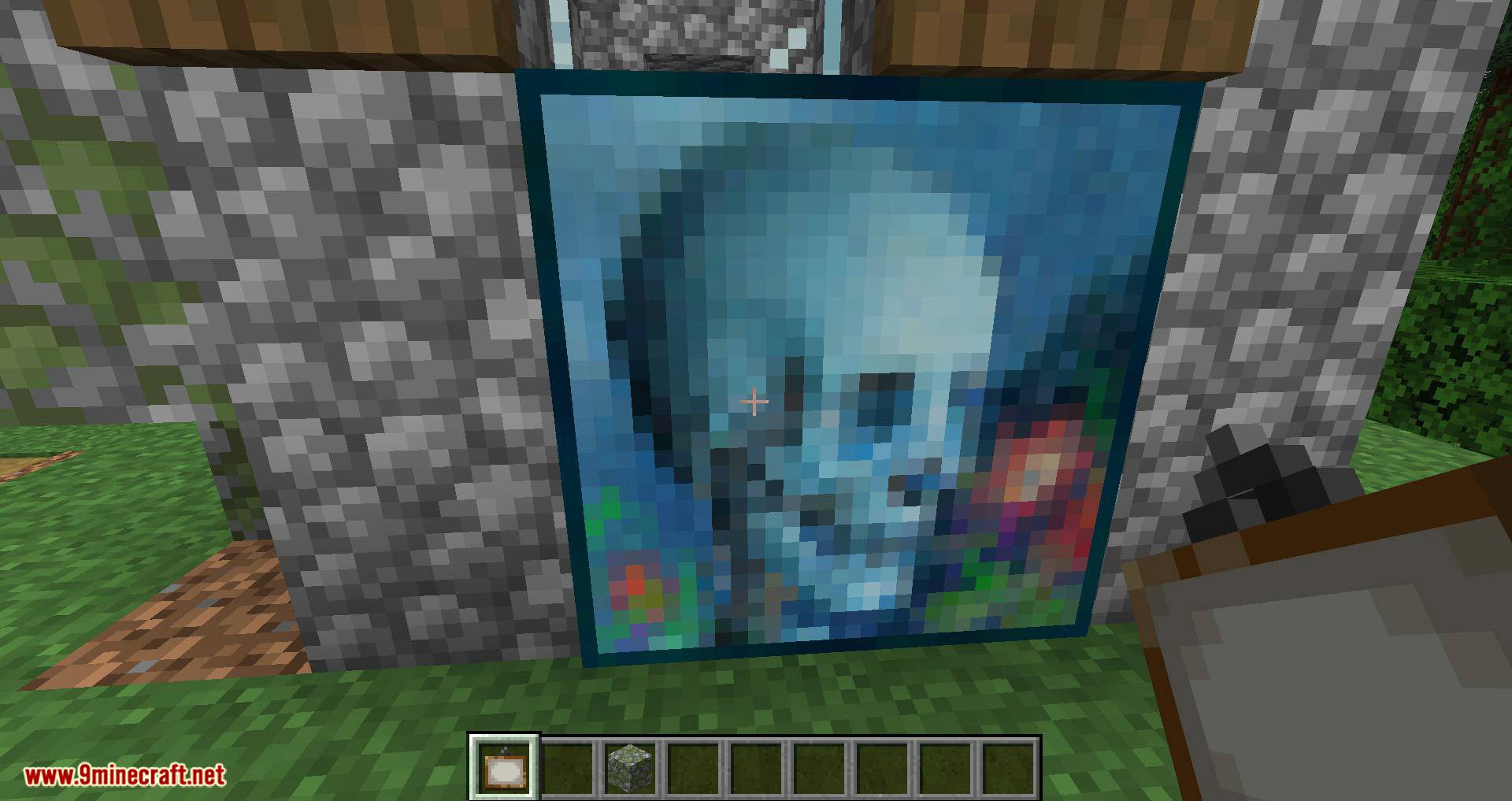
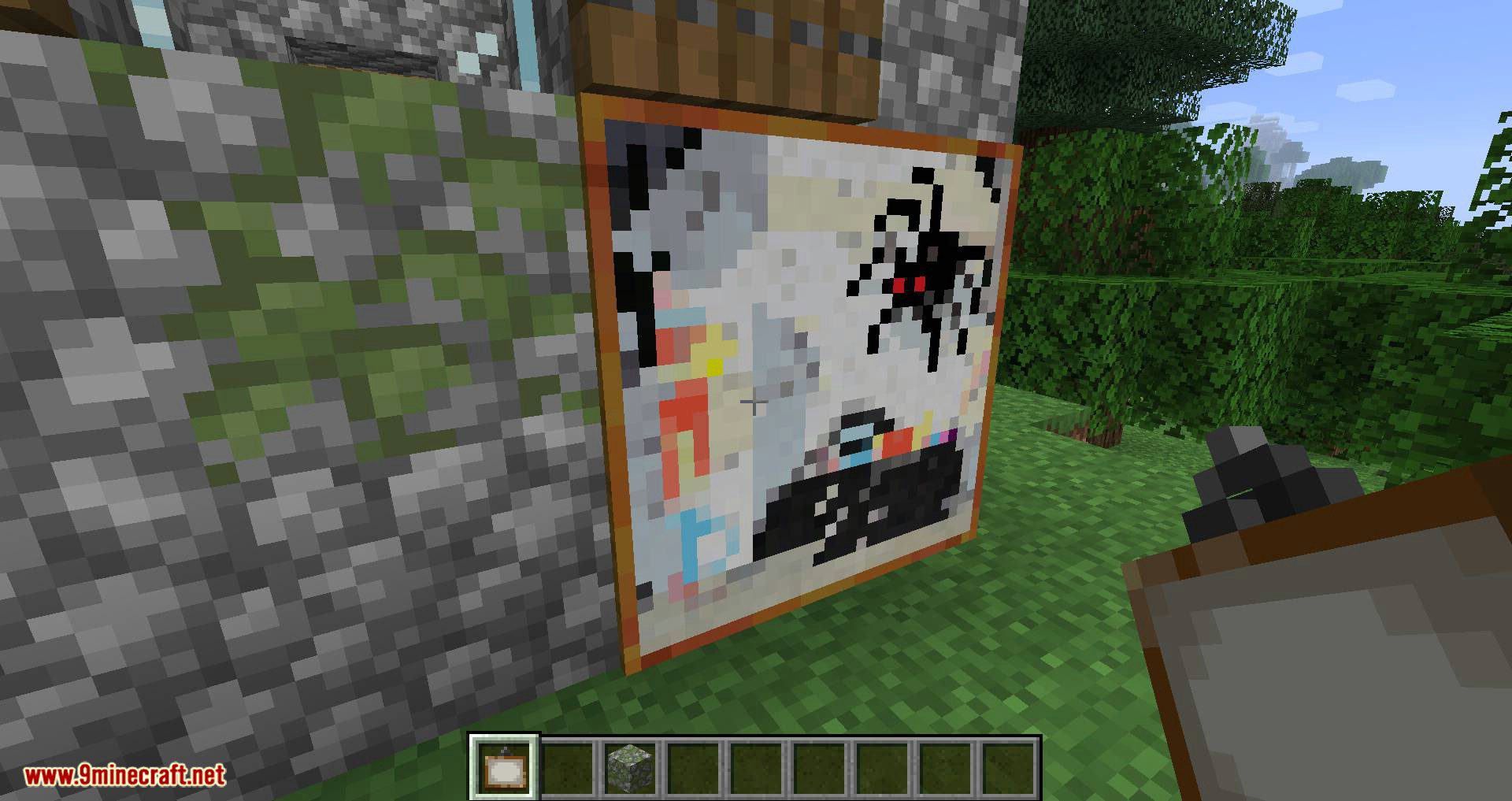
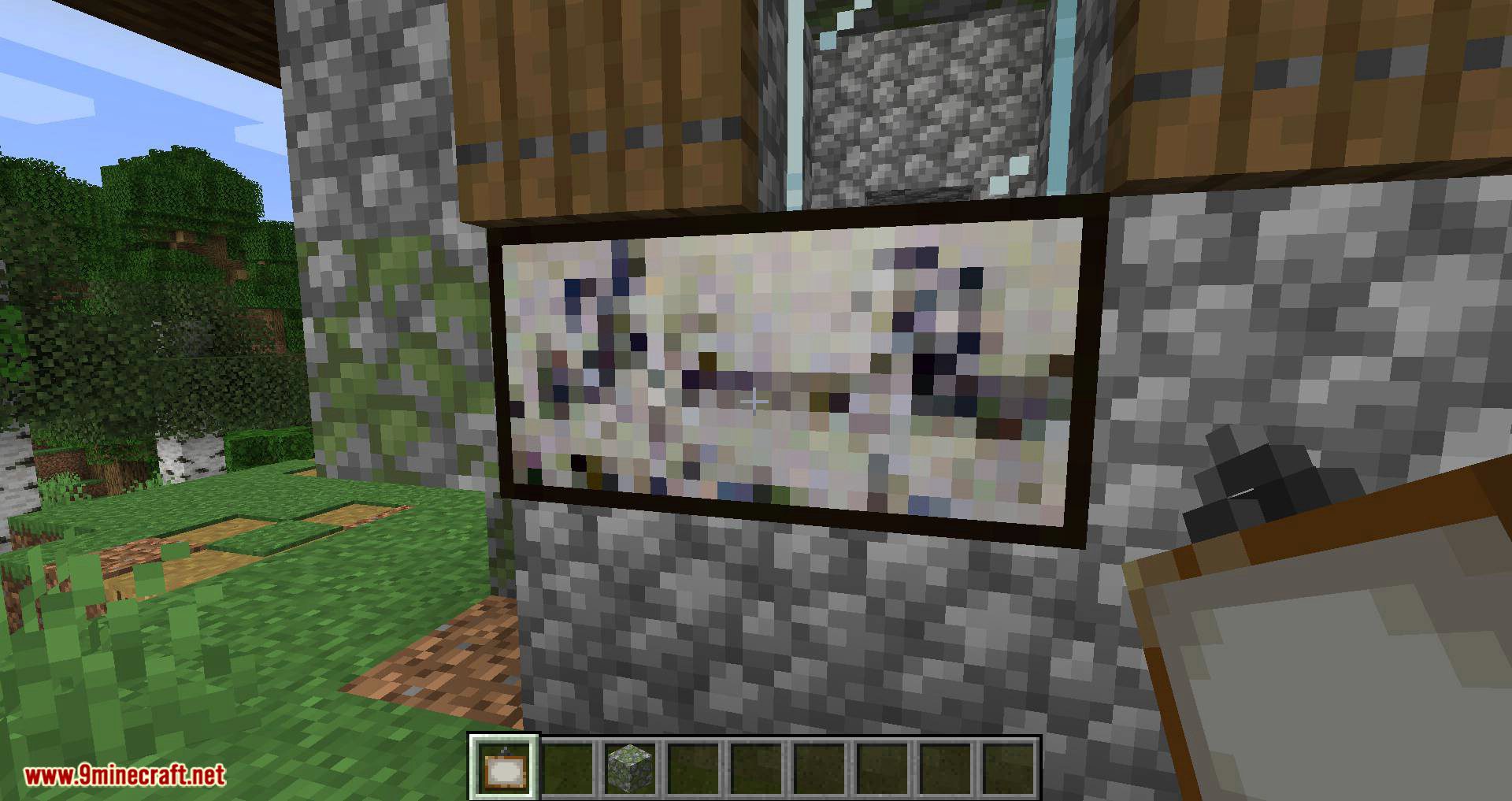
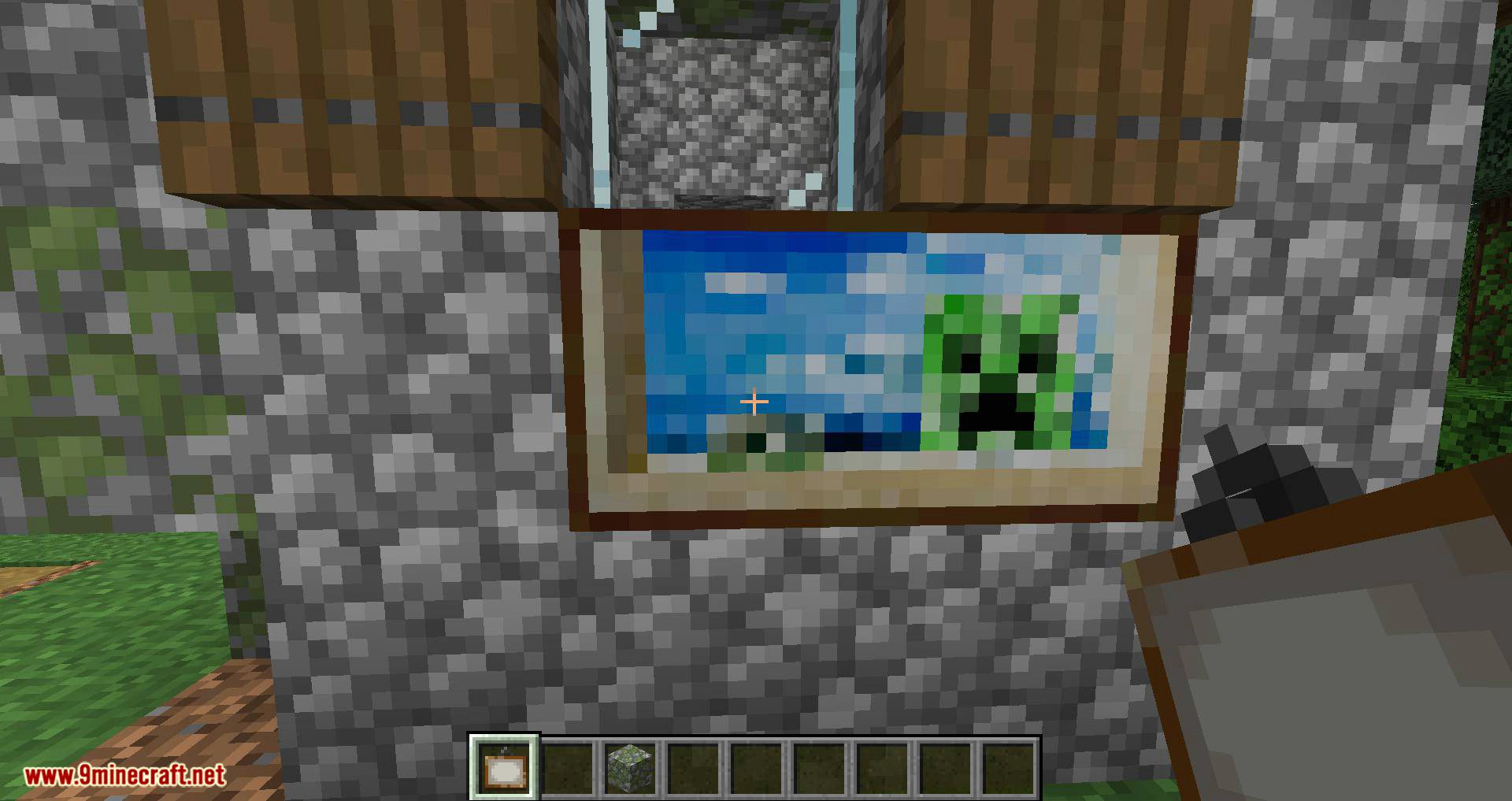
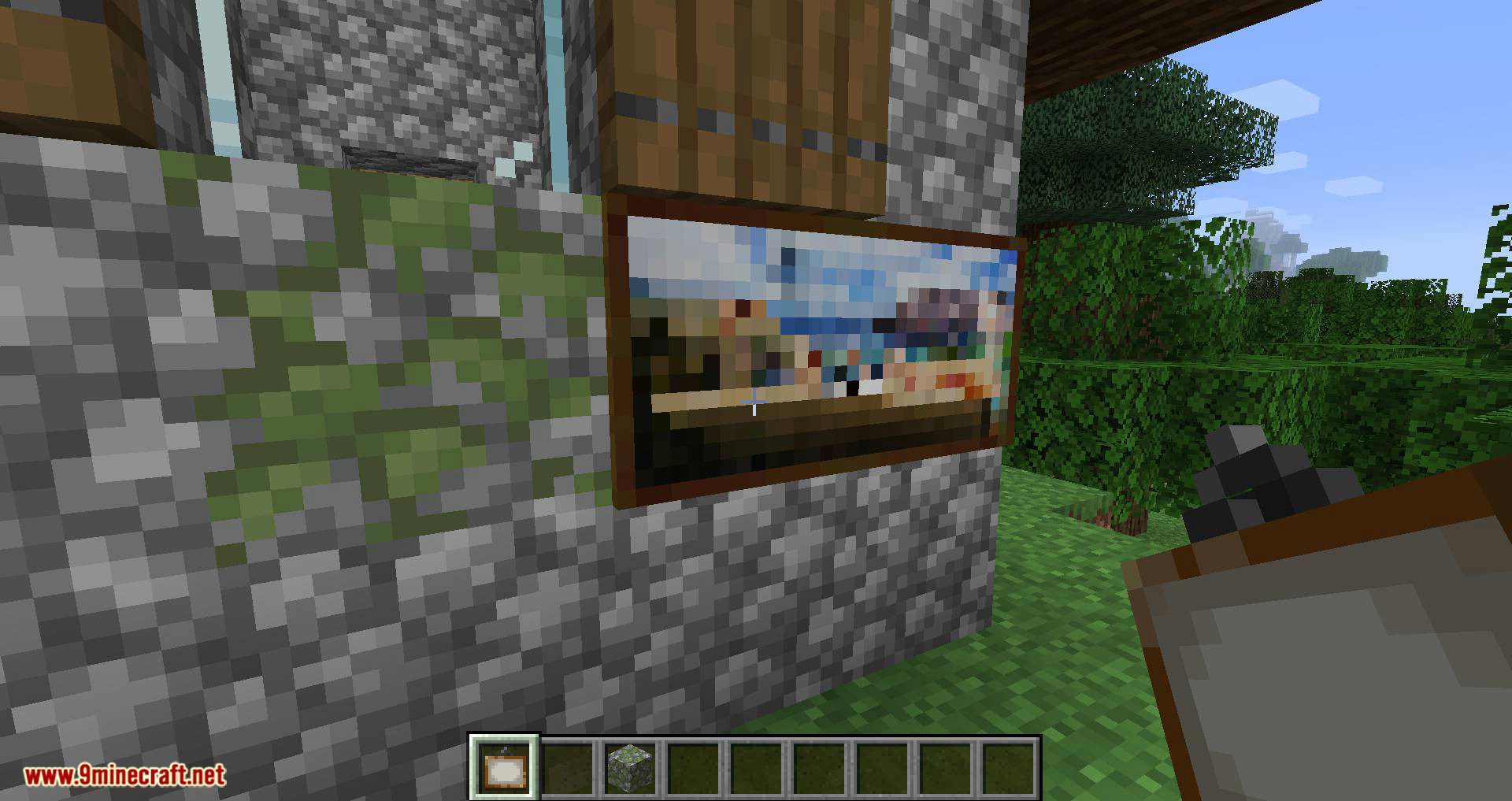
Hold a painting item in your hand and right-click the placed painting you want to change. The painting's image will switch to another motive of the same size, and the painting itself stays in place.
How do I cycle backwards through painting motives?
Sneak while right-clicking a placed painting with a painting item in hand. This steps backward through the available motives instead of forward.
Do I need to hold a painting item to cycle the image?
Yes, you must be holding a painting in your hand when you right-click the placed painting. The held painting acts as the trigger for the cycle.
Can I cycle a painting to a different size?
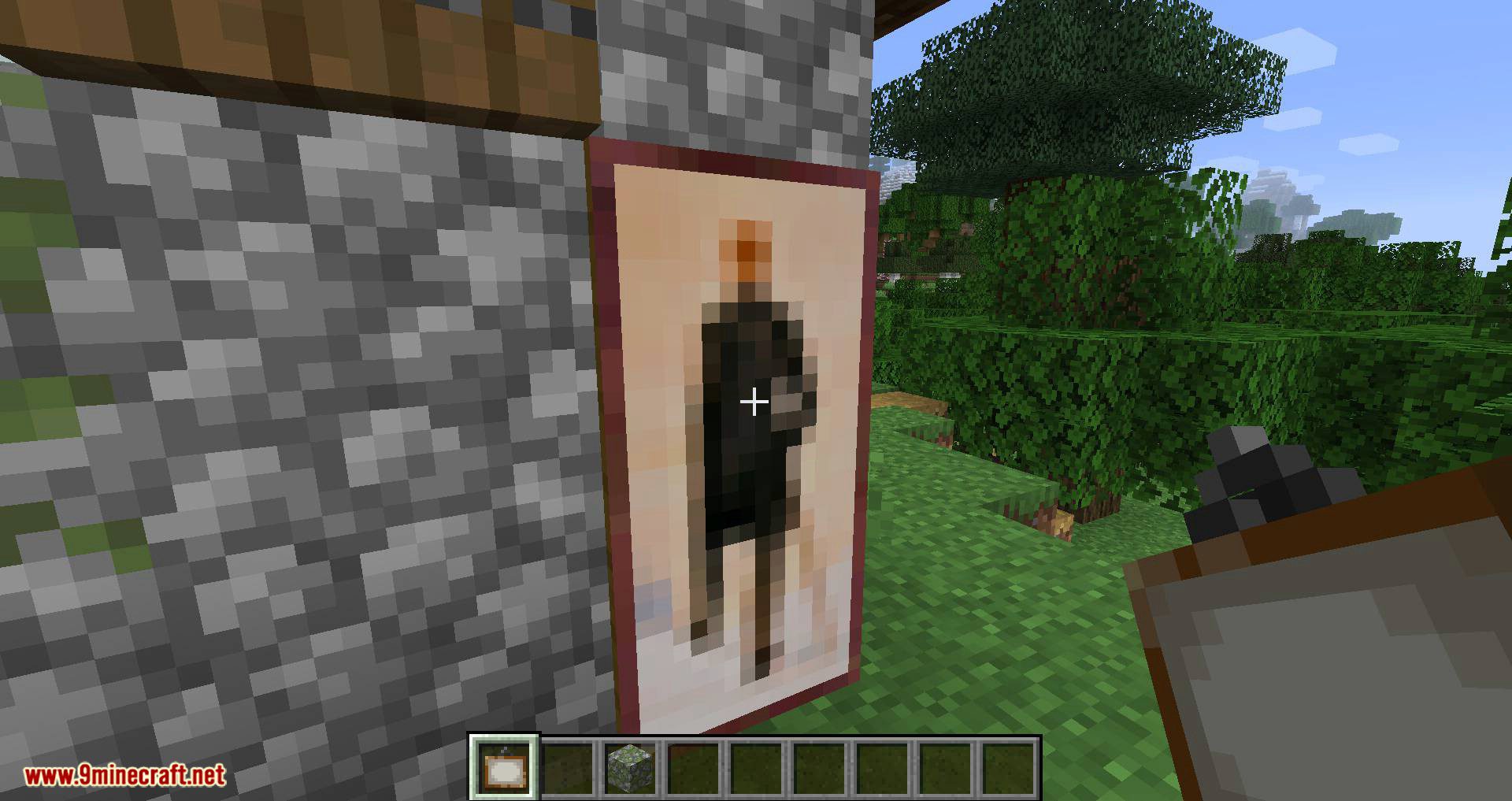
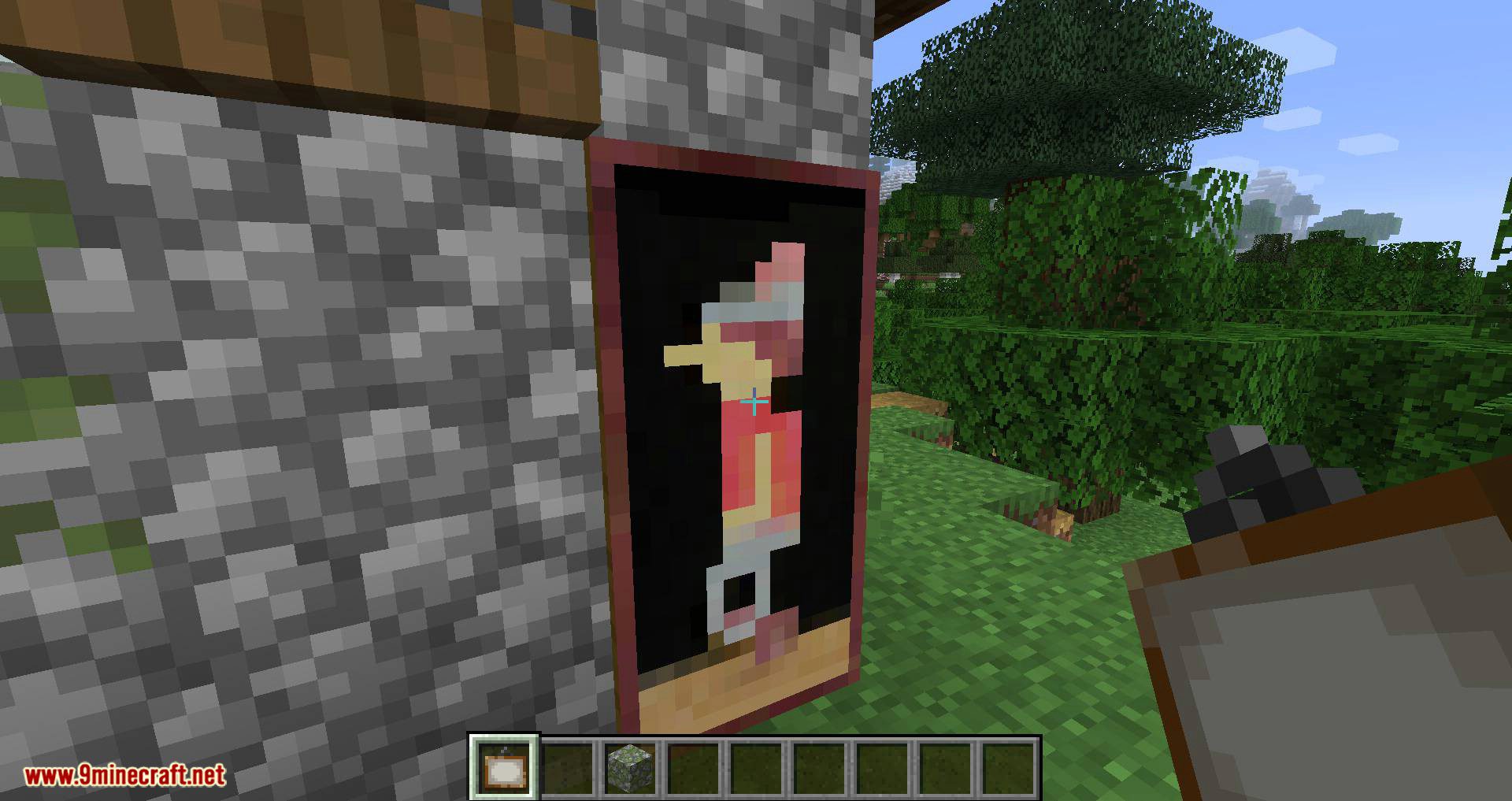
No, cycling only switches between paintings of the same size. The new motive must match the dimensions of the placed painting.
See all 10 Cycle Paintings questions ›
Dependencies
Other mods needed to run this one.
Collective (required)
Gallery
12 images from the Cycle Paintings Mod page.
You May Also Like
Wikis that share the most with this one
More mod wikis on the site
The most downloaded mods that have a wiki here
A few wikis from each of the other kinds