

 DownloadMacaw’s Paintings Mod
Get the files on 9Minecraft
Guides
Step-by-step, in-game.
How to Build a Painting Gallery or Art Wall with Macaw's PaintingsPlanning Your Gallery Layout A gallery works best on a long, flat wall with plenty of uninterrupted space. Before…How to Choose the Right Painting Size for Your BuildUnderstanding Painting Sizes Macaw's Paintings adds paintings in a range of sizes, from small single-block pieces to…How to Fix Common Macaw's Paintings ProblemsPainting Won't Place If right-clicking a wall does nothing, the wall likely lacks enough free space. Paintings need a…How to Get and Place Macaw's Paintings in MinecraftCrafting the Painting Item Macaw's Paintings does not add a separate painting item. You use the vanilla painting item…
Frequently asked questions
How do I get the new Macaw's paintings in my world?
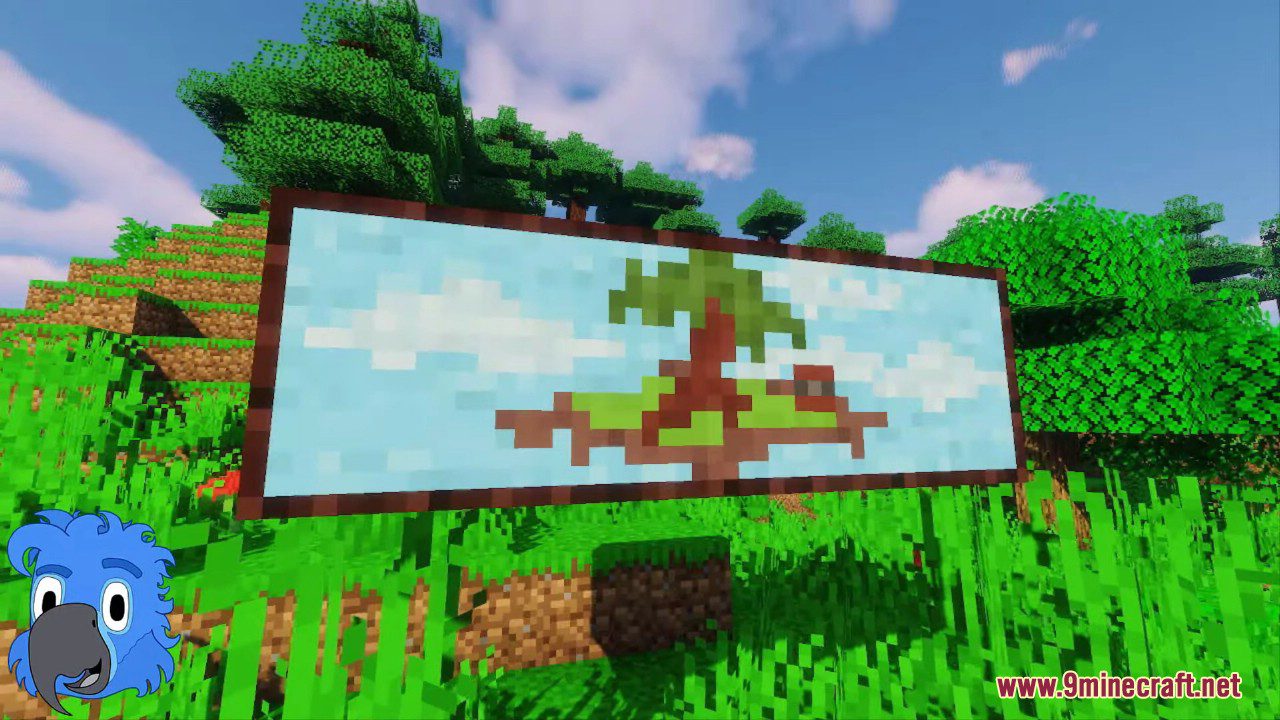
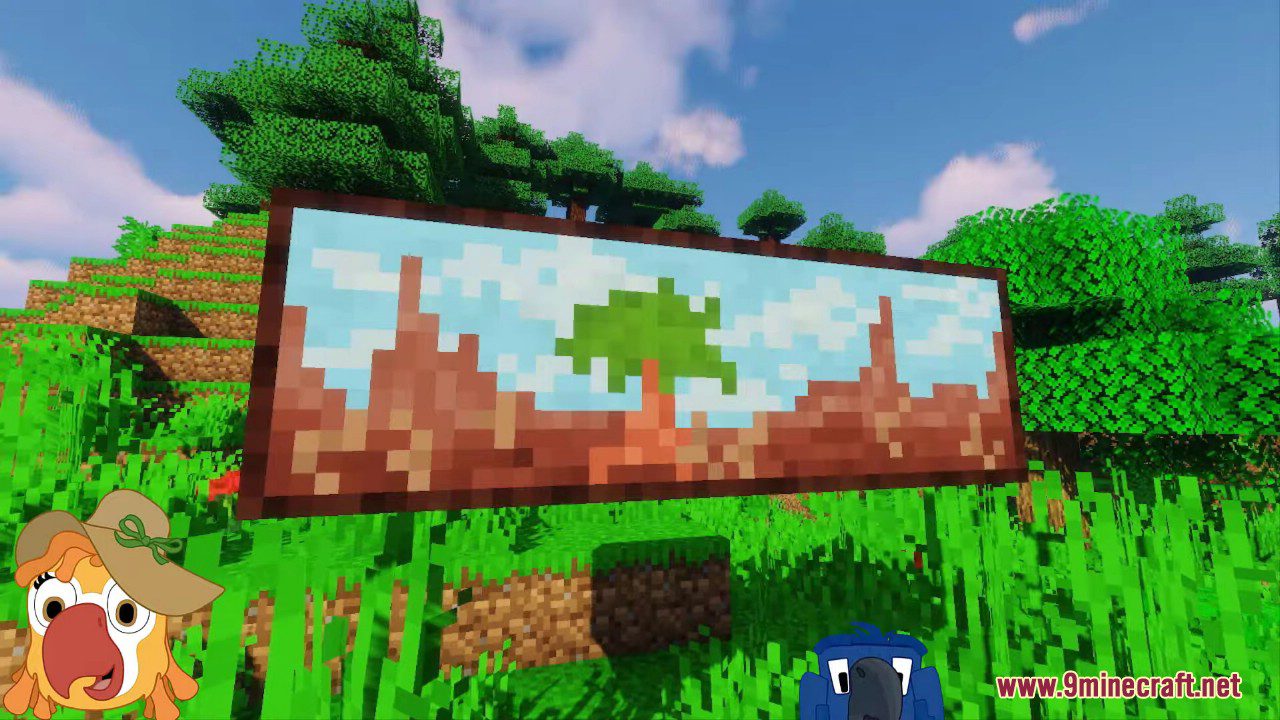
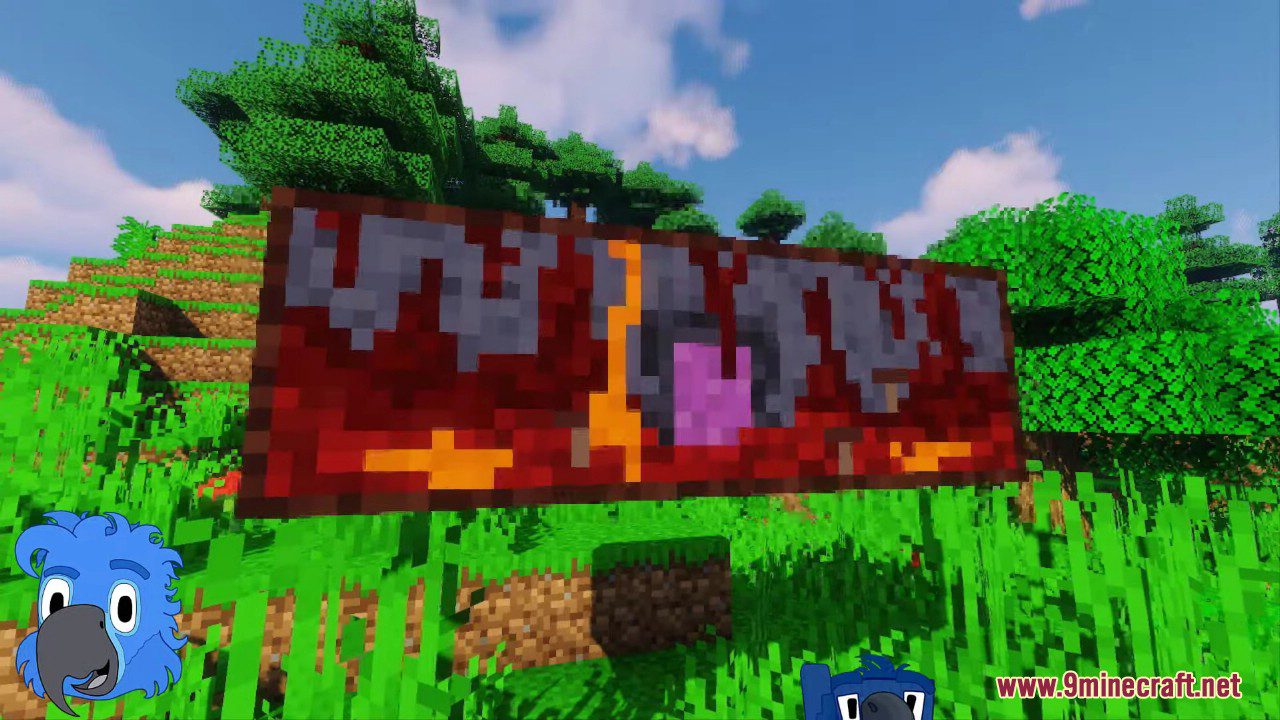
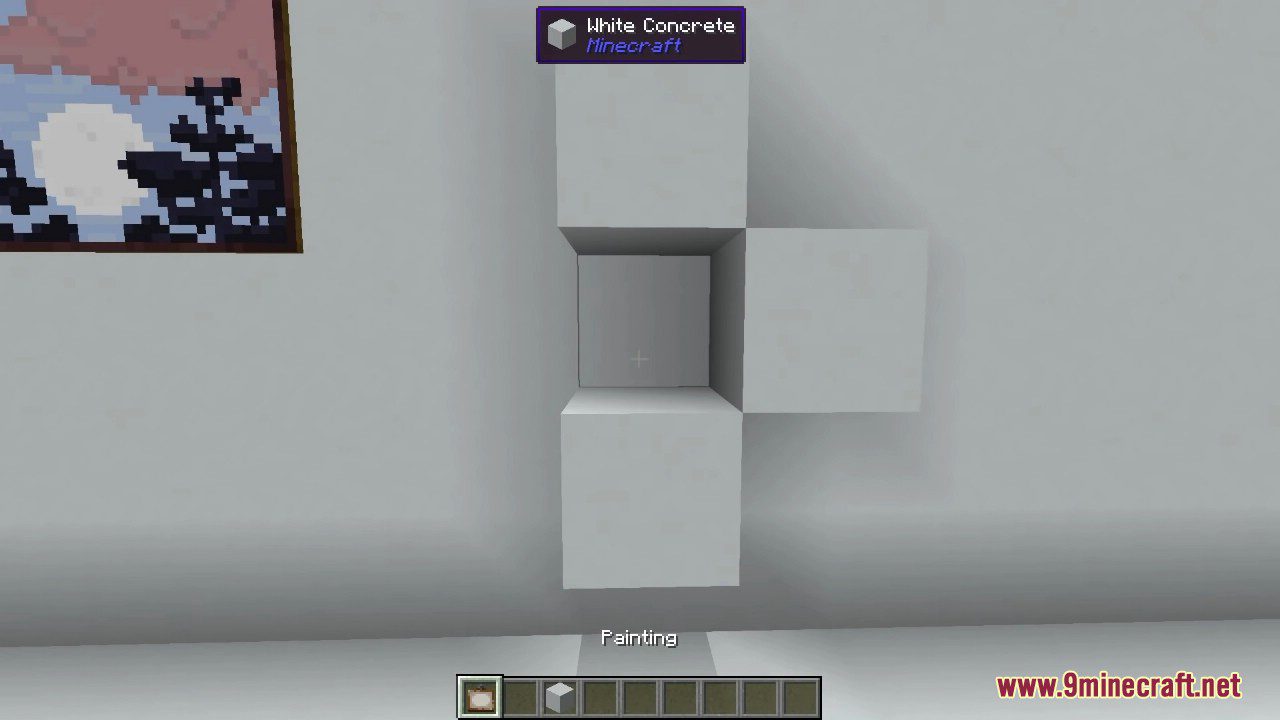
Craft a painting exactly as you normally would and place it on a wall; the mod's designs are added to the same pool as the vanilla paintings, so you just cycle through them with the painting item until you land on one you like.
Why do I only see vanilla paintings when I place one?
The new paintings share the vanilla pool rather than replacing it, so you may need to place and re-place the painting several times to cycle through to a Macaw's design. Keep right-clicking to cycle until one of the new artworks appears.
How do I cycle to a different painting without breaking it?
Right-click the placed painting with a painting item in hand to cycle to the next design in the pool, which lets you browse both vanilla and Macaw's options in place.
How many paintings does the mod add?
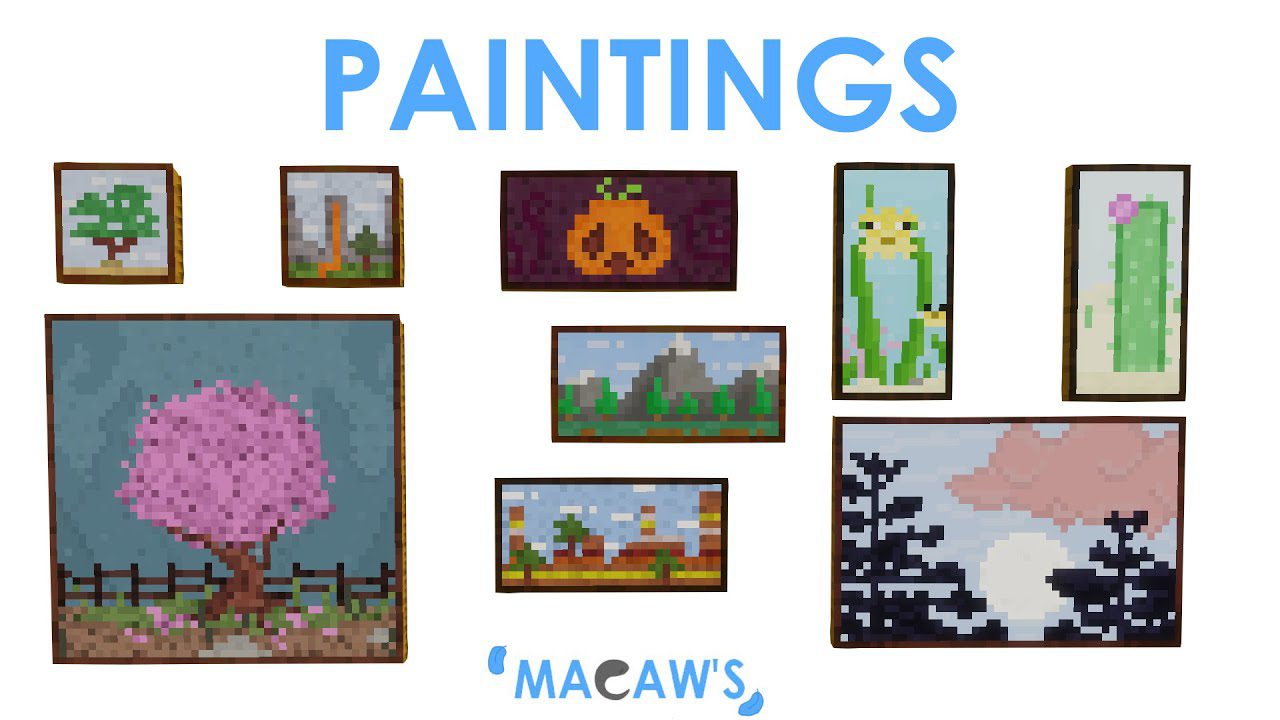
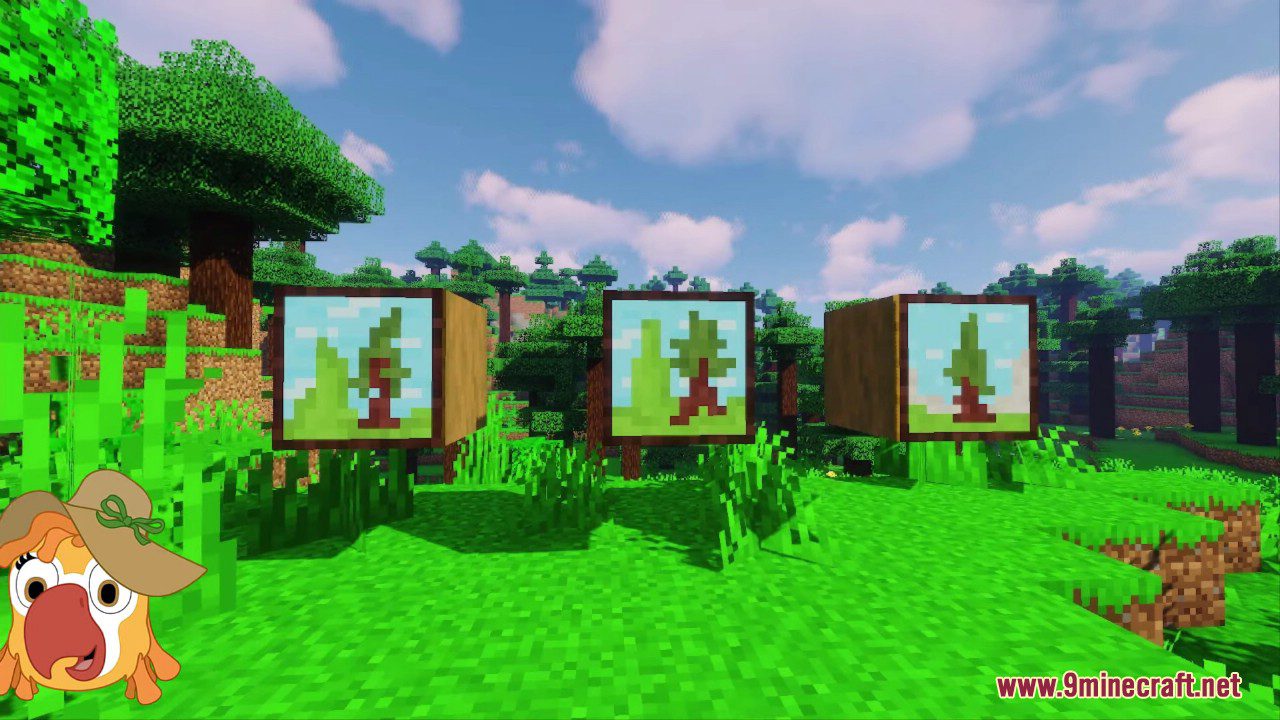
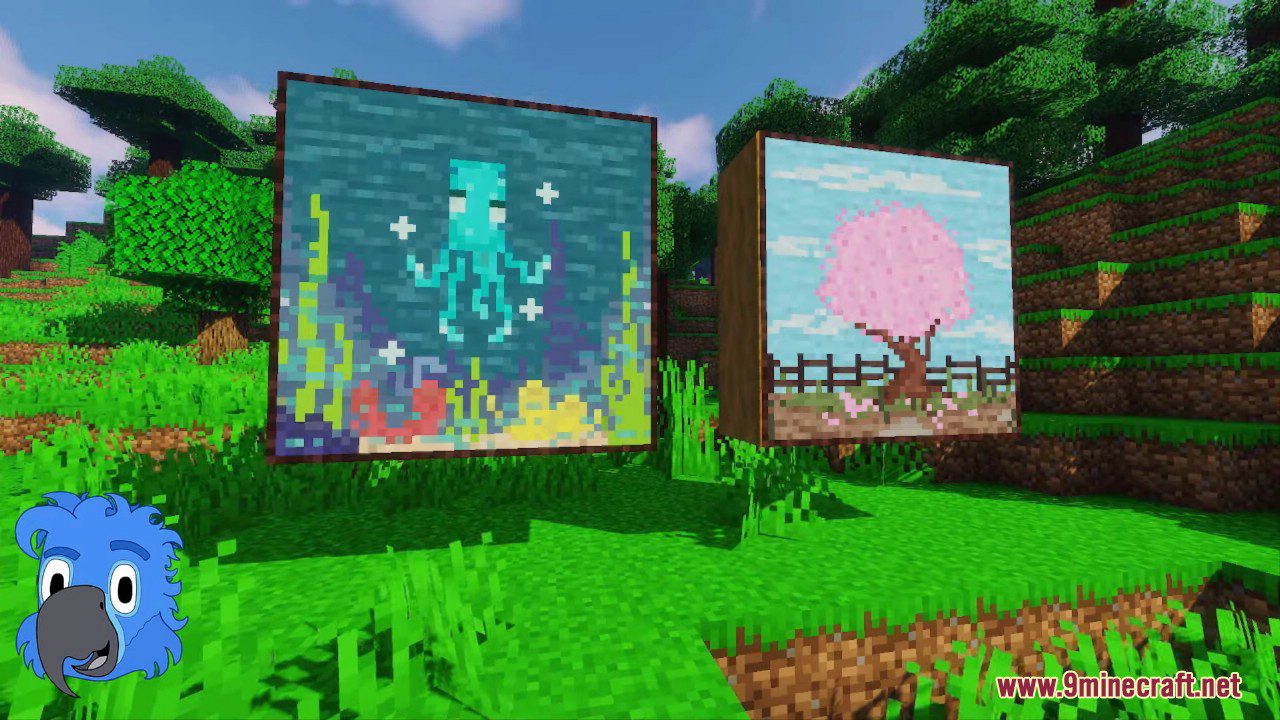
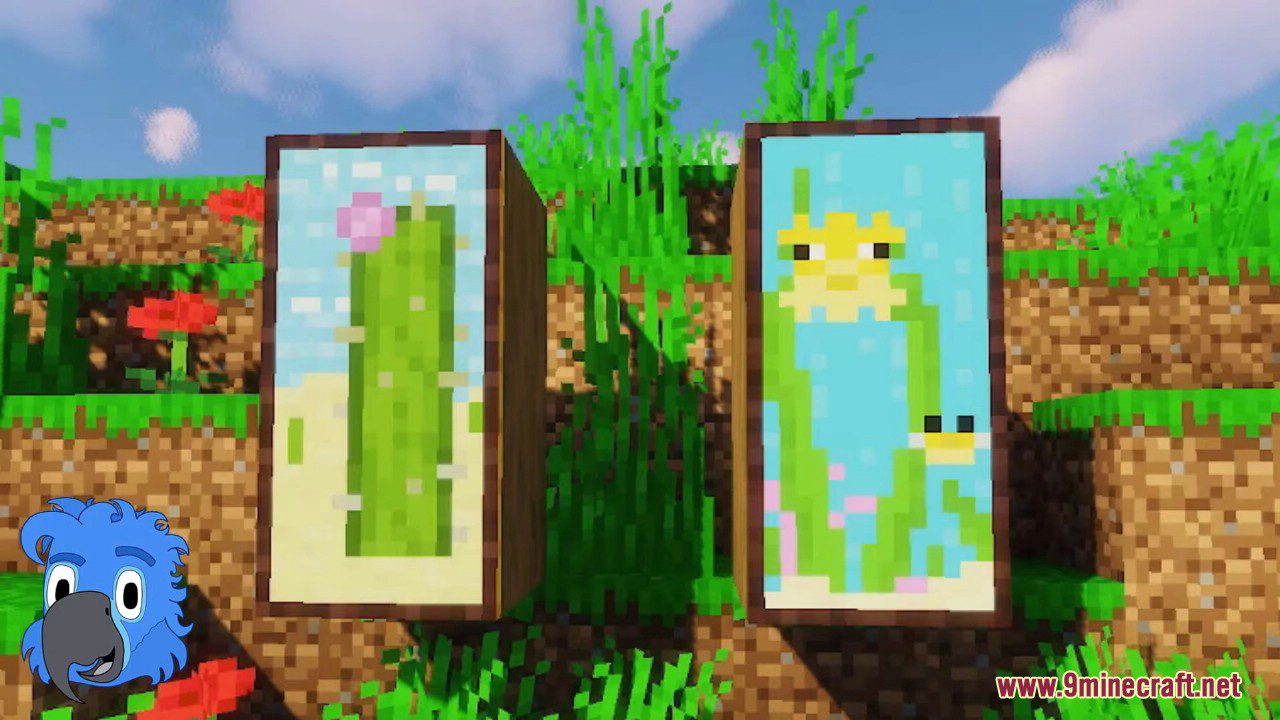
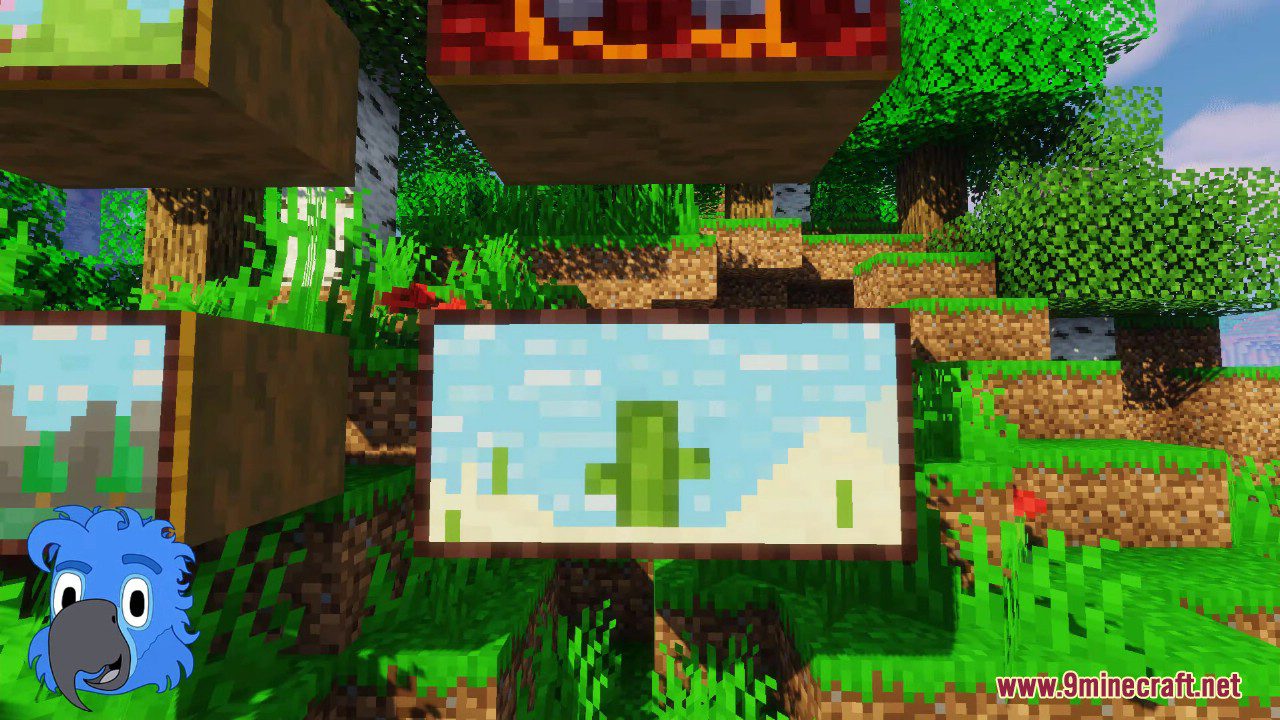
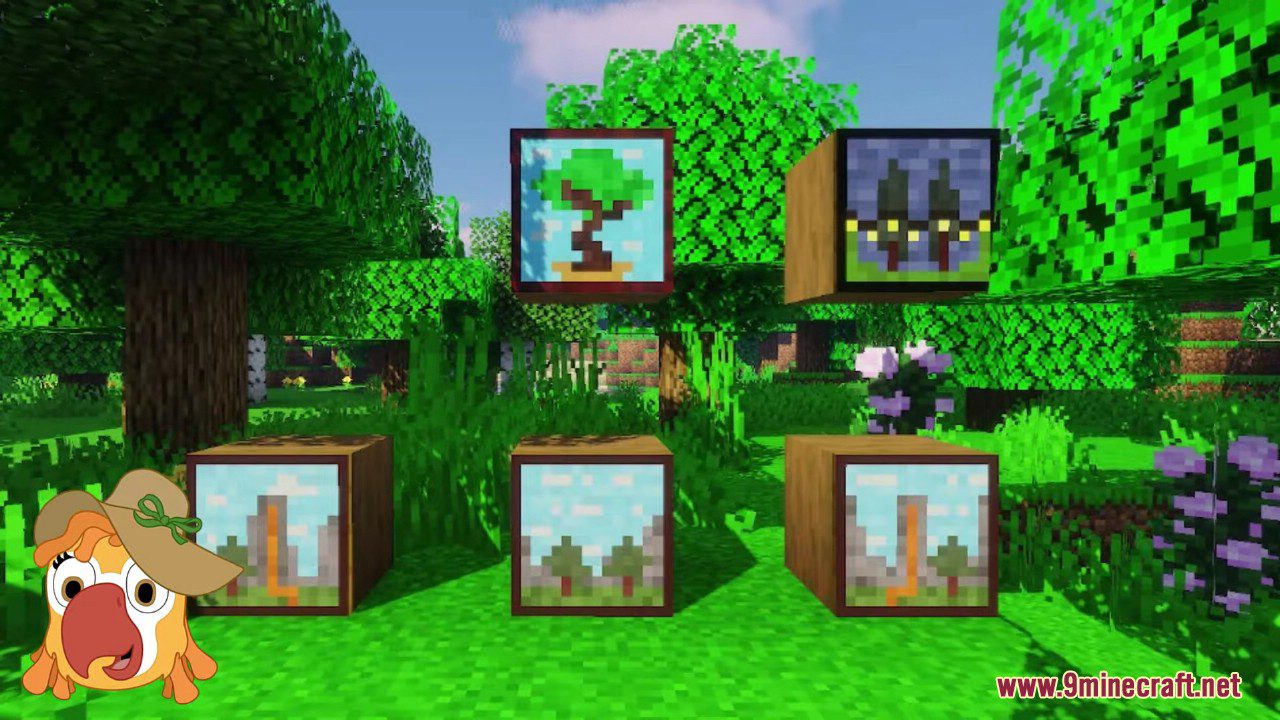
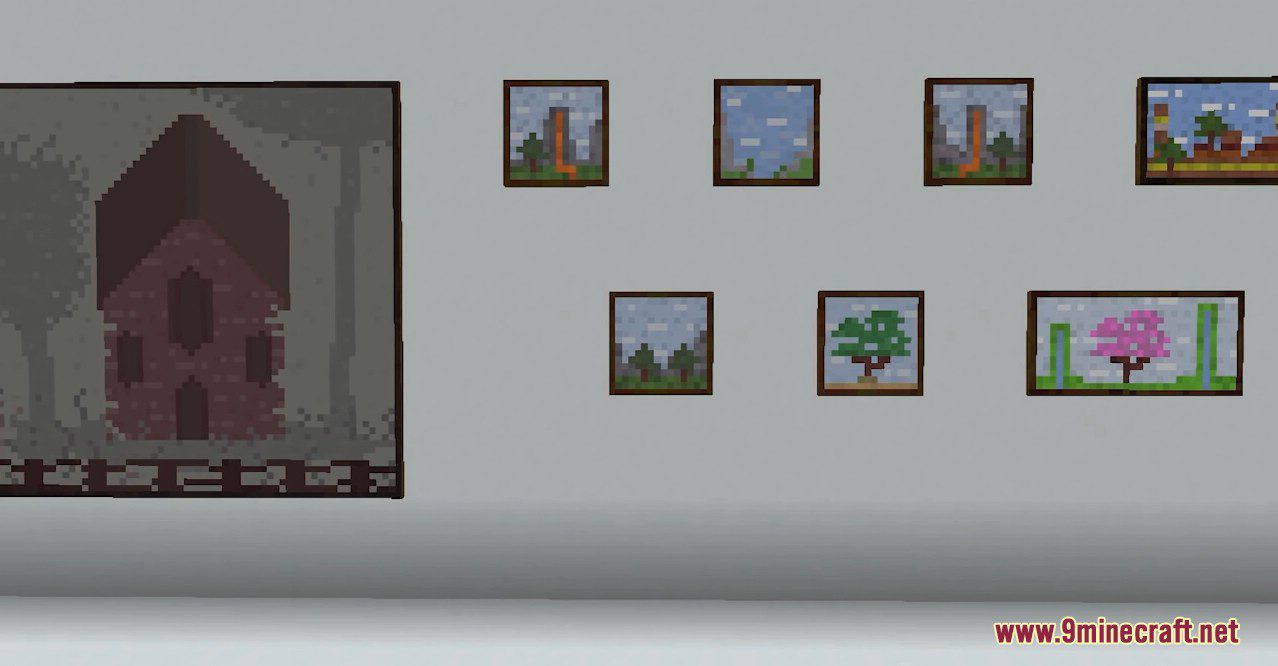
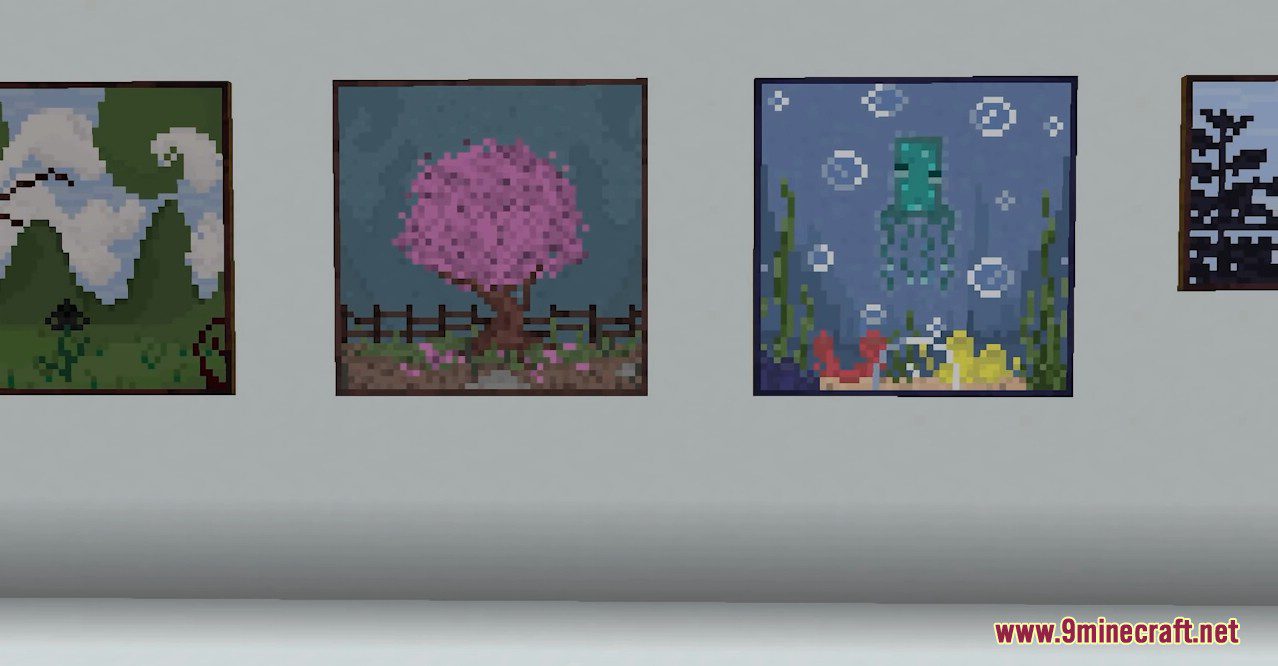
The mod currently adds 40 paintings in a range of sizes, all in a pixel art style meant to match the game's look.
See all 10 Macaw’s Paintings questions ›
Gallery
12 images from the Macaws Paintings Mod page.
You May Also Like
Wikis that share the most with this one
More mod wikis on the site
The most downloaded mods that have a wiki here
A few wikis from each of the other kinds