

 DownloadSet Home Mod
Get the files on 9Minecraft
Guides
Step-by-step, in-game.
Manage Multiple Bases with Home SwitchingChanging Your Home Between Locations If you have multiple bases or important locations, you can switch which one is…Set Your Home LocationUsing the SetHome Command Setting your home is the first step to using Set Home Mod. Navigate to the location where…Teleport Back to Your HomeUsing the Home Command Once you've set a home location, you can return to it instantly from anywhere in the world, no…Troubleshoot Home Teleportation IssuesCommon Problems and Solutions Command Not Working If /trigger SetHome or /trigger Home doesn't work, verify that the…
Frequently asked questions
How do I set my home?
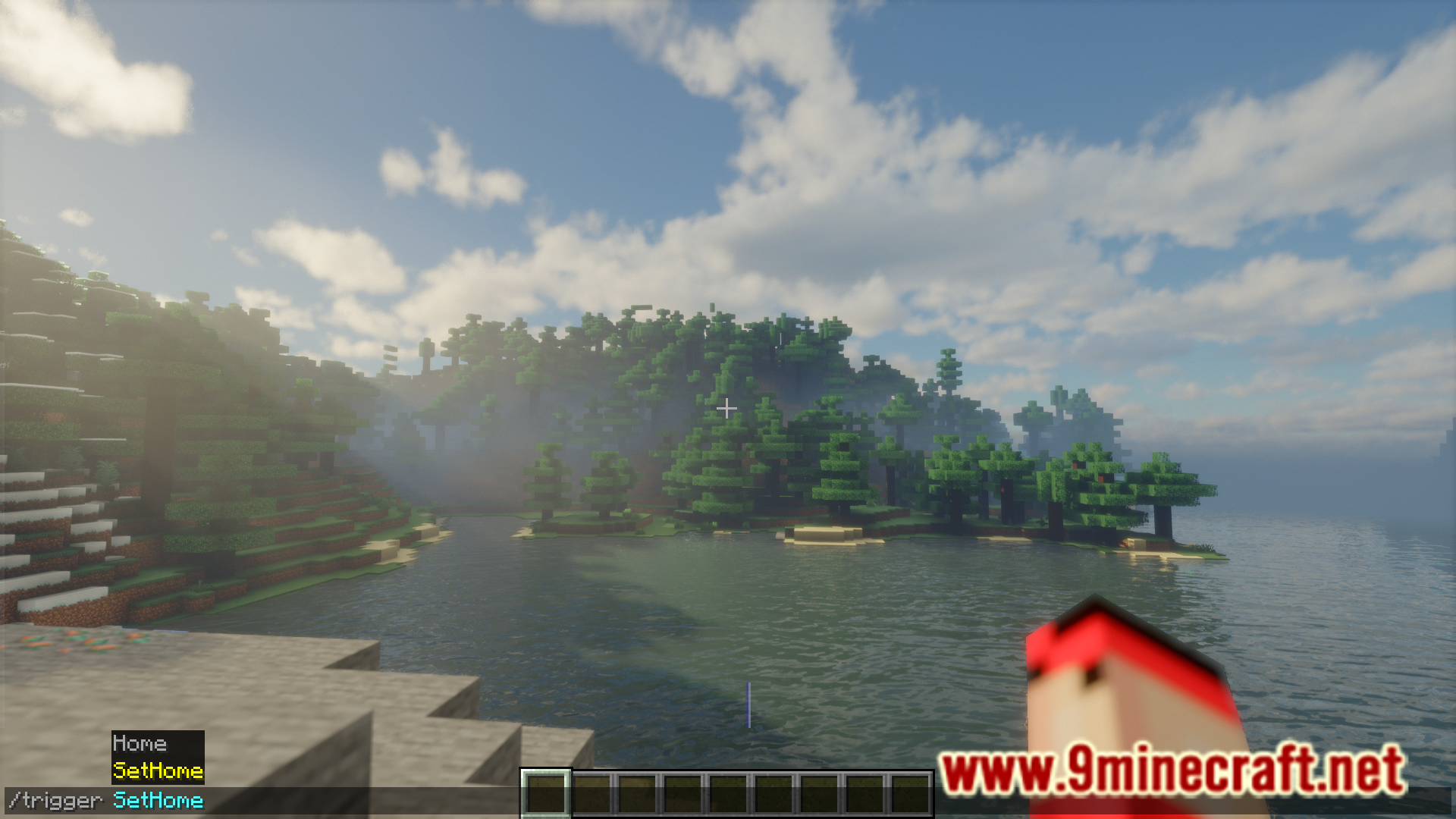
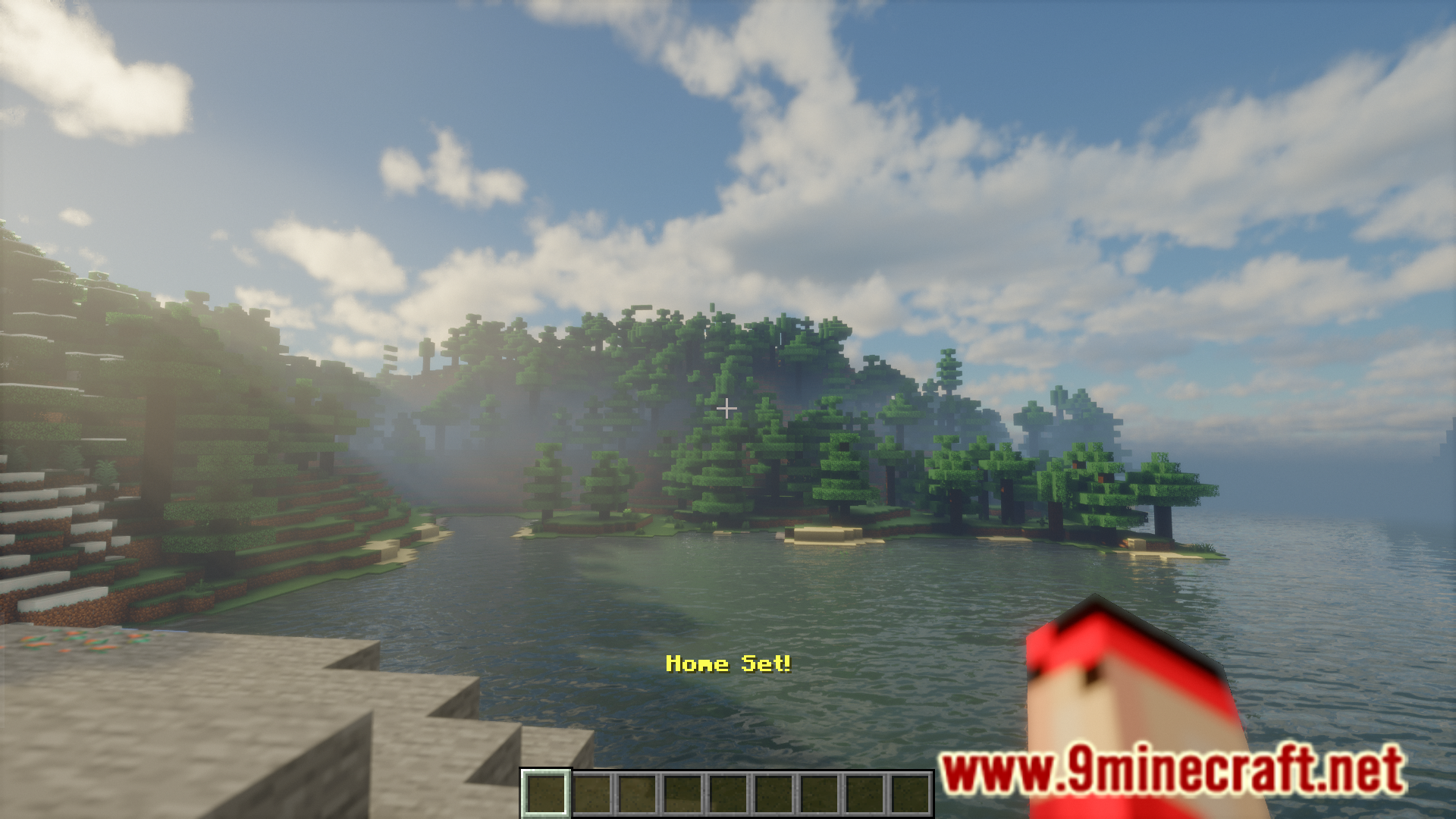
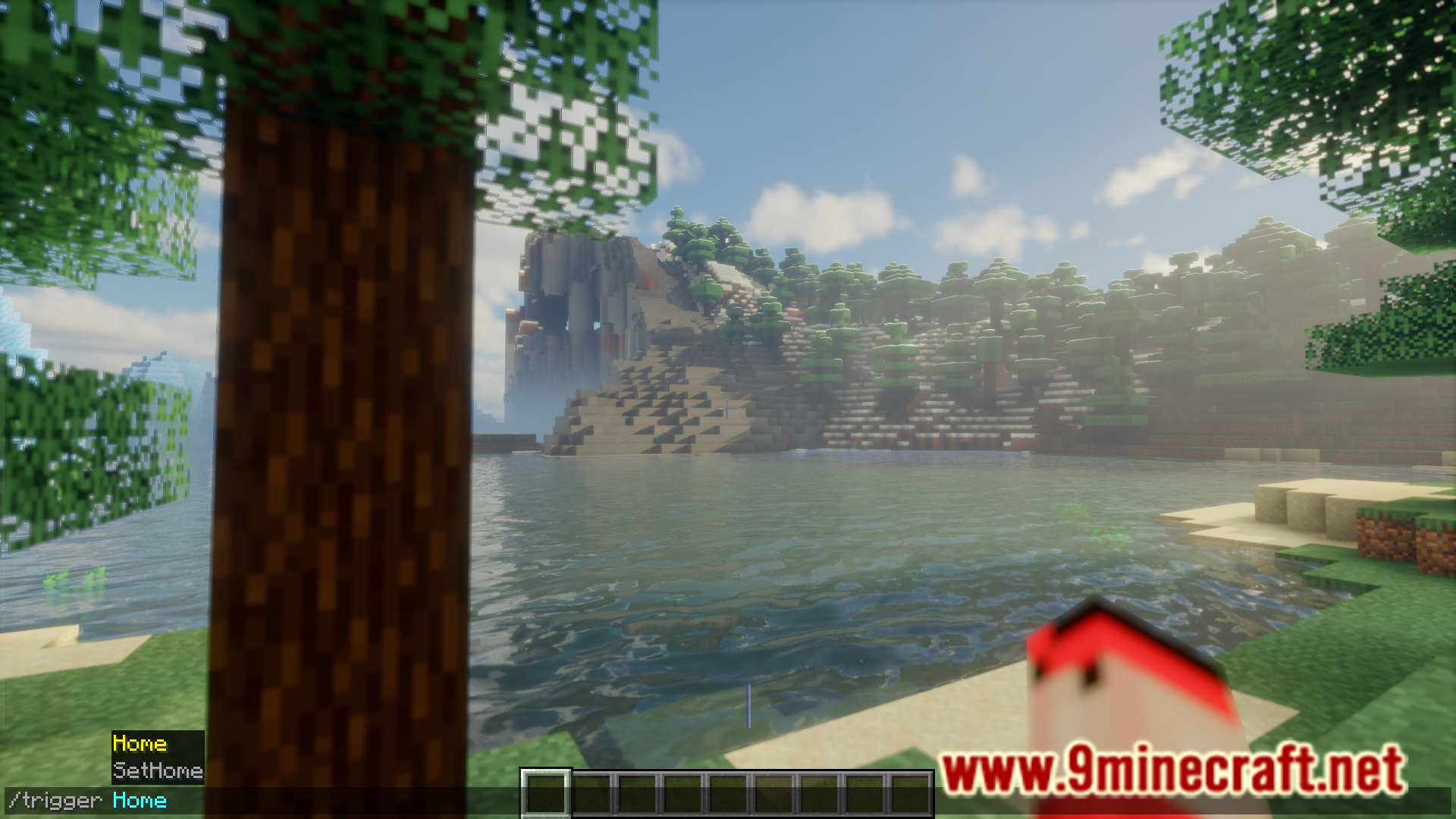
Stand at the location where you want to set your home, then type `/trigger SetHome` in chat. You'll receive a confirmation message that your home has been set at your current coordinates.
How do I teleport back home?
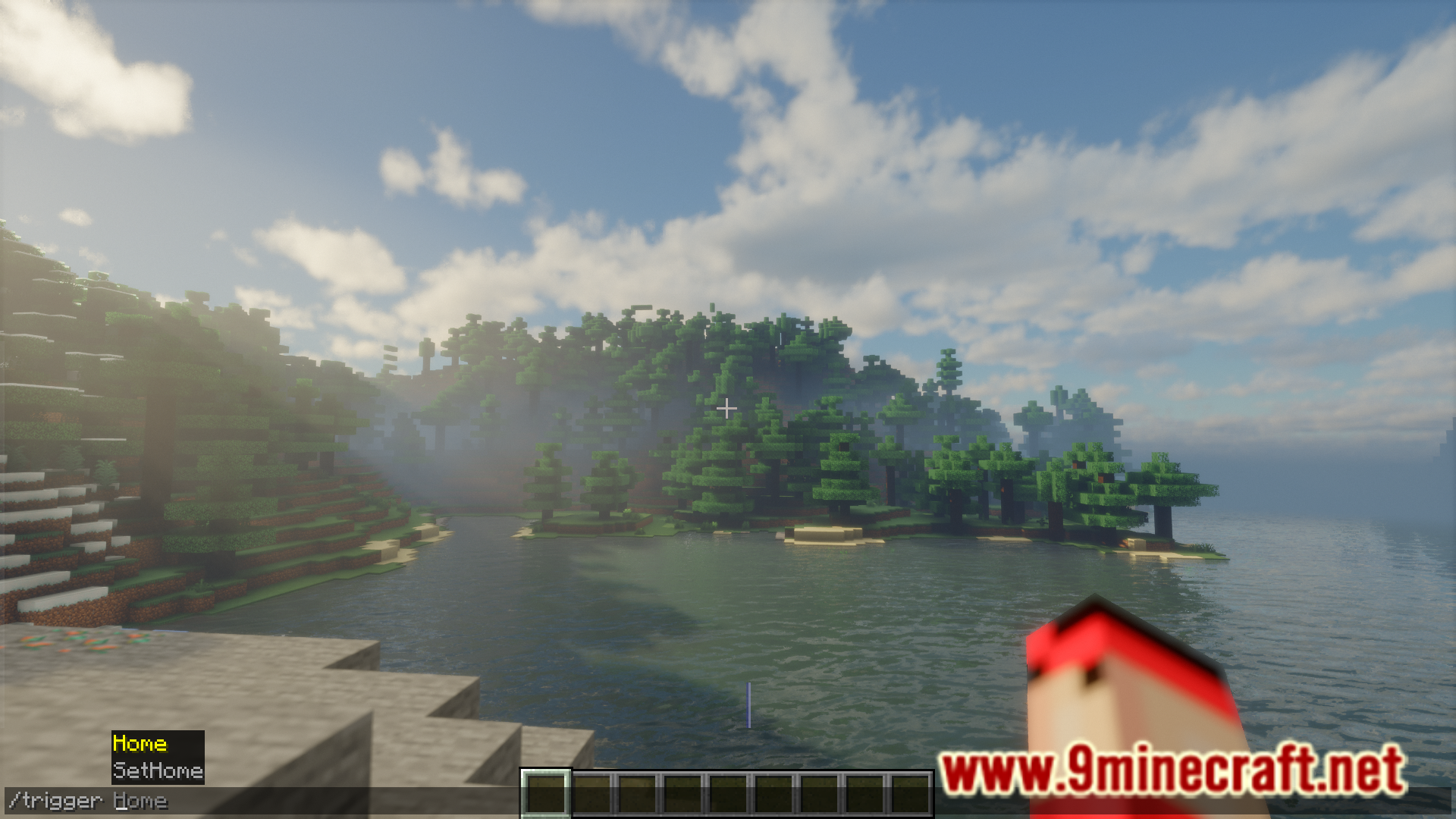
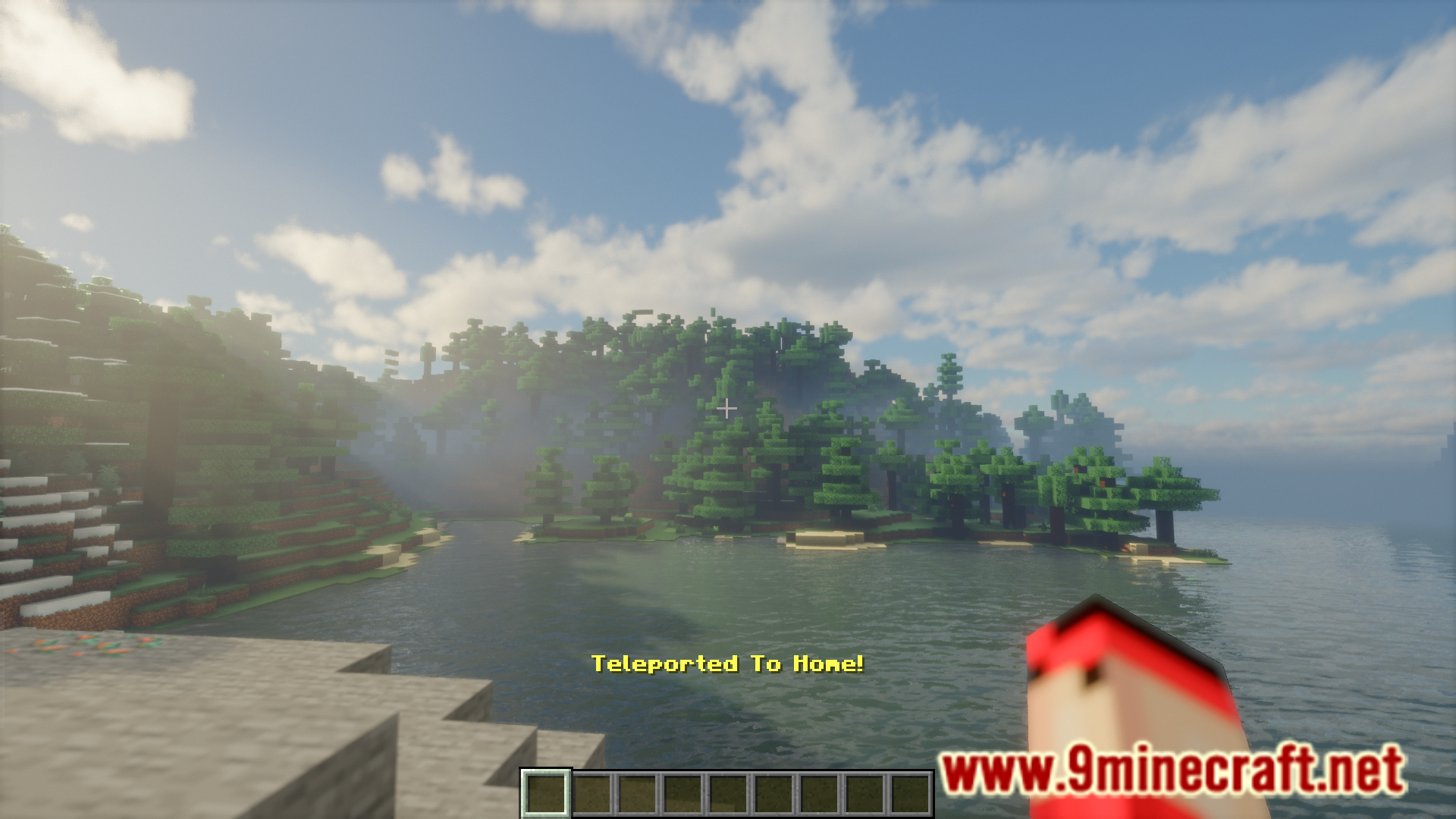
Type `/trigger Home` in chat from anywhere in the world, and you'll instantly teleport to the location you set with `/trigger SetHome`.
Can I have multiple homes?
Yes, the mod supports managing multiple bases through home switching. You can set different homes and switch between them using the home management system described in the Manage Multiple Bases guide.
What happens if I set a new home while I already have one?
Your previous home location will be overwritten and replaced with your new current position. If you want to keep multiple homes, use the home switching feature instead.
See all 10 Set Home questions ›
Gallery
7 images from the Set Home Mod page.
You May Also Like
Wikis that share the most with this one
Wikis on the same theme: cat
More mod wikis on the site
The most downloaded mods that have a wiki here
A few wikis from each of the other kinds