

 DownloadServer Pack Unlocker Mod
Get the files on 9Minecraft
Guides
Step-by-step, in-game.
Disable Server Resource Pack DownloadsStop Unwanted Pack Downloads If a server provides a resource pack you don't want, the mod lets you prevent it from…Override a Server Resource Pack with Your OwnAdd Your Resource Pack When you join a server that provides a resource pack, the mod allows you to layer your own…Reorder Server Packs in Your Resource MenuChange Pack Priority When multiple server packs are active, you can control which one takes visual priority by…Use Multiple Resource Packs with Server PacksLayer Packs Effectively The mod lets you combine your own resource packs with server-provided ones, creating a custom…
Frequently asked questions
How do I know if the mod is working?
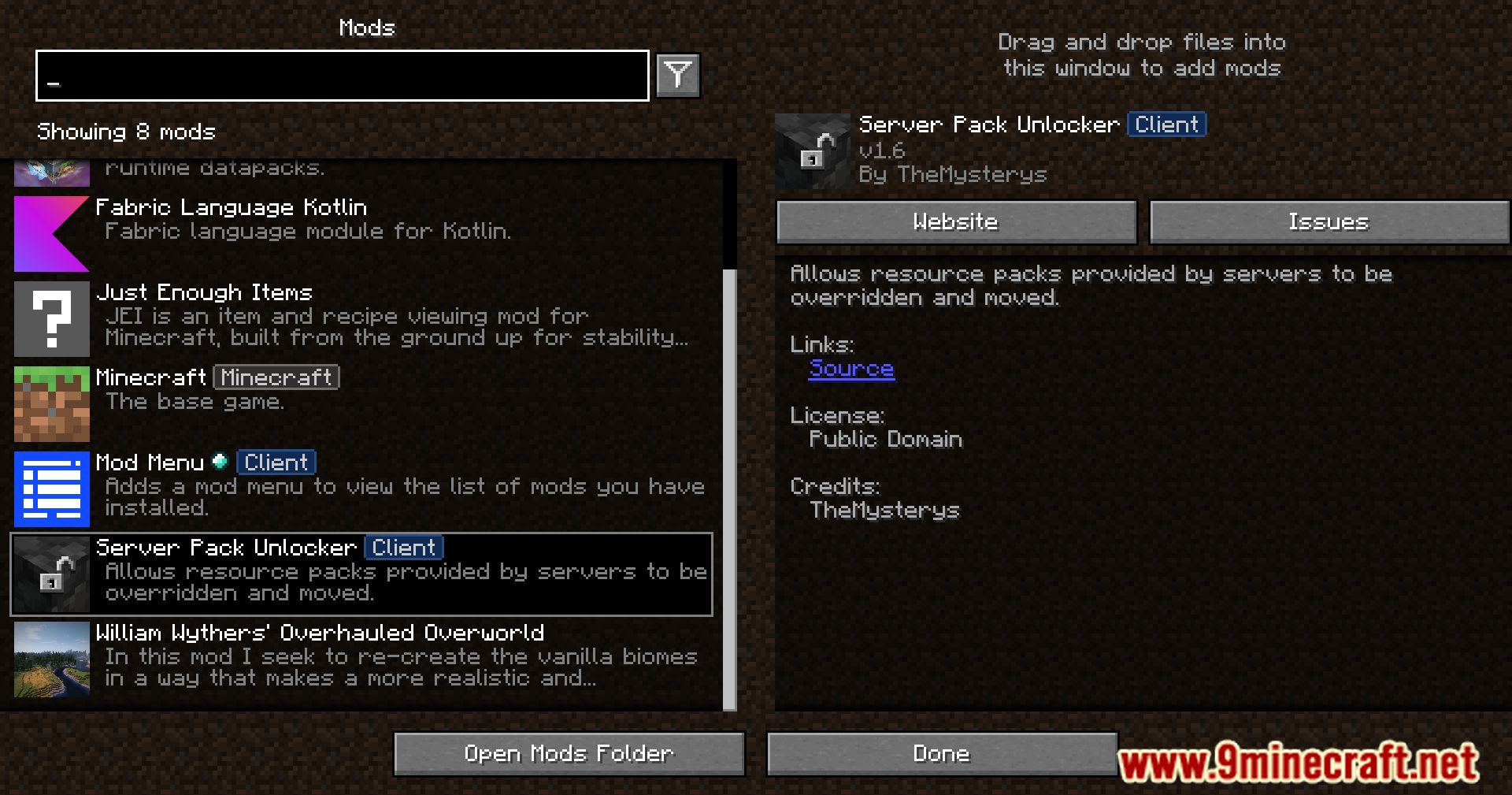
Open your resource pack menu in-game and look for server packs listed separately from your own packs. If you can see and reorder them, the mod is active. You'll also notice a new "Disabled" option appears for server packs that wasn't there before.
Can I use my own resource pack AND the server's pack at the same time?
Yes. Place your pack above the server pack in the resource menu to override it, or below to let the server pack show through. The mod lets you control the priority order just like regular packs.
What happens if I disable a server pack?
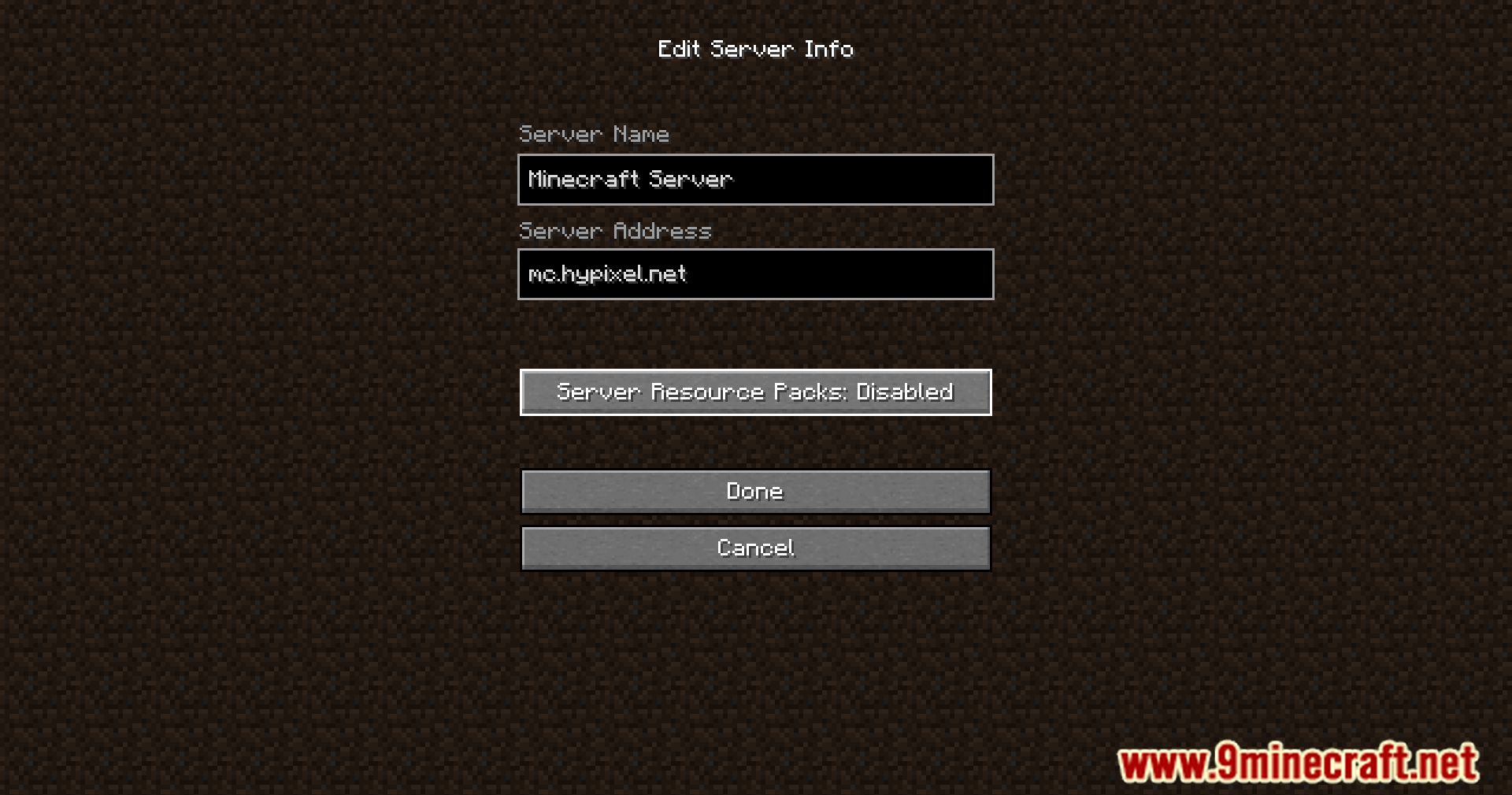
The server will stop sending that resource pack to your client, and your game won't download or store it. You can re-enable it anytime by changing the setting back.
See all 10 Server Pack Unlocker questions ›
Gallery
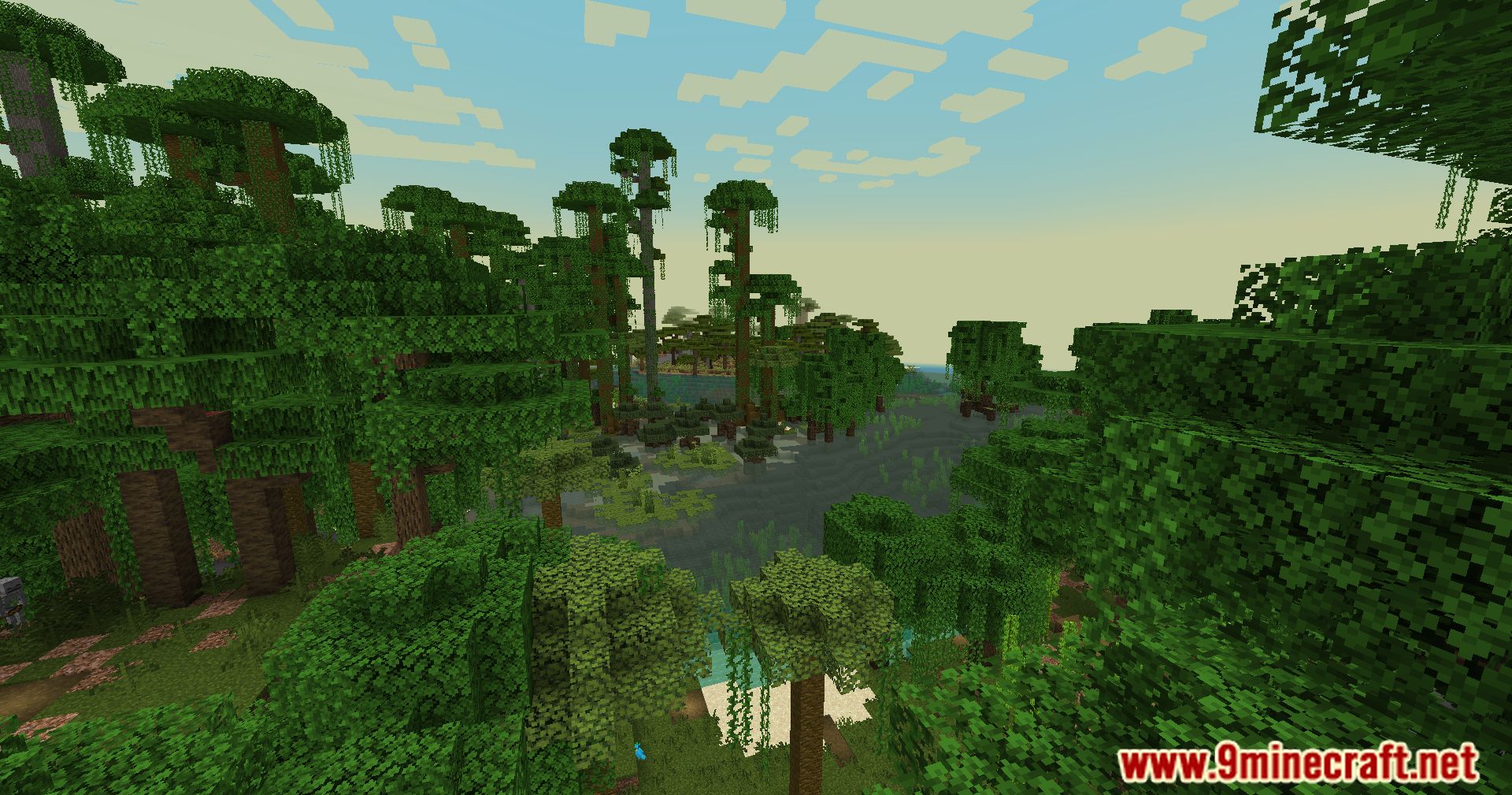
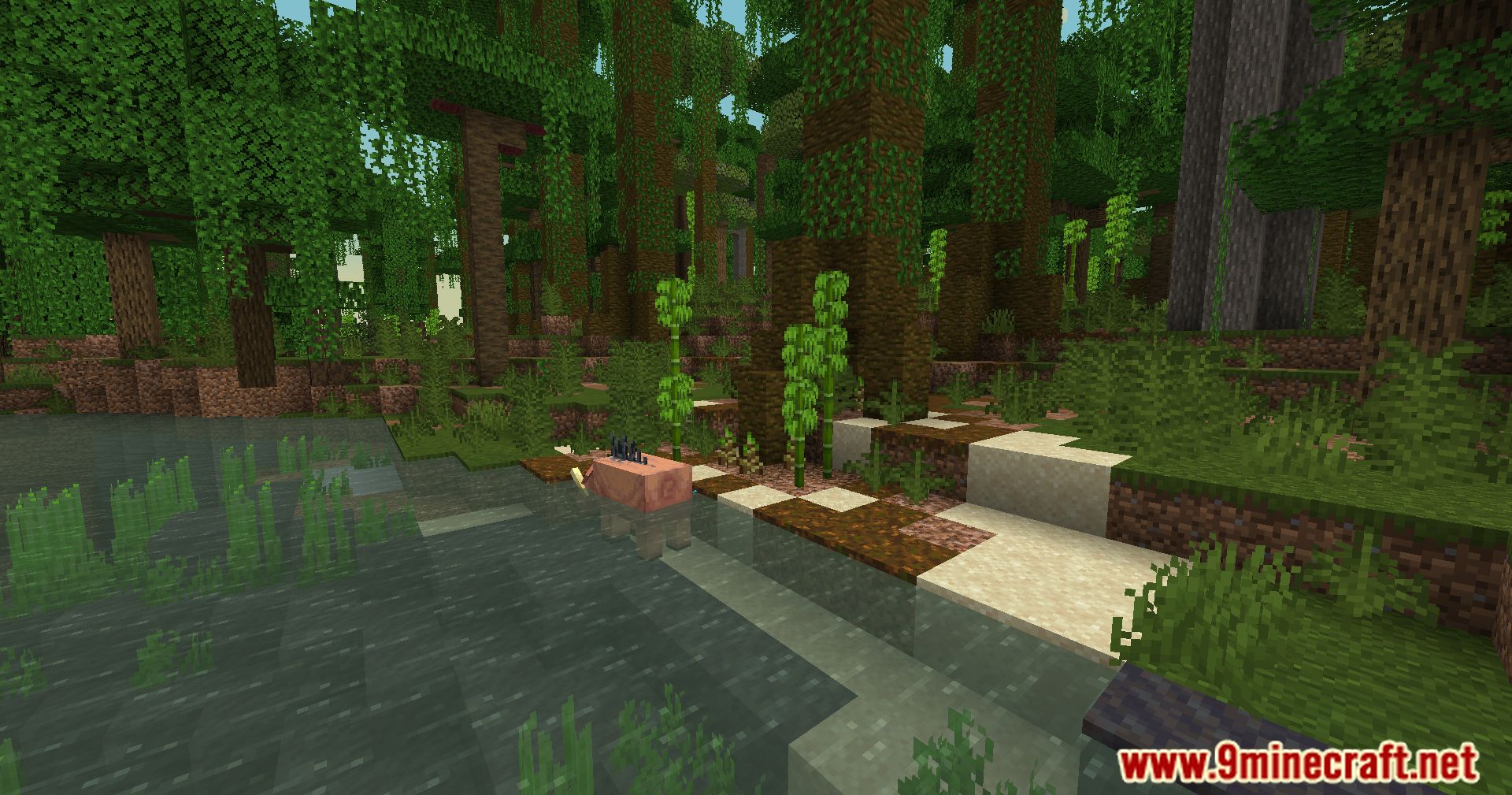
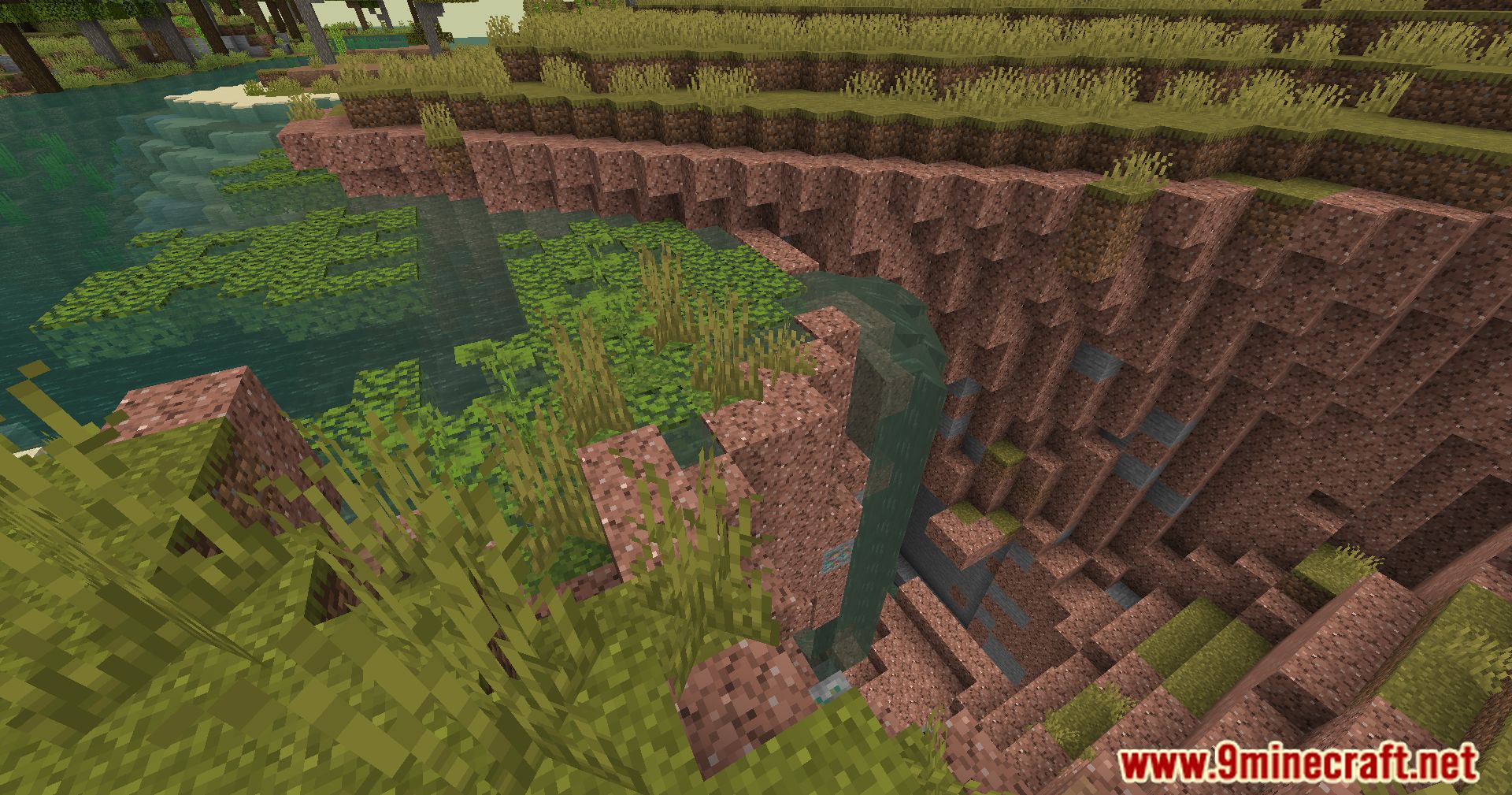
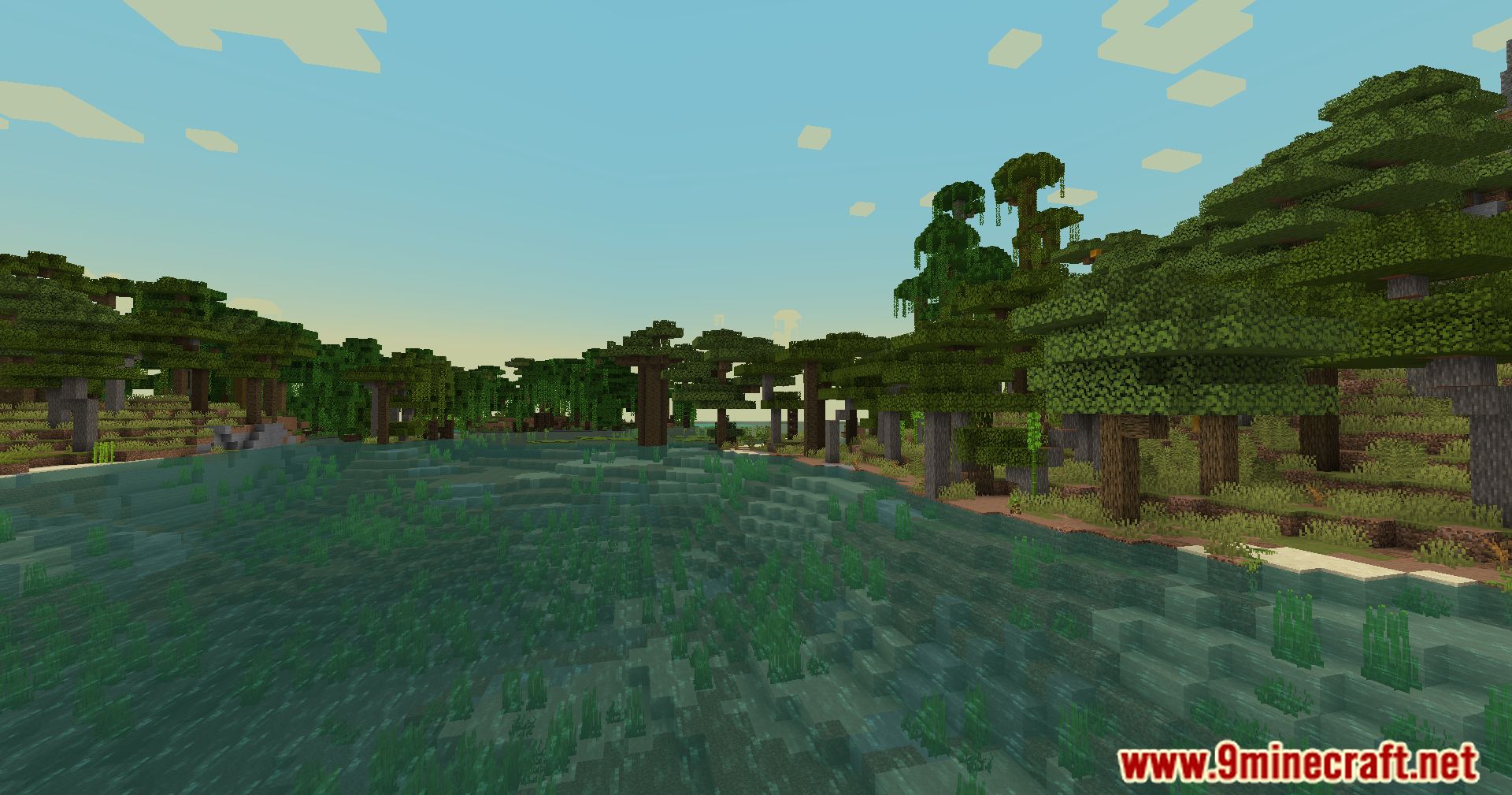
8 images from the Server Pack Unlocker Mod page.
You May Also Like
Wikis that share the most with this one
More mod wikis on the site
The most downloaded mods that have a wiki here
A few wikis from each of the other kinds