

 DownloadServer Country Flags Mod
Get the files on 9Minecraft
Guides
Step-by-step, in-game.
How to Configure Server Country Flags SettingsThe mod ships with a graphical config screen so you can tune what it displays. Here's how to get into it depending on…How to Open the Full-Screen Server Location MapBeyond the tiny flag in the list, the mod includes a map view that plots the server's location. Here's how to reach…How to See Which Country a Minecraft Server Is Hosted InThe whole point of this mod is answering "where is this server actually located?" without leaving the game. Here's…How to Use Distance and Server Details to Pick a Low-Latency ServerThe mod's extra server information is genuinely useful for choosing where to play. Here's how to turn it into a…
Configuration
Every setting in the mod config file, with what it changes.
| Option | What it does |
|---|---|
border | Border |
locale | Locale |
preferences | Preferences |
header | Server Country Flags Config |
Field
| Option | What it does |
|---|---|
behindName | Behind Name |
bottomRight | Bottom Right |
left | Left |
right | Right |
tooltipPing | Tooltip (Ping) |
tooltipServerName | Tooltip (Server Name) |
Frequently asked questions
Why are no flags showing up next to my servers?
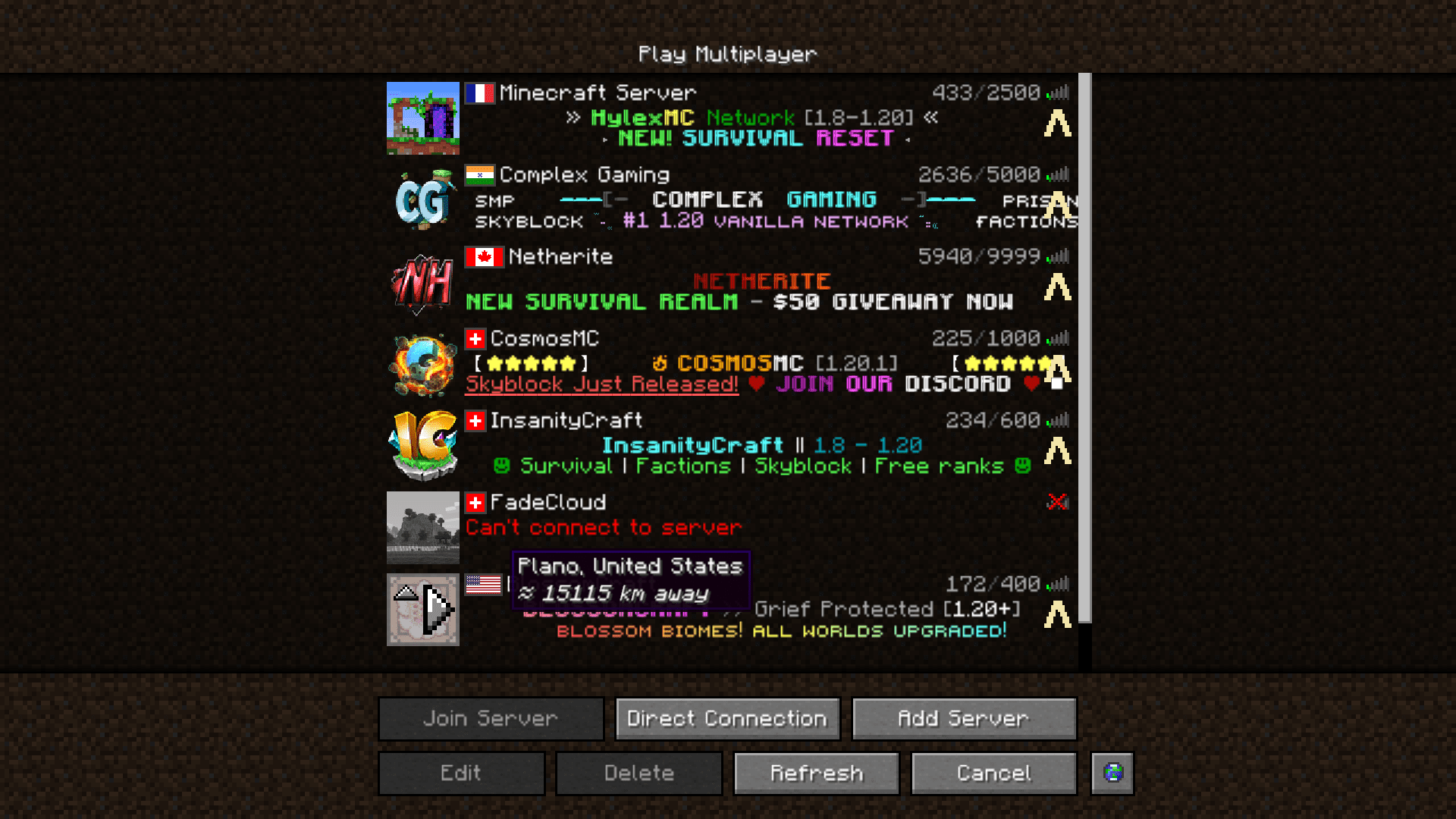
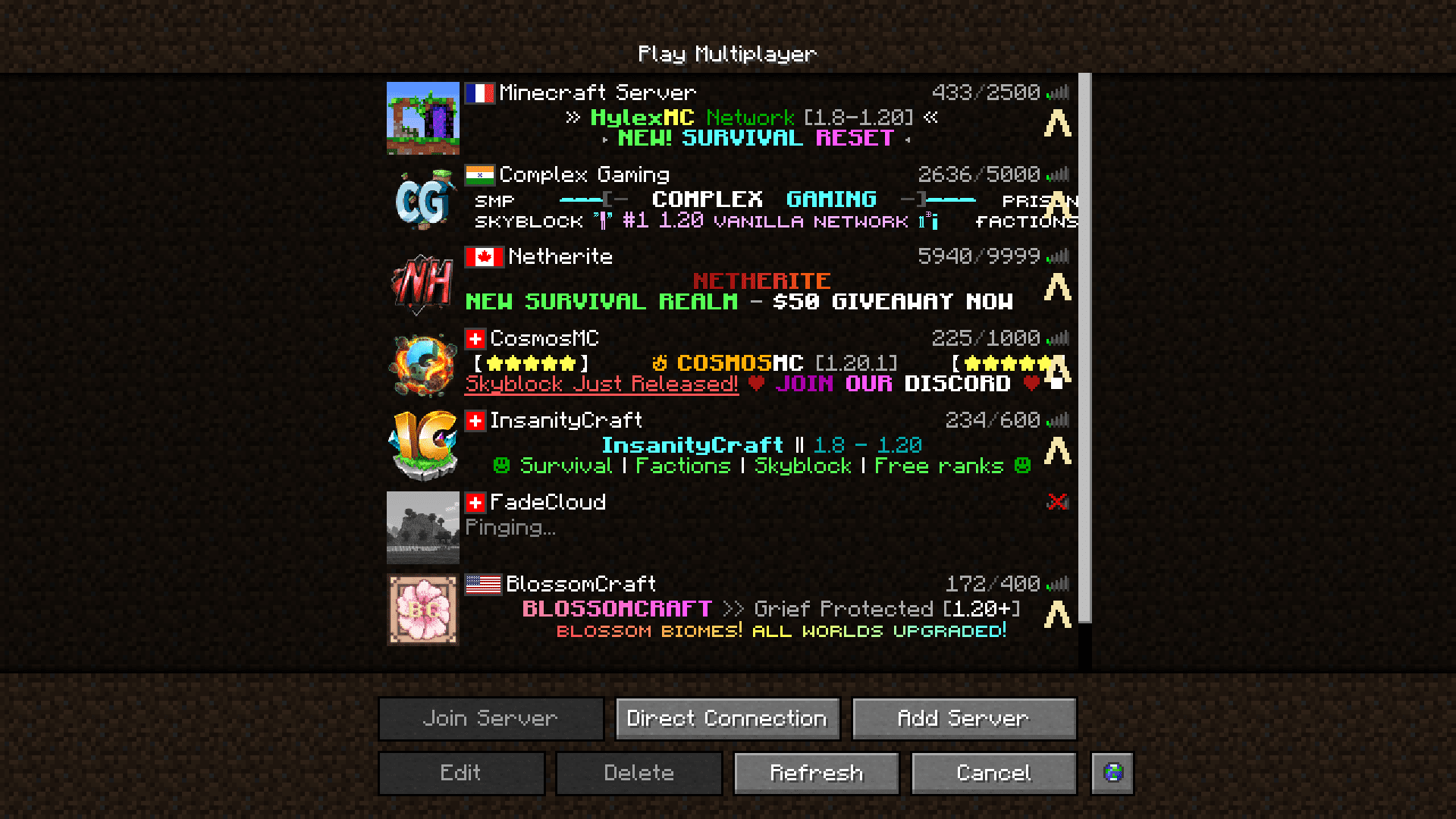
The mod needs to resolve each server's IP to a country, which requires a working internet connection and a moment to look up. If flags never appear, check that the server address is a real hostname or IP rather than a local/LAN address, since local servers have no country to display.
How do I open the full-screen map with server locations?
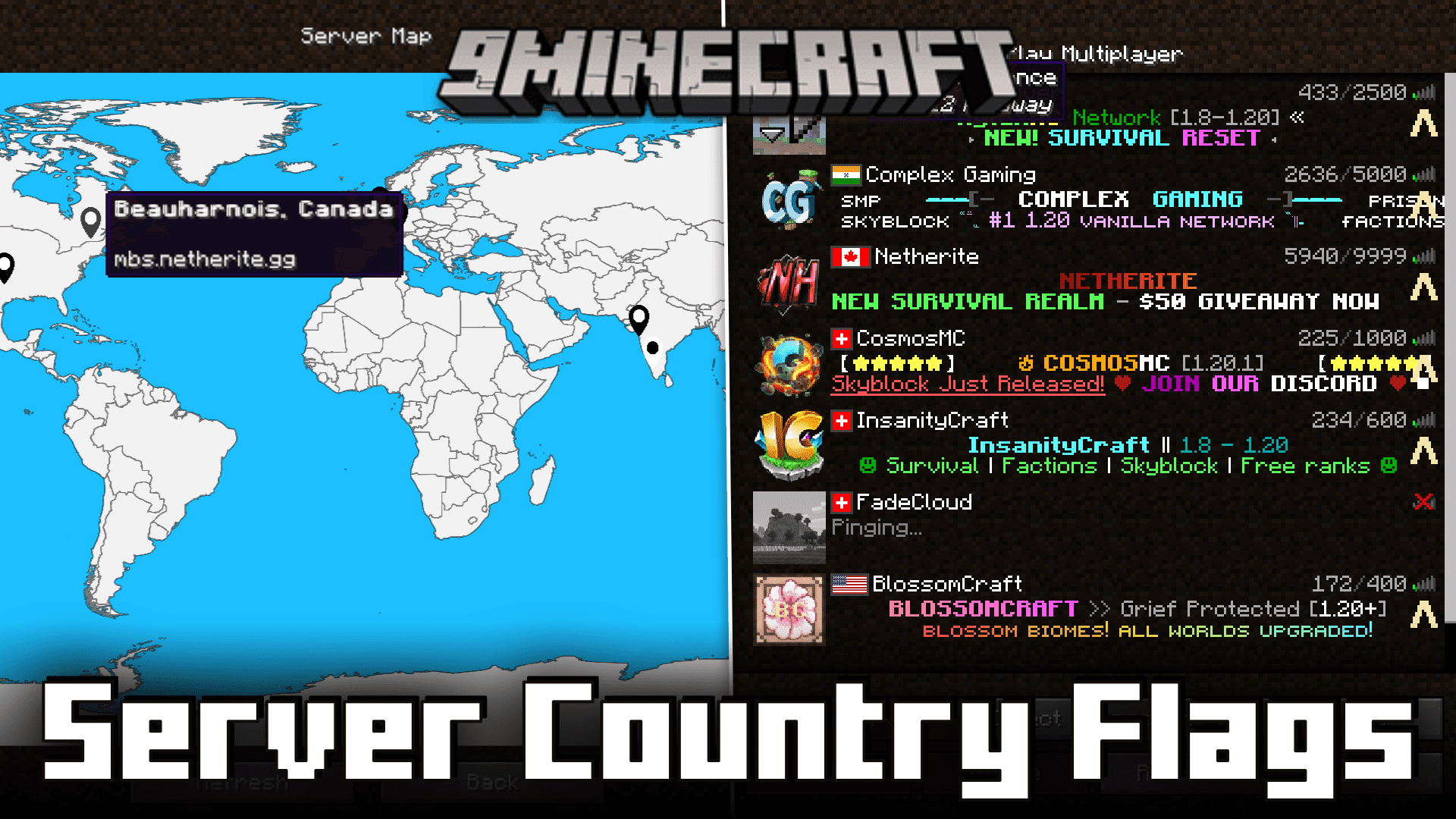
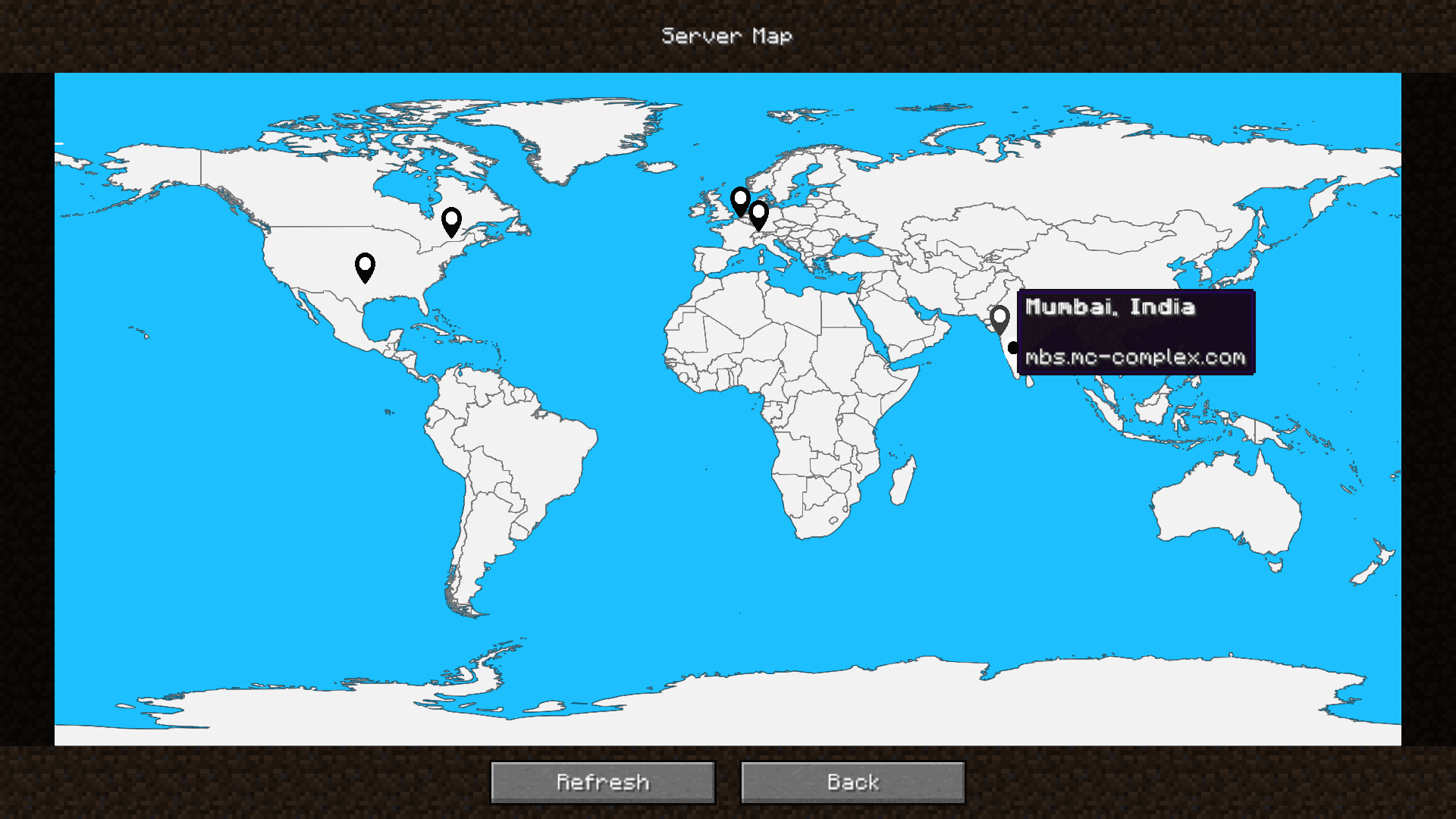
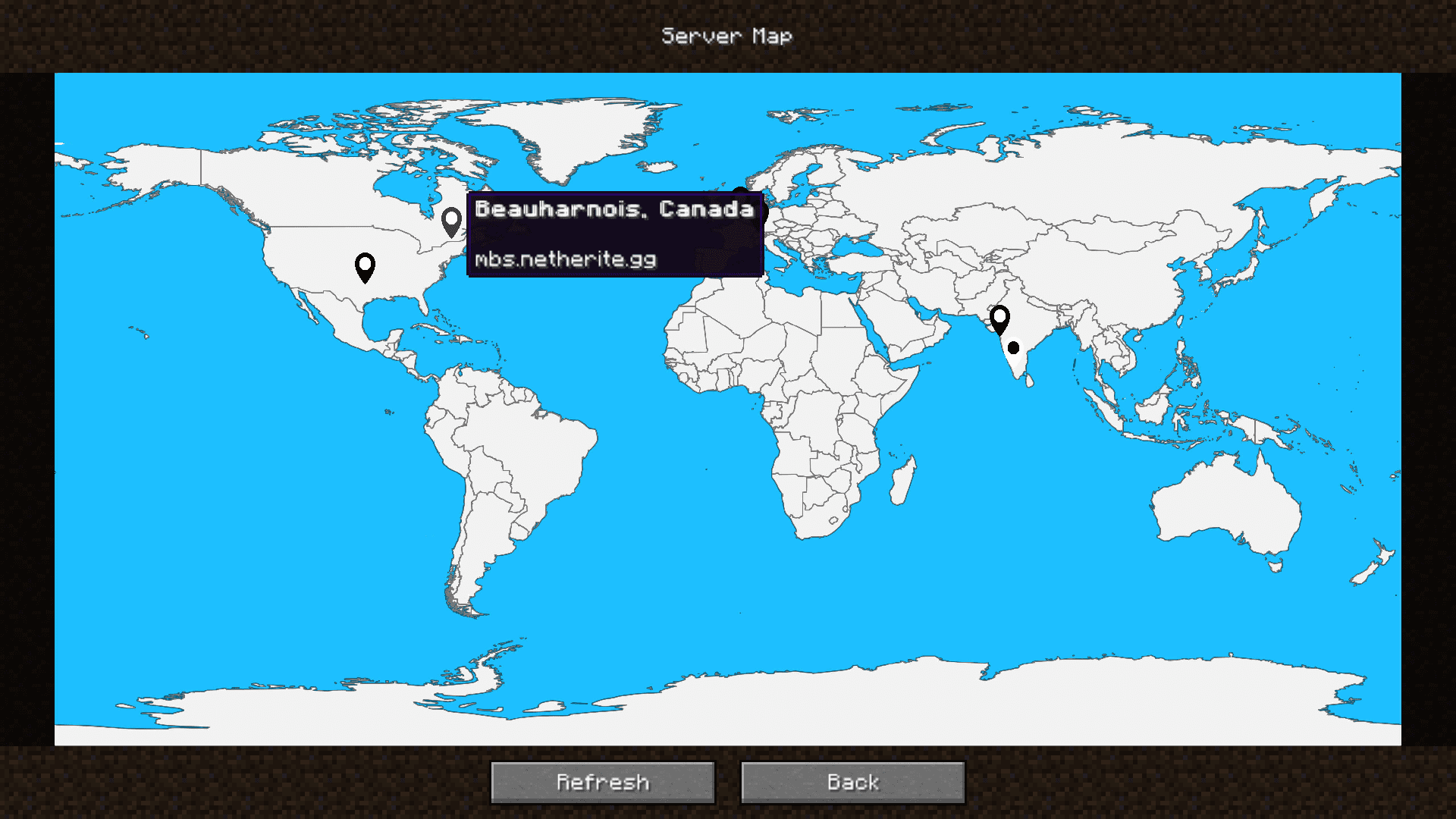
Click the small globe button at the lower end of the server list screen. This opens a full-screen map showing where the selected server is hosted.
Where do I change the mod's settings?
Open the mod's config screen through the Cloth Config interface — on Forge via the Config button in the mod list, and on Fabric through the  mod menu's config entry. From there you can toggle flags, distance display, and other options.
What does the distance number next to a server mean?
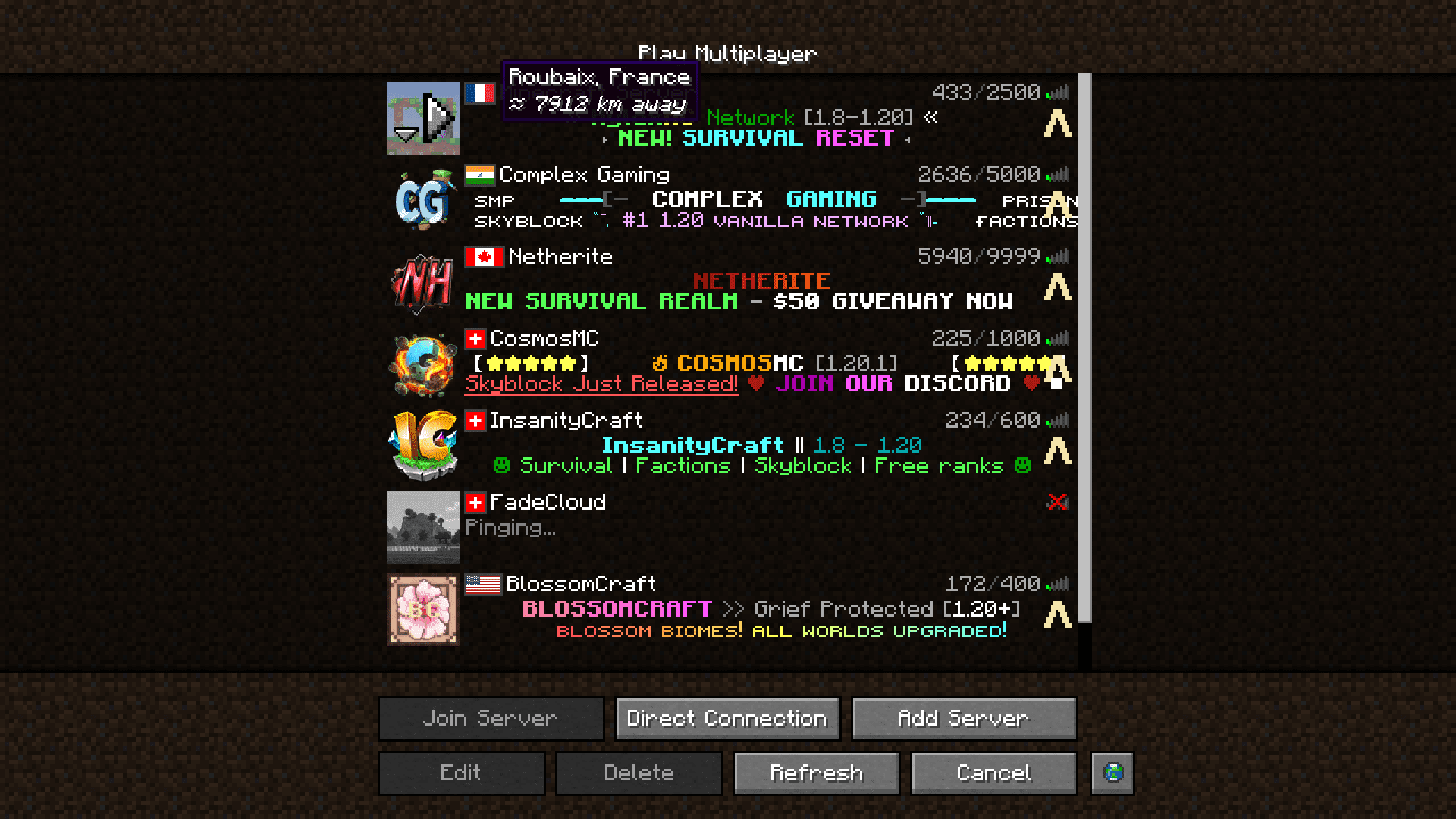
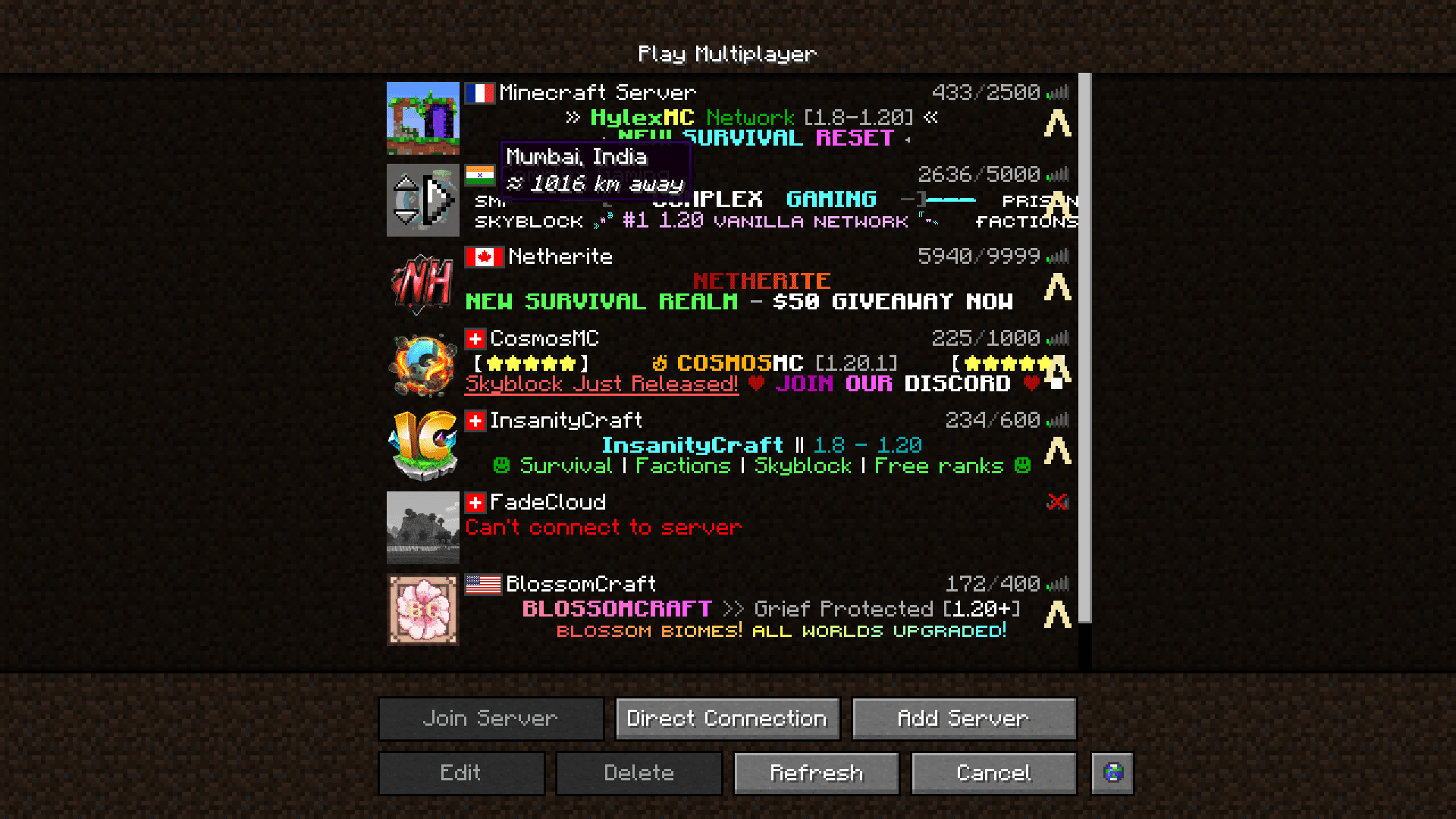
It's the approximate distance between your location and the server's host location. A shorter distance generally means lower latency, so it's a quick way to compare servers before joining.
See all 10 Server Country Flags questions ›
Gallery
7 images from the Server Country Flags Mod page.
You May Also Like
Wikis that share the most with this one
More mod wikis on the site
The most downloaded mods that have a wiki here
A few wikis from each of the other kinds