

 DownloadServer Cosmetics Mod
Get the files on 9Minecraft
Guides
Step-by-step, in-game.
How to Apply Item Skins to Your Tools and WeaponsAccessing Item Skins Item skins let you change the appearance of tools, weapons, and other items without affecting…How to Equip and Wear HatsOpening the Hat Menu Hats are cosmetic headwear items that display on your character. To access available hats on…How to Find and Use Available Cosmetics on Your ServerDiscovering What's Available Not all servers have the same cosmetics enabled. To find out what your server offers: 1.…How to Reload Cosmetics After Server UpdatesWhen to Reload Cosmetics Server administrators may add new hats or item skins to the mod's configuration files. When…
Frequently asked questions
How do I equip a hat?
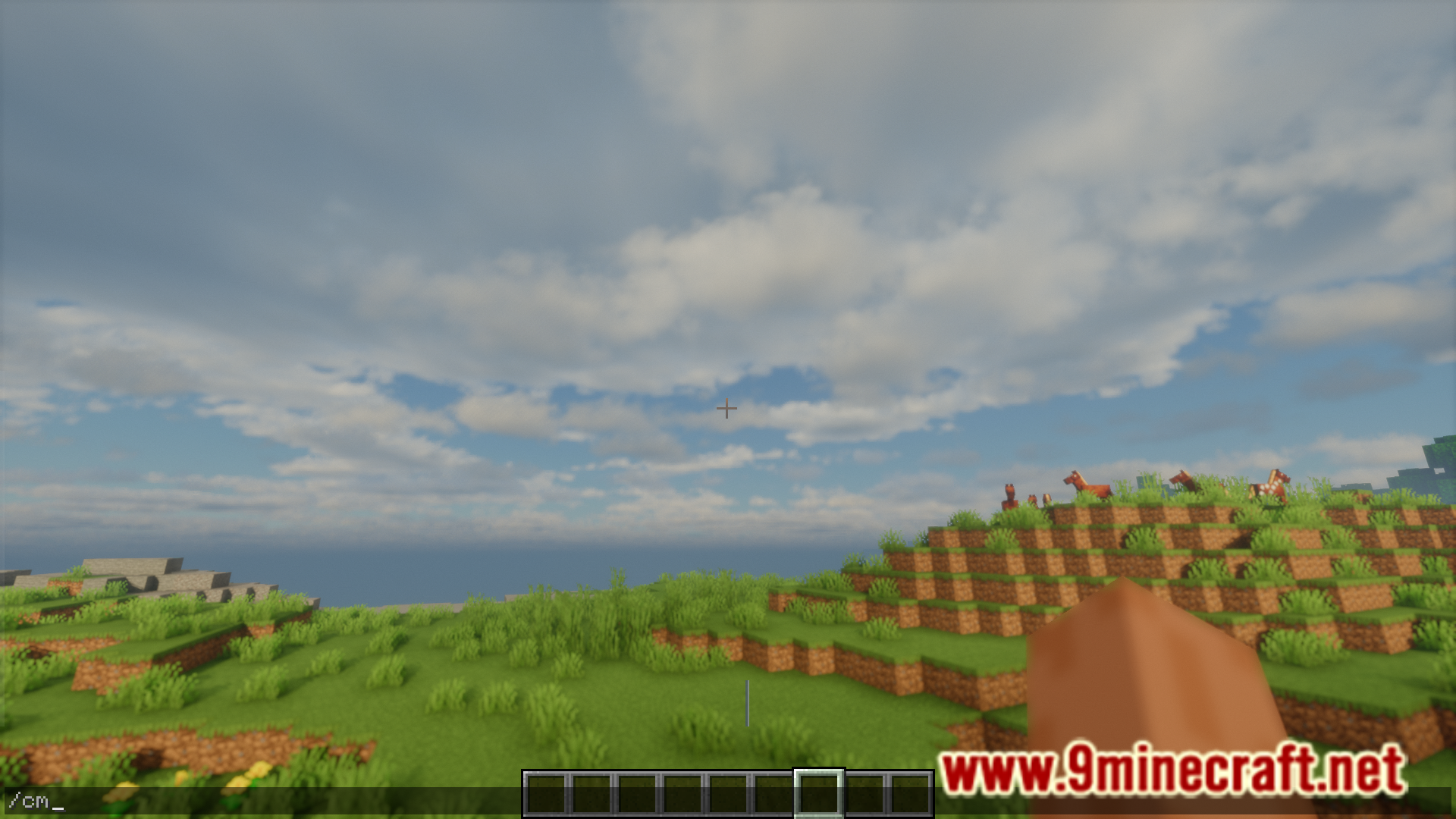
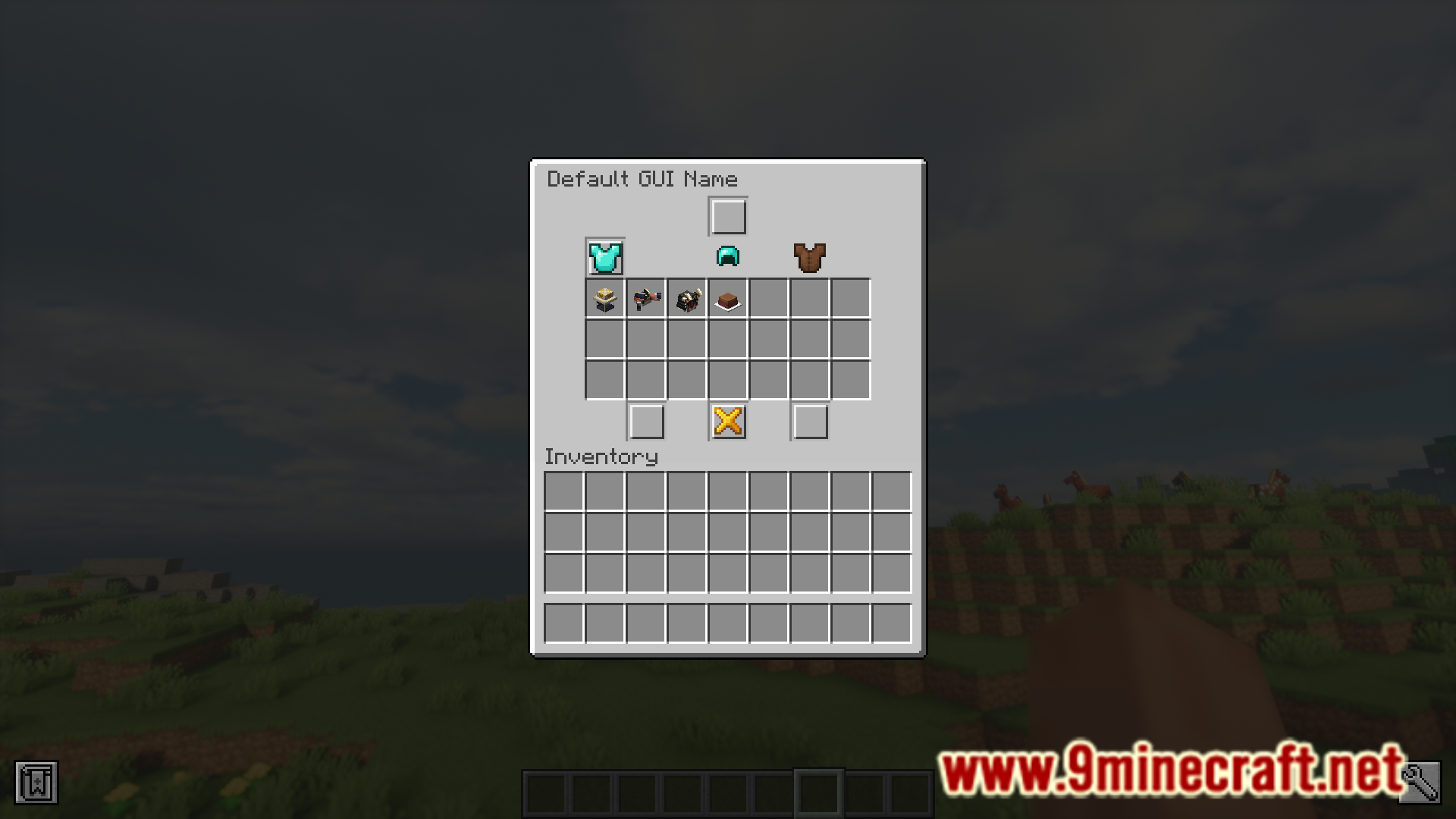
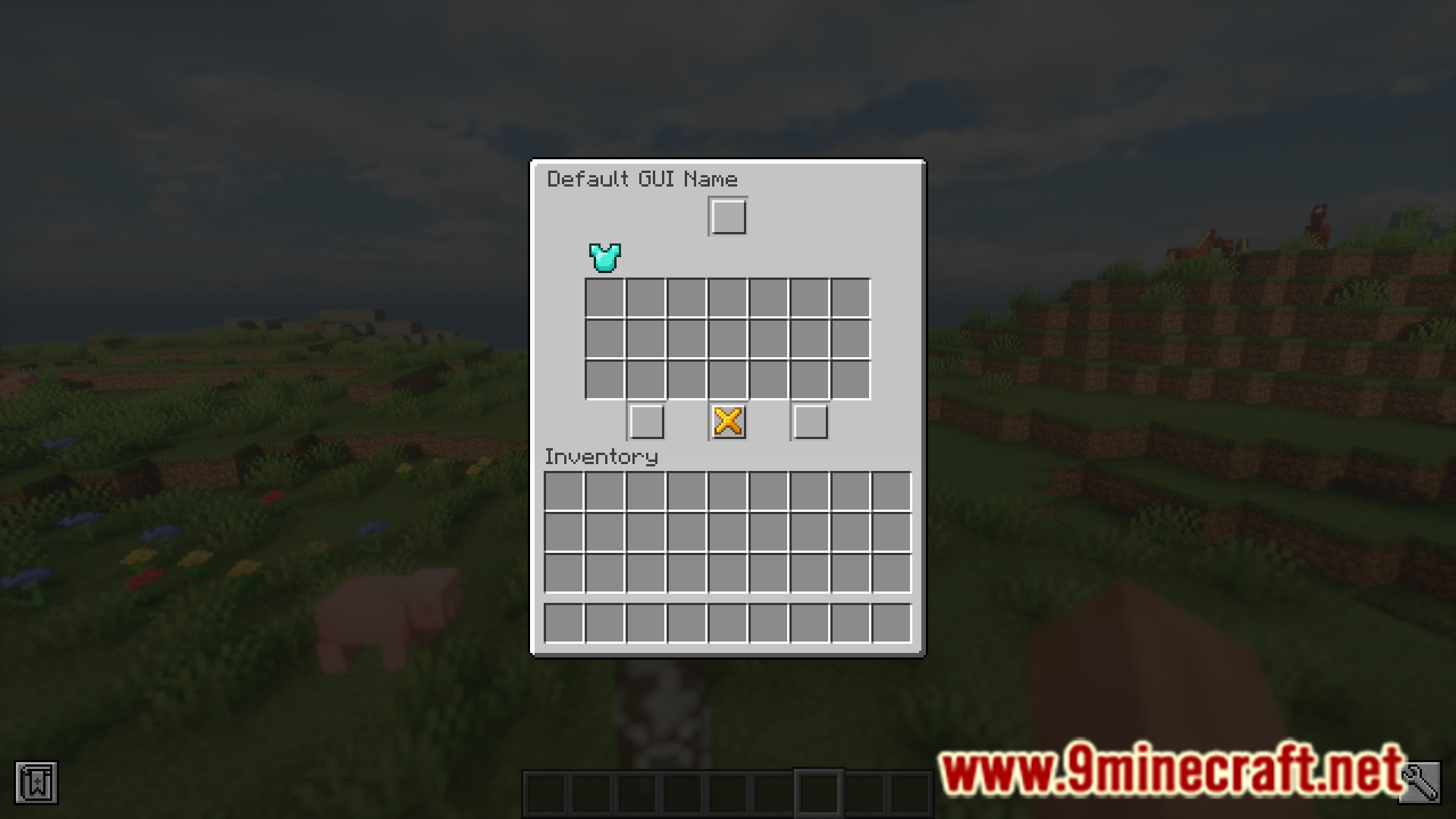
Open the hat cosmetics menu with /cm, select the hat you want, and click to equip it. Your character will immediately display the hat on their head.
How do I apply an item skin to my tool?
Type /is to open the item skins GUI, select the skin you want, and apply it to your tool. The skin is purely visual and doesn't affect how the tool functions.
See all 10 Server Cosmetics questions ›
Gallery
6 images from the Server Cosmetics Mod page.
You May Also Like
Wikis that share the most with this one
More mod wikis on the site
The most downloaded mods that have a wiki here
A few wikis from each of the other kinds