

 DownloadMultiple Server Lists Mod
Get the files on 9Minecraft
Guides
Step-by-step, in-game.
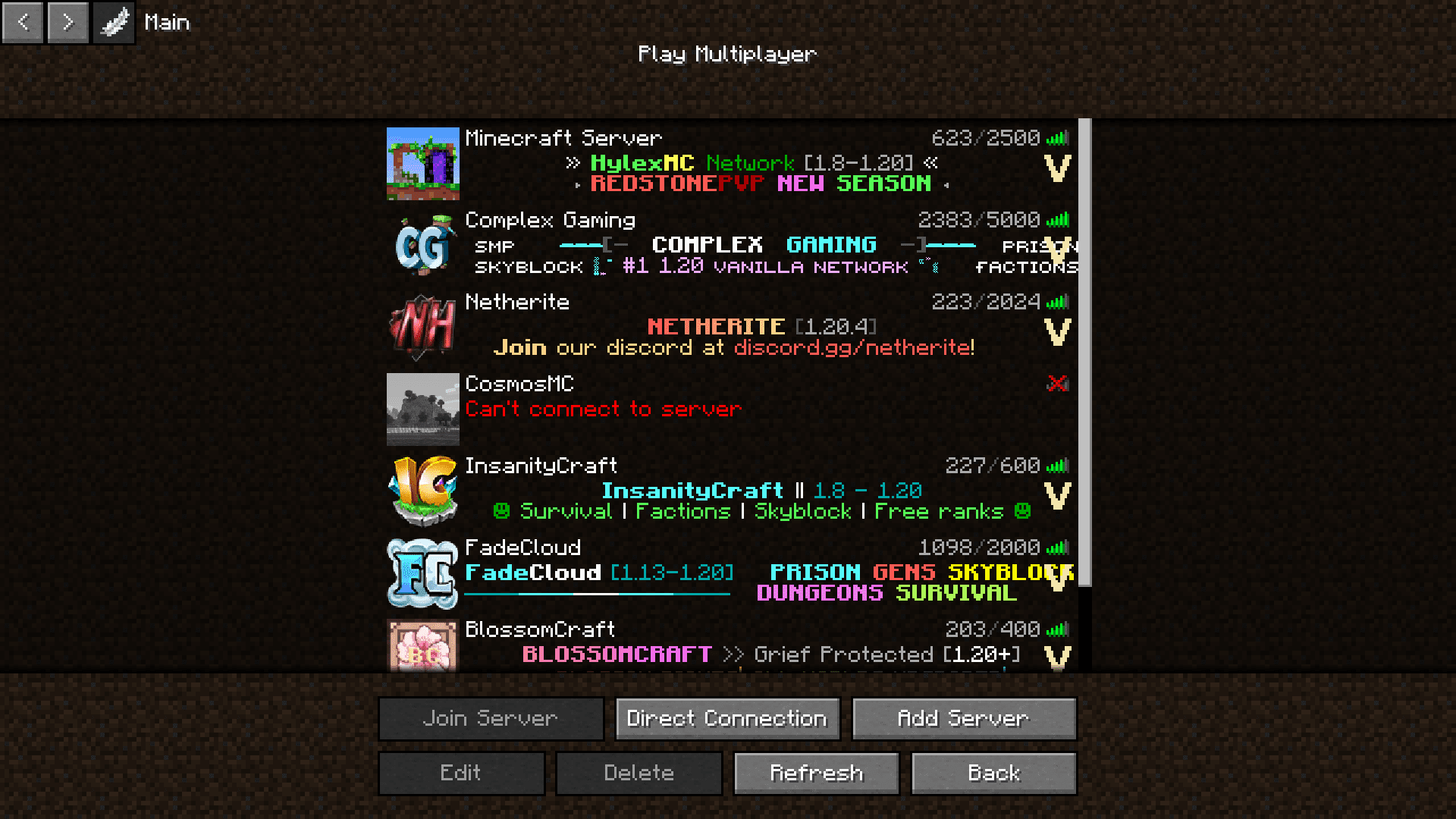
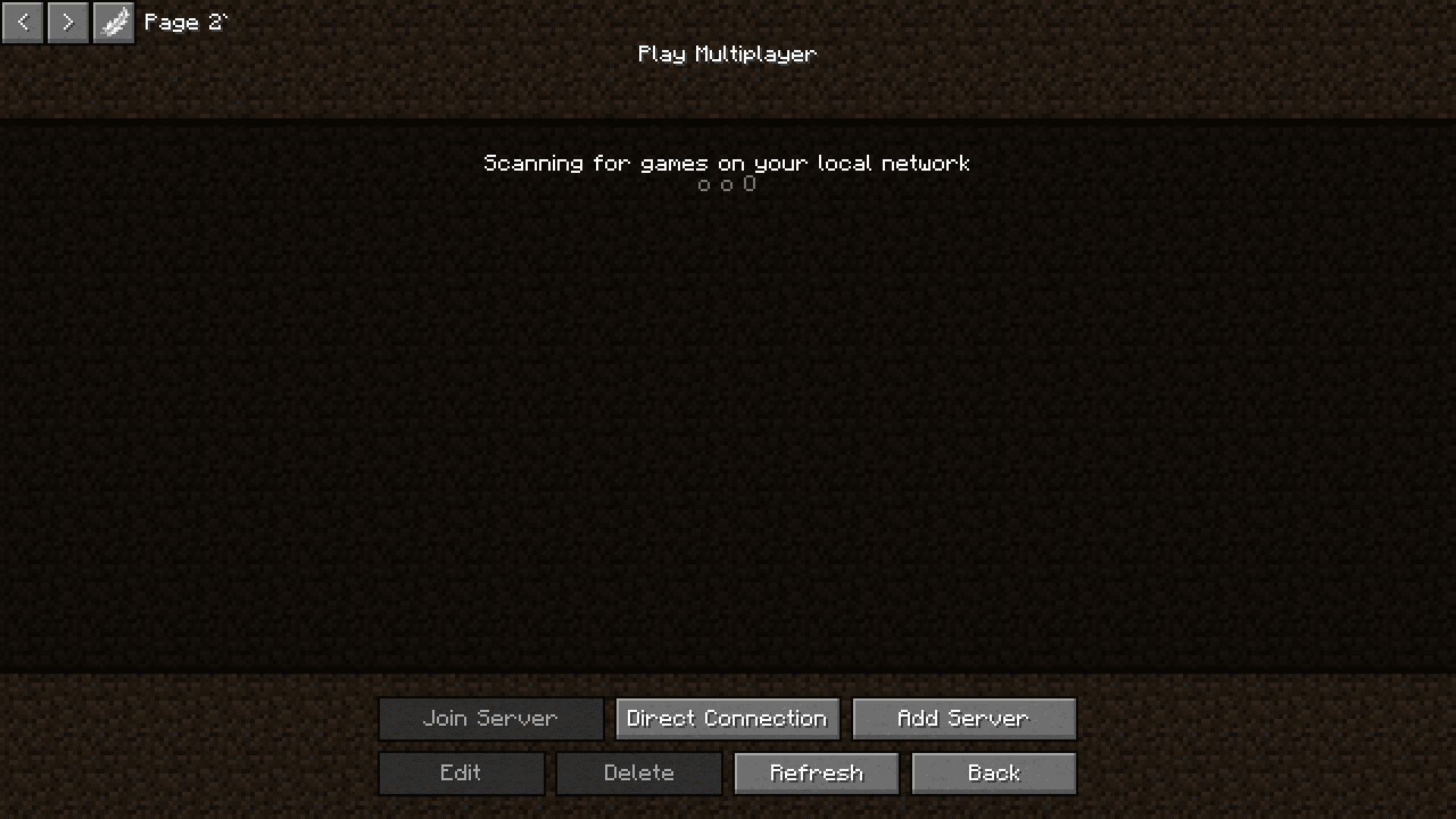
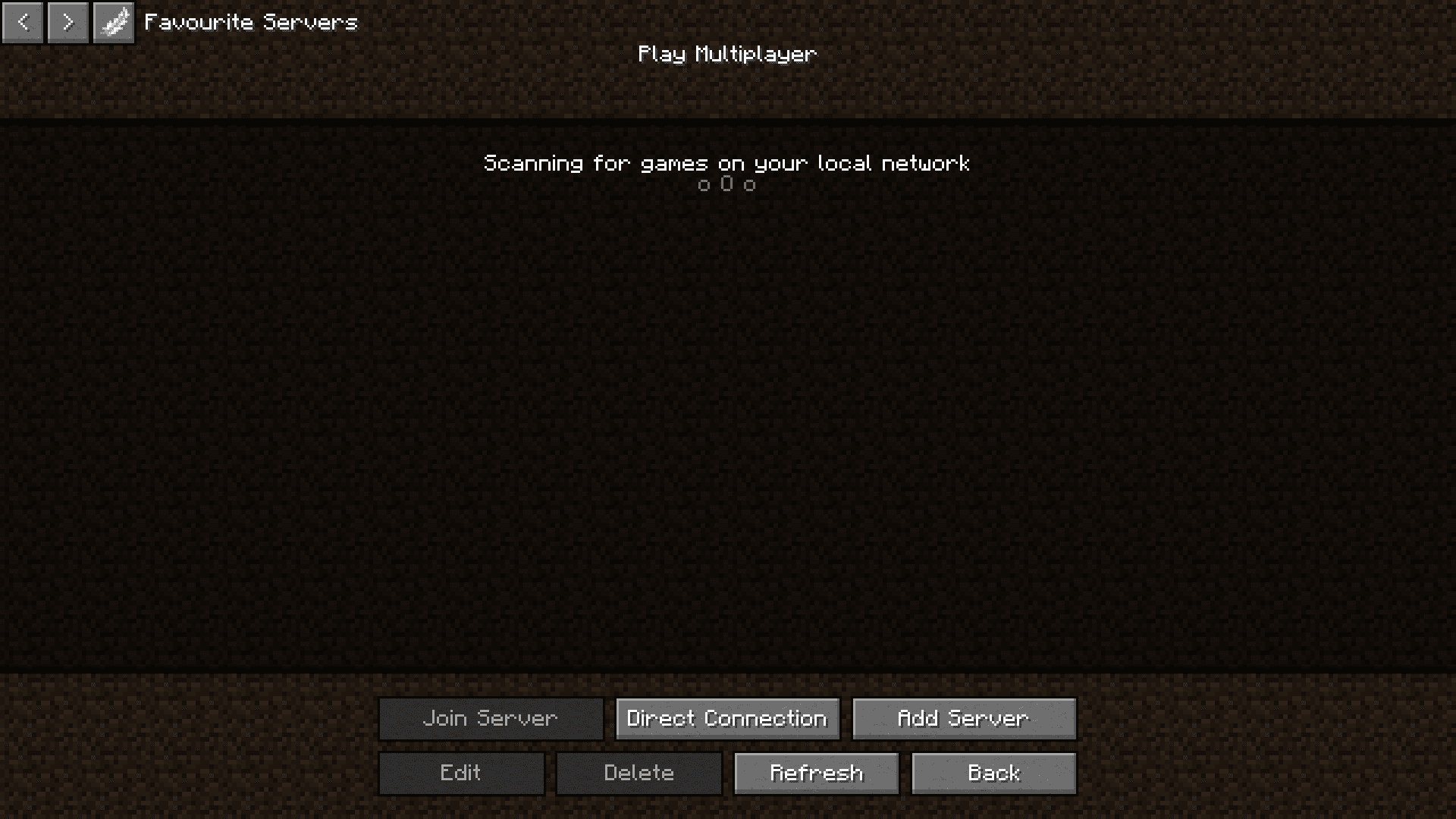
Create and Name a New Server List TabOpening the Server List Manager When you're on the server list screen, look at the top left corner. You'll see…Delete or Rename an Existing Server List TabLocating Tab Controls On the server list screen, find the tab you want to modify at the top left area. Look for…Move a Server Between Different TabsSelecting the Server First, navigate to the tab containing the server you want to move. Click on the server in your…Switch Between Server List Tabs While PlayingAccessing Your Tabs Open your server list from the main menu. At the top of the server selection screen, you'll see…
Frequently asked questions
Can I move servers between tabs after I've added them?
Yes. Select a server in your current tab, then use the move option (usually accessible via right-click or a dedicated button) to choose which tab you want to move it to. The server will be removed from its current tab and added to the destination tab.
What happens to my servers if I delete a tab?
When you delete a tab, the servers in that tab are moved back to your default server list so you don't lose them. Only the tab organization is removed, not the server data itself.
Can I rename a server list tab?
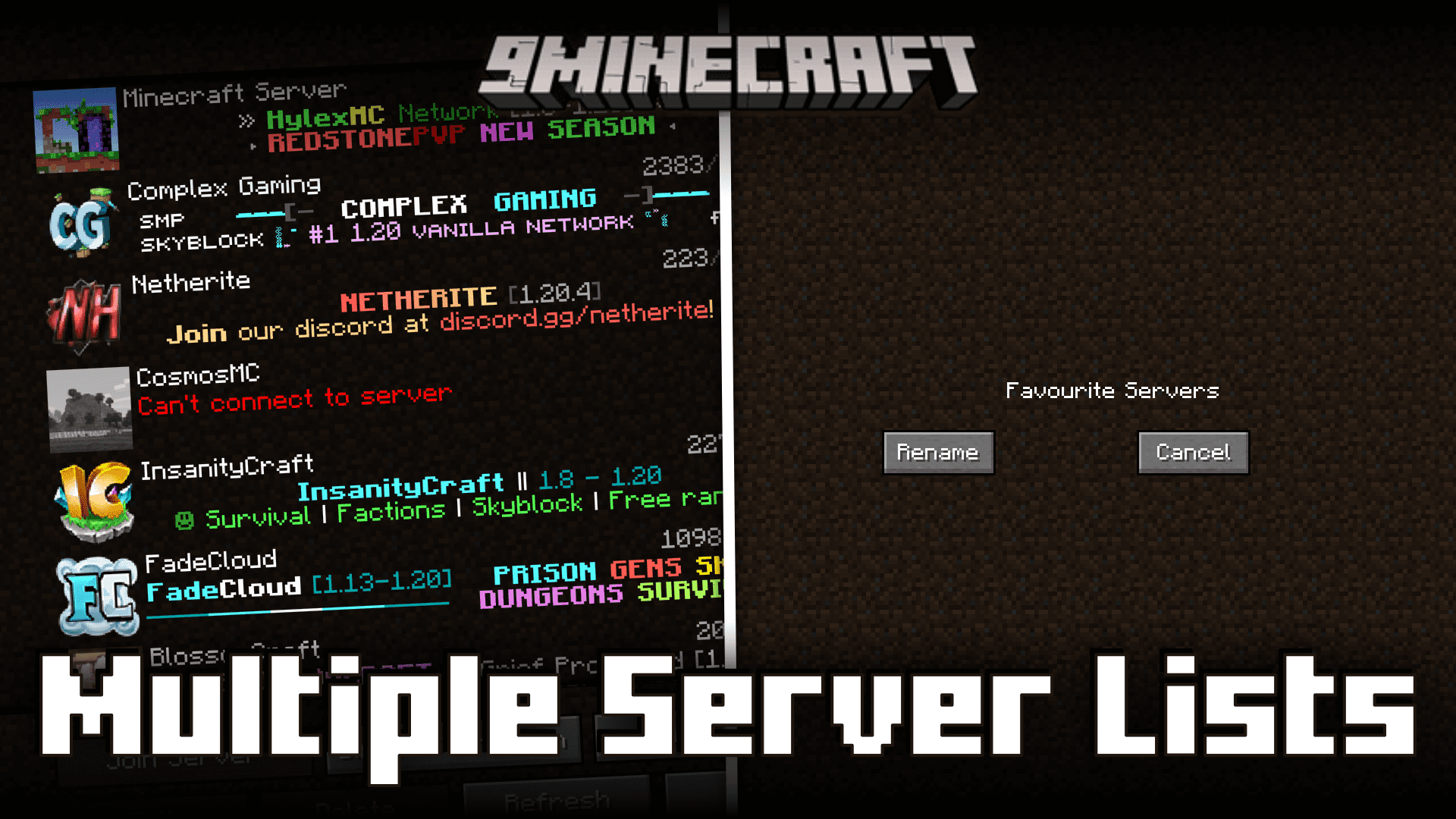
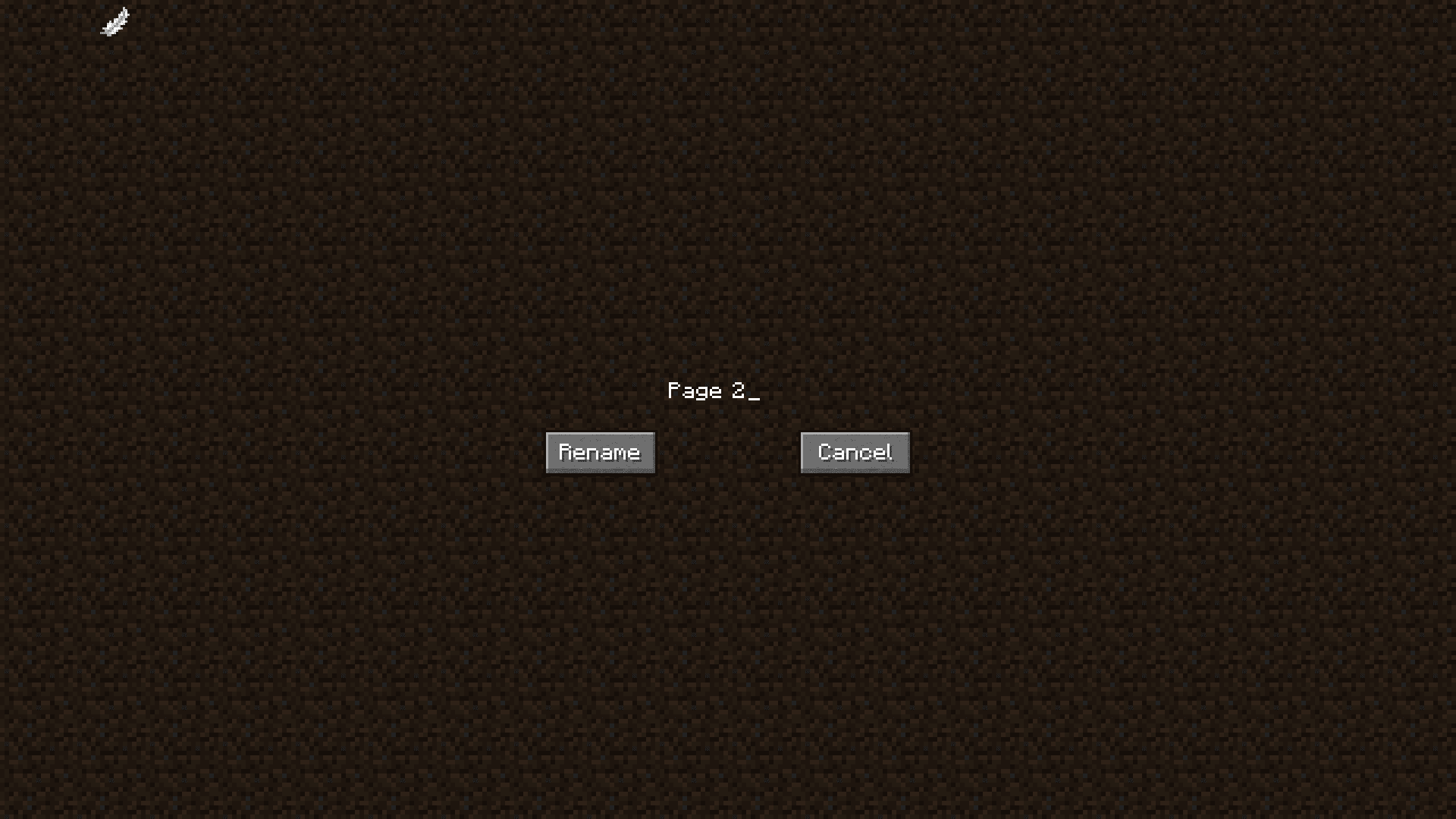
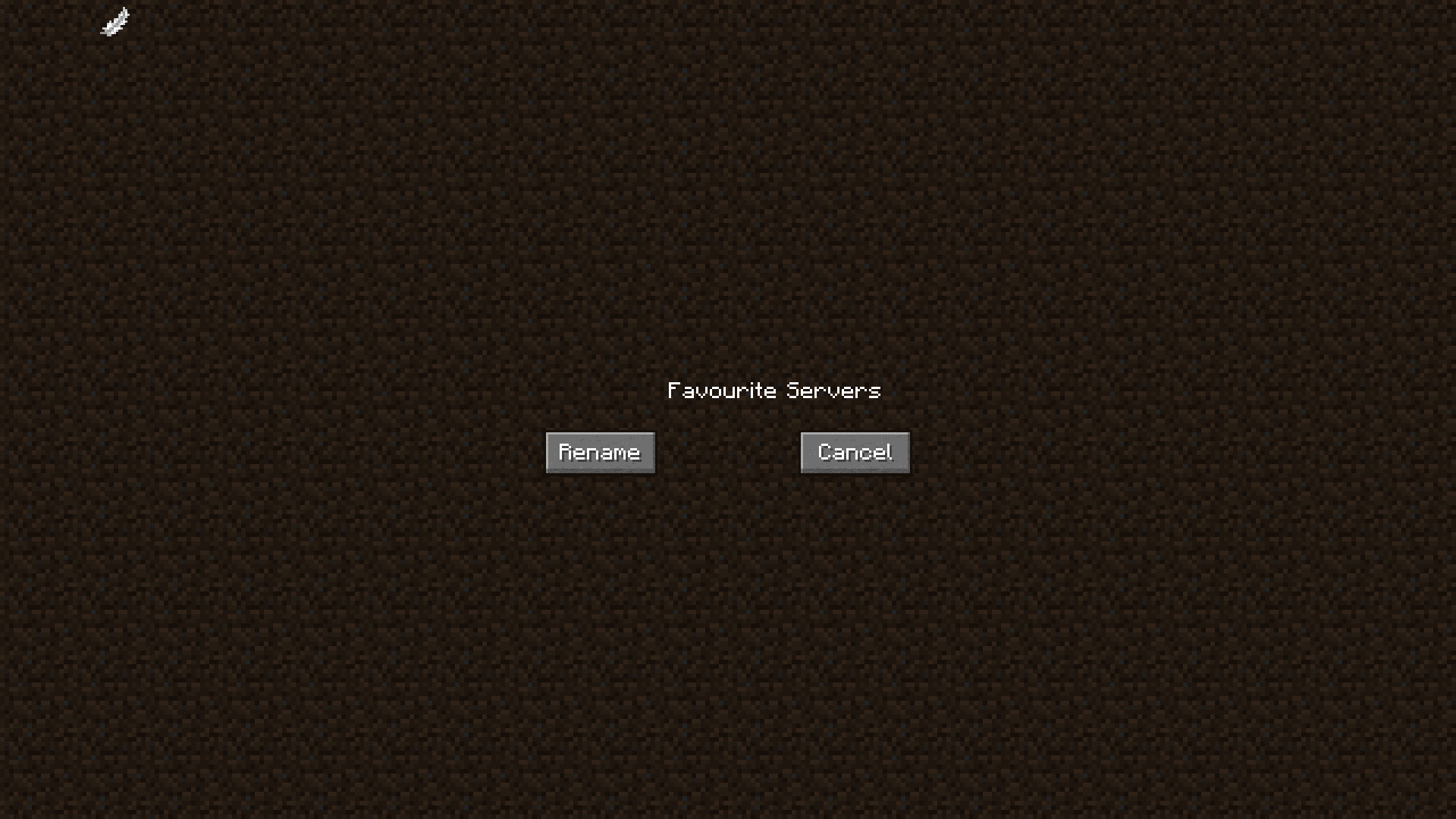
Yes. Access the tab settings from the top left of the server list screen, find the tab you want to rename, and select the rename option. Enter your new tab name and confirm.
See all 10 Multiple Server Lists questions ›
Gallery
6 images from the Multiple Server Lists Mod page.
You May Also Like
Wikis that share the most with this one
More mod wikis on the site
The most downloaded mods that have a wiki here
A few wikis from each of the other kinds