

 DownloadSerene Seasons Fix Revived Mod
Get the files on 9Minecraft
Guides
Step-by-step, in-game.
Fix Season Time Desynchronization After SleepingWhy seasons skip when you sleep When you sleep in Minecraft, the world time jumps forward, but Serene Seasons Fix…Manually Change the Current SeasonUsing season time commands You can manually advance or set the season to a specific point using chat commands. Set to…Prevent Season Lag When Switching Between WorldsHow world-switching causes season problems When you play multiple single-player worlds without closing Minecraft, the…Understand Season Progress with the Calendar ItemWhat the calendar shows The calendar item displays your current season and how far through it you are. It updates…
Frequently asked questions
How do I check what season it currently is?
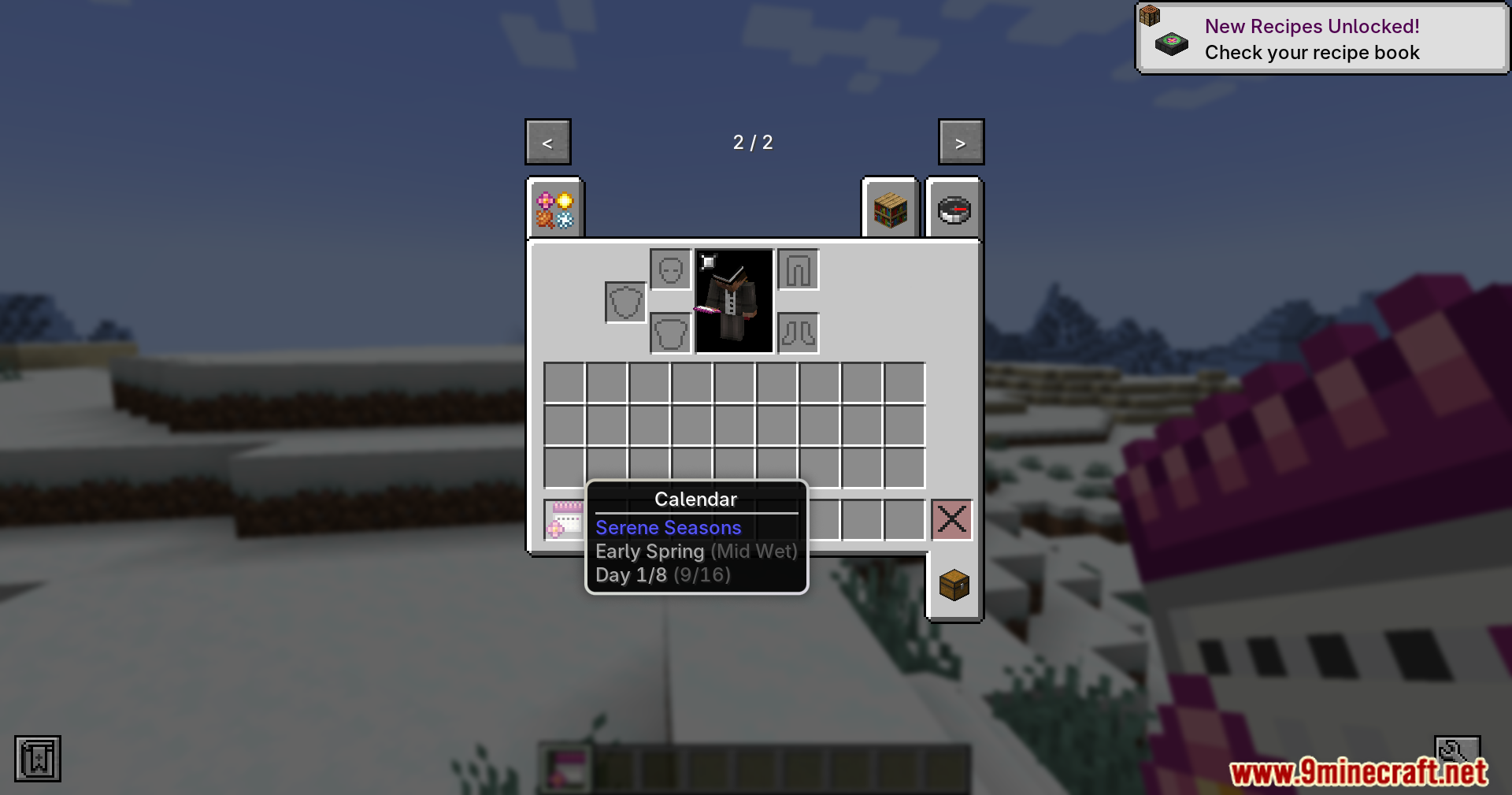
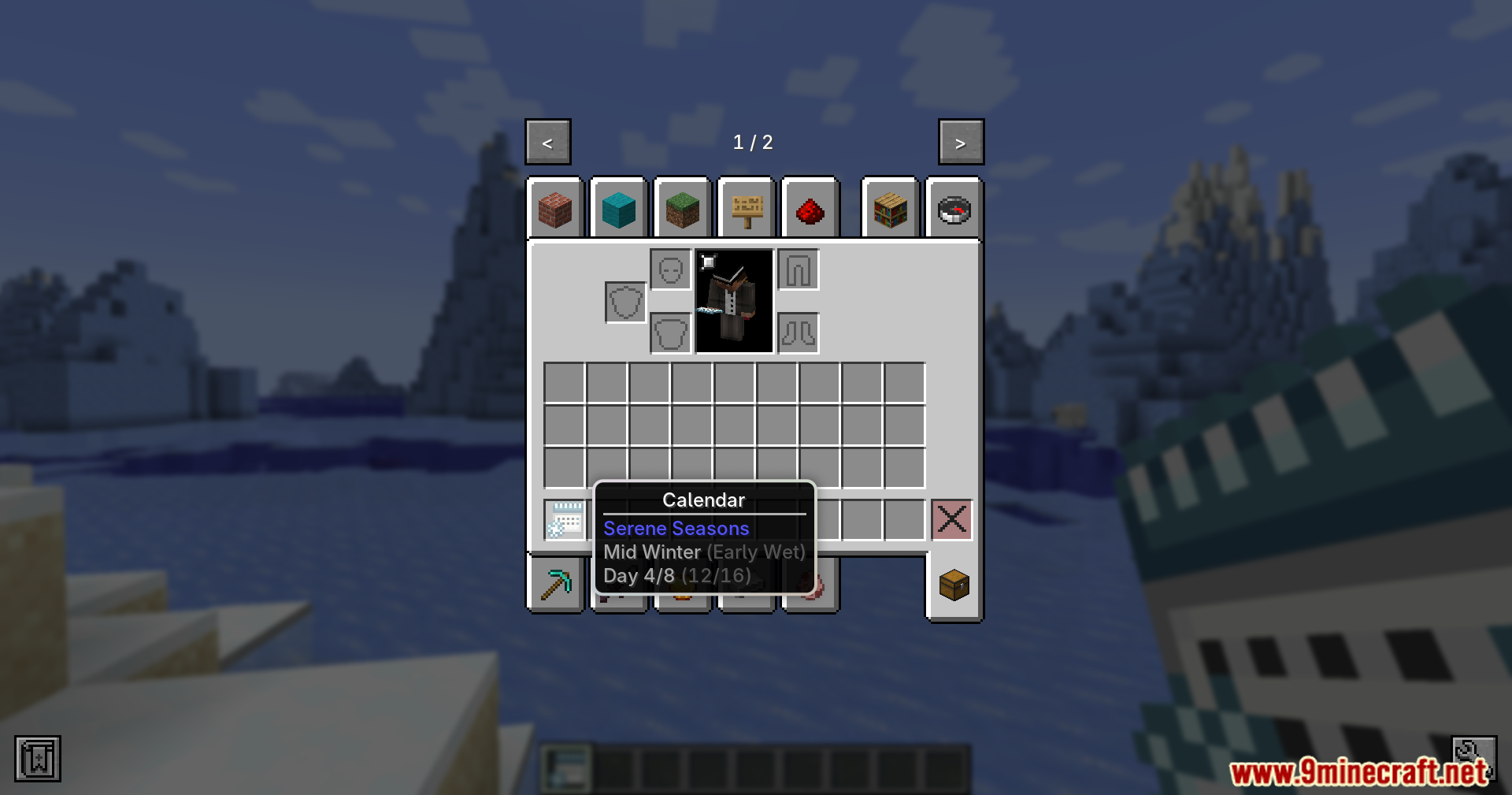
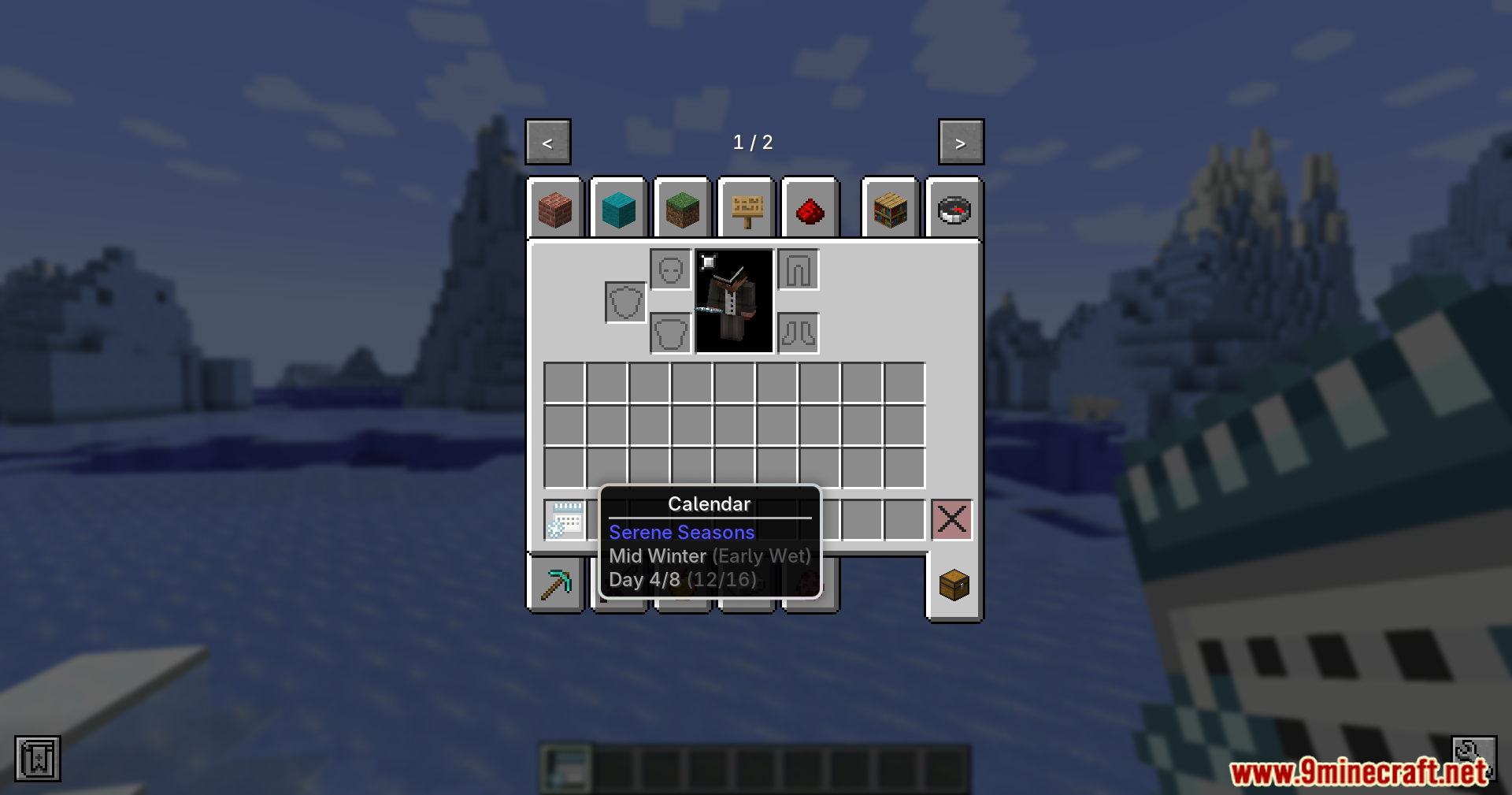
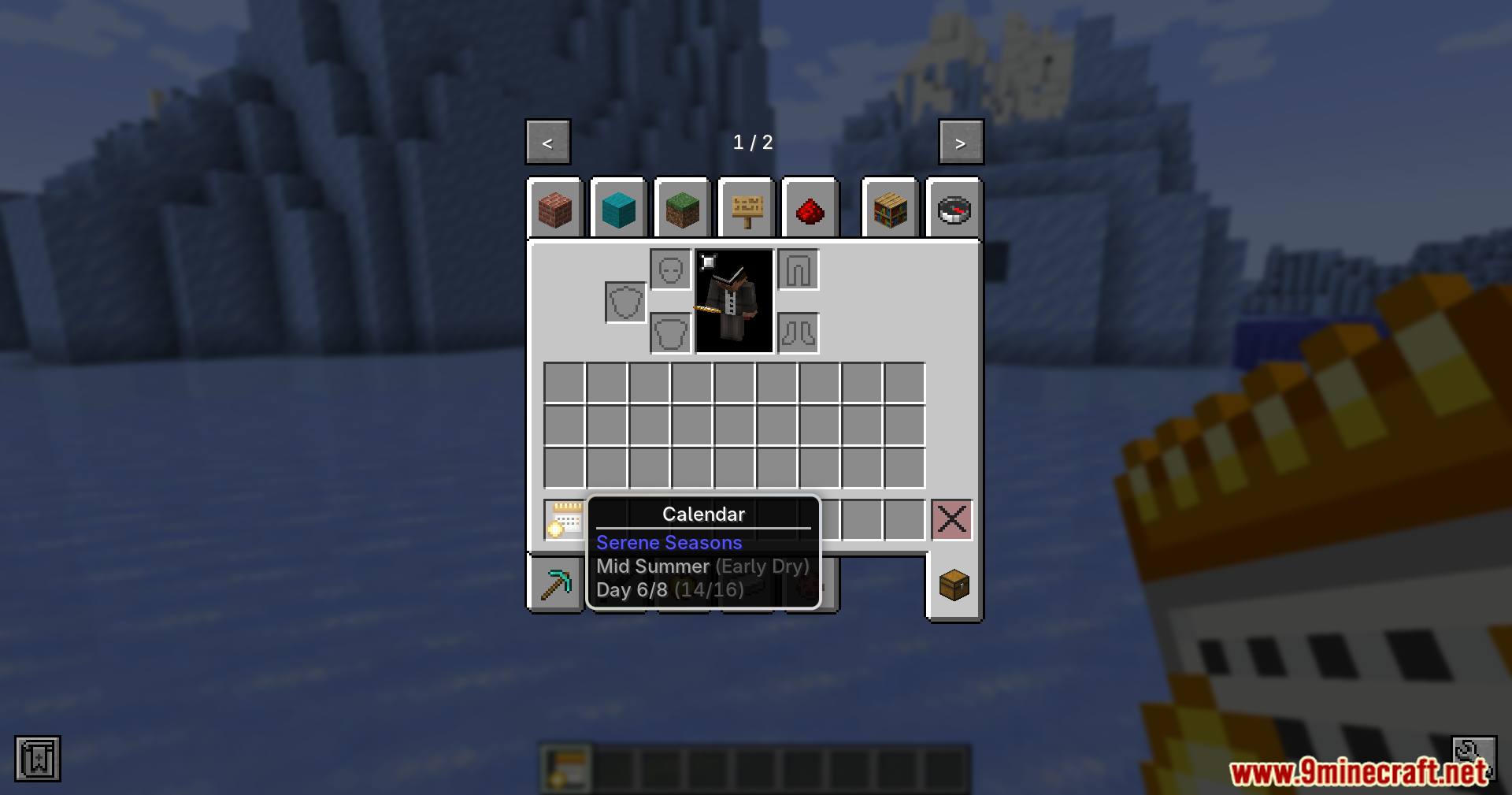
Use the calendar item in your inventory to see the current season and how far through it you are. You can also run `/season info` in chat to display the exact world time and season time values.
Why did my season skip ahead when I slept?
This mod fixes that bug—if you're still experiencing season skips after sleeping, make sure the mod is properly installed and enabled. Run `/season sync` to force the season time back in line with your world time.
Can I manually change what season it is?
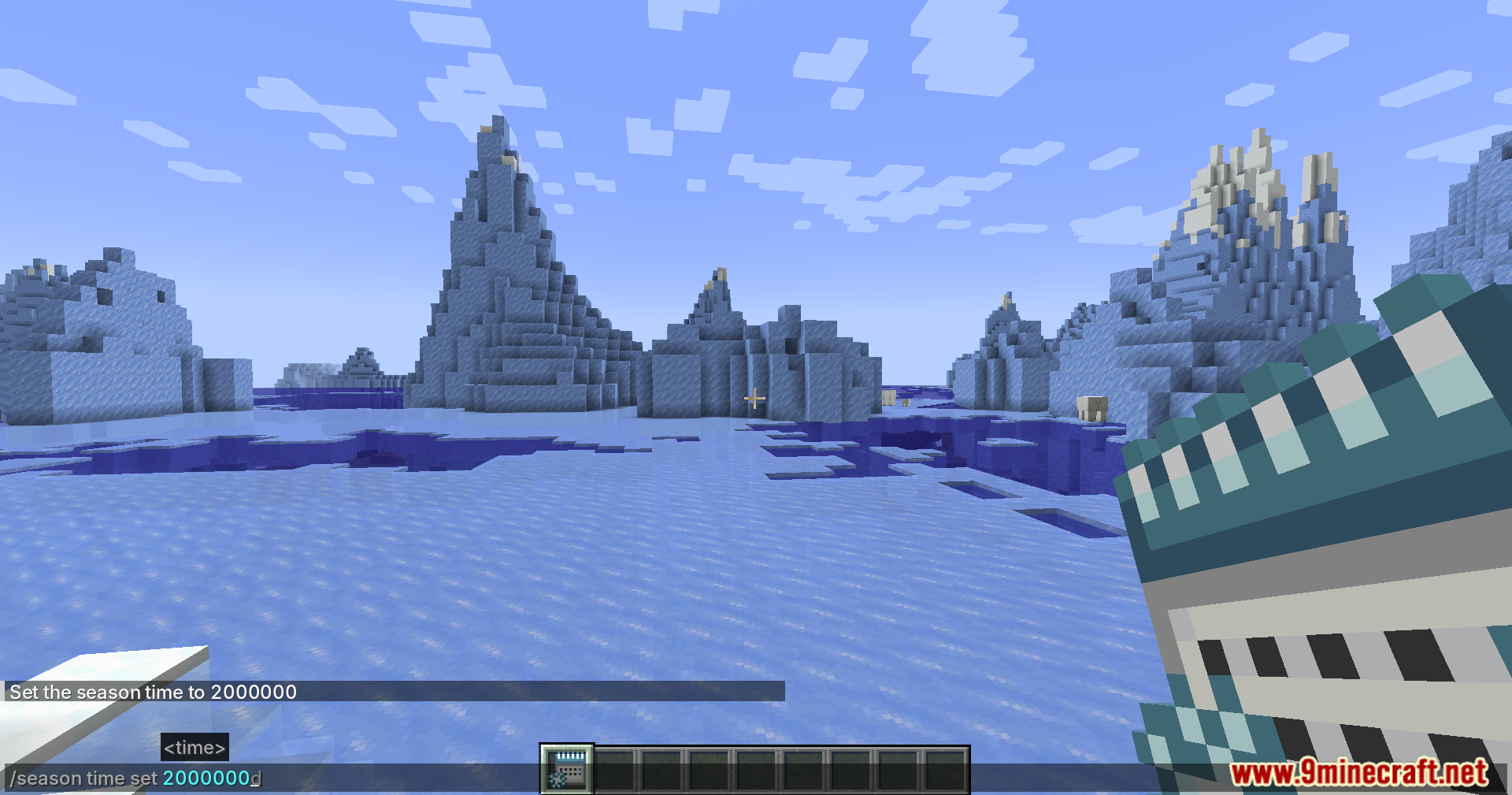
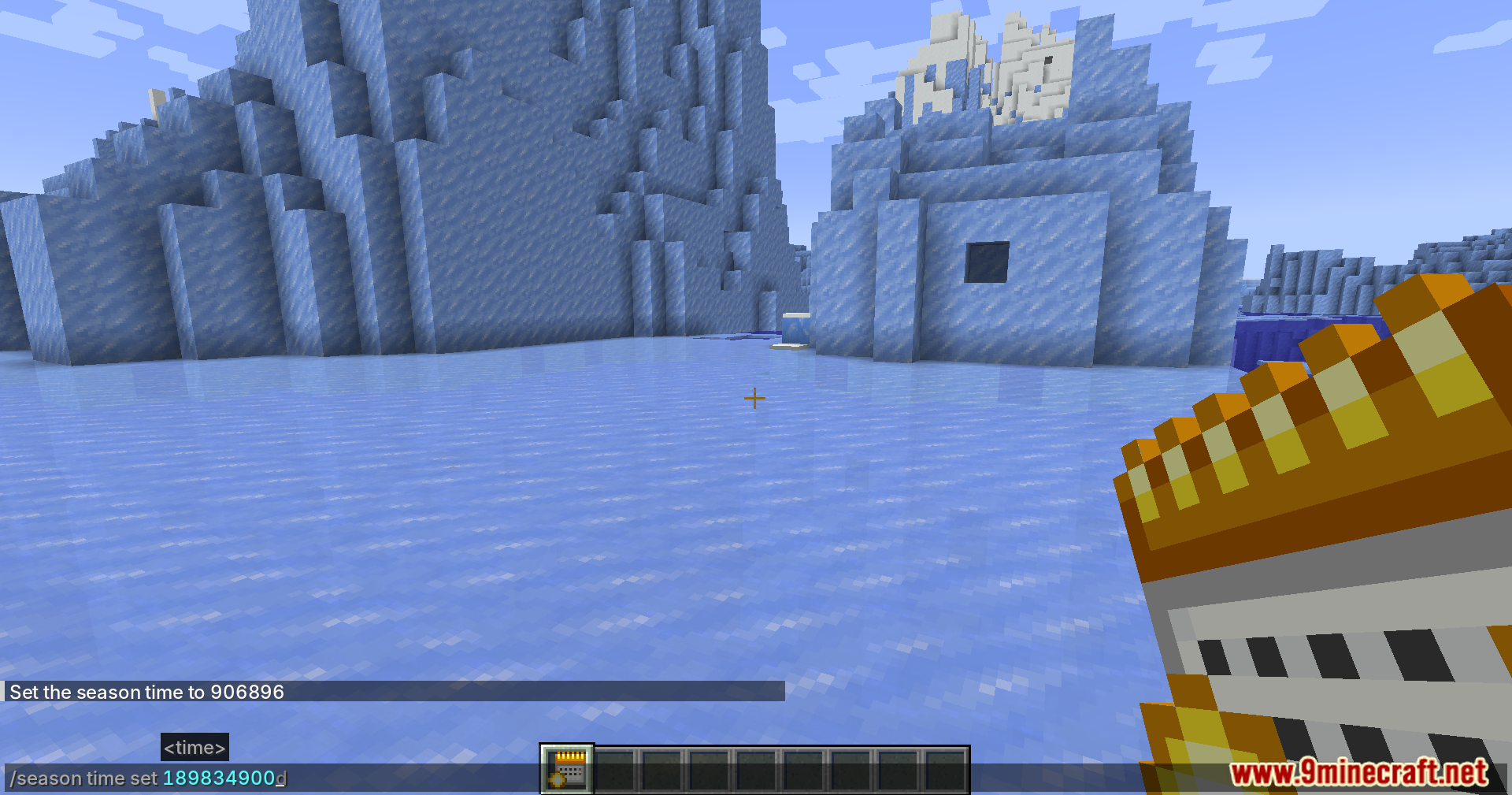
Yes, use `/season set ` to jump to a specific season time, or `/season add ` to move forward by a certain amount. Check the guide on manually changing seasons for the exact values for each season.
Does this mod work with other season mods?
This mod is designed to fix issues with Serene Seasons specifically, so using it alongside other season-changing mods may cause conflicts. Stick with Serene Seasons if you want this mod's fixes to work properly.
See all 10 Serene Seasons Fix Revived questions ›
Gallery
11 images from the Serene Seasons Fix Revived Mod page.

You May Also Like
Wikis that share the most with this one
Wikis on the same theme: iron
More mod wikis on the site
The most downloaded mods that have a wiki here
A few wikis from each of the other kinds