

 DownloadSeamless Serverless Multiplayer Mod
Get the files on 9Minecraft
Guides
Step-by-step, in-game.
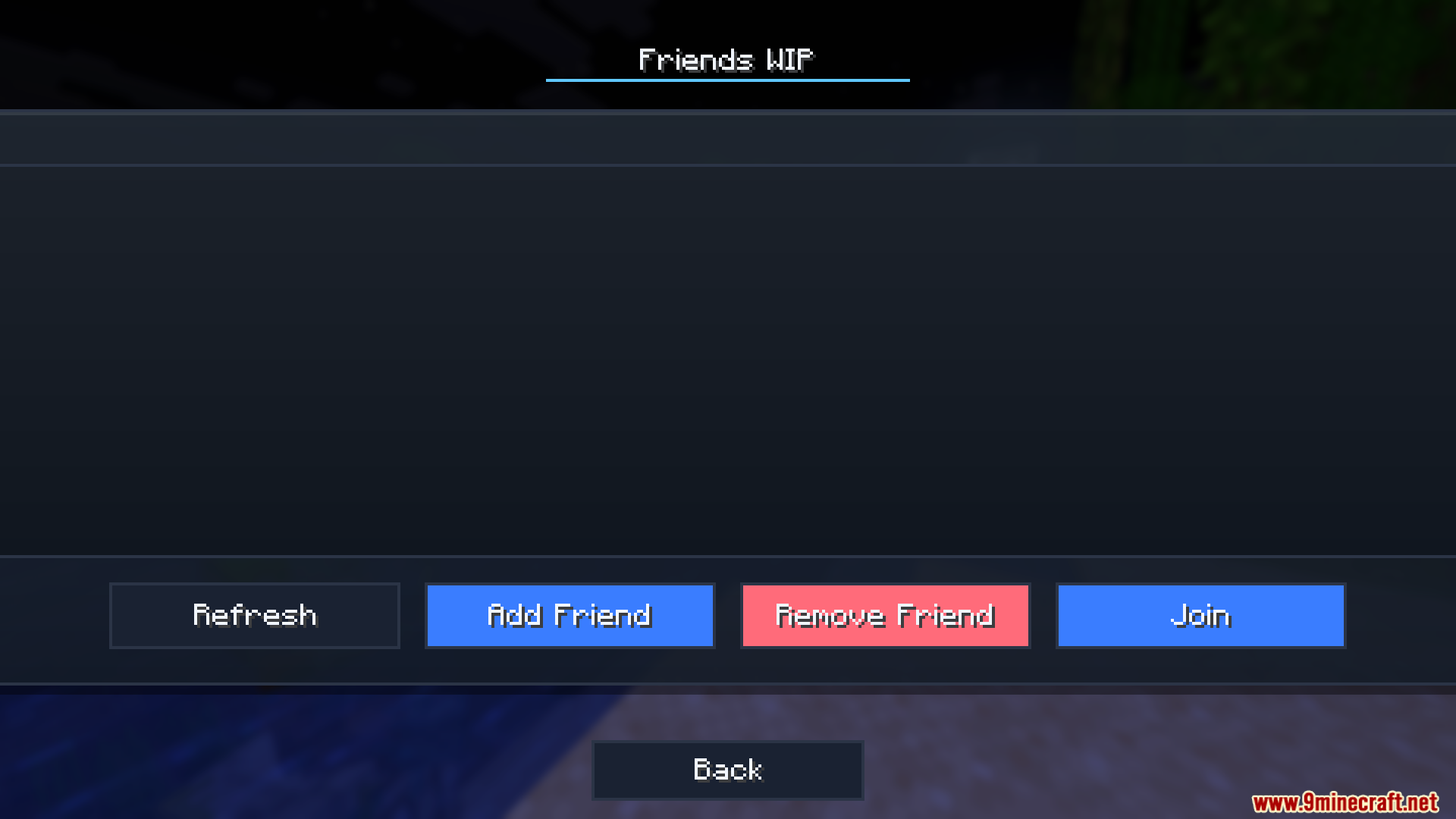
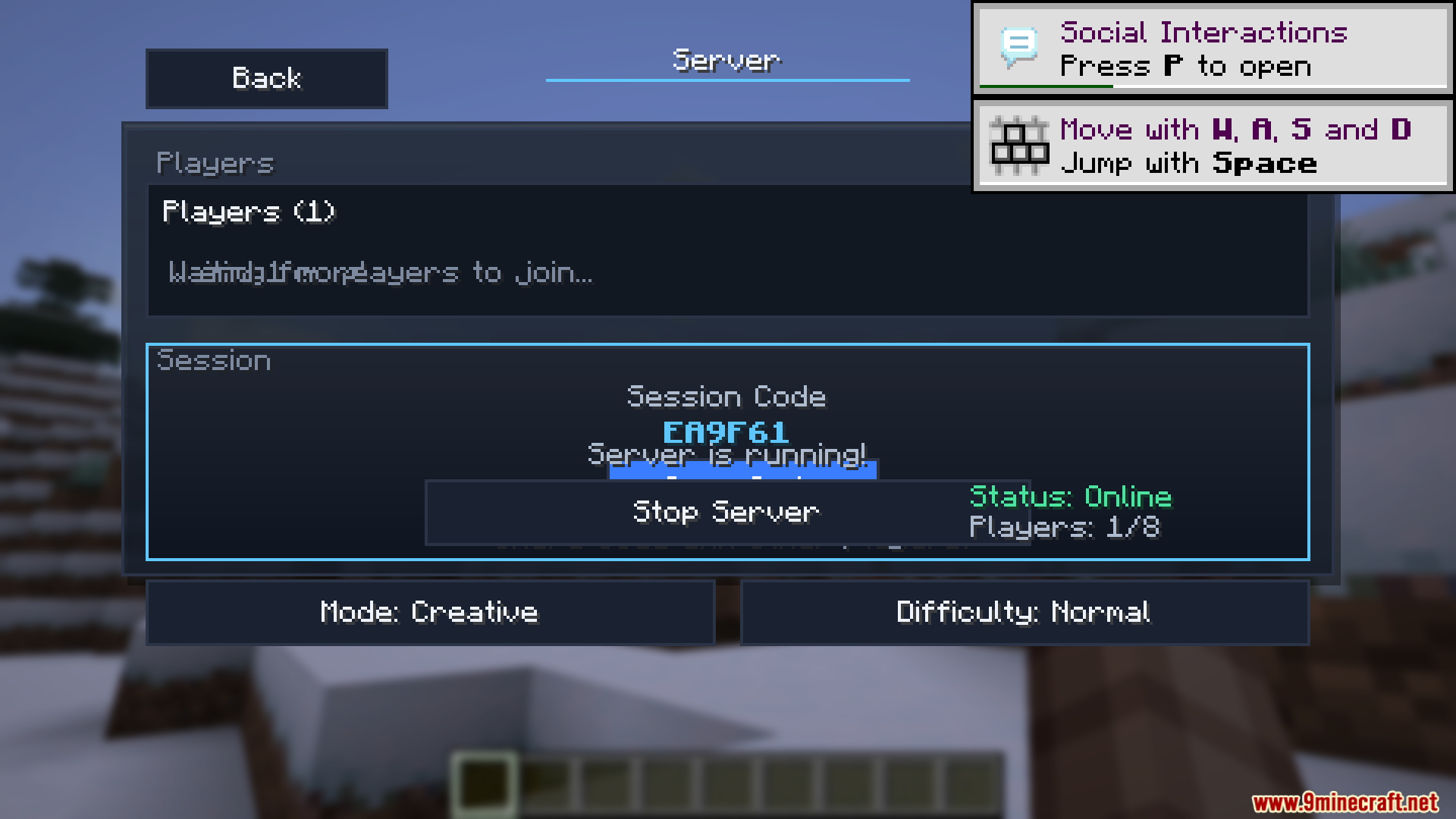
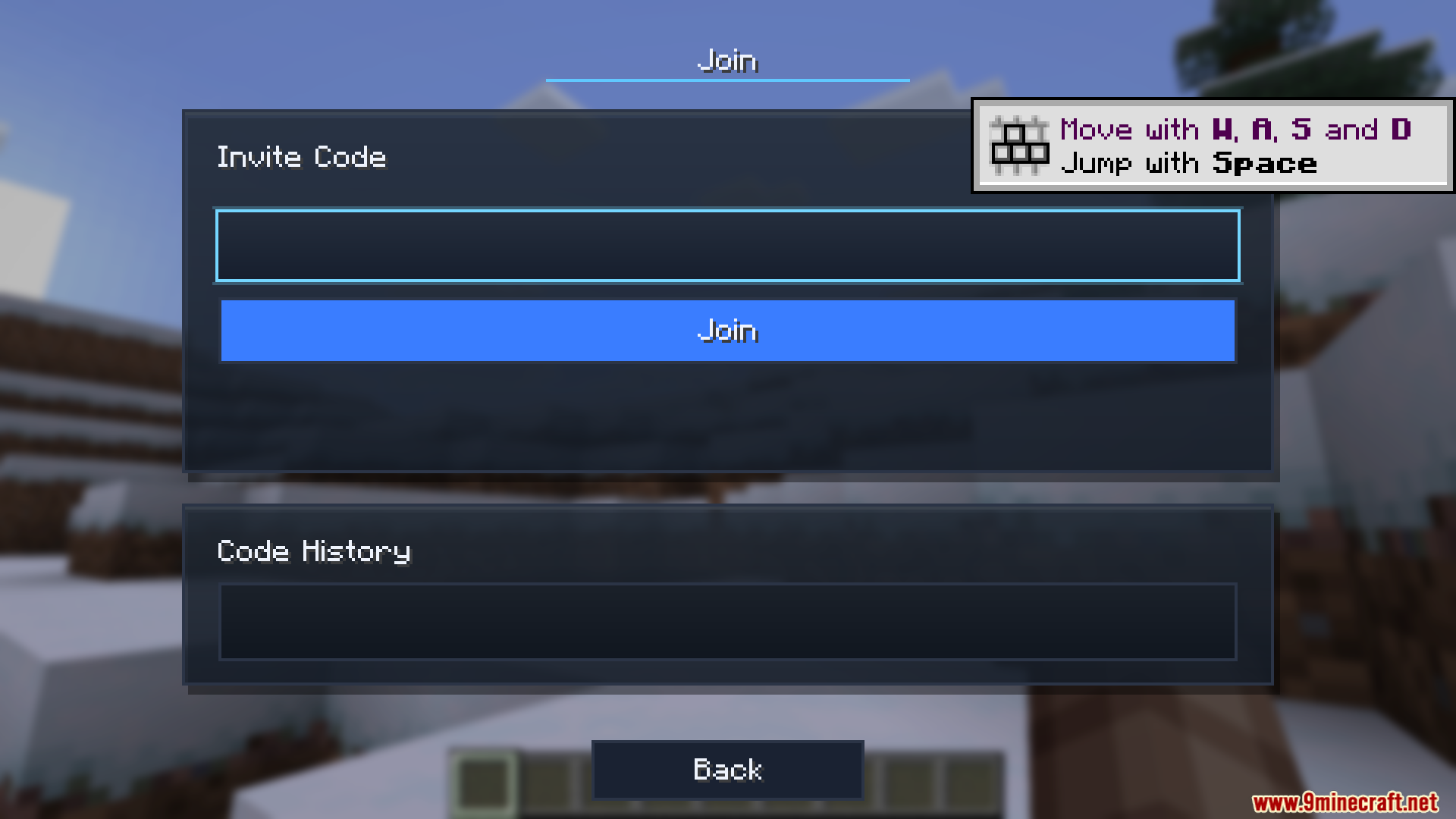
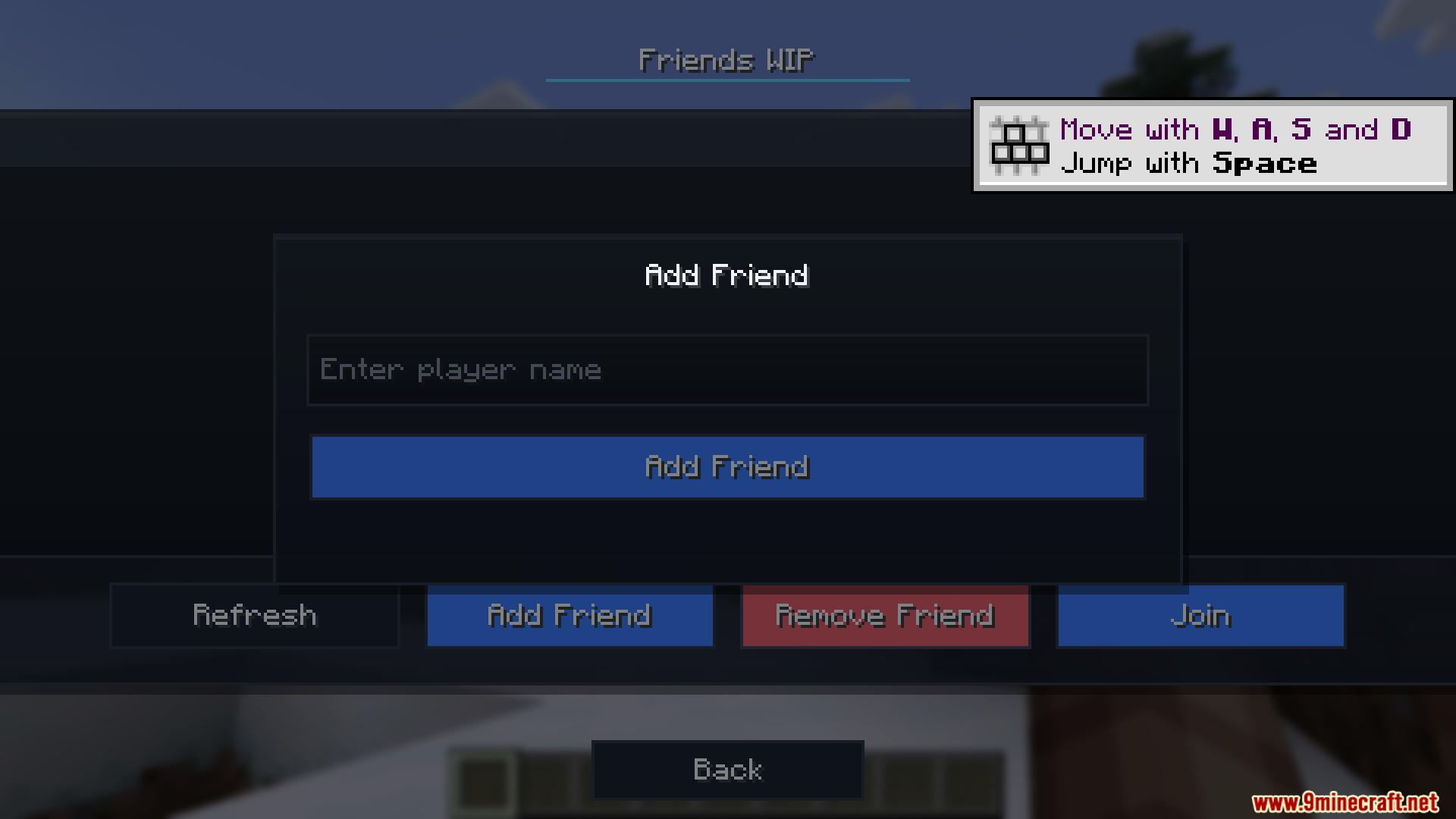
Host a multiplayer world for your friendsStarting your server While playing in your single-player world, open the game menu and locate the Server button.…Join a friend's multiplayer world using an invite codeEntering the invite code Ask your friend for their six-digit invite code. Open your game menu and navigate to the…Manage your friends list and invitationsAdding friends Open the Friends List menu from your main game menu. Select the option to add a new friend and enter…Understand mod compatibility and prevent crashesHow mod checking works Before any player joins your world, the mod compares their installed mods against yours. If…
Frequently asked questions
How do I start hosting a multiplayer world?
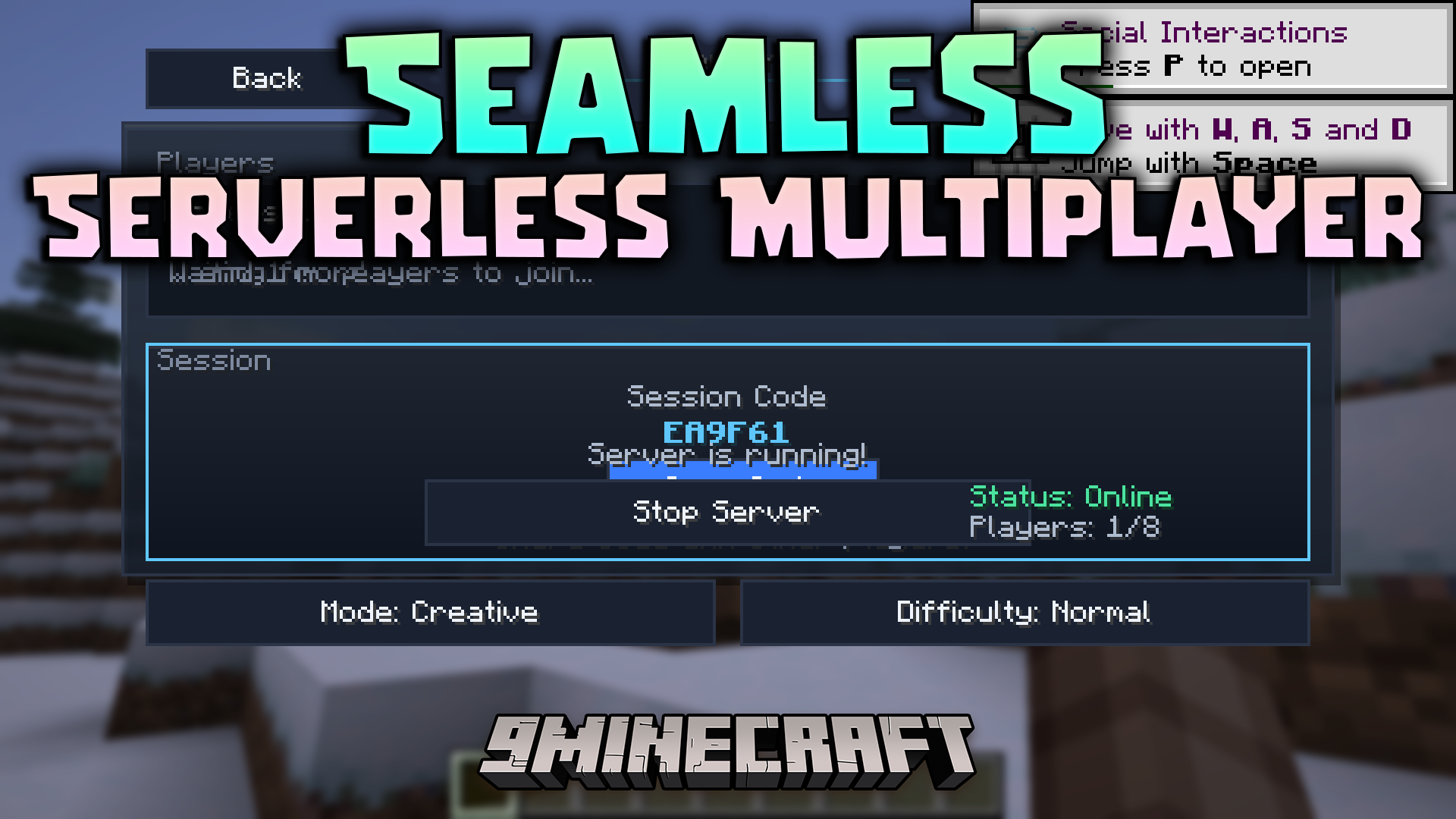
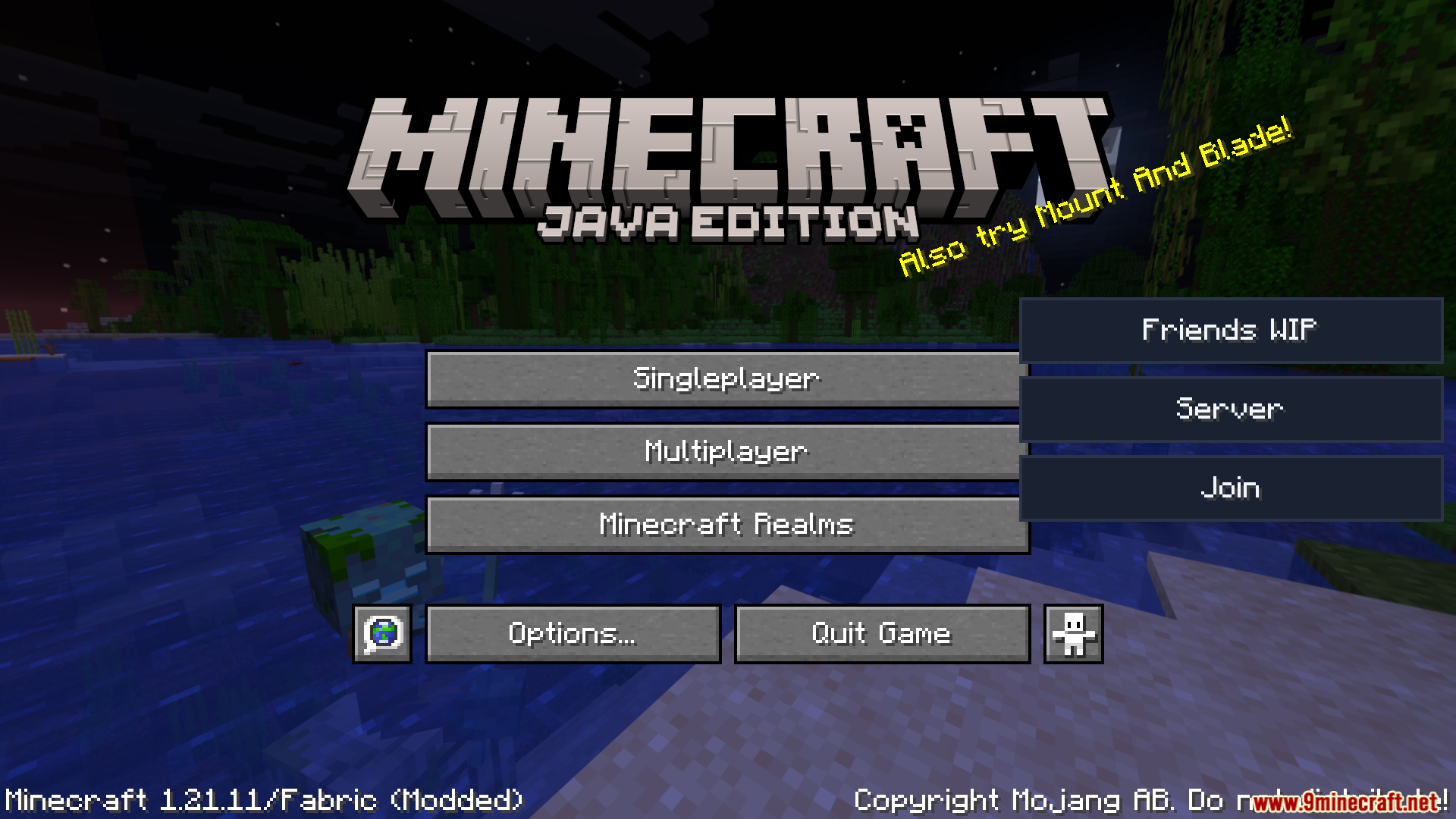
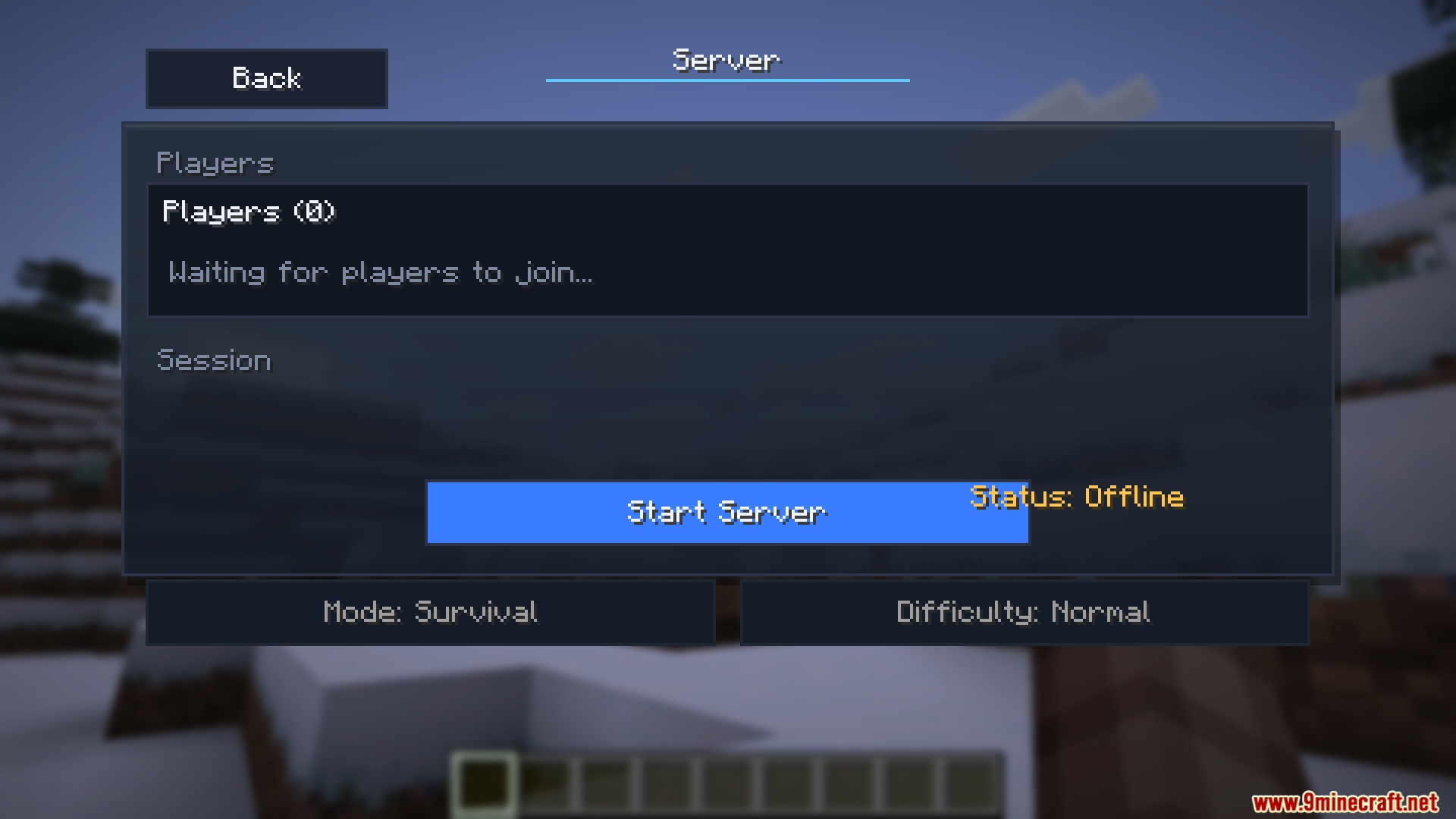
Open your single-player world, go to the main menu, click the "Server" button, then select "Start Server". The mod will generate a six-digit invite code that you can share with friends.
How do I join a friend's world?
Open the join menu in your game, enter the six-digit invite code your friend gave you, and select join. You'll connect to their world as long as you have the same mods installed.
See all 10 Seamless Serverless Multiplayer questions ›
Gallery
11 images from the Seamless Serverless Multiplayer Mod page.
You May Also Like
Wikis that share the most with this one
Wikis on the same theme: cat
More mod wikis on the site
The most downloaded mods that have a wiki here
A few wikis from each of the other kinds