

 DownloadSdm Shipping Box
Get the files on 9Minecraft
Guides
Step-by-step, in-game.
Configure Which Items Your Server Can Sell (Admin Guide)Opening the Configuration Menu If you have OP permissions on your server, use the command /xiangcaomengjia config to…Set Up Your First Shipping Box and Start SellingPlacing and Opening Your Box Start by crafting or obtaining a shipping box—the Wooden tier is ideal for beginners.…Understand Price Changes and Maximize Your ProfitsHow Supply and Demand Affects Prices The SDM Shipping Box uses a dynamic pricing system: when you sell large…Upgrade to a Better Shipping Box TierComparing Box Tiers Each tier offers different speeds and capacity: Wooden : Slowest, smallest batches—good for…
Recipes
Every recipe the mod adds, grouped by how it is made.
Blocks
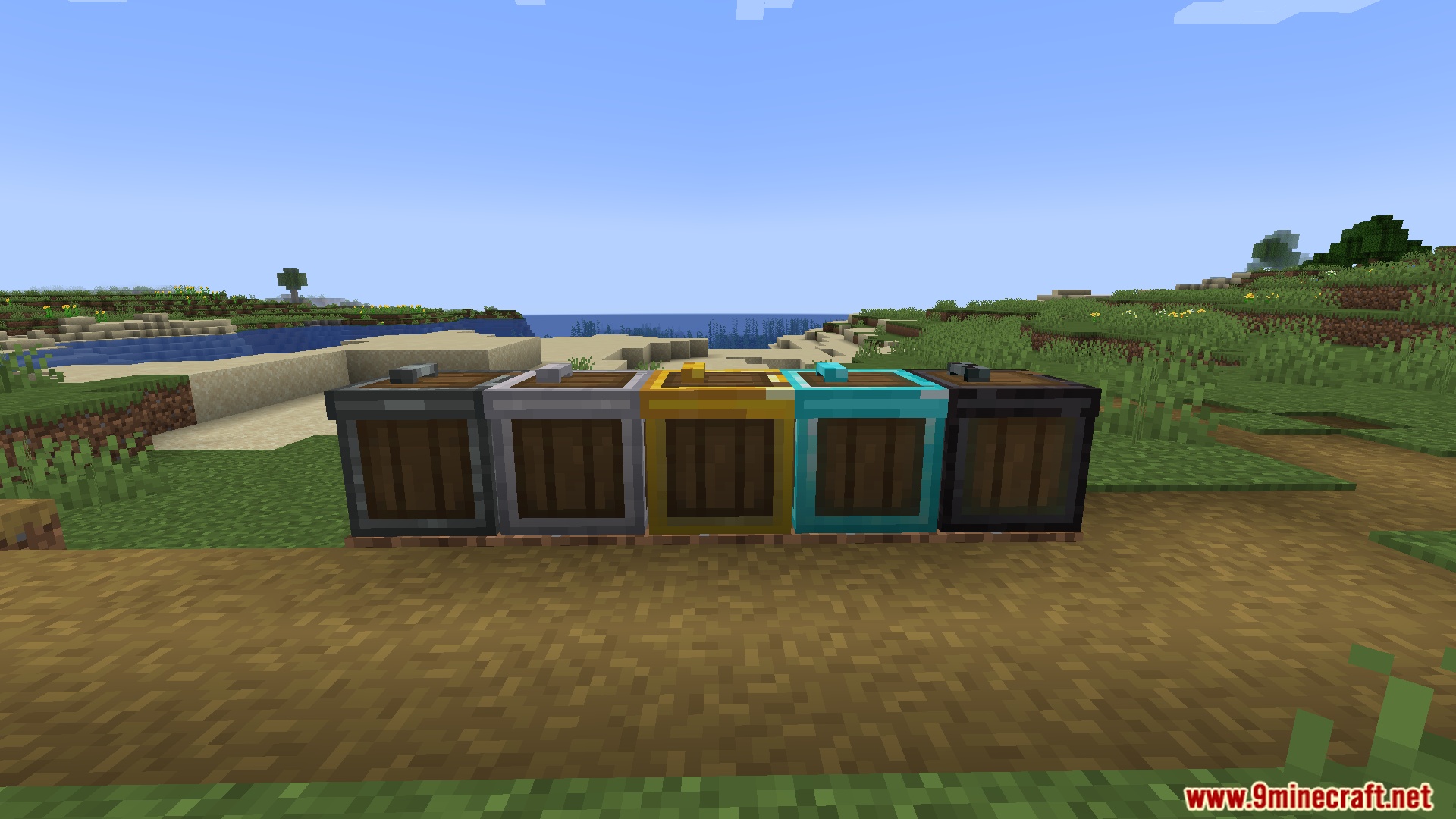
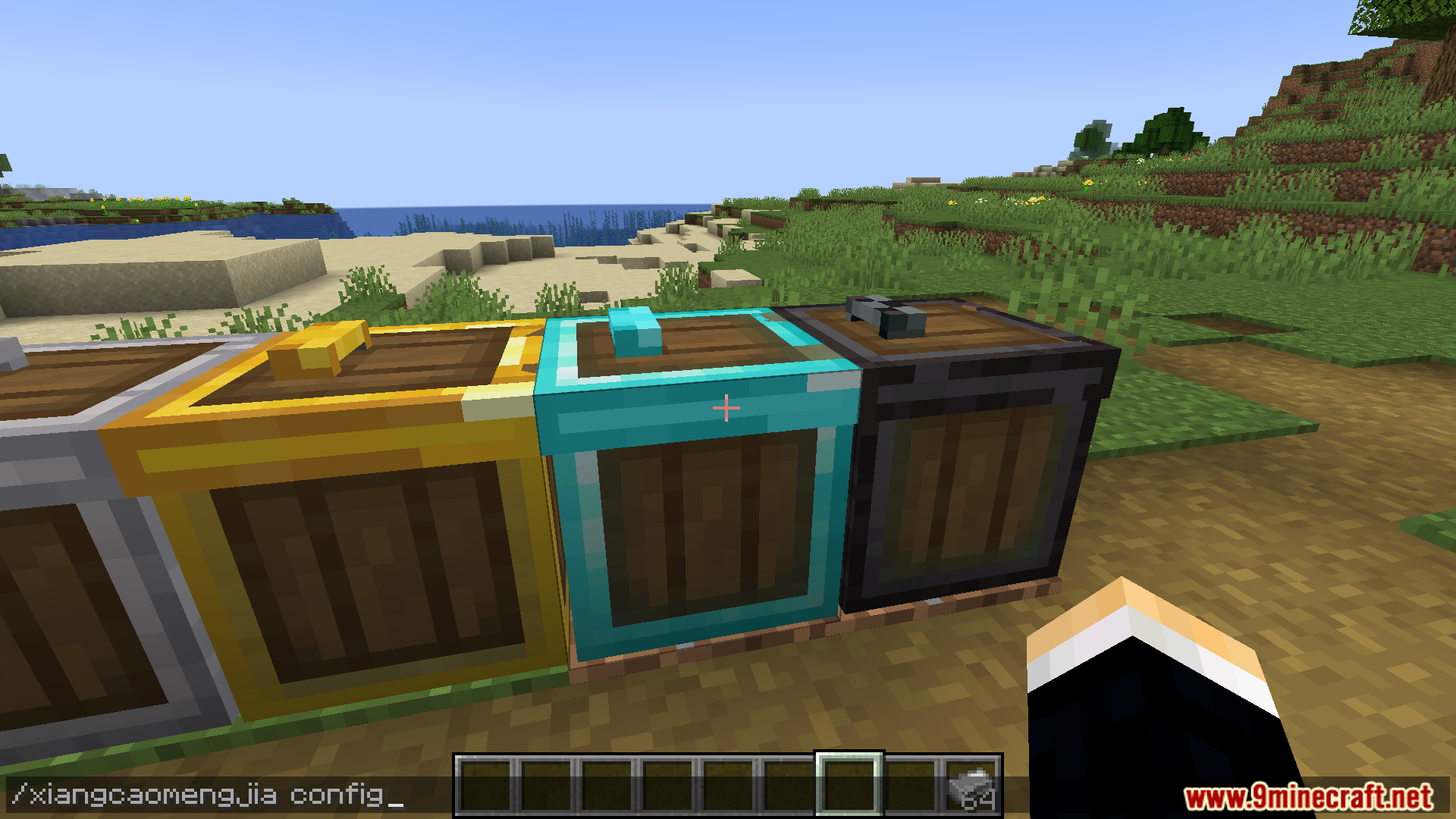
 Diamond Selling Bin
 Gold Selling Bin
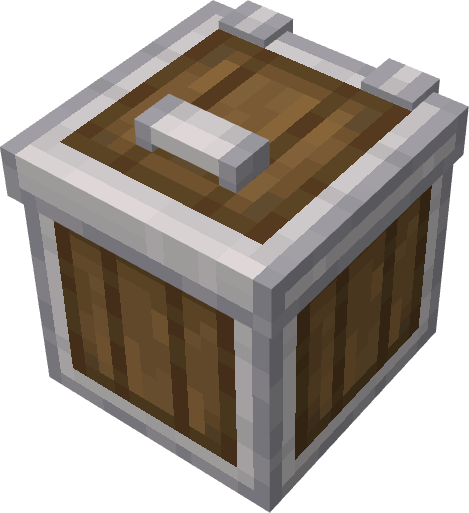 Iron Selling Bin
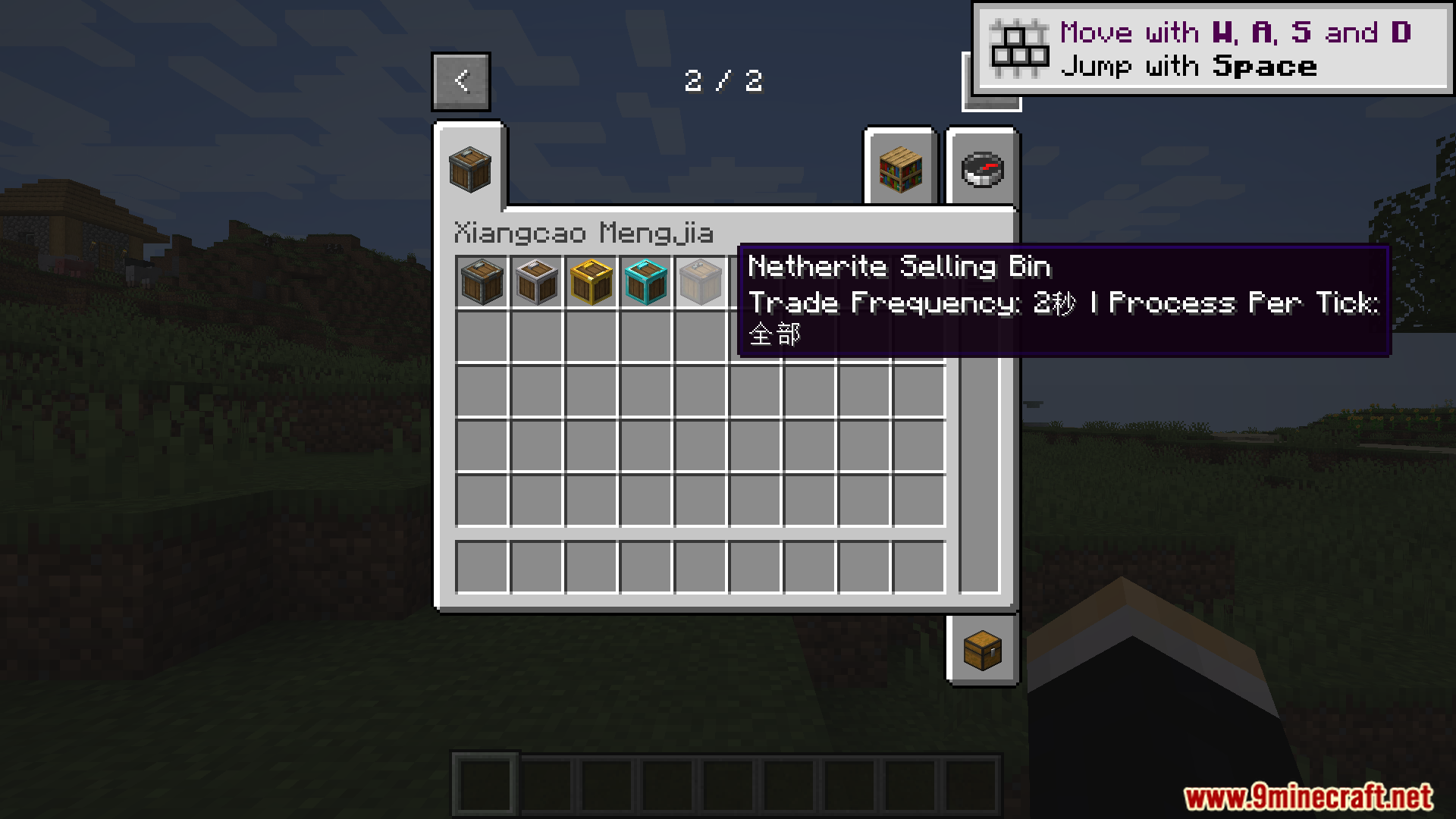
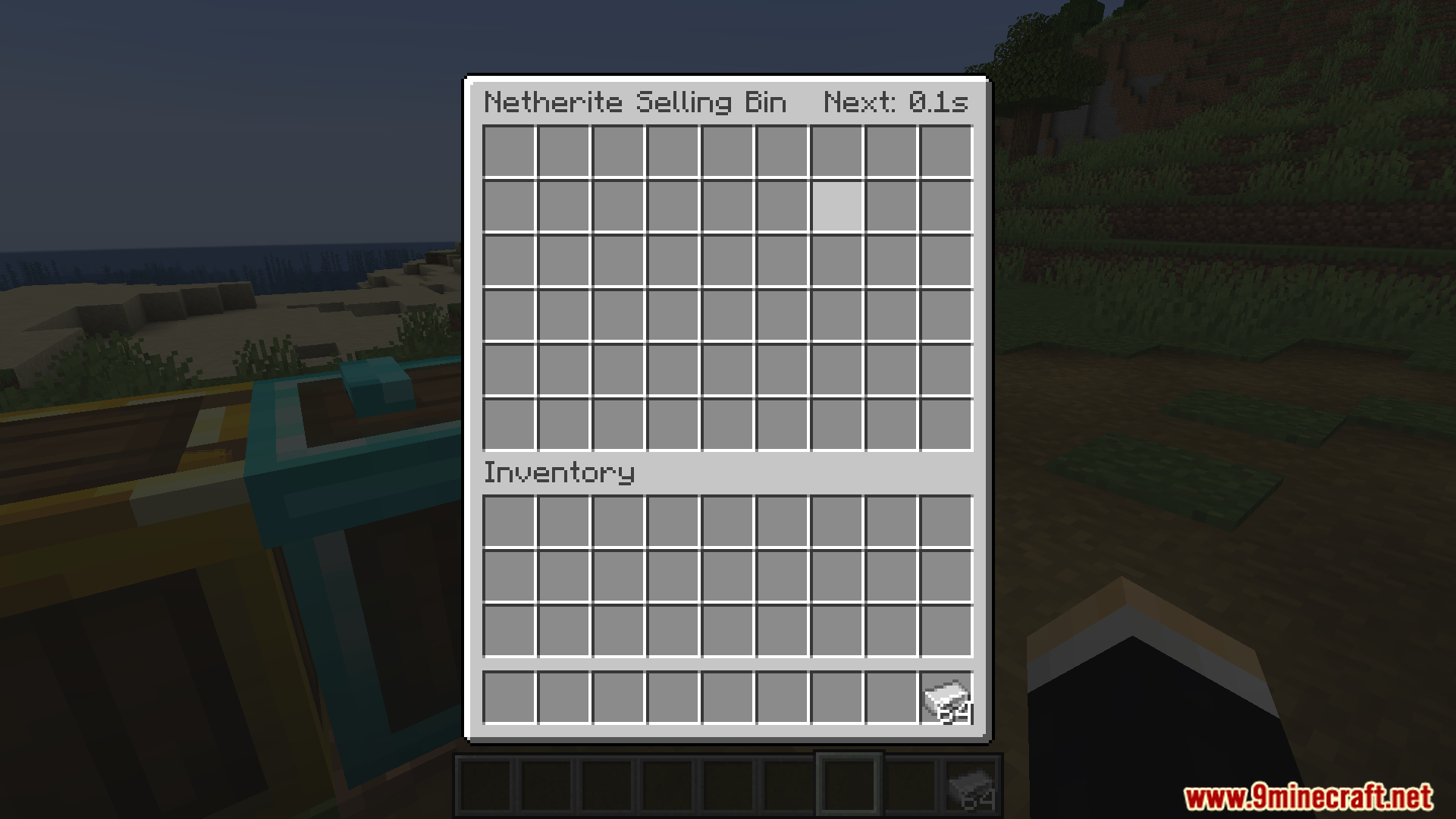
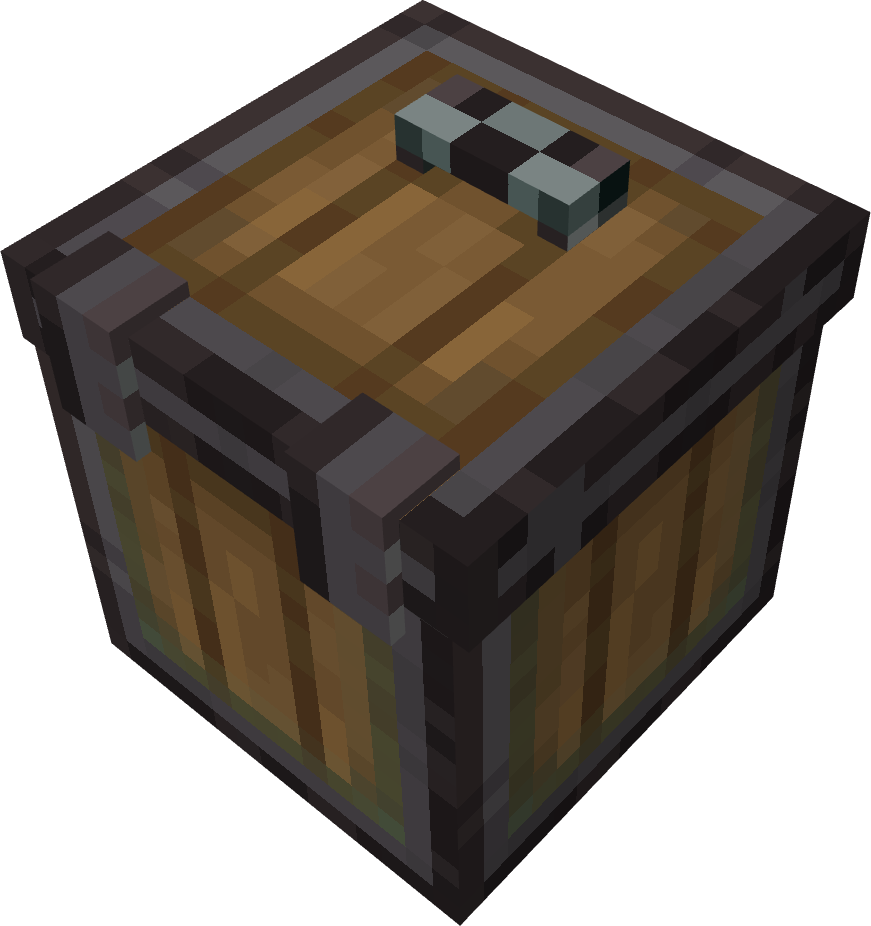 Netherite Selling Bin
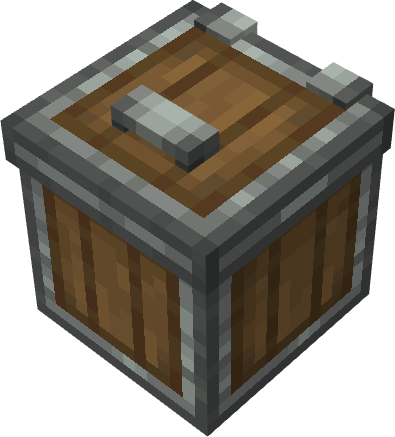 Wood Selling Bin
Configuration
Every setting in the mod config file, with what it changes.
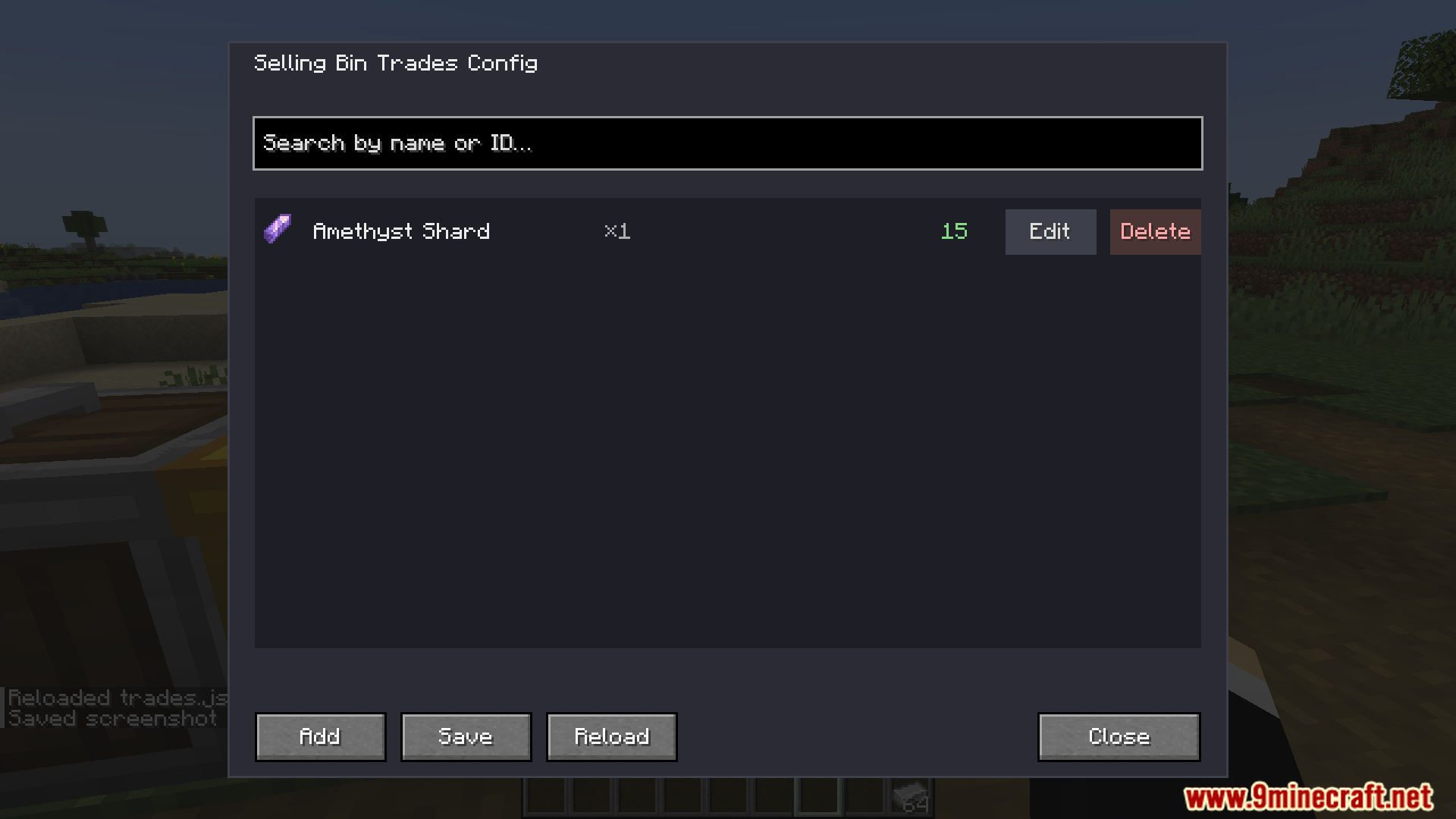
| Option | What it does |
|---|---|
add | Add |
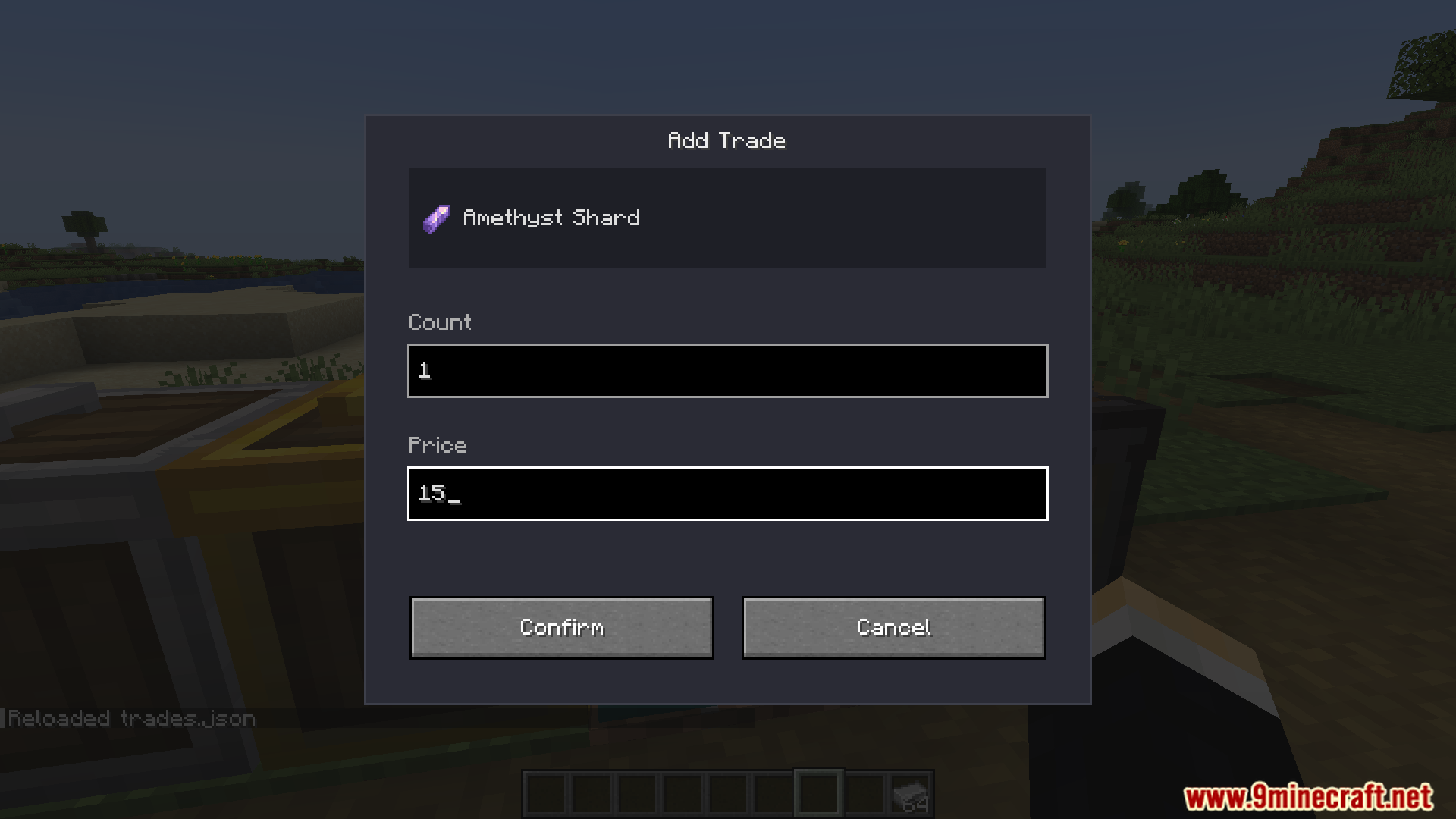
add_trade | Add Trade |
already_added | Added |
click_to_edit | Click to edit |
close | Close |
confirm | Confirm |
count | Count |
error_range | Count ≥1, Price ≥0 |
delete | Delete |
edit | Edit |
error_number | Enter valid numbers |
pick_item | Pick Item |
price | Price |
reload | Reload |
reloaded | Reloaded trades.json |
save | Save |
save_failed | Save failed |
saved | Saved to trades.json |
search_hint | Search by name or ID… |
edit_trade | Set Price |
Frequently asked questions
How do I start using a shipping box?
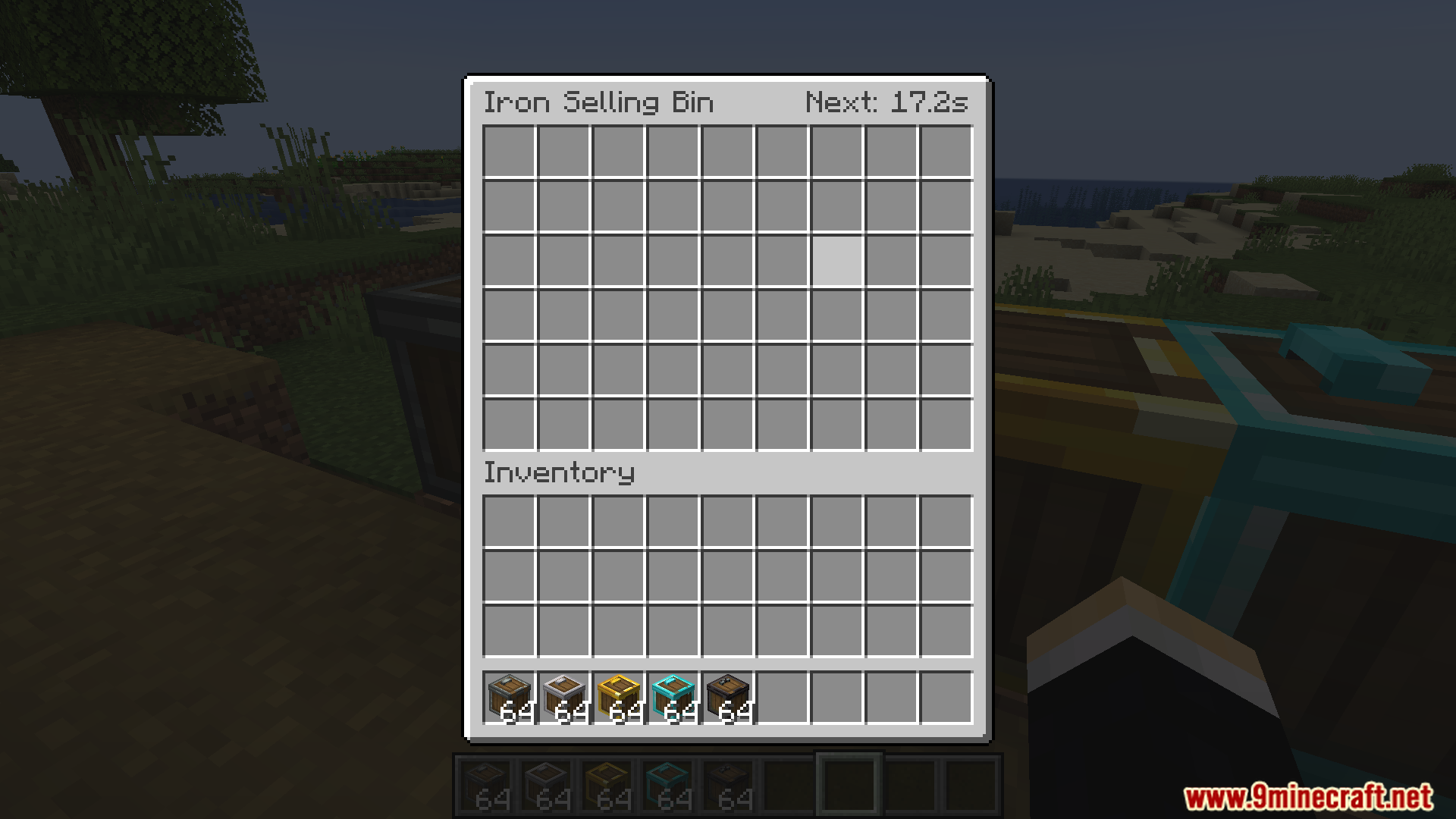
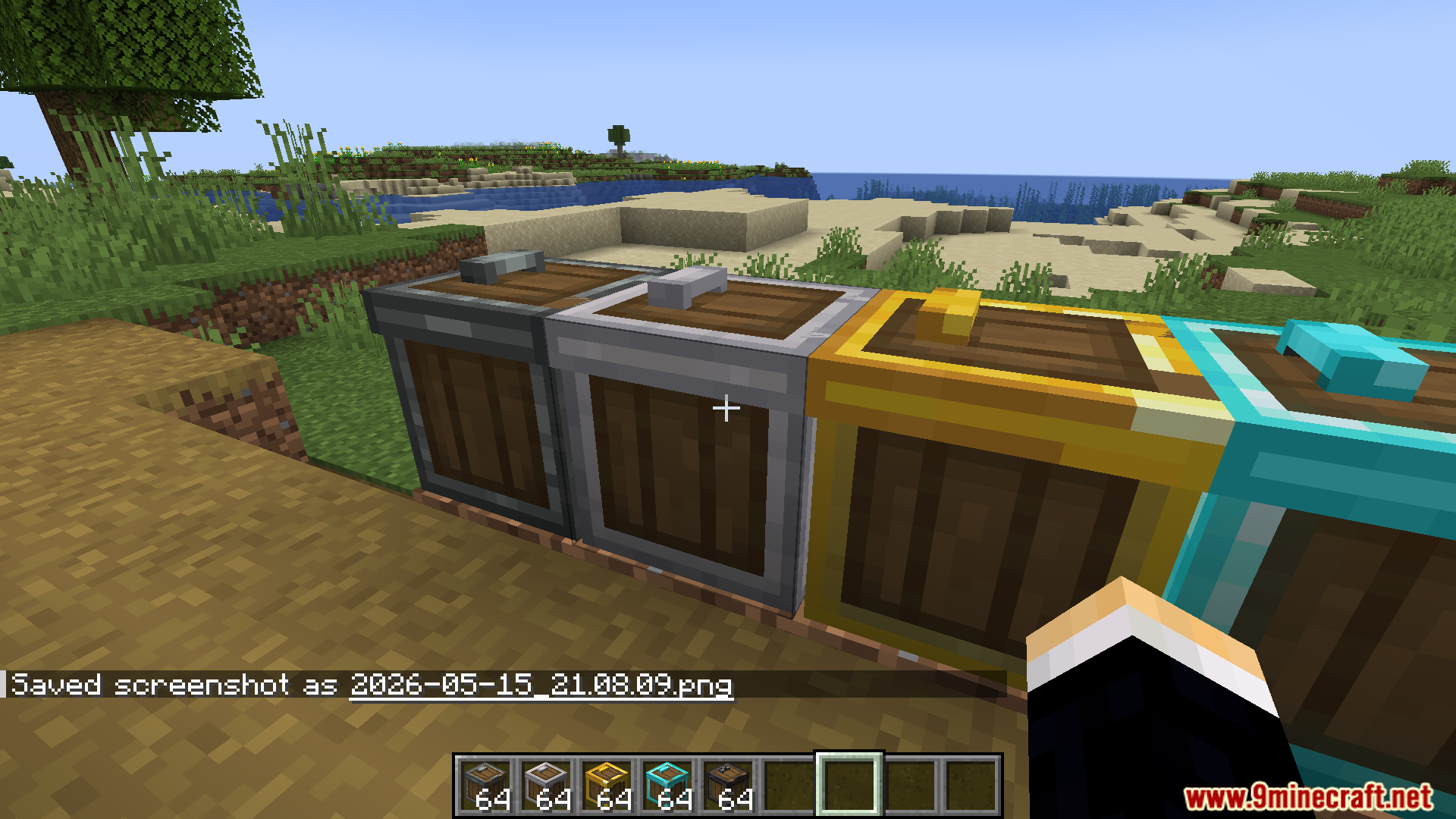
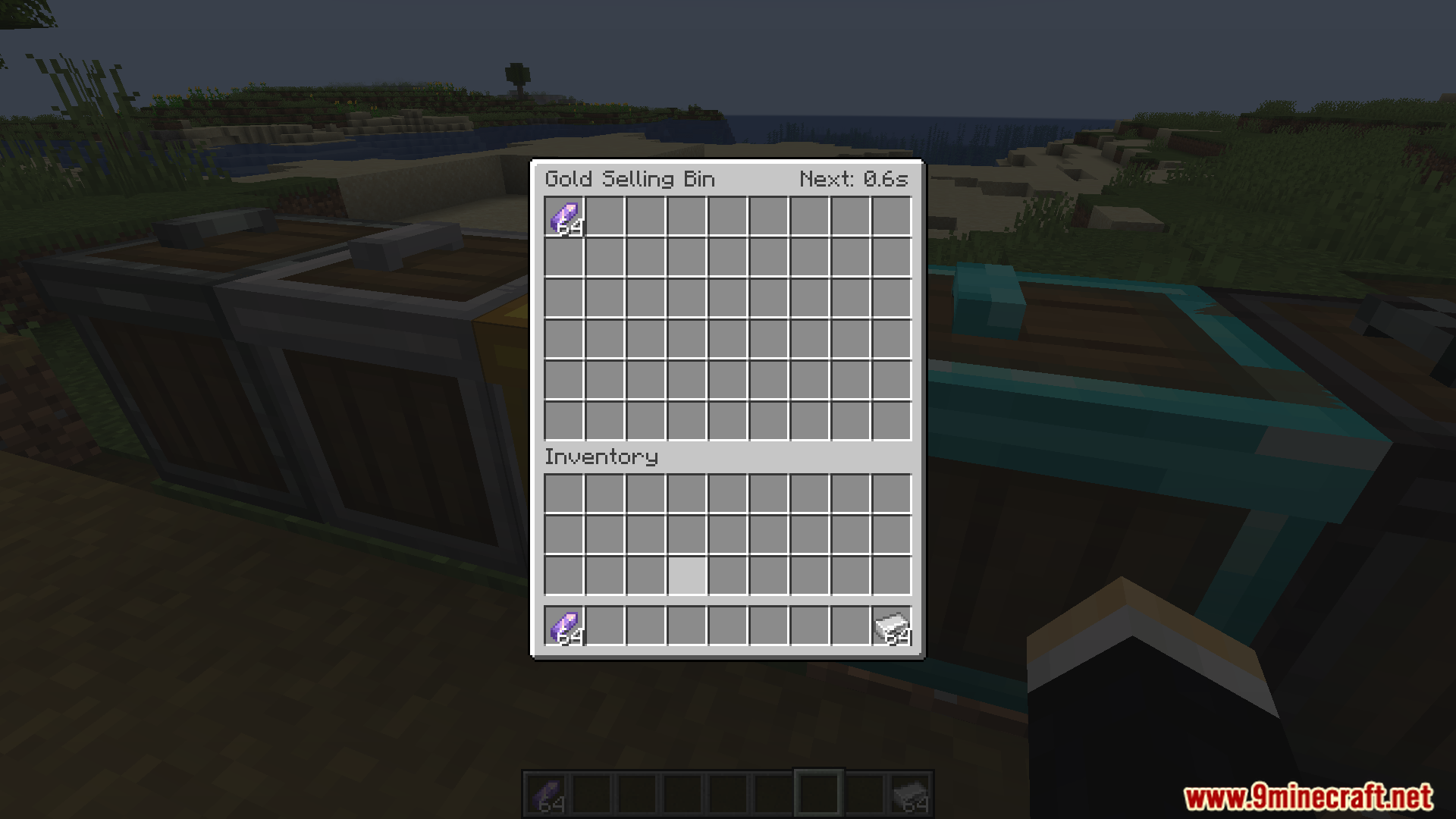
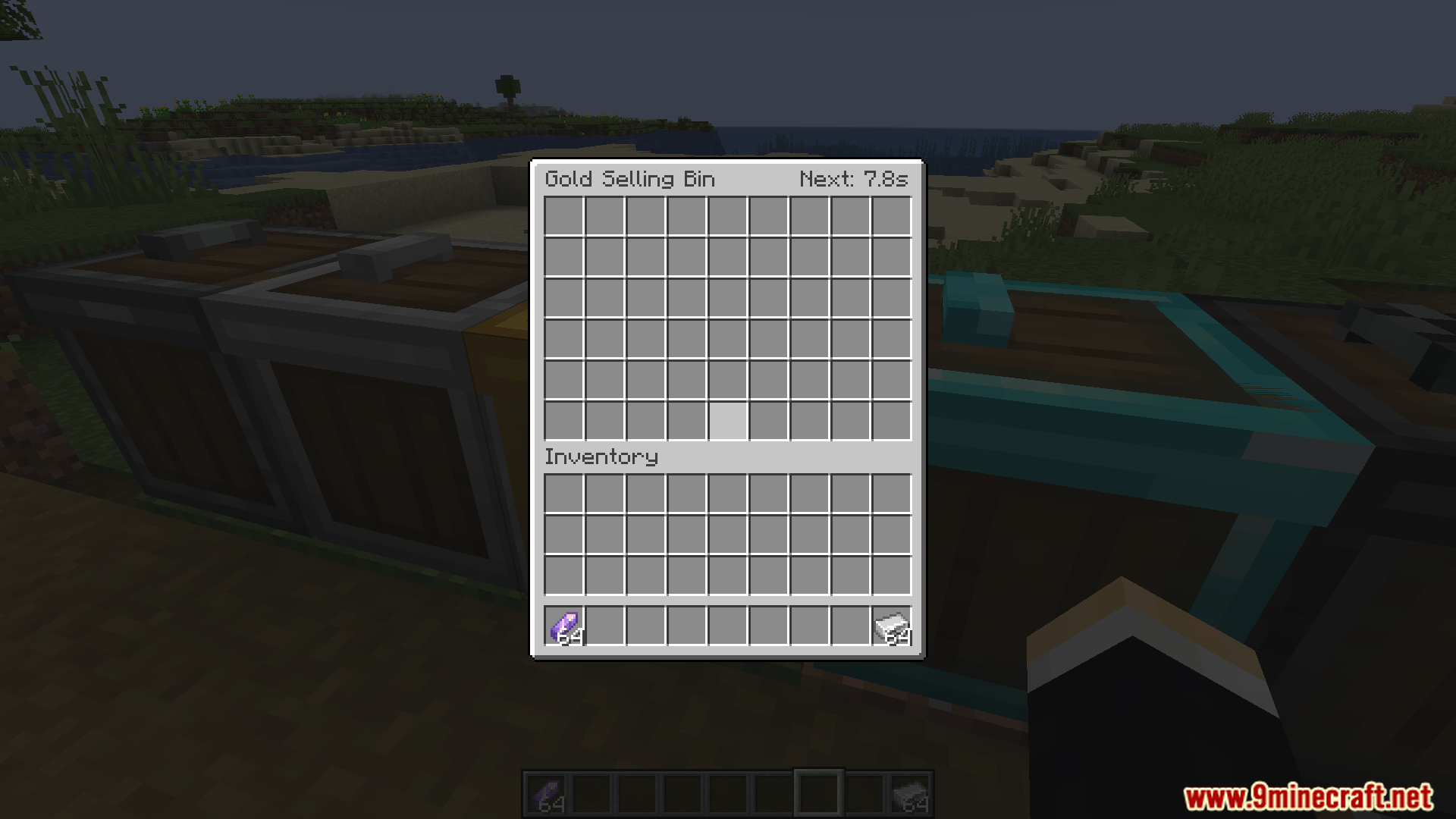
Place any tier of shipping box on the ground, right-click it to open the menu, and put items you want to sell into the left slots. The box will automatically convert them to points when the timer on the right counts down to zero.
Why did the price of my item drop after I sold a lot?
The mod uses supply and demand pricing, so selling large quantities of the same item lowers its value over time. Prices recover gradually, so try selling different items or wait for the market to stabilize.
What's the difference between the box tiers?
Each tier from Wood to Netherite sells items faster and holds larger batches. Netherite is the fastest with no batch size limit, while Wood is slowest but good for starting out.
Can I see how many points an item will give before I sell it?
Yes, hover over any item in your inventory to see a tooltip showing the estimated points you'll earn, which includes price changes, batch bonuses, and handling fees calculated automatically.
Do I need to do anything while items are selling?
No, the shipping box works completely on its own. You can keep playing, mining, or building while it converts your items into points in the background.
How do I change which items can be sold on my server?
Use the command `/xiangcaomengjia config` (requires OP permissions) to open the trade setup menu, where you can add or remove items and set their prices.
What happens if I put items in a box and then remove it?
The items inside will drop as loot when you break the box, so you won't lose anything—just pick them back up and try again.
Can I use multiple shipping boxes at the same time?
Yes, you can place as many boxes as you want and fill them all with different items. Each box processes independently on its own timer.
How do I update prices without restarting the server?
Use `/xiangcaomengjia refreshPrice` to manually update the world price multipliers, or `/xiangcaomengjia reload` to refresh the entire trade list.
Why is my box taking so long to sell items?
You're probably using a lower tier box like Wood or Iron. Upgrade to a higher tier (Golden, Diamond, or Netherite) for faster selling speeds.
Gallery
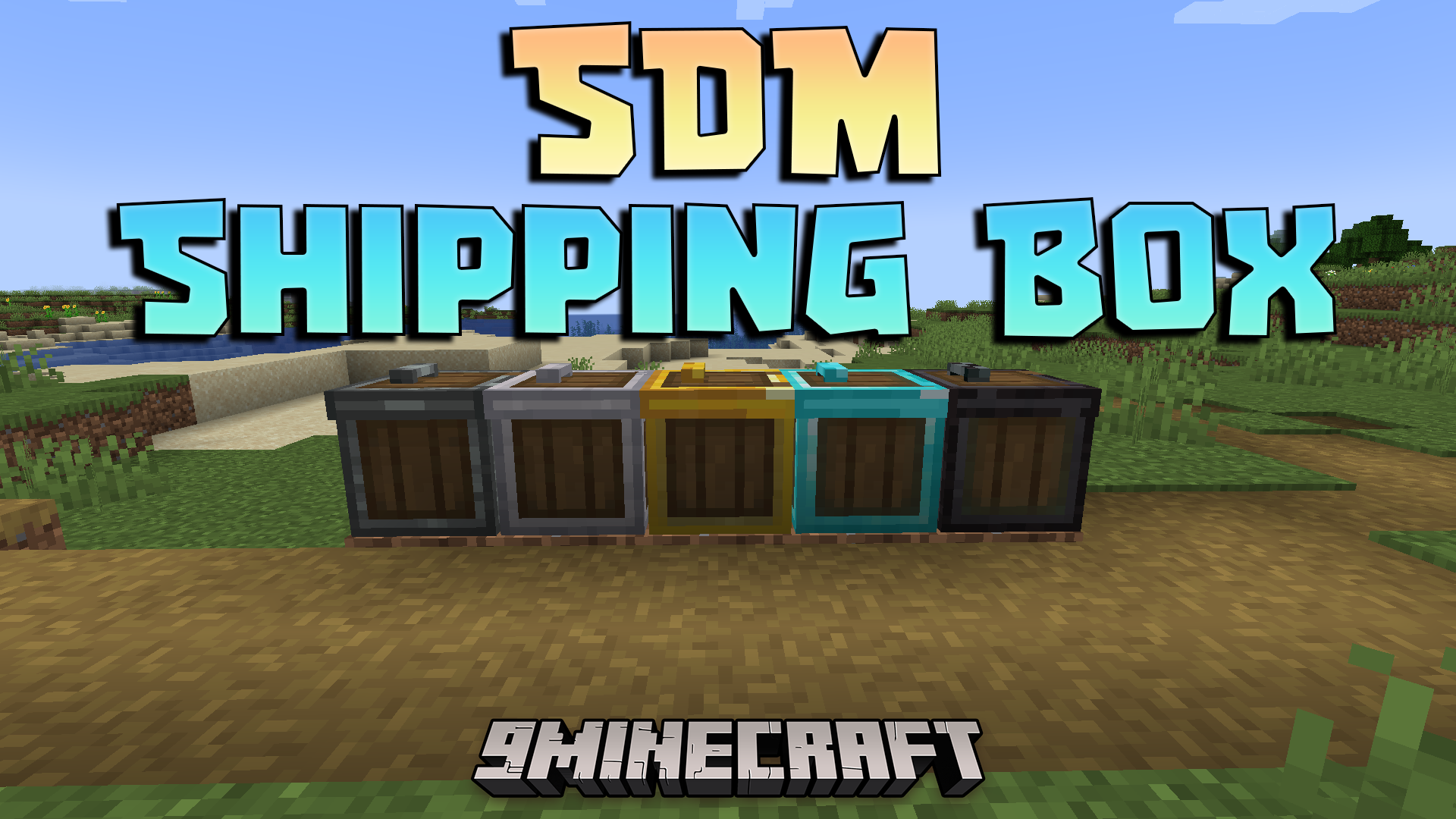
12 images from the Sdm Shipping Box Mod page.
You May Also Like
Wikis that share the most with this one
More mod wikis on the site
The most downloaded mods that have a wiki here
A few wikis from each of the other kinds