

 configured
 DownloadRuins Mod
Get the files on 9Minecraft
Guides
Step-by-step, in-game.
How to Add Your Own Structure to Ruins ModPrepare the Structure File Build your structure in a creative world, then export it with a schematic tool that…How to Control Which Structures Spawn in Ruins ModFind the Config Files Ruins reads its spawn rules from configuration files in your Minecraft config directory. Look…How to Explore Ruins Mod Structures SafelyScout Before You Enter Ruins structures range from harmless houses to dangerous temples and floating castles. Before…How to Make Ruins Structures Spawn More or Less OftenUnderstand the Rarity Value Each structure in Ruins has a rarity setting in its config entry. This value is weighted…
Frequently asked questions
How do I know if Ruins Mod is actually working in my world?
Generate a fresh world and fly around in spectator or creative mode looking for the mod's structures, since Ruins only places them during world generation. Existing chunks you already explored won't get new ruins, so you need unexplored terrain or a new world to see them.
Do Ruins structures spawn in chunks I've already loaded?
No, Ruins hooks into world generation, so structures only appear in newly generated chunks. If you want ruins in an existing world, you'll need to travel to terrain you've never visited before.
Where do I put my own structure files so the mod finds them?
Place your converted template files in the mod's ruins folder inside your Minecraft directory, keeping the folder structure the mod expects. The mod reads that folder at world generation, so files added there will be picked up for new chunks.
How do I convert an MCEdit schematic into a Ruins template?
Use the schematic converter that ships with the mod to turn your exported schematic into the Ruins template format. Once converted, drop the resulting file into the ruins folder so it can be spawned.
Gallery
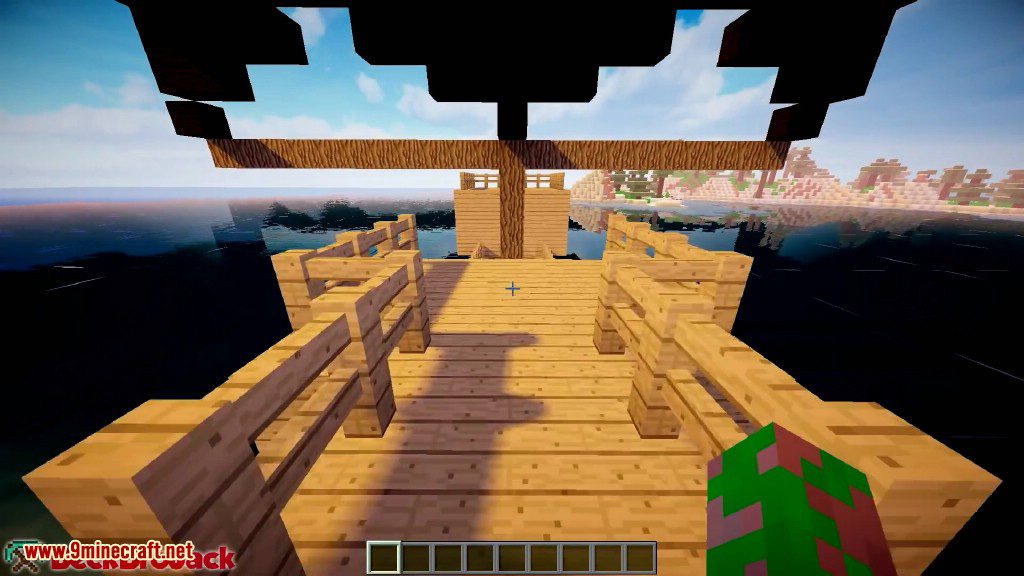
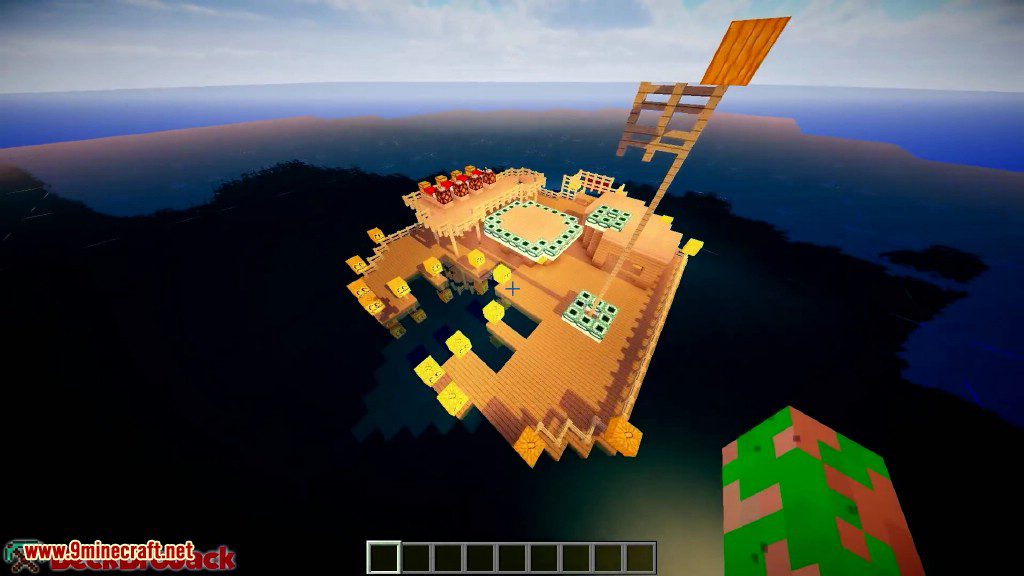
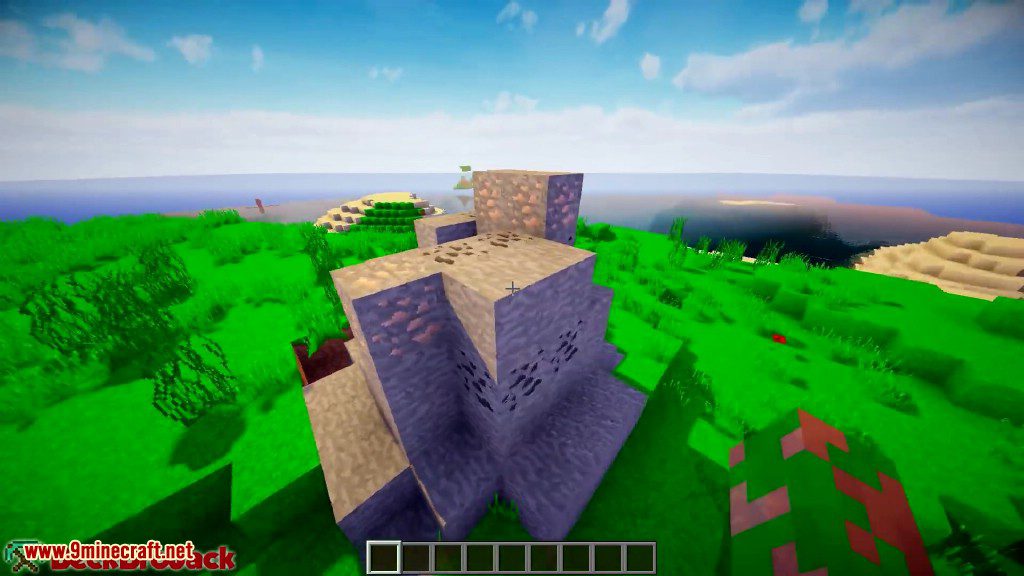
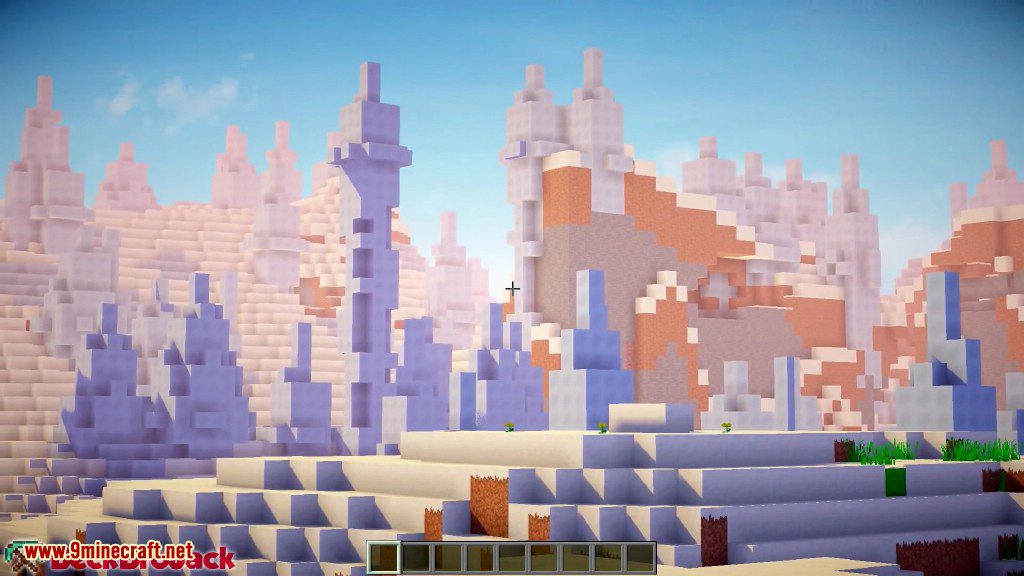
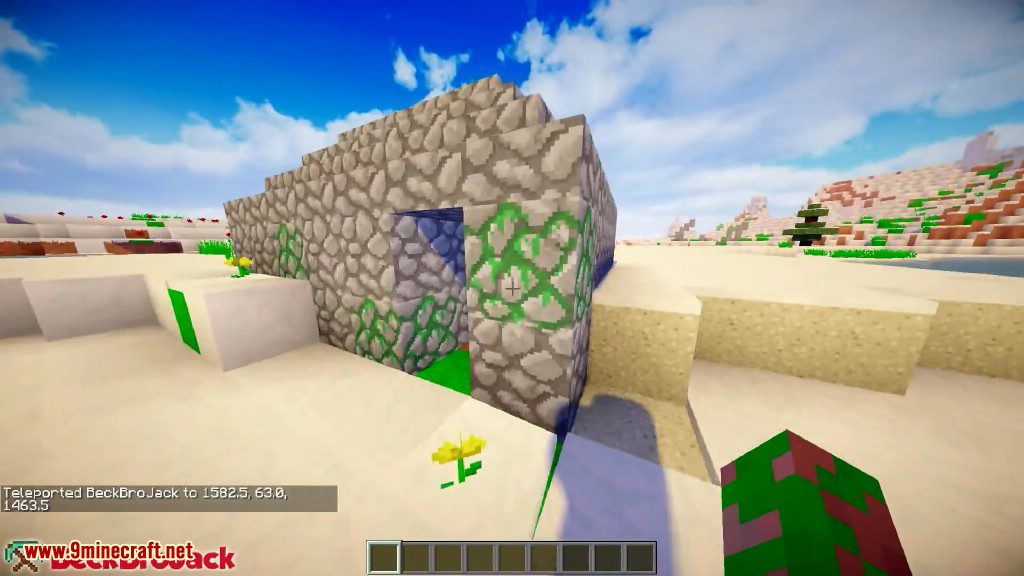
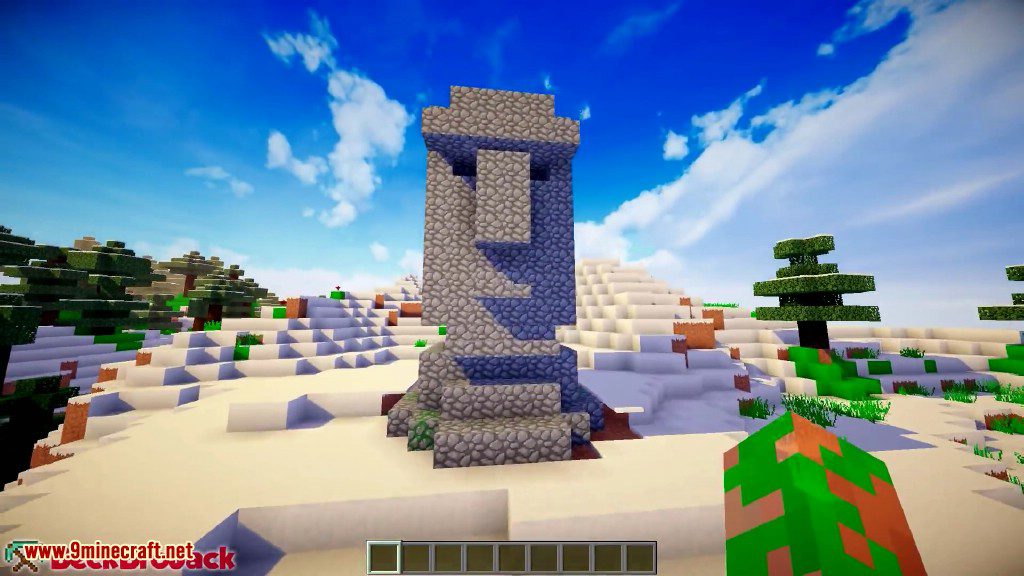
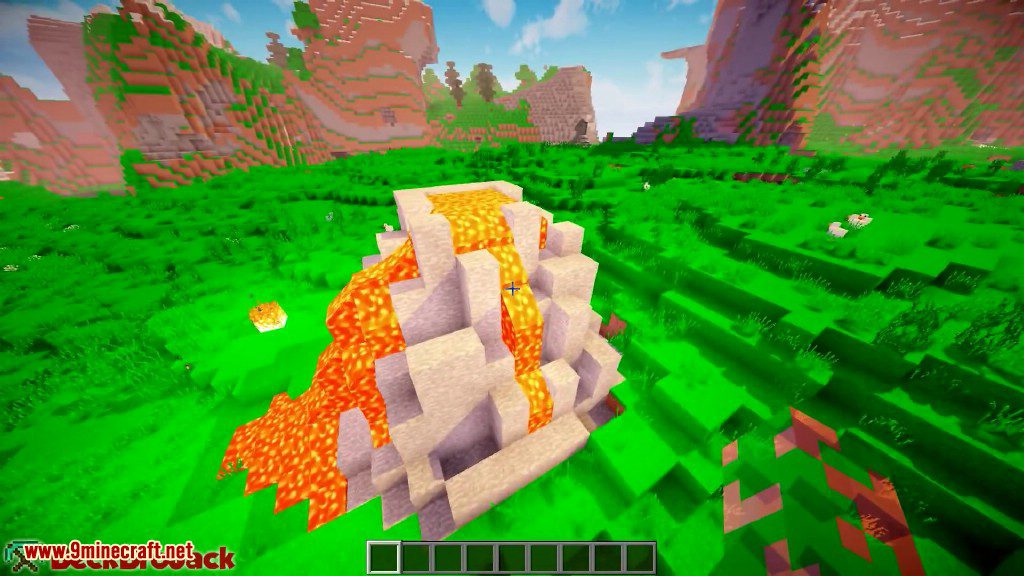
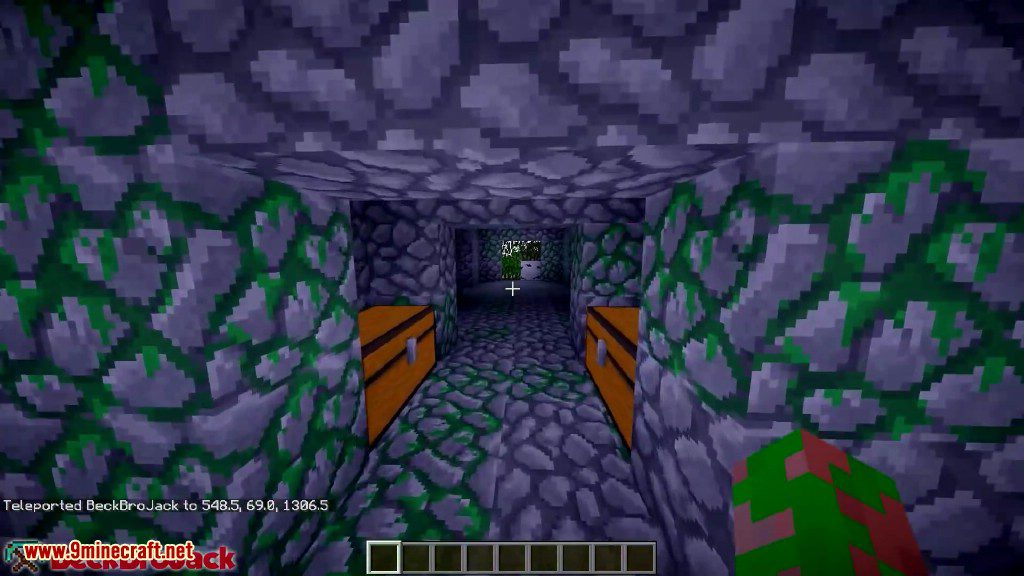
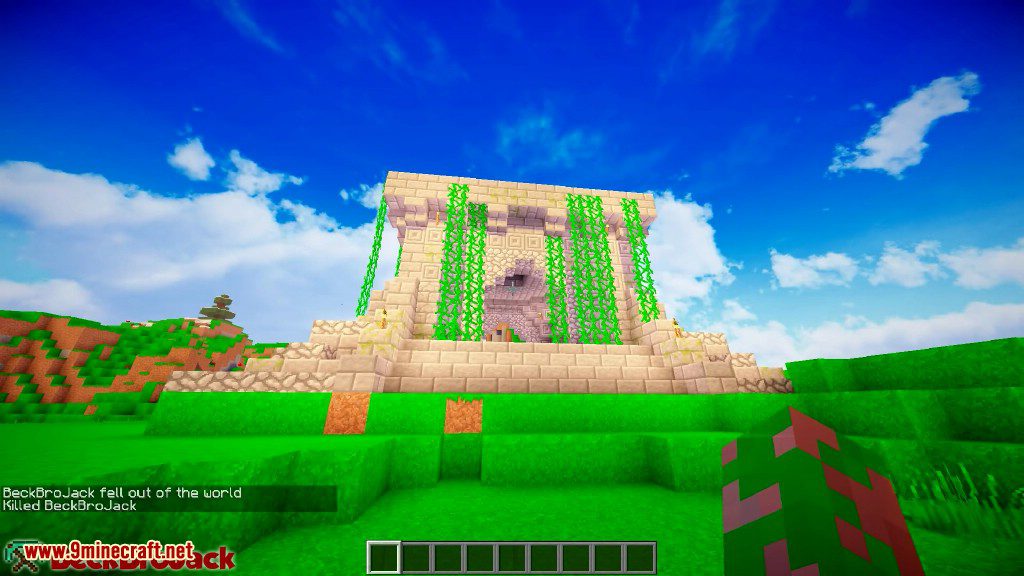
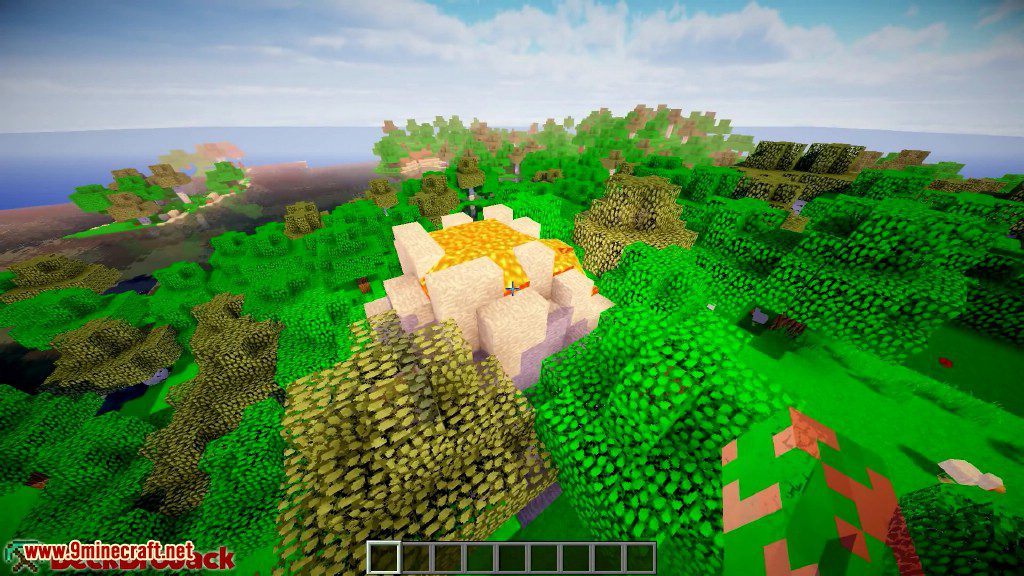
12 images from the Ruins Mod page.


You May Also Like
Wikis that share the most with this one
Forest Ruins ModRuins Of GrowssethForgotten Ruins ModMoss Ruins Data PackRuins and Towers ModFastcraft+Ruins Patch ModApocalyptic Ruins Cars ModAncient Ruins 9minecraft ModHopo Better Underwater Ruins ModLoot Integrations: Philip’s Ruins ModHopo Better Underwater Ruins Data PackGrim Kingdoms Structures & Ruins Data Pack
More mod wikis on the site
The most downloaded mods that have a wiki here
A few wikis from each of the other kinds