

 Sodium
 DownloadRubidium Extra Mod
Get the files on 9Minecraft
Guides
Step-by-step, in-game.
How to Customize the Sky, Stars, Sun, Moon, and Weather in Rubidium ExtraRubidium Extra ports OptiFine-style world detail options, letting you change how the sky and weather look without a…How to Disable Fire, Water, and Lava Animations in Rubidium ExtraIf animated fire, flowing water, or bubbling lava is hurting your framerate, Rubidium Extra lets you switch these off…How to Reduce or Hide Particles for Better FPS with Rubidium ExtraParticles from explosions, torches, rain, and other mods can tank your framerate in busy areas. Rubidium Extra gives…How to Show FPS, Coordinates, and Other On-Screen Info with Rubidium ExtraRubidium Extra can display useful overlays like your framerate, coordinates, and notifications directly on screen,…
Frequently asked questions
How do I open the Rubidium Extra settings menu?
Open the video settings screen from the standard options menu and look for the Rubidium Extra button or tab, which sits alongside the regular Rubidium/ Embeddium video options. From there you can browse the animation, particle, detail, and render categories.
Do I need Rubidium or Embeddium installed for this mod to work?
Yes, Rubidium Extra is an addon and won't do anything on its own. It hooks into Rubidium or Embeddium, so you need one of those performance mods installed and active for the extra settings to appear and function.
Embeddium, so you need one of those performance mods installed and active for the extra settings to appear and function.Why don't I see any Rubidium Extra options in my video settings?
Can I use Rubidium Extra together with OptiFine?
See all 10 Rubidium Extra questions ›
Gallery
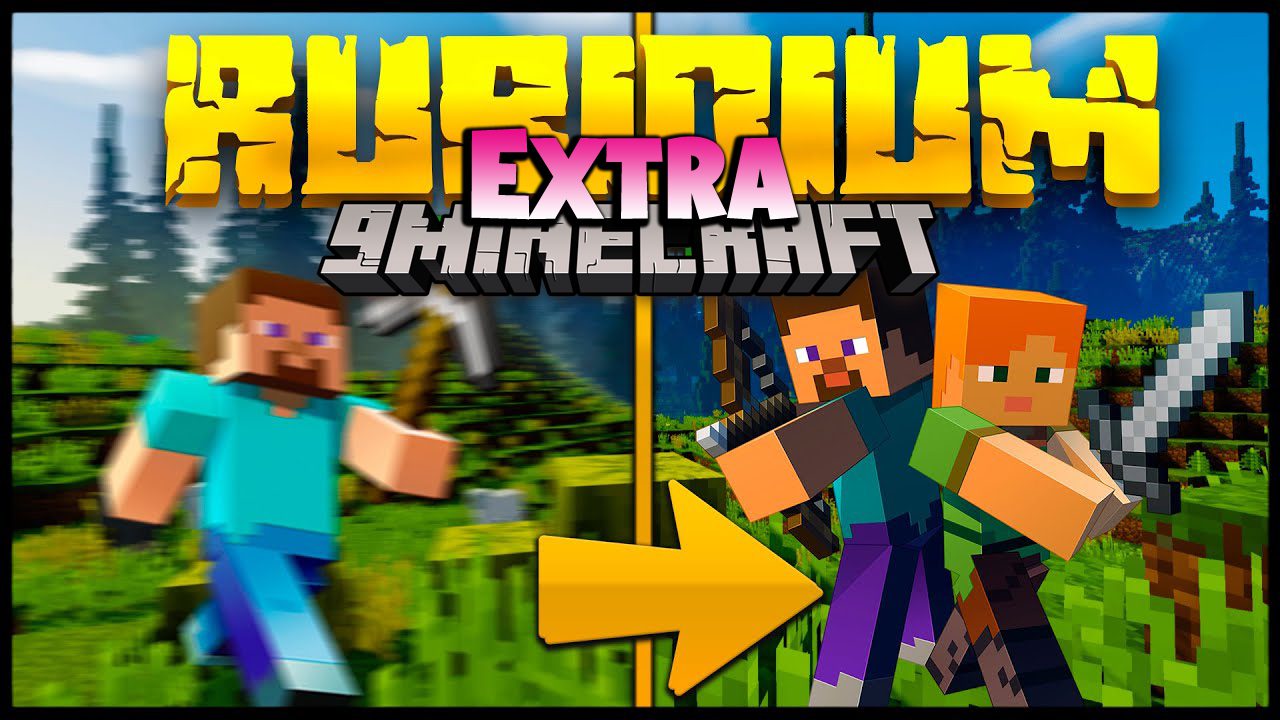
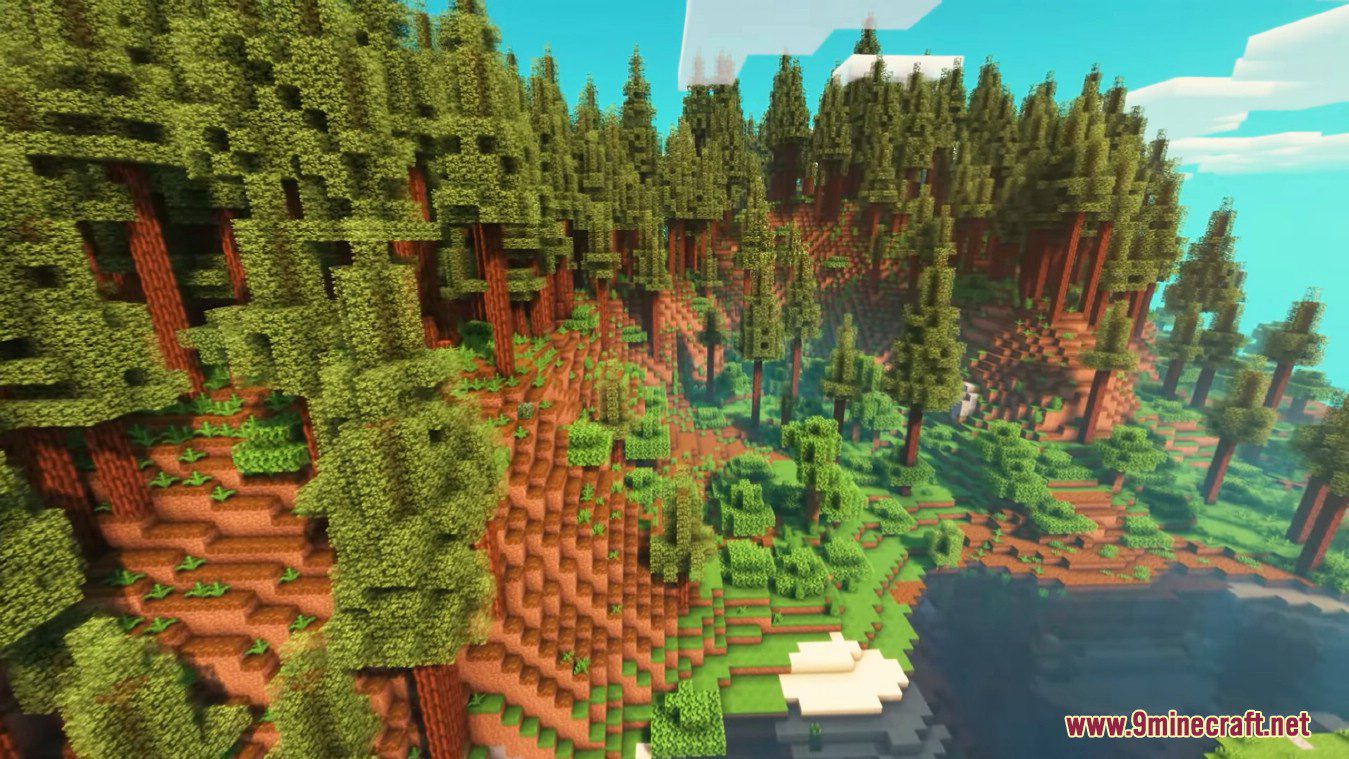
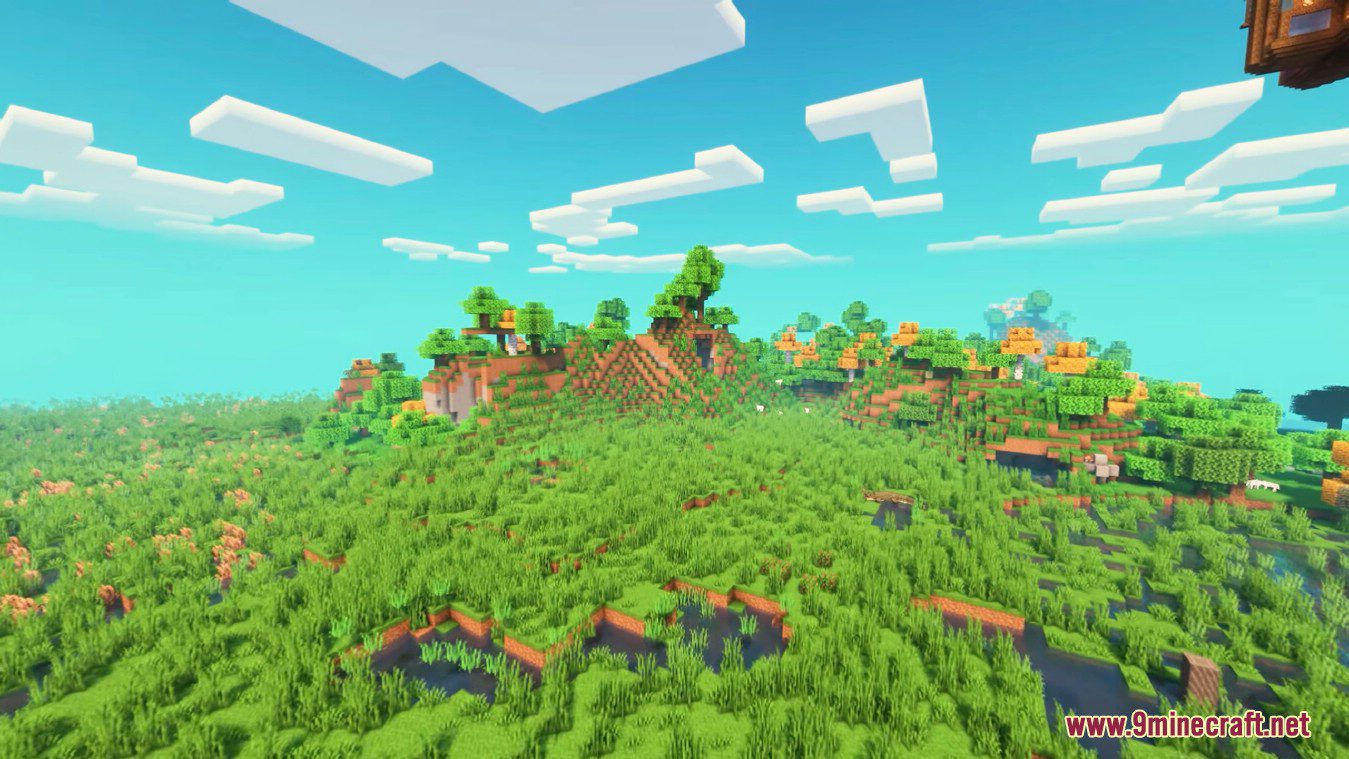
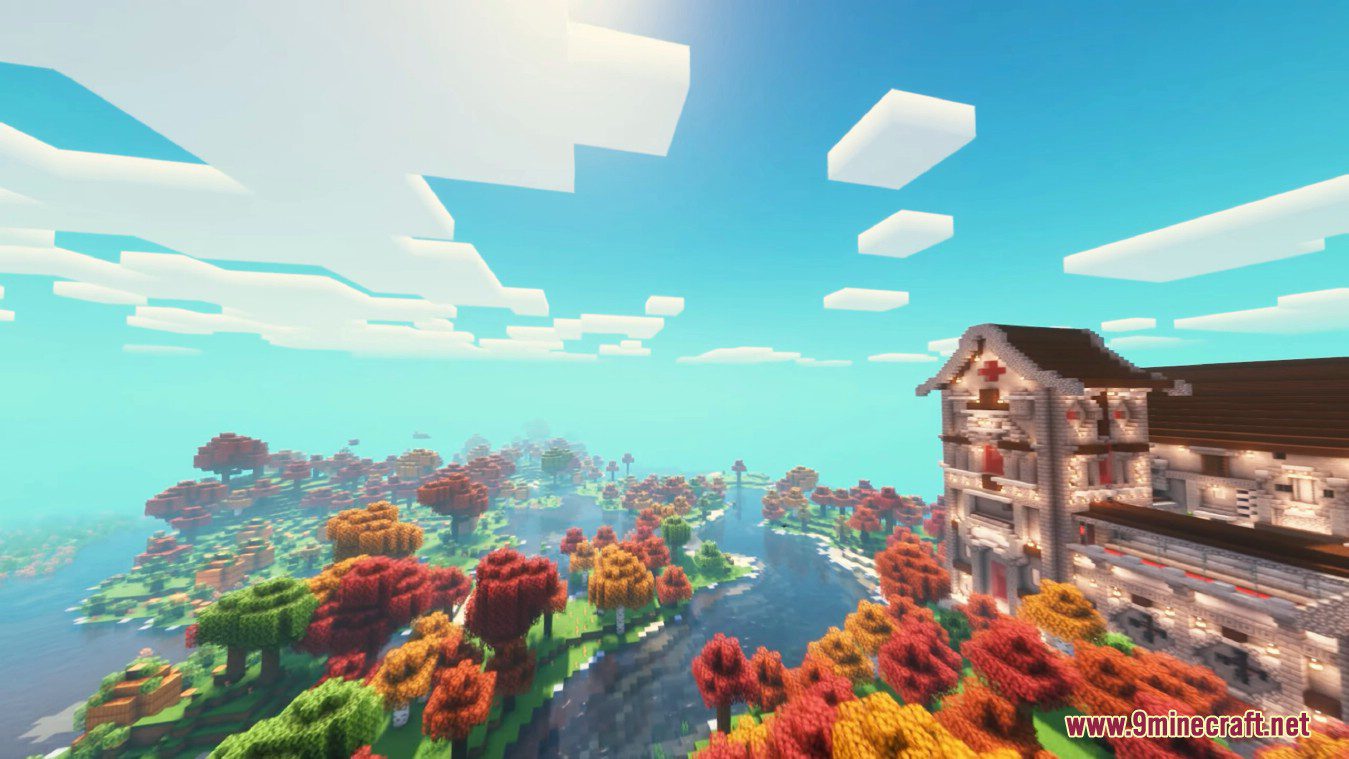
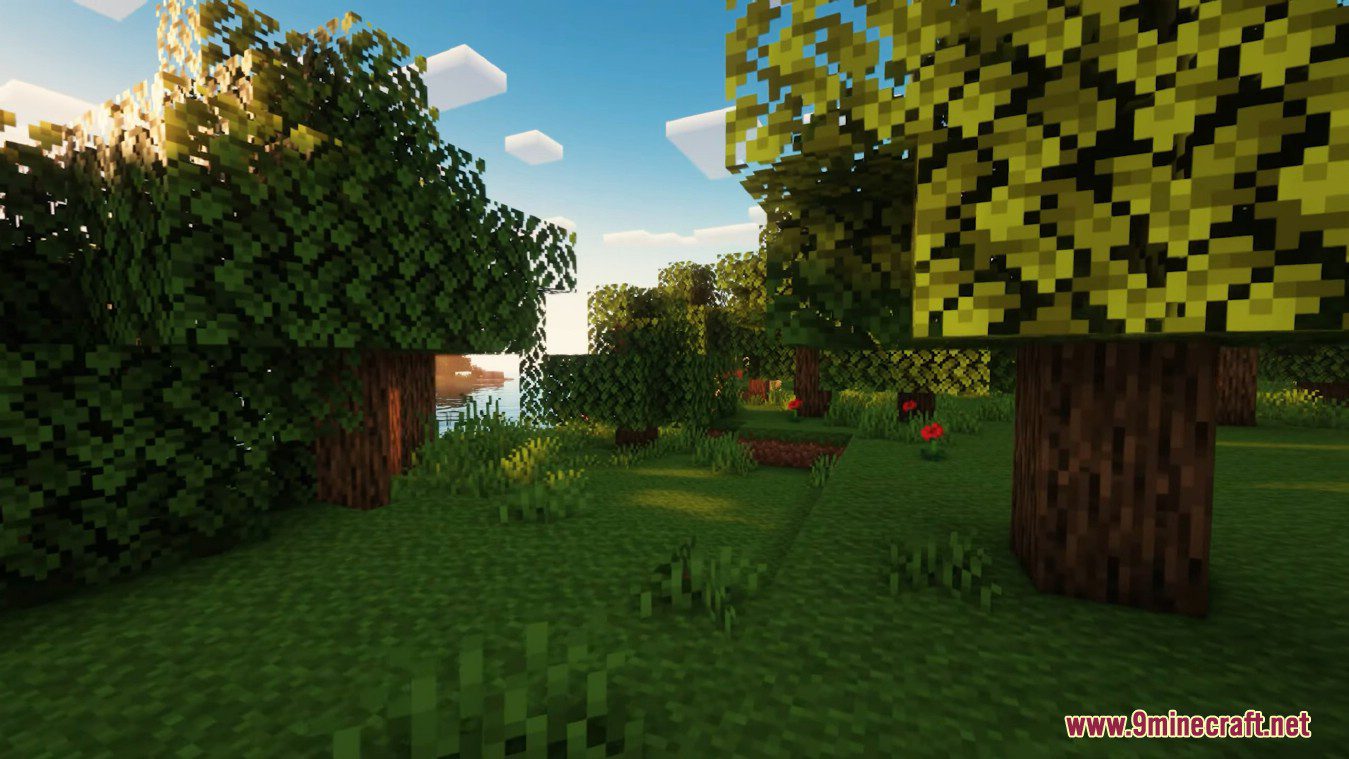
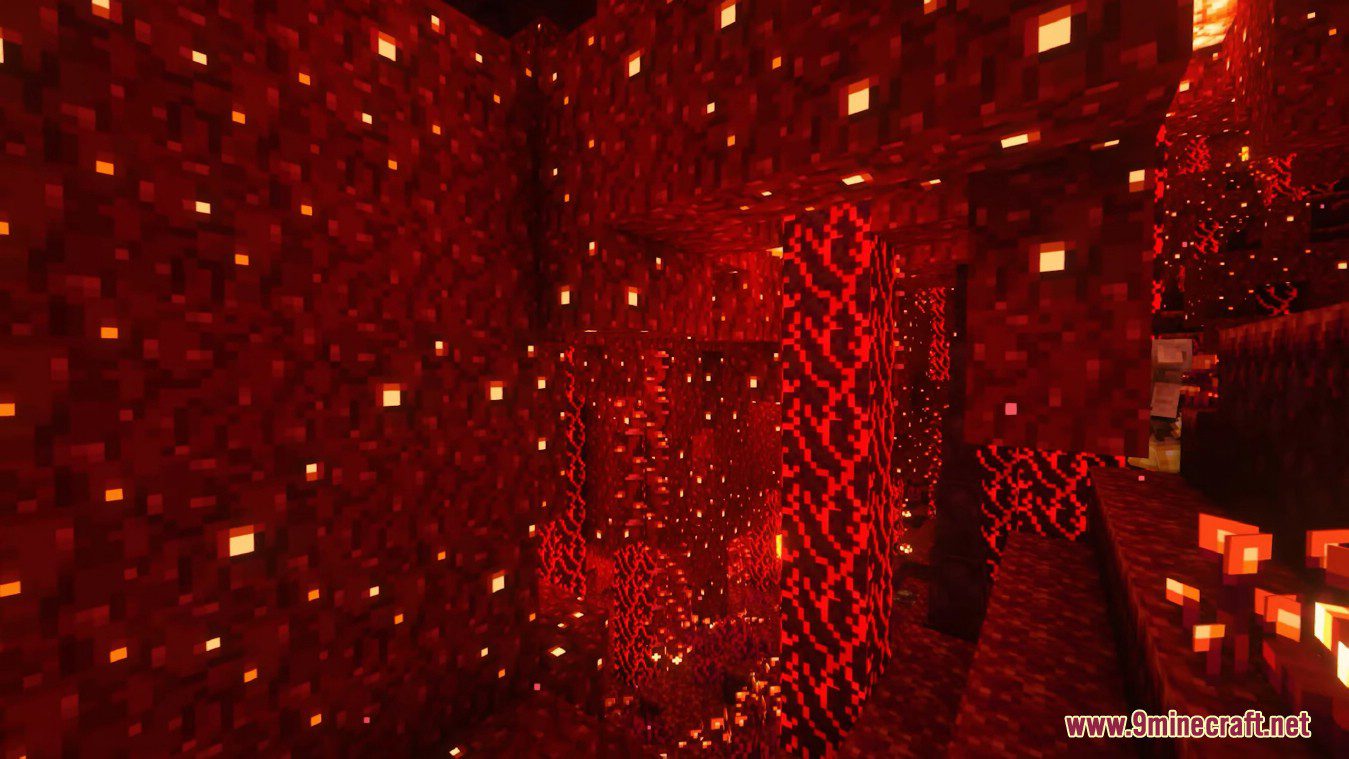
6 images from the Rubidium Extra Mod page.
You May Also Like
Wikis that share the most with this one
More mod wikis on the site
The most downloaded mods that have a wiki here
A few wikis from each of the other kinds