

 DownloadRPG-Hud Mod
Get the files on 9Minecraft
Guides
Step-by-step, in-game.
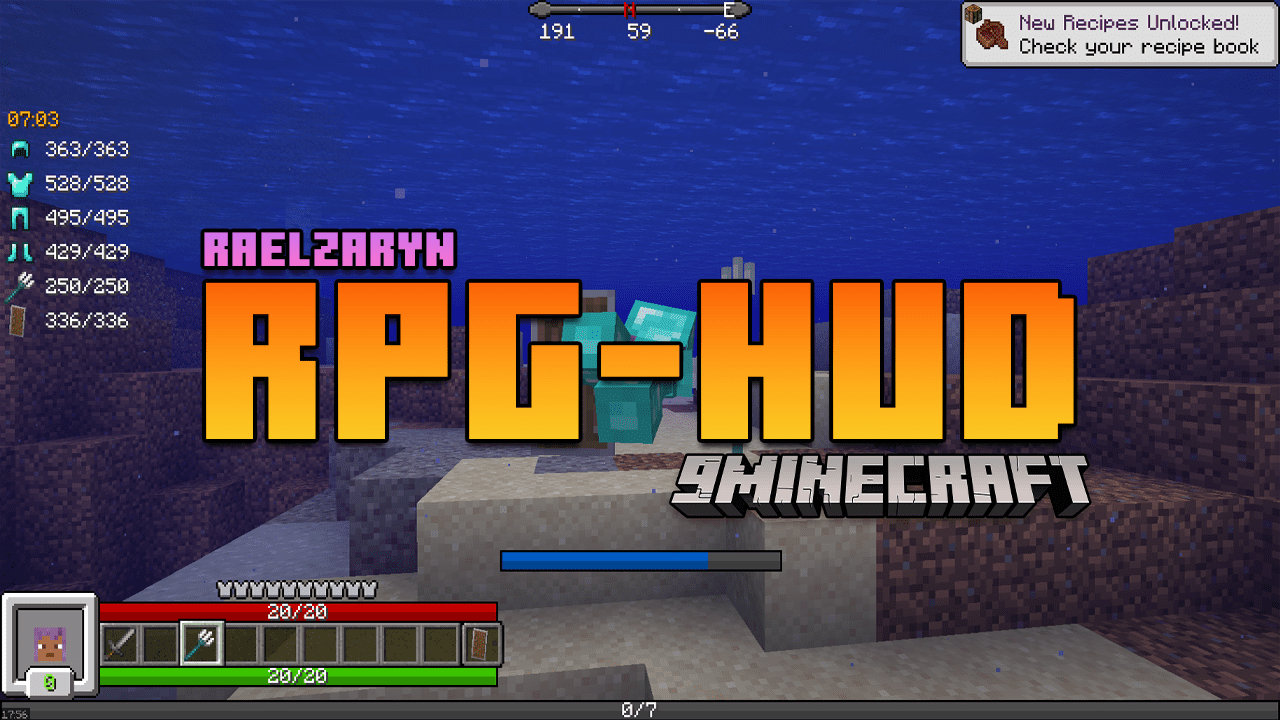
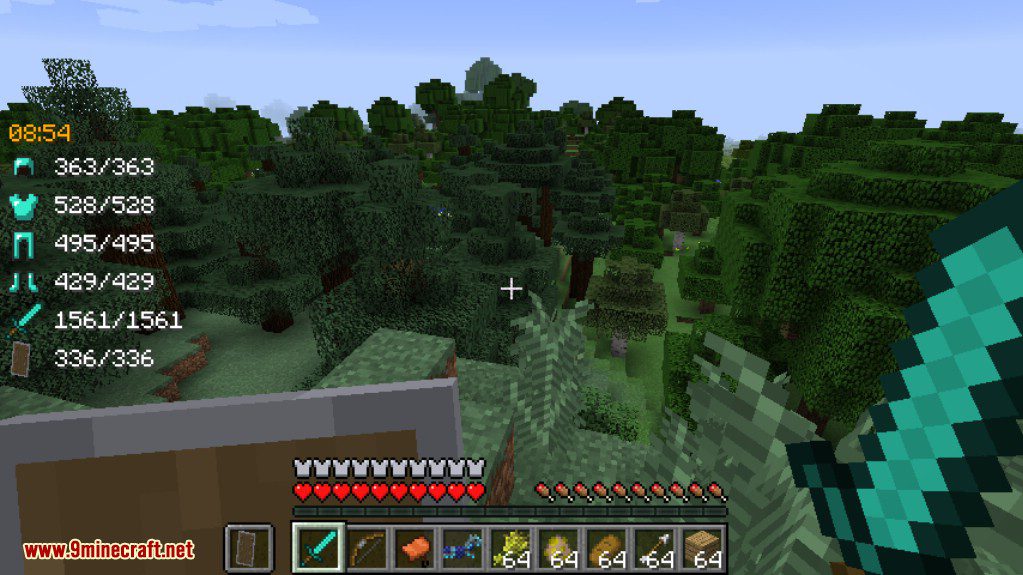
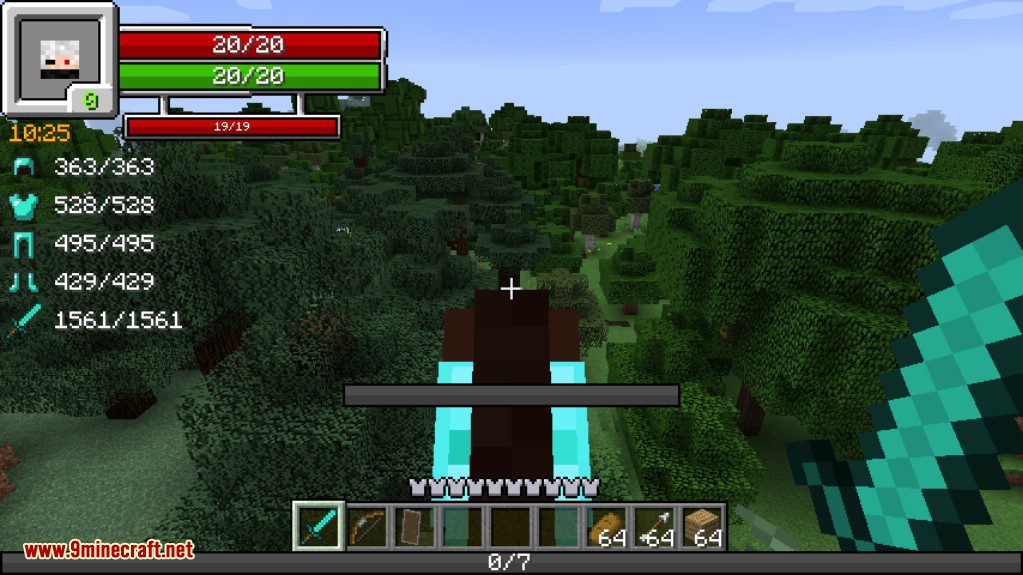
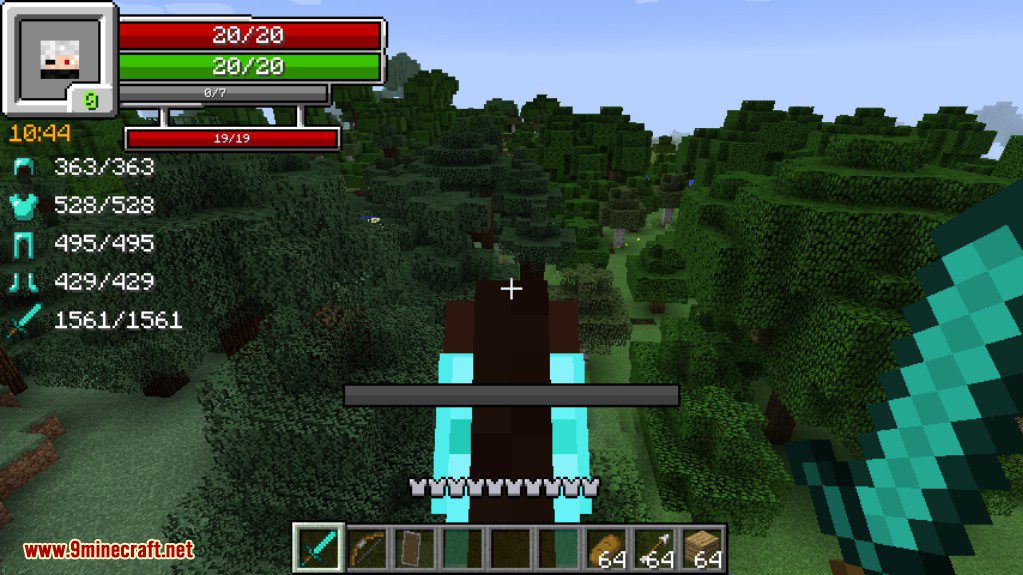
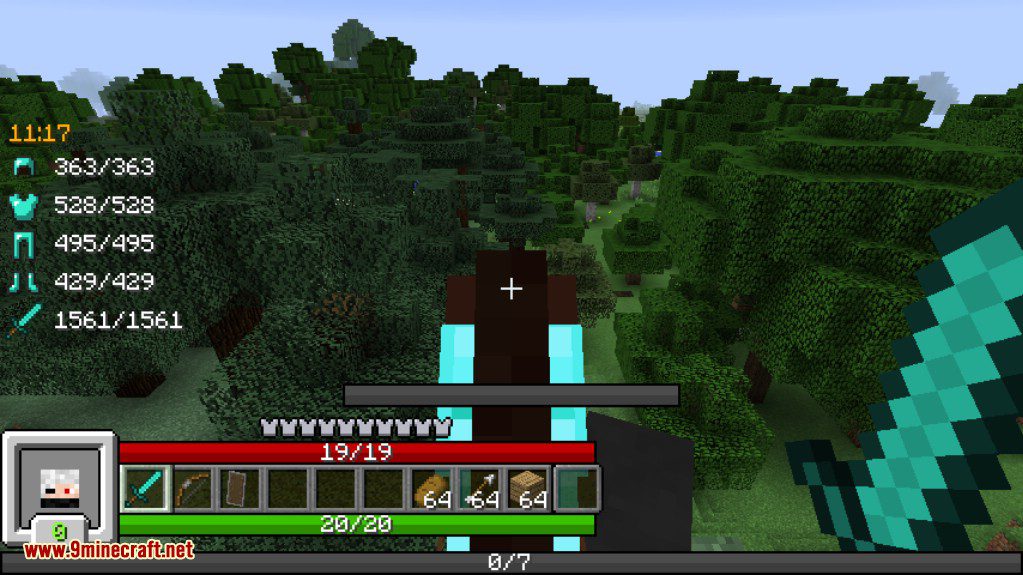
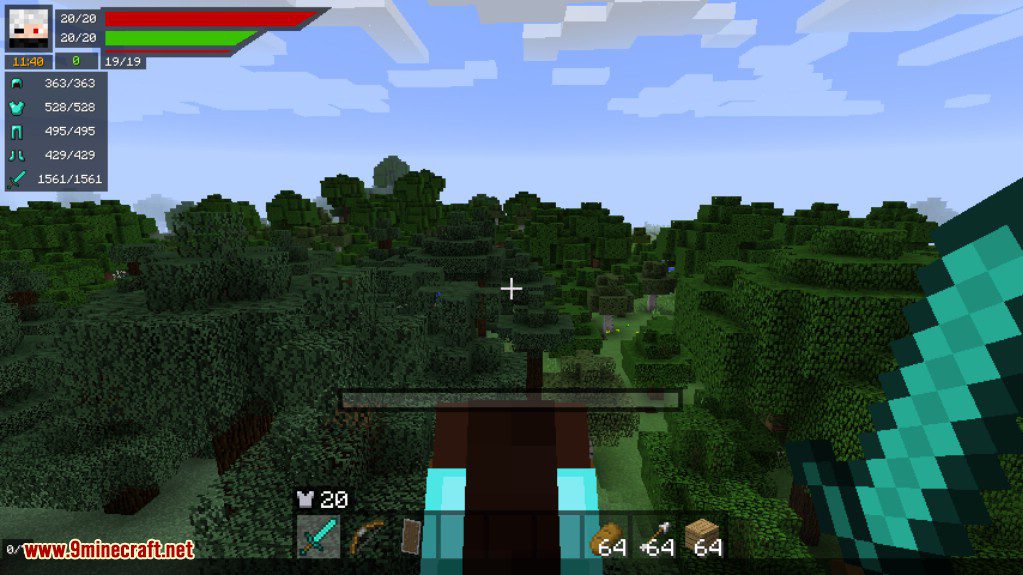
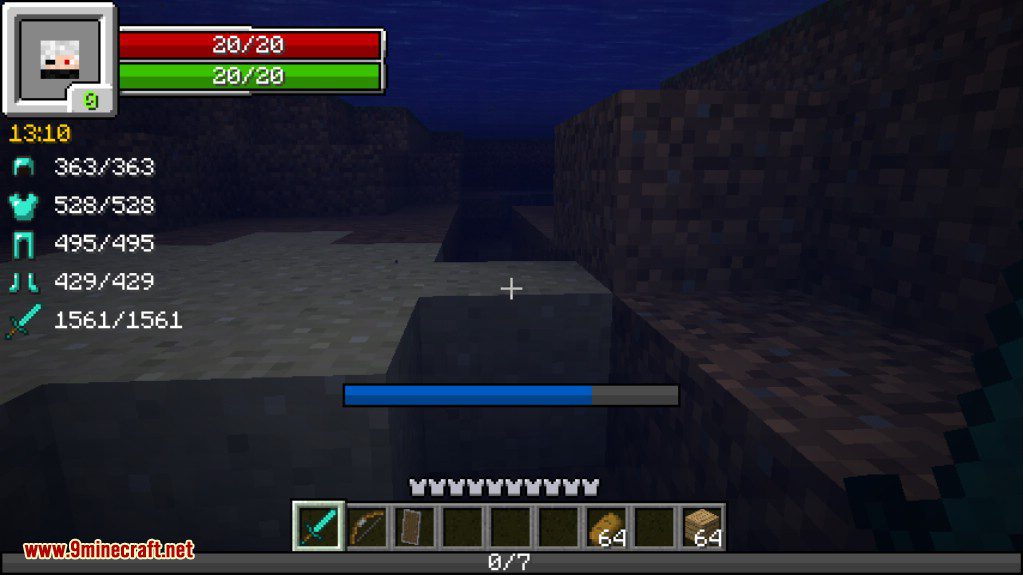
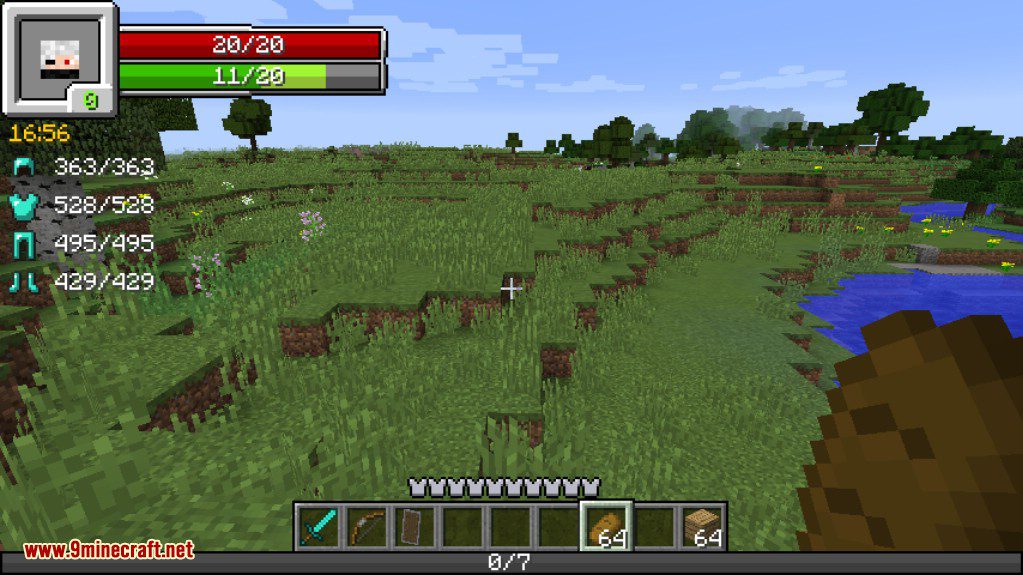
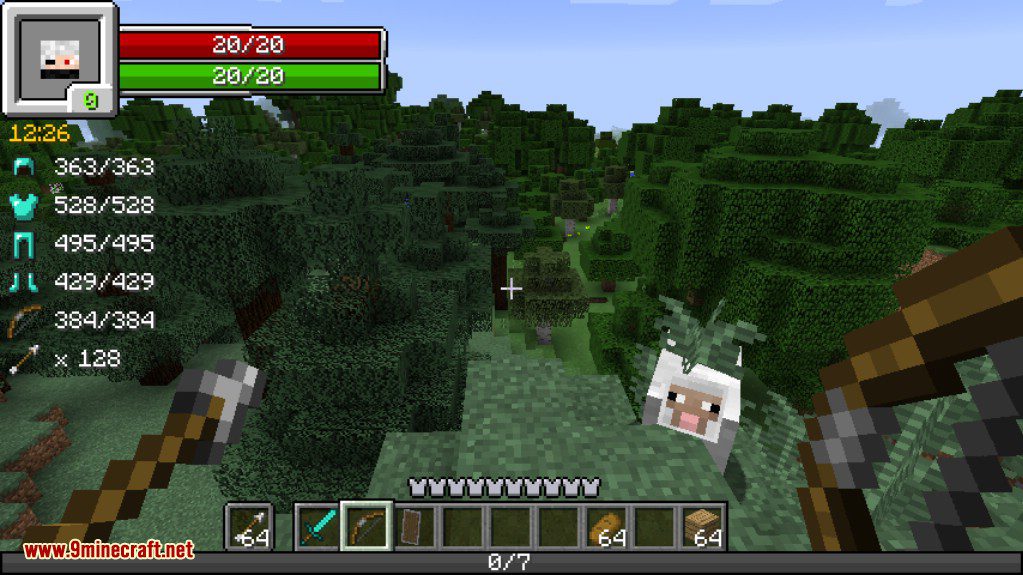
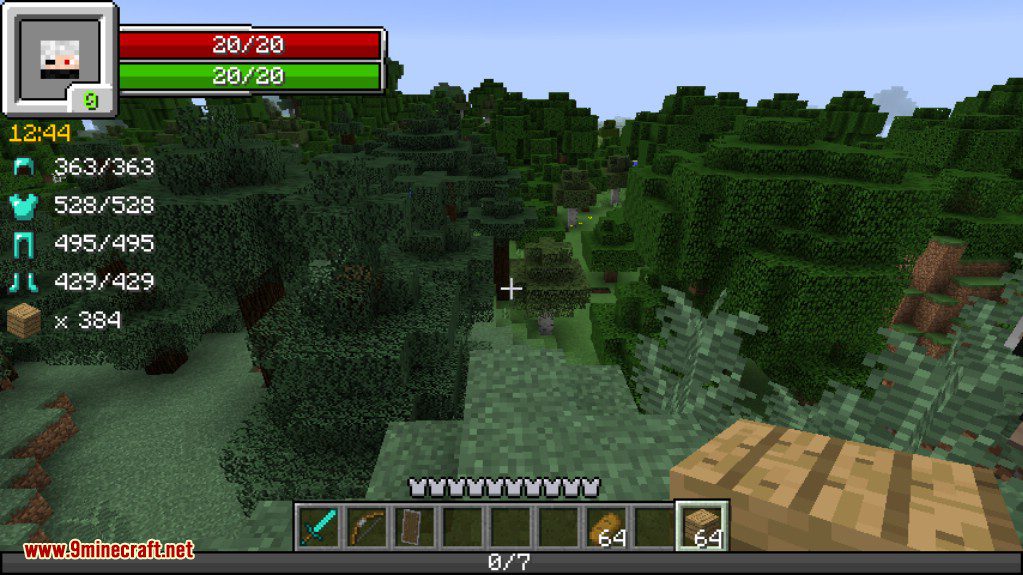
Display Item Durability and Equipment StatusEnabling Durability Display The mod automatically shows durability information for your equipped tools and armor.…Move and Reposition HUD ElementsAccessing HUD Positioning Mode Open your RPG-Hud Mod settings from the main menu or in-game settings screen. Look for…Switch Between Different HUD StylesFinding the Style Settings Access the RPG-Hud Mod configuration menu through your Minecraft settings. Look for a "HUD…View Mob Health and Armor When Targeting EnemiesHow Mob Health Display Works When you look directly at a mob or enemy, the RPG-Hud Mod automatically displays its…
Frequently asked questions
How do I open the RPG-Hud settings menu?
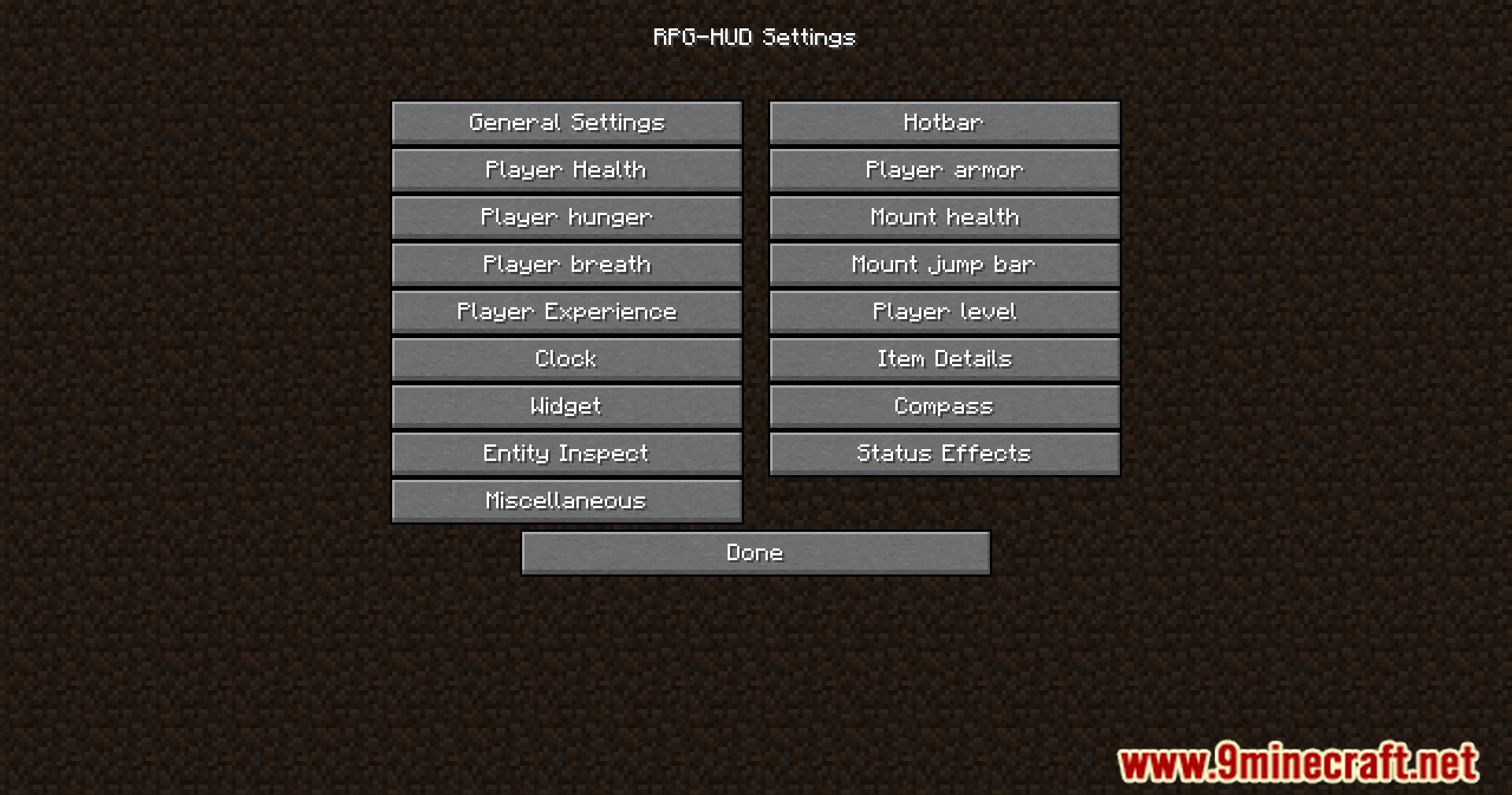
Press the settings key (default is usually a configurable hotkey) while in-game, or access it through your Minecraft settings menu under mods. The settings menu lets you switch HUD styles, toggle widgets on/off, and adjust positions.
Why is my HUD showing numbers instead of bars?
You've likely selected a HUD style that displays exact values (like health points and stamina numbers) instead of visual bars. Switch to a different HUD style in the settings menu to change back to bar-based displays.
Can I hide specific widgets I don't want to see?
How do I move HUD elements to different positions on my screen?
Enter the HUD customization mode from the settings menu, then click and drag any element to reposition it. Each element can be moved independently to create your ideal layout.
See all 10 RPG-Hud questions ›
Gallery
12 images from the Rpg Hud Mod page.
You May Also Like
Wikis that share the most with this one
Wikis on the same theme: rpg
 Axo Chaos Axolotl Rpg Mod
More mod wikis on the site
The most downloaded mods that have a wiki here
A few wikis from each of the other kinds