

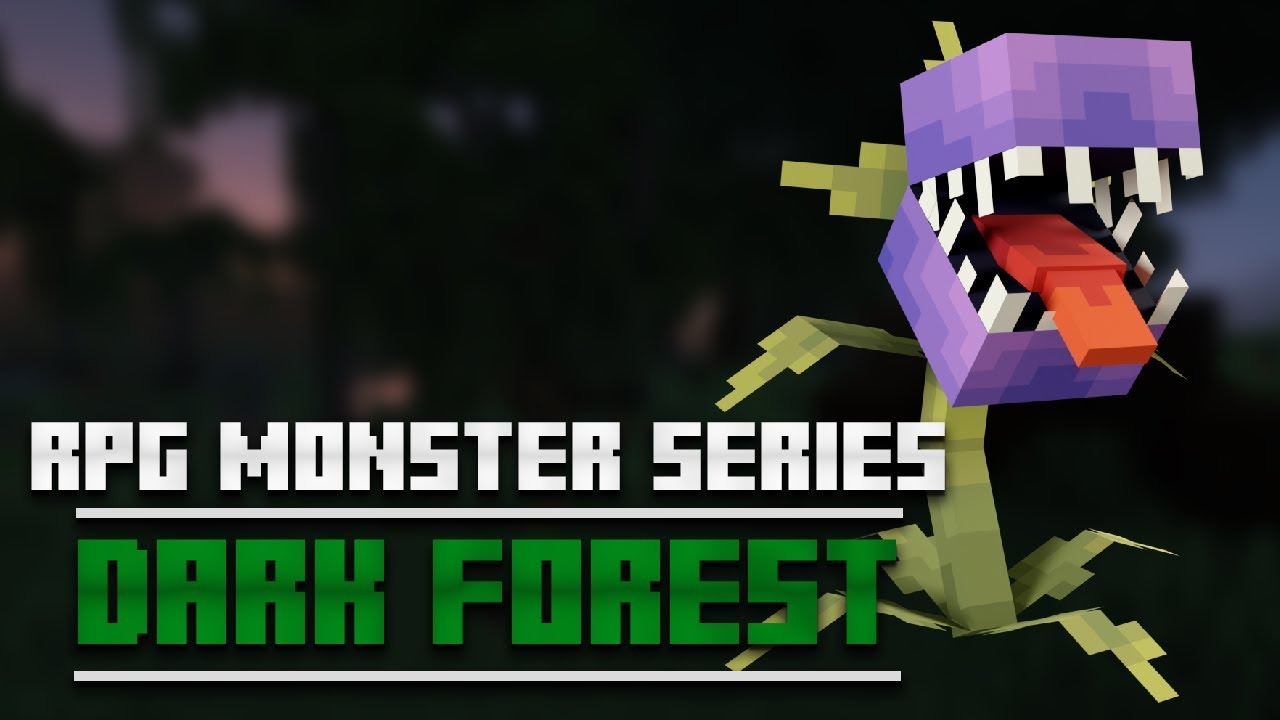
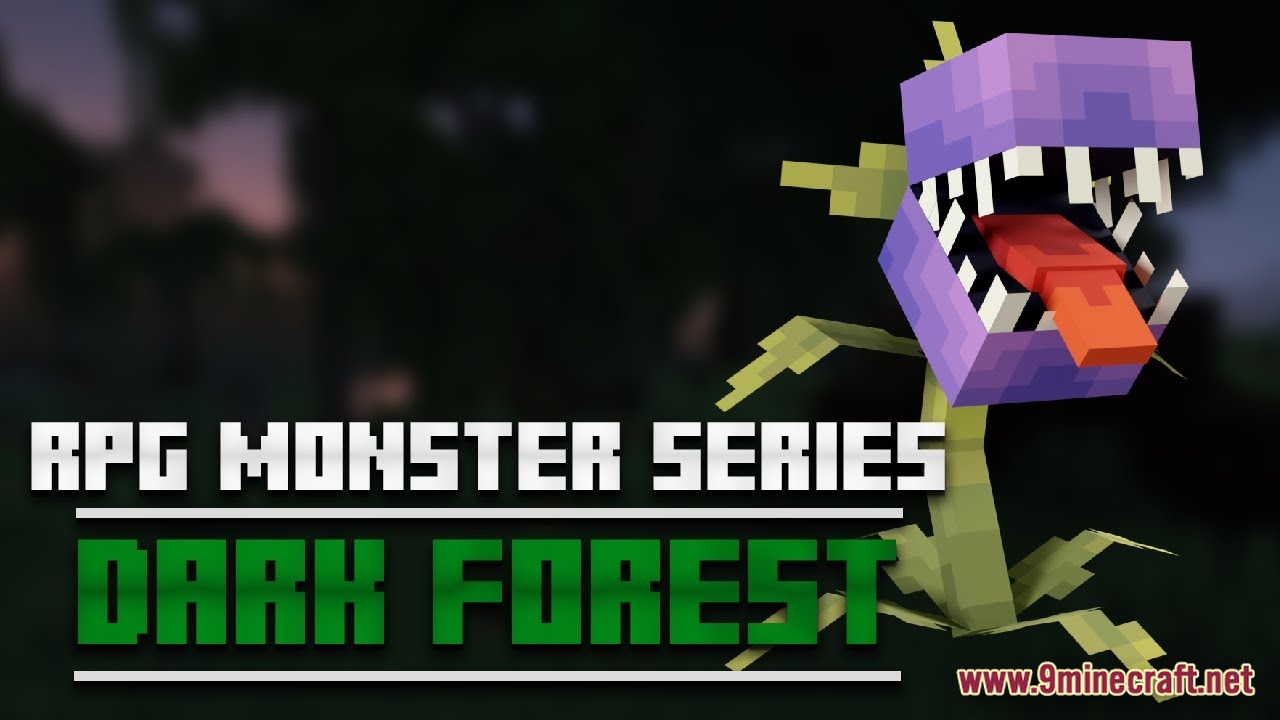
 DownloadRPG Monster Dark Forest Model
Get the files on 9Minecraft
Guides
Step-by-step, in-game.
Configure Monster Spawning in Your WorldAccessing Spawn Configuration After extracting the MythicMobs folder into your server's plugins directory, the random…Enable Emissive Textures for Better Visual EffectsRequirements Emissive skill textures only work with Optifine installed on your client. These textures make monster…Encounter and Identify Each Custom MonsterWhere to Find Them The ten custom monsters spawn randomly throughout your world when the mod is properly configured.…Troubleshoot Missing Monsters or SoundsVerify Plugin Installation If monsters aren't appearing or sounds are missing, confirm both MythicMobs and…
Frequently asked questions
Why aren't the new monsters spawning in my world?
Make sure you've run `/mm reload` and `/meg reload` after installing the mod files, and verify that the random spawns configuration is enabled in your MythicMobs settings. Check that both MythicMobs and ModelEngine plugins are properly installed in your plugins folder.
How do I get the emissive textures to work?
Emissive textures require Optifine to be installed on the client side and enabled in video settings. Distribute the resource pack to all players and ensure they have it activated in their Minecraft launcher before joining the server.
Can I disable certain monsters from spawning?
Yes, you can edit the random spawns configuration file in your MythicMobs folder to remove or disable specific monsters from the spawn pool. After making changes, run `/mm reload` to apply the new settings.
Do players need to install anything on their end?
Players must enable the provided resource pack in their Minecraft client to see the custom models and hear the sound effects. Without it, they'll see default mobs instead.
See all 10 RPG Monster Dark Forest Model questions ›
Gallery
2 images from the Rpg Monster Dark Forest Model page.
You May Also Like
Wikis that share the most with this one
Wikis on the same theme: rpg
More mod wikis on the site
The most downloaded mods that have a wiki here
A few wikis from each of the other kinds