

 DownloadRrtt217’s HDR Mod
Get the files on 9Minecraft
Guides
Step-by-step, in-game.
Capture HDR Screenshots with Full Color DetailTake a Special HDR Screenshot The mod lets you save screenshots that preserve the full range of HDR color…Fix Washed-Out Colors in Menus and InventoryWhy Menus Look Wrong When HDR lighting is active, Minecraft's menus and inventory can appear faded or overly bright…Record High-Quality HDR Video with Replay ModSet Up Replay Recording with HDR The mod integrates with Replay Mod to save videos that preserve HDR lighting…Set Up HDR Lighting for Your Shader PackEnable HDR with Iris Shaders Before the mod can display true high dynamic range lighting, you need to configure Iris…
Frequently asked questions
How do I turn on HDR in this mod?
Open your shader pack in the Iris menu, then set the Colorspace setting to "sRGB". Press F9 in-game to open the brightness menu and adjust the sliders until the lighting looks right on your monitor.
Why do my menus and inventory look washed out?
The mod includes a menu fix feature that should correct this automatically, but if colors still look wrong, try adjusting the UI brightness slider in the F9 settings menu.
What do the Paper White, UI, and Peak brightness sliders do?
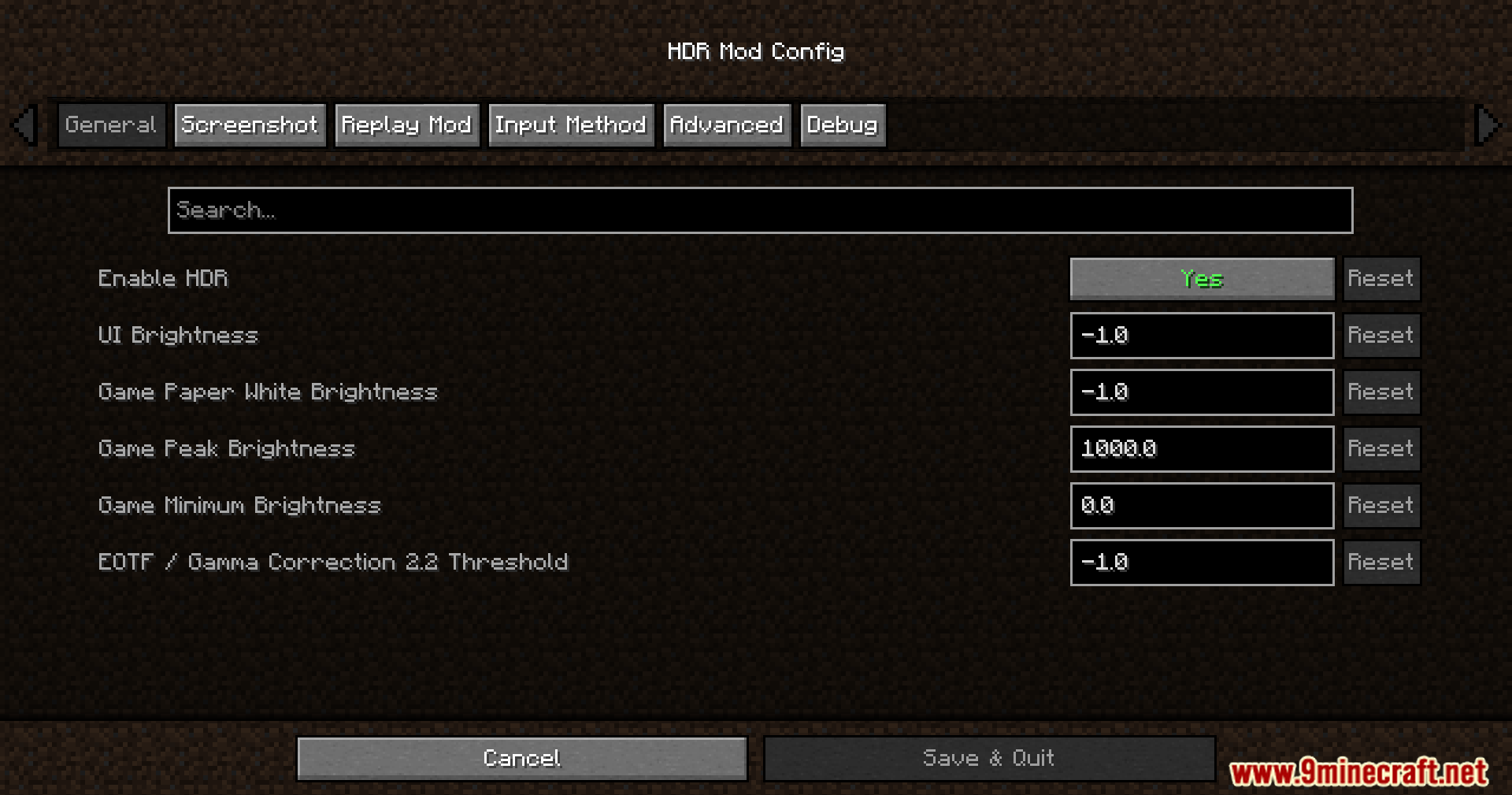
Paper White controls how bright the brightest parts of the world appear, UI adjusts menu and inventory brightness, and Peak brightness sets the maximum brightness the mod can display—adjust all three until the game looks balanced on your screen.
Can I use this mod without a shader pack?
No, this mod is designed to work with Iris Shaders and requires a shader pack to be active to function properly.
See all 10 Rrtt217’s HDR questions ›
Gallery
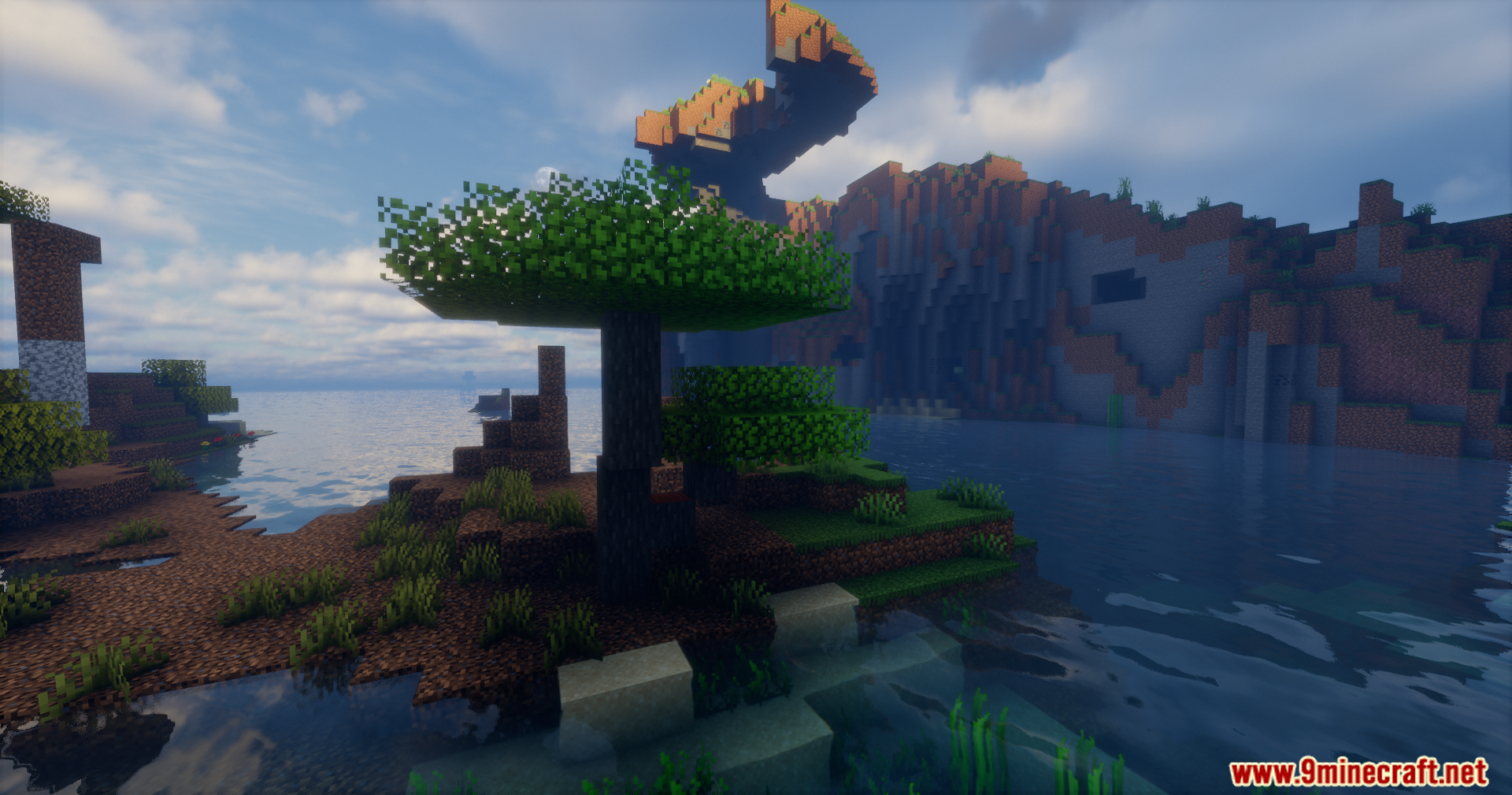
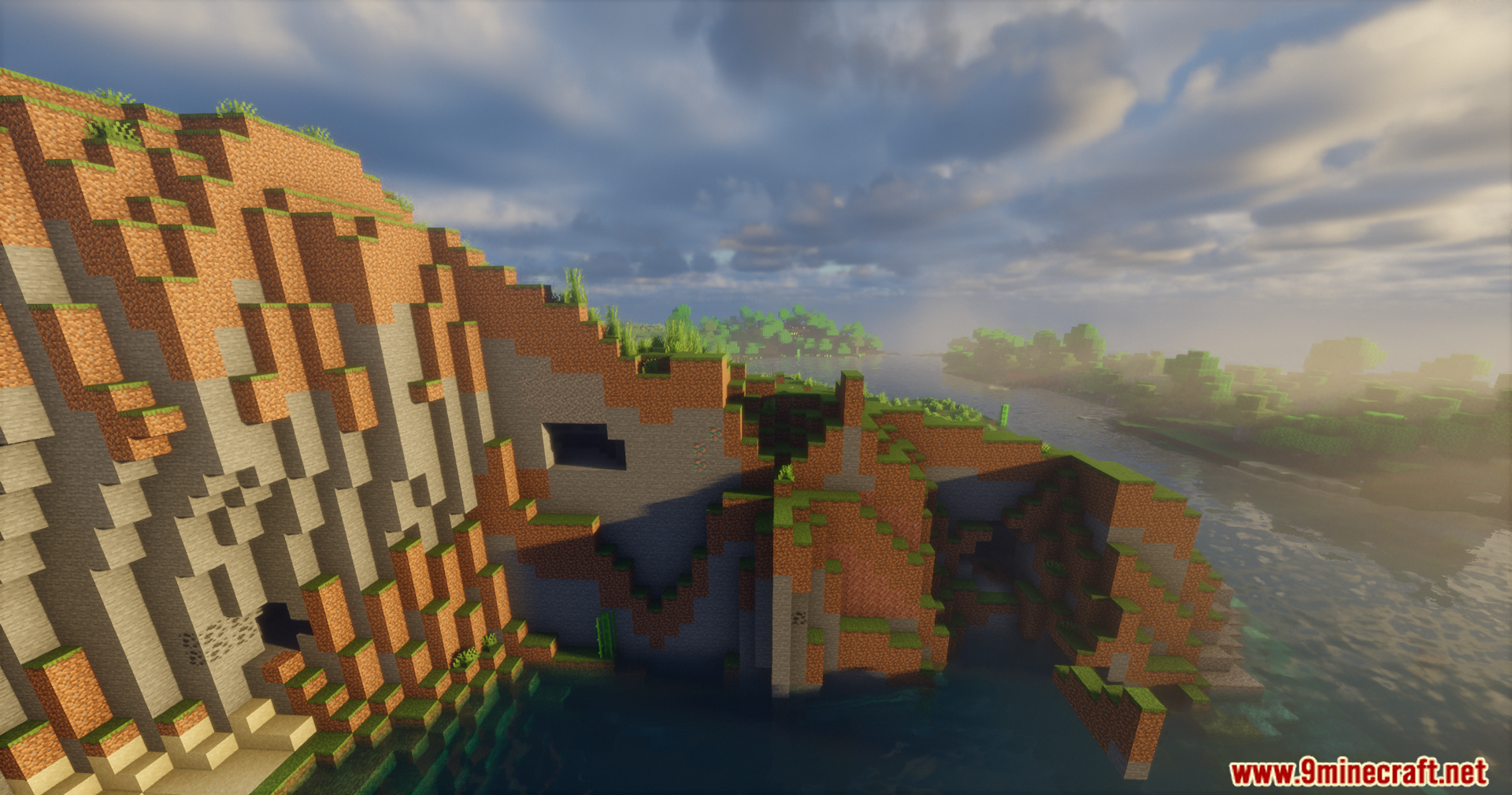
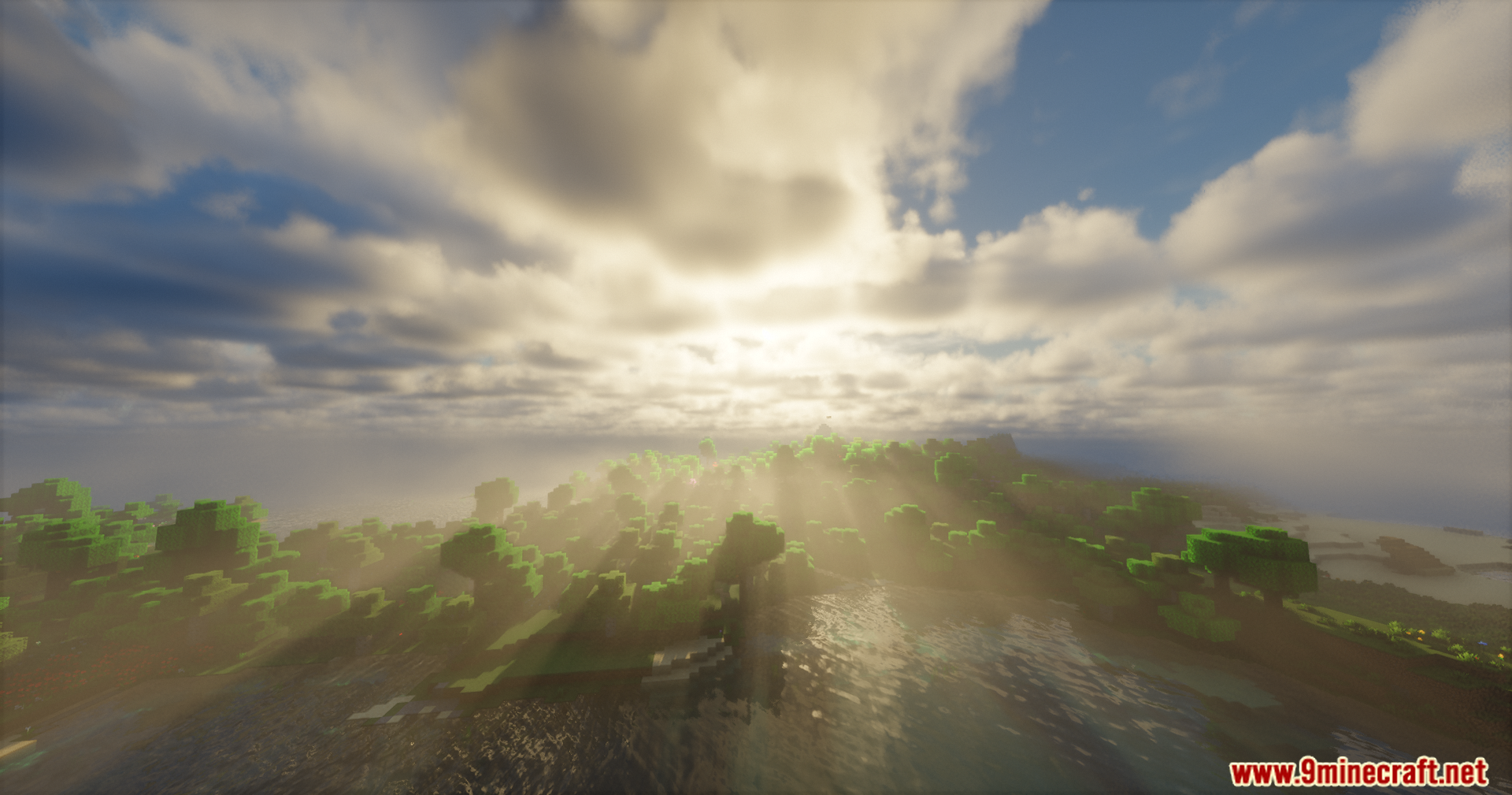
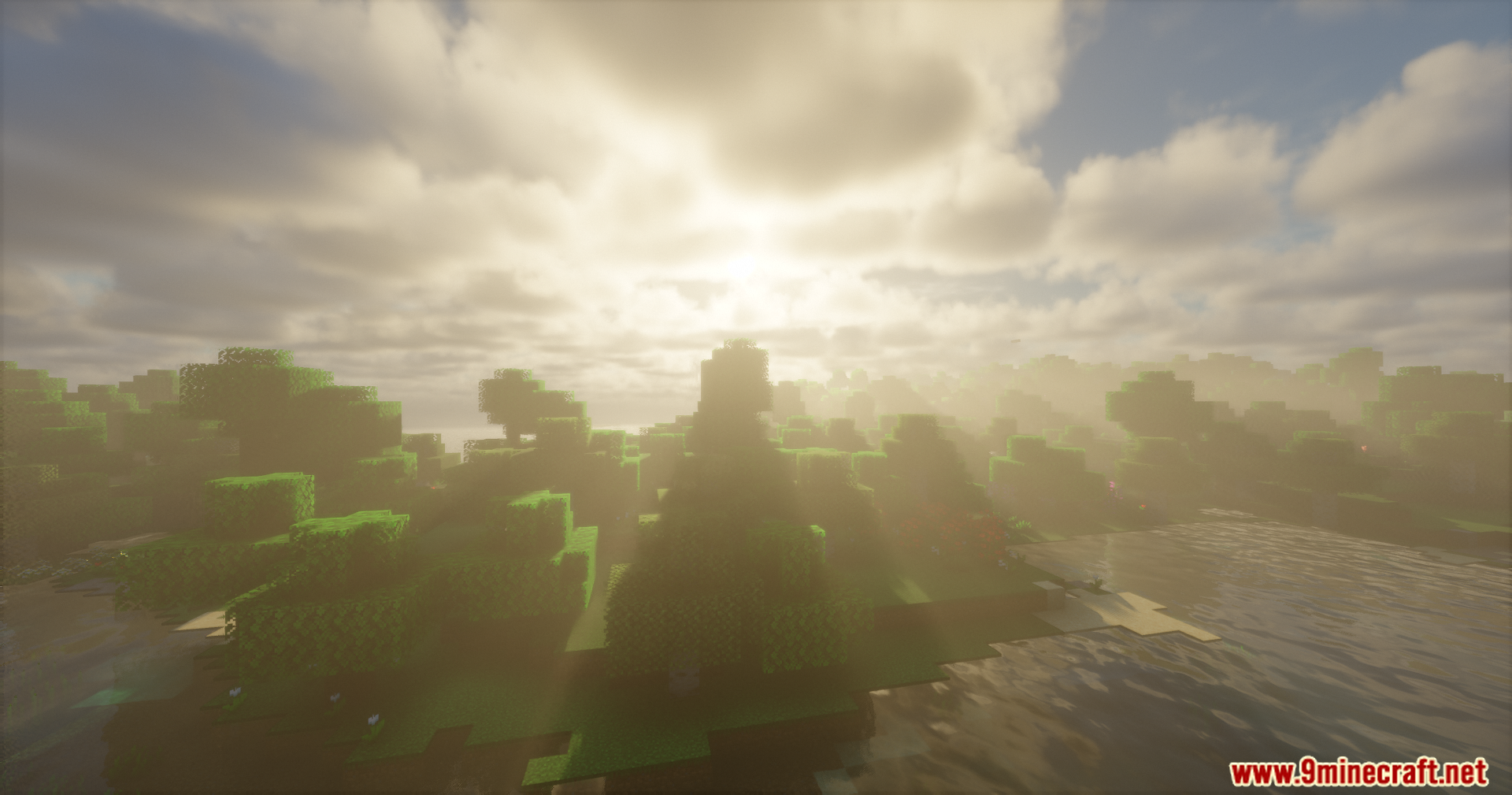
12 images from the Rrtt217 S Hdr Mod page.
You May Also Like
Wikis that share the most with this one
Wikis on the same theme: end
More mod wikis on the site
The most downloaded mods that have a wiki here
A few wikis from each of the other kinds