

 DownloadPipez
Get the files on 9Minecraft
Guides
Step-by-step, in-game.
How to Set Up Your First Item Pipe Network in PipezPlacing and Connecting Pipes Start by crafting Item Pipes and placing them between a source inventory (like a chest)…How to Transfer Fluids and Energy with Pipez PipesFluid Pipes Craft Fluid Pipes and run them from a tank, pump, or machine output to whatever needs the liquid. They…Troubleshooting Pipez Pipes That Won't Move ItemsCheck Connections First If nothing is flowing, right-click the pipe with the Pipe Wrench to see which sides are…Using Filters and the Filter Destination ToolSetting Up Filters Every Pipez pipe has a filter section in its GUI. You can switch between whitelist (only listed…
Recipes
Every recipe the mod adds, grouped by how it is made.
Items
 Advanced Pipe Upgrade
 Basic Pipe Upgrade
 Filter Destination Tool
 Improved Pipe Upgrade
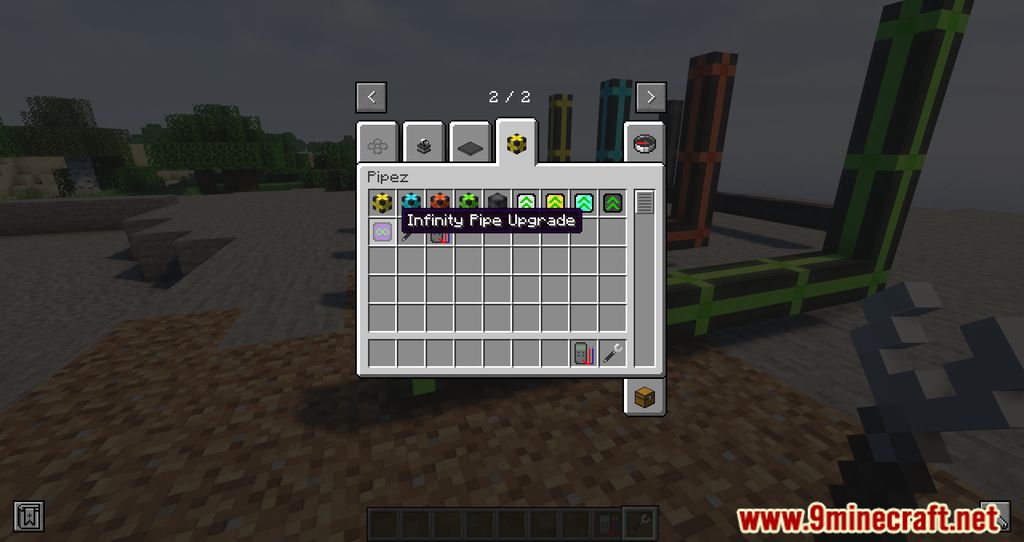
 Infinity Pipe Upgrade
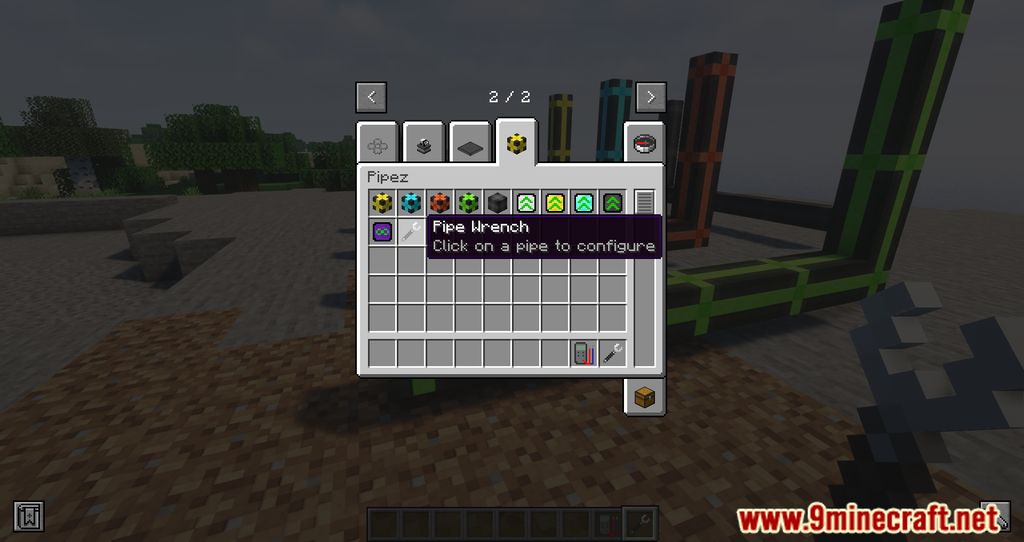
 Pipe Wrench
 Ultimate Pipe Upgrade
Blocks
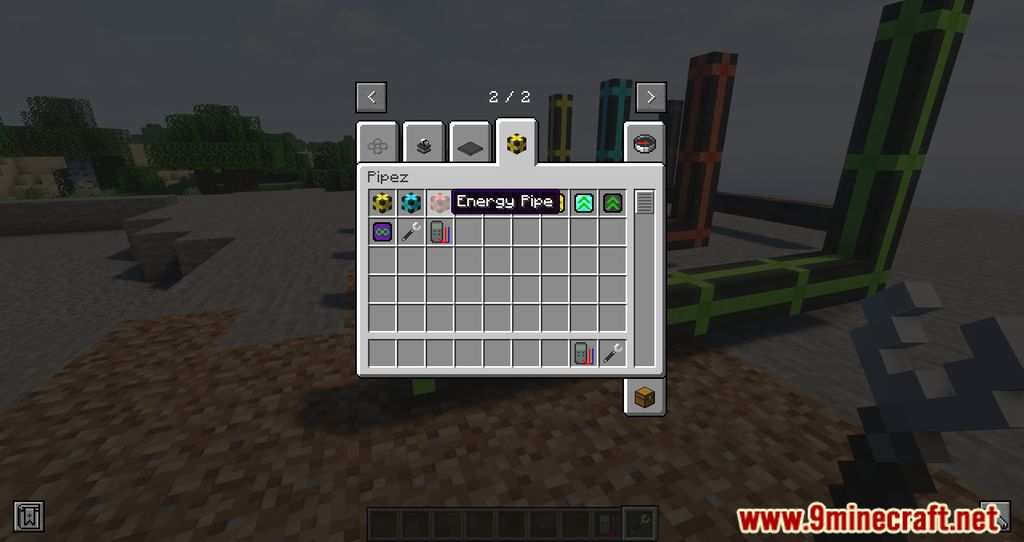
 Energy Pipe
 Fluid Pipe
 Gas Pipe
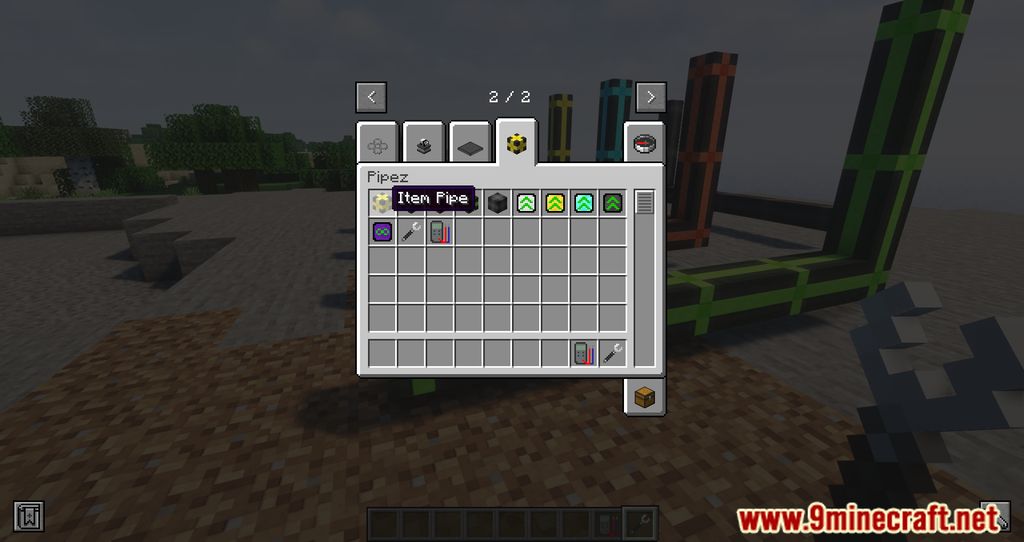
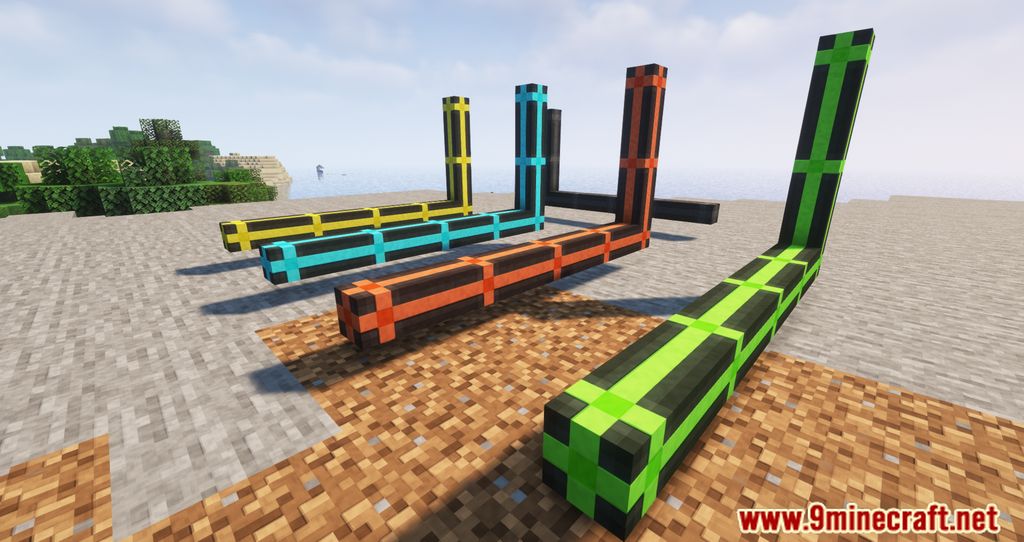
 Item Pipe
 Universal Pipe
Configuration
Every setting in the mod config file, with what it changes.
| Option | What it does |
|---|---|
pipe | Pipez |
Frequently asked questions
How do I get started with Pipez?
Craft a Pipe Wrench and some Item Pipes, then place pipes between the inventory you're pulling from and the one you're pushing to. Right-click the connection with the wrench to set a pipe to Extract mode on the source side, and it will start moving items automatically.
How do I make a pipe pull items out of a chest?
Use the Pipe Wrench on the pipe connection touching the chest and set it to Extract. The opposite end of the network, where items should go, stays on Insert (the default), so items flow from the extract side toward the insert side.
Why won't my pipes move items?
The most common causes are that no side is set to Extract, the destination inventory is full, or the pipe isn't actually connected to the block you think it is. Right-click each connection with the Pipe Wrench to check its mode and confirm the pipe visually touches the target inventory.
What do the pipe upgrades actually do?
Upgrades increase how much a pipe can transfer per tick and how far it can reach, going from Basic through Improved, Advanced, Ultimate, and finally Infinity. Right-click a pipe with an upgrade in hand to apply it, and the pipe's throughput and range scale up accordingly.
How do I filter what a pipe moves?
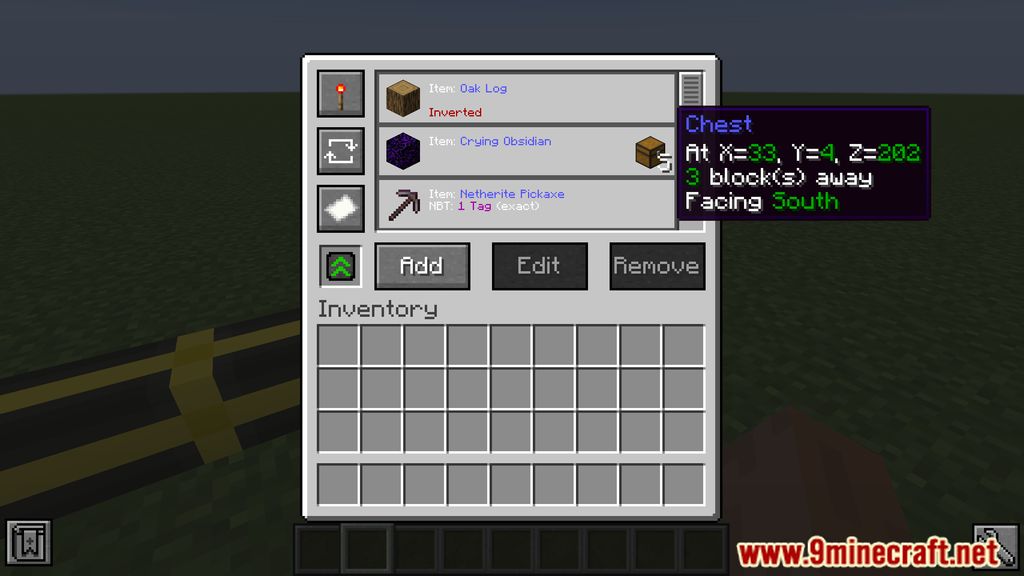
Right-click a pipe with a Filter item (or open its filter slot via the wrench GUI) and place the items, fluids, or blocks you want to allow or deny. You can set the filter to whitelist or blacklist mode so only matching resources pass through.
What is the Filter Destination Tool for?
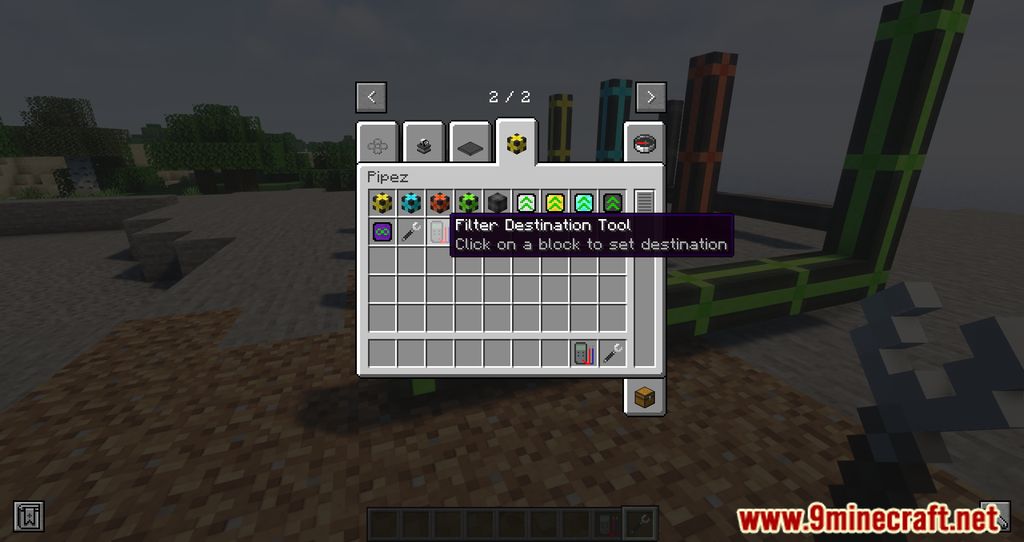
The Filter Destination Tool lets you assign specific items to specific destinations on a single pipe network, so different resources route to different inventories. Right-click the tool on a destination inventory to bind it, then configure the filter on the pipe to send matching items there.
Can one pipe network move items, fluids, energy, and gas at the same time?
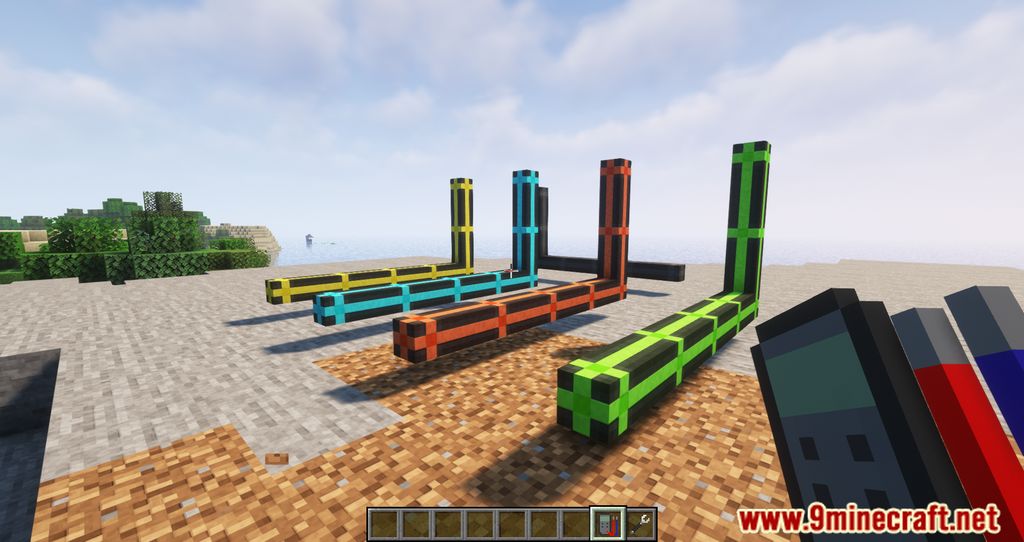
No — each pipe type only carries its own resource, so Item Pipes move items, Fluid Pipes move fluids, Energy Pipes move energy, and Gas Pipes move gases. You can run them side by side in the same build, but they don't share a single pipe.
How do I connect Pipez pipes to machines from other mods?
Pipez connects to any block that exposes a standard item, fluid, energy, or gas handler, which covers most tech mods. If a machine isn't accepting anything, check whether that specific side is configured as an input or output in the machine's own GUI.
Do Pipez pipes cause lag on big networks?
Large networks with many extract pipes running every tick can add up, so keep runs short and use upgrades to move more per operation instead of adding more pipes. Splitting a giant network into smaller dedicated ones also helps keep tick time down.
How do I remove or reconfigure pipes without breaking everything?
Use the Pipe Wrench to change a connection's mode or to disconnect a pipe from a block without mining it. Breaking a pipe with a normal tool drops it, but the wrench lets you adjust the network in place.
Gallery
12 images from the Pipez Mod page.
You May Also Like
Wikis that share the most with this one
More mod wikis on the site
The most downloaded mods that have a wiki here
A few wikis from each of the other kinds