

 DownloadTimeline
Get the files on 9Minecraft
Guides
Step-by-step, in-game.
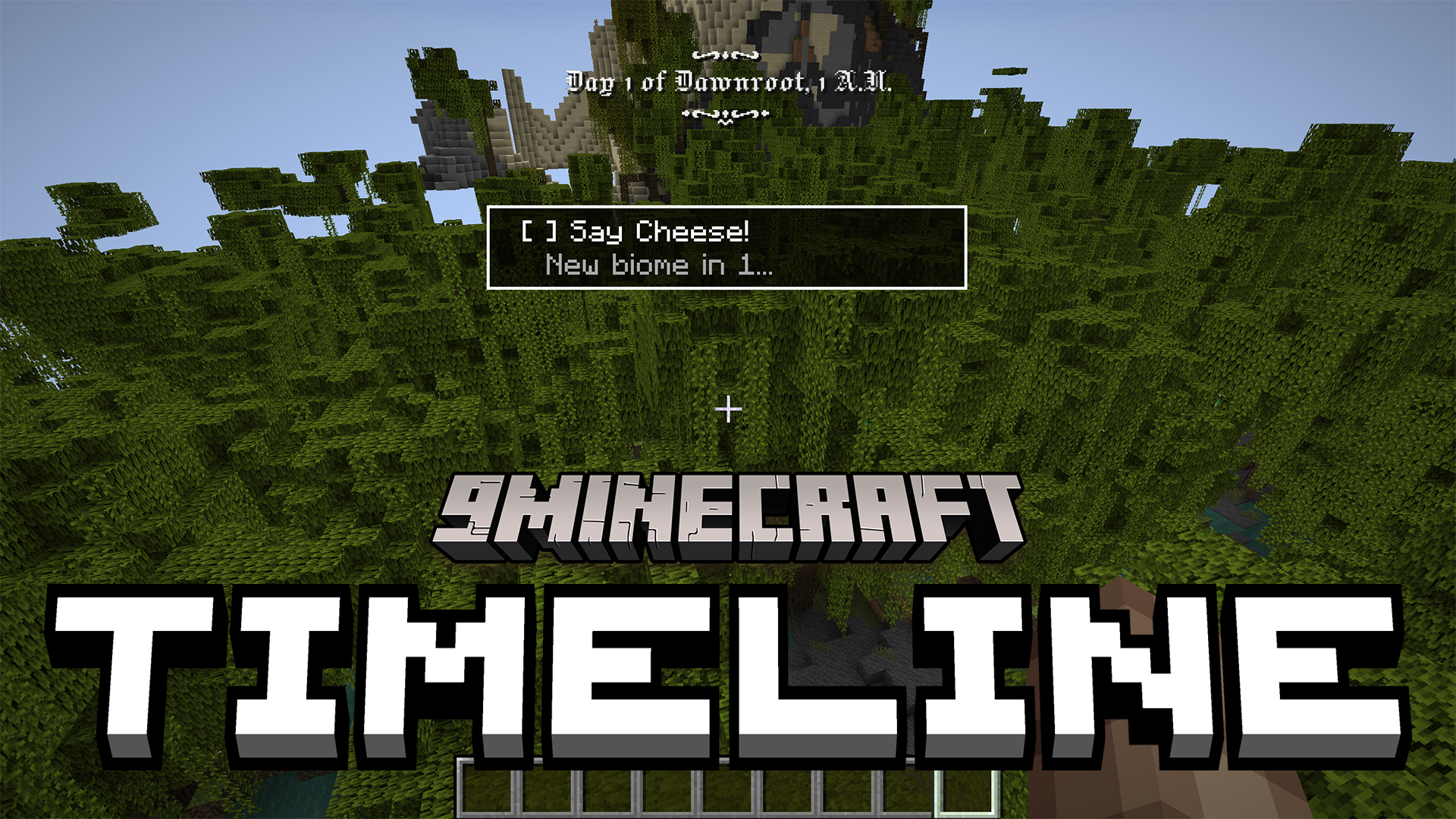
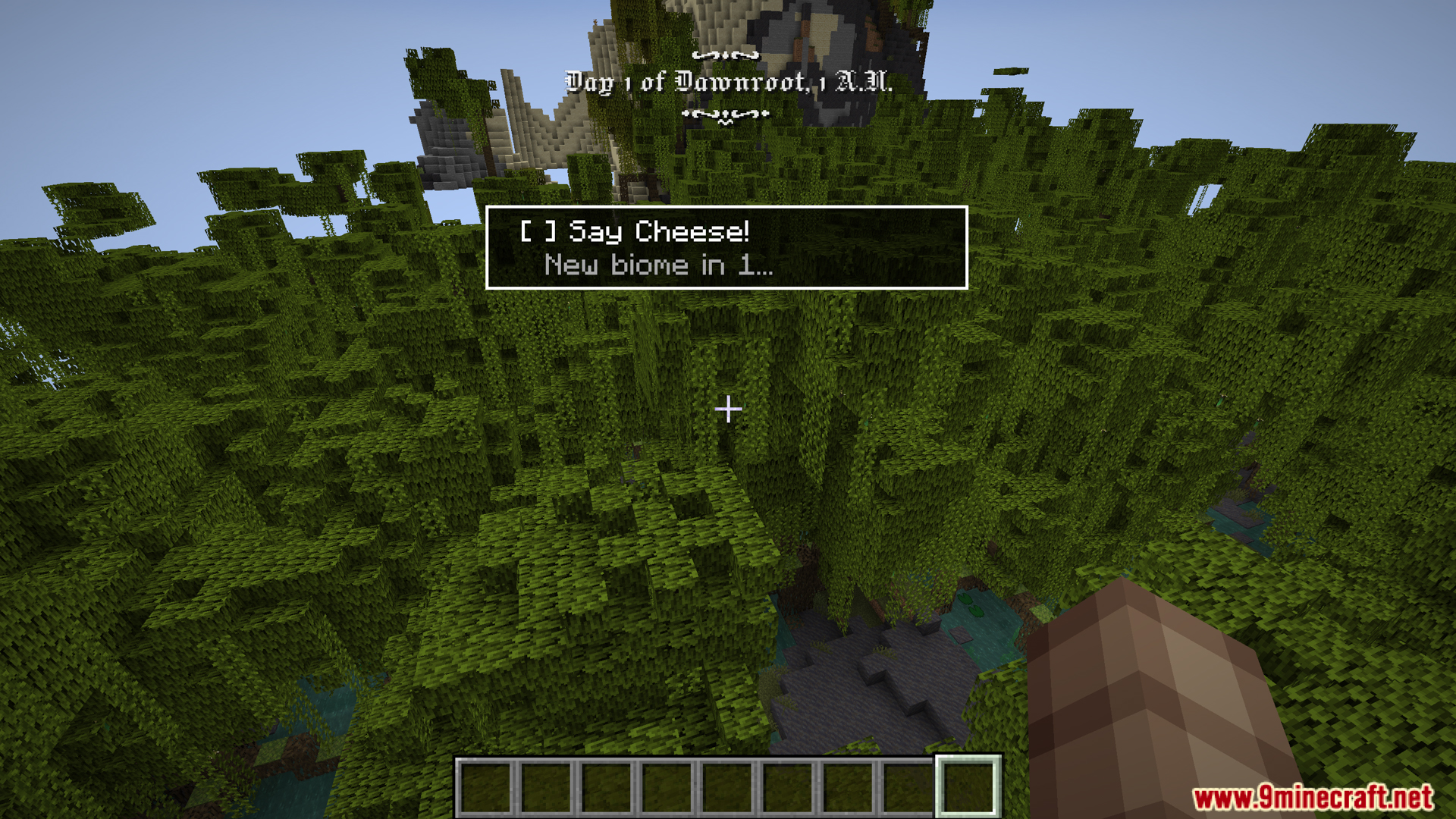
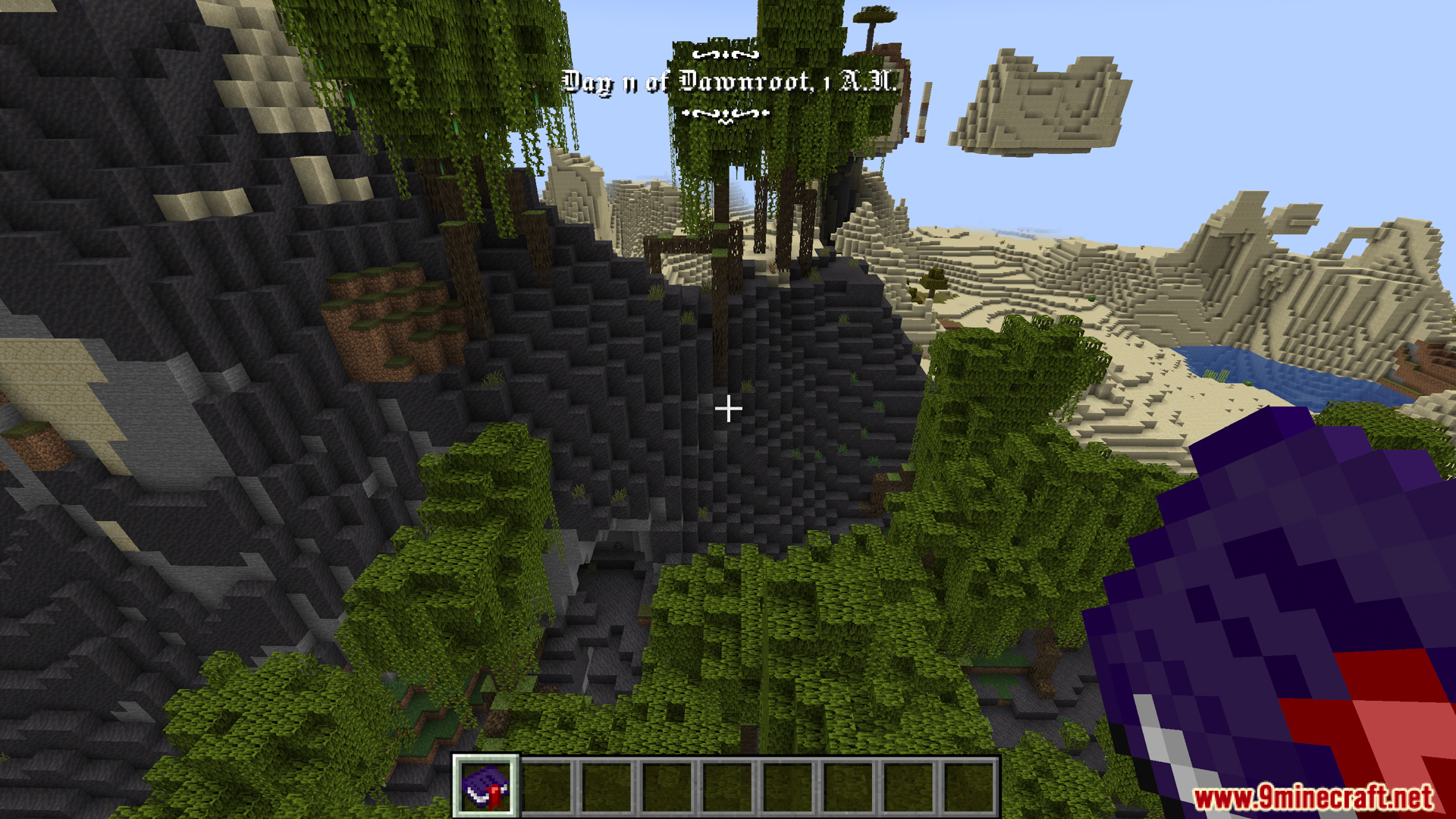
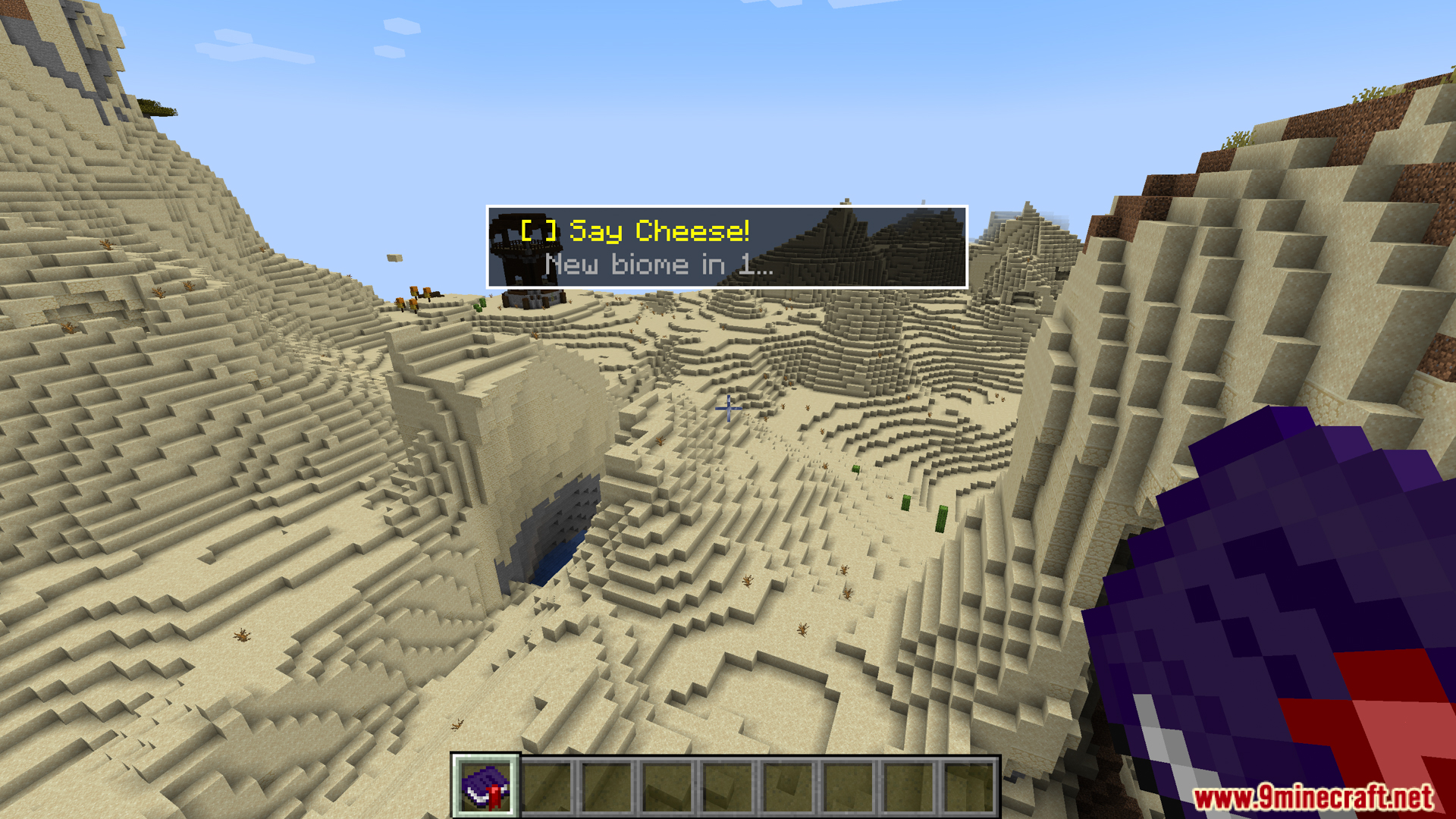
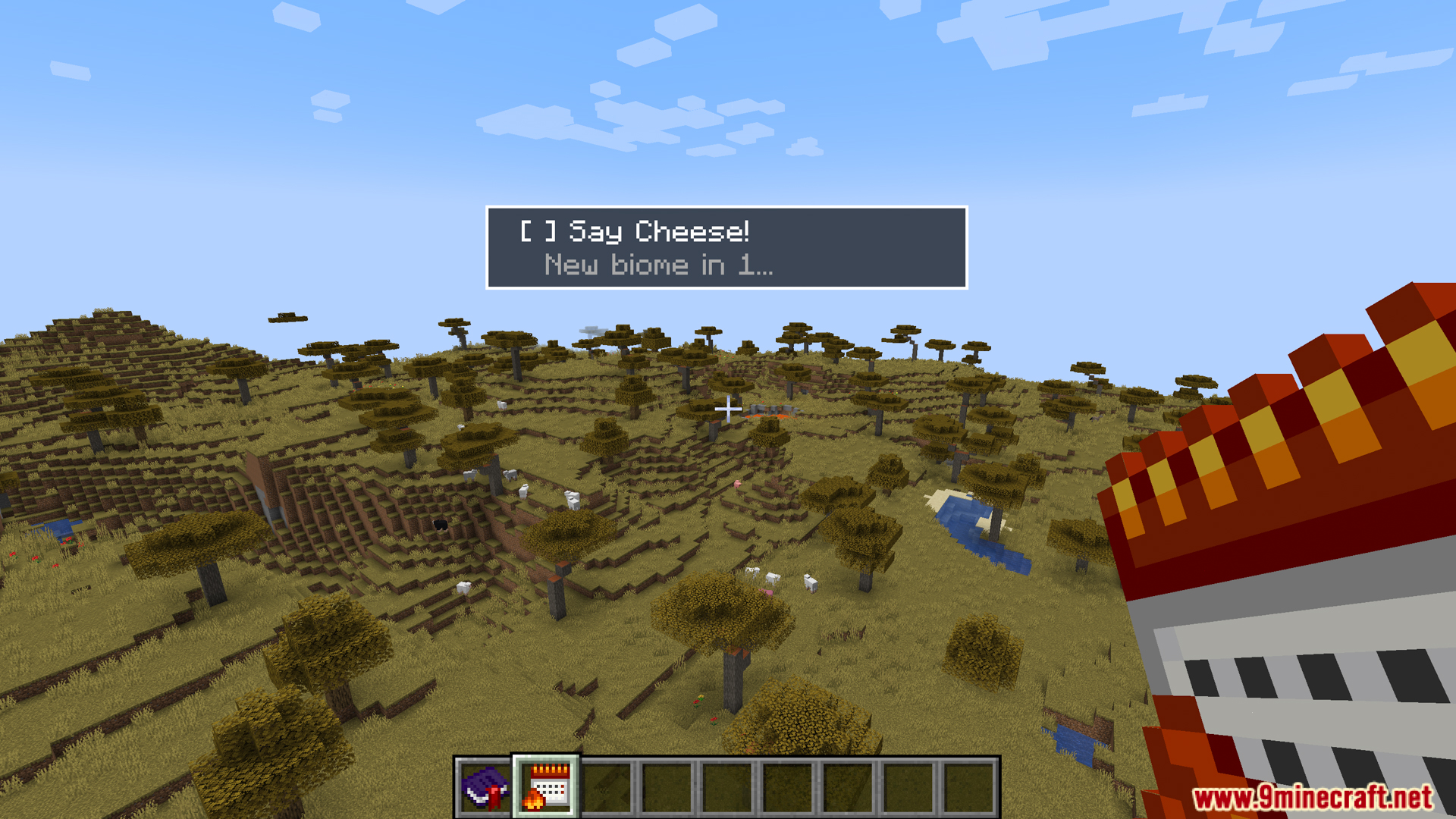
Create a Roleplay Timeline for Multiplayer WorldsEstablishing a Shared History In multiplayer worlds, Timeline Mod helps all players reference a consistent calendar…Display Biome Information Alongside Your CalendarViewing Current Biome Data Timeline Mod displays the biome you're currently in alongside the calendar information.…Set Up a Custom Calendar System for Your WorldConfiguring Timeline Display Timeline Mod displays the current date in days, months, and years automatically once…Track World-First Advancements and AchievementsUnderstanding Advancement Tracking Timeline Mod monitors all advancements your player completes and records which…
Items
 Server Notes
Frequently asked questions
How do I see the calendar in-game?
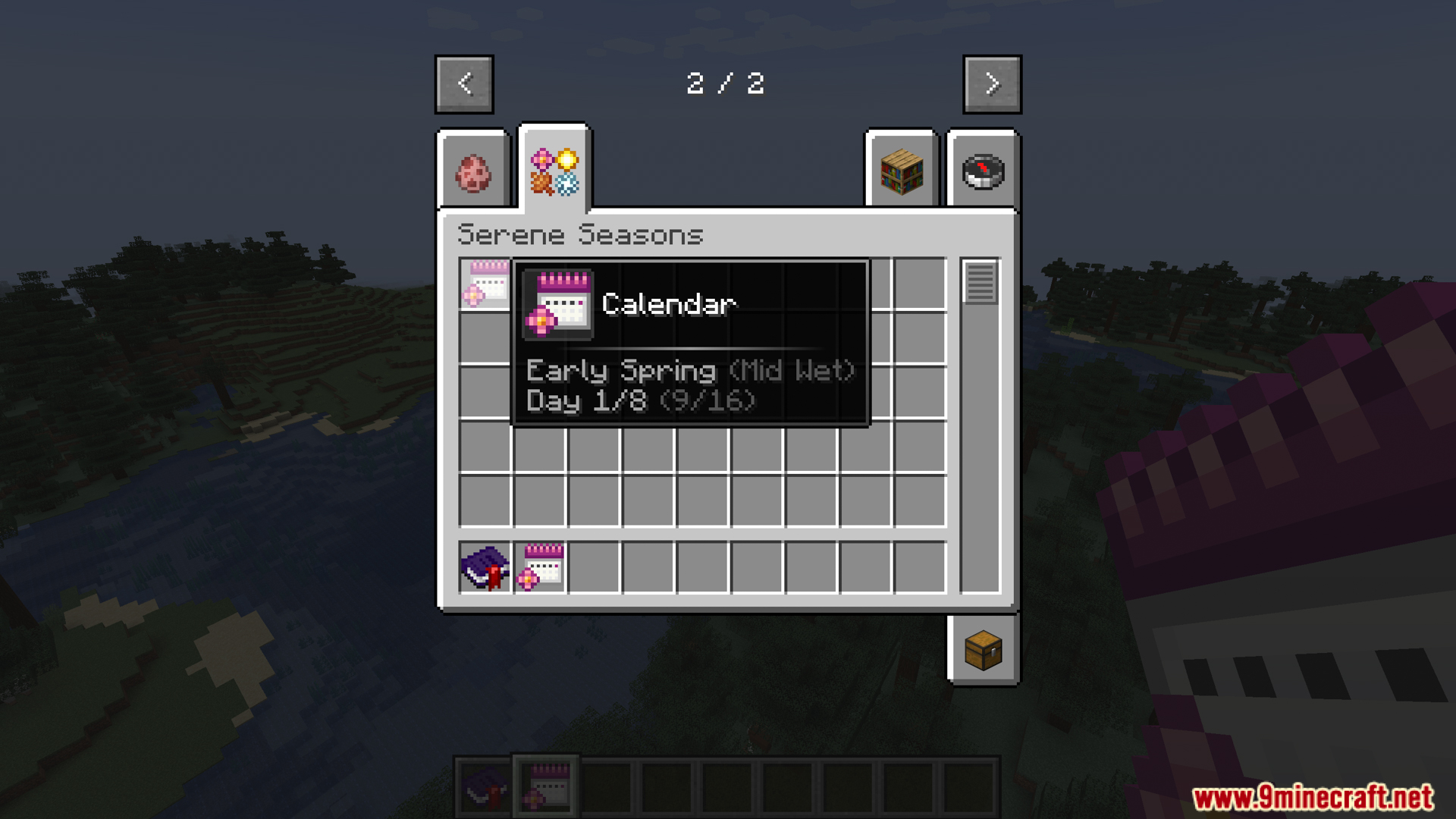
The calendar displays automatically in your HUD once the mod is installed. You can typically toggle its visibility using a keybind (check your controls settings), and its position and size can be adjusted in the mod's configuration options.
Can I customize how months and years are named?
Yes, Timeline Mod allows you to create custom calendar systems through its configuration files. You can define custom month names, year lengths, and day names to match your world's lore or roleplay setting.
Does the mod track  advancements automatically or do I need to do something?
The mod tracks advancements automatically as you and other players complete them. It records both individual advancement completion and flags which advancements were achieved first in your world, requiring no manual input.
advancements automatically as you and other players complete them. It records both individual advancement completion and flags which advancements were achieved first in your world, requiring no manual input.What does 'world-first' mean in this mod?
 World-first advancements are those completed for the first time by anyone in your world. The mod marks these specially so you can see which major milestones were achieved first, useful for recording your world's history in multiplayer or roleplay contexts.
See all 10 Timeline questions ›
Gallery
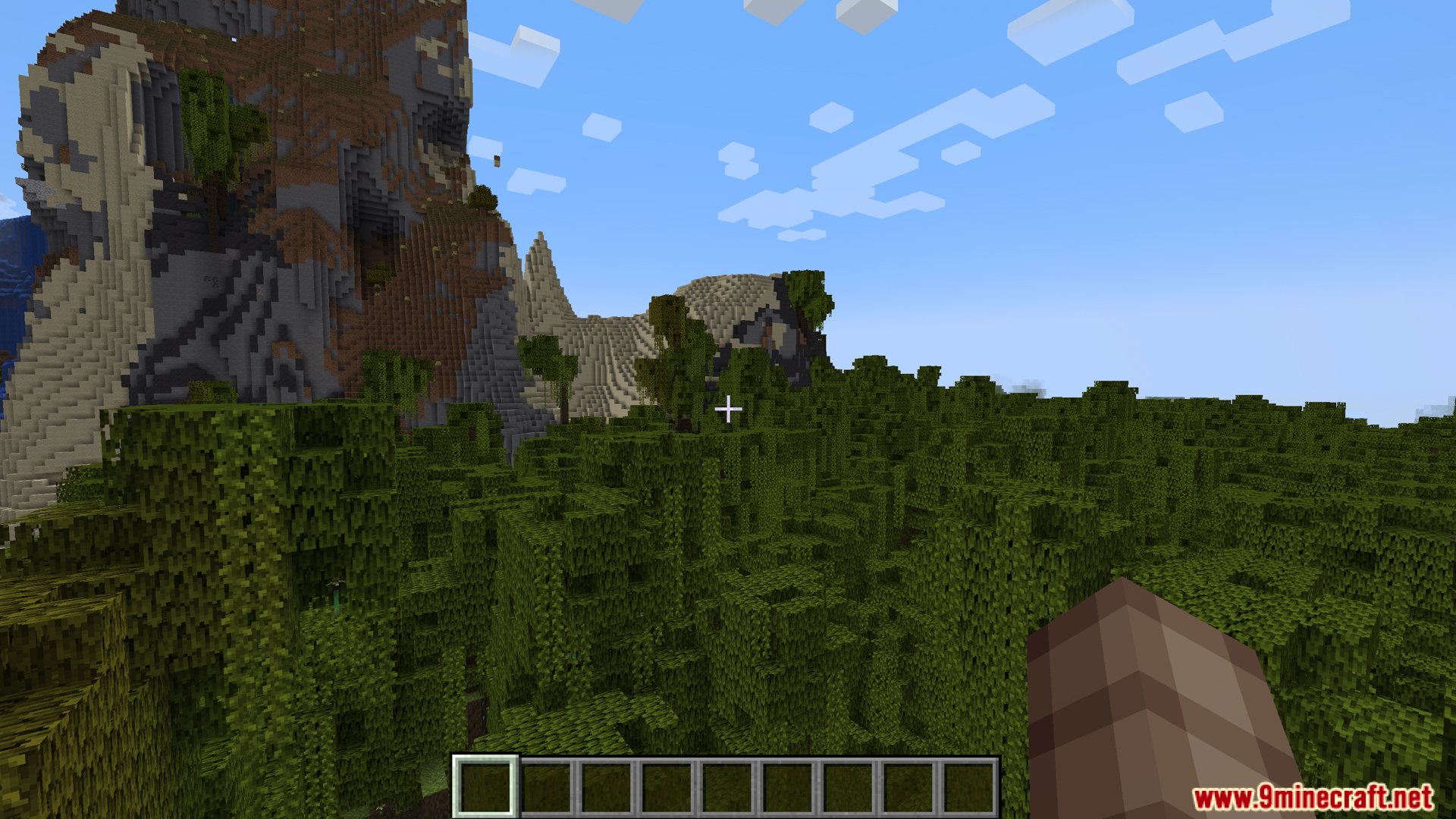
9 images from the Timeline Mod page.
You May Also Like
Wikis that share the most with this one
Wikis on the same theme: stone
More mod wikis on the site
The most downloaded mods that have a wiki here
A few wikis from each of the other kinds