

 DownloadOmega Flashlight
Get the files on 9Minecraft
Guides
Step-by-step, in-game.
Recipes
Every recipe the mod adds, grouped by how it is made.
Items
 Basic Lamp
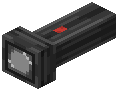 Flashlight
 High-Quality Lamp
 Improved Lamp
 Large Battery
 Medium Battery
 Small Battery
Blocks
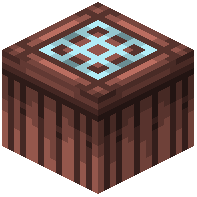 Dye Table
Configuration
Every setting in the mod config file, with what it changes.
| Option | What it does |
|---|---|
flashlight_ambient_floor | Ambient Floor |
overlay | Battery Overlay |
vol_beam_density | Beam Density |
position | Beam Position |
vol_beam_render_scale | Beam Render Scale |
vol_beam_saturation | Beam Saturation |
vol_beam_steps | Beam Steps |
vol_beam_strength | Beam Strength |
shadow_terrain_cache | Cache Terrain Shadows |
center | Center |
flashlight_colored_glass | Colored Glass Tint |
confirm | Confirm reset? |
custom | Custom |
default | Default |
flashlight_shadows | Detailed Shadows |
flashlight_down_offset | Down Offset |
dynamic_beam | Dynamic Beam (handheld sway) |
dynamic_beam_strength | Dynamic Beam Strength |
flashlight_flicker | Flicker |
flashlight_forward_offset | Forward Offset |
general | General |
hard | Hard |
high | High |
locked | Locked in config |
Frequently asked questions
How do I switch between different flashlight modes?
Hold Shift and scroll your mouse wheel to cycle through the available flashlight modes.
What makes the Omega Flashlight Mod different from regular Minecraft lighting?
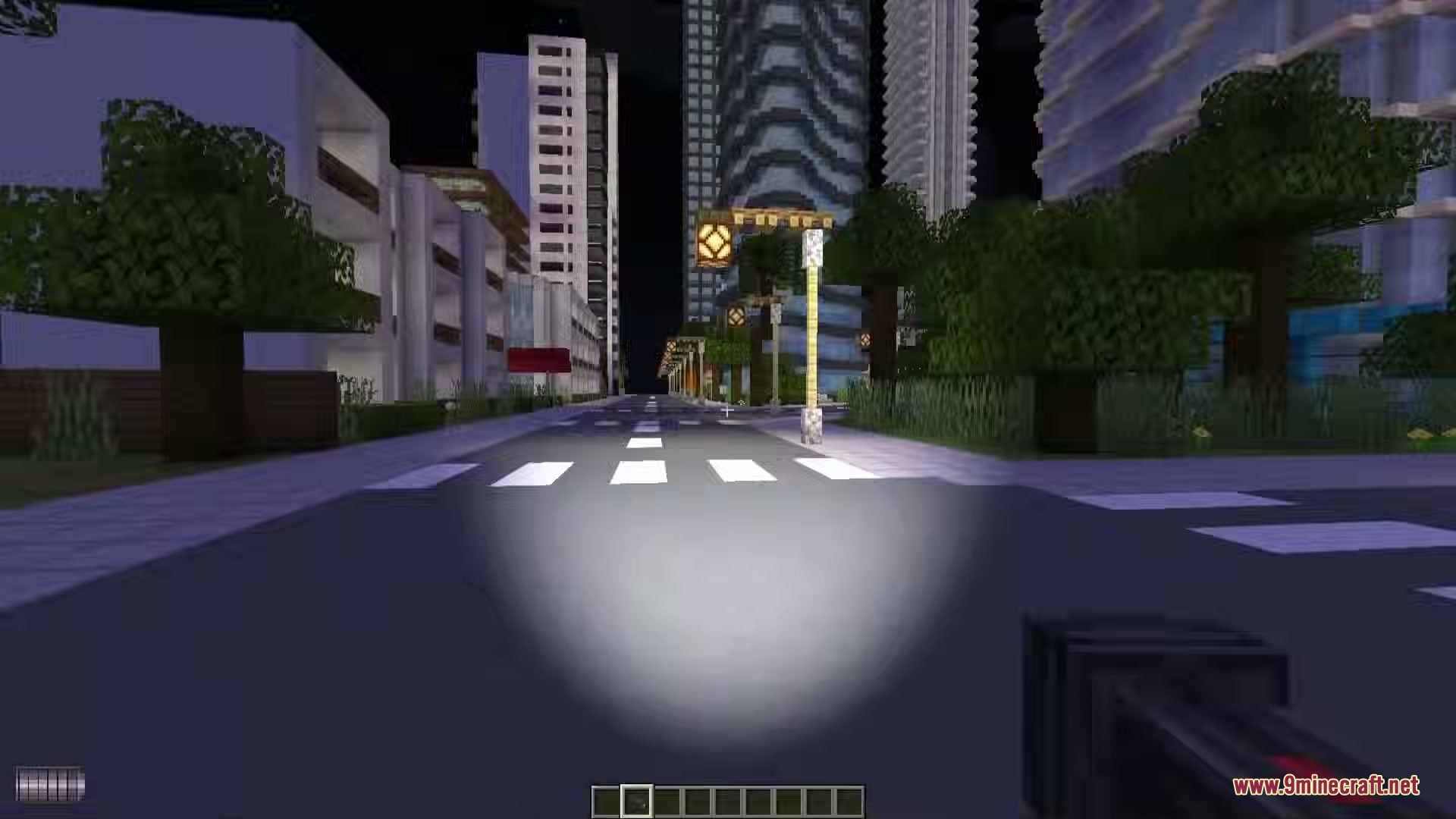
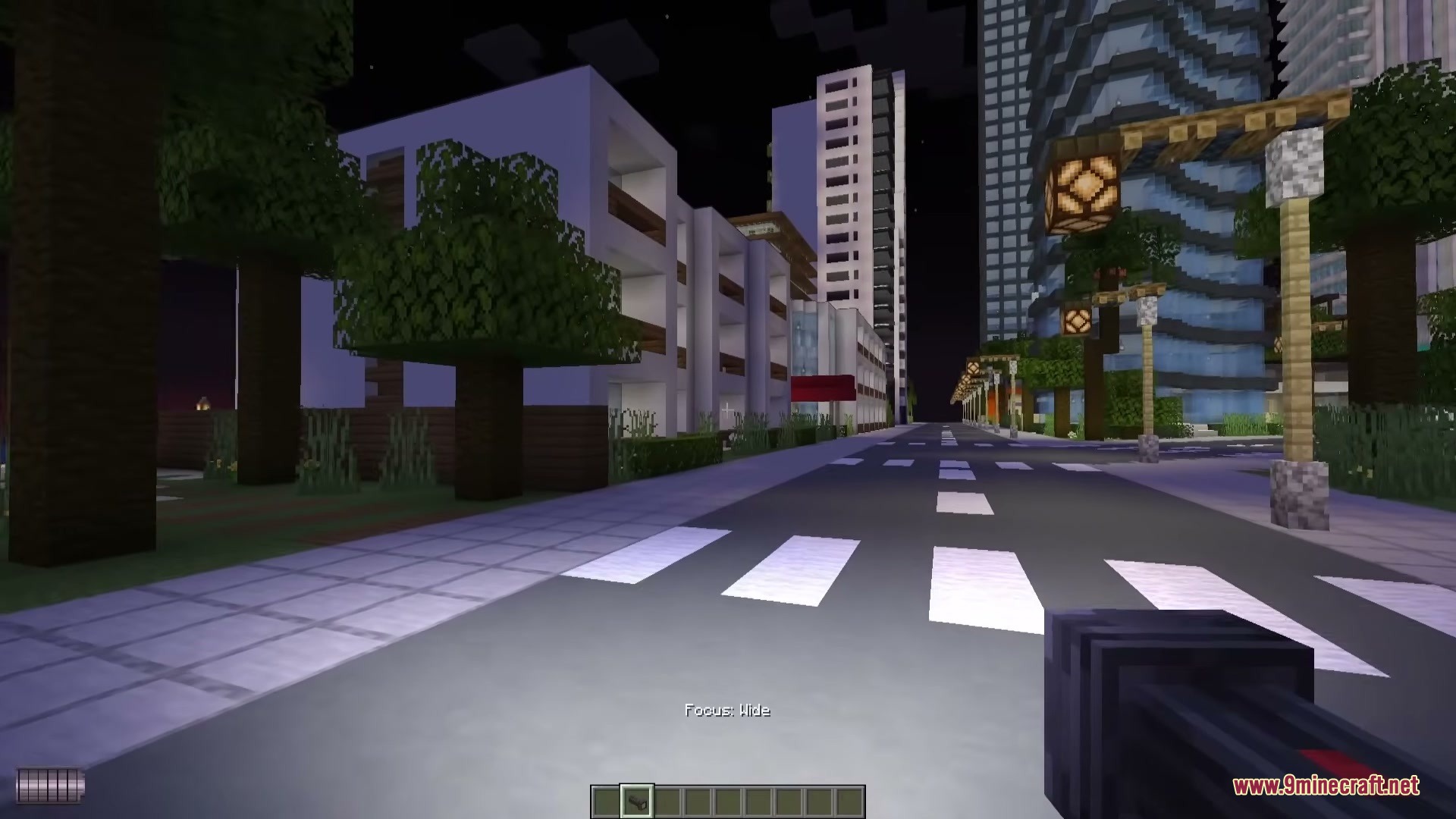
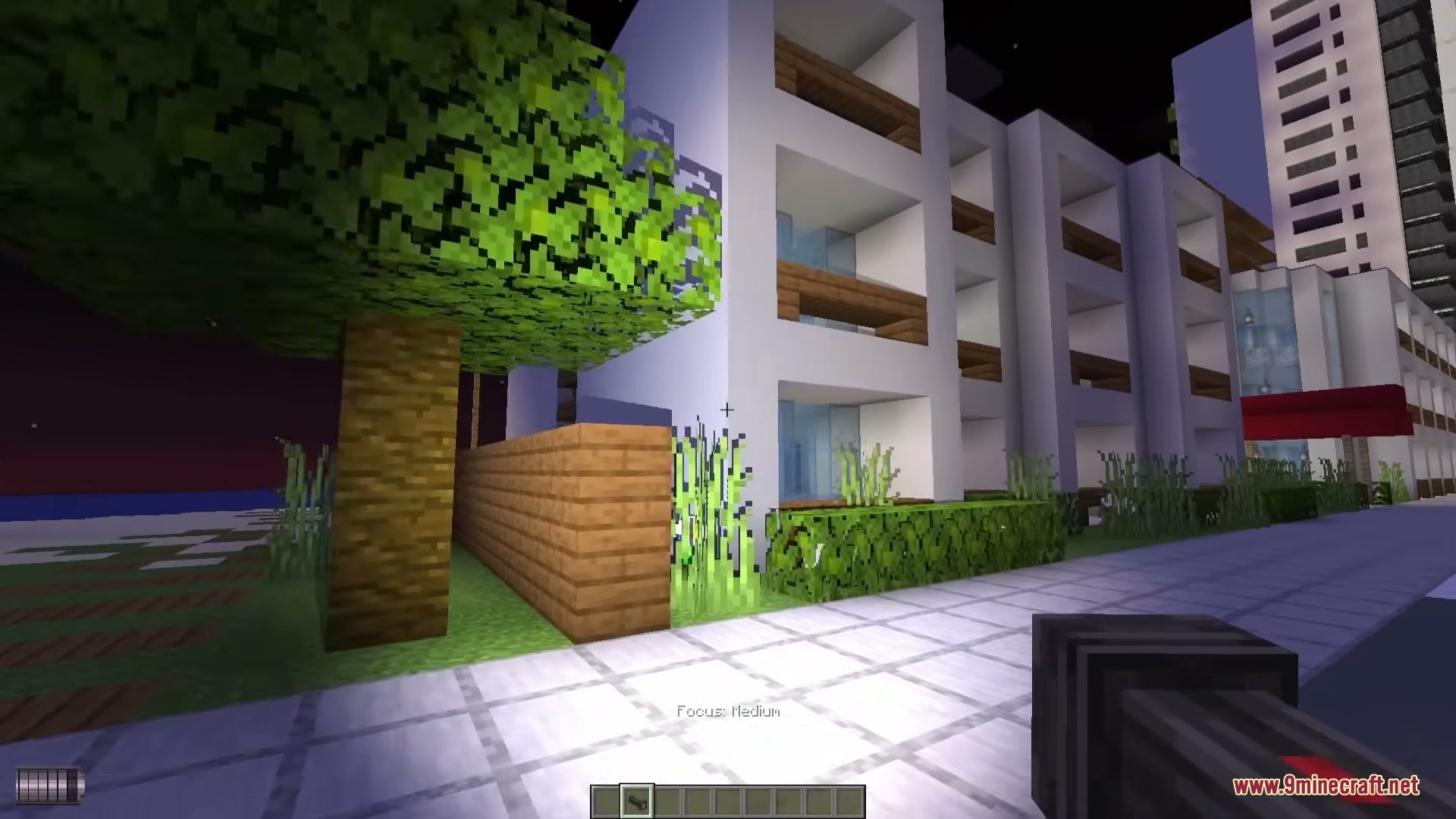
It casts real shadows from blocks, mobs, and particles that react like actual light beams instead of just placing fake glow on the ground.
Can I customize the color of my flashlight beam?
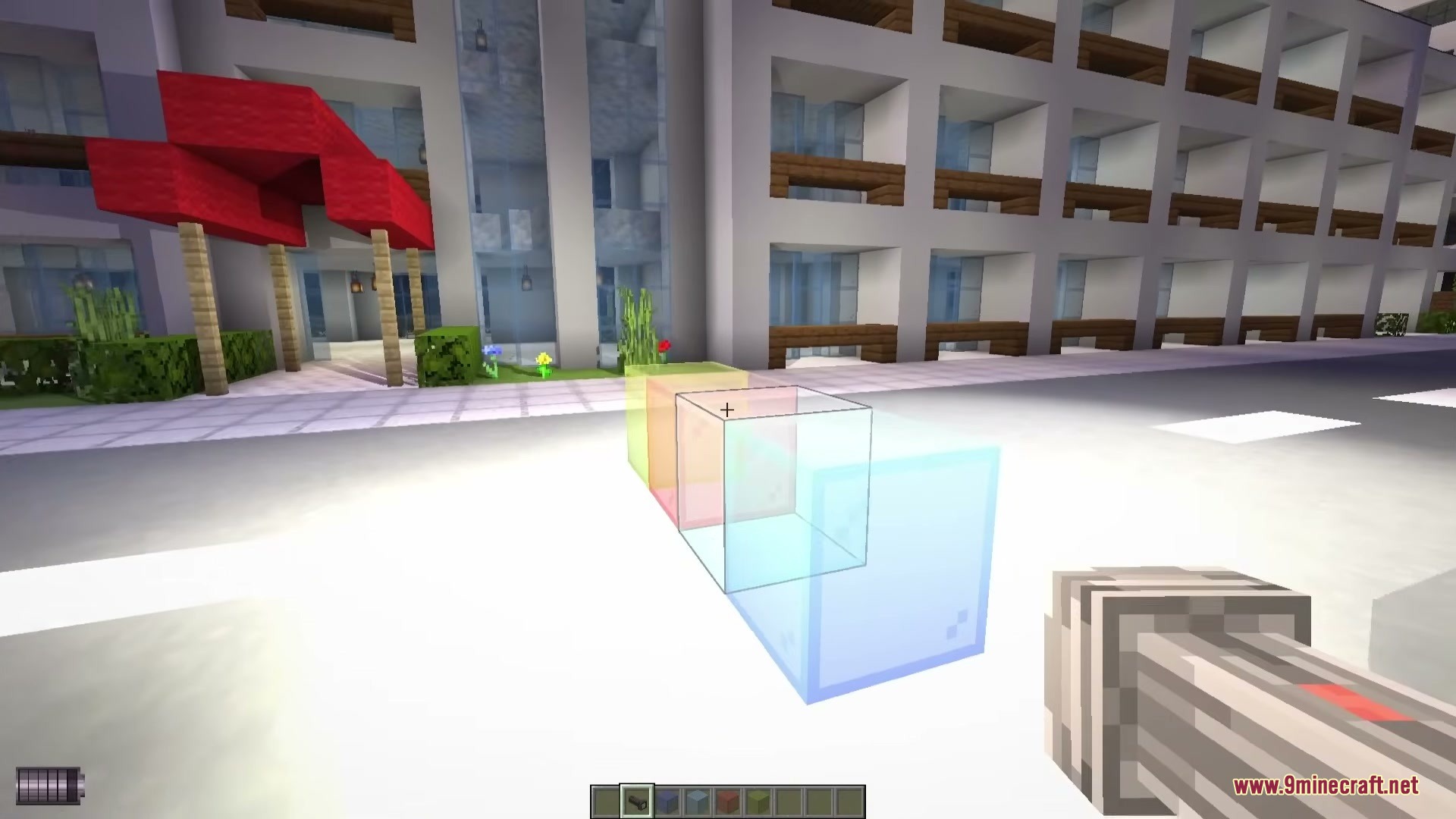
Yes, you can mix different dyes with light bulbs using a special table to create custom beam colors.
How do I access the mod's configuration menu?
Press the O key on your keyboard to open the main configuration menu.
How does the flashlight interact with transparent blocks?
The light beam changes how it looks when passing through half-transparent blocks like glass, creating realistic light refraction effects.
What command can I use to help with setup and debugging?
Use the /flashlight command to debug issues and set up creative lighting scenes.
Gallery
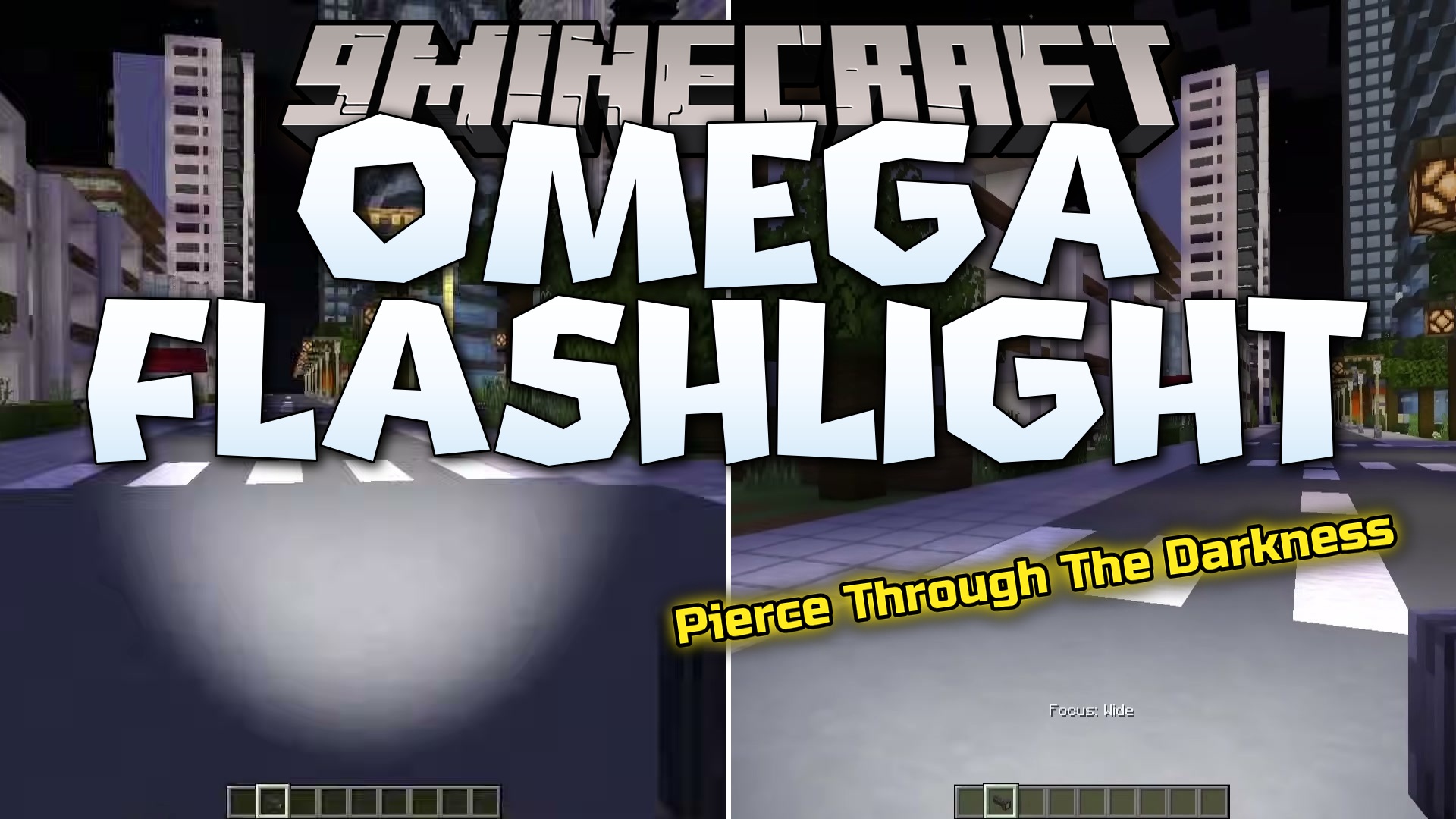
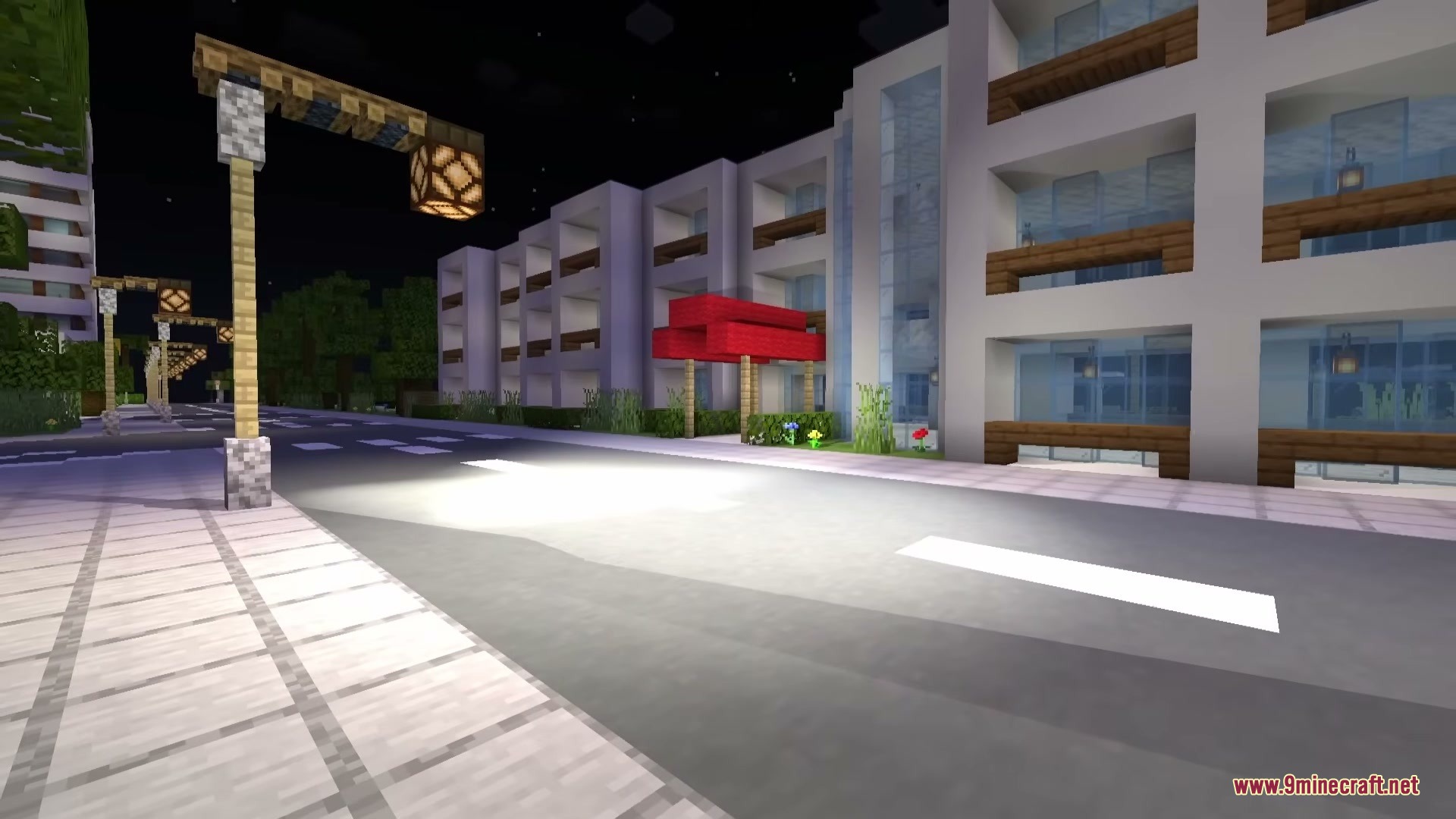
6 images from the Omega Flashlight Mod page.
You May Also Like
Wikis that share the most with this one
Wikis on the same theme: lamp
More mod wikis on the site
The most downloaded mods that have a wiki here
A few wikis from each of the other kinds