

 DownloadLithe Motion Revival Mod
Get the files on 9Minecraft
Guides
Step-by-step, in-game.
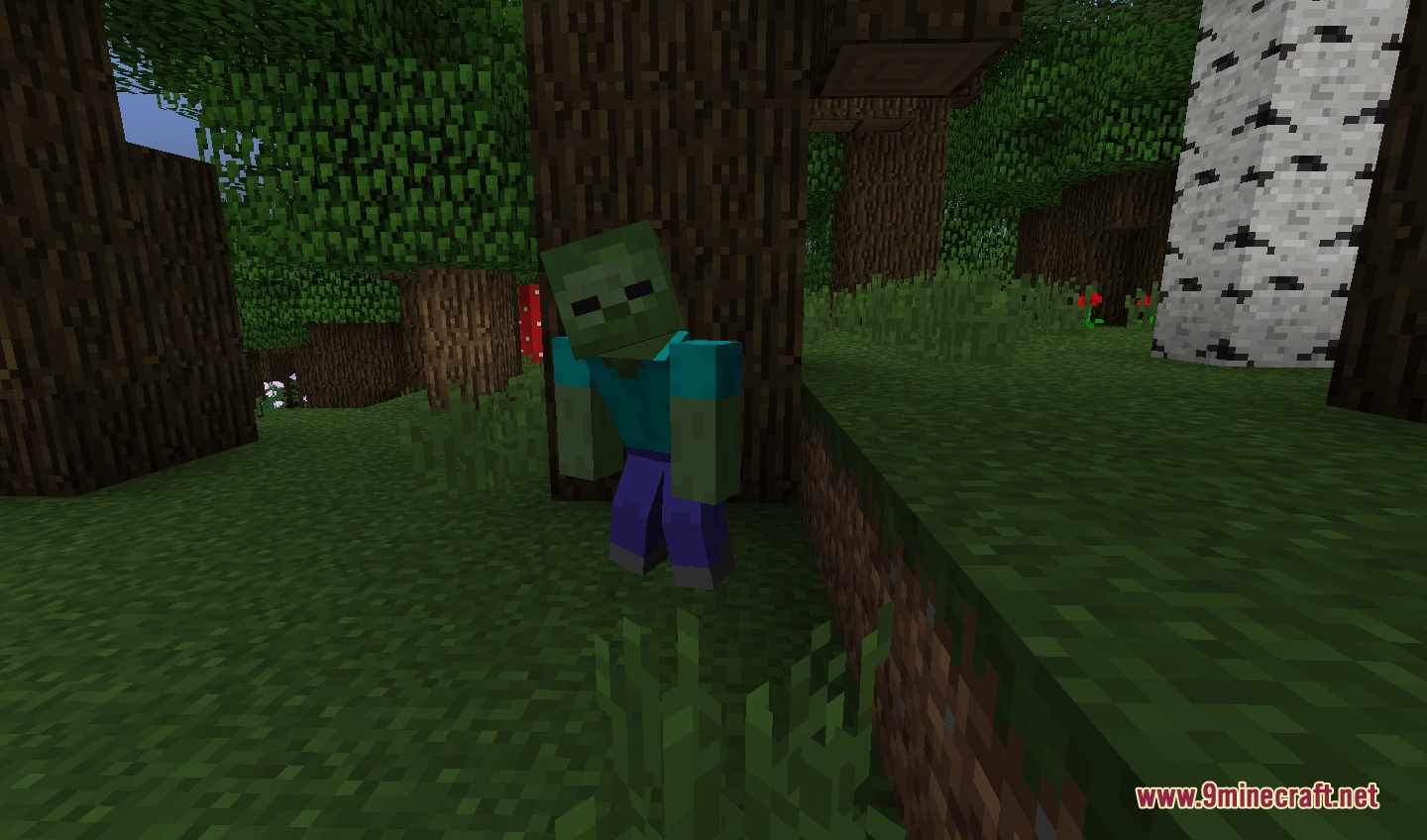
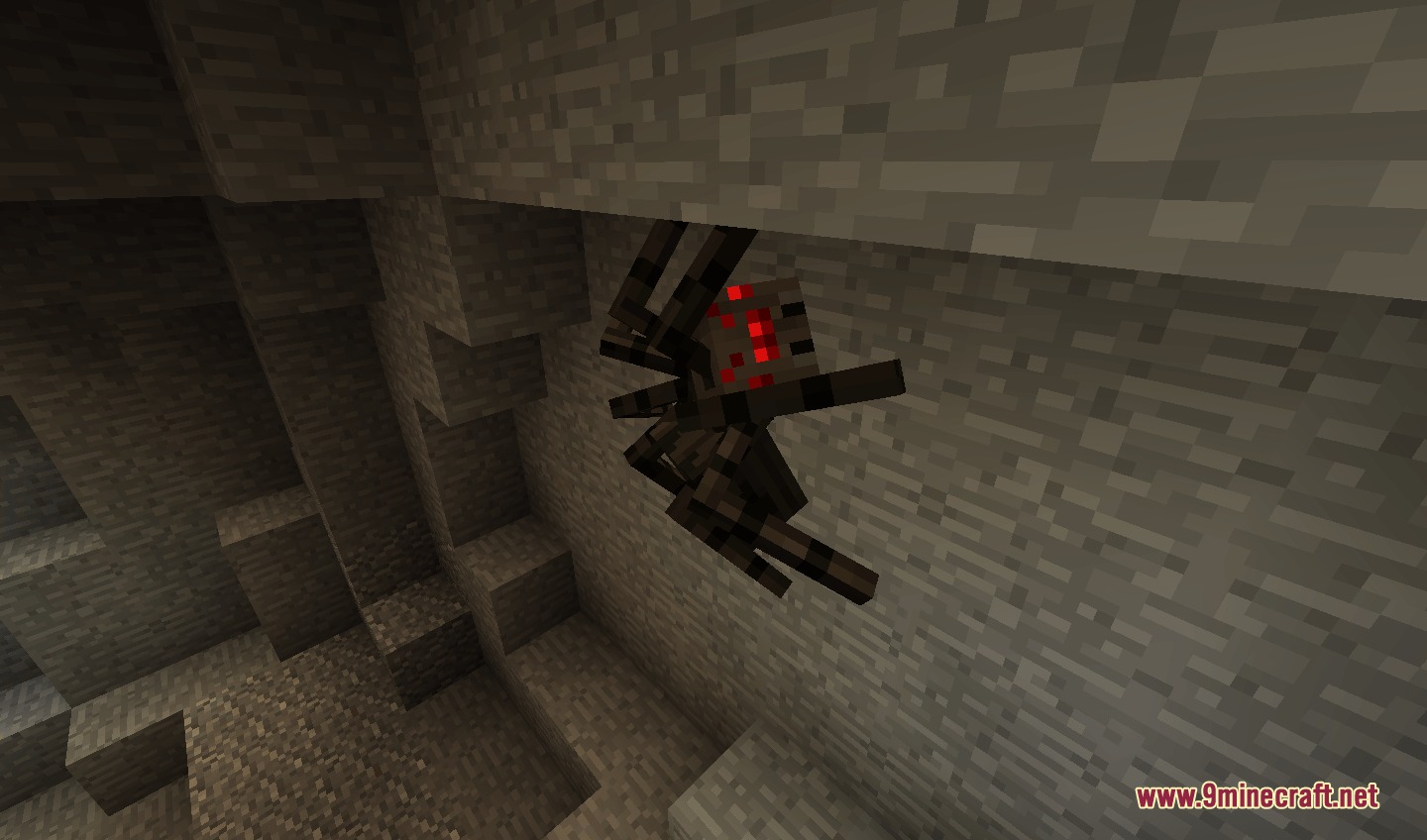
Enable and Customize Player Animation SettingsAccess the Animation Configuration Open your mod settings menu (usually accessible from the main menu or pause…Observe Realistic Mob Behavior and Combat AnimationsEncounter Mobs with Enhanced Postures When mobs spawn or move around your world, they now display lifelike poses.…Optimize Mod Performance in Modpacks and MultiplayerCheck Compatibility with Your Modpack The mod is designed to run alongside popular modpacks without causing lag. If…Use Bow Animations and Arrow Trails EffectivelyActivate Bow Firing Animations When you draw and fire a bow, the mod adds visual arrow trail streaks that follow the…
Frequently asked questions
How do I turn on animations after installing the mod?
Animations are enabled by default, but you can customize them in the mod settings menu (usually accessible from the main options screen). Look for the Lithe Motion section to toggle specific animation types like arm bending, leg movement, or cape physics on or off.
Why do my arms and legs look stiff even with the mod installed?
Check that animations are enabled in your mod config settings. If they're on, verify the mod is loading correctly by checking your game log for errors. Conflicting mods or resource packs can sometimes override animations, so try disabling other mods one at a time to isolate the issue.
Do mobs animate differently with this mod?
How do bow animations and arrow trails work?
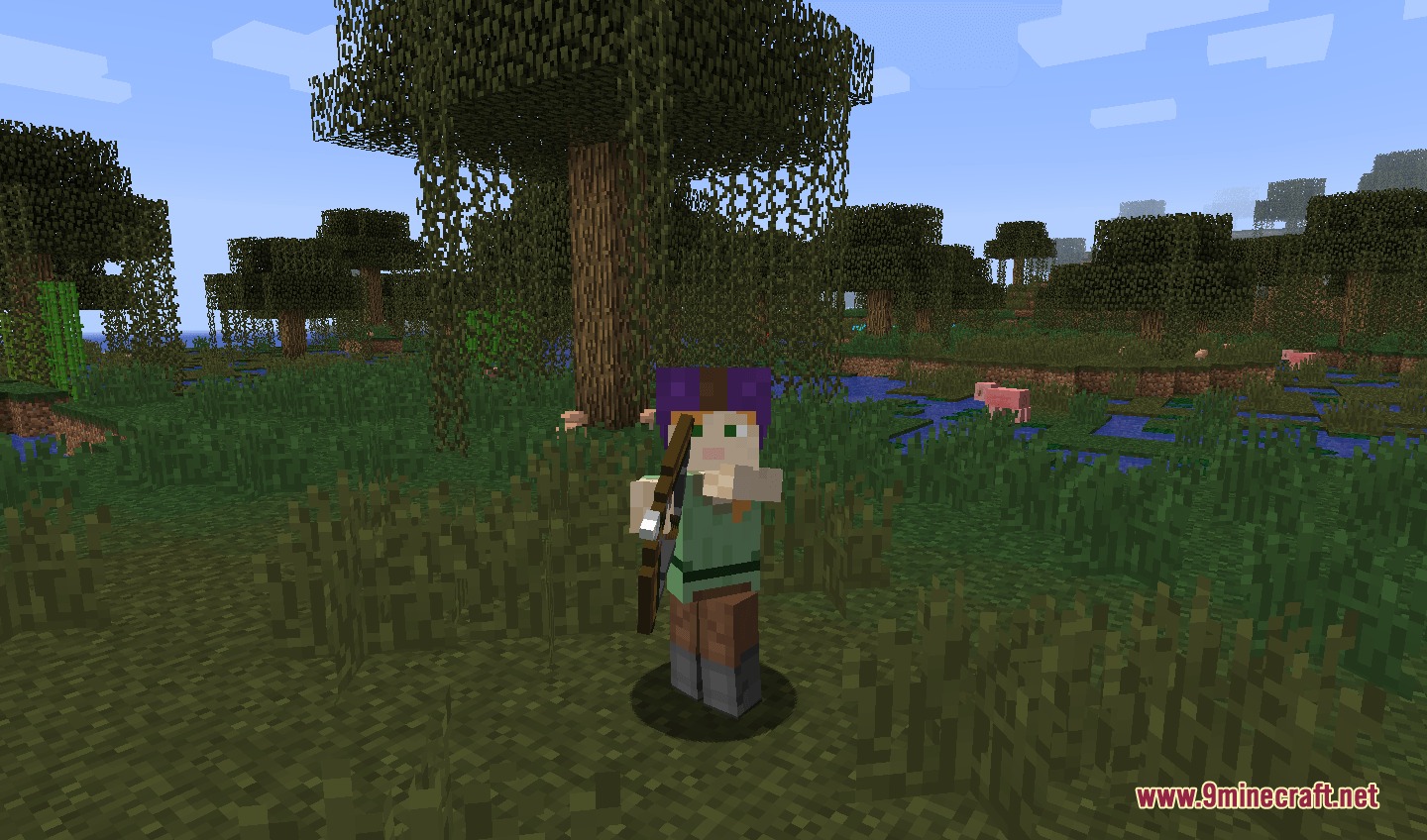
When you draw and fire a bow, you'll see visual arrow trail streaks in combat. The bow animation itself is part of the player limb bending system, so your arm will animate smoothly as you aim and release.
See all 10 Lithe Motion Revival questions ›
Gallery
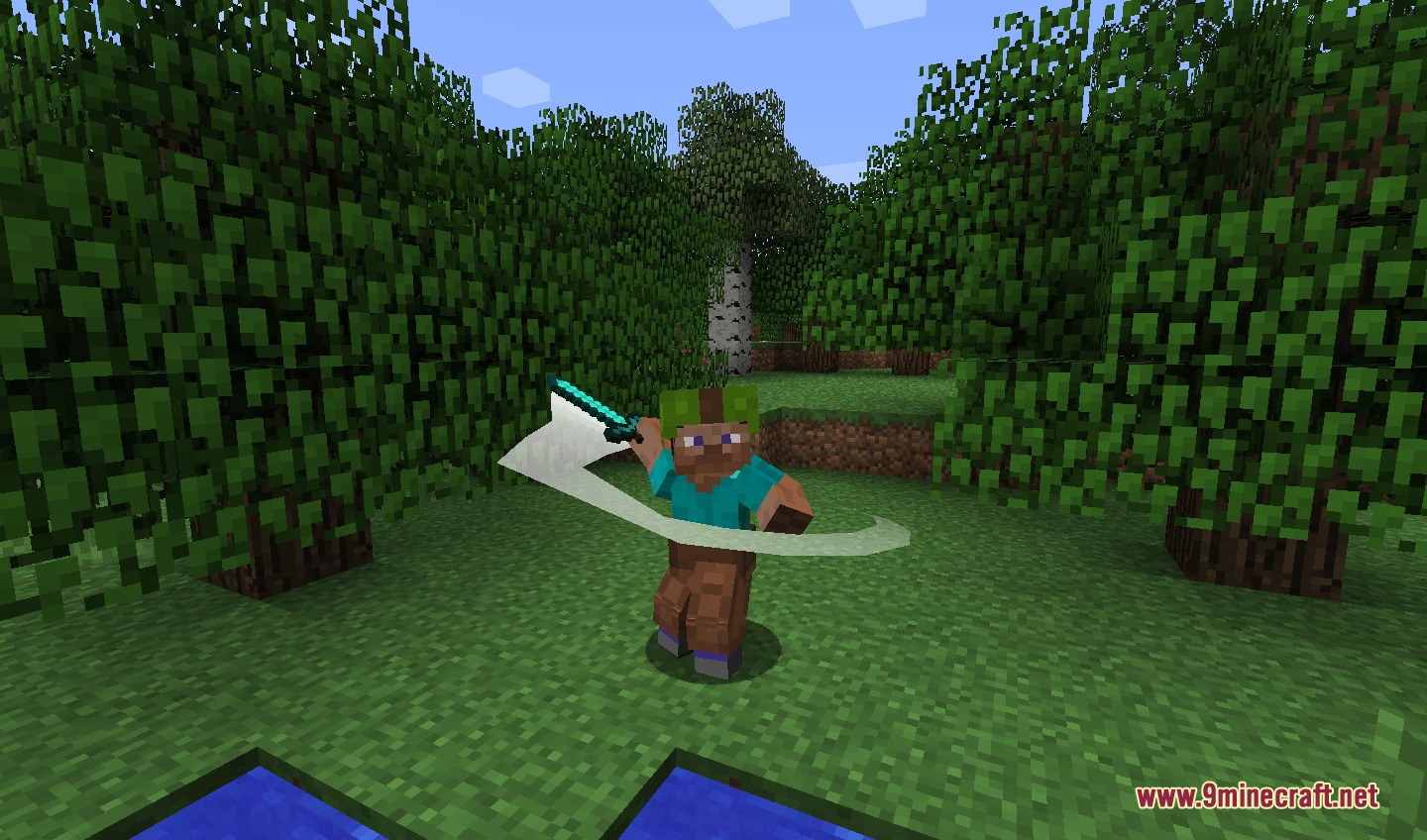
5 images from the Lithe Motion Revival Mod page.
You May Also Like
Wikis that share the most with this one
More mod wikis on the site
The most downloaded mods that have a wiki here
A few wikis from each of the other kinds