

 DownloadNametag Tweaks Mod
Get the files on 9Minecraft
Guides
Step-by-step, in-game.
Adjust Nametag Position and OffsetRepositioning Nametags By default, nametags appear directly above entities. The mod lets you adjust the vertical…Customize Nametag Background and Text AppearanceStyling Nametag Display Nametag Tweaks provides options to modify how nametags look, including background color and…Hide Nametags for Specific Entity TypesSelective Nametag Hiding Nametag Tweaks allows you to hide nametags for certain entity types while keeping others…Scale Nametags for Better VisibilityResizing Nametags If nametags are too small to read comfortably or take up too much screen space, you can scale them…
Frequently asked questions
How do I turn off all nametags in my world?
Open the mod's config menu and enable the option to remove all nametags. This will hide nametags for players, mobs, and armor stands globally until you disable it.
Can I see my own nametag while hiding everyone else's?
Yes, the mod has a separate toggle to show your own nametag independently. You can hide all other nametags while keeping yours visible.
How do I adjust where nametags appear above entities?
Use the height offset setting in the config to move nametags up or down relative to the entity's head. Positive values raise the nametag, negative values lower it.
What's the difference between hiding nametags in F1 mode vs. permanently?
F1 mode hides the entire HUD including nametags temporarily while you hold the key; the permanent hide option removes nametags from view at all times regardless of your HUD state.
See all 10 Nametag Tweaks questions ›
Gallery
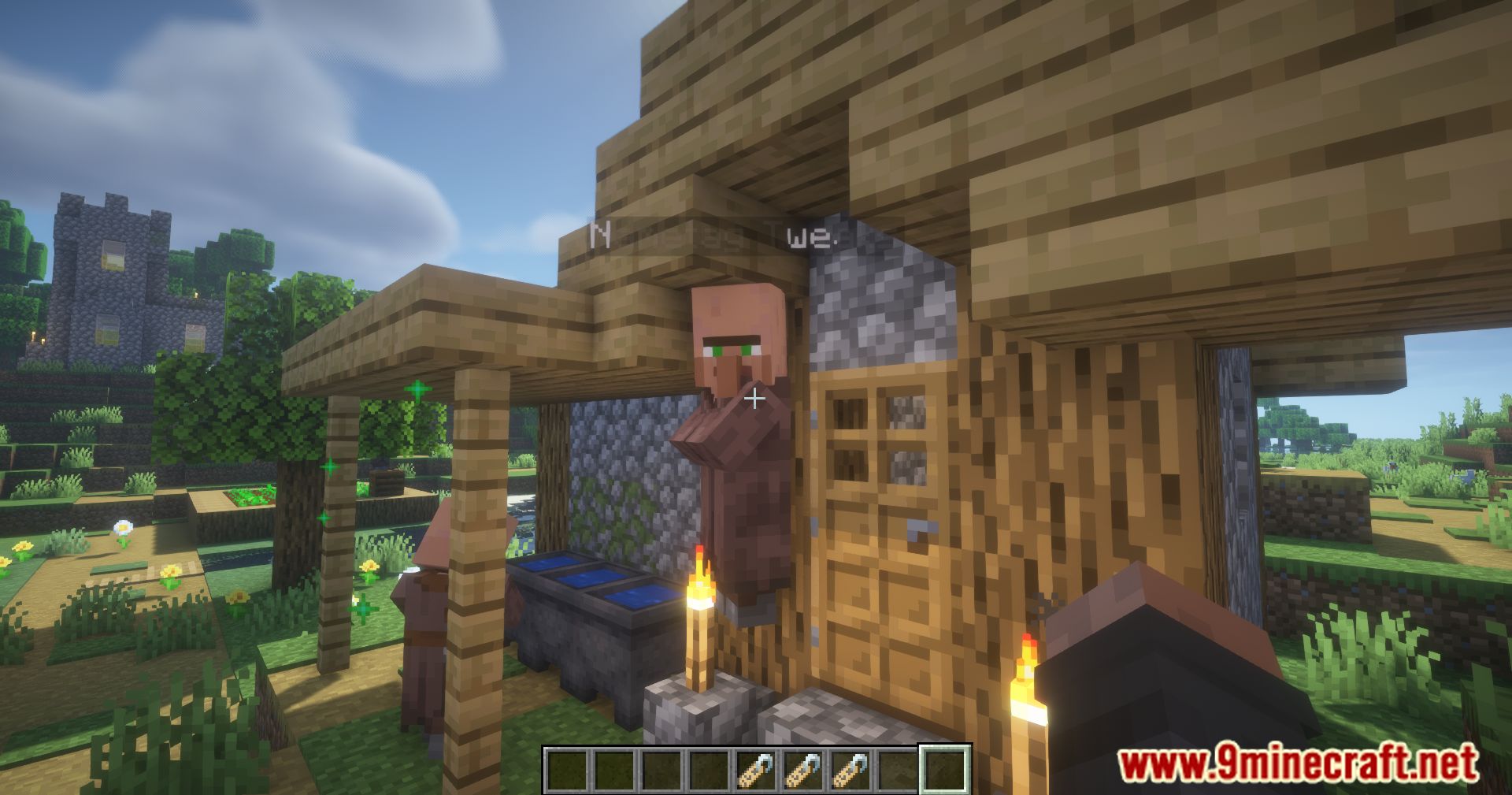
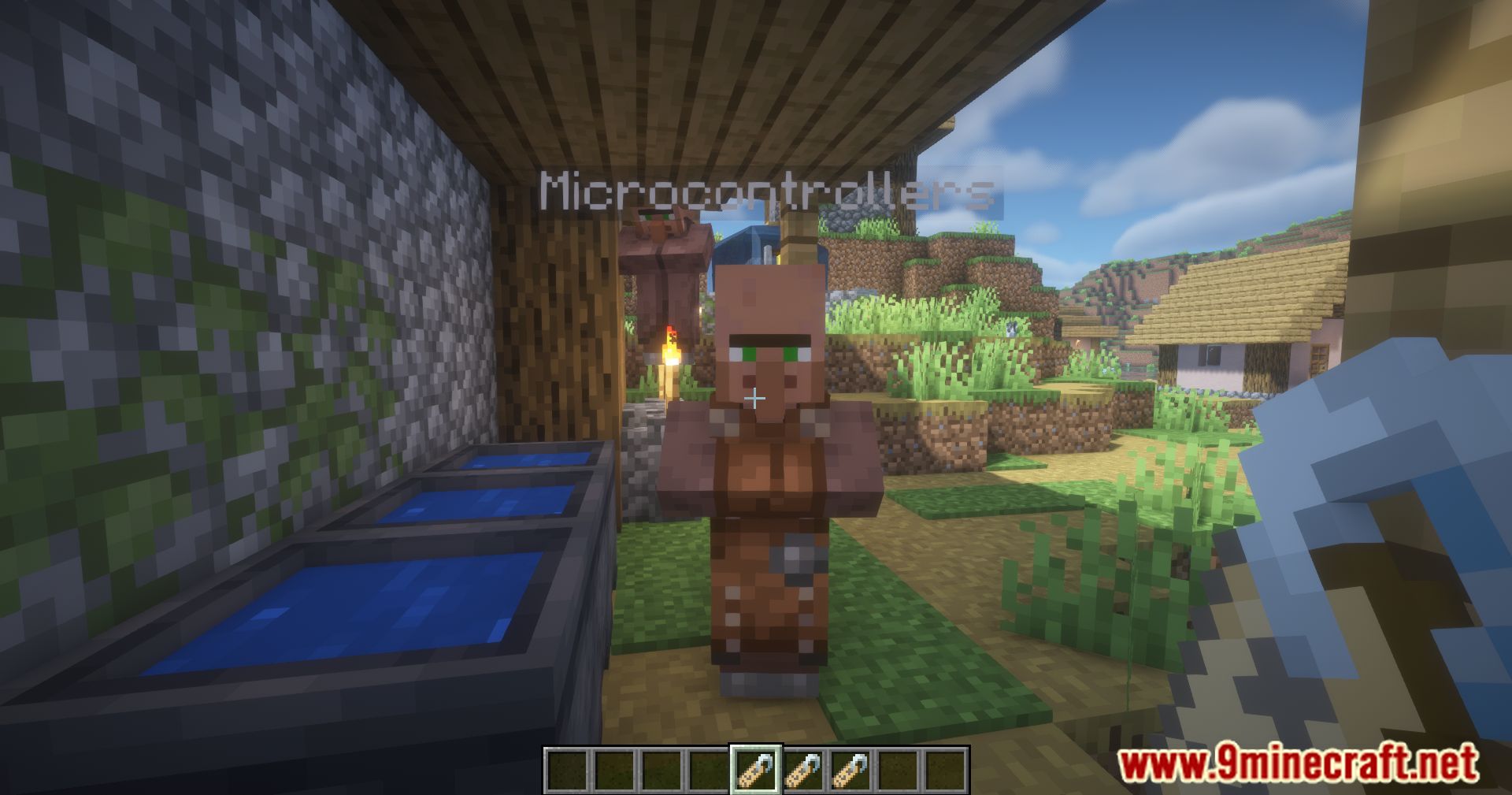
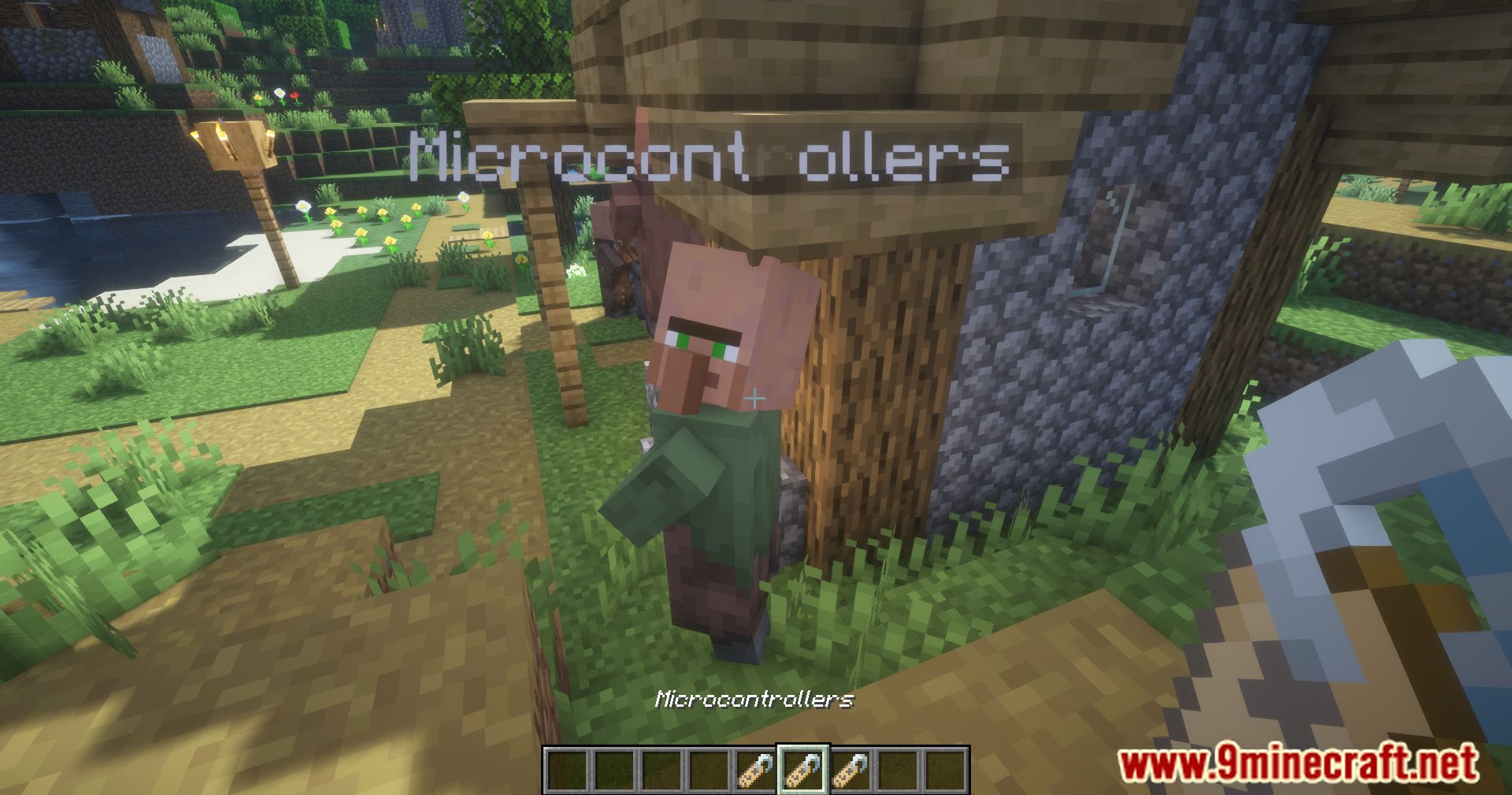
9 images from the Nametag Tweaks Mod page.
You May Also Like
Wikis that share the most with this one
More mod wikis on the site
The most downloaded mods that have a wiki here
A few wikis from each of the other kinds