
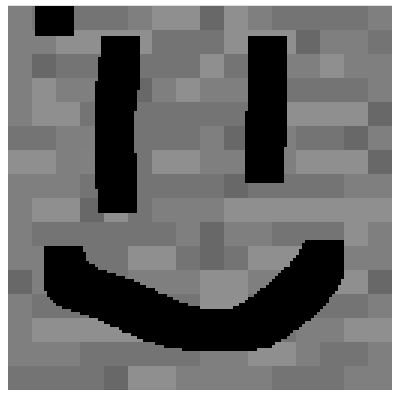
 blocks
 DownloadMC Paint Mod
Get the files on 9Minecraft
Guides
Step-by-step, in-game.
How to Build Large Murals Across Multiple BlocksPlanning a Multi-Block Image A single block face is a small canvas, so large artwork must be split across several…How to Copy and Reuse a Design Using the StampWhat the Stamp Does The Stamp lets you duplicate a design you have already painted so you do not have to redraw it on…How to Edit or Remove a Design You Already PaintedReopening an Existing Design Painted faces are not permanent. To change one, select the Brush and right-click the…How to Paint Custom Designs on Blocks with the BrushGetting Started with the Brush Hold the Brush and right-click a block face to open the painting interface. This…
Recipes
Every recipe the mod adds, grouped by how it is made.
Items
Frequently asked questions
How do I get started with the paint mod?
How do I open the painting screen?
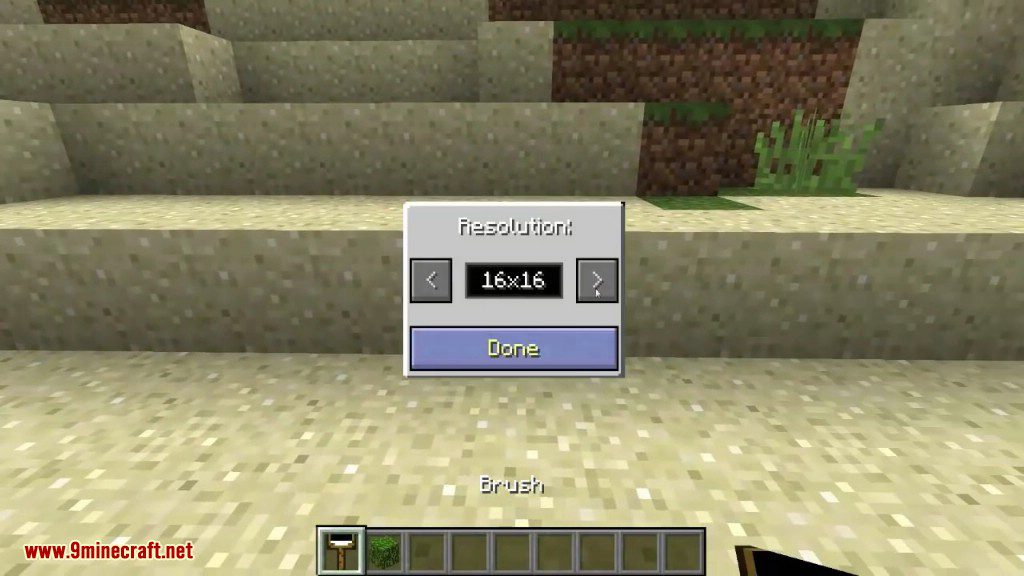
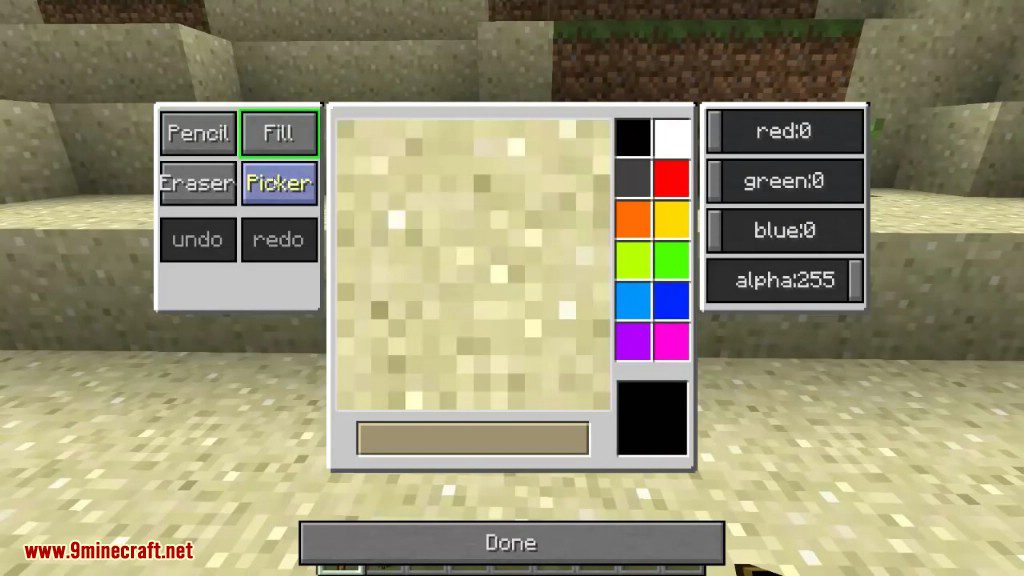
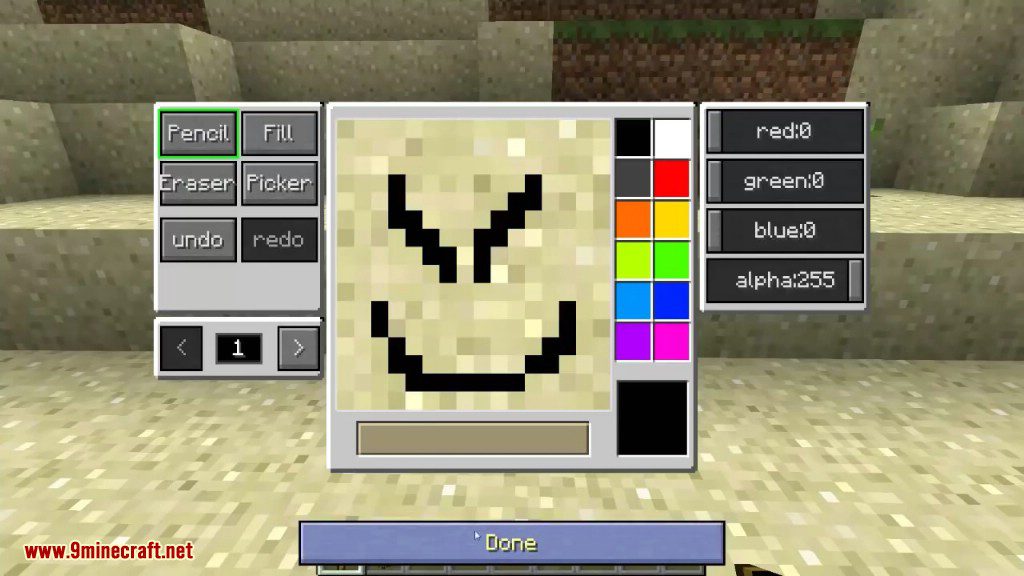
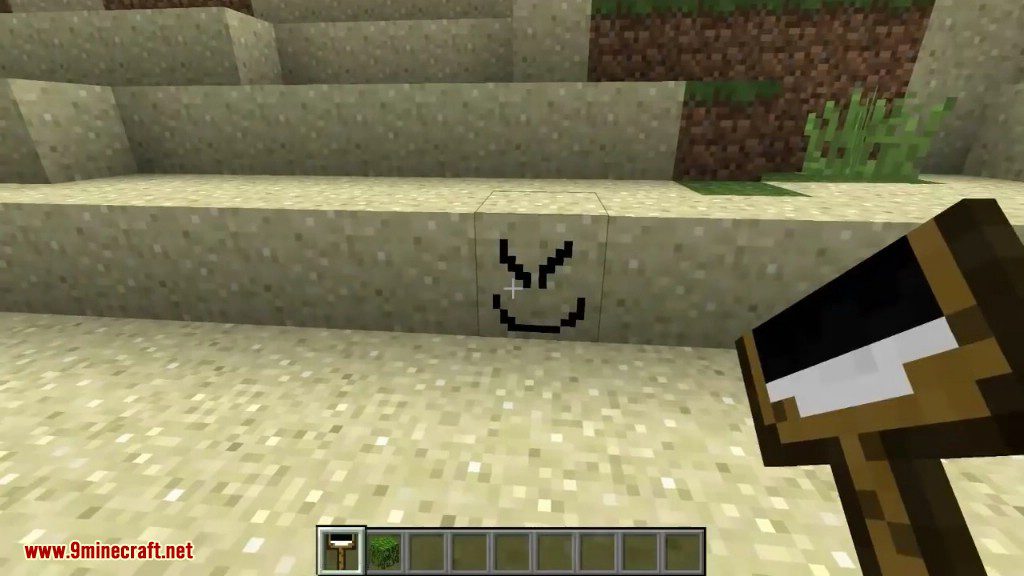
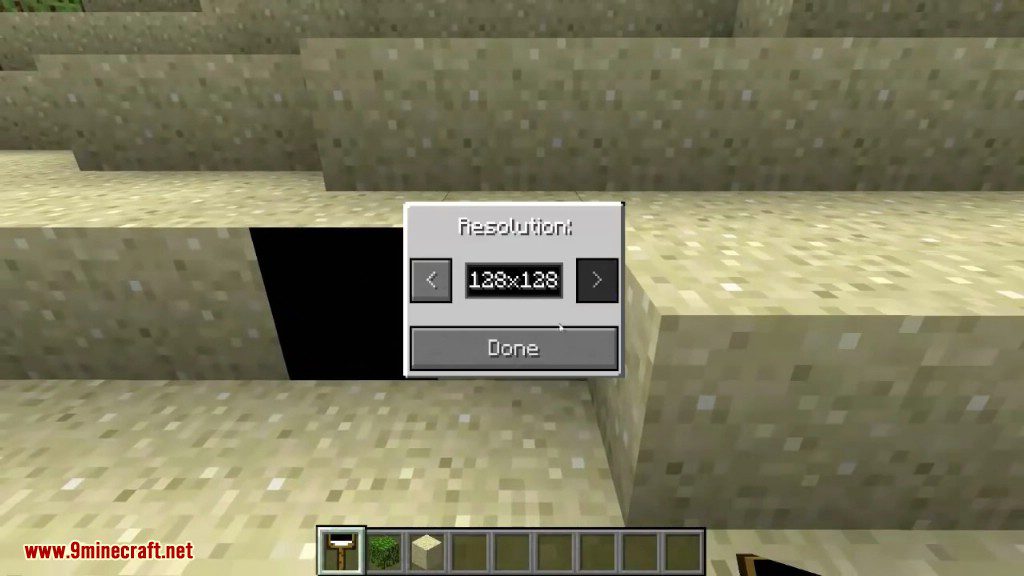
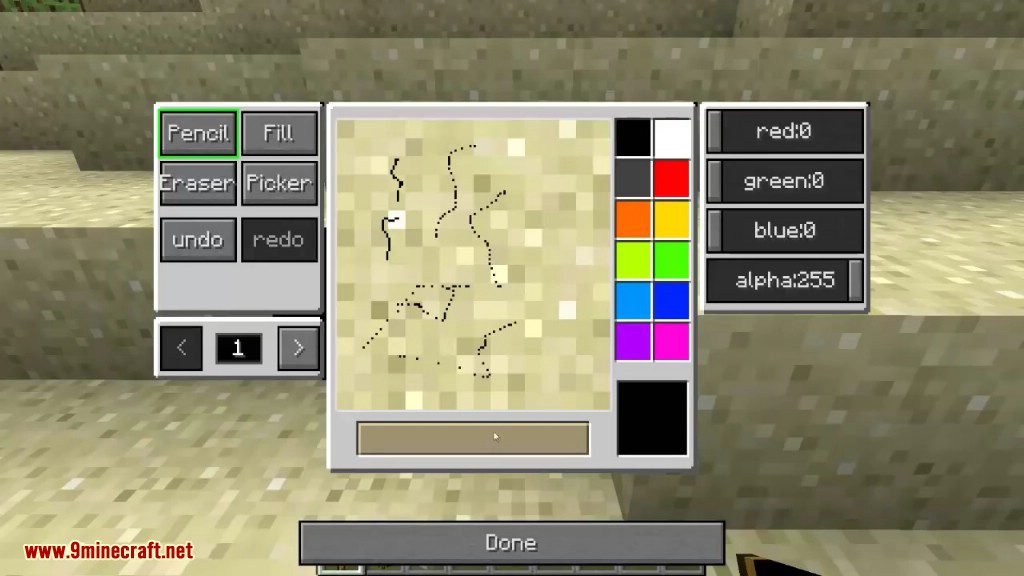
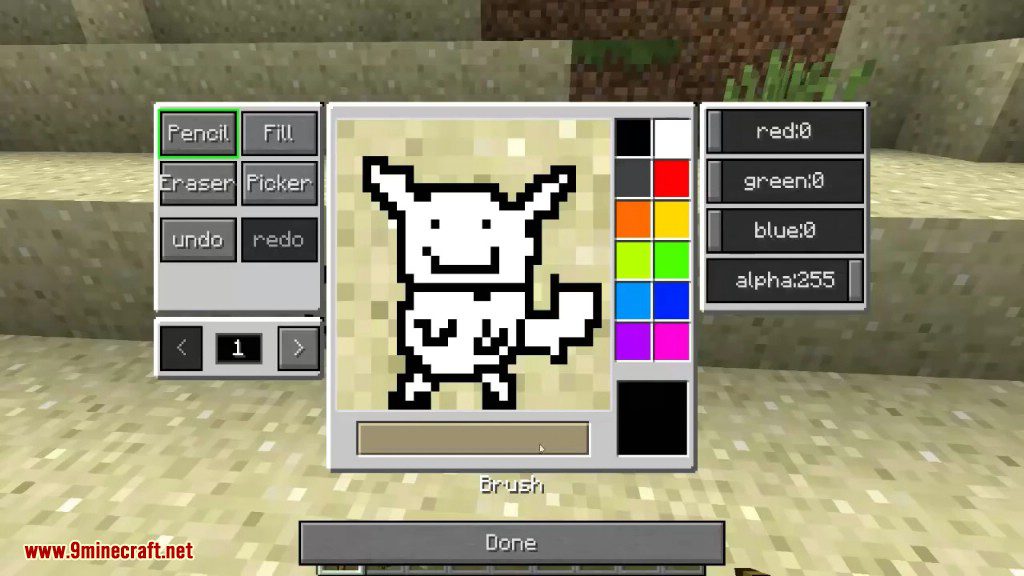
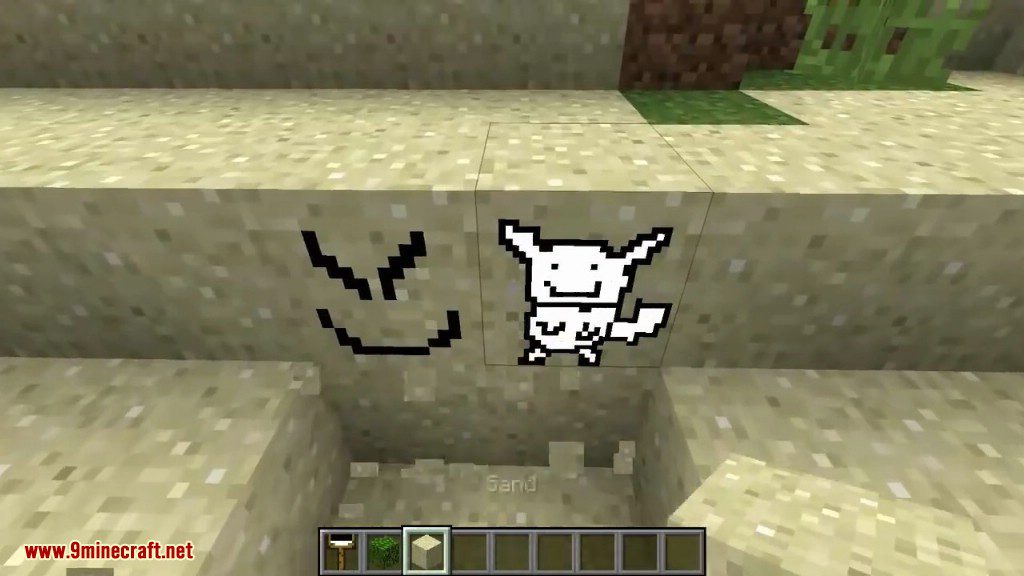
Hold the  Brush and right-click the block you want to paint. The painting interface opens so you can draw your design directly onto that block's face.
What's the difference between the brush and the stamp?
How do I copy a design with the  stamp?
See all 10 MC Paint questions ›
Gallery
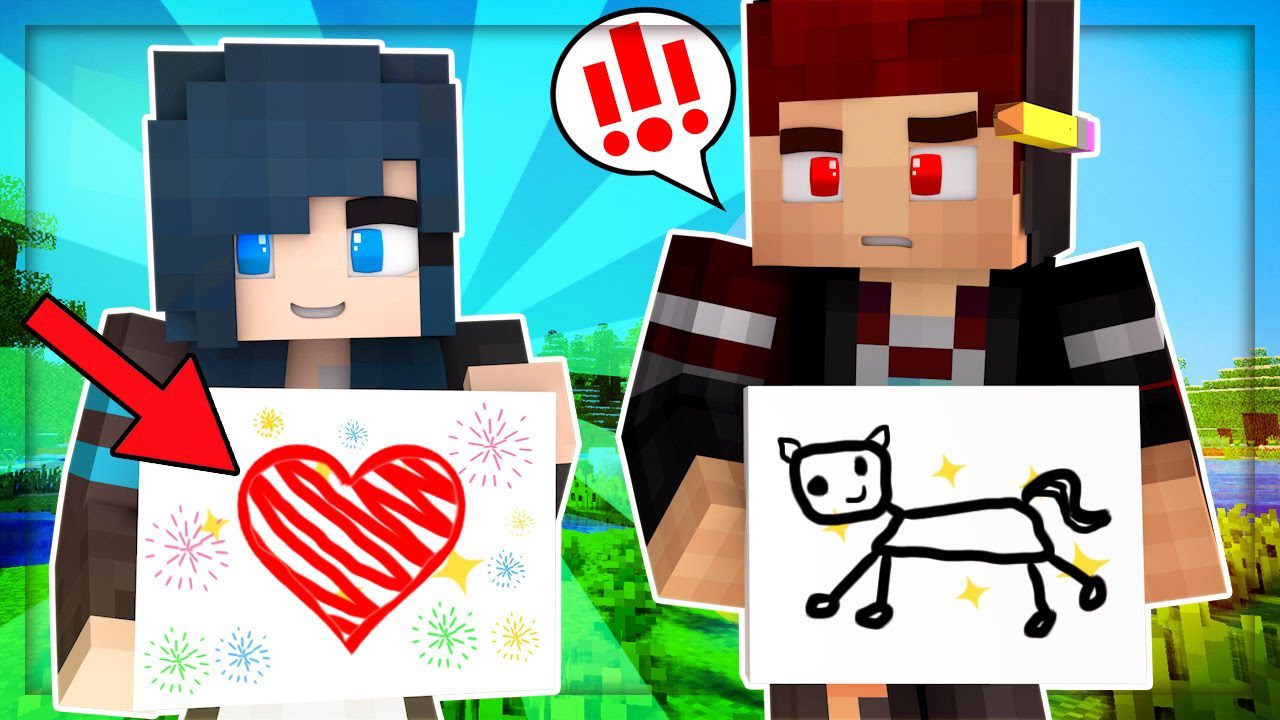
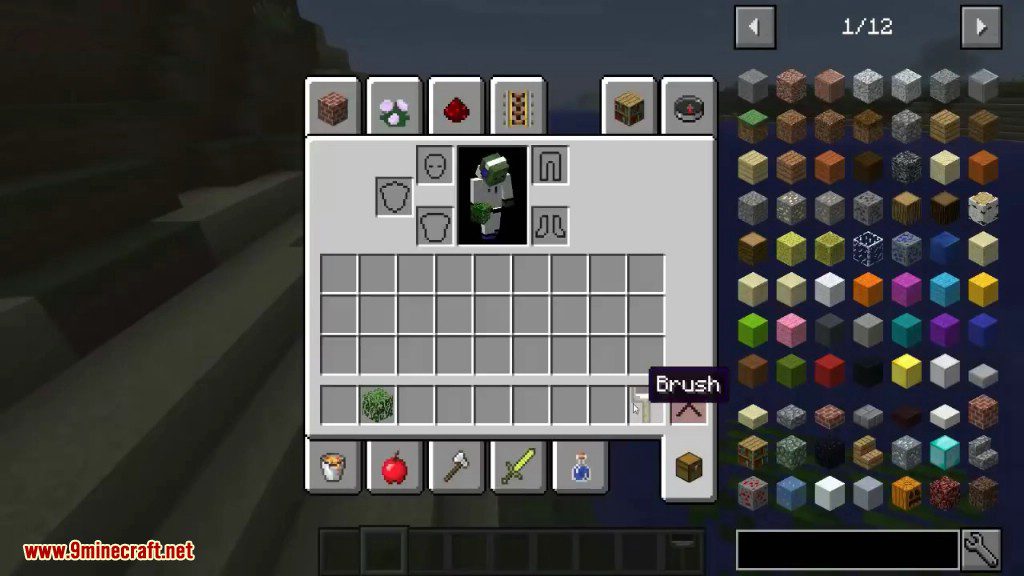
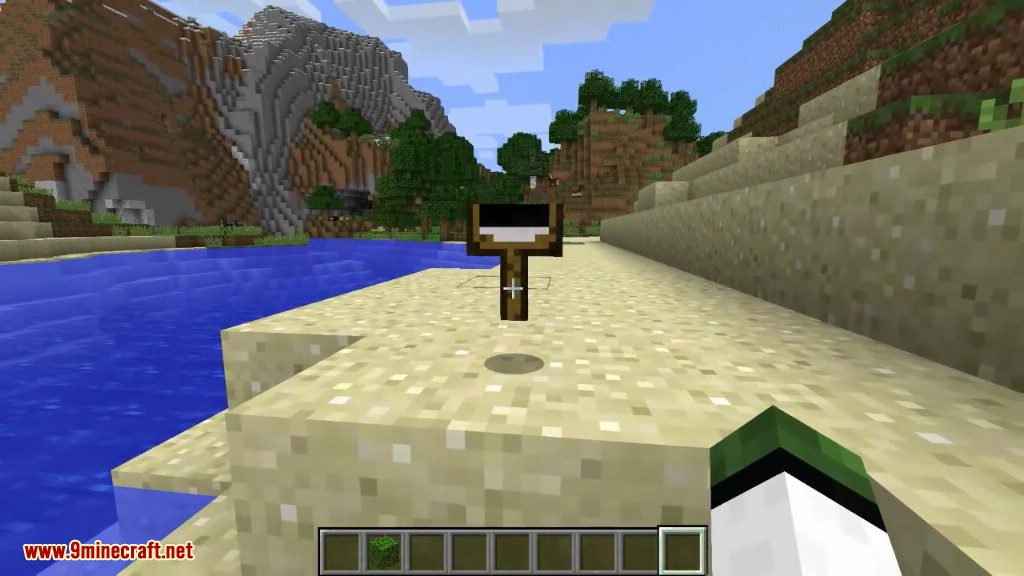
12 images from the Mc Paint Mod page.
You May Also Like
Wikis that share the most with this one
Wikis on the same theme: world
More mod wikis on the site
The most downloaded mods that have a wiki here
A few wikis from each of the other kinds