

 DownloadTellus Mod
Get the files on 9Minecraft
Guides
Step-by-step, in-game.
Adjust Sea Level and Terrain HeightAccess World Settings Open the mod's world configuration menu from the main settings screen. Look for the "World…Match In-Game Weather to Real-World ConditionsEnable Live Weather in Settings Open the mod configuration and locate the "Real-Time Settings" section. Toggle the…Optimize Performance with Distant HorizonsInstall Distant Horizons Compatibility Ensure Distant Horizons is installed alongside Tellus Mod. The two mods are…Teleport to a Real-World LocationOpen the Location Menu Press the designated teleport key (configurable in mod settings) to open the in-game map menu.…
Frequently asked questions
Do I need internet to play Tellus Mod?
Yes, you need an active internet connection because the mod streams real-world map data while you play. Without it, terrain generation will fail or be incomplete.
How do I teleport to a different location on Earth?
Open the in-game map menu (check your keybinds) and search for or select a real-world location, then confirm to teleport there. The mod will generate the terrain for that area.
Why is my game running slowly with this mod?
Tellus Mod streams large amounts of data, which is demanding. Enable Distant Horizons support in the mod settings to reduce lag, lower your render distance, and make sure your internet connection is stable.
Can I turn off villages and temples?
Yes, in the Geological and Structure Settings you can toggle off regular Minecraft structures like villages, temples, and ruins while keeping the real-world terrain.
Gallery
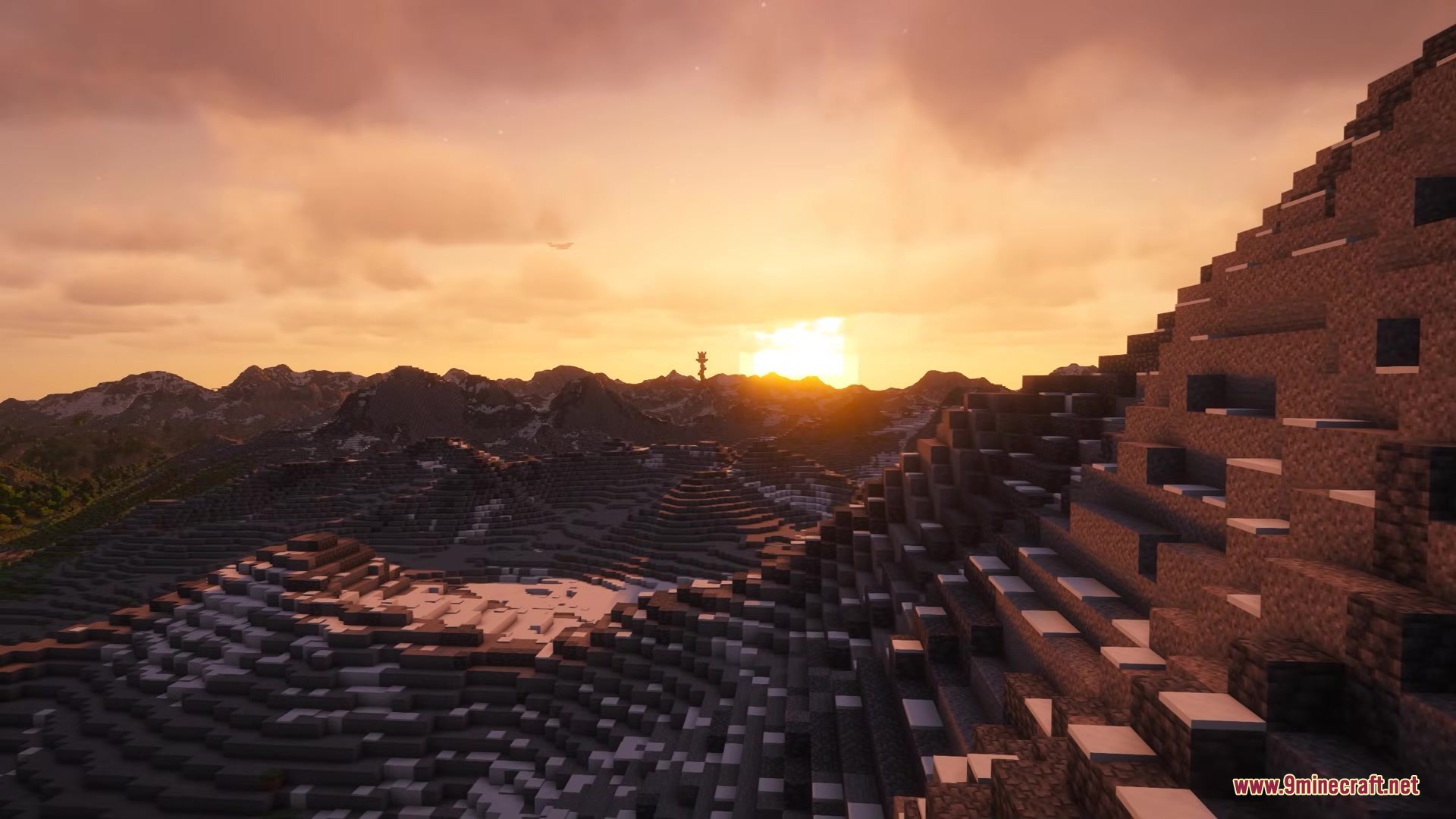
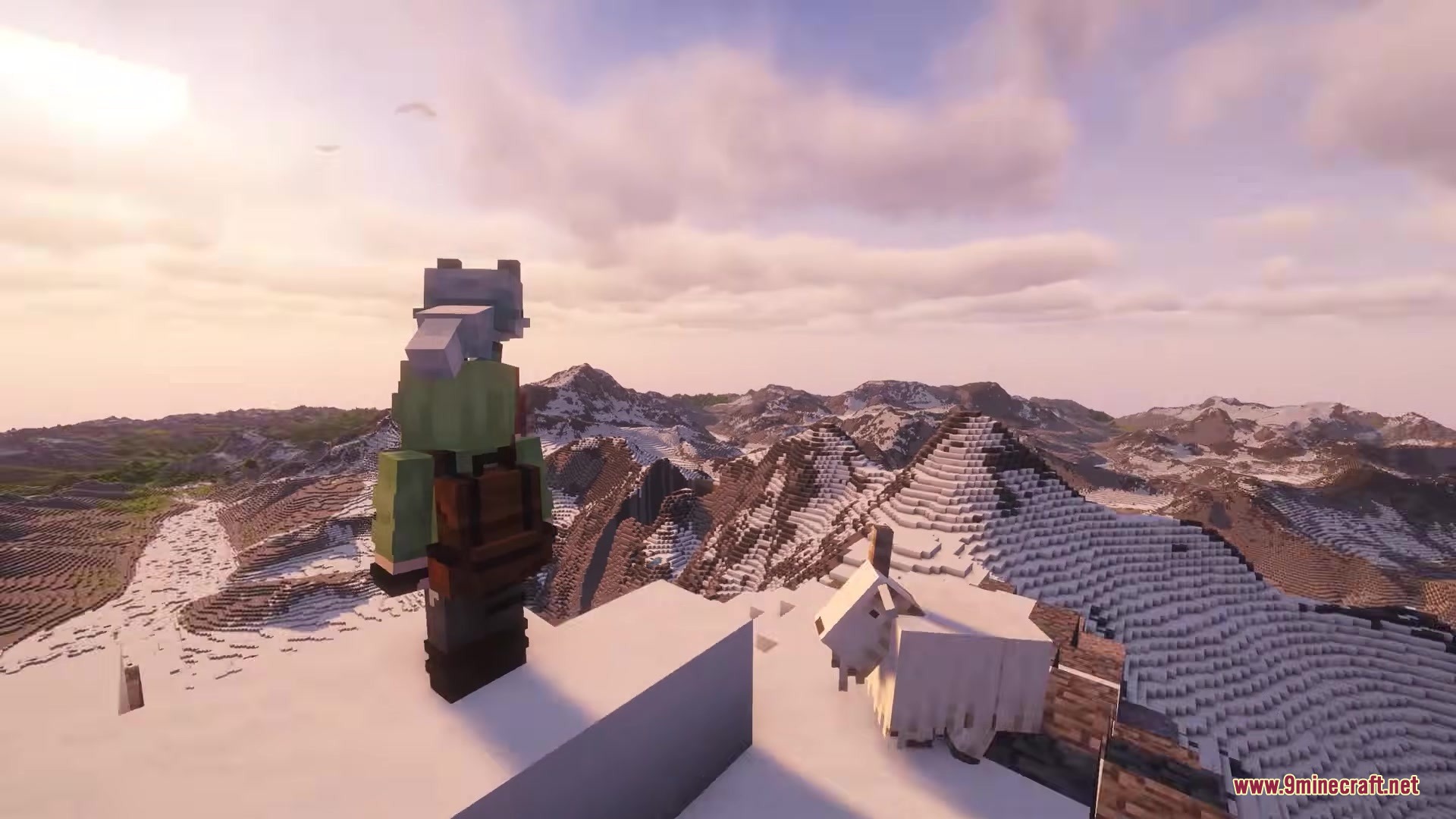
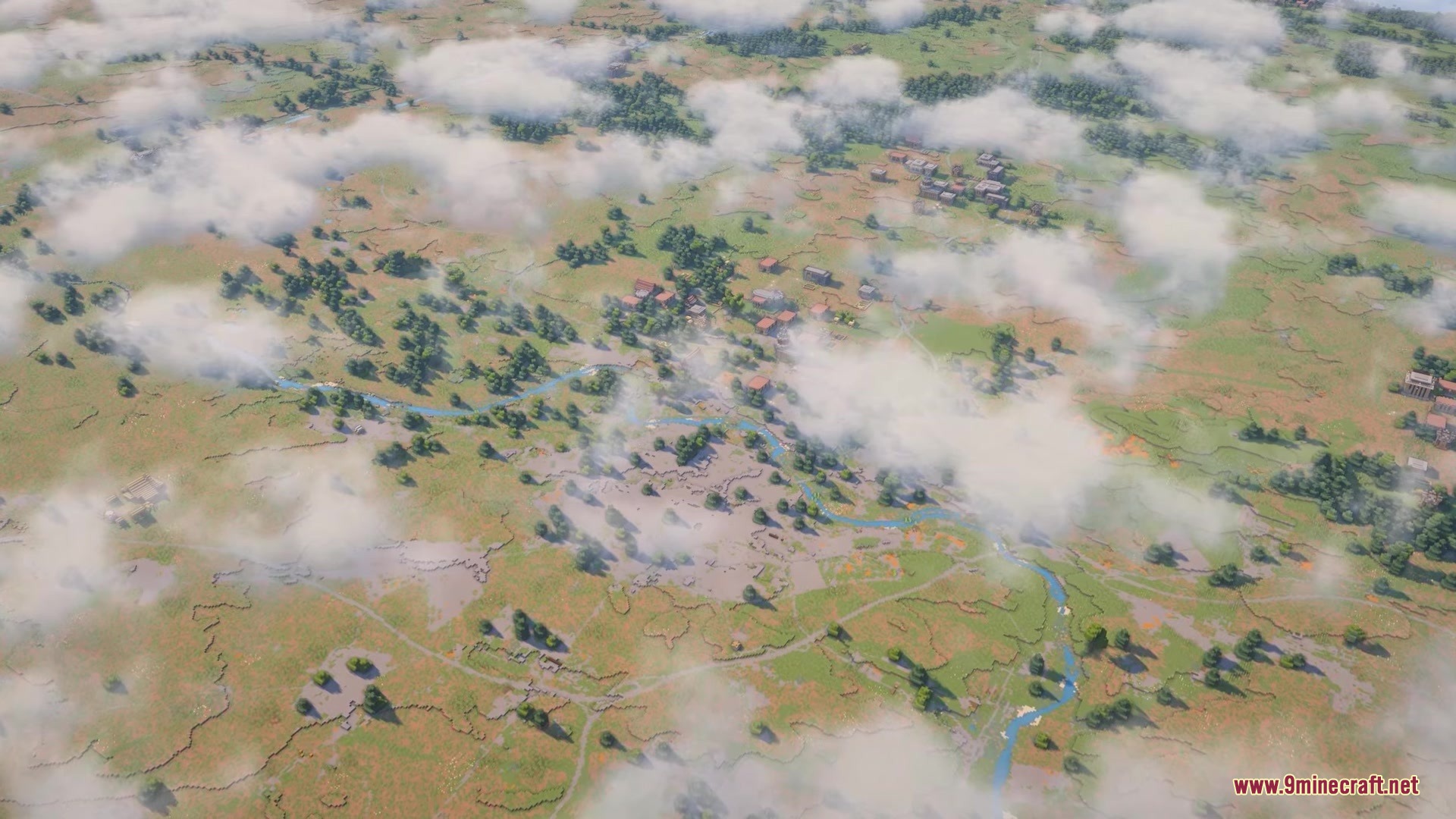
7 images from the Tellus Mod page.
You May Also Like
Wikis that share the most with this one
Wikis on the same theme: world
More mod wikis on the site
The most downloaded mods that have a wiki here
A few wikis from each of the other kinds