

 DownloadLAN World Plug-N-Play Mod
Get the files on 9Minecraft
Guides
Step-by-step, in-game.
How to Change the Port Number of Your LAN WorldWhy Change the Port By default a LAN world uses a standard port, and that port may already be taken by another…How to Control Op Permissions for Players in Your LAN WorldGranting and Removing Op In a normal LAN world, op status is handed out once when you open the world and is awkward…How to Fix Missing Inventory and Backpacks for Offline PlayersWhy Items Disappear When a player joins without a verified Mojang account, the game may assign them a different…How to Let Friends Join Your LAN World From AnywhereOpening Your World to Remote Players When you open a singleplayer world to LAN, Minecraft normally only broadcasts it…
Frequently asked questions
How do I open a LAN world with this mod?
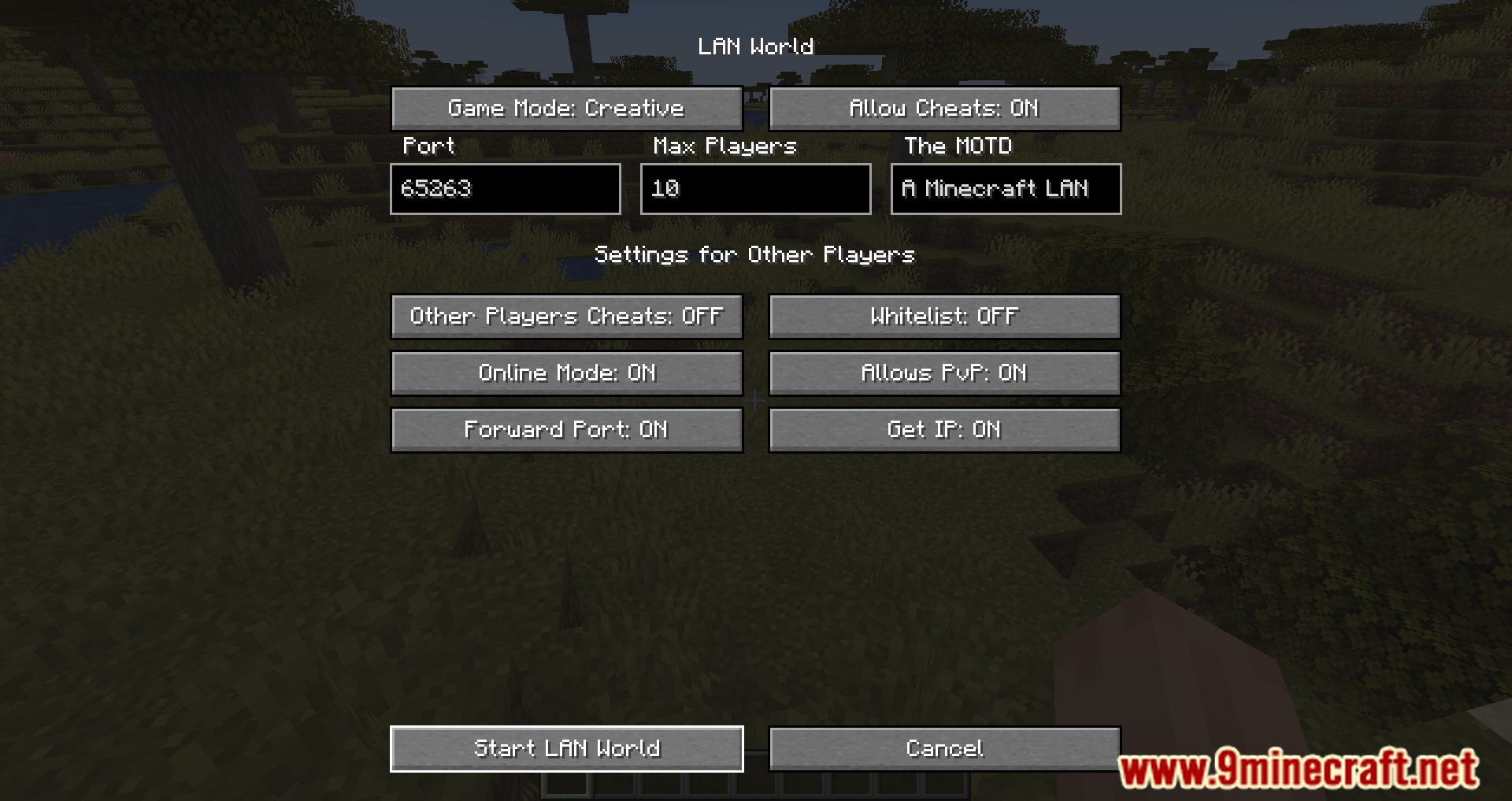
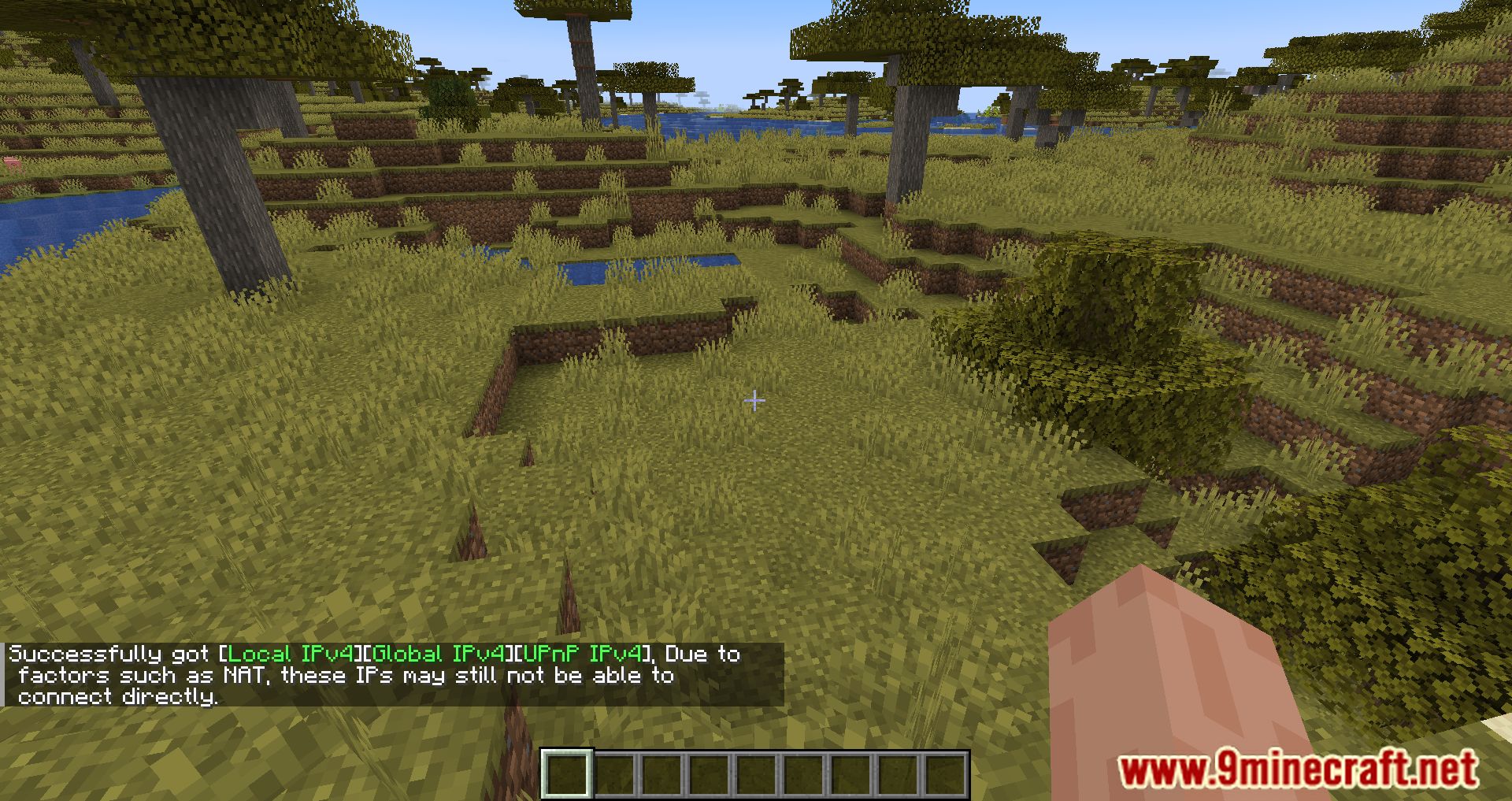
Open your singleplayer world, pause the game, and click 'Open to LAN' as usual. The mod takes over from there, handling the port forwarding and network configuration automatically so friends outside your network can connect.
Why can't my friends see my world in the multiplayer server list?
LAN worlds don't broadcast across the internet, so friends outside your network won't see it in the server list. They need to connect directly using the address the mod provides.
How do I change the port number of my LAN world?
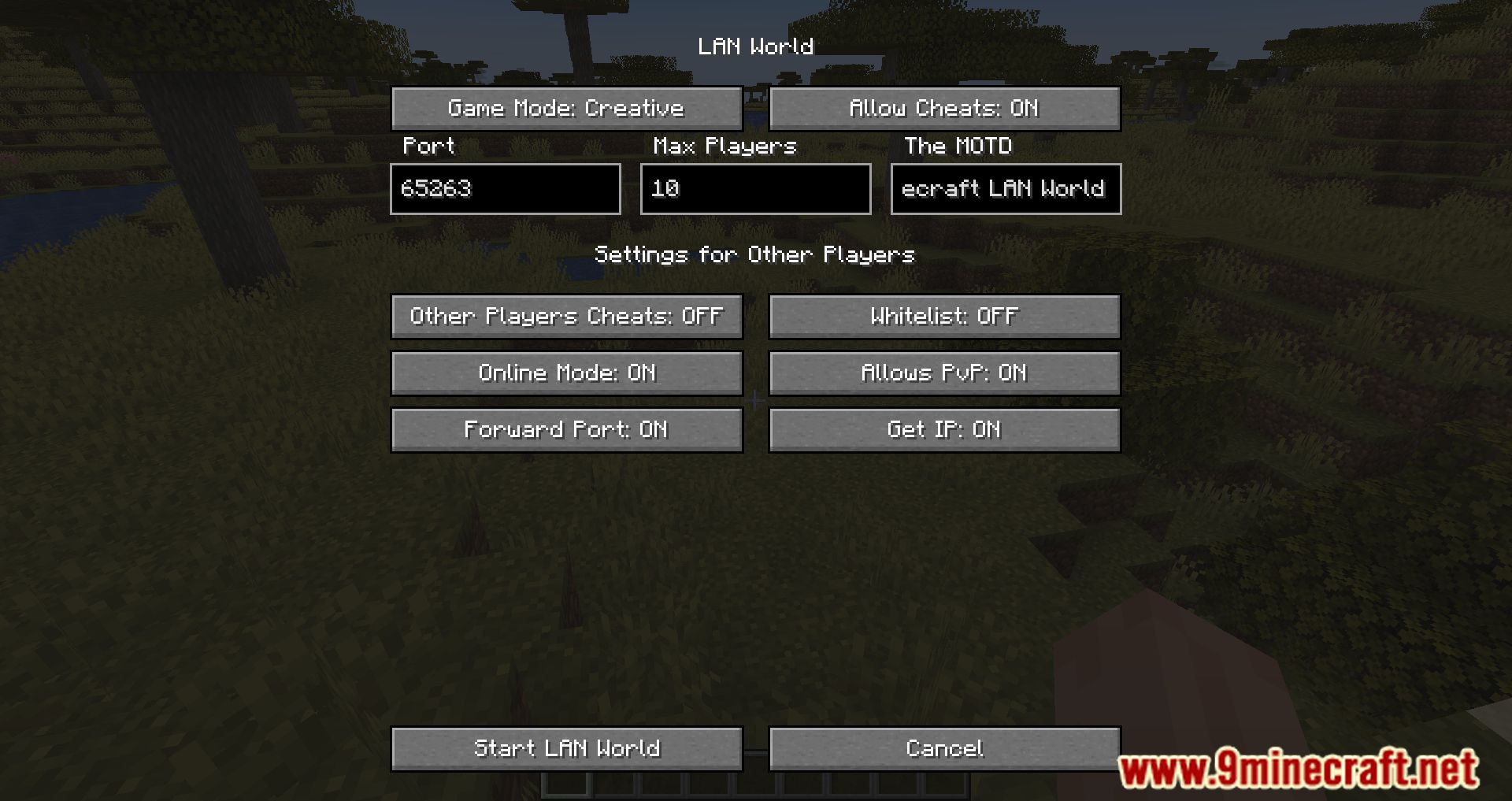
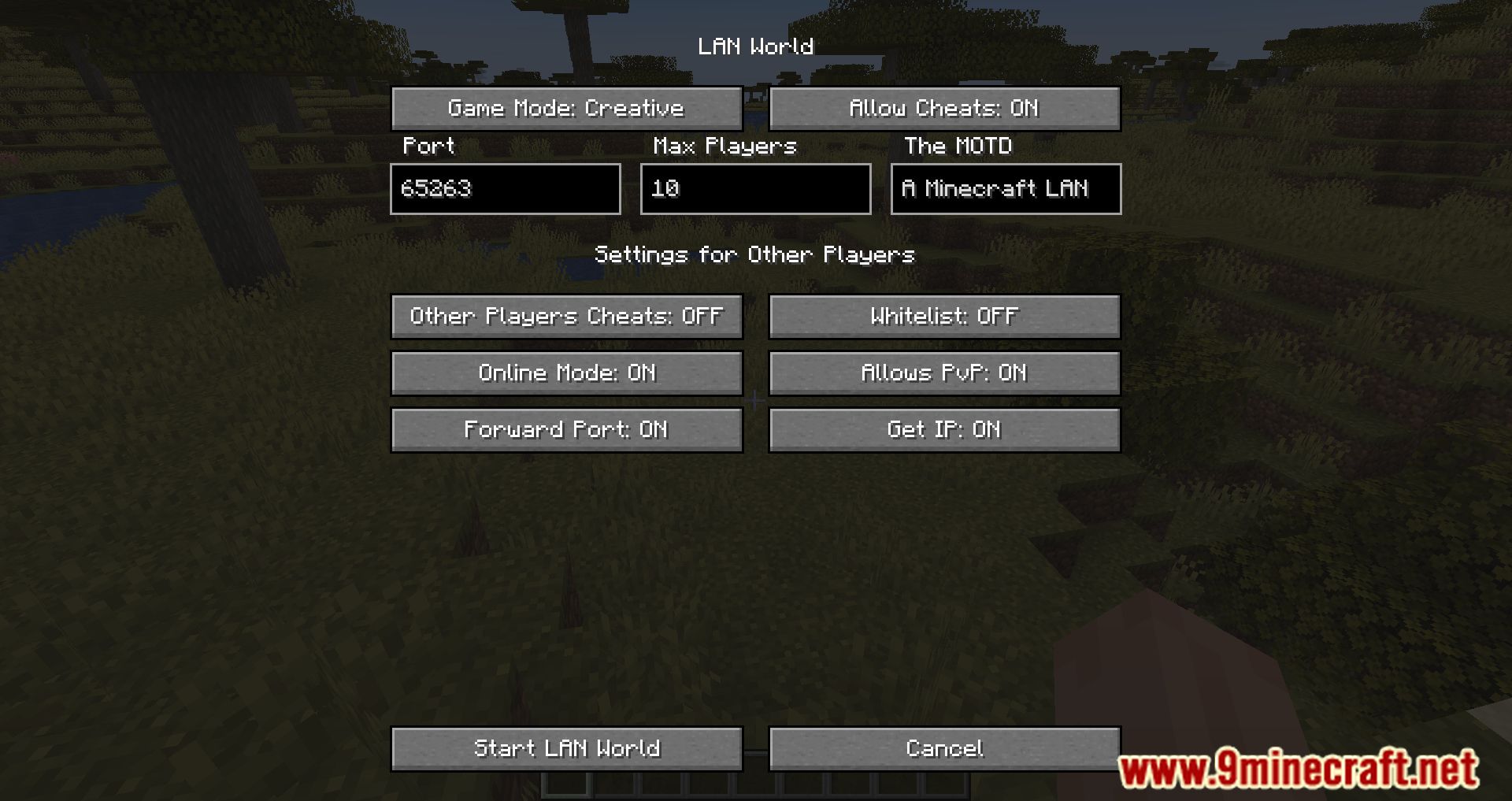
Use the mod's port option in the LAN world settings before or while hosting. Pick a port that isn't already in use by another application, then have your friends connect using that port.
See all 10 LAN World Plug-N-Play questions ›
Gallery
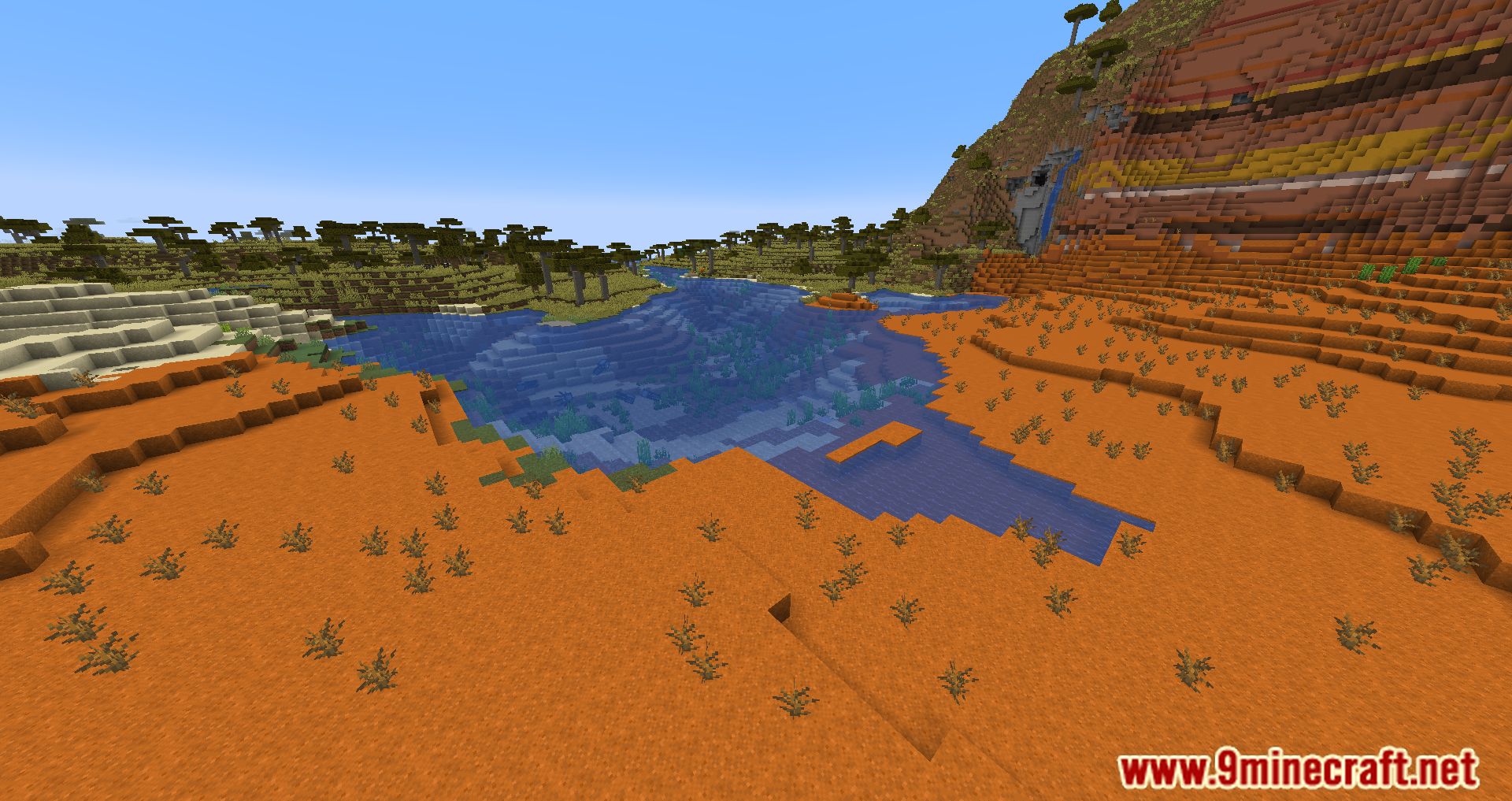
9 images from the Lan World Plug N Play Mod page.
You May Also Like
Wikis that share the most with this one
Wikis on the same theme: world
More mod wikis on the site
The most downloaded mods that have a wiki here
A few wikis from each of the other kinds